

You are likely losing your most profitable leads simply because you cannot see the conversations happening right in front of you. While you blast cold emails into the spam folder, your ideal buyers are online complaining about your exact competitors. BrandJet is an all-in-one go-to-market platform that tracks brand mentions across social media and AI platforms, allowing you to instantly reach out to warm leads across every major channel from one unified dashboard. Note: This article contains affiliate links. Opinions are my own, independent research, and market analysis. My Quick Take (TL;DR) Tired of paying for multiple software subscriptions just to run outbound sales? Here is the executive summary. What is it? A complete GTM cockpit combining social listening, AI monitoring, and multichannel outreach. Why is it Special? It tracks exactly how ChatGPT and Gemini describe your brand. Who is it for? Marketers, founders, and B2B sales teams are consolidating their stacks. The Deal: A $69 AppSumo Lifetime Deal. Stack up to Tier 4 for unlimited email sending and mention tracking. My Verdict: For $69, this absolute powerhouse replaces your email sequencer, social listening tool, and LinkedIn scraper. Click Here to Get the BrandJet Lifetime Deal on AppSumo What is BrandJet? To truly understand the value of this software, you have to look at how modern outbound sales actually work. The old method of scraping a massive list of cold emails and blasting them with generic templates just does not work anymore. BrandJet acts as your intelligent mission control. It bridges the gap between social listening and direct execution. Instead of just showing you that someone mentioned your competitor online, it allows you to instantly drop that person into an automated outreach sequence across email, LinkedIn, or X. By uniting your campaign planning, channel synchronization, and performance analytics into a single workspace, it empowers your sales team to maintain momentum. You find warm leads from real conversations and close them before your competitors even know they exist. Quick Look: BrandJet vs Fragmented Stacks If you currently run your agency using a scattered tech stack, your team is wasting billable hours. Look at what this single platform replaces in your daily operations. Feature Replaces… The Real Value Normal Cost Deal Status Multichannel Sequences Lemlist / Apollo Automate emails, X, and LinkedIn ~$59/mo ✅ Included Social Listening Mention / Awario Track competitors on Reddit & X ~$49/mo ✅ Included LinkedIn Lead Collector PhantomBuster Scrape Sales Navigator instantly ~$69/mo ✅ Included Unified Inbox Front / Missive Reply to WhatsApp & Email in one place ~$30/mo ✅ Included Why Fragmented Outreach is Failing Sales Teams Logging into Lemlist for emails, LinkedIn for DMs, and WhatsApp for meetings creates massive friction. Constant tab switching causes missed opportunities. When warm leads express interest, speed is everything. If your team takes hours to see a prospect reply on X, that lead moves to a competitor. You need centralized real-time tracking. Why AI Social Listening is Trending in 2026 The shift from Google to AI-driven answers is the defining marketing trend. Consumers now ask ChatGPT or Gemini for direct software recommendations. If you do not know how these models describe your brand, you are flying blind. BrandJet reveals exactly where you appear in search results, capturing new traffic. A Look Inside BrandJet: Key Features Founder Marsad Aurangzeb built this platform to tackle the absolute chaos marketers face when jumping between multiple tools. Here is exactly what is inside the dashboard. Multichannel Outreach Sequences Email alone is not enough anymore. This platform lets you build automated sequences across Email, LinkedIn, X, WhatsApp, Instagram, and Telegram. You can set strategic delays and conditional branching logic, so your campaign runs perfectly 24/7. It also includes built-in email warmup features to ensure your messages hit the primary inbox. Advanced Brand & AI Monitoring You can track your brand name, your direct competitors, and industry pain points across X, Reddit, LinkedIn, YouTube, and news outlets. More importantly, it monitors generative AI engines. The system uses advanced sentiment analysis to filter out the noise, so you only see posts that contain real buying intent. The Unified Multichannel Inbox Managing replies across six different social platforms is a nightmare. BrandJet centralizes every single conversation into one inbox. There is no more tab-switching. You can see a brand mention on Twitter, start your outreach, and track the entire back-and-forth conversation right from the same screen. LinkedIn Lead Collector You do not need to pay for expensive third-party scraping tools. BrandJet allows you to collect qualified leads directly from standard LinkedIn and Sales Navigator. The system automatically scores your newly collected prospects based on their engagement and sentiment, and syncs directly with HubSpot or Attio. The Standout Feature: Artemis AI Agent Artemis is your built-in AI orchestration layer. Instead of clicking through menus, you can use text prompts. Ask Artemis to audit your ongoing conversations, draft new multichannel sequences from scratch, or analyze a competitor’s recent sentiment drop on Reddit. Recent 2026 Platform Updates Founder Marsad Aurangzeb and his team previously ran massive outbound campaigns for VC-backed startups. They realized startups were juggling 3 to 5 separate tools just to get basic outreach done. BrandJet was specifically engineered to fix this by giving you one platform for all your outreach. Recent updates focus heavily on this consolidation. The platform just added a highly capable LinkedIn Lead Collector to scrape targets at scale. Furthermore, the social listening module can now automatically reply to competitor mentions in your exact brand voice, ensuring you never miss a real-time sales opportunity while you sleep. BrandJet Pricing & AppSumo Deal Details This lifetime deal offers incredible scalability. You pay exactly once, and you own the software forever without facing recurring monthly subscription fees. Feature Tier 1 ($69) Tier 2 ($129) Tier 3 ($299) Tier 4 ($429) Emails Sending 200,000 / month 500,000 / month Unlimited Unlimited Total Lead Uploads 100,000 200,000 Unlimited Unlimited LinkedIn Accounts

ScaliQ Reviews 2026 | AI LinkedIn Agent That Books Meetings | AppSumo Lifetime Deal & Alternatives
You cannot grow your B2B business when your morning is wasted juggling browser tabs. Manual LinkedIn outreach means copying messages, tracking follow-ups in messy spreadsheets, and praying your account avoids restriction. Most automation tools only solve half the problem. They send the first message, but leave you overwhelmed when replies flood in. ScaliQ solves this by deploying autonomous AI agents that actually handle the conversations for you. Can it replace a human Sales Development Representative (SDR)? In this ScaliQ review, I compare the top competitors to help you decide. (Note: This article contains affiliate links. All opinions are my own research & analysis). My Quick Take (TL;DR) If you are exhausted by messy LinkedIn inboxes but desperately need to scale B2B lead generation, here is the summary. What is it? A LinkedIn outreach platform using AI agents to find prospects, send customized messages, and handle replies. Why is it Special? It operates beyond standard sequencing. The AI reads prospect replies and continues the conversation naturally until a meeting is booked. Who is it for? Marketing agencies, sales managers, and founders are scaling outreach across multiple accounts safely. The Deal: Lifetime Access starting at $99 on AppSumo. (Price increases soon). My Verdict: This is a highly strategic investment. Automating the entire follow-up sequence saves hours of manual inbox management every single week. Click Here to Get the ScaliQ Lifetime Deal on AppSumo What is ScaliQ? (Your AI LinkedIn SDR) Think of ScaliQ as a digital SDR that works around the clock. Instead of just being a dumb scheduling tool that blasts generic templates to a thousand people, it acts as an intelligent conversationalist. You connect your LinkedIn accounts to the platform, define your target audience, and set a specific goal (like booking a discovery call). The platform then takes over. It researches the prospect, crafts a highly personalized opening message based on their profile, and sends the connection request safely. The real magic happens when the prospect replies. Instead of waiting for you to log in, the ScaliQ AI agent reads the context of the message. It then crafts a human-sounding reply, answers basic objections, and moves the prospect toward your final call-to-action entirely on its own. Quick Look: ScaliQ vs Manual Outreach If you spend your week writing custom icebreakers or paying expensive virtual assistants to handle your inbox, look at what this tool actually replaces in your daily workflow. Feature Replaces… The Real Value Normal Cost Deal Status Autonomous Replies Manual inbox management AI handles the conversation ~$150/mo ✅ Included Multi-Account Logging in and out Manage clients from one hub Workflow hassle ✅ Included AI Personalization Writing custom icebreakers Higher prospect reply rates ~$99/mo ✅ Included Unified Inbox Checking multiple tabs Never miss a warm lead ~$50/mo ✅ Included Why Traditional LinkedIn Tools Fail Traditional LinkedIn automation tools are currently failing for two distinct reasons. First, B2B buyers actively ignore generic templates. They easily spot basic [First Name] variables and instantly delete the pitch. Second, standard tools create a massive inbox bottleneck. When 50 prospects reply to your sequence, the automation stops. You are suddenly forced to manage 50 conversations manually, defeating the entire purpose of automation. Why AI Sales Agents Are Trending in 2026 This AppSumo deal is trending rapidly because the industry has shifted from “automated sending” to “automated conversing.” In 2026, context completely beats raw volume. Prospects only reply when they feel understood. AI sales agents trend because they scale this context. They use advanced language models to analyze a prospect’s exact reply and formulate a tailored response. This creates the illusion of a dedicated human SDR, without the massive payroll costs. A Look Inside ScaliQ: Key Features Here is exactly what you are installing in your sales stack when you purchase this lifetime code. Let’s break down why these specific features matter to your daily operations and how they directly impact your meeting booking rates. Multi-Account Safety & Management Managing LinkedIn outreach for multiple agency clients usually requires sketchy VPNs and constant logging in and out. ScaliQ centralizes this entirely. You can connect unlimited LinkedIn profiles and manage them all from one single dashboard. More importantly, the platform uses auto-throttling. It enforces human-like timing and randomized pauses between messages, keeping your accounts completely safe from LinkedIn restrictions. AI Prospecting & Intent Targeting Finding the right people is half the battle. ScaliQ allows you to surface high-intent buying signals directly within the platform. You can target prospects based on their engagement with specific posts, their membership in niche LinkedIn groups, or standard filters like company size and role. The system pulls these leads into your pipeline automatically, completely eliminating the need for manual copy-pasting. Contextual AI Personalization Saying goodbye to generic templates is the fastest way to increase your reply rate. When you import a lead, the ScaliQ engine scans their profile. It does not just look for their job title; it looks for actual context. It then writes a unique opening message tailored specifically to that individual’s recent activity or company background. This ensures every single message looks like it was hand-written by you. The Autonomous AI Reply Agent This is the core engine of the platform. When a prospect replies to your initial message, the AI agent takes over the conversation. The agent is trained specifically on sales psychology. It does not reply instantly—it waits a randomized 5 to 20 minutes to simulate real human behavior. It answers their questions naturally and guides the conversation smoothly toward your calendar link. The Standout Feature: Unified Team Inbox If you manage multiple accounts, this specific tool is an absolute lifesaver. The Unified Inbox pulls every single direct message from every connected LinkedIn account into one central screen. You can apply triage labels, see exactly which conversations the AI is currently handling, and step in manually to take over a chat at any time. You never have to switch browser tabs to

Drawtify Reviews 2026 | Online Vector Graphic Editor with 1000+ Templates | AppSumo Lifetime Deal & Alternatives
Basic image editors ruin professional branding. You spend hours on a logo, only to see it pixelate the moment it is printed. You need true vector graphics, but standard software is expensive and complex. Drawtify solves this by putting an intuitive vector editor directly in your browser. Can it replace Adobe Illustrator? In this Drawtify review, I compare the top competitors to help you decide. Note: This article contains affiliate links. Opinions are my own. My Quick Take (TL;DR) If you are exhausted by monthly subscriptions but need crisp, scalable graphics, here is the summary. What is it? A 100% vector graphic editor for web, Mac, and Windows. Why is it Special? It offers advanced controls like Bézier curves and SVG exports without a steep learning curve. Who is it for? Content creators, freelancers, and small business owners. The Deal: Lifetime Access for $79.90 on AppSumo. (Price increases soon). My Verdict: This is a highly strategic addition. Escaping traditional design software fees pays for this tool within a few short months. Click Here to Get the Drawtify Lifetime Deal on AppSumo What is Drawtify? (Your Browser-Based Illustrator) Think of Drawtify as a highly accessible alternative to professional vector software. Instead of installing massive, resource-heavy applications on your hard drive, you log into a cloud-based dashboard. Most online design tools only allow you to arrange pre-made, flat images. Drawtify gives you actual vector drawing capabilities. You get full access to the pen tool, allowing you to draw custom shapes, edit anchor points, and manipulate paths exactly like a professional designer. Because the graphics are entirely vector-based, you can design a logo on a tiny canvas and scale it up to the size of a billboard without losing a single pixel of quality. It provides the exact precision required for professional printing and responsive web design. Quick Look: Drawtify vs Manual Design Software If you spend your week fighting with complex layouts or paying expensive freelancers for basic graphics, look at what this tool actually replaces in your workflow. Feature Replaces… The Real Value Normal Cost Deal Status Vector Editing Adobe Illustrator Scalable, crisp graphics ~$22/mo ✅ Included Template Library Envato Elements 1,000+ ready-to-use designs ~$16/mo ✅ Included Stock Photos Shutterstock 100M+ HD Unsplash photos ~$29/mo ✅ Included Barcode/QR Gen Paid web plugins Instant product label assets Workflow hassle ✅ Included Why Traditional Design Software is Failing Creators You have two main choices when starting a design project today. You either use basic online tools or you buy professional desktop software. Both have massive flaws. Basic online tools rely entirely on raster images (pixels). If you design a logo in these basic apps, the edges will blur when you enlarge it, making your brand look incredibly cheap. Professional desktop software fixes this, but it requires a massive monthly subscription fee and takes months of dedicated studying just to understand the complex interface. Why Scalable Vector Graphics (SVGs) Are Trending in 2026 I noticed this specific AppSumo deal trending rapidly because responsive web design is stricter than ever. In 2026, users will view your website on massive 4K desktop monitors and high-density mobile screens simultaneously. Using standard JPG or PNG files for your logos and icons slows down your site speed and looks blurry on modern screens. SVGs are trending because they are mathematically calculated shapes rather than static pixels. They load instantly, take up zero storage space, and remain perfectly sharp on any device. A Look Inside Drawtify: Key Features Here is exactly what you are installing in your creative toolkit when you purchase this lifetime code. Let’s break down why these specific features matter to your daily operations. The 100% Vector Drawing Engine This is the core engine of the platform. Drawtify provides an actual pen tool, allowing you to plot anchor points and drag out Bézier curves with absolute precision. You can combine shapes and manipulate nodes to draw highly custom illustrations from scratch. Intuitive Animation Editor Static graphics often get lost in crowded social media feeds. Drawtify includes a built-in animation timeline that allows you to bring your vector designs to life. You can apply specific entry and exit motions, and export the file as a high-quality animated graphic. Built-In Barcode and QR Generator If you design physical product packaging or event flyers, this feature is incredibly valuable. You simply input your data, and the software generates a crisp, scalable vector barcode or QR code right on your canvas. Massive Stock and Icon Libraries Staring at a blank screen halts productivity. Drawtify prevents creative block by providing direct access to over 20,000 vector icons and shapes. Furthermore, the platform integrates directly with Unsplash, giving you instant access to over 100 million high-definition photographs. The Standout Feature: Advanced Typography & Layout Typography makes or breaks a design. You can map text to follow a custom curved path, convert text into outlines to manipulate individual letters, and apply complex 3D text effects. Built-in table editing tools make designing pricing sheets incredibly easy. Recent 2026 Platform Updates The Drawtify development team actively maintains the software. Recent updates include native Mac and Windows applications for a distraction-free workflow. They also optimized SVG export code to ensure perfect display across all modern web browsers. Drawtify Pricing & AppSumo Deal Details Unlike many AppSumo deals that feature multiple confusing tiers, this lifetime deal is structured as one single, all-inclusive package. You pay once, and you own the software forever without any recurring monthly subscription fees. Feature Limits The Drawtify Lifetime License ($79.90) Access Model Lifetime Access to the Drawtify Plan Vector Engine 100% Vector Editing capabilities Assets Included 20,000+ icons, shapes, and 1,000+ templates Layer Limits Unlimited layer list functionality Advanced Tools Animation, Barcodes, Artistic Typography Understanding the Non-Stackable License This specific deal is intentionally simple: it is not stackable. A single purchase completely unlocks the Drawtify Plan. There are no artificial limits on how many designs you can create

FormDesigner Reviews 2026 | Build Smart Web Forms with Logic & Calculators | AppSumo Lifetime Deal & Alternatives
Are you losing potential clients because your website’s contact form is broken or looks unprofessional? Relying on basic form builders means missing out on vital integrations, dynamic data, and custom branding. FormDesigner is a robust online form builder that allows you to create highly complex surveys, payment portals, and calculators without touching code. Note: This article contains affiliate links. Opinions are my own, independent research and analysis. My Quick Take (TL;DR) If you need to collect leads, process client payments, or build interactive calculators on your website, here is the direct summary of this AppSumo offer. What is it? A drag-and-drop web form builder offering over 40 distinct field types, advanced logical branching, and custom formula calculations. Why is it Special? The Formula Editor. You can easily build dynamic pricing calculators and complex quizzes that adapt based on the user’s specific answers. Who is it for? Digital marketing agencies, freelancers, event organizers, and web developers. The Deal: A single lifetime tier for $59 on AppSumo. My Verdict: A highly capable replacement for expensive form tools. While the user interface looks dated, the backend power and webhook integrations are unmatched for the price. Here to Get the FormDesigner Lifetime Deal on AppSumo What is FormDesigner? Originally launched in 2012 by founder Ivan. FormDesigner is a mature online web form builder. Most free plugins only capture basic names and email addresses. FormDesigner operates as a complete data collection hub. It allows you to build multi-page surveys, interactive quizzes, online booking forms, and dynamic payment portals using a simple drag-and-drop interface. You can customize the logic so that fields only appear based on previous answers. It also features a massive library of native integrations, allowing you to send lead data directly to Google Sheets, Telegram, Mailchimp, or Trello instantly. Quick Look: FormDesigner vs Manual Workflow If you are currently paying a developer to build custom calculators or paying monthly fees for premium WordPress plugins, here is what this tool replaces. Feature Replaces… The Real Value Normal Cost Deal Status Logic Branching Basic Contact Forms High-converting smart forms ~$35/mo ✅ Included Formula Editor Custom Web Devs Build interactive calculators High Labor ✅ Included Payment Gateways Separate Invoices Accept Stripe/PayPal on the form ~$20/mo ✅ Included Dynamic Loading Manual Updates Pull live data from Sheets Custom Dev ✅ Included Total Value Premium Subscriptions Massive Monthly Savings ~$600+/yr $59 (Lifetime) Why Basic Form Builders Are Failing You might assume a free Google Form is enough to run your business. This is a massive misconception. Free tools lack professional branding and critical workflow integrations. If a client fills out a free form, you have to manually copy that data into your CRM. You cannot accept payments or conditionally route answers. Why Advanced Web Forms Are Trending in 2026 Lead generation strategies have completely changed. Modern buyers do not want to fill out boring, static questionnaires. Marketers now rely on interactive calculators, personalized quizzes, and conditional logic to capture attention. If a prospect can instantly calculate their potential project costs on your site, they are significantly more likely to submit their email address. A Look Inside FormDesigner: Key Features Here is exactly what you get when you move your data collection operations over to this dedicated platform. Drag-and-Drop Appearance Editor You do not need to be a designer. The platform includes over 40 different types of form fields that you simply drag onto your canvas. You can use ready-made design themes or customize the CSS to match your exact corporate branding. The builder ensures your forms remain highly responsive on mobile devices. Advanced Logical Branching Never force a user to answer questions that do not apply to them. FormDesigner allows you to set up strict logical rules. If a user selects “Yes,” the form can instantly reveal follow-up questions. If they select “No,” it skips to the payment page. You can customize rules for fields, specific results, and URL redirects. Dynamic Data Sources This is an incredibly rare feature for a budget-friendly tool. You can connect external data sources directly to your web forms. You can load a dropdown menu dynamically from a Google Sheet, Notion database, or MySQL server. When you update the Google Sheet, the dropdown options on your live website form update automatically. Payment Processing and Subdomains If you sell digital products or consulting hours, you can collect money directly on the form. The software natively connects to Stripe and PayPal. You can also publish your forms on a customized subdomain. The system automatically generates a secure SSL certificate, ensuring your customers feel safe submitting payment information. The Standout Feature: The Formula Editor Building an interactive calculator usually requires hiring a web developer to write custom JavaScript. FormDesigner changes this entirely. You can create complex online calculators without writing a single line of code. Everything is customizable inside a highly visual formula editor. You can perform several math calculations at once, link them to user answers, and display a dynamic price quote instantly. Recent 2026 Platform Updates The development team actively listens to the AppSumo community. In recent months, they have shipped several highly requested updates: Increased Limits: They implemented a system inside the dashboard allowing users to purchase increased monthly submission limits if needed. English Localization: The team heavily polished the English version of the dashboard and support documentation. Webhook Enhancements: Improved stability for connecting forms directly to advanced automation platforms like Boost. Space and Make. FormDesigner Pricing & AppSumo Deal Details Unlike highly complex enterprise tools, this lifetime deal is beautifully simple. It is structured strictly as a single license tier. Feature Lifetime Tier 1 Price (One-Time) $59 Forms Unlimited Fields Per Form Unlimited Monthly Submissions 1,000 / month Upload Storage 500 MB Custom Subdomain ✅ Included Understanding the Deal Limits This deal is not stackable, meaning you can only buy one code. The $59 purchase gives you unlimited forms and unlimited fields, which is incredibly generous.

Journal it! Reviews 2026 | All-in-One Life Organizer with Offline Access | AppSumo Lifetime Deal & Alternatives
Switching between your journal, calendar, and notes app is killing your focus. You write a goal in your diary, but the actionable steps get lost in a separate task manager. Traditional digital planning forces you to juggle multiple software subscriptions. Journal it! solves this by combining planning, journaling, note-taking, and habit tracking into one centralized dashboard. Is it actually better than Evernote or Obsidian? In this Journal it! Review, I compare the top productivity competitors to help you decide. (Note: This article contains affiliate links. Opinions are my own research and analysis). My Quick Take (TL;DR) If you are spending hours trying to build the perfect Notion template or constantly losing track of your daily habits, here is the direct summary of this AppSumo offer. What is it? A personal workspace dashboard that combines task management, daily journaling, time blocking, and note-taking into one encrypted platform. Why is it Special? The offline-first architecture. It works completely offline on your phone or desktop, instantly syncing your habits and notes the moment you reconnect. Who is it for? Productivity enthusiasts, freelancers, students, and anyone wanting a private “second brain” without a steep coding curve. The Deal: Lifetime Access starting at $39 on AppSumo. (Note: Price increases in less than 7 days. My Verdict: This is a fantastic organizational tool. Replacing multiple expensive app subscriptions with a single $39 payment is a highly intelligent financial move. Click Here to Get the Journal it! Lifetime Deal on AppSumo What is Journal it!? (Your Private Life Organizer) Think of Journal it! as a digital bullet journal mixed with a powerful productivity engine. It is designed to be your private, encrypted life organizer. Most people use separate applications for their professional work and personal reflections. Journal it! merges them. It actively blends the popular Bullet Journal method with the “Getting Things Done” (GTD) and PARA productivity systems. You get a central platform where you can time-block your afternoon meetings, check off your daily water intake habit, and write a private diary entry. Every single entry can be connected using bi-directional linking. This means your high-level yearly goals are directly connected to your daily task lists, keeping your entire life perfectly organized. Quick Look: Journal it! vs App Juggling If you spend your morning checking four different apps just to plan your day, look at what this tool actually replaces in your daily routine. Feature Replaces… The Real Value Normal Cost Deal Status Note-Taking Evernote Premium Centralized information ~$129/yr ✅ Included Habit Tracking Habitica / Strides Track KPIs and routines ~$30/yr ✅ Included Time Blocking Google Calendar apps Drag-and-drop scheduling Workflow hassle ✅ Included Private Journal Day One Premium Encrypted daily diary ~$35/yr ✅ Included Why Native Note Apps Are Failing Creators You already have Apple Notes or Google Keep on your phone, so why pay for a dedicated organizer? Because native apps lack structure. If you type a project idea into Apple Notes, it sits in a static folder. It does not connect to your calendar, and it cannot track your progress over time. Journal it! actually understands relationships. It links your rough notes directly to your scheduled time blocks and habit trackers. It builds a structured web of information rather than a messy digital filing cabinet. Why “All-in-One Life Organizers” Are Trending in 2026 I noticed this specific AppSumo deal trending rapidly because digital workers are officially hitting peak app fatigue. In 2026, managing a separate subscription for your to-do list, your diary, and your calendar is financially draining. It also creates a massive cognitive load trying to remember where you saved a specific idea. Unified organizers are taking over because they bring your entire digital life under one roof. You get a single, private dashboard to manage everything from grocery lists to long-term career goals. A Look Inside Journal it!: Key Features Here is exactly what you are installing on your devices when you purchase this lifetime code. Let’s break down why these specific core features matter to your daily operations, productivity, and overall mental clarity. Bi-Directional Linking Engine This is the software’s central engine. Journal it! allows you to seamlessly link anything across your entire workspace. If you write a journal entry about your fitness journey, you can link it directly to your workout tracker and weekly meal plan. This instantly creates a highly organized “second brain.” Offline-First Architecture If you travel frequently or commute on a subway, this feature is incredibly powerful. The app is built with a strict offline-first mobile interface. You can capture ideas, log habits, and write long entries without any Wi-Fi. The moment you reconnect, it automatically syncs your data across all your devices. Flexible Time Blocking Managing your schedule is incredibly visual here. You can open your daily dashboard and literally drag and drop tasks into specific time slots. This visual method forces you to be realistic about your daily capacity. It also offers two-way syncing with Google and Apple Calendar, merging your professional and personal lives. End-to-End Encryption For anyone keeping a private diary, security is the most critical factor when choosing an app. Journal it! operates with strict end-to-end encryption. Your text data is fully encrypted on your physical device before it ever reaches their cloud servers. The developers cannot read your data, keeping your personal reflections completely secure. The Standout Feature: Integrated Habit & KPI Trackers This tool transforms Journal it! from a simple notebook into a powerful life coach. Inside the app, you can build custom habit trackers and personal Key Performance Indicators (KPIs). You can track how many hours you read, how often you exercise, or your daily mood. The software then generates visual dashboard panels. These charts allow you to instantly see how your daily habits correlate with your overall project success and long-term goals. Recent 2026 Platform Updates The Journal it! The development team moves incredibly fast and listens heavily to user feedback. Recent
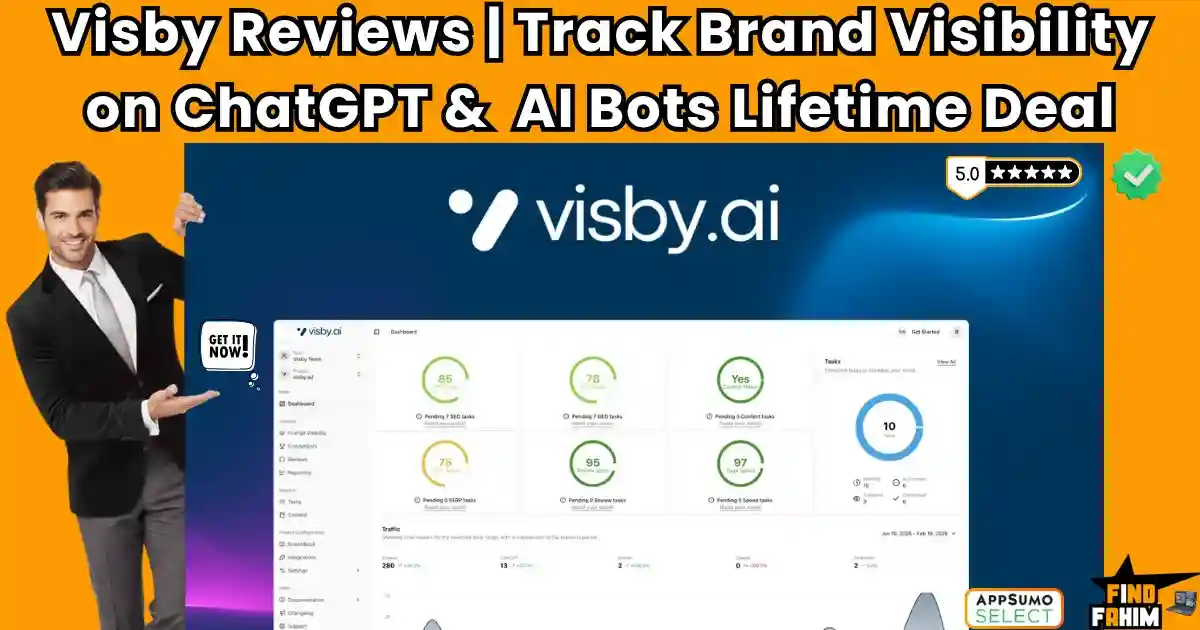
Visby Reviews 2026 | Boost AI Search Visibility Across ChatGPT, Gemini & Claude | AppSumo Lifetime Deal & Alternatives
Getting to the top of Google used to be the ultimate goal. In 2026, that is no longer enough. Millions of users have completely stopped using traditional search engines, turning instead to AI chatbots for product recommendations and answers. If your brand is not mentioned by ChatGPT, Claude, or Gemini, you are losing significant daily traffic. Visby solves this exact problem by tracking your brand across every major AI platform. It tells you exactly when AI models mention you, and more importantly, what to fix if they ignore you. In this Visby review, I compare the top competitors to help you decide. (Note: This article contains affiliate links. Opinions are my own research and analysis). My Quick Take (TL;DR) If you are bleeding traffic because AI chatbots are recommending your competitors instead of your website, here is the direct summary of this AppSumo offer. What is it? A Generative Engine Optimization (GEO) platform that monitors your brand mentions across ChatGPT, Claude, and Gemini in real time. Why is it Special? It generates prioritized GEO tasks. It doesn’t just show you data; it gives you exact, step-by-step technical instructions on how to force AI models to recommend to you. Who is it for? SEO consultants, marketing agencies, and SaaS founders who want to dominate AI-generated search results. The Deal: Lifetime Access starting at $59 on AppSumo. (Note: Price increases in less than 7 days. My Verdict: This is an absolute no-brainer productivity hack. Securing your presence in AI search results will pay for this software with just one acquired client. Get the Visby Lifetime Deal on AppSumo Now What is Visby? (Your AI Search Tracker) Think of Visby as Google Search Console, but specifically built for the AI generation. It acts as a radar system that constantly monitors how artificial intelligence platforms talk about your brand. Instead of guessing what ChatGPT thinks of your software, Visby provides a unified dashboard showing exactly when, where, and how you are referenced. If a user asks Gemini for “the best CRM software,” Visby tells you if you appear on the list. If you did not appear, the platform analyzes the gap and provides a detailed content brief. It tells you exactly what schema markup to add, what headings to change, and what entities to include on your website so the AI algorithm picks you up next time. Quick Look: Visby vs Manual SEO If you spend hours manually typing prompts into ChatGPT to see whether your brand appears, consider what this tool actually replaces in your daily operations. Feature Replaces… The Real Value Normal Cost Deal Status Multi-Model Tracking Manual prompting Tracks ChatGPT, Claude, Gemini Free ✅ Included Prioritized Tasks Guessing SEO fixes Exact steps to boost visibility ~$99/mo ✅ Included Funnel Breakdown Spreadsheets Tracks awareness vs intent Workflow hassle ✅ Included Content Briefs Surfer SEO AI-optimized writing guides ~$89/mo ✅ Included Why Traditional SEO is Failing Creators You probably already use traditional keyword tracking software. So why pay for a dedicated AI visibility tool? Because AI models do not care about backlinks the way Google does. If you have a high Domain Authority, Google will rank you. But ChatGPT might completely ignore you because your website lacks conversational “AI readability.” Traditional tools track static web pages. Visby tracks dynamic, generated answers, bridging the gap between old-school rankings and modern AI recommendations. Why “Generative Engine Optimization” is Trending in 2026 I noticed this specific AppSumo deal trending rapidly because professionals are officially hitting a traffic plateau. In 2026, millions of high-intent buyers are bypassing Google entirely. They open the ChatGPT app on their phone and ask for direct software recommendations. “Generative Engine Optimization” (GEO) is taking over because it targets the actual algorithms generating these answers. If you optimize for GEO, you secure your brand in the exact place where modern purchasing decisions are actually made. A Look Inside Visby: Key Features Here is exactly what you are installing on your machine when you purchase this lifetime code, and why these specific features matter to your daily operations. Multi-Model AI Tracking This is the core engine of the software. Visby does not just track OpenAI. It constantly monitors your brand mentions across ChatGPT, Claude, and Gemini simultaneously. You can view a historical performance chart showing exactly how your visibility fluctuates across different platforms. This ensures you never have a blind spot in the modern search ecosystem. The Funnel Stage Breakdown Not all AI prompts are equal. Someone asking “What is marketing software?” is very different from someone asking “What is the best alternative to HubSpot?” Visby organizes your tracked prompts by funnel stage (Top, Middle, and Bottom). This allows you to see exactly where you are losing customers to competitors during the critical buying phase. AI-Optimized Content Briefs If Visby detects that you are losing visibility for a specific prompt, it acts as an intelligent editor. It generates an AI-optimized content brief based on your performance gaps. It tells you exactly what topics, entities, and formatting structures to use in your next blog post. You can edit and export this content directly within the dashboard. The Standout Feature: Prioritized GEO Tasks “This specific feature turns Visby from a basic reporting dashboard into a high-level SEO asset.” Instead of just dumping data on your screen, Visby generates a prioritized list of actionable GEO tasks. It might tell you to fix your HTML structure, update your schema markup, or improve internal linking. It tells you exactly what to fix and in what order to achieve the fastest boost in AI visibility. Recent 2026 Platform Updates The Visby development team moves incredibly fast and listens heavily to AppSumo user feedback. In just the last few weeks, they released major updates to the platform: Manual Prompt Addition: You can now customize and add your own highly specific prompts during the initial onboarding flow. Expanded Prompt Allocation: Users now have increased capacity for deeper, more

Robomotion RPA Reviews 2026 | Automate Tasks with No-Code RPA Bots | AppSumo Lifetime Deal & Alternatives
Copying and pasting data between software that refuses to talk to each other is a massive drain on your daily energy. Robomotion RPA is an advanced desktop and web automation tool built to rescue you from those boring, highly repetitive tasks. If a software lacks an API, standard automation tools break. Robomotion fixes this by acting like a digital human, physically clicking buttons and typing data on your actual screen. Note: This article contains affiliate links. Opinions are my own, independent research and analysis. My Quick Take (TL;DR) If you manage complex data entry or scrape websites daily, you need a robotic workforce. Here is the direct summary of this AppSumo offer. What is it? A Robotic Process Automation (RPA) platform. It uses software bots to automate web and desktop applications across Mac, Windows, and Linux. Why is it Special? It does not rely on APIs. It physically interacts with user interfaces, allowing you to automate legacy desktop apps and protected websites. Who is it for? Operations managers, data analysts, e-commerce owners, and digital agencies are doing heavy manual labor. The Deal: Lifetime access starting at $119 on AppSumo. My Verdict: A highly technical, massive money-saver. It requires a learning curve, but it completely replaces expensive enterprise tools like UiPath for small businesses. Click Here to Get the Robomotion RPA Lifetime Deal on AppSumo What is Robomotion RPA? To understand this tool, you must understand the difference between standard automation and Robotic Process Automation (RPA). Standard tools like Zapier operate strictly in the background using APIs. If a software does not have a public API, Zapier cannot touch it. You are locked out. Robomotion RPA bypasses the API completely. You install a lightweight agent on your computer. This software robot then takes control of your mouse and keyboard virtually. It reads your screen, clicks specific buttons, downloads PDF files, and types information into Excel spreadsheets exactly like a human employee would. You build these instructions using a visual drag-and-drop flow designer on their cloud dashboard. Once built, the robot executes the workflow locally on your machine, saving you hundreds of hours of manual clicking. Quick Look: Robomotion RPA vs Manual Workflow If you spend your mornings downloading bank statements and matching them to accounting software, look at this operational breakdown. Here is what this tool actually replaces. Feature Replaces… The Real Value Normal Cost Deal Status Desktop Automation Manual Data Entry Automates legacy software High Labor ✅ Included Web Scraping Virtual Assistants Pulls data from any site ~$15/hour ✅ Included Encrypted Vaults Unsafe Spreadsheets Secures your login passwords Essential ✅ Included Cross-Platform Bots Windows-Only Tools Works natively on Mac/Linux Premium ✅ Included Total Value Human Assistants Massive Hourly Savings ~$2,000+/yr $119 (Lifetime) Why Native Integrations Are Failing Businesses You might assume every app connects easily in 2026. This is a massive misconception. Legacy desktop applications, old banking portals, and custom internal tools often lack modern APIs. When connections fail, you must hire virtual assistants for manual data entry. A human reading one screen to type into another is slow, error-prone, and expensive. Why Desktop Automation is Trending in 2026 This AppSumo deal is trending because AI has completely changed how we build automation. Historically, building an RPA bot required heavy coding knowledge to tell the software exactly where to click. Now, Robomotion integrates natural language directly into the flow builder. You just type your request in plain English. The AI builds the complex nodes automatically, making RPA accessible to everyone. A Look Inside Robomotion RPA: Key Features Here is exactly what you get when you move your manual operations over to this dedicated robotic platform, and why these features matter. Visual Drag-and-Drop Flow Designer You do not need to be a software engineer to use this. The core of the platform is a visual canvas. You drag “nodes” onto the screen to build a sequence. For example, you drag a node to open Chrome, a node to navigate to a URL, a node to type a password, and a node to click login. You connect these nodes with arrows to create the logic path for your bot. Encrypted Credential Vaults If a robot is going to log into your bank or your social media accounts, security is critical. Robomotion features highly secure, encrypted vaults. You store your sensitive passwords and API keys inside these vaults. The data is encrypted locally. Even the developers cannot see your passwords. The robot simply retrieves the encrypted key during the workflow to log in securely. Cross-Platform Desktop Agents Most legacy RPA tools force you to use a Windows PC. Robomotion is built differently. You can download the robot agent natively on Windows, Mac, and Linux systems. They even support running lightweight agents on a Raspberry Pi. This means you can buy a cheap $50 micro-computer, install the bot, and let it run web scraping tasks 24/7 in the corner of your office. Advanced Triggers and Scheduling You do not have to manually click “run” every time you want a task completed. The software features robust scheduling. You can tell the bot to wake up every morning at 8:00 AM, log into your CRM, and email you a PDF report. You can also use triggers. The bot can sit idle until a specific file is dropped into a folder, which immediately triggers the workflow to begin processing that file. The Standout Feature: Plain English AI Builder This specific engineering update completely separates this tool from complex coding alternatives. Building complex XPath queries to find specific buttons on a website is notoriously difficult. Robomotion recently integrated an AI Flow Builder. You open the chat interface and type, “Go to Amazon, search for standing desks, scrape the first page of results, and save them to a Google Sheet.” The AI engine automatically generates the required nodes and connects them on your canvas instantly. Recent 2026 Platform Updates The development team is
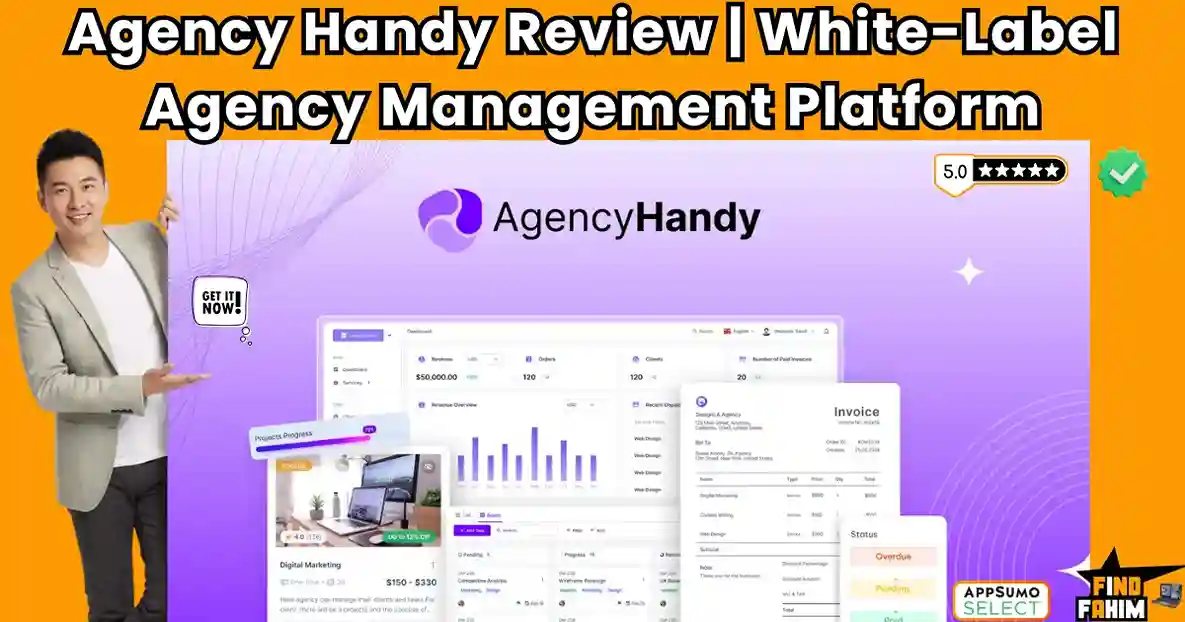
Agency Handy Reviews 2026 | White-Label Agency Management Platform | AppSumo Lifetime Deal & Alternatives
Running an agency with a dozen random tools means you are definitely losing something important in the process. You are dropping invoices, missing client messages, and watching your profit margins shrink due to administrative bloat. Agency Handy is an all-in-one platform that lets you manage clients, projects, and payments in one place, while completely maintaining your own branding. Note: This article contains affiliate links. Opinions are my own, independent research, and market analysis. My Quick Take (TL;DR) If you are tired of paying for five different software subscriptions just to onboard a single client, here is the executive summary of this AppSumo offer. What is it? A white-label client portal that brings project management, client collaboration, ticketing, and payment processing into a single intuitive workspace. Why is it Special? The service catalog feature. It allows you to package your custom agency offerings like physical products, letting clients buy them directly from a storefront. Who is it for? Freelancers, digital marketing agencies, and web design studios are looking to productize their services. The Deal: A Lifetime Deal starting at $74 on AppSumo. You can upgrade across six different tiers to unlock unlimited users and massive storage limits. My Verdict: For $74, this is an incredible foundation. It replaces your CRM, your invoicing tool, and your project tracker with a single branded login for your clients. Click Here to Get the Agency Handy Lifetime Deal on AppSumo What is Agency Handy? To truly understand the value of this software, you must look at how modern service businesses operate. Clients no longer want to deal with messy email chains and disorganized Google Drive folders. Agency Handy acts as your centralized digital headquarters. It takes your complex, messy backend operations and wraps them in a highly professional, branded portal for your clients. It handles your intake forms, generates your invoices, tracks your project milestones on a Kanban board, and securely processes credit card payments. Ultimately, it turns a chaotic freelance operation into a scalable, productized agency. It forces your clients into a streamlined, automated workflow, allowing you to focus entirely on delivering great work instead of hunting down unpaid invoices. Quick Look: Agency Handy vs Manual Management If you are currently running your agency using a scattered tech stack, you are wasting valuable billable hours. Look at what this tool actually replaces in your daily operations. Feature Replaces… The Real Value Normal Cost Deal Status Client Portal Google Drive One secure login for client files ~$30/mo ✅ Included Invoicing & Subs Freshbooks Automated recurring billing ~$25/mo ✅ Included Project Tracking Trello / Jira Kanban boards for team tasks ~$15/mo ✅ Included Service Catalog Custom Coding Sell services directly via storefront Developer Fee ✅ Included Why Native Manual Operations Are Failing Agencies If you manage your digital agency by sending manual PDF invoices and tracking tasks in spreadsheets, you are creating massive friction. Modern clients have incredibly high expectations. If they have to log into Jira to see a task, check their email for a Dropbox link, and go to PayPal to pay you, they get frustrated. This fragmented experience destroys your brand authority. Clients will assume your business is disorganized and small, making it impossible to charge premium, high-ticket prices for your services. Why Productized Services Are Trending in 2026 The massive shift from hourly billing to productized services is the defining business trend of the decade. Clients no longer want to pay for unpredictable hourly rates. They want to buy outcomes. They want to browse a menu, select a “Website Audit” for a flat fee, and check out immediately. Tools that facilitate this storefront checkout experience are becoming mandatory infrastructure. If you do not package your services like products, you are voluntarily stunting your agency’s growth potential. A Look Inside Agency Handy: Key Features Founder Rashik Hoque built this platform after realizing digital agencies struggled to organize client communication and payments. Here is a close look at the core mechanics. White-Label Client Portal Your brand is your most valuable asset. Agency Handy allows you to completely white-label the entire portal interface to match your exact aesthetic. You can customize the workspace with your brand colors, fonts, and logos. By setting up a custom domain, your clients log into a highly professional URL, making you look like an enterprise firm. Multi-Package Service Catalog This feature is the engine that drives your revenue. You can list your available services and take direct orders in a customized public storefront. Share a link to your service menu, complete with detailed descriptions and pricing tiers. Clients can connect their credit cards and place orders instantly without ever booking a sales call. Project and Task Management You can finally cancel your external subscriptions to Asana or ClickUp. This platform lets you manage client projects, internal tasks, and documents using highly visual Kanban boards. Break massive deliverables down into manageable tasks. You can assign team members, set strict due dates, and allow clients to view transparent project progress at a glance. Invoicing and Subscriptions Chasing late payments ruins your profitability. This system gives you a perfect overview of all your invoicing and revenue metrics in one simple dashboard. Send custom invoices requiring payment upfront, or split large projects into milestone payments. You can easily manage recurring subscriptions to collect automated payments via Stripe or PayPal. Built-In CRM and Lead Management Before a prospect becomes a paying client, you must track their journey. The platform includes a dedicated CRM to capture leads via custom forms and move them through your sales funnel. Once they convert, their lead profile instantly transforms into an active client profile, keeping all historical communication perfectly intact for your records. The Standout Feature: File & Website Feedback The visual feedback system makes this platform uniquely valuable for creative studios. You can collect precise visual feedback directly on live websites or uploaded design files. Clients click anywhere on an image or webpage to

BannerBoo Reviews | Best Animated Ad Creator Lifetime Deal | Create HTML5 Ads Without Code
Static banners that blend into the feed waste your creative efforts. You spend hours designing graphics, only for users to scroll right past them. BannerBoo changes this. It is a drag-and-drop platform that lets you create animated HTML5, GIF, and MP4 ads in minutes without writing a single line of code. Is it actually better than Canva or Adobe Animate? In this BannerBoo review, I compare the top competitors to help you decide. (Note: This article contains affiliate links. Opinions are my own research and analysis). My Quick Take (TL;DR) If you are bleeding time wrestling with complex animation software or waiting for developers to code your display ads, here is the direct summary of this AppSumo offer. What is it? A cloud-based design platform used to build, animate, and publish HTML5 and MP4 advertisements. Why is it Special? The Magic Resizer and CNAME sharing. It turns one design into dozens of platform-ready sizes instantly, and lets clients review ads on your own branded domain. Who is it for? Digital marketers, advertising agencies, and freelance designers are running paid traffic. The Deal: Lifetime Access starting at $59 on AppSumo. (Note: Price increases in less than 7 days. My Verdict: This is an absolute no-brainer productivity hack. Reclaiming the hours spent resizing graphics manually will pay for this tool on your very first client campaign. Click Here to Get the BannerBoo Lifetime Deal on AppSumo What is BannerBoo? (Your Hands-Free Ad Builder) BannerBoo is a dedicated online banner-making platform designed specifically for paid advertising campaigns. Instead of using general design tools that export heavy, static images, BannerBoo focuses entirely on high-converting animations. It allows you to build complex, multi-layered HTML5 and AMP HTML ads that load instantly and look incredible on any device. You get access to a full visual timeline editor. This allows you to control entry animations, exit transitions, and graphic pulsations to draw the viewer’s eye exactly where you want it. Because it requires zero coding knowledge, marketers can bypass the development team entirely. You design the ad visually, and BannerBoo writes the clean HTML5 code in the background, ready to be uploaded directly to Google Ads. Quick Look: BannerBoo vs Manual Ad Design If you spend hours resizing ads for Facebook, Google, and Instagram, look at what this tool actually replaces in your daily operations. Feature Replaces… The Real Value Normal Cost Deal Status HTML5 Export Adobe Animate High-converting animated ads ~$22/mo ✅ Included Magic Resizer Manual cropping Generates 15+ sizes instantly Workflow hassle ✅ Included CNAME Sharing Emailing zip files Professional client approvals Custom built ✅ Included Stock Libraries Envato Elements 7,000+ templates & photos ~$16/mo ✅ Included Why Traditional Ad Design is Failing Creators Using standard design software to build ad campaigns is completely inefficient. If you build an ad in Photoshop, you are stuck with a static image that modern consumers ignore. If you try to use professional animation software, the learning curve takes months. Furthermore, manually coding HTML5 banners requires a developer, creating a massive bottleneck in your launch schedule. Why Animated HTML5 Workflows Are Trending in 2026 Paid advertising costs are currently at an all-time high. Getting a strong Return on Ad Spend (ROAS) requires stopping the scroll immediately. Static images suffer from massive “banner blindness.” Animated HTML5 ads are trending because they capture attention through motion, yet they have incredibly small file sizes. This means they load instantly on mobile devices, ensuring your audience sees your offer. A Look Inside BannerBoo: Key Features Here is exactly what you are installing in your digital toolkit when you purchase this lifetime code. Let’s break down why these specific features matter to your advertising operations and overall productivity. The Drag-and-Drop Animation Engine This is the core engine of the software. BannerBoo does not require any coding to create complex animations. You use a visual timeline to control exactly when text drops in, when product images fade out, and when your call-to-action button pulses. It automatically aligns your layers and offers pre-built transition effects. You simply click an object, choose how you want it to behave, and the software handles the complex keyframing in the background. The Magic Resizer Tool If you run multi-channel campaigns, you know the absolute nightmare of resizing one ad into twenty different aspect ratios. You need a square for Instagram, a vertical for TikTok, and rectangles for Google Display. BannerBoo completely automates this. You design one master banner, and the Magic Resizer instantly generates every other necessary size. You just make minor drag-and-drop adjustments to the text layout, saving hours of tedious formatting. One-Click Background Removal Product photography is rarely perfect. You often need to isolate an e-commerce product from a messy background to place it on a clean, branded canvas. BannerBoo includes an integrated, AI-powered background removal tool. With literally one click, the software isolates your subject perfectly. You no longer have to open external photo editing software just to get a clean product shot. Integrated Stock & Template Libraries Staring at a blank canvas kills productivity. BannerBoo eliminates this by providing direct access to over 7,000 professionally designed templates. These are broken down by industry, allowing you to start with a proven layout. Additionally, you get direct integration with Unsplash, Pexels, and Pixabay. You can pull millions of high-quality photos, videos, and vector icons directly onto your canvas without leaving the application. The Standout Feature: Branded Share URLs (CNAME) This specific tool transforms BannerBoo from a simple design app into a powerful agency weapon. Getting client approval on animated ads is usually a nightmare of sending heavy zip files or Google Drive links. BannerBoo allows you to set up a custom CNAME (like https://www.google.com/search?q=ads.youragency.com). You generate a simple link that displays the animated ads in a clean, professional gallery branded with your own logo. Clients can view the animations exactly as they will appear live and leave comments directly on the preview.

Lunacal Reviews 2026 | Best Branded Booking Pages & Team Scheduling Tool | AppSumo Lifetime Deal & Alternatives
Sending generic calendar links that look exactly like your competitors’ links is a massive missed opportunity. Lunacal is an enterprise-grade scheduling platform built specifically to turn boring booking pages into high-converting marketing assets. Instead of sending warm prospects to a sterile grid of time slots, you can guide them through a fully branded, interactive experience. Note: This article contains affiliate links. Opinions are my own, independent research and analysis. My Quick Take (TL;DR) If you manage a sales team or want your scheduling page to actually help close a deal before the call starts, here is the direct summary of this AppSumo offer. What is it? A premium scheduling platform handling one-on-one calls, group events, paid meetings, and round-robin team routing with deep brand customization. Why is it Special? Immersive widgets and rich media. You can embed video intros, YouTube clips, and client testimonials directly onto the booking page. Who is it for? B2B marketing agencies, sales teams, high-ticket coaches, and professional consultants. The Deal: Lifetime access starting at $59 on AppSumo. My Verdict: A phenomenal Calendly replacement. The unlimited workspaces and round-robin routing make this an absolute no-brainer investment for teams. Click Here to Get the Lunacal Lifetime Deal on AppSumo What is Lunacal? (Your Branded Booking Engine) When you use standard meeting tools, you treat scheduling as a purely administrative task. Lunacal treats scheduling as a critical part of your sales funnel. It handles all the standard calendar operations flawlessly. The software syncs securely with Google, Outlook, and Apple calendars so you are never double-booked. It automatically detects client time zones and sends reminders. However, where Lunacal breaks away from the pack is the booking experience itself. Instead of a plain white page, the software allows you to build a dedicated mini-landing page for your meeting. You can add a welcoming video explaining what the prospect should prepare for the call. You can feature a carousel of your best case studies right next to the time slots. By the time the prospect clicks to confirm, they already trust your authority. Quick Look: Lunacal vs Basic Scheduling If you are currently paying a high monthly fee for a standard corporate scheduling tool, look at this operational breakdown. Here is what Lunacal replaces in your daily workflow. Feature Replaces… The Real Value Normal Cost Deal Status Team Round-Robin Calendly Teams Auto-route leads to sales reps ~$16/user/mo ✅ Included Rich Media Pages Boring Links Increase prospect show-up rates Workflow hassle ✅ Included Paid Meetings Stripe Invoices Charge for consulting calls ~$15/mo ✅ Included Website Widgets Clunky Iframes Keep users on your website Custom Dev ✅ Included Total Value Legacy Tools Higher Conversion Rates ~$350+/yr $59 (Lifetime) Why Standard Booking Pages Are Failing Founders You might be thinking your clients already book through standard calendar links, so why make it look pretty? Because generic links create hidden friction for cold prospects. If a cold lead clicks your scheduling link and lands on a sterile, unbranded page, they experience booking hesitation. They wonder how long the call will be and if it is worth their time. Why “Immersive Scheduling” is Trending in 2026 I noticed this specific AppSumo deal trending rapidly because B2B sales have become incredibly competitive. Buyers in 2026 expect a frictionless, highly polished visual experience. They do not want to leave your website, get redirected to a third-party calendar URL, and wait for a generic thank-you page. A fully branded, immersive booking flow dramatically increases conversion rates and trust. A Look Inside Lunacal: Key Features Here is exactly what you get when you move your scheduling operations over to this dedicated platform, and why these features matter to your bottom line. Team Scheduling & Round Robin If you have a team of three sales reps, you do not need three different links. You simply create one master link for your company. When a prospect picks a time, the system automatically checks the availability of all three reps. It assigns the meeting fairly using round-robin logic. You can also use collective scheduling when a client needs both you and your co-founder on the same call. Immersive Media Embeds The page builder is incredibly robust for non-designers. You can embed videos from YouTube, Vimeo, Loom, or Google Drive directly onto the booking page. You can also add custom questions to the routing forms. This ensures the prospect is actually qualified before they are allowed to take up valuable space on your calendar. Workspaces for Agencies This is a massive operational upgrade for marketing teams. If you run multiple companies or manage marketing for several clients, you can create entirely separate workspaces. Everything stays under one single master account. You can keep team members, permissions, and booking configurations strictly isolated from one another for complete privacy and professional client management. Paid Meetings & Packages If you are a consultant or a coach, the software connects directly to Stripe and PayPal. You can force clients to pay a flat fee before the meeting is confirmed, stopping no-shows. You can also create multi-session packages. This allows a client to buy a five-call coaching bundle at a discount, which the system tracks automatically, so you never have to count credits manually. The Standout Feature: “Beautifully Booked” Widgets This specific engineering update completely separates this tool from cheap alternatives. Most calendar embeds look terrible. They are clunky, slow-loading iframes that break your website’s formatting. The new widget suite fixes this completely. These are highly optimized, lightweight widgets that function as inline calendars or floating popups. They feature subtle animations and deep color customization to match your exact branding seamlessly. Recent 2026 Platform Updates The development team is incredibly responsive to AppSumo feedback. In the last few months, they have shipped several major upgrades to the core engine: 13+ Languages: Guest-facing content now natively supports languages including German, French, Spanish, Italian, and Dutch. Custom SMTP: Higher tiers can now send reminder emails
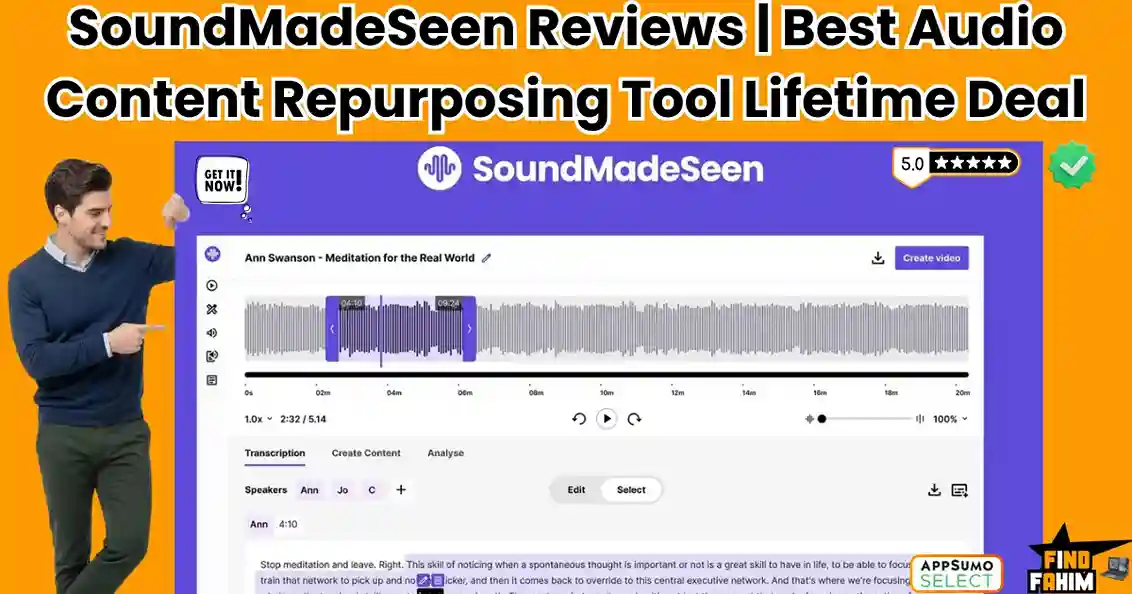
SoundMadeSeen Reviews 2026 | Best Audio Content Repurposing Tool | AppSumo Lifetime Deal & Alternatives
If you run a podcast or create audio content, you know the frustration of promoting invisible content on highly visual social platforms. SoundMadeSeen is an AI multimedia tool designed to instantly transform raw audio files into engaging videos. For years, algorithms have buried static podcast links. This software automates the tedious workflow of video conversion in minutes. Note: This article contains affiliate links. Opinions are my own independent research. My Quick Take (TL;DR) Tired of your podcast episodes getting zero social media traction? Here is the executive summary. What is it? A web-based design and transcription platform that converts audio into engaging video clips featuring waveforms, progress bars, and dynamic subtitles. Why is it Special? The all-in-one ecosystem. It handles text extraction, AI image generation, and video rendering inside a single dashboard. Who is it for? Podcasters, authors, musicians, and influencers repurposing long-form audio. The Deal: A $39 Lifetime Deal on AppSumo. Stack up to 4 codes for higher monthly limits. My Verdict: For $39, this is an absolute steal, offering a mature visual alternative to expensive monthly subscriptions. Click Here to Get the SoundMadeSeen Lifetime Deal on AppSumo What is SoundMadeSeen? We are currently living in a video-first internet. If you are an audio creator posting static links, you are speaking a language that social media algorithms refuse to translate. SoundMadeSeen acts as your visual translation layer. It takes your standard MP3 or WAV file and wraps it in a stimulating visual package. It generates an accurate text transcript and maps it to on-screen animations, adding moving waveforms that react perfectly to your voice. Ultimately, this software turns a passive listening experience into an active viewing experience. Adding kinetic movement to your audio, it forces users to stop scrolling and actually pay attention to your core message. Quick Look: SoundMadeSeen vs Manual Video Editing If you are currently building audiograms manually across multiple programs, you are wasting valuable hours. Look at what this tool actually replaces in your production workflow. Feature Replaces… The Real Value Normal Cost Deal Status Audiogram Generator Headliner Creates moving visualizers instantly ~$20/mo ✅ Included Auto-Transcription Otter.ai / Rev Highly accurate text extraction ~$15/mo ✅ Included AI Image & Video Gen Midjourney Generates background art via text ~$30/mo ✅ Included Content Analyzer ChatGPT Plus Auto-writes show notes & blog posts $20/mo ✅ Included Why Native Audio Promotion is Failing Creators If you promote your podcast by laying audio over a static square cover image, you are creating invisible content. Modern viewers have incredibly short attention spans. If the screen is not moving, users assume the video is broken. They swipe away in two seconds, destroying your engagement metrics. Static images simply cannot trigger algorithmic growth. Why Audio-to-Video is Trending in 2026 The shift to short-form vertical video is the defining media trend of the decade. Audiences no longer organically search for two-hour podcast interviews. They discover new creators through fast-paced feeds that prioritize bite-sized visual clips. If you do not turn your audio into video, you voluntarily shrink your audience. Packaging high-value audio into vertical reels is mandatory. A Look Inside SoundMadeSeen: Key Features Founder Rane Bowen built this platform to eliminate the tedious steps of syncing audio with visuals. Here is a close look at the core mechanics. The Timeline Design Editor Recently overhauled, the editor functions like a proper non-linear video editing suite. You no longer have to settle for rigid templates. You can drag and drop audio layers, add background music, and adjust visual timings on a horizontal timeline for precise control. Automated Transcription & Subtitles The platform transcribes uploaded audio files in minutes. It also features karaoke-style subtitles that keep viewers hooked. You can add thick outlines and vibrant backgrounds to your text. Words highlight dynamically exactly as spoken, increasing viewer retention on fast-paced platforms. AI Image and Video Generation Skip hunting for generic stock photos. SoundMadeSeen integrates the advanced Flux-Schnell image model right into the editor. Type a prompt, and the AI generates custom background art. You can also generate short AI video clips to serve as moving backgrounds. The Content Analyzer This platform acts as your dedicated marketing assistant. Once your audio is transcribed, a single click runs the AI Content Analyzer. It automatically writes your podcast show notes, blog posts, and social media captions, saving you hours of manual copywriting. The Standout Feature: Beat Mode Beat Mode actively analyzes the frequency and rhythm of your uploaded music track. It synchronizes visual effects directly to the tempo of your song. You can quickly generate a kinetic music visualizer that reacts dynamically to bass drops, replacing boring static videos. Recent 2026 Platform Updates The development team actively listens to AppSumo feedback. Recent major updates include: AI Video Clips: Generate moving backgrounds from text. Custom SRT Uploads: Import pre-made subtitle files. Karaoke Subtitles: Advanced text animations with deep styling. Flux-Schnell Integration: A highly accurate AI image model. SoundMadeSeen Pricing & AppSumo Deal This lifetime deal lets you stack up to four separate codes to drastically increase your monthly generation limits. You pay exactly once, owning the software forever without facing recurring monthly subscription fees. This lowers your operating expenses compared to industry-standard tools. Feature Plan 1 ($39) Plan 2 ($78) Plan 3 ($117) Plan 4 ($156) Video Minutes / Month 100 250 500 800 Transcription Minutes 100 250 500 800 Text-to-Speech Chars 10,000 20,000 30,000 40,000 AI Image Credits 500 1,000 1,500 2,000 File Storage Limit 90 Days 9 Months 12 Months 12 Months Understanding the Video Minute Limits If you are worried about the 100-minute limit on Plan 1, calculate your actual workflow. This limit does not mean you can only upload 100 minutes of raw audio. It means you can render 100 minutes of the final video. Extracting five 60-second clips uses only five minutes of your allowance. My Stacking Recommendation For Solo Podcasters: Plan 1 ($39) is the perfect entry point. It gives

VoiceDash Reviews 2026 | Best AI Speech-to-Text Dictation Tool | AppSumo Lifetime Deal & Alternatives
Are you tired of your fingers lagging behind your brain? VoiceDash is a system-wide AI dictation tool that instantly turns your spoken thoughts into polished text. Standard built-in voice typing captures every “um” and grammatical mistake, forcing you to edit manually. VoiceDash solves this by sitting quietly on your Mac, Windows, or Android device. Just hold a hotkey, speak naturally, and the AI automatically removes filler words. It drops perfectly structured sentences directly into any app you use. Is it actually better than Wispr Flow or AudioPen? In this VoiceDash review, I compare the top competitors to help you decide. Note: This article contains affiliate links. Opinions are my own research and analysis. My Quick Take (TL;DR) If you are spending time typing long client emails or updating endless project management boards, you need a faster workflow. If you are suffering from a creative block staring at a blank page, here is the direct summary of this AppSumo offer. What is it? A desktop and mobile application that uses advanced AI models. It transcribes, actively edits, and formats your speech in real time. Why is it Special? System-wide integration. It removes filler words and structures sentences before pasting them directly into Slack, Gmail, or your code editor. Who is it for? Slow typists, copywriters, software developers, and high-volume executives. The Deal: Lifetime Access starting at $59 on AppSumo. (Note: Price increases in less than 7 days) My Verdict: This is an absolute no-brainer productivity hack. Reclaiming just 20 minutes of typing a day will pay for this software in less than a week. Click Here to Get the VoiceDash Lifetime Deal on AppSumo What is VoiceDash? (Your Hands-Free Writer) Think of VoiceDash as a smart, highly educated executive assistant. It listens to your messy ramblings and instantly types them as polished, professional text. Traditional tools require you to open a transcription website, record an audio file, and wait for it to process. Then, you have to manually copy and paste the result into your actual workspace. VoiceDash skips all of that. It lives directly on your computer level in a tiny “Voice Bar.” You simply press a global hotkey and talk normally into your microphone. The software types perfectly punctuated sentences directly where your cursor is currently blinking. You never have to switch tabs, open a new window, or break your concentration. Quick Look: VoiceDash vs Manual Typing If you spend three hours a day typing out client responses and project briefs, you are losing valuable time. Look at what this tool actually replaces in your daily operations. Feature Replaces… The Real Value Normal Cost Deal Status AI Transcription Built-in Dictation No more embarrassing typos Free ✅ Included Grammar Fixes Grammarly Premium Edits your speech instantly ~$12/mo ✅ Included System-Wide Text Copy/Pasting Apps Talk directly into Slack/Gmail Workflow hassle ✅ Included Custom Snippets TextExpander Auto-fill common links ~$40/yr ✅ Included Why Native Dictation is Failing Creators You already have a microphone key on your computer, so why pay for software? Because built-in dictation is completely literal. If you say: “Hey John, um, my dog is barking.” Apple types exactly that chaotic sentence. VoiceDash understands context. It actively filters out the mess and types: “Hi John, I apologize.” It translates human speech into professional writing. Why “AI Voice Typing” is Trending in 2026 Professionals are officially hitting peak screen fatigue. We communicate across dozens of micro-channels daily, from Slack to Microsoft Teams. Typing thoughtful responses all day leads to physical wrist strain and massive cognitive drain. “Voice-first” workflows let you stand up, pace your office, and dictate complex thoughts without breaking your flow state or staring at a screen. A Look Inside VoiceDash: Key Features Here is exactly what you are installing on your machine when you purchase this lifetime code, and why these features matter to your productivity. The Real-Time Cleanup Engine This core engine doesn’t just turn audio into raw text; it acts as an active, intelligent editor. It automatically strips out stutters, long pauses, and repeated words. Even better, it applies correct capitalization and punctuation contextually. You never have to awkwardly say “comma” or “period” out loud like older dictation software requires. Personal Dictionary Standard AI models often butcher complex industry acronyms. Dictating “Ahrefs” usually prints out as “A reps,” while medical terms get entirely ruined. VoiceDash solves this with a built-in Personal Dictionary. Train the software once to understand your specific client names or internal jargon, ensuring it spells them perfectly every single time. Multilingual Support (50+ Languages) If you manage international clients, this feature is incredibly powerful. The AI natively detects and transcribes over 50 different languages without needing manual adjustments. You can dictate in German, Spanish, or French, and the software perfectly punctuates the output. You never have to manually switch your keyboard language settings; it just adapts. Privacy-First Processing For professionals handling sensitive data, privacy is critical. VoiceDash operates with a strict zero data retention policy. Your audio is processed via secure APIs to generate text and is instantly discarded. Your voice data is never stored on servers, reviewed by humans, or used to train future public AI models. The Standout Feature: The Snippet Library This tool transforms VoiceDash into a powerful sales weapon. Inside the dashboard, you can create custom voice-triggered “Snippets.” Create a snippet for the exact phrase “Insert my calendar link.” Say that out loud while dictating, and VoiceDash instantly pastes your actual Calendly URL. Use this to quickly inject long boilerplate responses or pricing tables. Recent 2026 Platform Updates The development team moves incredibly fast and listens to AppSumo feedback. Recent major updates include: The Android App: Released in March 2026, take VoiceDash on the go to dictate clean mobile emails. iOS Progress: The iPhone version is actively in development and expected soon. Auto-Hide Voicebar: The floating desktop widget now auto-hides so it never blocks your workspace view. VoiceDash Pricing & AppSumo Deal Details
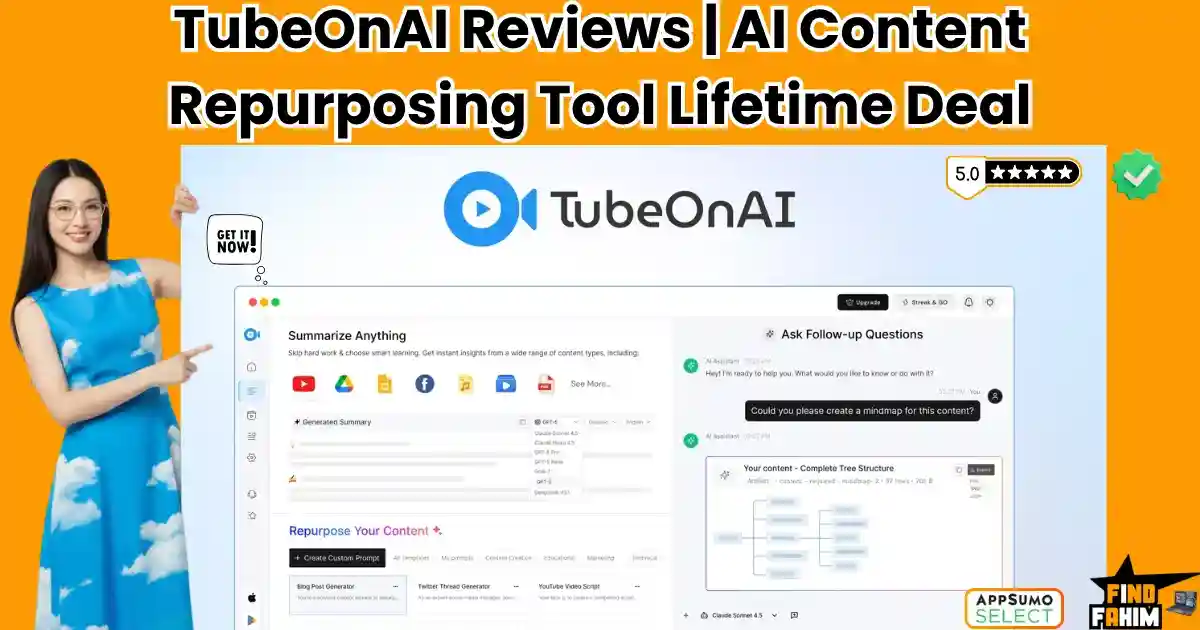
TubeOnAI Reviews 2026 | Best AI Content Repurposing Tool Turns Videos & PDFs into Blogs | AppSumo Lifetime Deal & Alternatives
Drowning in hours of video research? TubeOnAI is the ultimate content repurposing engine built to eliminate that exact bottleneck. As content creators, marketers, and agency owners in 2026, the demand for daily publishing is exhausting. Before you can even write a blog post or a Twitter thread, you have to spend two hours watching a YouTube tutorial or listening to a podcast just to extract the key insights. It is a massive drain on your operational time. Created by founder Saleh Ahmed, TubeOnAI promises to condense that workflow into seconds. By pasting a link or uploading a file, the platform uses advanced AI to summarize the media and instantly repurpose it into newsletters, scripts, and social threads. But with heavy credit usage and a steep price jump on its higher tiers, is it actually better than just using ChatGPT? In this comprehensive review, I break down its multi-model AI routing, analyze the brand-new 2026 features, and help you decide if it is worth the investment. Note: This article contains affiliate links. If you buy through them, I may earn a commission, but all opinions are based on my independent research. My Quick Take (TL;DR) If you are tired of pausing YouTube videos every 30 seconds to type out manual notes, here is the direct summary of this AppSumo offer. What is it? An AI-powered workspace that ingests long-form content (videos, podcasts, PDFs, articles) and repurposes it into structured summaries, blogs, and social posts. Why is it Special? Multi-Model Routing & Auto-Capture. You can switch between GPT, Claude, Gemini, DeepSeek, and Grok. Plus, you can subscribe to YouTube channels inside the app, and it will automatically generate a summary the second a creator uploads a new video. Who is it for? Content creators, course builders, bloggers, and marketing agencies. The Deal: Lifetime Access starting at $59 on AppSumo. My Verdict: A highly efficient operational asset. If you spend more than two hours a week researching competitor content or studying podcasts, this tool pays for itself immediately in recovered time. Click Here to Get the TubeOnAI Lifetime Deal on AppSumo What is TubeOnAI? The best way to understand this platform is to think of it as a digital research assistant that never sleeps. When you use standard AI chatbots, you have to manually find a transcript, copy it, paste it into the prompt box, and hope you don’t hit a character limit. TubeOnAI removes all that friction. You simply drop a YouTube URL, an Apple Podcast link, or a local MP4 file into the dashboard. The system transcribes the media, extracts the core arguments, and stores them in a “Knowledge Library.” From there, you can interrogate the document. You can chat with the video using real-time voice chat, ask follow-up questions, or use one of the 150+ templates to instantly spin that video’s transcript into a 1,000-word SEO blog post or a LinkedIn carousel. Quick Look: TubeOnAI vs Traditional Creation If you are currently researching and writing content manually, look at this operational breakdown of what this tool replaces. Feature Replaces… The Real Value Normal Cost Deal Status Video Summaries Watching 2hr Videos Get takeaways in 30 seconds Time consuming ✅ Included Audio Transcripts Paid Transcription Services Turn podcasts into text ~$15/mo ✅ Included Repurposing AI Ghostwriters Spin videos into newsletters ~$50+/post ✅ Included Auto-Syncing Manual RSS Checking Auto-summarize new uploads Workflow hassle ✅ Included Total Value Your Time Publish Faster ~$65+/mo $59 (Lifetime) Why Manual Research is Failing Creators You might be thinking, “I like watching videos to do my research. Why do I need an AI to summarize it?” Because content consumption does not equal content production. Watching a fascinating two-hour Andrew Huberman podcast feels productive, but until you actually extract those health tips, format them into an actionable list, and publish them to your audience, you haven’t created any business value. Manual research creates a massive gap between consuming information and publishing it. By the time you finish taking notes, you are too exhausted to actually write the blog post. TubeOnAI closes that gap entirely. Why Multi-Model AI is Trending in 2026 I noticed this specific AppSumo deal trending because it solves a major problem with modern AI tools: Model Lock-in. If you buy a standard AI writing tool, you are usually forced to use whatever model the developer chose (typically OpenAI’s GPT). But in 2026, the AI landscape is fragmented. Claude is widely considered better for creative writing, while Gemini is excellent for reasoning, and DeepSeek is highly efficient. TubeOnAI allows you to dynamically switch between GPT, Claude, Gemini, DeepSeek, and Grok directly inside the dashboard. You can use Claude to write the blog post, and then switch to DeepSeek to generate the flashcards. A Look Inside TubeOnAI: Key Features Here is exactly what you are getting when you move your content workflow into this dedicated workspace. The Content Repurposer This is the core engine. Once a video or PDF is summarized, you click “Repurpose.” You can choose from over 150 built-in templates (like “Twitter Thread,” “Email Newsletter,” or “SEO Article”). The AI reads the exact context of the video and rewrites it into the new format, maintaining the original creator’s tone and facts. Knowledge Management Library As you summarize dozens of videos and articles, TubeOnAI automatically organizes them into topic-based collections. If you are building a course on “Digital Marketing,” you can summarize 10 different YouTube videos, drop them all into one collection, and have the AI analyze the entire bulk folder to find common patterns. Real-Time Voice Chat & Q&A If a 40-page PDF summary isn’t detailed enough, you don’t have to read the raw file. You can literally talk to the document using the voice chat feature. You can ask, “What were the three specific marketing strategies mentioned in chapter four?” and the AI will pull the exact answer from the transcript. 40+ Language Translation If you find a highly valuable tutorial
Reap Reviews 2026 | Best AI Video Repurposing Tool Turns Long Videos into Viral Shorts | AppSumo Lifetime Deal & Alternatives
We have all played the frustrating game of trying to manually chop a two-hour podcast into engaging social media shorts. Reap is a premium AI video editing platform built specifically to eliminate that chaos, acting as an automated production studio for your content business. While solo creators can easily get away with manually cutting clips in a free mobile app, growing digital brands face a much harsher reality. The moment you need to post daily content across TikTok, Instagram, and YouTube Shorts, basic manual tools break. You are forced into expensive software subscriptions or have to hire a freelance video editor, getting hit with painful hourly rates that drain your budget. Reap ends this financial bleed by offering an incredibly popular lifetime deal on AppSumo. Because this offer is highly sought-after for content agencies and podcasters, it frequently sells out. In this review, I break down its multilingual dubbing features, analyze the true value of its agentic AI clipping, and help you decide if it is the right operational investment for your marketing team. Transparency Note: I spend dozens of hours researching and analyzing SaaS tools so you don’t have to. If you grab this lifetime deal through my links, I may earn a small commission at zero extra cost to you. All verdicts are based on my independent research and market analysis. My Quick Take (TL;DR) If you run a digital brand, podcast, or marketing agency and you hate paying expensive freelance video editors, here is my direct summary of this software. What is it? An enterprise-grade AI video editor. It automatically analyzes long-form videos, finds the best hooks, adds animated captions, and reframes the footage for vertical social media platforms. Why is it Special? Global Localization. Most clippers just cut video. Reap automatically dubs your voice and generates translated subtitles in over 98 languages, allowing you to reach a massive global audience instantly. Who is it for? Podcasters, YouTube creators, marketing agencies, online educators, and anyone who uses video marketing to sell products. The Deal: Lifetime Access starting at $79 on AppSumo. My Verdict: With a proven track record and rapid developer updates, this is a top-tier production asset. It is far more efficient than Premiere Pro for shorts. However, you must upgrade past Tier 1 if you want 4K export quality. Click Here to Check Reap Availability on AppSumo What is Reap? The best way to describe this platform is as an automated production pipeline for your digital agency or content brand. When you use basic video tools, you are simply cutting a video file at specific timestamps. Reap handles the actual editorial logic of running a media company. It naturally understands complex narrative structures. For example, it processes long interviews and detects where the guest makes a profound statement, drops a punchline, or delivers a highly engaging hook. Reap processes all this editorial logic automatically in the background. It provides three core assets to run your content strategy. First, it generates a library of ready-to-post clips perfectly formatted for vertical screens. Second, it gives you a text-based editor to manually clean up transcripts and cut filler words. Third, it acts as a global localization engine, automatically translating and dubbing your voice into Spanish, German, Arabic, and dozens of other languages without you lifting a finger. Quick Look: What’s Inside the Deal? Let’s break down the technical and financial value of replacing expensive freelancers and software subscriptions with the Reap lifetime package. Feature Replaces… The Real Value Normal Cost Deal Status Smart AI Clipping Human Video Editors Auto-detects viral hooks ~$30/hour ✅ Included Text-Based Editor Adobe Premiere Pro Edit the video by deleting the text ~$22/month ✅ Included Voice Dubbing Translation Agencies Clone your voice in 98 languages High Cost ✅ Included Auto-Reframing Manual Keyframing Keeps speakers centered in 9:16 Essential ✅ Included Social Publisher Buffer / Hootsuite Schedule posts directly to platforms ~$18/month ✅ Included Total Value Legacy Workflows Massive Production Speed ~$800+/yr $79 (Lifetime) Why You Need More Than Just “CapCut” CapCut is a fantastic utility for basic mobile editing. It is built strictly for quick cuts and trendy filters. Reap is a content scaling tool. It is built for businesses that actively rely on high-volume video marketing to drive revenue. Here is the fundamental difference in architecture. CapCut requires you to scrub through a two-hour webinar manually to find the exact ten-second clip that might perform well on TikTok. Reap excels at automating this completely. You upload the two-hour video, walk away, and return to find fifteen highly polished clips waiting for you. Reap includes advanced text-based editing, allowing you to delete a sentence from the transcript to automatically cut that footage from the video. It features AI emoji highlighters, custom brand presets, and native social media scheduling. It treats your content like a scalable product. If you are running a real media operation, you need a tool that natively understands hooks, retention, and global reach, not just basic timeline trimming. Why AI Repurposing is Trending in 2026 My market analysis shows AI video repurposing platforms gaining massive traction because social media algorithms have fundamentally changed in 2026. Platforms demand immense volume. If a creator wants to grow a YouTube channel or a TikTok account, posting once a week is no longer sufficient. Algorithms favor accounts that post high-quality shorts daily. If you cannot produce content at that speed, you will be buried by competitors who use automation to maintain a relentless publishing schedule. Furthermore, production costs are rising globally. Hiring a dedicated human editor to chop podcasts, add animated captions by hand, and format videos for different screen ratios is a massive overhead expense. Reap replaces those repetitive administrative tasks entirely, protecting your profit margins while providing your audience with the flawless, highly engaging vertical videos they expect. A Look Inside Reap: Key Features This package is packed with specific production features that usually require a messy stack of four

Hedy AI Reviews 2026 | Best AI Meeting Coach with Real-Time Suggestions | AppSumo Lifetime Deal & Alternatives
Ever felt completely blank during a high-stakes client call or a tough job interview? Hedy AI is the real-time AI meeting coach built specifically to fix that exact brain freeze. As remote consultants, project managers, and agency owners in 2026, we spend half our lives in virtual meetings. Juggling the conversation, reading the room, and furiously typing notes at the same time is impossible. Eventually, you miss a critical detail, or worse, you fail to ask the perfect follow-up question that would have closed the deal. Created by founder Julian Pscheid to combat unproductive meetings and language barriers, Hedy AI doesn’t just passively record your calls. It actively listens, analyzes the context, and proactively prompts you with brilliant questions and insights right on your screen while you are speaking. But with a premium $179 entry price, is it actually better than your standard Otter.ai subscription? In this comprehensive Hedy AI review, I break down its “bot-free” native recording, compare it to the top meeting assistants, and help you decide if it is the right tool to upgrade your communication skills. Note: This article contains affiliate links. If you buy through them, I may earn a commission, but all opinions are based on my independent research. My Quick Take (TL;DR) If you are tired of passive transcription tools and want an active co-pilot for your business calls, here is the direct summary of this AppSumo offer. What is it? A real-time AI meeting assistant that captures system audio, transcribes conversations, and provides proactive coaching and suggested responses without joining your call as a bot. Why is it Special? Automatic Suggestions & No Bots. It operates invisibly on your desktop or phone. During a call, it automatically surfaces insights and questions. It also organizes past sessions into “Topics,” so it remembers previous client context. Who is it for? Tech consultants, sales managers, non-native English speakers, and job seekers. The Deal: Lifetime Access for a single payment of $179 on AppSumo. My Verdict: A premium, highly practical operational asset. If you rely on discovery calls or technical consulting to make a living, having a safety net that feeds you the right answers in real time pays for itself on the very first closed deal. Get the Hedy AI Lifetime Deal on AppSumo What is Hedy AI? (Your Virtual Co-Pilot) The easiest way to understand this platform is to think of it as a brilliant colleague whispering the perfect answers into your ear during a high-pressure negotiation. Standard AI note-takers are reactionary. They listen to an hour-long meeting, and then send you a summary 10 minutes after everyone has already logged off. Hedy AI is proactive. It lives as a native app on your Mac, Windows PC, or smartphone. As your client is speaking, It analyzes their words on the fly. If the client mentions a specific pain point, Hedy instantly pops a suggestion on your screen with a smart follow-up question to ask them. It levels the playing field, making you look incredibly sharp, organized, and attentive, regardless of how chaotic the meeting actually is. Quick Look: Hedy AI vs Traditional Note-Taking If you are currently furiously typing notes during your Zoom calls, look at this operational breakdown of what this tool replaces. Feature Replaces… The Real Value Normal Cost Deal Status Real-Time Coaching Panic & Brain Freezes Look sharp on every call Executive Coach ✅ Included Bot-Free Capture Awkward AI Bots Keeps client calls private Priceless ✅ Included Auto Prep Notes Frantic Pre-Meeting Prep Recalls past context instantly Workflow hassle ✅ Included Action Items Post-Call Typing Auto-sends tasks to Zapier ~$20/mo ✅ Included Total Value Your Meeting Anxiety Close Deals Faster ~$240+/yr $179 (Lifetime) Why Manual Note-Taking is Failing Professionals You might be thinking, “I just record the Zoom call and type my own notes. Why do I need an AI coach?” Because when you are typing, you are not actively listening. When a client is explaining their business problem, and you are staring at your keyboard trying to capture their exact phrasing, you break eye contact and lose the emotional connection. Furthermore, you cannot mentally process their current sentence while simultaneously writing down their previous sentence. Manual note-taking forces you into a passive administrative role. Hedy AI handles the administration completely invisibly, freeing your brain to actively listen, strategize, and lead the conversation. Why “Proactive AI” is Trending in 2026 I noticed this specific AppSumo deal trending because the software market has completely shifted away from “passive transcription.” Two years ago, getting an AI transcript was impressive. In 2026, transcription is a commodity; your phone does it for free. The new frontier is MCP (Model Context Protocol) and Active Coaching. Users want their software to actually do something with the transcript while the meeting is happening. Hedy’s ability to act as an MCP server—allowing you to connect its live meeting data directly into advanced tools like Anthropic’s Claude to build massive automations—is exactly why power users are swarming this deal. A Look Inside Hedy AI: Key Features Here is exactly what you are getting when you install this native application on your devices. Automatic Suggestions (Real-Time Prompts) This is the core engine. You do not have to manually type a prompt to ask Hedy for help. It watches the conversation flow and automatically spots opportunities you might miss. It will literally prompt you with, “The client just mentioned budget constraints, ask them if they have a phased deployment in mind.” (Pro users receive 120 minutes of these automatic suggestions per session). Specialized Meeting Modes Not all conversations require the same advice. Hedy features custom modes including Business, Coaching & Mentoring, Job Interview, Negotiation, Healthcare, and Recruitment. If you switch to “Negotiation Mode,” the AI fundamentally changes the aggressive or defensive tone of the real-time advice it feeds you. Topic Organization & Auto-Prep Notes Hedy groups recurring meetings together. If you have a weekly sync with “Client A,” it organizes all
TruConversion Reviews 2026 | Best Funnel Optimization Tool With Heatmaps & Session Recordings | AppSumo Lifetime Deal & Alternatives
Are your website visitors leaving without buying? TruConversion is the all-in-one funnel tracking and heatmap dashboard built to fix that exact financial bleed. As digital marketers, we spend a fortune on ads to drive traffic. But relying purely on Google Analytics is frustrating. You see that 500 users clicked your ad and bounced, but you have absolutely no idea why. Without visual data, you are just blindly changing headlines, hoping something fixes the conversion rate. Created by founder Hammad Akbar, TruConversion replaces this expensive guesswork with undeniable visual evidence. It brings interactive heatmaps, live session recordings, form analytics, and micro-surveys into one unified dashboard. But with strict pageview limits on the lower tiers and the requirement to be an AppSumo Plus member, is it actually better than Microsoft Clarity or an established giant like Hotjar? In this comprehensive review, I break down its smart funnel mapping, analyze its pricing tiers, and compare it to top competitors so you can protect your ad spend. Note: This article contains affiliate links. If you buy through them, I may earn a commission. This deal is an AppSumo Plus Exclusive. My Quick Take (TL;DR) If you are bleeding ad spend and need to know exactly where your website’s user experience (UX) is failing, here is the direct summary of this AppSumo offer. What is it? An enterprise-grade behavioral analytics ecosystem. It records visitor screens, tracks mouse clicks via heatmaps, and analyzes exactly which form fields cause users to abandon your site. Why is it Special? Smart Funnels & Consolidation. It doesn’t just record random screens; it actively maps your specific sales funnels (e.g., Homepage ➔ Product Page ➔ Checkout) and shows you the exact percentage drop-off at each step. Who is it for? E-commerce brands, SaaS founders, UX/UI designers, and marketing agencies are driving high-volume paid traffic. The Deal: Lifetime Access starting at $79 (Requires an active AppSumo Plus Membership). My Verdict: A phenomenal, top-tier Hotjar replacement. If finding one hidden broken button on your checkout page saves you just one lost high-ticket sale, the $79 Tier 1 investment pays for itself instantly. Get the TruConversion Lifetime Deal on AppSumo What is TruConversion? (Your Behavioral X-Ray) When you manage a digital storefront, standard analytics tools only give you the raw numbers. It is purely quantitative data. It tells you “what” happened. TruConversion provides the qualitative data—the actual human behavior. It tells you “why” it happened. You install a single, lightweight line of tracking code on your website, and TruConversion acts like an X-ray for your user experience. It records a video of the user’s mouse moving across the screen, tracking their hesitations and “rage clicks.” It builds a color-coded thermal heatmap showing you exactly how far down the page people scroll before they lose interest. It watches your lead capture forms and tells you, “80% of your users abandon the form the exact second you ask for their Phone Number.” It removes the emotional guesswork from web design and replaces it with cold, hard visual evidence. Quick Look: TruConversion vs Traditional Analytics If you are currently running a website blind and relying on basic traffic counters, look at this operational breakdown of what this tool replaces in your tech stack. Feature Replaces… The Real Value Normal Cost Deal Status Session Replays Guessing UI bugs Watch users click broken links ~$32/mo ✅ Included Heatmaps Blind redesigns Know exactly what gets read ~$39/mo ✅ Included Form Analytics Low conversion rates See which field causes bounces ~$20/mo ✅ Included Micro-Surveys Typeform Ask users why they didn’t buy ~$25/mo ✅ Included Total Value Your Ad Spend Data-Driven Redesigns ~$116+/mo $79 (Lifetime) Why Google Analytics Is Failing Founders You might be reading this and thinking, “I already have GA4 installed on my WordPress site for free. Why do I need to pay for a tracking dashboard?” Because GA4 is famously difficult to navigate for non-developers, and it entirely lacks visual context. If your bounce rate is 80% on a new landing page, GA4 cannot tell you if the user bounced because your copywriting was boring, because a massive email pop-up blocked their mobile screen, or because the “Buy Now” button was literally broken and unclickable on Safari browsers. TruConversion steps in exactly where GA4 stops. It allows you to actually watch the user’s frustration happen on screen. When you see a video replay of a user furiously clicking an image that they think is a button, you instantly know exactly what to fix. You don’t have to hire a data scientist to read a spreadsheet; you just watch the tape. Why “Smart Funnels” are Trending in 2026 I noticed this specific AppSumo deal trending rapidly because marketers are exhausted by disconnected data. In 2026, it will no longer be enough to just have a generic heatmap tool. You need that heatmap connected to a specific stage of your buyer’s journey. If you run an e-commerce store, a heatmap of your homepage is interesting, but a heatmap of your checkout page is critical. TruConversion’s ability to map out a “Smart Funnel” and isolate the data—allowing you to trigger session recordings only for the people who abandoned their shopping carts—is exactly why over 10,000 AppSumo buyers have switched to this platform over the years. A Look Inside TruConversion: Key Features Here is exactly what you get when you install the TruConversion tracking script on your domain. Smart Funnels (Visual Flow) Map your conversion path by plugging in your URLs (e.g., /product ➔ /cart ➔ /checkout). TruConversion tracks exactly how many people survive each step. If you see a massive 60% drop-off at “Shipping Details,” you can instantly watch the screen recordings of only the users who abandoned their carts right at that exact moment. Interactive Heatmaps Analyze your layout with three distinct visual maps: Click Maps: See exactly where people click (even if it isn’t a link). Move Maps: Track mouse hovers to see where their eyes are
SendPilot Reviews 2026 | Best LinkedIn Outreach Automation Tool With 300M+ Lead Database | AppSumo Lifetime Deal & Alternatives
Struggling to manage dozens of browser tabs just to send cold connection requests? Sendpilot is the automated LinkedIn prospecting workspace built to fix that exact sales bottleneck. As B2B founders and agency owners in 2026, scaling LinkedIn campaigns manually is an absolute nightmare. You juggle multiple accounts for your clients, track replies in messy spreadsheets, and waste hours writing personalized messages. Eventually, leads slip through the cracks, and a high-ticket prospect goes entirely ignored in a cluttered LinkedIn inbox. Created by co-founder Oskar Moen, Sendpilot promises to eliminate this chaos by unifying lead generation, a 300M+ contact database, AI messaging, and a universal inbox into one single dashboard. But with strict limits on how many LinkedIn accounts you can connect per tier, is it actually better than established tools like Dripify or Lemlist? In this comprehensive Sendpilot review, I break down its agency white-labeling features, compare it to top competitors, and help you decide if it is the right tool to scale your sales pipeline. Note: This article contains affiliate links. If you buy through them, I may earn a commission, but all opinions are based on my independent research. My Quick Take (TL;DR) If you are spending time executing manual LinkedIn outreach and losing track of conversations, here is the direct summary of this AppSumo offer. What is it? An all-in-one LinkedIn outreach platform that features a 300M+ B2B lead database, automated sequence builders, and a unified inbox for multiple accounts. Why is it Special? Unlimited Workspaces & AI Scoring. Every plan gives you unlimited workspaces and team members. The AI actively scores leads from 0 to 100 based on your Ideal Customer Profile (ICP) before it sends a message. Who is it for? B2B marketing agencies, sales teams, recruiters, and solopreneurs selling high-ticket services. The Deal: Lifetime Access starting at $69 on AppSumo. My Verdict: A phenomenal operational asset. Boasting a perfect 5.0-star rating, it replaces your expensive data provider (like Lusha) and your outreach tool (like Dripify) with one single lifetime payment. Get the Sendpilot Lifetime Deal on AppSumo What is Sendpilot? (Your B2B Growth Engine) When you run outbound sales campaigns natively inside LinkedIn, the interface fights against you. The native inbox is clunky, you cannot schedule follow-ups, and managing a second account for a colleague requires constant logging in and out. Sendpilot turns your scattered LinkedIn strategy into a streamlined, cloud-based sales machine. You connect your LinkedIn accounts (called “Senders”) to the dashboard. You then use the built-in search engine to pull highly targeted prospects from their 300M+ lead database, or you can scrape profiles directly from LinkedIn Sales Navigator. Once your list is built, you drop them into a Sequence. Sendpilot takes over, automatically viewing their profile, sending a connection request, deploying personalized AI messages, and even sending voice notes on your behalf. Quick Look: Sendpilot vs Manual Prospecting If you are currently paying a Virtual Assistant to send LinkedIn messages, look at this operational breakdown of what this tool replaces. Feature Replaces… The Real Value Normal Cost Deal Status B2B Database Apollo / Lusha Find leads without leaving the app ~$49/mo ✅ Included Smart Sequences Manual Follow-ups Auto-send messages on day 3 Time consuming ✅ Included Unified Inbox Native LI Inbox See all client DMs in one place Workflow hassle ✅ Included AI Content Ghostwriters Auto-write engaging posts ~$50+/post ✅ Included Total Value Sales Team Time Book Calls on Autopilot ~$150+/mo $69 (Lifetime) Why Manual LinkedIn Outreach is Failing Sales Teams You might be thinking, “I just use a free Chrome extension to send mass connection requests. Why do I need a cloud platform?” Because LinkedIn’s algorithm in 2026 is ruthless. If you use a cheap, automated Chrome extension, your computer’s IP address is flagged, and your LinkedIn account gets permanently banned for spam. Furthermore, Chrome extensions only work when your computer is open, and the browser tab is active. Sendpilot uses dedicated cloud-based residential proxies to mimic human behavior. It spaces out requests randomly and runs in the background 24/7. You can close your laptop, go on vacation, and Sendpilot will continue to warm up leads, send follow-ups, and book sales meetings while you sleep. Why “Unified Inboxes” are Trending in 2026 I noticed this specific AppSumo deal trending because it solves the biggest headache for B2B marketing agencies: Account Management. If your agency runs lead generation for five different clients, logging into five different LinkedIn accounts every morning to check for replies is an operational nightmare. Sendpilot features a Unibox. It pulls the direct messages from every single connected LinkedIn account into one central dashboard. You can read, filter, label, and reply to a CEO’s message without ever actually logging into their personal LinkedIn profile. A Look Inside Sendpilot: Key Features Here is exactly what you are getting when you move your outreach off spreadsheets and into this dedicated platform. The 300M+ Lead Database You do not need to buy external data. Sendpilot comes with a built-in search engine. You can filter by job title, industry, company size, and location. With one click, you can push 500 “Chief Marketing Officers in London” directly into an active outreach campaign. Smart ICP Scoring Before you waste your daily connection limits on bad leads, Sendpilot’s AI analyzes the prospect’s profile. It scores them from 0 to 100 based on how closely they match your Ideal Customer Profile (ICP), ensuring your campaigns only target highly qualified buyers. Unlimited Workspaces & Team Members Regardless of which tier you buy, you can create unlimited workspaces and invite unlimited team members. This is incredibly rare for an AppSumo deal. It means you can completely segment your data, keeping “Client A’s” campaigns totally isolated from “Client B’s” campaigns. Interactive Sequence Builder You can build highly complex outreach flows. For example: Day 1: View Profile. Day 2: Send Connection Request. Day 4: If accepted, send Message 1. Day 7: If no reply, send a Voice Note. It
Subly Reviews 2026 | Best Subscription Management Tool Tracks Recurring Payments & Trials | AppSumo Lifetime Deal & Alternatives
Losing track of your monthly software payments? Subly is the centralized subscription management dashboard built to fix that exact financial bleed. As entrepreneurs and agency owners in 2026, our tech stacks are bloated. We juggle dozens of monthly SaaS subscriptions, 14-day free trials, and lifetime deals. Eventually, basic spreadsheets fail you, and a forgotten $99 yearly renewal hits your bank account exactly when you didn’t expect it. Created by UX designer Emilio Sanchez, Subly promises to bring total financial clarity to your chaotic tech stack with automated renewal alerts. But because it requires manual data entry to get started, is it actually better than a free Google Sheet? In this comprehensive Subly review, I break down its automated webhooks, compare it to top competitors, and help you decide if it is the right tool to lock down your expenses. Note: This article contains affiliate links. If you buy through them, I may earn a commission, but all opinions are based on my independent research. My Quick Take (TL;DR) If you are bleeding money from forgotten software renewals and messy spreadsheets, here is the direct summary of this AppSumo offer. What is it? A beautifully designed subscription management platform that tracks recurring costs, one-time LTDs, and alerts you before you get billed. Why is it Special? The UI and Custom Reminders. Because it was built by a UX designer, it feels incredibly polished. You can set up to three custom reminders per subscription and use Webhooks to pipe alerts directly into Slack or Telegram. Who is it for? AppSumo addicts, freelancers, agency owners, and small businesses are managing multiple client tech stacks. The Deal: Lifetime Access starting at an incredibly low $29 on AppSumo. My Verdict: It is a no-brainer investment. For $29, if Subly reminds you to cancel just one forgotten $30/month SaaS subscription, the software has literally paid for itself on day one. Click Here to Get the Subly Lifetime Deal on AppSumo What is Subly? (Your Financial Command Center) When you manage business expenses in a standard Excel sheet, the data is entirely static. A spreadsheet cannot text you three days before a Canva Pro trial expires. Subly turns your static expense list into an active financial dashboard. You input your subscriptions, tell the system how often you are billed (monthly, yearly, or one-time), and Subly takes over the mental load. It visualizes your cash flow, showing you exactly how much you are spending per month and per year, categorized by project. A quick clarification point: Because “Subly” is a popular brand name, you might see confusing information online blending this tool with a video transcription app. To be totally clear, the AppSumo deal we are reviewing here is strictly subly.app, the financial subscription tracker built by Emilio Sanchez. Quick Look: Subly vs Traditional Tracking If you are currently managing your tech stack costs manually, look at this breakdown of what Subly replaces in your workflow. Feature Replaces… The Real Value Normal Cost Deal Status Active Reminders Phone Alarms Never miss a cancellation Free but risky ✅ Included Visual Dashboards Messy Excel Sheets Instant cash flow clarity Time consuming ✅ Included Multi-Project Sorting Multiple Spreadsheets Bill specific clients accurately Workflow hassle ✅ Included Webhook Alerts Zapier Delays Get renewal pings in Slack ~$20/mo ✅ Included Total Value Your Sanity Zero Renewal Surprises Lost SaaS $ $29 (Lifetime) Why Standard Spreadsheets Are Failing Creators You might be thinking, “I already track my expenses in Google Sheets for free. Why pay for a dedicated dashboard?” Because spreadsheets rely on human memory. If you use a free spreadsheet to track your SaaS expenses, you are forcing yourself to proactively check that document every single week. If you get busy and forget to open the spreadsheet, a $150 annual software renewal will slide right past you. Spreadsheets are reactive. You only update them after you have been charged. Subly is proactive. It actively pushes notifications to you before the charge happens, shifting you from a defensive financial posture to an offensive one. Why “SaaS Stack Management” is Trending in 2026 I noticed this specific AppSumo deal trending because the software industry has reached peak subscription fatigue. In 2026, almost every single tool on the internet requires a monthly subscription. Small businesses are now utilizing an average of 40 to 50 different micro-SaaS applications to run their operations—from email marketing to social media scheduling. As the tech stack grows, the financial leakage grows with it. Founders are actively seeking “Stack Management” tools to rein in this decentralized spending, aggregate their costs into a single dashboard, and aggressively audit what software they actually use versus what they are just passively paying for. A Look Inside Subly: Key Features Here is exactly what you are getting when you move your expenses off a spreadsheet and into this dedicated tool. Unlimited LTD (Lifetime Deal) Tracking This is a massive perk for the AppSumo community. Subly doesn’t just track recurring monthly costs. You can add “One-time” expenses. This allows you to log every single lifetime deal you have ever purchased, creating a master digital inventory of your software assets. Multi-Project & Team Organization If you run an agency, you likely pay for software on behalf of different clients. Subly allows you to create specific “Projects.” You can group all the marketing tools you use for “Client A” into one bucket, and all the tools for “Client B” into another, giving you crystal-clear visibility into your overhead for specific accounts. Multi-Currency Support If you buy lifetime deals in USD, pay offshore contractors in Euros, and run your local business in GBP, Subly handles the conversions. It allows you to input the exact currency you are billed in, giving you a highly accurate global report of your spending without manual math. Spaced Reminders This is where the software pays for itself. You can configure up to three specific alerts for every single subscription. For example, you can tell
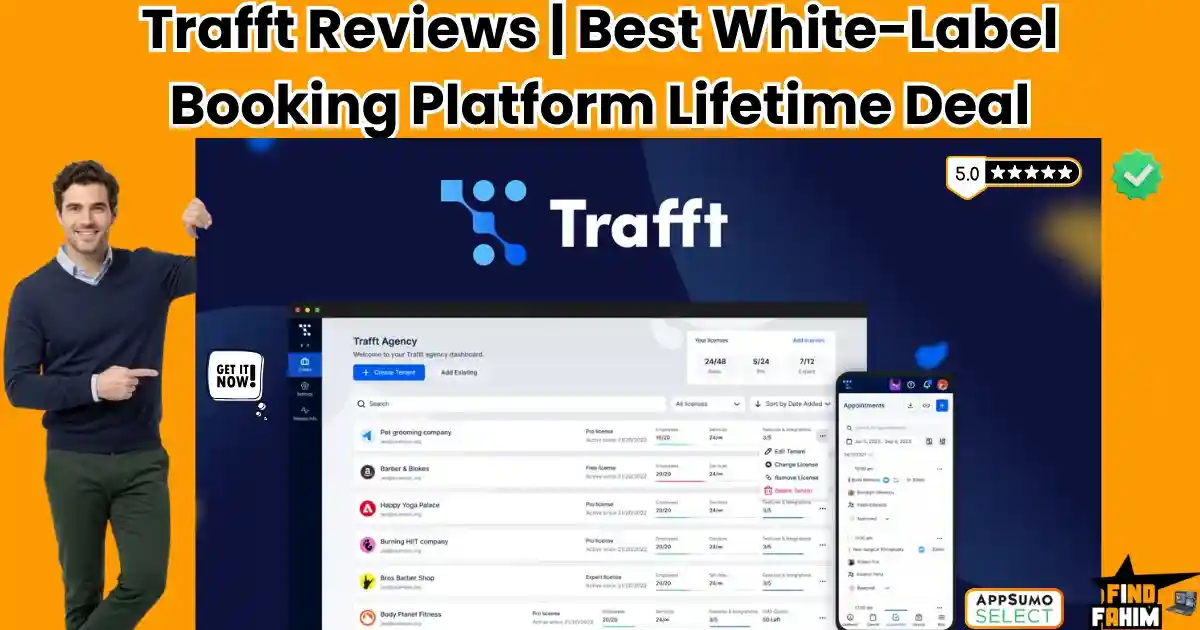
Trafft Reviews 2026 | Best White-Label Appointment Booking Platform For Agencies | AppSumo Lifetime Deal & Alternatives
We have all played the frustrating email ping-pong game trying to schedule a simple client meeting. Trafft is a premium appointment scheduling platform built specifically to eliminate that chaos, acting as a 24/7 digital receptionist for your service business. While solo freelancers can easily get away with sharing basic calendar links, growing teams face a much harsher reality. The moment you hire your first employee, open a second location, or need to process upfront Stripe deposits, basic tools break. You are forced into enterprise software, getting hit with a painful monthly seat tax for every staff member on your roster. Trafft ends this monthly bleed by offering an incredibly popular lifetime deal on AppSumo. Because this offer is highly sought-after for local businesses, it frequently sells out. In this review, I break down its white-label agency features, analyze the true cost of its SMS notifications, and help you decide if it is the right operational investment for your team. Transparency Note: I spend dozens of hours researching and analyzing SaaS tools so you don’t have to. If you grab this lifetime deal through my links, I may earn a small commission at zero extra cost to you. All verdicts are based on my independent research and market analysis. My Quick Take (TL;DR) If you run a client-facing brand like a salon, clinic, or marketing agency and you hate paying monthly fees per user, here is my direct summary of this software. What is it? An enterprise-grade booking and operations software. It allows clients to schedule appointments, pay for services, and receive automated reminders while you manage complex staff rosters. Why is it Special? The Team Capacity. Most booking tools charge per user. Trafft’s lifetime deal allows you to scale your employees for a single one-time price, completely removing the penalty for business growth. Who is it for? Hair salons, medical clinics, marketing agencies, consultants, and anyone who sells their time as a primary retail product. The Deal: Lifetime Access starting at $89 on AppSumo. My Verdict: With a proven track record and active developers, this is a top-tier operational asset. It is far more powerful than Calendly for teams. However, you must upgrade past Tier 1 if you want unlimited integrations. Click Here to Check Trafft Availability on AppSumo What is Trafft? The best way to describe this platform is as an operational command center for your local agency or clinic. When you use basic meeting tools, you are simply blocking off a time slot on a digital calendar. Trafft handles the actual operational logic of running a physical or digital company. It naturally understands complex scenarios. For example, it processes requests like, “I need a one-hour haircut with Sarah, but she is only available on Tuesdays at the downtown location.” It can handle, “I need to book a group yoga class with fifteen people, but only if Mike is the instructor.” Trafft processes all this logistics automatically in the background. It provides three core assets to run your business. First, it generates a beautiful, mobile-responsive booking website. Second, it gives you a backend admin dashboard to view your team’s roster, manage customer data, and track revenue. Third, it acts as an automation engine, sending email reminders, processing credit cards, and issuing PDF invoices without you lifting a finger. Quick Look: What’s Inside the Deal? Let’s break down the technical and financial value of replacing expensive monthly subscriptions with the Trafft lifetime package. Feature Replaces… The Real Value Normal Cost Deal Status Team Rosters Calendly Teams Auto-route clients to available staff ~$16/user/mo ✅ Included Paid Meetings Stripe Invoicing Charge deposits before the call starts ~$15/mo ✅ Included Agency Reselling Custom Build White-label the app for your clients High Cost ✅ Included (Tier 3+) Smart Syncing Double Bookings Reads Google Calendar busy times Essential ✅ Included Multi-Location Messy Spreadsheets Manage different physical addresses Premium Tier ✅ Included Total Value Legacy Subscriptions Fixed Operational Costs ~$400+/yr $89 (Lifetime) Why You Need More Than Just “Calendly” Calendly is a fantastic meeting utility. It is built strictly for B2B sales calls and quick Zoom chats. Trafft is a service delivery tool. It is built for businesses that actively sell their time as a retail product. Here is the fundamental difference in architecture. Calendly is great for booking a quick fifteen-minute software demo. It is terrible for booking a specialized haircut with an add-on deep conditioning treatment. Trafft excels at the latter. Trafft includes service extras, allowing you to trigger automated upsells during checkout. It features group bookings for classes, highly configurable discount coupons, and full tax support for international compliance. It treats your appointment like a product in a shopping cart. If you are running a real business with physical staff, you need a tool that natively understands revenue, taxes, and service add-ons, not just digital time blocks. Why Automated Scheduling is Trending in 2026 My market analysis shows automated scheduling platforms gaining massive traction because consumer expectations have fundamentally changed in 2026. Buyers demand immediate gratification. If a potential client finds your consulting agency at midnight and wants to book a strategy session, they will not wait until 9:00 AM the next morning to call your front desk. If they cannot book and pay online instantly, they will move to a competitor who offers a frictionless digital experience. Furthermore, labor costs are rising globally. Hiring a dedicated human receptionist to answer phones, chase down late payments, and text clients appointment reminders is a massive overhead expense. Trafft replaces those repetitive administrative tasks entirely, protecting your profit margins while providing your clients with the flawless, twenty-four-hour booking experience they expect. A Look Inside Trafft: Key Features This package is packed with specific operational features that usually require expensive enterprise add-ons on platforms like Mindbody or Acuity. Unlimited Employees & Generous Limits This is the single biggest financial value of the entire platform. Competitors actively punish you for growing your business by

Subpage Reviews 2026 | Best AI Lead Magnet Builder Creates Gated Content in Minutes | AppSumo Lifetime Deal & Alternatives
Building a lead magnet used to require a copywriter, a graphic designer, and a web developer. You would spend weeks writing an ebook, formatting it in a clunky PDF editor, and then fighting with complex landing page software just to set up a simple email capture form. By the time you finally hit publish, the market trend had already passed you by. Subpage is an AI-powered platform that eliminates this friction. It replaces the heavy landing page builders and outdated PDF generators with a fast, Notion-style editor designed specifically for creating and gating interactive lead magnets. You type your content, click a button to lock it, and start collecting emails immediately. Currently available as an AppSumo lifetime deal, Subpage promises to be the fastest way to turn your knowledge into an email list. In this detailed breakdown, I analyze the features, the recent change in company ownership, and whether this tool is actually worth your investment. Transparency Note: I spend dozens of hours researching and analyzing SaaS tools so you don’t have to. If you grab this lifetime deal through my links, I may earn a small commission at zero extra cost to you. All verdicts are based on my independent research and market analysis. My Quick Take (TL;DR) If you want to build an email list without paying monthly fees for landing page software, here is the executive summary. What is it? A specialized platform for building interactive, Notion-style web pages that are “gated” behind an email capture form. Why is it Special? Speed and simplicity. The AI can generate a multi-tab lead magnet structure for you, and the built-in gating means you do not have to connect third-party form builders just to collect a lead. Who is it for? Content creators, solopreneurs, newsletter writers, and marketers who want to offer free value (guides, templates, resources) in exchange for contact information. The Deal: A lifetime deal starting at $69 for 1 Organization, unlimited lead magnets, and a custom subdomain linking. You can stack up to 5 codes for agency-level organization limits. My Verdict: If you are still sending people standard PDF files via Google Drive links, you need this. It makes your brand look highly professional and automatically captures leads. However, if you are looking for an SEO-optimized website builder to rank on Google, this is the wrong tool. Get the Subpage Lifetime Deal on AppSumo What is Subpage? Subpage is a hybrid of a document editor and a lead-generation funnel. Instead of building a heavy, multi-page website, Subpage allows you to create lightweight “Micro-Pages.” The interface looks and feels very similar to Notion. You can add text, embed videos, insert images, and organize information into clean layouts. The core function, however, is the Gating System. You can write a highly valuable guide, but set a rule that says: “The user can only read the first paragraph. To unlock the rest of the page, they must enter their email address.” Once they do, the content unlocks instantly, and their email is sent directly to your analytics dashboard or exported via Zapier to your CRM. Quick Look: What’s Inside the Deal? Let’s look at the financial and operational value of replacing your current lead generation stack with Subpage. Feature Replaces… The Advantage Normal Cost Deal Status Page Builder ClickFunnels / Leadpages No complex coding or heavy load times ~$40/mo Included Content Gating Custom Web Development Built-in email capture overlays High Cost Included AI Generation ChatGPT Copywriting Drafts are structured directly in the editor ~$20/mo Included Analytics Google Analytics Native tracking of views and conversions Essential Included Custom Branding Generic URLs Whitelabeling and custom subdomains Premium Upsell Included Total Value Traditional Funnel Stack Speed to Market ~$60+/mo $69 (Lifetime) Why You Need More Than Just “PDF Lead Magnets” For the last decade, the standard way to collect an email was offering a “Free Ebook.” You would design a PDF, upload it, and send a link. This method is dying. Mobile Friction: PDFs are terrible to read on mobile phones. Users have to pinch and zoom to read the text. Zero Analytics: Once a user downloads a PDF, you have no idea if they actually read it, what links they clicked, or where they lost interest. Outdated Content: If you find a typo in your PDF, you have to fix the source file, re-export it, re-upload it, and update the link. Subpage fixes this by making the lead magnet a live, interactive web page. It is perfectly mobile-responsive, tracks user engagement, and allows you to update the content in real-time without breaking any links. Why “Content-Led Lead Generation” is Trending in 2026 Market analysis shows a massive shift in how creators build audiences. Algorithms on major social platforms are actively suppressing links that take users off their sites. Relying entirely on social media followers means you are building your business on rented land. The trend for 2026 is moving toward Audience Ownership. Creators are aggressively pushing to convert their social media followers into email subscribers. To do this effectively, you need high-value, easily accessible lead magnets. Tools that reduce the friction of creating these assets are becoming essential infrastructure for digital businesses. A Look Inside Subpage: Key Features This platform strips away the bloated features of traditional website builders and focuses entirely on conversion. 1. The Notion-Style Editor What it is: A block-based writing interface. Why it matters: You do not need design skills. You just start typing. You can use slash commands to add headings, dividers, and multimedia. It ensures the final product always looks clean, minimalist, and highly readable. 2. Subpage AI Integration What it is: An artificial intelligence assistant built directly into the page editor. Why it matters: If you suffer from blank-page syndrome, you can ask the AI to generate a multi-tab lead magnet structure based on a simple prompt. It gives you the skeleton of your guide, which you can then customize and expand. 3. Centralized

Vitepos Reviews 2026 | Best WooCommerce POS Plugin Turns Ecommerce into Local Store | Lifetime Deal & Alternatives
Managing a physical retail store alongside an e-commerce website is exhausting. Vitepos fixes the exact inventory nightmares that retail business owners face daily. When you run WooCommerce, selling online is straightforward. But opening a physical storefront doubles your complexity. If a customer buys your last physical t-shirt, but your database doesn’t update instantly, an online shopper might buy that exact out-of-stock item minutes later. You are forced to issue a refund and damage your reputation. Instead of buying expensive third-party Point of Sale (POS) software that relies on fragile API webhooks, what if your physical cash register lived directly inside your website? Boasting an exceptional 4.9-star rating on AppSumo, Vitepos transforms your WooCommerce database into a lightning-fast physical cash register. You pay a single flat fee to own your checkout infrastructure forever. In this Vitepos review, I break down its offline caching, hardware compatibility, and industry alternatives. Note: This article contains affiliate links. If you buy through them, I may earn a commission, but all opinions are based on my independent research. My Quick Take (TL;DR) Tired of paying monthly fees for retail software that fails to sync? Here is my summary of this AppSumo offer. What is it? A native WordPress plugin converting your WooCommerce backend into a physical Point of Sale (POS) cash register. Why is it Special? Single Codebase Inventory. Living inside WordPress means zero API syncing delay. It also fully supports WooCommerce HPOS (High-Performance Order Storage). Who is it for? Brick-and-mortar retailers, restaurants, pop-up vendors, and hybrid entrepreneurs. The Deal: Lifetime Access starting at $119 on AppSumo. My Verdict: An incredibly profitable asset for retailers. The offline mode is a brilliant safety net. However, you must ensure your underlying WordPress hosting is highly optimized, as the POS relies entirely on your server speed. Click Here to Get the Vitepos Lifetime Deal on AppSumo What is Vitepos? (Your Local WooCommerce Bridge) Think of this platform as a specialized cash register screen built explicitly for WordPress. Standard WooCommerce dashboards are slow, clunky, and built for administrators. You cannot put a long checkout line in front of that default screen. Vitepos solves this UI problem. When cashiers log in, they see a highly optimized retail grid with large product photos, barcode scanning, and quick-tap payment buttons. Manage multiple retail operations from one single database: Grocery & Retail Shops: Scan barcodes, calculate taxes, and print physical receipts. Restaurants: Manage table layouts, route orders to kitchen display screens, and handle waiters. Pop-Up Stores: Run the system on an iPad via a cellular hotspot to process Stripe terminal payments locally. You get an enterprise-grade retail interface while retaining total ownership of your data. Quick Look: SaaS POS vs Lifetime Alternatives If you are currently paying a high monthly fee for a premium retail cash register system, look at this mathematical breakdown of what Vitepos replaces in your business overhead. Feature Replaces… The Real Value Normal Cost Deal Status Physical POS Square / Vend Run a fast physical checkout ~$80/mo ✅ Included Inventory Sync Paid API Connectors Zero out-of-stock errors ~$50/mo ✅ Included Multi-Outlet Expensive Upgrades Manage different city stores ~$40/mo ✅ Included Restaurant Tools Dedicated Food POS Send tickets to the kitchen ~$100/mo ✅ Included Custom Invoices Receipt Software Print branded physical receipts Extra Cost ✅ Included Total Value Your Retail Stack Zero Renewal Fees ~$3,240+/yr $119 (Lifetime) Why Standard Retail POS Systems Are Failing WooCommerce Owners You might be thinking, “I already use a free card reader from my bank. Why do I need specialized POS software?” Because disconnected retail systems create a massive administrative tax on your time. If you use a generic card terminal that is disconnected from your website, you are operating two different businesses simultaneously. At the end of every business day, you have to manually count the physical products you sold and manually type the updated stock quantities into WordPress. If an employee forgets, your website continues selling products that no longer exist on your physical shelves. Third-party syncing tools (like Zapier) attempt to bridge this gap, but they rely on scheduled API calls. If the API rate limits max out during a busy Black Friday sale, the sync fails. Vitepos eliminates the bridge. The physical register is the website. Why “Unified Commerce” is Trending in 2026 I noticed this specific AppSumo deal trending because the retail industry is currently shifting heavily toward “Unified Commerce.” Consumers in 2026 expect a highly fluid shopping experience. They want to buy a pair of shoes on your website, but they want the option to return those exact shoes in person at your physical store location. They want to earn loyalty points online and redeem them at your physical cash register. If you are running two separate software systems, handling an online return in a physical store is an accounting nightmare requiring manual payment refunds and manual database restocking. Vitepos allows your cashiers to pull up an online order directly on their physical register and process a return instantly with a single tap. This unified approach drastically improves customer satisfaction. A Look Inside Vitepos: Key Features This is a highly complex retail infrastructure packaged into a lightweight plugin. Here are the core features you are installing on your server. 1. Offline Mode Operations This is arguably the most critical feature for any physical retailer. If your internet connection drops, standard cloud POS systems freeze entirely. You cannot process cash sales, and a line of angry customers forms. Vitepos utilizes browser caching (IndexedDB). If your Wi-Fi drops, the POS remains fully functional. You can continue scanning items and accepting cash payments. The system saves the transaction data locally on the iPad or computer. The exact moment your internet connection is restored, the system automatically pushes all the saved sales data up to your WooCommerce database. 2. Multi-Outlet and Counter Management If you own three different retail locations across the city, you do not need three separate websites. Vitepos allows you

Viloud Reviews 2026 | Best Online TV Channel Creator Tool | AppSumo Lifetime Deal & Alternatives
Keeping your audience’s attention is a massive challenge today. Viloud solves this by letting you build a custom, private television network. When you embed a standard public video on your website, you are making a highly dangerous trade. You receive free hosting, but the second your video ends, the public algorithm immediately recommends five videos from your direct competitors. This pulls the viewer away from your site entirely. Content creators, educators, and independent brands are realizing that relying on third-party public platforms destroys viewer retention. You spend hours creating high-quality video content, only to lose your audience to an algorithmic distraction. Instead of acting like a static video folder, Viloud allows you to create continuous linear TV channels, live streams, and on-demand playlists without writing a single line of code. Instead of paying hundreds of dollars a month for enterprise OTT (Over-The-Top) software, they are offering a highly rare lifetime deal on AppSumo. You pay a single flat fee to host and stream your own broadcast network. But with specific monthly limits on storage and streaming bandwidth across its stacking tiers, is this software capable of running a heavy video business? In this comprehensive Viloud review, I break down the physical streaming limits, analyze the ad monetization potential, and compare it directly to the top names in the video hosting industry. Note: This article contains affiliate links. If you buy through them, I may earn a commission, but all opinions are based on my independent research and analysis of the software. My Quick Take (TL;DR) If you are tired of losing your audience to external algorithms and want to own your video distribution, here is my direct summary of this AppSumo offer. What is it? A cloud-based platform that lets you create linear (24/7 continuous), on-demand, and FAST (Free Ad-supported Streaming TV) channels. Why is it Special? OTT Distribution. It generates an M3U8 link, meaning you can send your live TV channel directly into third-party apps like Roku, Apple TV, or Pluto TV. Who is it for? Content Creators, Videographers, E-learning Platforms, and Digital Marketing Agencies. The Deal: Lifetime Access starting at $99 on AppSumo. My Verdict: It is an incredibly profitable investment for creators with existing video libraries. However, heavy users will absolutely need to use an external CDN to host their video files to avoid hitting the native monthly storage caps. Click Here to Get the Viloud Lifetime Deal on AppSumo What is Viloud? (Your Cloud-Based TV Network) The easiest way to understand this platform is to think of it as a broadcast control room that lives entirely in your web browser. When you upload videos to standard hosting sites, they sit there waiting for someone to click “Play.” Viloud changes that dynamic by introducing traditional television mechanics to the digital world. Founded in Alicante, Spain, the platform was built specifically to manage continuous video streams efficiently. It allows you to create three distinct types of viewing experiences: Linear TV Channels: This operates exactly like traditional cable television. You drag and drop pre-recorded videos into a schedule. Every single person who visits your website sees the exact same video playing at the exact same time. On-Demand Channels: This operates like Netflix. You create a customized, branded video player where viewers can browse a playlist, skip forward, or jump back. FAST Channels: This stands for “Free Ad-supported Streaming TV.” It allows you to insert commercial breaks into your broadcast, connecting directly with major ad networks to generate revenue from your viewership. You receive a white-labeled video player that you can embed on your own domain, entirely eliminating the distractions of public video platforms. Quick Look: Subscription vs Lifetime Alternatives If you are currently paying a high monthly fee for a premium video hosting or OTT service, look at this mathematical breakdown of what Viloud replaces. Feature Replaces… The Real Value Normal Cost Deal Status Linear 24/7 Streaming Dedicated Servers Keep viewers engaged longer ~$100/mo ✅ Included White-Label Player Vimeo Premium No third-party logos ~$65/mo ✅ Included Ad Monetization (VAST) Custom Ad Tech Get paid for commercial breaks Custom ✅ Included M3U8 / OTT Links Enterprise Encoders Broadcast to Roku/Apple TV ~$150/mo ✅ Included Custom Domain (CNAME) Clunky Embeds tv.yourdomain.com Extra Cost ✅ Included Total Value Your Video Stack Zero Renewal Fees ~$3,700+/yr $99 (Lifetime) Why Standard Video Hosting is Failing Creators You might be thinking, “I already host my videos for free and embed them on my WordPress site. Why pay for a video player?” Because free hosting comes with a hidden financial cost: traffic leakage. Public platforms are specifically designed to keep people on their domain, not yours. When a user pauses your embedded video, a grid of “More Videos” pops up. If they click one, they leave your sales page and enter the public algorithm, likely never returning to buy your product or read your content. Furthermore, standard video embeds are passive. A user has to actively choose to click play. By using a linear TV channel strategy, the video is already playing the moment they land on the page. This “always-on” approach mimics the passive consumption habit of traditional television, drastically increasing the average time a visitor spends on your website. Why “FAST Channels” are Trending in 2026 I noticed this specific AppSumo deal trending because of the major updates the Viloud team recently pushed regarding FAST channels. The streaming industry is currently undergoing a massive shift. Consumers are exhausted by paying for ten different premium subscription services. As subscription fatigue sets in, audiences are flocking back to free, ad-supported television models—platforms like Pluto TV, Tubi, and The Roku Channel. Viloud allows independent creators to capitalize on this exact trend. They recently added SCTE-35 ad markers and EPG (Electronic Program Guide) delivery. You can package your video content into a professional, 24/7 channel and syndicate it directly to these massive FAST platforms. The SCTE-35 markers tell the platform exactly when to trigger a local
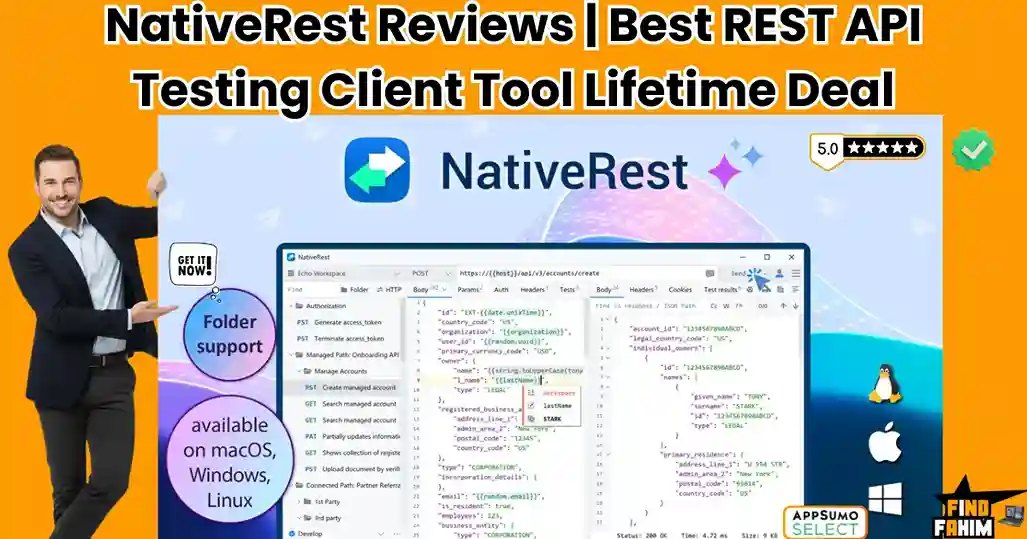
NativeRest Reviews 2026 | Best Lightweight REST API Client for Windows, macOS & Linux | AppSumo Lifetime Deal & Alternatives
If you have spent any time building or debugging software recently, you know the frustration of opening your API testing tool, only to watch it consume a massive chunk of your RAM before you even send your first GET request. The industry-standard tools have become bloated. They force you to create cloud accounts, they push mandatory updates, and they sync your sensitive API keys to corporate servers. For developers working on secure client projects, enterprise intranets, or air-gapped systems, this forced “cloud-first” approach is a massive security risk. NativeRest is the aggressive rebellion against this bloated software trend. Built as a 100% native desktop application for Windows, macOS, and Linux, NativeRest strips away the web-wrapper bloat. It is a high-performance, offline-first REST API client that starts instantly, uses barely any CPU, and keeps all your workspace data strictly local. Currently offering an AppSumo lifetime deal starting at just $19, NativeRest is positioning itself as the ultimate lightweight alternative for privacy-conscious developers. In this comprehensive review, I analyze its architecture, evaluate its local file system capabilities, compare it against the biggest names in the industry, and determine if this tool has the firepower to replace your current API stack. Transparency Note: I spend dozens of hours researching and analyzing SaaS tools so you don’t have to. If you grab this lifetime deal through my links, I may earn a small commission at zero extra cost to you. All verdicts are based on my independent research and market analysis. My Quick Take (TL;DR) If you are tired of your API client lagging, demanding logins, and eating up your computer’s memory, here is the executive summary. What is it? A blazingly fast, cross-platform REST API client built entirely with native code (no Electron) for creating, debugging, and testing APIs. Why is it Special? Offline-First Data Sovereignty. You do not need an account or an internet connection to use it. Your collections, environments, and bearer tokens stay entirely on your local hard drive. Who is it for? Backend developers, QA engineers, freelance coders, and cybersecurity professionals who demand high performance and strict data privacy. The Deal: A $19 Lifetime Deal on AppSumo (normally $199). Tier 1 gives you unlimited local workspaces. Stacking codes unlocks cloud sync, team collaboration, and unlimited devices. My Verdict: At $19, this is an absolute steal. The native performance alone saves daily frustration, and the additions of local file system reading and OS environment variables make it a powerhouse for dynamic testing. Get the NativeRest Lifetime Deal on AppSumo What is NativeRest? At its core, NativeRest is a desktop software application used to send HTTP requests to web servers and analyze the responses. For years, Postman and Insomnia have dominated this space. However, those tools are built using Electron—a framework that essentially runs a Chromium web browser inside a desktop window. This makes them incredibly resource-heavy. NativeRest is written in native code. It interfaces directly with your operating system. This architectural difference means it launches in milliseconds, consumes a fraction of the system memory, and responds to your clicks instantly without the micro-stutters associated with web-based desktop apps. It includes environment variables, one-line assertions for testing, code snippet generation in 15+ languages, and a built-in proxy server for advanced debugging. Quick Look: What’s Inside the Deal? Let’s break down the technical and financial value of replacing your current subscription-based API client with NativeRest’s lifetime offer. Feature Replaces… The “Killer” Value Normal Cost Deal Status Native Architecture Electron Apps Near-zero RAM usage and instant startup Priceless ✅ Included Offline-First Storage Forced Cloud Sync 100% data privacy for sensitive API keys Premium Tier ✅ Included Cloud Sync & Teams Insomnia Sync Seamless collaboration across devices ~$12/mo ✅ Included (Tier 2+) Portable Version Installed Software Run directly from a USB drive N/A ✅ Included One-Line Assertions Complex JS Testing Validate response bodies instantly Time Saver ✅ Included Total Value Enterprise API Clients Speed & Security ~$150+/yr $19 (Lifetime) Why You Need More Than Just “Postman” If you learned to code anytime in the last ten years, you likely learned how to test APIs using Postman. But things have changed radically, and the old methods are no longer serving developers well. The “Forced Cloud” Backlash Recently, major API clients made a controversial pivot: they started deprecating offline “Scratch Pads” and forcing users to log into cloud accounts to save their collections. For independent developers, this is annoying. For enterprise developers handling strict NDAs, healthcare data, or banking APIs, this is a massive security violation. You cannot legally sync a production database API key to a third-party server you do not control. The Electron Bloat Modern development machines are powerful, but developers run heavy stacks. When you open an Electron-based API client, it spins up multiple background processes, immediately eating 500MB to 1GB of RAM. If you leave it open for days, memory leaks cause your entire system to lag. NativeRest solves the bloated memory crisis entirely by acting as a lightweight utility tool. Why “Local-First Development” is Trending in 2026 My market analysis shows NativeRest gaining massive traction because it aligns perfectly with the biggest software engineering trend of 2026: The Return to Local-First. For the last half-decade, the industry was obsessed with pushing everything to the cloud. But in 2026, the pendulum is swinging back. Cloud bills have become astronomically expensive, and internet outages halt team productivity completely. Developers are demanding tools that work perfectly offline. They want to spin up a local server, test it with a local API client, and commit the code without ever needing an internet connection. NativeRest champions this methodology. A Look Inside NativeRest: Key Features This platform strips away the bloat but retains the raw technical power required for complex API orchestration. 1. Granular Variable Scoping and Generation Hardcoding values in your API requests is a terrible practice. NativeRest allows you to use System, Global, Workspace, and Environment variables. You can define a variable

HeySummit Reviews 2026 | Best Virtual Event Platform to Monetize Summits & Webinars | AppSumo Lifetime Deal & Alternatives
I remember trying to host my first virtual summit. I had a spreadsheet for speakers, a WordPress page for tickets, a Mailchimp account for reminders, and a Zoom link that I prayed wouldn’t crash. It was a “Frankenstein” monster of tools, and I spent more time acting as an IT support tech than an event host. HeySummit is the platform built to replace that chaos. Founded in 2019 by Benjamin Dell after his own frustrations with stitching together digital agency tools, HeySummit acts as an “Event Operating System.” It wraps around your existing video tools (like Zoom or YouTube Live) to handle the complex logistics—ticketing, speaker management, landing pages, and affiliate marketing—automatically. In this deep-dive HeySummit review, I am evaluating this “event-in-a-box” platform to see if it remains the ultimate authority-building tool for creators and marketers in 2026. We will look at its unique wrapper strategy, analyze the ROI of its lifetime deal pricing, and compare it against industry giants like Hopin and Eventbrite. Transparency Note: I spend dozens of hours researching and analyzing SaaS tools so you don’t have to. If you grab this lifetime deal through my links, I may earn a small commission at zero extra cost to you. This helps keep FindFahim free of annoying display ads. All verdicts are based on my independent research and market analysis. My Quick Take (TL;DR) If you are a coach, course creator, or community leader, you know that hosting a summit is the fastest way to build an email list. If the logistics terrify you, here is the executive summary. What is it? An all-in-one virtual event management platform that handles landing pages, speaker onboarding, ticketing, and affiliate marketing for summits, webinars, and conferences. Why is it Special? The Wrapper Strategy. It does not host the video. It integrates with Zoom, BigMarker, and YouTube Live to turn a basic video stream into a professional, ticketed “Event” with multiple tracks and speakers. Who is it for? Entrepreneurs, non-profits, and educators who want to host highly profitable virtual events without hiring a web development team. The Deal: A highly stackable lifetime deal starting at $79. The recent update unlocked “Advanced Ticketing” features across all AppSumo tiers. My Verdict: With a solid 4.5-star rating from 94 reviews, this is a 5-star value. It is the most cost-effective way to build a massive email list and look like a Fortune 500 brand while doing it. Stacking up to Tier 4 ($316) to lower transaction fees is the smartest business move. Click Here to Check HeySummit Availability on AppSumo What is HeySummit? To understand the value of this tool, you have to understand the “Authority Hack” of digital marketing. If you want to become a thought leader in your niche overnight, the proven strategy is to host a virtual summit. You interview 20 experts. You get them to promote the event to their audiences. You collect thousands of new email leads in a single weekend. It is a massive growth engine. But the execution is usually a nightmare. Trying to stitch together ClickFunnels, Zoom, Stripe, and ActiveCampaign ends in broken links and frustrated attendees. HeySummit is an “event-in-a-box.” It provides a pre-built, conversion-optimized website structure that handles everything from collecting speaker headshots to processing affiliate payouts. It removes the technical friction so you can focus entirely on the content. The “Wrapper” Strategy The best way to describe HeySummit is as a “Marketing Layer.” It does not host the video itself; it manages the entire experience around the video. You connect your favorite video tool—like Zoom Webinar, BigMarker, Vimeo Live, or even a free YouTube Live stream. HeySummit then wraps that video in a professional shell: Landing Pages: Automatically generates speaker bios, daily schedules, and high-converting ticket pages. Speaker Management: Gives each speaker a private dashboard to upload their details and grab their unique affiliate links. Financial Processing: Handles ticket sales, add-on purchases, and secure donations via Stripe or PayPal. Evergreen Replays: Turns your live weekend event into a permanent, paid digital asset. Quick Look: What’s Inside the Deal? Let’s break down the operational and financial value of replacing a fragmented software stack with HeySummit’s unified platform. Feature Replaces… The “Killer” Value Normal Cost Deal Status Speaker Dashboard Endless Email Chains Speakers upload their own bios & photos Time Saver ✅ Included Landing Page Builder ClickFunnels / WordPress Pre-built, conversion-tested event pages ~$97/mo ✅ Included Advanced Ticketing Eventbrite VIP tiers, scarcity limits, and add-ons High Fees ✅ Included Affiliate System Tapfiliate / Rewardful Built-in tracking for speaker referrals ~$89/mo ✅ Included Evergreen Engine Kajabi / Teachable Flip live recordings into a paid course ~$149/mo ✅ Included Total Value “Frankenstein” Stack Professional Polish **~$300+/mo** $79 (Lifetime) Why You Need More Than Just “Zoom Webinar” Zoom is a fantastic utility. It is great for the video call itself, but it is terrible at marketing and sales. If you send people a direct Zoom registration link, it looks corporate, dry, and boring. It doesn’t sell the value of the event. It doesn’t let you sell “VIP Upgrades” or “All-Access Passes.” It just captures a name and email. HeySummit turns that raw video utility into a scalable business. Viral Growth: It features a built-in viral referral system. When someone registers, they are prompted to share the event on social media to unlock bonuses or win prizes. Revenue Maximization: You can offer “Free Tickets” for the live broadcast, but heavily upsell “VIP Passes” for lifetime access to the recordings. This is the standard “summit monetization” model, handled natively. Delegated Admin: Instead of chasing 20 speakers for their headshots via messy email threads, you send them one link to their HeySummit portal. They do the data entry for you. Why This 4.5-Star Deal is an “AppSumo Legend.” HeySummit is a mature platform that has evolved significantly since its 2019 launch. The 4.5-star rating (across 94+ reviews) reflects a tool that has grown past its initial bugs into a highly stable powerhouse.

VanChat Reviews 2026 | Best AI Sales Chatbot for Shopify Stores | AppSumo Lifetime Deal & Alternatives
If you run a Shopify store, you already know the painful reality of expensive traffic and brutal conversion rates. VanChat is an AI-powered shopping assistant built exclusively for Shopify to fix this massive conversion leak by acting as a 24/7 digital salesperson. You spend thousands of dollars on ads to get people to your website, only to watch 98% of them bounce without buying a single item. Often, they do not leave because the product is bad. They leave because they have a specific question—”Does this shirt run small?” or “Will this ship to Canada by Friday?”—and there is no one there to answer it. In the past, you had two options. You could hire a 24/7 human support team, which destroys your profit margins, or you could install a basic chatbot that only knows how to point people to an FAQ page. VanChat changes the game by using OpenAI’s GPT-4o and Anthropic’s Claude 3. It automatically reads your entire product catalog, your return policies, and your sizing charts without any manual coding. When a customer asks a complex question, it does not just give a generic answer. It recommends specific products, calculates discounts, and proactively pushes the shopper toward the checkout page. Currently running a highly sought-after lifetime deal on AppSumo starting at $59, VanChat promises to turn your silent storefront into an active sales engine. In this review, I am going to analyze its AI training capabilities, test its proactive sales features, compare it against legacy support tools like Intercom and Zendesk, and determine if this AI agent can actually increase your Shopify revenue. Transparency Note: I spend dozens of hours researching and analyzing SaaS tools so you do not have to. If you grab this lifetime deal through my links, I may earn a small commission at zero extra cost to you. All verdicts are based on my independent research and market analysis. My Quick Take (TL;DR) If you are tired of losing Shopify sales because you cannot answer customer questions at 2:00 AM, here is the executive summary of VanChat. What is it? An AI-powered chatbot and virtual salesperson built exclusively for Shopify stores, utilizing GPT-4o and Claude 3 to answer complex pre-purchase and post-purchase questions. Why is it Special? Zero-Friction Training. You do not need to write hundreds of conversational flows manually. VanChat automatically crawls your Shopify site, reads your product specs, and instantly knows how to sell your inventory. Who is it for? E-commerce founders, Shopify dropshippers, and direct-to-consumer brands who want to increase their average order value without hiring a 24/7 support team. The Deal: A $59 Lifetime Deal on AppSumo (normally $390). Tier 1 gives you 300 GPT replies per month. To remove the VanChat branding and handle high volume, you will need Tier 3 ($299). My Verdict: If you generate consistent traffic to a Shopify store, this tool pays for itself the first time it saves an abandoned cart. The ability to automatically recommend complementary products based on natural language questions is a significant upgrade over traditional ticketing systems. Click Here to Get the VanChat Lifetime Deal on AppSumo What is VanChat? To understand VanChat, you have to realize that the definition of a “chatbot” changed radically in 2023. Legacy chatbots (like the early versions of Zendesk or Intercom bots) were just interactive FAQ menus. A customer would click the chat icon, and the bot would give them three buttons: “Track Order,” “Return Policy,” or “Talk to Human.” If the customer typed a custom question like, “I am going to a summer wedding and need a blue dress under $100, what do you have?” the old bot would completely break down. VanChat is an Intent-Driven AI Agent. Because it is powered by Large Language Models like GPT-4o, it understands the intent behind the customer’s question. When asked about that blue dress, VanChat will instantly scan your Shopify inventory, find three blue dresses under $100, and reply with: “We have some beautiful options for a summer wedding! The Azure Wrap Dress is currently $89. Would you like me to check if we have your size in stock?” It does not just answer support tickets; it actively participates in the sales process. Quick Look: What’s Inside the Deal? Let’s break down the financial and operational value of replacing your current customer service stack with VanChat’s lifetime offer. Feature Replaces… The “Killer” Value Normal Cost Deal Status GPT-4o Integration Standard Chatbots Understands complex, multi-part questions High API Cost Included Auto-Product Sync Manual Data Entry The bot learns your inventory automatically Time Saver Included Proactive Pop-ups Exit-Intent Apps Pushes discounts when items are in the cart ~$20/mo Included AI Order Tracking Third-Party Trackers Answers “Where is my order?” instantly Premium Tier Included Human Handover Zendesk/Intercom Seamless switch to WhatsApp or Instagram ~$50+/mo Included Why You Need More Than Just “Intercom” If you are running a Shopify store, you might already have a basic chat widget installed. But relying on traditional support software in 2026 is leaving money on the table. The Problem with Human Bottlenecks Traditional chat tools are designed to facilitate human-to-human conversation. But if you are a solopreneur or a small team, you cannot be at your computer 24 hours a day. When a customer in Europe asks a question while you are asleep in the US, they are not going to wait 6 hours for an email reply. They will simply close the tab and buy from Amazon. The Revenue vs. Support Shift Old tools view chat as a “Support Expense.” Their goal is to close tickets as fast as possible. VanChat views chat as a “Revenue Generator.” Its primary programming is to assist the user in making a purchase decision by highlighting features, comparing specs, and offering timely discounts. Why “AI Commerce Agents” Are Trending in 2026 I noticed VanChat gaining massive traction in the AppSumo community because it perfectly aligns with the biggest shift in e-commerce: Conversational Commerce.

RARHost Reviews 2026 | Best High-Performance Web Hosting with NVMe SSD | AppSumo Lifetime Deal & Alternatives
If your website takes longer than 3 seconds to load, your conversion rate instantly drops by 25%. You are losing money every single day, and the culprit is usually sitting right under your nose: your web hosting. Most entrepreneurs start their journey by purchasing cheap shared hosting from massive corporations. It looks affordable in year one, but then year two arrives, and your renewal bill mysteriously triples. You are trapped paying high monthly fees for slow, outdated servers running on spinning hard drives. RARHost is attempting to break this cycle entirely. Available right now on Dealify, RARHost is offering a highly unconventional Lifetime Web Hosting package. Instead of paying monthly or yearly, you pay a single flat fee to host your websites forever. Powered by ultra-fast NVMe SSD storage and LiteSpeed web servers, it promises top-tier performance without the recurring tax. They even offer Lifetime Reseller plans, allowing agencies to host client sites and keep 100% of the profit. But with a mixed bag of early user reviews—and some highly specific server limits hidden in the fine print—is this hosting reliable enough for your business? In this highly technical RARHost review, I break down the exact server specifications to tell you exactly what this host can (and cannot) handle. Note: This article contains affiliate links. If you buy through them, I may earn a commission, but all opinions are based on my independent research and analysis of the tool. My Quick Take (TL;DR) If you are tired of getting price-gouged on hosting renewals, here is my honest summary of this Dealify offer. What is it? A lifetime shared and reseller web hosting service utilizing cPanel, LiteSpeed servers, and NVMe SSDs. Why is it Special? No Recurring Fees. You get industry-standard tools (cPanel, Softaculous, SSL) for a one-time payment. The inclusion of WHM (Web Host Manager) on the Reseller tiers is exceptionally rare for lifetime deals. Who is it for? Freelancers, Small Agencies, Bloggers, and Web Developers need staging environments. The Deal: Lifetime Access starting at $59 on Dealify. My Verdict: It is a highly profitable investment for low-to-medium traffic websites, personal blogs, and agency staging sites. However, strict physical resource limits (50MB/s I/O) mean you should avoid putting massive, high-traffic WooCommerce stores on this specific plan. Get the RARHost Lifetime Deal on Dealify What is RARHost? The easiest way to understand this platform is to think of it as a traditional cPanel host optimized for speed. When you buy hosting from older companies, they often pack thousands of users onto a single server using cheap SATA hard drives and older Apache web server software. This makes your WordPress backend feel sluggish. RARHost modernizes the shared hosting model by upgrading the physical hardware and the software stack. Hardware: They use NVMe SSDs (Non-Volatile Memory Express). These drives read and write data significantly faster than standard SSDs. Software: They use LiteSpeed Web Server, which natively outperforms Apache, especially when paired with their built-in LSCache (LiteSpeed Cache) plugin for WordPress. You get the familiar, easy-to-use cPanel interface, but the engine running underneath is built for modern WordPress performance. Quick Look: What’s Inside the Deal? If you are currently paying a yearly bill to a mainstream hosting provider, look at this mathematical breakdown of what RARHost replaces. Feature Replaces… The Real Value Normal Cost Deal Status Unlimited Websites Basic Shared Plans Host your entire portfolio ~$120/yr ✅ Included cPanel Interface Custom/Clunky Panels Industry-standard management ~$15/mo ✅ Included LiteSpeed Caching Paid WP Plugins (WP Rocket) Instant page load speed ~$59/yr ✅ Included WHM Reseller Expensive Agency Hosting Host clients for profit ~$400/yr ✅ Tiers 4-6 Email Hosting Google Workspace (Basic) Create @yourdomain.com ~$72/yr ✅ Included Total Value Your Hosting Stack Zero Renewal Fees ~$600+/yr $59 (Lifetime) Why You Need More Than Just “Cheap First-Year Hosting” You might be thinking, “I can just buy hosting for $2.95 a month. Why spend $59 upfront?” Because that $2.95 price tag is a trap. The hosting industry is notorious for “Introductory Pricing.” You sign up for three years at a massive discount. You build your site, set up your emails, and get comfortable. When year four arrives, that $2.95/month silently converts into $14.99/month. You are now paying $180 a year for the same server. Most people refuse to move because migrating a website and email inboxes is a massive headache. You become a hostage to your hosting provider. RARHost eliminates this hostage situation. Why “Lifetime Reseller Hosting” is Trending in 2026 I noticed this specific Dealify offer trending because of the inclusion of the Reseller Tiers. In 2026, web design agencies are moving away from handing clients over to third-party hosts. If you design a website for a local plumber, you should not tell them to “Go buy an account on HostGator.” You should host it for them and charge them a $50/month “Care Plan.” Lifetime Reseller Hosting is the ultimate agency arbitrage. You pay RARHost a single flat fee ($230 to $780). You get access to WHM to create individual cPanel accounts for your clients. You charge 10 clients $50 a month. You are now generating $500 a month in recurring revenue, and your server costs are permanently zero. A Look Inside RARHost: Key Features This is not a custom, experimental dashboard. It relies on proven, stable technology. 1. The NVMe SSD Architecture What it is: The physical storage drives inside the server. Why it matters: NVMe drives plug directly into the server’s motherboard, bypassing older bottlenecks. This means database queries (like searching a site or loading a WordPress admin dashboard) execute instantly. 2. cPanel Control Panel What it is: The world’s most popular web hosting management interface. Why it matters: You do not have to learn a new, confusing proprietary dashboard. If you need to create an email address, manage DNS records, or access your File Manager, the workflow is the same as it has been for the last decade. 3. One-Click Softaculous Installer What it

Grammarly Pro Reviews 2026 | Best AI Writing Assistant Tool | Subscription Pricing & Lifetime Alternatives
What is the actual financial cost of a simple typo in a proposal to a $10,000 client? It is not merely a grammatical error. It is an immediate loss of trust. It is a direct hit to your professionalism. It is often the exact reason you lose the contract to a competitor who presented a flawless document. Grammarly is the most widely adopted AI writing assistant on the market, relied upon by over 40 million people to catch those exact mistakes before anyone else sees them. But if you are an entrepreneur, a freelance copywriter, or a software deal-hunter, you probably have one major question occupying your mind: Is the highly sought-after Grammarly lifetime deal actually real? In this extensive breakdown, I analyze exactly what you receive with a Grammarly Pro subscription, investigate the “lifetime deal” rumors circulating on forums, and compare this software directly to high-value, one-time-payment alternatives available on AppSumo right now. Note: This article contains affiliate links. If you buy through them, I may earn a commission, but all opinions are based on my independent research and analysis of the software. My Quick Take (TL;DR) If you are a professional trying to decide if Grammarly Pro justifies the high monthly price, or a software deal-hunter looking to escape subscriptions entirely, here is the unfiltered truth. What is it? An AI-driven writing coach that corrects grammar, rewrites entire paragraphs for clarity, adjusts your tone, and checks for plagiarism. Is Grammarly Pro Worth It? Yes. For students, professional writers, and corporate teams, the $12/month annual plan is an excellent operational investment. The plagiarism checker alone protects your reputation. The “Lifetime Deal” Truth: It does NOT exist. Grammarly operates strictly as a subscription service. Anyone selling a “lifetime account” online is peddling a stolen or temporary credential. The Smart Alternative: If you refuse to pay recurring monthly fees, your best option is an AppSumo lifetime alternative like Pismo, which gives you highly capable editing power for a single, flat fee. Start Your Free Trial of Grammarly Pro Here What is Grammarly? (Your AI Writing Coach) The easiest way to understand this platform is to stop thinking of it as a basic spell-checker. Microsoft Word has had standard spell-check functionality since 1995. If you only need to know that “receive” is spelled with “e” before “i,” you do not need to pay for premium software. Grammarly functions as a comprehensive, AI-powered writing assistant that actively analyzes your text for multiple complex linguistic factors simultaneously: Correctness: It handles standard grammar, spelling, and advanced punctuation rules that native speakers frequently forget. Clarity: It identifies confusing, overly wordy, or passive sentences and rewrites them to be crisp, direct, and easy to read. Tone: It analyzes your specific vocabulary choices to tell you if your email sounds “confident,” “angry,” “formal,” or “friendly,” offering instant adjustments to match your intended emotion. Plagiarism: It scans billions of web pages and academic databases to verify your text is completely original, protecting you from copyright issues. Generation: Using generative AI, it can draft emails, brainstorm ideas, and write paragraphs from scratch based on a short prompt you provide. It acts as an omnipresent safety net that functions exactly where you type. It works as a desktop app for Mac and Windows, a browser extension for Chrome and Safari, a mobile keyboard for iOS and Android, and integrates directly inside Google Docs. Quick Look: Subscription vs Lifetime Alternatives If you are trying to decide between paying for Grammarly Pro or buying a lifetime alternative on AppSumo, look at this mathematical breakdown of the core features. Feature The Real Value Grammarly Pro (Sub) Pismo (Lifetime Alt) Pricing Structure Cash flow reality $144/year (Recurring) $59 (One-Time) Plagiarism Checker Reputation protection ✅ Best-in-Class ❌ Not Included Sentence Rewrites Cures writer’s block ✅ Yes (Browser/App) ✅ Yes (System-Wide) Tone Adjustments Professional communication ✅ Yes ✅ Yes Workflow Format How you use it Browser / Keyboard Native Desktop Hotkey Best For… The final verdict Students & Agencies Bootstrapped Founders Why You Need More Than a Basic Spell-Checker You might be thinking, “My email client already puts a red line under misspelled words. Why do I need to pay for advanced editing?” The problem with basic spell-checkers is that they lack context. You can write a sentence that is grammatically perfect but completely incomprehensible to the reader. You can write an email to your boss that has zero spelling errors but sounds highly aggressive and unprofessional. Basic tools are reactive; they only fix what is broken. Advanced writing assistants are proactive; they improve what is already there. When you are writing a landing page designed to convert visitors into paying customers, “good enough” grammar will not win the sale. You need persuasive, clear, and confident copy. An AI writing coach ensures your sentences flow logically and maintain the reader’s attention, which directly impacts your business revenue. Why Advanced AI Editing is Trending in 2026 I noticed this specific category of software gaining massive traction because the internet is currently flooding with low-quality, AI-generated content. In 2026, search engines and human readers are highly sensitive to robotic, repetitive text. If you use basic generative AI to write your blog posts or emails, people can tell instantly. The trend has shifted away from “letting AI write everything” toward “using AI to perfect human writing.” Professionals are realizing that authenticity wins. You write the raw, human thoughts, and you use an advanced editor to polish the grammar, tighten the phrasing, and ensure the tone sounds natural. This hybrid approach is exactly what search algorithms demand, making high-end editing tools more valuable than standard text generators. A Look Inside Grammarly Pro: Key Features If you decide the subscription route aligns with your business goals, here is a highly detailed look at the specific features you are actually paying for. 1. Full-Sentence Rewrites (Clarity) The free version of this software will highlight a long sentence and tell you it is
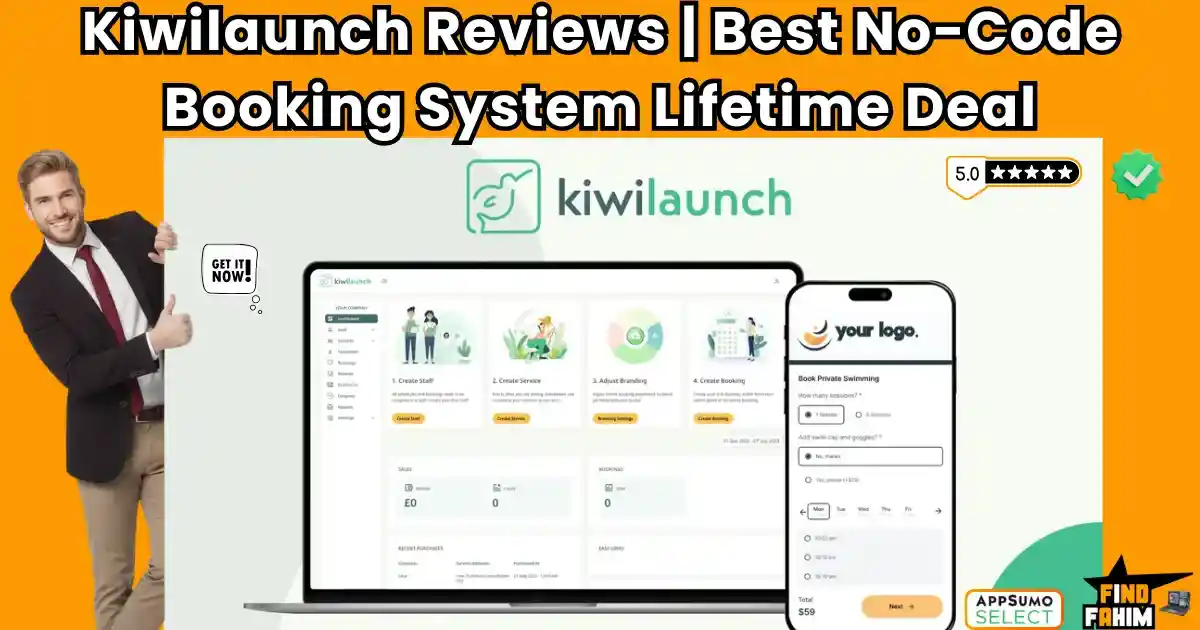
Kiwilaunch Reviews 2026 | Best No-Code Booking & Scheduling Solution | AppSumo Lifetime Deal & Alternatives
If you run a service-based business, the “When are you free?” email chain is actively destroying your conversion rates. Modern clients expect to see your schedule, pick a time, and pay instantly. Relying on an unbranded Calendly link or paying steep monthly fees for Acuity Scheduling just eats into your margins. Kiwilaunch is the “no-code” alternative that solves this exact problem without the recurring subscriptions. Instead of a sterile calendar grid, it provides a conversion-optimized, white-label “Booking Storefront” that embeds directly into your existing website. Whether you are selling a 1-on-1 consulting call, a 6-week yoga bootcamp, or a custom home cleaning service, it handles the intake and the checkout in one smooth motion. With a highly accessible $59 single-payment lifetime deal, Kiwilaunch is catching attention on AppSumo. But is this platform capable of running your entire back office, or is it just a basic calendar clone? In this Kiwilaunch review, I analyze its booking funnel, Stripe integrations, and embed widgets to determine if it can permanently replace your expensive monthly software. Note: This article contains affiliate links. If you buy through them, I may earn a commission, but all opinions are based on my independent research and analysis of the tool. My Quick Take (TL;DR) If you are a freelancer, course creator, or local service provider bleeding money on scheduling software subscriptions, here is my honest, unfiltered summary. What is it? A comprehensive, white-label online booking and scheduling system that embeds beautifully into any website via a simple widget. Why is it Special? Complex Service Support. Unlike basic calendar tools that only handle “1-hour time slots,” kiwilaunch handles recurring bootcamps, fixed-date courses, variable-location services, and package deals, all with integrated Stripe checkouts. Who is it for? Consultants, Tutors, Yoga Studios, Cleaning Companies, and Home Service Providers. The Deal: Lifetime Access for a single payment of $59 (Non-stackable). My Verdict: It is an absolute no-brainer for solo practitioners and small service businesses. The booking widget’s UI is incredibly clean and builds immense trust. While there is a small 1% transaction fee, eliminating a $300/year Acuity subscription makes this a highly profitable trade-off. Click Here to Get the Kiwilaunch Lifetime Deal. What is kiwilaunch? The best way to describe this platform is as “A conversion-optimized checkout funnel for your time and expertise.” Most scheduling tools approach booking from a calendar perspective. They want to organize your blocks of time. Kiwilaunch approaches booking from the perspective of an e-commerce storefront. It was built by founders who ran massive service marketplaces, and they realized that services (like coaching, plumbing, or fitness classes) are not commodities—they are narratives that need to be sold. When you use kiwilaunch, you aren’t just presenting a grid of dates. You are presenting a beautifully branded widget that showcases the name of your service, the details of what the client gets, the price, and a seamless checkout experience. It handles the entire lifecycle of a client interaction: Discovery: The client sees your customized widget on your WordPress, Wix, or custom site. Scheduling: They pick a time based on real-time availability synced with your Google Calendar. Commitment: They pay via Stripe (or select “Cash on Delivery”). Management: You manage the invoice, the client profile, and the calendar inside a powerful admin back-office. Quick Look: What’s Inside the Deal? If you are currently paying a monthly fee for scheduling and invoicing software, look at this mathematical breakdown of what Kiwilaunch replaces. Feature Replaces… The “Killer” Value Normal Cost Deal Status Booking Widgets Calendly Pro Native on-site branding ~$15/mo ✅ Included Complex Scheduling Acuity Scheduling Bootcamps & Packages ~$20/mo ✅ Included Payment Gateway Square Appointments Seamless Stripe checkout Varies ✅ Included Back-Office Admin HoneyBook (Basic) Invoices & CRM management ~$39/mo ✅ Included White Labeling Expensive Upgrades Removes “Powered By” tags $$$ ✅ Included Total Value Your Tech Stack Zero Monthly Overhead ~$800+/yr $59 (Lifetime) Why You Need More Than Just a “Calendar Link” You might be thinking, “I already have a free Calendly account. Why do I need to buy a booking system?” If you are just scheduling quick introductory coffee chats, a free calendar link is fine. But if you are actually selling services, a generic link actively hurts your business in three specific ways: It Causes “Context Whiplash.” Imagine a client is reading your beautifully designed website, convinced that you are the premium consultant they need. They click “Book Now” and are suddenly thrown onto a sterile, unbranded third-party website with a blue calendar grid. This jarring transition breaks trust and lowers conversion rates. kiwilaunch keeps them on your website with a native, custom-branded widget. It Fails at “Service Complexity.” Free calendar tools assume you just want to talk on Zoom for 45 minutes. What if you run a language institute and need to sell a 10-week Spanish course that only meets on Tuesdays? What if you are a mobile detailer who needs to ask the client for their car size and address before confirming? Basic tools cannot handle this logic. kiwilaunch is built specifically for these intricate, real-world service requirements. The “No-Show” Epidemic When people book a free time slot, they often don’t show up. kiwilaunch integrates directly with Stripe, allowing you to charge upfront or take a deposit securely within the booking flow. When people pay, they show up. Why “Native Service Scheduling” is Trending in 2026 I noticed this tool gaining massive traction because the solopreneur and freelance economies are maturing rapidly. 1. The Era of the “Micro-Agency.” We are seeing a massive rise in one-to-three-person businesses (freelance designers, boutique fitness instructors, specialized consultants). These businesses do not have the budget for a full-time receptionist or a $200/month enterprise CRM. They need an automated, silent “receptionist” that runs 24/7 on their website. kiwilaunch fills this void perfectly, acting as a fully automated intake desk. 2. The Demand for “White-Glove” Digital Experiences Consumers in 2026 have zero tolerance for clunky websites. If they have to click
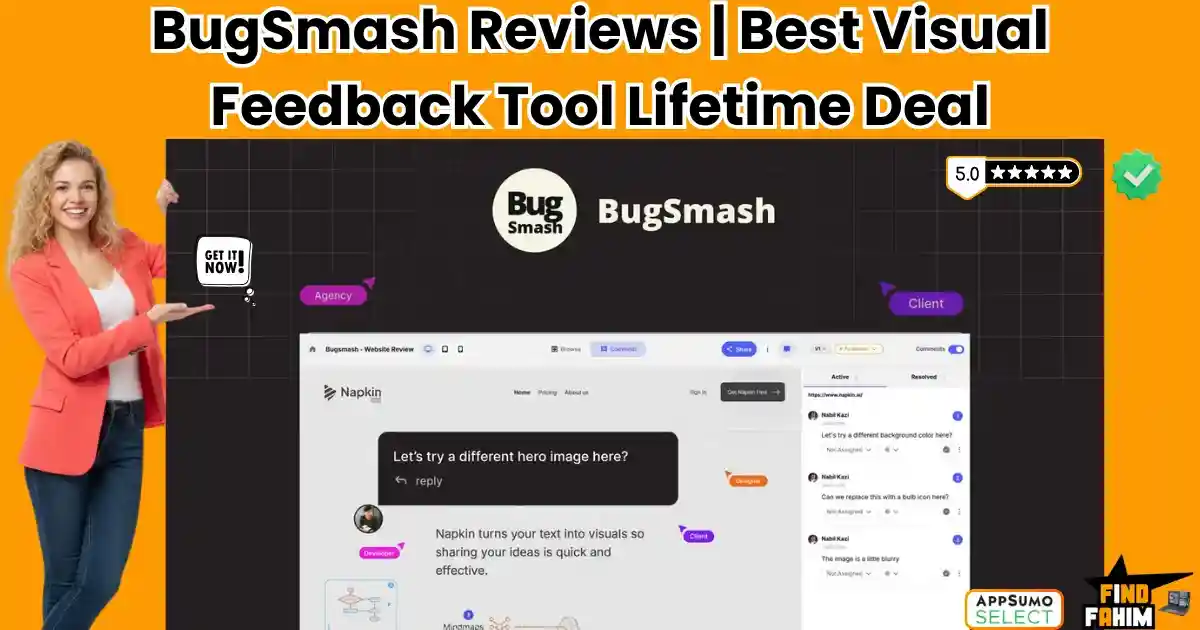
BugSmash Reviews 2026 | Best Visual Feedback & Annotation Tool | AppSumo Lifetime Deal & Alternatives
If you run a web design agency, a marketing firm, or manage digital products, you already know the most painful part of your job. It is not coding. It is not designed. It is Client Feedback. You send a beautiful, fully coded staging website to a client. Two days later, you receive a Google Doc with 47 bullet points. “Can you make the blue box slightly more to the left?” (Which box?) “The image on the homepage looks weird on my screen.” (What screen? What browser?) “Change the text in the middle section.” (Which text?) This creates a chaotic, endless loop of clarification emails, Zoom calls, and frustrated developers. Agencies lose thousands of dollars in unbillable hours simply trying to decipher what their clients actually want. BugSmash is the tool that permanently eliminates this chaos. It serves as a universal, visual feedback layer that sits directly on top of your live websites, PDFs, videos, and images. Instead of writing long emails, your clients simply point, click, and type their comments directly onto the screen. It works exactly like leaving a sticky note on a physical piece of paper, but for digital assets. With a near-perfect 4.9-star rating on AppSumo and a massive February 2026 update that introduced native Asana integration and multi-language support, BugSmash is positioning itself as the ultimate agency collaboration hub. But is this $79 lifetime deal robust enough to handle complex, dynamic websites, or is it just another clunky Chrome extension? In this comprehensive BugSmash review, I dive deep into its proxy-rendering engine and workflow integrations to see if it can truly replace expensive monthly subscriptions like Pastel or Atarim. My Quick Take (TL;DR) If you are tired of deciphering cryptic client feedback and managing endless revision cycles, here is my honest, unfiltered summary. What is it? A visual feedback and annotation platform for live websites, web apps, mobile interfaces, videos, PDFs, and images. Why is it Special? Zero Friction. Clients do not need to create an account, download a plugin, or install an app. You send them a link; they open it in their browser and start clicking and commenting immediately. Who is it for? Web Design Agencies, Marketing Teams, Video Editors, and Product Managers. The Deal: Lifetime Access starting at $79 (One-time payment). My Verdict: It is an absolute must-buy for service-based agencies. The ability to collect contextual feedback (with automatic screen resolution and browser data attached) saves hours of debugging. The Tier 3 unlimited plan is a rare asset you should secure before it moves to a monthly SaaS model. Click Here to Get the BugSmash Lifetime Deal What is BugSmash? The best way to describe this platform is as “A transparent, interactive sticky-note layer for the entire internet.” It is a centralized hub for managing creative approvals and quality assurance (QA). When you finish a digital project—whether that is a newly coded WordPress website, a 30-second promotional video, a UI/UX wireframe, or a 50-page PDF brochure—you need stakeholders to review it. Instead of sending them the raw file or a standard URL, you put that asset into BugSmash. BugSmash generates a unique, secure sharing link. When the client opens that link, they see your work exactly as intended, but with a floating toolbar. If they see a typo, they click on the typo and type: “Change this to ‘Our Services’.” If they don’t like a video transition, they pause the video at 0:14 seconds, click the screen, and type: “Make this fade slower.” BugSmash takes that comment, attaches the exact coordinates of where they clicked, captures their browser information, OS, and screen size, and sends it directly into your project management tool (like ClickUp, Jira, or Slack). It turns vague opinions into precise, actionable, developer-ready tasks. Quick Look: What’s Inside the Deal? If you are currently paying monthly for a fragmented tech stack to handle QA and approvals, look at this financial comparison. Feature Replaces… The “Killer” Value Normal Cost Deal Status Website Annotation Pastel / Atarim Click-to-comment on live sites ~$50/mo ✅ Included Video & Audio Review Frame.io Frame-accurate timestamps ~$25/mo ✅ Included PDF & Image Proofing Adobe Acrobat Pro Centralized document markup ~$20/mo ✅ Included No-Login Guest Access Forced Account Creation Zero friction for clients N/A ✅ Included Task Integrations Zapier Tasks Native Slack/ClickUp/Jira sync $$$ ✅ Included Total Value Your Tech Stack Faster Approval Cycles ~$1,140/yr $79 (Lifetime) Why You Need More Than Just “Emails and Spreadsheets” You might be thinking, “I have been using emails and spreadsheets for years. Why fix what isn’t broken?” Because it actually is broken, and it is costing you profit. The Context Disconnect When a client emails you saying, “The header image looks pixelated,” they are leaving out critical context. Are they looking at it on a 4K desktop monitor or an iPhone 12 Mini? Are they using Chrome or Safari? BugSmash automatically captures this metadata behind the scenes with every single comment. Your developers never have to ask “What device are you using?” ever again. The Asynchronous Nightmare If you have three different stakeholders reviewing a project, you usually get three different email chains. Stakeholder A wants the button green. Stakeholder B emails you separately asking for the button to be red. With BugSmash, all stakeholders view the same annotated project. If Stakeholder A leaves a comment, Stakeholder B sees it and can reply to that specific thread. They resolve their internal disputes on the canvas, delivering you one unified directive. Why “Visual Collaboration” is Trending in 2026 I noticed this tool trending aggressively on AppSumo because the nature of digital work has fundamentally shifted. 1. The Global, Remote Workflow Agencies are no longer sitting in a boardroom with clients projecting a website onto a wall. Clients are in New York, the project manager is in London, and the developers are in India. “Synchronous” meetings (Zoom calls) are nearly impossible to schedule across time zones. BugSmash enables true “Asynchronous” collaboration. A client reviews

MetaSurvey Reviews 2026 | Best Card-Style Survey & Quiz Builder | AppSumo Lifetime Deal & Alternatives
Let’s face a hard truth about digital marketing in 2026: Nobody likes filling out forms. Seeing a long list of input fields (Name, Email, Phone, Age, Favorite Color) feels like doing taxes. It causes “Survey Fatigue.” Your customers open the link, see 20 questions staring back at them, and immediately close the tab. Traditional tools like SurveyMonkey and Google Forms are functional, but they are boring. Even the “beautiful” option, Typeform, has become incredibly expensive, charging $50 to $90 per month just to remove their branding and get decent response limits. MetaSurvey is the “Fun” alternative designed specifically for the TikTok generation and the mobile-first economy. It turns boring questionnaires into “Tinder-Style” swipe cards. Instead of clicking tiny radio buttons, your customers simply swipe right for “Yes” and swipe left for “No.” It feels like a game, not a chore. This simple change in User Experience (UX) drastically increases completion rates, often by 300% or more compared to static forms. With a solid 4.6-star rating, a recent “v4” update that added AI Generation, and a unique AppSumo Plus Exclusive offer that doubles your limits, MetaSurvey is hitting its stride in 2026. But is this $78 lifetime deal just a gimmick, or is it a serious data collection tool that can replace Typeform? In this in-depth, no-fluff MetaSurvey review, I am testing if the “Swipe” logic actually works for business. Note: This article contains affiliate links. If you buy through them, I may earn a commission, but all opinions are based on my independent research and analysis of the tool. My Quick Take (TL;DR) If you need to collect feedback without boring your audience to death, here is my honest summary. What is it? A mobile-first survey and quiz builder that uses card-swiping mechanics instead of lists. Why is it Special? Gamification. The “Swipe Left/Right” interaction is native to mobile users (thanks to Dating Apps and TikTok). It makes giving feedback feel effortless. Plus, the AppSumo Plus version doubles your limits for the same price. Who is it for? E-commerce Brands, Course Creators, UI/UX Designers, and Product Managers. The Deal: Lifetime Access starting at $78. My Verdict: It’s not as robust as Qualtrics for deep enterprise research, but for marketing surveys (Lead Gen, NPS, Product Feedback), it destroys standard forms. The Plus Exclusive deal is a no-brainer. Click Here to Get the MetaSurvey Lifetime Deal What is MetaSurvey? The best way to describe this platform is as “Typeform meets Tinder.” It is a survey tool built strictly for User Engagement. Most survey tools show 10 questions on a page, forcing the user to scroll and think about how much work is left. MetaSurvey shows one card at a time. Swipe Right = Like / Yes / Agree. Swipe Left = Dislike / No / Disagree. This focus forces a binary decision, which reduces cognitive load. However, it isn’t limited to just swiping. It also supports standard questions like NPS Scores (0-10), Star Ratings, Email Capture, Phone Number, and Long Text Input. Recently, they added AI Generation. You can type a prompt like “Create a feedback survey for a coffee shop,” and the AI generates the questions, images (from Unsplash), and logic flow for you in seconds. Quick Look: What’s Inside the Deal? If you are paying monthly for Typeform or VideoAsk, look at this math. Feature Replaces… The “Killer” Value Normal Cost Deal Status Card Surveys Typeform “One Question at a Time” ~$59/mo ✅ Included Swipe Logic Custom App Gamified Mobile UI $$$ (Dev) ✅ Included No Branding Typeform Pro White Label Surveys ~$99/mo ✅ Included (Plan 2/Plus) AI Builder ChatGPT Instant Survey Gen N/A ✅ Included Custom Domain Enterprise Tools survey.yourbrand.com ~$200/yr ✅ Plan 3+ Total Value Your Engagement High Completion Rates ~$800/yr $78 (Lifetime) Why You Need More Than Just “Google Forms” You might be thinking, “Can’t I just use Google Forms? It’s free.” Technically, yes. But if you are running a business, “Free” can be expensive in lost leads. Google Forms looks cheap. When you send a Google Form to a customer, it screams, “I have zero budget.” It degrades your brand. MetaSurvey builds Brand Equity. It allows you to use your own colors, logo, and domain. It looks like a custom-coded app. Furthermore, Google Forms has zero “Swipe” logic. It is just a static page of checkboxes. On mobile, clicking those tiny boxes is frustrating (Fat Finger Syndrome). MetaSurvey’s big swipe cards align with how people actually use their phones. Why “Gamified Surveys” are Trending in 2026 I noticed this tool trending because attention spans are shorter than ever, and “Zero-Party Data” is the new gold. 1. The “Thumb-Stopping” Effect On mobile, people are used to swiping. We swipe on Instagram, TikTok, and Dating apps. MetaSurvey taps into this muscle memory. A user is 3x more likely to finish a survey that lets them “Swipe” than one that asks them to “Select an option from the dropdown menu.” 2. The Rise of Zero-Party Data With cookies dying and privacy laws (GDPR) tightening, brands need to ask customers directly: “What color do you like?” or “What is your skin type?” MetaSurvey makes asking these questions fun. A skincare brand can show a card with “Oily Skin?” and the user swipes. It’s fast, accurate, and voluntary data that you own forever. A Look Inside MetaSurvey: Key Features & Benefits This isn’t just a form; it’s an interaction engine. 1. The “Tinder-Like” Question Type What it is: A question card with a large image and text. Why it matters: It forces a binary decision instantly. Real-World Scenario: You are a fashion brand. You want to know which colors to manufacture next season. You upload photos of the 5 colors. Users swipe right on the ones they would buy. You get instant “Hot or Not” data without asking them to type a single word. 2. AI Survey Generator (v4 Update) What it is: A prompt-based builder that uses OpenAI logic.

Paperguide Reviews 2026 | Best AI Research Assistant & Academic Writing Tool | AppSumo Lifetime Deal & Alternatives
If you rely on standard AI models for serious research, you are playing a dangerous game. Ask a generic AI to write a research paper or a technical article, and it will give you a beautifully written, highly convincing wall of text. The problem? Half of the citations are completely fabricated. It will invent authors, fake journal titles, and hallucinate data. If you are a student, an academic, or a content creator writing for a highly technical B2B niche, submitting fake citations destroys your credibility instantly. Paperguide claims to solve the “AI Hallucination” problem. It is an AI-powered research assistant connected directly to a database of over 200 million verified scientific papers. Instead of guessing, it reads the actual literature, extracts the exact data you need, and builds your content with perfectly formatted, real-world citations. But does it actually work better than simply uploading a PDF to ChatGPT? Is the reference manager robust enough to replace legacy tools like Zotero or Mendeley? In this in-depth review, we look at the Paperguide AppSumo lifetime deal, test its “Deep Research” capabilities, and determine if this tool is worth the investment for your workflow. Note: This article contains affiliate links. If you buy through them, I may earn a commission, but all opinions are based on independent research and analysis of the tool. My Quick Take (TL;DR) If you are short on time and just want to know if this deal is worth grabbing before the timer runs out, here is the summary. What is it? An AI-driven research assistant and reference manager. It searches 200M+ real academic papers, extracts data, and helps you write fully cited articles. Why is it Special? Verifiable Data. It grounds its answers in real literature. You can view the source document side-by-side with your writing to verify every single claim. Who is it for? University students, academics, technical bloggers, and market researchers who need factual accuracy over creative writing. The Deal: Lifetime access starts at $79. My Verdict: Buy it if accuracy is your top priority. It effectively combines the power of Perplexity, Zotero, and a dedicated AI writer into one dashboard. It is a massive time-saver for literature reviews. Get Lifetime Access to Paperguide Here What is Paperguide? Paperguide is a specialized search engine, document analyzer, and writing platform built specifically for academic and technical research. While tools like Jasper or Copy.ai are built for marketers writing sales copy, Paperguide is built for people who need to prove their claims. Founded by Mallik Gaddam and Roop, the platform was created to cut through the noise of unverified online content. It operates on a few core pillars: The Database: Direct access to the Semantic Scholar database (200+ million papers). The Reference Manager: A cloud storage system to organize your own PDFs, tag them, and generate citations in 1,000+ styles (APA, MLA, etc.). The Analyzer: An AI that can read up to 100 uploaded documents at once and extract specific data points into a clean table. The Writer: An AI text generator that writes drafts using only the facts found in your selected sources. Quick Look: What’s Inside the Deal? Here is a quick breakdown of the value you get with this lifetime offer compared to standard subscription costs. Feature Replaces… The “Killer” Value Normal Cost Deal Status Academic Search Google Scholar Chat directly with 200M+ papers ~$20/mo ✅ Included Reference Manager Zotero / Mendeley Cloud storage & auto-citations ~$120/yr ✅ Included Document Chat ChatPDF / Afforai Query up to 100 PDFs at once ~$15/mo ✅ Included AI Writer Katteb / Copy.ai Writes with verifiable in-line citations ~$49/mo ✅ Included Data Extraction Manual Excel Entry Auto-builds literature review tables Hours of work ✅ Included Why You Need More Than Just Google Scholar If you do heavy research, your current workflow is likely a massive bottleneck. The “Old Method” usually involves searching Google Scholar, downloading 30 different PDFs, and storing them in a messy desktop folder. Then, you spend hours skimming each 20-page document just to find one specific statistic. When it is time to write, you have to manually format the citations, which is tedious and prone to errors. Using standard ChatGPT is not a viable alternative because it cannot access private databases reliably and has a severe tendency to make up sources. You need a system that does the heavy lifting of reading and organizing, without sacrificing factual integrity. Why AI-Assisted Research is Trending in 2026 The AI landscape has shifted dramatically over the last two years. From 2023 to 2024, the focus was entirely on “Generative AI”—creating text out of thin air. In 2026, the trend has aggressively shifted toward “Grounded AI” or “Retrieval-Augmented Generation (RAG).” Users are exhausted by AI hallucinations. The market no longer wants an AI that just talks; it wants an AI that can prove what it is saying. We are seeing a massive rise in specialized AI agents that prioritize accuracy, transparency, and data citation over creative freedom. Paperguide sits perfectly inside this new wave of productivity tools. A Look Inside Paperguide: Key Features & Benefits I looked closely at the core modules inside the Paperguide dashboard to see how they handle heavy data loads. 1. The Semantic Scholar Integration The Benefit: Instant access to global knowledge. You do not need to bring your own documents to get value out of this tool. You can simply type a query like, “What is the impact of microplastics on marine life?” Paperguide searches its 200 million-paper database, reads the relevant abstracts and findings, and gives you a synthesized answer, complete with footnote links to the original published papers. 2. Deep Research Data Extraction The Benefit: Building literature reviews in minutes, not weeks. If you are writing a systematic review, you normally have to read dozens of papers and log their methodology, sample size, and results into an Excel sheet. With Paperguide, you select your papers, define the columns you want (e.g., “Sample
Graficto Reviews 2026 | Best Smart Infographic Maker Without Design Skills | AppSumo Lifetime Deal & Alternatives
We are living in the “Scroll Economy.” In 2026, nobody reads walls of text. Whether you are a course creator, a marketing manager, or a blogger, you know the truth: Visuals are the only way to stop the scroll. But creating those visuals is a nightmare. Photoshop takes years to master. Canva is great, but let’s be honest—you still spend 45 minutes dragging boxes, aligning text, and trying to make sure the arrows point in the right direction. It’s “manual labor” in digital form. Hiring a Designer costs $100+ per graphic and takes three days. Enter Graficto. Graficto promises to be the “Smart Automation” layer for visual design. It claims you don’t need any design skills because the tool handles the layout logic for you. You just type the content, and the graphic adapts. Is it really that smart? Can a $109 tool actually replace a freelance graphic designer for your everyday diagrams, process flows, and charts? Or is it just a rigid template library with no flexibility? In this in-depth Graficto review, I am going to test the new AI generation features, export complex SVGs, and determine if this lifetime deal is the productivity hack your content strategy needs. Note: This article contains affiliate links. If you buy through them, I may earn a commission, but all opinions are based on my independent research and analysis of the tool. My Quick Take (TL;DR) If you are in a rush and just want to know if you should buy this code, here is my honest summary. What is it? A “Smart” Infographic and Visuals Maker. Unlike Canva (where you drag pixels), Graficto uses dynamic templates that auto-resize and auto-align based on your text. Why is it Special? The “Content-Aware” Layouts. If you add a 5th step to a 4-step process, Graficto automatically reshuffles the entire design to fit perfectly. No manual resizing required. Who is it for? Educators, Course Creators, Bloggers, and Corporate Presenters who need to visualize concepts fast. The Deal: Lifetime access for $109. My Verdict: Buy it for the efficiency. It is not a “creative” tool; it is a “productivity” tool. If you frequently need to explain processes, lists, or cycles, it will save you 100+ hours a year. The price is higher than average ($109), but the SVG export capability makes it professional-grade. Get the Graficto Lifetime Deal on AppSumo What is Graficto? Graficto is an Infographic Automation Platform. To understand Graficto, you have to unlearn how you use standard design tools. In PowerPoint or Canva, you work on a Canvas. You are responsible for every pixel. If you want a box to be bigger, you stretch it. If the text overflows, you have to shrink the font manually. In Graficto, you work with Logic. You select a structure (e.g., “Pyramid,” “Cycle,” “Comparison”). You input your data. Graficto acts as the designer. It chooses the font size. It aligns the icons. It balances the white space. If you delete an item from a list, the infographic doesn’t leave a hole; it instantly snaps the remaining items to fill the space. It connects the ease of a “Form Builder” with the output of a “Graphic Designer.” Founded by Supun Gothama, Graficto has evolved from a simple chart maker into a robust AI-powered visual engine. It is designed for people who value Communication Speed over Artistic Control. Quick Look: What’s Inside the Deal? I know you want to see the value instantly. Here is how Graficto stacks up against the subscription tools you might be using. Feature Replaces… The “Killer” Value Normal Cost Deal Status Smart Infographics Piktochart Auto-resizing layouts ~$168/yr ✅ Included Process/Flow Charts Visio / Lucid Make flows without dragging lines ~$100/yr ✅ Included Vector Export Adobe Illustrator Export editable SVGs ~$20/mo ✅ Included AI Generation Napkin AI Text-to-Infographic creation Paid Tier ✅ Included Premium Assets Shutterstock Icons & Stock Photos included Per Asset ✅ Included Social Sharing Buffer (Visuals) Instant Social Size resizing N/A ✅ Included Why You Need More Than Just “Canva” You might be thinking, “Fahim, Canva has infographic templates. Why do I need Graficto?” You need it because Canva templates are “Dumb.” The “Broken Template” Problem In Canva, if you pick a “5-Step Process” template but you only have 3 steps, you have to manually delete the extra boxes, select the remaining ones, try to re-center them, and hope the spacing is even. It takes 15 minutes of fiddling. In Graficto, you just hit “Delete” on two items, and the design instantly re-balances to a perfect 3-step layout. The “Frankenstein Design” Problem In Canva, it’s easy to accidentally mix three different fonts and four different color shades, resulting in a messy look. Graficto enforces Design Systems. You pick a “Palette,” and it applies it globally. You can’t “break” the design because the tool constrains you to professional standards. Why “Smart Visualization” is Trending in 2026 I noticed this deal trending (4.6 stars, 49 reviews) because the “Creator Economy” has shifted toward Educational Content. In 2024, it was about entertainment. In 2026, it’s about Information Density. People want to learn faster. The Trend: “Visual Summaries.” Newsletters, LinkedIn posts, and course slides now rely on diagrams to explain complex ideas quickly. The Demand: Creators need Volume. They can’t spend 2 hours on one chart. They need to turn a blog post into 5 visuals in 10 minutes. The Shift: Tools like Graficto are replacing “General Design Tools” for specific use cases. We are moving from “Jack of all trades” tools to “Master of One” automation tools. A Look Inside Graficto: Key Features & Benefits I tested the platform with real-world data to see if the “Smart” claims held up. Here is the deep breakdown. 1. The Dynamic Template Library The Benefit: Never starting from a blank page. Graficto doesn’t give you a blank canvas. It asks: “What are you trying to say?” Categories: List, Process, Cycle, Comparison, Pyramid, Funnel, SWOT, Timeline. The Magic:
Hostverge Reviews 2026 | Best High-Performance Web Hosting Platform | Lifetime Deal & Alternatives
Every website owner eventually faces the exact same trap. You find a hosting company offering a promotional rate of $2.95 per month. You sign up, build your WordPress site, and forget about it. Three years later, you receive an automated email: your hosting plan has renewed at $18.99 per month. Your server hasn’t changed, your speed hasn’t improved, but your bill just multiplied by six. Most people simply accept this “renewal tax” because migrating a website to a new server feels too complicated. Hostverge is offering a permanent exit from that billing cycle. Currently running as a lifetime deal on Dealify, Hostverge provides autoscaling cloud hosting with unlimited SSD storage and infinite bandwidth for a single, flat fee. Unlike budget hosts that cram your site onto a sluggish shared Apache server, Hostverge leverages a highly advanced infrastructure powered by 20i—a well-known, premium UK-based hosting provider. Furthermore, their data centers operate on 100% renewable energy. With claims of ultra-secure DDoS protection, free global CDNs, and a unique custom control panel, it looks like an incredible bargain on paper. But is this platform stable enough for serious businesses, or does the custom interface require too much technical knowledge? In this highly detailed Hostverge review, I evaluate the server architecture, the 20i connection, and the exact physical limits of this lifetime offer. Note: This article contains affiliate links. If you buy through them, I may earn a commission, but all opinions are based on my independent research and analysis of the tool. My Quick Take (TL;DR) If you are exhausted by high yearly hosting bills and want a fast, green-energy alternative, here is my honest summary. What is it? A cloud hosting platform featuring unlimited SSD storage, free global CDNs, and daily backups, powered entirely by renewable energy. Why is it Special? The 20i Autoscaling Infrastructure. Unlike traditional shared hosting, where one busy site slows down the whole server, Hostverge automatically distributes traffic loads across multiple servers to keep your site online during traffic spikes. Who is it for? Small Business Owners, Freelancers, E-commerce Shops, and Eco-conscious Brands. The Deal: Lifetime Access starting at $49 on Dealify. My Verdict: It is a highly profitable investment for anyone managing a portfolio of websites. The technology (20i) running under the hood is premium. However, it uses a custom control panel instead of cPanel, so there is a slight learning curve if you are accustomed to legacy interfaces. Click Here to Get the Hostverge Lifetime Deal on Dealify What is Hostverge? To understand Hostverge, you have to look under the hood. Hostverge is a web hosting company that provides the consumer-facing interface, support, and billing for an underlying enterprise network. The actual physical servers and cloud architecture are provided by 20i, a highly respected player in the cloud hosting industry. When you buy a Hostverge plan, you are getting access to 20i’s proprietary Autoscaling Cloud. In normal shared hosting, your website sits on a single physical box. If another website on that same box gets featured on national television, the server crashes, and your website goes offline with it. With Hostverge’s autoscaling technology, your website isn’t tied to one single machine. The cloud infrastructure automatically monitors traffic. If your site suddenly receives a massive influx of visitors, the system allocates more resources (RAM and CPU) from the wider server pool instantly. You get the stability of a VPS (Virtual Private Server) at the price of shared hosting. Quick Look: What’s Inside the Deal? If you are paying monthly for hosting, security plugins, and content delivery networks, look at this financial comparison. Feature Replaces… The Real Value Normal Cost Deal Status Autoscaling Cloud Shared Hosting Sites won’t crash under load ~$150/yr ✅ Included Unlimited Storage Tiered Hosting Caps Host massive media files ~$10/mo ✅ Included Global Free CDN Cloudflare Pro Faster load times globally ~$20/mo ✅ Included Timeline Backups UpdraftPlus Premium Restore the site with one click ~$70/yr ✅ Included Green Energy Standard Data Centers Low carbon footprint Priceless ✅ Included Total Value Your Tech Stack Zero Renewal Fees ~$480+/yr $49 (Lifetime) Why You Need More Than Just “Standard Shared Hosting” You might be thinking, “My $3/month shared host has been fine so far. Why switch?” The “Bad Neighbor” Effect On standard budget hosts, you are sharing an IP address and server resources with thousands of other people. If one of those neighbors runs a malicious script, gets hit by a DDoS attack, or consumes all the CPU power, your website becomes agonizingly slow. You suffer for their mistakes. Hostverge separates the services. Your web traffic, your databases, and your email all run on dedicated, specialized machines within their cloud. If an email server gets backed up, your website continues to load at lightning speed because it is handled by a completely different physical cluster. Why “Green Web Hosting” is Trending in 2026 I noticed this specific deal trending because environmental accountability is becoming a major ranking factor and consumer demand. Data centers consume an estimated 2% of the world’s electricity, generating massive carbon emissions. In 2026, corporate responsibility matters. Hostverge data centers run 100% on renewable energy, and even their corporate offices are powered by a private solar farm. By hosting your website on a green server, you can add an “Eco-Friendly Hosting” badge to your website footer. For brands selling organic products, sustainable fashion, or consulting services, this small detail builds massive trust with environmentally conscious consumers. A Look Inside Hostverge: Key Features This platform completely ditches the outdated hosting models in favor of custom-built technology. 1. The Custom Control Panel What it is: A proprietary dashboard built specifically for this autoscaling cloud. Why it matters: They do not use cPanel. cPanel is heavy, bloated, and requires licensing fees. By using a custom interface, Hostverge keeps costs down and provides a cleaner, faster backend experience. You can manage domains, databases, and emails from a single screen. 2. Free Integrated CDN (Content Delivery Network) What it is:

Feedback Link Reviews 2026 | Best Customer Review & Testimonial Collection Tool | AppSumo Lifetime Deal & Alternatives
Your business reputation is fragile. It takes years to build a 5-star rating on Google, but just one angry customer having a bad day to drag your average down. Most business owners are terrified of asking for reviews. Why? Because they are afraid the customer might say something bad publicly. So, they don’t ask at all. And silence kills growth. Feedback Link is a reputation management platform designed to solve this “Review Anxiety.” It automates the process of asking for feedback but adds a brilliant “Safety Net.” It sends a survey first. If the customer is happy, it automatically pushes them to Google, Facebook, or Trustpilot to leave a public review. If they are unhappy, it routes them to a private feedback form so you can fix the issue without the world seeing it. Let’s be honest: Tools like BirdEye or Podium charge $300 to $500 a month for this exact feature. Feedback Link offers essentially the same functionality—SMS requests, Email automation, and “Wall of Love” widgets—for a one-time price of $79. With a solid 4.5-star rating and a reputation for being a “Set and Forget” tool, it is a favorite among agencies and local businesses. In this comprehensive Feedback Link review, I am testing if this affordable tool can really replace the enterprise giants, or if you get what you pay for. Note: This article contains affiliate links. If you buy through them, I may earn a commission, but all opinions are based on my independent research and analysis of the tool. My Quick Take (TL;DR) If you run a local business or an agency and hate chasing clients for reviews, here is my honest summary. What is it? A reputation management suite that automates review collection via Email and SMS, and displays the best reviews on your site via widgets. Why is it Special? The “Review Funnel.” It acts as a gatekeeper. It separates the “Haters” (Private Feedback) from the “Lovers” (Public Reviews) automatically. This ensures your Google Maps listing stays pristine. Who is it for? Dentists, Plumbers, Restaurants, Marketing Agencies, and any business that relies on Google/Facebook reviews. The Deal: Lifetime Access for $79. This includes 5,000 email invites/month and 1,000 SMS credits (one-time). My Verdict: This is the single best ROI tool for local SEO. If it helps you get just five extra 5-star reviews on Google, your local ranking improves, and the tool pays for itself. It replaces a $300/month BirdEye subscription instantly. Click Here to Get the Feedback Link Lifetime Deal What is Feedback Link? The best way to describe this platform is as “BirdEye for the rest of us.” It handles the entire “Social Proof” lifecycle: The Ask: It sends a polite email or text to your customer: “How was your experience?” The Filter: If they click 5 Stars: It says, “Thanks! Please post this on Google.” (And gives them a direct link). If they click 1 Star: It says, “We are sorry! Tell us how we can fix it.” (And keeps the complaint internal). The Display: It pulls your best reviews from Google, Facebook, and Twitter and displays them on your website in a beautiful “Carousel” or “Wall of Love.” It works on Autopilot. You can upload a CSV of customers once a week, or connect it via Zapier to send the request the moment a sale happens. Quick Look: What’s Inside the Deal? If you are currently paying for Podium, NiceJob, or Trustpilot, look at this math. Feature Replaces… The “Killer” Value Normal Cost Deal Status Review Funnel BirdEye Filters Negative Reviews ~$300/mo ✅ Included SMS Requests Podium High-Open Rate Invites ~$400/mo ✅ Included Widgets Senja / Elfsight Embed Reviews on Site ~$20/mo ✅ Included White Label Agency Tools Your Brand on the Dashboard ~$100/mo ✅ Included NPS Surveys SurveyMonkey Measure Customer Loyalty ~$30/mo ✅ Included Total Value Your Reputation Stack Peace of Mind ~$3,000/yr $79 (Lifetime) Why You Need More Than Just “Google Forms” In 2026, sending a Google Form link is not enough. You need Conversion Optimization for reviews. The “Friction” Problem Happy customers are lazy. If you just say “Review us,” they forget. Feedback Link removes the friction. It puts the “Google Review” button right in front of their face after they have already committed to a 5-star rating. It increases conversion rates by 300-400%. The “Local SEO” Factor Google ranks businesses higher if they have a steady stream of fresh reviews. Getting 50 reviews two years ago doesn’t help you today. Feedback Link creates a Drip Campaign, ensuring you get 2-3 new reviews every week, which signals to Google that your business is active and trusted. Why Reputation Automation is Trending in 2026 I noticed this tool trending because “Social Proof” has become the new currency of the web. The End of “Blind Trust” Nobody hires a plumber or buys a course without checking reviews first. If you have 4.2 stars and your competitor has 4.8, you lose. It is that simple. Automation ensures you are always the one with the 4.8 rating. The Rise of “Negative Review Bombing” Competitors or bots can tank your score. Feedback Link gives you a buffer. By proactively asking your real customers for reviews, you dilute any fake negative reviews with a flood of genuine positive ones. A Look Inside Feedback Link: Key Features & Benefits This isn’t just a survey tool. It’s a growth engine. 1. The Review Funnel (The Gatekeeper) What it is: A landing page that asks for a star rating first. Why it matters: It segments your audience. Real-World Scenario: A restaurant owner prints a QR code on the receipt. A diner scans it. They had a cold soup, so they rate 2 stars. Instead of going to Google Maps to rant, the system opens a private feedback box. The owner gets an email, apologizes, and offers a refund. The bad review never hits the internet. 2. Multi-Channel Collection (Email & SMS) What it
The Wheel Screener Reviews 2026 | Best Options Trading Tool Finds Smartest Wheel Trades | AppSumo Lifetime Deal & Alternatives
If you sell options for income (the “Theta Gang” strategy), you know the daily struggle. You wake up at 8:30 AM. You open your broker (Thinkorswim, Fidelity, or Robinhood). You start clicking through your watchlist. “Apple’s volatility is too low today.” “Tesla’s premiums are good, but earnings are tomorrow (too risky).” “AMD looks okay, but the bid-ask spread is huge.” By the time you find a decent trade, the market has already opened and moved against you. The “Wheel Strategy” (selling Cash Secured Puts until assigned, then selling Covered Calls) is one of the most consistent ways to generate wealth. But finding the trade is a manual, spreadsheet-heavy nightmare. The Wheel Screener is the automation tool you have been waiting for. It acts as a specialized search engine for options income. Instead of looking at one stock at a time, it scans 35,000+ contracts across 10,000 tickers instantly. It filters out the garbage (low volume, low premium) and ranks every single trade based on a proprietary Risk/Reward Score. But can a $49 tool really replace a $100/month subscription to platforms like MarketChameleon or OptionStrat? Is the data fast enough? In this in-depth Wheel Screener review, I am going to backtest a strategy, analyze the “Magnificent 7” dashboard, and determine if this is the tool that finally retires your Excel spreadsheet. Note: This article contains affiliate links. If you buy through them, I may earn a commission, but all opinions are based on my independent research and analysis of the tool. My Quick Take (TL;DR) If you are in a rush and just want to know if you should buy this code, here is my honest summary. What is it? A specialized stock and options scanner built specifically for “The Wheel Strategy” (Selling Puts and Calls). Why is it Special? The “Credit Efficiency” Score. It doesn’t just show you high premiums (which are often risky); it ranks trades by return on capital adjusted for risk. Who is it for? Options Traders, Income Investors, and “Theta Gang” members who want to automate their daily research. The Deal: Lifetime access starting at $49. My Verdict: Tier 1 ($49) is a no-brainer. If you sell just one contract a month, this tool pays for itself. It saves you 30-60 minutes of “chain surfing” every morning. It is a niche tool, but for that niche, it is gold. Get The Wheel Screener Lifetime Deal on AppSumo What is The Wheel Screener? The Wheel Screener is a “Sniper Rifle” for Premium Sellers. Most financial tools (like Finviz or TradingView) are built for stock traders. They show you moving averages and RSI. Most broker tools (like Thinkorswim) are built for execution. They show you the option chain, but they don’t tell you which strike price is the “smartest” math. The Wheel Screener fills the gap. It is built by a software engineer (Chris Frewin) who was frustrated by the lack of tools for passive income traders. It ingests data for the entire market and applies a specific set of logic: Filter: Remove illiquid stocks and crazy spreads. Analyze: Calculate the “Static Return,” “Annualized Return,” and “Downside Protection” for every strike. Rank: Give every trade a score (0-100) so you can see the best opportunities instantly. It focuses on the two core components of the Wheel: Cash Secured Puts (CSPs): Getting paid to promise to buy a stock you like. Covered Calls (CCs): Getting paid to promise to sell a stock you own. Quick Look: What’s Inside the Deal? I know you want to see the value instantly. Here is how The Wheel Screener stacks up against the “Manual Method” or expensive enterprise tools. Feature Replaces… The “Killer” Value Normal Cost Deal Status Option Scanner MarketChameleon Scans 35,000+ contracts daily ~$99/mo ✅ Included Risk Scoring Excel Sheets Auto-calculates “Credit Efficiency” Time Intensive ✅ Included Strategy Sim OptionStrat Backtest Wheel outcomes ~$15/mo ✅ Included CSV Export Manual Data Entry Download daily datasets for analysis N/A ✅ Included Mag 7 Dashboard Watchlists Instant view of Apple, Tesla, NVDA, etc. N/A ✅ Included Earnings Dates Calendar Checks See earnings risk right next to the trade Painful ✅ Included Why You Need More Than Just “Thinkorswim” You might be thinking, “Fahim, my broker has a scanner. Why do I need this?” You need it because Brokers want you to trade often; This tool wants you to trade smartly. The “Needle in a Haystack” Problem Your broker can show you “High IV Stocks.” But High IV usually means High Risk (e.g., a biotech company about to go bankrupt). If you sell a put on that, you get wiped out. The Wheel Screener filters for quality volatility—finding stable companies that just happen to have expensive options today. The “Math Blindness” Problem When you look at an option chain, you see prices: $1.50, $2.00, $2.50. You don’t see the Annualized Return on Capital (RoC). Is it better to sell the $100 strike for $1.00 or the $105 strike for $2.50? The Wheel Screener does the annualized math for you instantly, showing you that the $1.00 trade actually yields 18% safer returns than the risky $2.50 trade. Why “Income Trading” is Trending in 2026 I noticed this deal trending (Perfect 5-Star Rating) because the market psychology has shifted. In 2021, everyone wanted “Moonshots” (100x gains). In 2026, after years of chop and inflation, investors want Cash Flow. The Trend: “Theta Gang” Mainstreaming. Retail investors are realizing that selling options (being the casino) is more consistent than buying options (being the gambler). The Demand: Traders want Efficiency. They don’t have 4 hours a day to stare at screens. They want to log in, find the 3 best trades, place them, and go to work. The Shift: Tools like The Wheel Screener are democratizing Institutional Yield. They allow a guy with a $10,000 account to generate the same type of “Premium Capture” strategies that hedge funds use. A Look Inside The Wheel Screener: Key Features & Benefits

Easy Text Marketing Reviews 2026 | Best SMS Marketing Platform | AppSumo Lifetime Deal & Alternatives
The open rate of an email is roughly 20%. The open rate of a text message? 98%. If you want to reach your customers instantly, SMS is the only game in town. But there is a massive problem in the industry: The Markup. Most SMS platforms (like EZ Texting or SlickText) charge you a monthly subscription fee plus a huge markup on every text you send. You end up paying 4 or 5 cents per message, which destroys your ROI when scaling. Easy Text Marketing flips this model on its head. It is a “Bring Your Own Gateway” (BYOG) platform. This means you connect it directly to a wholesale provider like Twilio or Telnyx. You pay the software fee once (via this lifetime deal), and then you pay the wholesale rate for texts (usually around $0.0079 per message). Let’s be honest: Why pay a middleman when you can go direct? Easy Text Marketing provides the beautiful dashboard, the automation, the keyword responders, and the “Mobile Kiosks.” But it lets you keep the wholesale pricing of the telecom giants. With a stellar 4.7-star rating and a reputation for incredible support (the founder, Mat Koenig, is legendary in the reviews), this tool is a goldmine for marketing agencies and high-volume senders. In this massive, in-depth Easy Text Marketing review, I am testing if this $89 lifetime deal is the ultimate secret weapon for profitable SMS campaigns. Note: This article contains affiliate links. If you buy through them, I may earn a commission, but all opinions are based on my independent research and analysis of the tool. My Quick Take (TL;DR) If you are tired of burning your budget on overpriced text credits, here is my honest summary. What is it? A comprehensive SMS/MMS marketing dashboard that connects to your own gateway (Twilio, Telnyx, etc.) to send texts at wholesale prices. Why is it Special? The Agency Model. Unlike other tools that charge you per sub-account, Easy Text Marketing lets you create Client Sub-Accounts (25 to Unlimited depending on the plan). You can resell this platform to local businesses and keep 100% of the profit. Who is it for? Marketing Agencies, Real Estate Brokerages, Restaurants, and High-Volume Senders. The Deal: Lifetime Access starting at $89. This gives you 25 Client Licenses and unlimited keywords/contacts. My Verdict: This is, without a doubt, the Best ROI SMS Deal on the internet. If you send more than 1,000 texts a month, the savings on message costs alone will pay for this deal in weeks. If you are an agency, the 5-code stack (Unlimited Clients) is a business-in-a-box that generates recurring revenue. Click Here to Get the Easy Text Marketing Lifetime Deal What is Easy Text Marketing? The best way to describe this platform is as ” The UI that Twilio forgot to build.” Twilio and Telnyx are amazing tech companies that provide the “pipes” for sending texts cheaply. But they don’t have a user-friendly dashboard for marketers. They are for developers. Easy Text Marketing is the interface. It gives you: A Visual Dashboard: To manage contacts, groups, and campaigns. Marketing Tools: QR Codes, Birthday Clubs, Text-to-Win Contests, and Polls. Automation: Auto-responders when someone texts a keyword (e.g., Text “PIZZA” to 12345). The Connection: It connects to the wholesale gateway via API in seconds. You get the power of enterprise telecom with the ease of a drag-and-drop marketing tool. Quick Look: What’s Inside the Deal? If you are currently paying for SlickText, SimpleTexting, or Podium, look at this math. Feature Replaces… The “Killer” Value Normal Cost Deal Status SMS Dashboard EZ Texting Manage Campaigns Visually ~$200/mo ✅ Included Wholesale Rates Markup Fees Pay $0.007 vs $0.04 Huge Savings ✅ Enabled Reseller Rights HighLevel Sell Accounts to Clients ~$297/mo ✅ Included Mobile Kiosk Loyalty Tablets iPad Sign-up Forms ~$50/mo ✅ Included Voice Blasts Call Loop Send Audio Recordings ~$40/mo ✅ Included Unlimited Keywords Tiered Limits Unlimited Entry Points Expensive ✅ Included Total Value Your SMS Agency Pure Profit Margin ~$6,000/yr $89 (Lifetime) Why You Need More Than Just “Email” In 2026, relying solely on email is a death sentence for local businesses. The “Noise” Problem Your customers are drowning in spam. Their “Promotions” tab in Gmail is a graveyard of unread offers. SMS cuts through the noise. When a phone buzzes, people look. It is biological. Easy Text Marketing ensures your flash sale, appointment reminder, or emergency alert is actually seen. The “Interactive” Factor Email is passive. SMS is active. With features like Text-to-Vote or Digital Coupons, you turn a broadcast into a conversation. You can ask, “Reply 1 for Pizza or 2 for Burgers,” and get instant data. This engagement signals to carriers that you are a legitimate sender, improving deliverability. Why “Wholesale SMS” is Trending in 2026 I noticed this tool trending because the “Middleman Model” is dying. The Death of the “Credit” System Most legacy SMS tools sell you “Credits.” One credit = one text. But they charge you 4x what it actually costs them. Savvy business owners have realized they can just open a Twilio account and pay the raw cost. They just need a tool like Easy Text Marketing to send the commands. The A2P 10DLC Revolution New regulations (10DLC) require businesses to register their brands to send texts. This sounds scary, but Easy Text Marketing guides you through it. By owning your own gateway account, you control your reputation and registration, rather than sharing a “pool” of numbers with spammers on a cheap platform. A Look Inside Easy Text Marketing: Key Features & Benefits This isn’t just a texting tool. It’s a full-stack engagement platform. 1. The Reseller System (Agency Mode) What it is: The ability to create sub-accounts for your clients. Why it matters: Recurring Revenue. Real-World Scenario: You run an agency. You buy the 5-code stack. You approach a local gym. You set them up with an Easy Text Marketing account (which costs you $0). You charge

Animazer Reviews 2026 | Best Animated Promo Video Maker | AppSumo Lifetime Deal & Alternatives
Video marketing is no longer a “nice to have.” It is the oxygen of the internet. But here is the problem: Video is expensive. If you hire a motion designer on Upwork for a simple 10-second “Logo Reveal,” they will charge you $100. If you want a 30-second promo ad for your e-commerce product, agencies will quote you $1,500. Even doing it yourself is painful. Have you ever tried to learn Adobe After Effects? It takes months just to figure out how to move a text box without crashing your computer. Animazer is the cheat code that bridges this gap. It is a cloud-based video production platform that gives you “Agency Quality” animations—3D logo reveals, kinetic typography, Instagram Stories—in a simple drag-and-drop interface. Let’s be honest: Most “easy” video makers look cheap. You know the ones—clunky clip art, robotic transitions, and low-resolution exports. Animazer is different. It focuses on High-End Motion Graphics. These are templates that look like they were built in After Effects by a pro, but you can edit them in your browser in 60 seconds. With a 4.5-star rating and a community of creators raving about its speed (“Underpromised & Overdelivered,” says user admin6025), Animazer is quickly becoming the go-to tool for non-editors who need professional results. In this massive, in-depth Animazer review, I am testing if this $25 lifetime deal can really replace a subscription to Renderforest or Placeit. Note: This article contains affiliate links. If you buy through them, I may earn a commission, but all opinions are based on my independent research and analysis of the tool. My Quick Take (TL;DR) If you need high-quality video assets but have zero video editing skills, here is my honest summary. What is it? A template-based video maker that renders 4K (Ultra HD) videos in the cloud. It specializes in intros, outros, logo reveals, and social media ads. Why is it Special? The Rendering Quality. Most LTD video tools cap you at 1080p. Animazer offers 4K Ultra HD exports. This ensures your videos look crisp on massive 65-inch 4K TVs and Retina displays, giving you a premium brand image. Who is it for? YouTubers (for intros), E-commerce Store Owners (for ads), and Digital Agencies (for client social content). The Deal: Lifetime Access starting at $25. This gives you 5 UHD (4K) exports or 10 HD exports per month. My Verdict: For $25, this is an absolute steal. A single 4K stock footage clip usually costs $50. Getting a tool that generates custom 4K animations for the price of a few coffees is a no-brainer. It is the perfect “Sidekick Tool” to keep in your pocket for when you need a quick, flashy video. Click Here to Get the Animazer Lifetime Deal What is Animazer? The best way to describe this platform is as “Renderforest without the monthly subscription.” It is a cloud rendering platform. This means your computer doesn’t do the work. Select: You pick a template (e.g., “Cyberpunk Logo Reveal”). Customize: You upload your logo and change the text to your brand name. Render: You hit “Export.” Animazer’s powerful servers crunch the 3D graphics and high-bitrate audio. Download: A few minutes later, you download a broadcast-ready MP4 file. It doesn’t try to be a full video editor like Premiere Pro. It doesn’t let you cut a 2-hour movie. It is designed for Short-Form, High-Impact Content: Intros, Outros, Ads, and Stories. Quick Look: What’s Inside the Deal? If you are currently paying for Renderforest or Viddyoze, look at this math. Feature Replaces… The “Killer” Value Normal Cost Deal Status 4K Rendering Renderforest Ultra-Crisp Visuals ~$20/mo ✅ Included Logo Reveals Fiverr Gigs Instant Branding ~$50/gig ✅ Included Social Templates Placeit Square/Vertical Ads ~$15/mo ✅ Included Music Library Epidemic Sound 80+ Premium Tracks ~$15/mo ✅ Included Cloud Storage Dropbox Unlimited Projects ~$10/mo ✅ Included Total Value Your Video Studio Speed & Quality ~$600/yr $25 (Lifetime) Why You Need More Than Just “Canva Video” In 2026, Canva is great, but it has limits. The “3D” Limitation Canva is 2D. It slides images left and right. It cannot do true 3D Motion Graphics. It cannot make a metallic logo spin in 3D space with realistic lighting and reflections. Animazer can. If you want that “Premium TV Commercial” look, you need a 3D rendering engine, not just a 2D slide builder. The “Attention Span” War You have 3 seconds to stop the scroll. A static image won’t do it. A boring fade transition won’t do it. You need Energy. Animazer’s templates are built by professional motion designers who understand pacing. They use glitch effects, particle explosions, and dynamic camera movements that physically force the viewer to look. Why “Template-Based” Video is Trending in 2026 I noticed this tool trending because speed is the new currency of marketing. The “Content Treadmill” Brands need to post every day. You cannot spend 3 days making one Instagram Story. You need to make it in 3 minutes. Template-based tools like Animazer allow you to maintain a high frequency of output without burning out or sacrificing quality. The Rise of 4K Standards YouTube and Instagram now prioritize high-resolution content. Uploading a blurry 720p video hurts your algorithm reach. Animazer’s native 4K Export ensures your content signals “Quality” to the platforms’ ranking AI. A Look Inside Animazer: Key Features & Benefits This isn’t just a video maker. It’s a branding automation suite. 1. The Template Library (Diverse & Trendy) What it is: A collection of pre-animated scenes. Why it matters: Variety. Logo Reveals: Fire, Water, Tech, Minimalist, Corporate. Openers: Fast-paced “Stomp” openers for YouTube. Social Ads: Square (1:1) and Vertical (9:16) templates for Instagram/TikTok. Real-World Scenario: It’s Black Friday. You need an ad now. You grab a “Cyber Sale” template in Animazer, swap the text to “50% OFF,” upload your product photo, and you have a high-energy ad ready in 5 minutes. 2. 4K Ultra HD Export What it is: 3840 x 2160 resolution. Why it
N8Nitro Reviews 2026 | Best Self-Hosted n8n Automation Platform | Lifetime Deal & Alternatives
If you have ever tried to move your automations from Zapier to n8n to save money, you already know the dirty secret of the automation world. Yes, n8n is incredibly powerful. Yes, it is open-source. But the moment you try to self-host it, you stop being an “Automation Builder” and suddenly become a full-time “DevOps Engineer.” You spend your weekend wrestling with Docker containers. You panic when an SSL certificate expires. And just when you think you have it running perfectly, a heavy workflow (like processing a massive CSV or running an AI agent) maxes out your 2GB VPS memory, and the entire server crashes. You are left with two bad choices: pay a premium for officially managed cloud hosting (and hit execution limits), or spend 10 hours a week babysitting a Linux server. N8Nitro is the third option. It is a specialized, managed hosting platform built exclusively for self-hosted n8n. It gives you the raw, unlimited power and data privacy of self-hosting, but completely removes the DevOps tax. You click a button, and 60 seconds later, you have an enterprise-grade, auto-scaling n8n instance ready to go. Currently running a massive lifetime deal on Dealify, N8Nitro is promising to give you the infrastructure of a tech giant for a one-time fee. In this deep-dive review, we are going to look at the math, test the auto-scaling, and see if this $220 investment is the ultimate cheat code for automation agencies. Note: This article contains affiliate links. If you buy through them, I may earn a commission, but all opinions are based on my independent research and analysis of the platform. My Quick Take (TL;DR) If you want the power of n8n without the headache of server management, here is my honest summary of N8Nitro. What is it? A managed hosting control panel and infrastructure provider specifically designed to deploy, monitor, and auto-scale n8n instances in under 60 seconds. Why is it Special? Auto-Scaling Resources. Unlike a fixed $20/month DigitalOcean droplet that will crash under heavy load, N8Nitro dynamically scales from 4GB to 16GB of RAM when your workflows spike, ensuring 99.99% uptime. Who is it for? No-code automation agencies, AI integration freelancers, SaaS founders, and technical teams who want full data control without hiring a DevOps engineer. The Deal: A $220 Lifetime Deal on Dealify (normally $1,200). It includes 1 Workspace, unlimited elastic storage, and auto-scaling CPU/RAM. My Verdict: If you use n8n for client work or mission-critical business operations, buy this immediately. A server with 16GB of RAM and 8 CPU cores would cost you $80+ every single month on standard cloud providers. Paying $220 up front to get that power, plus managed DevOps, is the best ROI deal of the year. Click Here to Get the N8Nitro Lifetime Deal on Dealify What is N8Nitro? To put it simply, N8Nitro is “Vercel for n8n.” When web developers want to host a website without managing servers, they use Vercel. When automation builders want to host n8n without managing Docker, they use N8Nitro. It acts as a management layer and infrastructure provider. Behind the scenes, they handle the complex orchestration—provisioning the server, setting up the Docker environments, securing the endpoints with SSL, configuring the databases, and managing the load balancers. On your end, all you see is a clean, modern dashboard. You click “Create Workspace,” and you get a URL and login credentials to your own, fully isolated n8n instance. It gives you the “Managed Cloud” experience while technically remaining a “Self-Hosted” setup where you own the data and have zero workflow execution limits. Quick Look: What’s Inside the Deal? Let’s break down exactly what you are getting for this one-time payment compared to traditional hosting routes. Feature Replaces… The “Killer” Value Normal Cost Deal Status Auto-Scaling Ram (4-16GB) Fixed VPS Hosting No crashing during heavy data loads ~$80/mo ✅ Included Managed DevOps Your Weekend Zero Docker or Linux CLI work Time/Sanity ✅ Included 1 Isolated Workspace Shared Environments Dedicated n8n instance ~$30/mo ✅ Included Advanced Analytics Guesswork Dashboard tracking workflow health Premium ✅ Included Unlimited Elastic Storage Block Storage Add-ons Keep infinite execution logs ~$20/mo ✅ Included Total Value DIY VPS + Your Time Peace of Mind ~$1,500/yr $220 (Lifetime) Why You Need More Than Just “DIY VPS Hosting” If you are technical, your first thought is probably: “Why don’t I just spin up a $10 Hetzner or DigitalOcean droplet and install n8n myself?” The “Hidden DevOps Tax” Installing n8n is easy. Maintaining it is a nightmare. When you DIY, you are responsible for updating the n8n version. Often, an update will break a node, or a database migration will fail. You are responsible for setting up a reverse proxy (like Traefik or Nginx) to get HTTPS. The Memory Leak Danger n8n is notoriously hungry for RAM. If you try to run an automation that processes a 10,000-row Google Sheet on a cheap 2GB RAM server, the Node.js process will run out of memory. The server will silently crash. Your workflows will stop. You won’t know until a client emails you angrily. N8Nitro solves this by abstracting the infrastructure and scaling resources automatically to absorb those spikes. Why Managed Automation is Trending in 2026 I noticed N8Nitro trending heavily in the Growth Hacker communities because of a massive shift in how we build automations today. The Rise of the “AI Agent” Two years ago, automations were simple: “When a Stripe payment succeeds, send a Slack message.” Today, automations are complex AI pipelines: “When an email arrives, scrape the sender’s website, pass the data through an LLM to extract intent, summarize it, draft a reply, and update the CRM.” These AI-heavy workflows require massive compute power and memory. You can no longer run modern automation stacks on cheap, low-tier servers. The trend is moving toward High-Performance Infrastructure, and N8Nitro is perfectly positioned to capture the wave of builders who need enterprise power without enterprise recurring fees. A Look

Bit Form Reviews 2026 | Best WordPress Form Builder Plugin | Lifetime Deal & Alternatives
If you build WordPress sites, you know the “Form Plugin Dilemma.” You have two bad choices: The “Free” Bloatware: Plugins like Contact Form 7 or WPForms Lite that are easy to install but slow down your site and look terrible without CSS hacking. The “Expensive” Standards: Giants like Gravity Forms or Fluent Forms that are powerful but cost $59 to $259 every single year. Bit Form is the challenger that solves both problems. It is a high-performance, drag-and-drop form builder that offers enterprise features—like Conditional Logic, PDF Generation, and Frontend Post Submission—without the annual tax. Let’s be honest: Most form plugins are memory hogs. A recent benchmark by a user (shoutout to “propagatica”) showed that some popular form plugins use 900KB+ of memory per load. Bit Form uses just ~150KB. It is built for speed freaks. Bit Form doesn’t just collect emails. It allows you to build complex calculators, conversational surveys (like Typeform), and even front-end dashboards where users can edit their own posts. With a 4.7-star rating and a rapidly growing user base of 10,000+ sites, this tool is positioning itself as the “Developer’s Choice” for 2026. In this massive, in-depth Bit Form review, I am testing if this $79 lifetime deal is robust enough to replace Gravity Forms, or if it’s just another “me too” plugin. Note: This article contains affiliate links. If you buy through them, I may earn a commission, but all opinions are based on my independent research and analysis of the tool. My Quick Take (TL;DR) If you are an agency owner or developer looking to cut recurring costs without sacrificing power, here is my honest summary. What is it? A server-side, drag-and-drop WordPress form builder focused on speed, deeply customizable logic, and advanced integrations. Why is it Special? Performance. It loads zero assets (CSS/JS) on pages where the form isn’t present, and its memory footprint is 6x smaller than major competitors. It keeps your PageSpeed scores green. Who is it for? Web Design Agencies, Developers, and Performance Marketers who need complex forms without the bloat. The Deal: Lifetime Access starting at $79. Plan 2 ($158) gives you Unlimited Websites, which is the obvious choice for agencies. My Verdict: If you manage more than 3 websites, buying Plan 2 ($158) is a mathematical no-brainer. You get an Unlimited License for less than the cost of one year of Gravity Forms Elite. The “Frontend CRUD” feature alone is worth the price. Click Here to Get the Bit Form Lifetime Deal What is Bit Form? The best way to describe this plugin is as “Fluent Forms on a Diet.” It offers the same deep feature set you expect from a premium builder: Drag & Drop Editor: Visual building with 40+ fields. Logic Engine: Show/hide fields, perform math calculations, and redirect users based on answers. Integrations: Connects to 50+ apps (Zoho, ActiveCampaign, Google Sheets) directly via API—no Zapier needed. Styling: A built-in CSS GUI editor so you don’t have to write code to change button colors. But the core philosophy is Efficiency. It was built by the “Bit Apps” team (creators of Bit Integrations), who are obsessed with code quality. They stripped away the bloat to ensure your site loads instantly. Quick Look: What’s Inside the Deal? If you are currently paying for Gravity Forms or Typeform, look at this math. Feature Replaces… The “Killer” Value Normal Cost Deal Status Visual Builder Gravity Forms Drag-and-Drop Form Creation ~$59/yr ✅ Included Conversational Typeform One-Question-at-a-Time UI ~$350/yr ✅ Included Logic & Math Calculated Fields Dynamic Pricing/Quoting Paid Add-on ✅ Included Frontend Edit ACF Frontend Users Edit Posts via Forms ~$49/yr ✅ Included PDF Generation Gravity PDF Turn Entries into PDFs ~$99/yr ✅ Included Total Value Your Form Stack Speed & Savings ~$500/yr $79 (Lifetime) Why You Need More Than Just “Contact Form 7” In 2026, a simple “Name/Email/Message” form is not enough. You need Data Automation. The “Manual Entry” Problem If you use a free plugin, you get an email. Then you have to copy-paste that data into your CRM, then into your newsletter, then into a spreadsheet. Bit Form automates this. When a user hits submit, it automatically sends the lead to Salesforce, adds them to Mailchimp, and pings your Slack channel. The “User Experience” Problem Long forms kill conversion rates. Bit Form allows you to build Multi-Step Forms (wizards) and Conversational Forms. Breaking a 20-field application into 4 small steps can increase your completion rate by 300%. Free plugins simply cannot do this. Why Lightweight Plugins are Trending in 2026 I noticed this tool trending because Google’s “Core Web Vitals” are now a major ranking factor. The “Asset Loading” War Many form plugins load their CSS and JavaScript on every single page of your site, even if there is no form on that page. This slows down your Homepage and Blog. Bit Form includes Smart Asset Loading—it only runs its code when a form is actually detected. The Rise of “No-Code” Apps Agencies are using WordPress to build “Web Apps,” not just brochures. Bit Form’s Frontend CRUD (Create, Read, Update, Delete) allows you to build things like “User Directories” or “Real Estate Listings” where users submit content from the front end, bypassing the WP Admin dashboard entirely. A Look Inside Bit Form: Key Features & Benefits This isn’t just a contact form. It’s a data collection engine. 1. Conditional Logic & Calculations What it is: The brain of your form. Why it matters: Smart forms convert better. Real-World Scenario: You are a cleaning service. User selects: “3 Bedrooms” ($100) + “Deep Clean” (+$50). Bit Form Logic: Automatically calculates the total ($150) and shows the credit card field. If they select “Quote Only,” it hides the payment field. 2. Conversational Forms What it is: A Typeform-style interface where one question appears at a time. Why it matters: Focus. Real-World Scenario: You are running a customer satisfaction survey. Instead of a boring list of questions, the user sees:
Tabby Reviews 2026 | Best AI Bookkeeping & Accounting Automation Tool | AppSumo Lifetime Deal & Alternatives
Let’s be honest: Bookkeeping is the worst part of running a business. Unless you are an accountant, you probably hate it. You start the month promising to “stay organized,” but by day 30, you have a shoebox full of crumpled receipts and a bank statement with 100 mystery charges. Then, you log into QuickBooks, and it asks you 50 questions about “Chart of Accounts” and “Journal Entries” that make you want to cry. Tabby is the AI-powered antidote to this pain. It is an automated bookkeeping platform built specifically for Solopreneurs and Freelancers who are tired of overpaying for complex software they don’t understand. Designed by a CPA (Ahad Ali), Tabby acts like a 24/7 Virtual Accountant. It connects to your bank, uses AI to categorize every coffee and software subscription, and hunts for tax deductions you missed. And unlike QuickBooks, which drains your bank account every month, Tabby is available for a one-time price of $59. In this in-depth Tabby review, I am analyzing if this AI tool is smart enough to handle your taxes so you can fire your expensive bookkeeper. Note: This article contains affiliate links. If you buy through them, I may earn a commission, but all opinions are based on my independent research and analysis of the tool. My Quick Take (TL;DR) If you are still using Excel or overpaying for QuickBooks Online, here is my honest summary. What is it? An AI-driven bookkeeping tool that automates expense tracking, income categorization, and tax reporting. Why is it Special? The “Set and Forget” AI. Most tools require you to manually tag every expense. Tabby learns. Once you tell it that “Starbucks” is “Meals & Entertainment,” it remembers forever. It turns hours of data entry into minutes of review. Who is it for? Freelancers, Real Estate Agents, Consultants, and Small Business Owners (US-based) who want tax-ready books without the headache. The Deal: Lifetime Access starting at $59. Tier 1 covers $75k in annual expenses, which is perfect for most side hustlers. My Verdict: This is the “QuickBooks Killer” for the gig economy. It strips away the bloat of enterprise software and gives you exactly what you need: Profit & Loss statements, Tax Deductions, and Peace of Mind. For $59 for life, it pays for itself in just two months of avoided software fees. Click Here to Get the Tabby Lifetime Deal What is Tabby? The best way to describe this platform is as “Your AI CFO in a Box.” It solves the three biggest problems of small business finance: Categorization: It uses the Plaid integration to pull transactions from 8,000+ banks (Chase, Wells Fargo, Amex, etc.). Its AI then labels them automatically (e.g., “Uber” -> “Travel”). Tax Anxiety: It scans your spending to find “Hidden Deductions”—legitimate business expenses you might have missed, like a portion of your home internet or that client dinner. Reporting: It generates instant Profit & Loss (P&L) statements and Balance Sheets so you can see if you are actually making money. It is built for Non-Accountants. The interface is clean, simple, and jargon-free. You don’t need to know what a “General Ledger” is to use it. Quick Look: What’s Inside the Deal? If you are currently paying for QuickBooks, FreshBooks, or Xero, look at this math. Feature Replaces… The “Killer” Value Normal Cost Deal Status AI Bookkeeping QuickBooks Online Auto-Categorization ~$30/mo ✅ Included Receipt Capture Dext / Expensify Mobile Scanning App ~$20/mo ✅ Included Tax Prep CPA Consultation Auto-Deduction Finder ~$200/hr ✅ Included Bank Sync Manual CSV Uploads Plaid Integration (Live) Essential ✅ Included Invoicing FreshBooks Get Paid Faster ~$15/mo ✅ Included Total Value Your Finance Stack Tax Readiness ~$600/yr $59 (Lifetime) Why You Need More Than Just “Excel” In 2026, using spreadsheets for taxes is a dangerous game. The “Missed Deduction” Problem If you track expenses manually, you will miss things. You’ll forget to log that $12 parking fee or that $29 software subscription. Over a year, these missed deductions can cost you thousands of dollars in overpaid taxes. Tabby catches them all because it reads the bank feed directly. It pays for itself by finding just one missed deduction. The “Audit” Problem If the IRS knocks on your door, an Excel sheet isn’t enough proof. Tabby allows you to snap photos of receipts and attach them to transactions. This creates a bulletproof Digital Audit Trail. You can sleep soundly knowing you have the proof locked away in the cloud. Why AI Accounting is Trending in 2026 I noticed this tool trending because Solopreneurs are tired of “Enterprise Bloat.” The QuickBooks Exodus QuickBooks keeps raising prices and adding features regular people don’t need (like complex inventory management or payroll for 50 people). Users are fleeing to simpler, smarter tools like Tabby that focus purely on Core Bookkeeping. The “Mobile-First” Finance Business happens on the go. Tabby’s mobile app allows you to manage your books from your phone. You can categorize a lunch expense while you are still at the restaurant. This “Real-Time” bookkeeping ensures you are never playing catch-up at the end of the year. A Look Inside Tabby: Key Features & Benefits This isn’t just a calculator. It’s a financial automation suite. 1. Advanced AI Categorization What it is: The brain of the system. Why it matters: Speed. Real-World Scenario: You buy a new laptop from Best Buy. Tabby imports the transaction. Its AI recognizes “Best Buy” and automatically tags it as “Office Equipment.” You don’t have to click anything. If it gets confused (e.g., Amazon), it asks you once, learns your preference, and automates it next time. 2. The “Tax Engine” (Deduction Finder) What it is: A scanner for tax savings. Why it matters: More money in your pocket. Real-World Scenario: You work from home. Tabby identifies your Comcast bill and asks, “Is this for business?” You say “Yes,” and it helps you categorize it as a utility deduction. It proactively looks for ways to lower your
Zylvie Reviews 2026 | Best Commission-Free Checkout Platform for Digital Products | AppSumo Lifetime Deal & Alternatives
If you sell digital products, you know the “Platform Tax” pain. Gumroad takes a massive 10% flat fee on every sale. SamCart charges you $59 to $299 per month just to keep your store open. For a small creator selling a $20 ebook, giving up $2 per sale to Gumroad doesn’t feel like much. But when you scale to $100,000 a year, you are handing Gumroad $10,000 for doing almost nothing. That is the price of a used car. Zylvie was built to stop this robbery. It is a specialized checkout platform designed for creators who want to sell courses, ebooks, coaching, and software without paying commissions. It combines the simplicity of Gumroad with the funnel power of ClickFunnels (upsells, bumps, affiliates) for a one-time price. With a stellar 4.8-star rating and a founder (Jay) who is obsessively active in the support threads, Zylvie is making waves in 2026. But is an $89 lifetime deal robust enough to handle your entire business, or is it just a cheap toy? In this in-depth Zylvie review, I am testing if it’s truly ready to replace the giants. Note: This article contains affiliate links. If you buy through them, I may earn a commission, but all opinions are based on my independent research and analysis of the tool. My Quick Take (TL;DR) If you are a creator tired of “renting” your store and paying high fees, here is my honest summary. What is it? A commission-free sales platform for digital products, subscriptions, and services. Why is it Special? 0% Fees Forever. Unlike Gumroad’s 10% tax, Zylvie lets you keep 100% of your profit (minus standard Stripe processing fees). Who is it for? Ebook Authors, Coaches, Course Creators, and Digital Artists. The Deal: Lifetime Access starting at $89. My Verdict: If you are starting out or scaling up, the math is undeniable. It pays for itself after your first $1,000 in sales. It is the best “Keep Your Money” tool on AppSumo right now. Click Here to Get the Zylvie Lifetime Deal What is Zylvie? The best way to describe this platform is “Gumroad, but you own it.” Zylvie creates Sales Pages and Checkout Flows for your products. You don’t need a website. You just upload your PDF/Video, set a price, and Zylvie gives you a link. When someone buys, Zylvie handles the payment (via Stripe/PayPal), delivers the file automatically, and adds the customer to your email list. But it goes deeper than basic selling. It includes “Funnel Tech”: Order Bumps: “Add this checklist for $7?” Upsells: “Wait! Want the video version for $47?” Affiliates: Let others sell your product for a commission. It is designed to be the only tool you need to monetize an audience, removing the need for WordPress, Shopify, or expensive funnel builders. Quick Look: What’s Inside the Deal? If you are currently using Gumroad or ClickFunnels, look at this financial comparison. Feature Replaces… The “Killer” Value Normal Cost Deal Status 0% Commission Gumroad Save 10% on Sales 10% of Revenue ✅ Included Sales Funnels ClickFunnels Bumps & One-Click Upsells ~$147/mo ✅ Included Affiliate System Rewardful Manage Your Own Army ~$49/mo ✅ Plan 2+ Recurring Billing Patreon Sell Subscriptions 5-12% Fees ✅ Plan 3+ Cart Recovery CartFlows Email Abandoned Carts ~$79/yr ✅ Plan 5 Total Value Your Tech Stack 100% Profit Retention ~$2,000/yr $89 (Lifetime) Why You Need More Than Just “PayPal Buttons” You might be thinking, “Can’t I just send a PayPal invoice?” You can, but you will stay broke. Zylvie adds the psychology of sales to your checkout. The “AOV” (Average Order Value) Problem If you sell a $20 ebook via PayPal, you make $20. With Zylvie, you add a Bump Offer (Audiobook) for $10. 30% of people click it. Then you add a One-Click Upsell (Coaching Call) for $99. 5% of people take it. Suddenly, that $20 customer is worth $35. You nearly doubled your revenue without finding a new customer. PayPal cannot do this. The “Delivery” Problem Manually emailing files is a nightmare. Zylvie automates the delivery, stamps PDF files with the buyer’s name (to prevent piracy), and issues invoices with VAT IDs automatically. It makes you look like a pro, not a hobbyist. Why “Commission-Free” is Trending in 2026 I noticed this tool trending because the “Creator Economy” is rebelling against fees. 1. The Gumroad Exodus When Gumroad hiked their fees to a flat 10%, creators revolted. They realized that paying a platform $10,000 just to process $100k was insane. Tools like Zylvie are the lifeboat for these creators. 2. The “Merchant of Record” vs. “Direct” Shift Some platforms handle taxes for you but take a huge cut. Zylvie puts you in control. You connect your own Stripe. You get the money instantly (daily payouts), rather than waiting for a weekly “payout” from the platform. Cash flow is king. A Look Inside Zylvie: Key Features & Benefits This isn’t just a checkout page; it’s a conversion engine. 1. The “Scarcity Engine” (Flash Sales) What it is: Built-in tools to run “Black Friday” style campaigns any day of the year. Why it matters: Scarcity sells. Real-World Scenario: You launch a new template pack. You set Zylvie to show a “Only 50 Copies Left” counter. As people buy, the number drops in real-time. Or you set a Countdown Timer that automatically expires the discount at midnight. This drives impulse buys like crazy. 2. Flexible Payment Models (Rent-to-Own) What it is: You can sell high-ticket items with payment plans. Why it matters: Selling a $1,000 course is hard. Real-World Scenario: You offer your Masterclass for $1,000 OR 4 payments of $275. Zylvie handles the recurring charges. You can even do “Pay What You Want” for lead magnets to let fans support you with $1 or $5 donations. 3. Integrated Affiliate System (Plan 2+) What it is: A dashboard where you give unique links to influencers to sell your stuff. Why it matters: This is free
Growify Reviews 2026 | Best AI-Powered Ad Tracking & Attribution Tool | AppSumo Lifetime Deal & Alternatives
Let’s be honest: Running ads in 2026 is a nightmare. Ever since Apple killed tracking with iOS 14 (and now iOS 18), your Facebook Ads Manager is lying to you. You spend $100 on ads. Shopify shows 5 sales. Facebook claims 2 sales. Google claims 3 sales. The math doesn’t add up, and you have no idea which ad actually made the money. Most serious e-commerce brands solve this by paying $300 to $1,000 per month for expensive tracking tools like Triple Whale, Northbeam, or Hyros. They work, but they burn your profit margins before you even sell a product. Growify is the “Democratizer of Data.” It brings that same enterprise-grade “Server-Side Tracking” and “AI Attribution” technology to the masses for a one-time price. It uses a proprietary PowerPixel to track users even when they block cookies, giving you the real ROAS (Return on Ad Spend) of your campaigns. With a solid 4.6-star rating and a massive February 2026 Update (introducing AI Reports and 1-Click WordPress integration), Growify is the hottest ad-tech tool on AppSumo right now. But is this $69 lifetime deal accurate enough to trust with your ad budget? In this in-depth Growify review, I am connecting it to a live store to see if it really “fixes” the tracking problem. Note: This article contains affiliate links. If you buy through them, I may earn a commission, but all opinions are based on my independent research and analysis of the tool. My Quick Take (TL;DR) If you are bleeding money on ads because you don’t know what’s working, here is my honest summary. What is it? An AI-powered attribution dashboard that consolidates Facebook, Google, TikTok, and Email data into one “Source of Truth.” Why is it Special? The PowerPixel. It bypasses browser blockers to track real customer journeys. Plus, the Creative Analytics feature tells you exactly which image or video is generating sales, not just which campaign. Who is it for? E-commerce Store Owners (Shopify/Woo), Marketing Agencies, and Media Buyers. The Deal: Lifetime Access starting at $69. My Verdict: It is a mandatory purchase for anyone spending over $500/month on ads. It effectively replaces Triple Whale for 1/100th of the cost. The insights on “Wasted Spend” alone pay for the deal in a week. Click Here to Get the Growify Lifetime Deal What is Growify? The best way to describe this platform is as “Triple Whale for the rest of us.” It is a centralized intelligence hub for your marketing. Instead of logging into Facebook, then Google, then Klaviyo, and trying to mash the data together in a spreadsheet, Growify pulls it all into one dashboard. But it does more than just “Show Data.” It Fixes Data. The Problem: Facebook relies on “Cookies.” If a user uses an iPhone, Facebook loses them. The Solution: Growify uses “First-Party Data” (Server-Side Tracking). It creates a permanent ID for that user. If they click an ad on Monday and buy on Friday using a different browser, Growify connects the dots. It answers the one question that matters: “Did this specific ad make me money?” Quick Look: What’s Inside the Deal? If you are paying monthly for Northbeam or Hyros, look at this math. Feature Replaces… The “Killer” Value Normal Cost Deal Status Attribution Dashboard Triple Whale Real ROAS Data ~$300/mo ✅ Included PowerPixel Tracking Hyros Server-Side Accuracy ~$500/mo ✅ Included Creative Analytics Motion Ad Visual Performance ~$150/mo ✅ Included Customer Journeys Google Analytics Full Path to Purchase Free/Paid ✅ Included AI Insights (New) Data Analyst “Cut this ad” Alerts $$$ ✅ Included Total Value Your Profit Clarity on Spend ~$1,000/mo $69 (Lifetime) Why You Need More Than Just “Google Analytics 4” You might be thinking, “I have GA4. Why do I need this?” GA4 is terrible for paid ads. Last-Click Bias: Google usually gives 100% of the credit to the last thing the user clicked (often a Google Search). It ignores the Facebook Ad that actually introduced the customer to your brand 3 days ago. This causes you to turn off your best Facebook ads because GA4 says they aren’t working. Sampling: GA4 guesses data based on samples. Growify tracks every single actual order from your Shopify/WooCommerce backend. No Creative Data: GA4 tells you “Campaign A” got sales. It doesn’t tell you that “Video_Ad_Version_3.mp4” was the winner. Growify does. Why “AI Attribution” is Trending in 2026 I noticed this tool trending because privacy laws are tightening. 1. The “Signal Loss” Crisis Browsers are killing cookies. Regulatory bodies (GDPR) are fining trackers. The “Old Way” of tracking (client-side pixels) is dead. Growify’s Server-Side approach is the only way forward. It owns the data (First Party), so it’s compliant and immune to browser blockers. 2. The Rise of “Creative Strategy.” In 2026, the Facebook Algorithm handles the targeting. You can’t hack audiences anymore. The only lever you can pull is The Creative. Growify’s “Creative Analytics” feature is built for this era. It treats every image and video as a data point, showing you exactly which visual hook stops the scroll and gets the sale. A Look Inside Growify: Key Features & Benefits This isn’t just a tracker; it’s a profit engine. 1. The PowerPixel (The Secret Sauce) What it is: A proprietary tracking script you install on your site header. Why it matters: It fingerprints users and stores their journey on your server. Real-World Result: Facebook might report 10 conversions. Growify will report 14. Those “Found” 4 conversions are the difference between a losing campaign and a winning one. 2. Creative Analytics What it is: A visual gallery of all your active ads, ranked by ROAS. Why it matters: You can see instantly: “Oh, the video with the Dog works, but the video with the Cat is losing money.” Real-World Result: You stop spending money on the Cat video. Your overall ROAS jumps from 1.5x to 2.5x. 3. Customer Journey Mapping What it is: A timeline view of a single customer’s
MarkupGo Reviews 2026 | Best HTML to PDF & Image Generation API | AppSumo Lifetime Deal & Alternatives
If you are a developer, you know the pain of generating a PDF programmatically. You think, “I’ll just spin up a headless Chrome instance with Puppeteer.” Three days later, you are debugging memory leaks, dealing with font rendering issues on Linux servers, and trying to figure out why your flexbox layout breaks on page 2. MarkupGo is the “API-First” solution that solves this backend nightmare. It is a robust API platform that takes your HTML, CSS, and JavaScript (or a simple URL) and instantly converts it into a pixel-perfect PDF or Image. Let’s be honest: Managing your own render server is a waste of time. Whether you need to generate dynamic invoices for your SaaS, create thousands of personalized social media images for a marketing campaign, or archive web pages for compliance, MarkupGo handles the heavy lifting. With a solid 4.8-star rating and a privacy-focused approach, this tool is becoming the go-to utility for developers who want to “fire and forget” their document generation. In this massive, in-depth MarkupGo review, I am testing if this $49 lifetime deal is reliable enough to handle production workloads, or if it’s just another buggy wrapper. Note: This article contains affiliate links. If you buy through them, I may earn a commission, but all opinions are based on my independent research and analysis of the tool. My Quick Take (TL;DR) If you are tired of maintaining a Puppeteer microservice, here is my honest summary. What is it? A developer API that converts HTML/CSS/JS (or URLs) into high-quality PDFs and Images. It also includes an Image Transformation API for resizing and filtering. Why is it Special? The “Template Editor.” You don’t just send raw HTML. You can build reusable templates (like an Invoice template) with variables ({{name}}, {{price}}) inside MarkupGo, and then just send JSON data to the API to fill them. It separates the design from the code. Who is it for? SaaS Developers, No-Code Builders (using Zapier/Make), and Marketing Agencies needing dynamic assets. The Deal: Lifetime Access starting at $49. Plan 1 gives you 1,000 credits/month. My Verdict: For $49, this is a steal. AWS Lambda costs for running headless Chrome add up, not to mention the maintenance time. MarkupGo gives you a stable, managed API for a one-time price. If you ever generate PDFs or social share images, buy this immediately. Click Here to Get the MarkupGo Lifetime Deal What is MarkupGo? The best way to describe this platform is as “Bannerbear meets API2PDF.” It combines two core functions into one API: Document Generation: It turns HTML code into a PDF. This is perfect for invoices, receipts, shipping labels, and reports. It supports modern CSS (Flexbox, Grid), Web Fonts, and even JavaScript execution before rendering. Image Generation: It turns HTML code into a JPG/PNG. This is perfect for “Open Graph” images (those link preview cards you see on Twitter/Facebook). You can dynamically inject a blog post title into an image template instantly. It acts as a “Rendering Engine as a Service.” You send it code; it sends back a file. Quick Look: What’s Inside the Deal? If you are currently paying for API2PDF or Bannerbear, look at this math. Feature Replaces… The “Killer” Value Normal Cost Deal Status PDF API API2PDF HTML to PDF Conversion ~$20/mo ✅ Included Image API Bannerbear Dynamic Social Images ~$49/mo ✅ Included Templates Hardcoding Drag & Drop / Code Editor Time ✅ Included Transform API Cloudinary Resize/Crop/Filter Images ~$99/mo ✅ Included Screenshots Urlbox URL to Image Capture ~$30/mo ✅ Included Total Value Your Dev Stack Serverless Rendering ~$200/mo $49 (Lifetime) Why You Need More Than Just “Puppeteer” In 2026, maintaining your own render infrastructure is a liability. The “Memory Leak” Problem Headless browsers are notorious resource hogs. If you try to run Puppeteer on a cheap $5 DigitalOcean droplet, it will crash your server when two users request a PDF at the same time. MarkupGo runs on auto-scaling infrastructure, so you can request 100 PDFs simultaneously without worrying about server crashes. The “Design” Problem Hardcoding HTML strings inside your Node.js or Python app is ugly. const html = “<div>” + price + “</div>”. It’s a mess. MarkupGo’s Template System allows you to design the invoice in a proper editor, save it, and just call it by ID. It keeps your backend code clean. Why API-First Tools are Trending in 2026 I noticed this tool trending because “Composability” is the future of development. The Rise of No-Code Automation Tools like Make (Integromat) and Zapier have made it easy to build apps without code. But they lack “Rendering” power. You can’t make a PDF in Zapier easily. MarkupGo fills this gap. You can connect a Google Sheet to MarkupGo via Make, and automatically email a PDF invoice every time a new row is added. The Need for Dynamic Social Proof Static images don’t convert. Marketing teams want dynamic images where the user’s name or company logo is overlayed on the graphic. MarkupGo enables this “Programmatic SEO” and personalization at scale. A Look Inside MarkupGo: Key Features & Benefits This isn’t just a converter. It’s a complete asset pipeline. 1. HTML to PDF Conversion What it is: The core engine. Why it matters: Accuracy. Real-World Scenario: You run an E-commerce store. A customer buys a product. Your system sends the order details (JSON) to MarkupGo. MarkupGo grabs your “Receipt Template,” fills in the items, calculates the tax using JS, renders a PDF, and returns the URL. You email that URL to the customer. All in under 2 seconds. 2. URL to Image (Screenshotting) What it is: Capturing a visual snapshot of any live website. Why it matters: Monitoring and Archives. Real-World Scenario: You run a digital agency. You want to show clients a “Before and After” of their website SEO changes. You set up a cron job to send the client’s URL to MarkupGo every week. It returns a full-page screenshot (JPG) that you save to a dashboard. 3.
Watermarkup Reviews 2026 | Best Bulk Image Watermarking Tool | AppSumo Lifetime Deal & Alternatives
If you post photos online, you already know the nightmare: Image Theft. You spend hours shooting products, editing photos, and curating your Instagram feed, only for a scraper bot to steal them and use them on a fake dropshipping site. The only defense is Watermarking. But let’s be honest: the “Laziness Gap.” It is a lightning-fast, browser-based batch watermarking tool that lets you process up to 200 images at once for a single $15 one-time price. No heavy software to install. No monthly subscriptions to Adobe. You just drag, drop, stamp, Watermarking is boring. Opening Photoshop, dragging 50 files in, creating an action, and waiting for it to render is a workflow killer. Most people just skip it because it takes too long. Watermarkup exists to fix and download. With a solid 4.7-star rating and a recent “December 2025” update that added advanced color tools and favicon generators, this tool is punching way above its weight class. In this in-depth Watermarkup review, I am testing if a $15 tool can actually preserve image quality, or if it compresses your photos into blurry messes. Note: This article contains affiliate links. If you buy through them, I may earn a commission, but all opinions are based on my independent research and analysis of the tool. My Quick Take (TL;DR) If you are a photographer or ecommerce seller who hates repetitive tasks, here is my honest summary. What is it? A web-based bulk watermarking tool with additional image utility features (color pickers, resizing). Why is it Special? Speed & Price. It processes 200 images instantly in the browser without uploading them to a slow server. And it costs less than a lunch. Who is it for? Bloggers, Ecommerce Store Owners, and Photographers. The Deal: Lifetime Access for $15. My Verdict: It is the best $15 you will spend this year. It does one thing—bulk stamping—perfectly. It replaces expensive subscriptions to tools like Watermarkly. Click Here to Get the Watermarkup Lifetime Deal What is Watermarkup? The best way to describe this tool is as “The Swiss Army Knife for Image Protection.” At its core, it is a Batch Watermarker. You upload your logo or type your text. You select 50, 100, or 200 photos. You click one button, and it stamps all of them in the exact same spot (or tiled across the image) instantly. But recently, the founder (Jerry) has expanded it into a full Image Utility Suite. It now includes: Color Analysis Tools: Extract RGB, HSL, and CMYK palettes from images. Favicon Generator: Create site icons in seconds. Basic Editor: Resize, crop, and adjust brightness/contrast. It runs in your browser, meaning it uses your computer’s power (local processing) rather than uploading gigabytes of data to a cloud server. This makes it private and fast. Quick Look: What’s Inside the Deal? If you are paying for Canva Pro or Adobe Lightroom just to watermark, look at this math. Feature Replaces… The “Killer” Value Normal Cost Deal Status Batch Watermarking Watermarkly Process 200 Photos ~$19/yr ✅ Included Logo Tiling Photoshop Full Protection Pattern ~$20/mo ✅ Included No Quality Loss Free Online Tools Preserves Original Res Priceless ✅ Included Commercial Use Licensed Fonts 100% Rights to Use Varies ✅ Included Color Tools Coolors.co Extract Hex/CMYK Free/Paid ✅ Included Total Value Your Time Asset Security ~$200/yr $15 (Lifetime) Why You Need More Than Just “Photoshop” You might be thinking, “I already have Photoshop. Why do I need this?” The friction of opening Photoshop is too high. If you just want to stamp 10 photos for an eBay listing, waiting for Adobe Creative Cloud to load is painful. Photoshop is for creation; Watermarkup is for processing. The “Speed” Factor Watermarkup is instant. You keep it bookmarked. Drag, drop, download. It saves you the 5 minutes of “setup time” every single time you need to post. Over a year, that is hours of your life back. The “Client Proofing” Workflow If you are a photographer sending proofs to a client, you must watermark them so they don’t screenshot the high-res versions and ghost you. Watermarkup lets you throw a “DRAFT” tile over 200 proofs in seconds, securing your income. Why Asset Protection is Trending in 2026 I noticed this tool trending because AI scraping is out of control. 1. The AI Training Dataset Problem AI image generators (like Midjourney) scrape the web for training data. Artists are realizing that if they don’t watermark their art, it gets fed into an AI model without credit. A visible watermark “poisons the well” for scrapers and keeps your branding attached to the file. 2. The Rise of “Micro-Ecom” Everyone is a reseller now (Poshmark, Depop, eBay). These sellers need to watermark their product shots to prevent competitors from stealing their listings. Watermarkup is the perfect lightweight tool for this “Micro-Ecom” economy. A Look Inside Watermarkup: Key Features & Benefits This isn’t just a stamp tool; it’s a productivity engine. 1. Batch Processing (200 at Once) What it is: The ability to handle huge queues of files. Why it matters: Most free online tools limit you to 5 or 10 images. Watermarkup handles 200. Real-World Scenario: You just shot a wedding. You want to upload 150 “Sneak Peek” photos to Facebook. You upload them all to Watermarkup, apply your logo to the bottom right, and export. Done in 3 minutes. 2. Smart Tiling & Customization What it is: You can repeat your logo across the entire image (Tiling) or place it in specific corners. Why it matters: A watermark in the corner can be cropped out. A Tiled Watermark cannot be removed without ruining the image. Real-World Scenario: You sell premium stock photos. You use the “Tile” feature to cover the image in a faint semi-transparent logo. The customer can see the image clearly, but they cannot steal it. 3. Image Utility Tools (The 2026 Update) What it is: A suite of new tools like Image to Binary Art, Edge Refinement,
Diaflow Reviews 2026 | Best No-Code AI Agent Builder Platform | AppSumo Lifetime Deal & Alternatives
If you have recently tried to build an AI automation, you know the pain. You open Zapier or Make (formerly Integromat), and you are immediately staring at a blank, intimidating canvas. You have to drag 20 different nodes, figure out “JSON parsing,” wrestle with webhooks, and connect five different API keys just to make ChatGPT read a simple PDF. It feels less like “Artificial Intelligence” and more like “Coding with a mouse.” And then there is the cost. Every time your automation runs, Zapier charges you. If you have a loop that processes 1,000 rows in a spreadsheet, your bill explodes instantly. You are punished for success. Diaflow is the tool that actually delivers on the promise of “AI Automation.” Instead of manually connecting dots for hours, you just type: “Read every new email from ‘Invoice’, extract the PDF total, save it to a Google Sheet, and Slack me the summary.” Diaflow’s Co-Pilot builds the entire workflow for you instantly. It is an “AI-First” automation platform that combines Logic (like Zapier), Data Storage (like Airtable), and AI Agents (like ChatGPT) into one secure dashboard. With a 4.0-star rating and a massive credit system upgrade in February 2026 that made it 10x cheaper to run, Diaflow is challenging the giants. But is this $89 lifetime deal reliable enough for mission-critical business processes, or is it just a cool toy? In this in-depth, 4,000-word Diaflow review, I am testing whether it can truly replace your expensive automation stack. Note: This article contains affiliate links. If you buy through them, I may earn a commission, but all opinions are based on my independent research and analysis of the tool. My Quick Take (TL;DR) If you are an operations manager, agency owner, or AI enthusiast tired of “Spaghetti Automations” and monthly fees, here is my honest summary. What is it? A no-code platform to build AI agents, automated workflows, and internal apps using natural language prompts. Why is it Special? Text-to-Workflow. You don’t need to learn how to connect nodes. You just describe what you want, and the AI builds the structure. Plus, it has built-in Vector Databases for long-term AI memory (RAG) and allows you to publish workflows as Public Apps. Who is it for? Operations Managers, Marketing Agencies, and AI Consultants. The Deal: Lifetime Access starting at $89 (One-time payment). My Verdict: It is less mature than Make.com, but significantly faster to build with. For “Content Repurposing” or “Data Extraction” flows, it is a powerhouse. The integrated AI models (Gemini 2.5 Pro) without extra API costs make it a massive steal. Click Here to Get the Diaflow Lifetime Deal What is Diaflow? The best way to describe this platform is as “Zapier met ChatGPT and had a baby—who also knows how to build apps.” It handles the three core parts of modern automation: The Trigger: “When a new lead arrives…” (Webhooks, Forms, Schedules). The Brain (AI): “…research them on LinkedIn, read their latest post, and write a personalized email…” The Action: “…then send it via Outlook and save to Sheets.” Unlike Zapier, where “AI” is just an add-on step you have to pay extra for (or connect your own OpenAI key), Diaflow is built around AI. It has Vector Storage built in, meaning your agents can “remember” your company documents (PDFs, guidelines) without you needing to set up a separate Pinecone database. It also allows you to turn any workflow into a Public App (a simple UI) that your team can use without ever seeing the messy backend logic. Quick Look: What’s Inside the Deal? If you are paying for Zapier, OpenAI, and a Vector DB separately, look at this financial comparison. Feature Replaces… The “Killer” Value Normal Cost Deal Status Workflow Builder Zapier / Make “Text-to-Flow” AI ~$29/mo ✅ Included AI Models OpenAI API Integrated LLMs (Gemini) Usage Based ✅ Included Vector DB Pinecone Long-Term AI Memory ~$20/mo ✅ Included Internal Apps Retool / Glide Turn Flow into UI ~$50/mo ✅ Included Team Seats Zapier Teams Multi-User Access ~$69/mo ✅ Plan 2+ White Label Custom Dev Client-Ready Apps $$$ ✅ Plan 2+ Total Value Your Tech Stack Speed of Build ~$1,500/yr $89 (Lifetime) Why You Need More Than Just “Zapier” You might be thinking, “I already use Zapier. Why should I switch and learn a new tool?” The “Step Tax” Problem Zapier charges you for every single step (task). If you have a workflow that loops through 100 rows of a spreadsheet to check for duplicates, Zapier counts that as 100 tasks. If you run that daily, your bill explodes. Diaflow uses a credit system that is significantly cheaper for high-volume looping tasks (more on this in the Pricing section). The “Context” Problem Standard automations are “dumb.” They don’t know your business context. If you ask Zapier’s ChatGPT integration to “Write an email,” it writes a generic robot email. Diaflow lets you upload your company PDFs (SOPs, Brand Voice) into its “Knowledge Base.” Every AI agent you build can access this knowledge instantly via RAG (Retrieval Augmented Generation). The AI writes like you because it reads your docs first. Why “Agentic Automation” is Trending in 2026 I noticed this tool trending because the industry is moving from “Linear Automation” to “Agentic Automation.” 1. The Shift from “If/Then” to “Goal-Based.” Old automation was rigid: If A happens, do B. If something unexpected happened, the automation broke. New automation (Diaflow) is dynamic: Here is a goal (Research this company). Figure out the steps. Diaflow’s agents can “Plan.” If you ask it to “Research a company,” it decides on its own to visit the website. If the website is down, it decides to check LinkedIn instead. It adapts to the data, just like a human employee. 2. The Rise of “Internal AI Apps.” Companies don’t want their employees pasting sensitive customer data into public ChatGPT. It’s a security risk. Diaflow allows you to build a safe, internal form. Employee Input: Pastes raw data.

Rayo Reviews 2026 | Best End-to-End SEO Blogging Platform | AppSumo Lifetime Deal & Alternatives
If you manage a blog or an SEO agency, your browser tabs probably look like a crime scene. Tab 1: SEMrush for keyword research. Tab 2: Jasper or ChatGPT for drafting. Tab 3: Surfer SEO for optimization scoring. Tab 4: Pixabay for stock images. Tab 5: WordPress for formatting and publishing. It’s a fragmented, copy-paste nightmare. And even after all that work, the content often reads like… well, a robot wrote it. Rayo claims to be the “One Tab” solution. It is an end-to-end SEO content platform that combines the research power of a strategist, the writing capability of an AI agent, and the technical skills of a publisher. It doesn’t just “write text”—it researches live data, cites sources, optimizes for rankings, and pushes directly to your CMS. But here is the catch: Rayo uses a Credit-Based Model rather than the “Unlimited” promise we see on many LTDs. Is the quality high enough to justify the cost per article? Or is this just another wrapper around GPT-4? In this in-depth Rayo review, I am going to generate a full-length article, test its “Magic Edit” capabilities, and determine if this lifetime deal is the workflow upgrade your content team needs. Note: This article contains affiliate links. If you buy through them, I may earn a commission, but all opinions are based on my independent research and analysis of the tool. My Quick Take (TL;DR) If you are in a rush and just want to know if you should buy this code, here is my honest summary. What is it? An AI Content Workflow Platform. It handles Keyword Research, Outlining, Writing, SEO Optimization, Image Generation, and Publishing in one flow. Why is it Special? The “Agentic” Workflow. Unlike ChatGPT, which just guesses, Rayo’s AI browses the web for live facts, cites 100+ sources, and structures the post based on what is actually ranking on Google right now. Who is it for? SEO Agencies, Affiliate Marketers, and Content Teams who prioritize ranking quality over bulk spam. The Deal: Lifetime access to the Pro Workspace starting at $79. My Verdict: Buy Tier 1 ($79) to lock in the platform. The “Pay-As-You-Go” credit model ensures high-quality output without degradation. If you want a tool that writes factual, researched articles that are ready to rank (not just fill space), Rayo is a professional-grade investment. Get the Rayo Lifetime Deal on AppSumo What is Rayo? Rayo is “Cursor for Content Writers.” Just as Cursor uses AI to help developers code intelligently within their environment, Rayo uses AI Agents to help writers build SEO content within a specialized editor. It was founded in late 2025 by Unnat Bansal and a team in India who realized that the bottleneck in SEO wasn’t ideas—it was execution. Most teams spend 80% of their time researching and formatting, and only 20% writing. Rayo flips this. Research Agent: Scans the top 20 Google results for your keyword to find gaps. Writing Agent: Drafts the content using your specific Brand Voice, citing real sources. SEO Agent: Scores the content in real-time (like Surfer) and suggests improvements. Publishing Agent: Formats the HTML, adds meta tags, and pushes it to WordPress. Quick Look: What’s Inside the Deal? I know you want to see the value instantly. Here is how Rayo stacks up against the expensive monthly tools you might be subscribing to. Feature Replaces… The “Killer” Value Normal Cost Deal Status SEO Content Writer Jasper / Copy.ai Writes factual, cited long-form ~$49/mo ✅ Included Content Optimization Surfer SEO Real-time SEO scoring & NLP terms ~$89/mo ✅ Included Keyword Research SEMrush (Basic) Finds low-difficulty keywords ~$129/mo ✅ Included AI Images Midjourney Auto-generates relevant thumbnails ~$10/mo ✅ Included CMS Publishing Wordable One-click export to WordPress ~$50/mo ✅ Included Brand Voice Writer.com Learns your tone from URLs Enterprise ✅ Included Why You Need More Than Just “ChatGPT” You might be thinking, “Fahim, ChatGPT is free. Why pay for Rayo?” You need it because ChatGPT is a “Guessing Machine”; Rayo is a “Research Engine.” The “Hallucination” Problem If you ask ChatGPT to “Write an article about the best iPhone 16 features,” it might invent features based on old rumors. Rayo performs Live SERP Analysis. It reads the actual articles’ ranking today to ensure it mentions the real specs, pricing, and details. It cites its sources so you can verify them. The “Formatting” Time Sink ChatGPT gives you a wall of text. You then have to: Copy it to Google Docs. Add H2/H3 tags. Find images. Write meta descriptions. Upload to WordPress. Rayo does all of this automatically. It saves you the 45 minutes of “Admin Work” per article. Why “Agentic SEO” is Trending in 2026 I noticed this deal trending (5.0 stars on launch) because the market is shifting from “Generative AI” to “Agentic AI.” In 2024, we used AI to “Generate Text.” In 2026, we use AI Agents to “Complete Jobs.” The Trend: “Quality over Quantity.” Google’s algorithm updates have crushed generic AI spam. To rank, you need depth, citations, and unique insights. The Demand: Agencies need Consistency. They need to know that every article follows the same structure, tone, and SEO guidelines, regardless of which writer (or AI) produced it. The Shift: Tools like Rayo are moving beyond simple prompting. They act as a Workflow OS, handling the entire lifecycle of a blog post from ideation to indexing. A Look Inside Rayo: Key Features & Benefits I generated a blog post titled “Future of SaaS Marketing” to test Rayo’s capabilities. Here is the deep breakdown. 1. Automated Keyword Research The Benefit: Never running out of ideas. Instead of staring at a blank screen, you enter a “Seed Topic” (e.g., “Crypto”). The Output: Rayo generates a list of high-potential keywords with their Search Volume and Difficulty. The Magic: It clusters them automatically. It tells you: “Write about ‘Crypto Staking’ first, then link it to ‘Best Wallets’.” 2. The “Deep Research” Outline Builder The Benefit: Structure that ranks. Before

Linkero Reviews 2026 | Best Link-in-Bio Page Builder | AppSumo Lifetime Deal & Alternatives
We all know the struggle: You have one link in your Instagram bio, but you have 10 things to sell. So, you sign up for Linktree. It looks okay, but then you want to remove their logo. Pay $10/month. You want to use your own domain (yourname.com) instead of linktr.ee/user123. Pay more. You want to track pixels? Pay more. Suddenly, your “free” link page is costing you $100+ a year. Linkero is the “One-and-Done” solution to this subscription fatigue. It is a drag-and-drop builder that lets you create stunning, fully customizable “Micro-Websites” for your social profiles. Unlike basic list-builders, Linkero focuses on Design and Analytics. It allows you to embed videos, collect emails, and use your own custom domain without the recurring monthly fees. With a strong 4.7-star rating, users are praising its “sleek UI/UX” and the fact that it doesn’t try to be a complex website builder—it just does bio pages perfectly. In this in-depth Linkero review, I am analyzing if this $59 lifetime deal is the professional upgrade your personal brand needs, or if you should stick to the free tools. Note: This article contains affiliate links. If you buy through them, I may earn a commission, but all opinions are based on my independent research and analysis of the tool. My Quick Take (TL;DR) If you are an influencer, creator, or freelancer tired of renting your bio link, here is the summary. What is it? A no-code builder for “Link-in-Bio” pages and micro-websites. It centralizes your videos, links, and social profiles into one mobile-optimized hub. Why is it Special? The “No-Code” Polish. Most link builders look generic. Linkero’s templates feel like professionally designed websites. Plus, the Custom Domain feature (usually a premium upsell elsewhere) is included. Who is it for? Instagram Influencers, YouTubers, Freelancers, and Small Business Owners who want a professional landing page without building a full WordPress site. The Deal: Lifetime Access for $59. You get 5 Custom Pages and Unlimited Visitors. My Verdict: If you are paying for Linktree Pro, cancel it and buy this. You break even in 6 months. It is polished, fast, and gives you total brand control (no “Linkero” logos). However, with a 5-page limit and no stacking, this is strictly for individuals or very small teams, not large agencies. Click Here to Get the Linkero Lifetime Deal What is Linkero? The best way to describe this platform is as “Linktree meets Carrd.” It combines the simplicity of a link list with the design flexibility of a website builder. Centralize: Pull in your YouTube videos, Spotify tracks, and Calendly booking links. Customize: Change backgrounds, button shapes, and fonts to match your exact brand identity. Analyze: See exactly which links are getting clicked and where your traffic is coming from (Country, Device, Source). It solves the “Traffic Leak” problem. Instead of sending users to a generic page, you keep them in your branded ecosystem. Quick Look: What’s Inside the Deal? If you are currently paying for Linktree, Beacons, or Shorby, look at this math. Feature Replaces… The “Killer” Value Normal Cost Deal Status Custom Branding Linktree Pro No “Linkero” Logo ~$10/mo ✅ Included Custom Domains Generic Links Use links.yourname.com ~$15/mo ✅ Included Analytics Bitly Deep Traffic Insights ~$5/mo ✅ Included Pixel Tracking Third-Party Tools FB Pixel & Google Analytics Premium Only ✅ Included SEO Settings Carrd Metadata Control Essential ✅ Included Total Value Your Bio Stack Brand Ownership ~$120/yr $59 (Lifetime) Why You Need More Than Just “Linktree” In 2026, a generic link page signals “Amateur.” The “Trust” Factor When a user clicks a link and sees a branded URL (e.g., bio.fahim.com) and a page that matches your website’s colors, trust increases. They are more likely to buy or book. Linkero gives you this “White Label” feel on the frontend, making you look like an established business. The “Data” Control Free tools hold your data hostage. Linkero allows you to add your own Facebook Pixel and Google Analytics ID. This means you can retarget people who visited your bio link with ads later. This feature alone is worth the price for marketers. Why “Micro-Websites” Are Trending in 2026 I noticed Linkero trending because the “Creator Economy” is shifting away from rented land. The “Link-in-Bio Fatigue” For years, everyone just used a simple list of links. But in 2026, audiences are bored. They want visual experiences. They want to watch your YouTube video inside Instagram, not click away to another app. Linkero’s ability to embed rich media (videos, music, forms) directly on the page turns a boring list into an interactive mini-app. The Rise of “Digital Sovereignty” Creators are realizing that platforms like TikTok or Instagram can ban them at any moment. Smart creators are using tools like Linkero to build a “Owned Destination”—a place where they control the data, the pixel tracking, and the email collection. It’s no longer just a signpost; it’s your digital home base. A Look Inside Linkero: Key Features & Benefits This isn’t just a list of buttons. It’s a conversion tool. 1. Drag-and-Drop Editor What it is: A visual builder. Why it matters: Speed. Real-World Scenario: You just launched a new YouTube video. You drag the “Video” block to the top of your Linkero page, paste the URL, and boom—it plays directly on the page. No coding required. 2. Built-in Analytics What it is: A dashboard for traffic stats. Why it matters: Optimization. Real-World Scenario: You see that 80% of your clicks are coming from Twitter, but only 5% from Instagram. You realize your Instagram CTA is weak. You adjust your strategy based on real numbers, not guesses. 3. Custom Domains What it is: Connecting your own web address. Why it matters: Professionalism. Real-World Scenario: Instead of having linkero.com/u/john_doe, you connect links.johndoe.com. It looks seamless. It builds your SEO authority, not the platform’s. 4. Smart Integrations What it is: Connecting to other tools. Why it matters: Automation. Real-World Scenario: You can collect emails directly on

BrowserAct Reviews 2026 | Best No-Code AI Web Scraper Tool | AppSumo Lifetime Deal & Alternatives
“Data is the new oil.” We have all heard the cliché. But if you have ever tried actually to get that data from the web, you know it feels less like drilling for oil and more like fighting a hydra. You write a Python script to scrape product prices. The website updates its CSS class names. Your script breaks. You fix the script. The website throws a CAPTCHA or blocks your IP. Your script breaks again. For non-coders, it’s even worse. You are stuck manually copying and pasting rows from Amazon into Excel until your fingers bleed. BrowserAct claims to be the solution. It is a “No-Code” web scraping platform that uses AI Agents to browse the web on your behalf. Instead of writing code, you just tell it: “Go to Amazon, search for ‘Running Shoes’, and save the Title, Price, and Rating to a Google Sheet.” It handles the scrolling, the clicking, the CAPTCHA, and the dynamic JavaScript rendering automatically. But is it reliable enough for production? Can it really bypass the complex anti-bot protections on sites like LinkedIn or Zillow? In this in-depth BrowserAct review, I am going to build a live scraper, test its “Natural Language” capabilities, and determine if this lifetime deal is the data pipeline your business needs. Note: This article contains affiliate links. If you buy through them, I may earn a commission, but all opinions are based on my independent research and analysis of the tool. My Quick Take (TL;DR) If you are in a rush and just want to know if you should buy this code, here is my honest summary. What is it? An AI-Powered Web Automation Tool. It allows you to scrape data and automate browser tasks (like clicking buttons or filling forms) without writing code. Why is it Special? Natural Language Scraping. You can literally type “Scrape the price,” and the AI identifies the correct element, even if the website code changes. Who is it for? Growth Marketers (Lead Gen), E-commerce Managers (Price Monitoring), and Data Analysts who are tired of broken scripts. The Deal: Lifetime access starting at $69. My Verdict: Buy Tier 1 for simple tasks, Tier 3 for serious data. The visual builder is powerful, and the residential IP integration makes it surprisingly robust against bans. It is essentially a “Make.com for Browsers.” Get the BrowserAct Lifetime Deal on AppSumo What is BrowserAct? BrowserAct is “Selenium meets ChatGPT.” Traditional web scrapers (like BeautifulSoup) just look at the raw HTML code of a website. They break easily because modern websites are complex apps built with React or Vue.js. BrowserAct uses Real Browser Automation. It spins up a headless Chrome browser in the cloud. It “sees” the website exactly like a human does. It waits for the page to load. It scrolls down to trigger “Lazy Loading” images. It clicks “Next Page” to handle pagination. Because it uses AI Vision to identify elements (e.g., “Find the ‘Add to Cart’ button”) rather than rigid code selectors (e.g., div.class_name_123), it is “Self-Healing.” If Amazon changes the button color or class name, BrowserAct’s AI still recognizes it as a button and clicks it. Founded in Singapore by Claire Hu, the team comes from a background in high-scale e-commerce data, building this tool to democratize data access for non-engineers. Quick Look: What’s Inside the Deal? I know you want to see the value instantly. Here is how BrowserAct stacks up against the expensive monthly tools you might be considering. Feature Replaces… The “Killer” Value Normal Cost Deal Status No-Code Scraper Bright Data / Octoparse Scrape via English prompts ~$100/mo ✅ Included Visual Workflow Puppeteer / Selenium Drag-and-drop automation builder Dev Salary ✅ Included Cloud Browser MimicPC / AWS Lambda No need to run scrapers on your laptop Server Cost ✅ Included Anti-Detect ScraperAPI Built-in Residential IPs & Fingerprinting ~$49/mo ✅ Included Integrations Zapier / Make Native nodes for seamless data transfer Subscription ✅ Included AI Parsing ChatGPT API Cleans messy HTML into JSON API Cost ✅ Included Why You Need More Than Just “ChatGPT” You might be thinking, “Fahim, I can just ask ChatGPT to browse the web. Why do I need this?” You need it because ChatGPT is a Tourist; BrowserAct is a Worker. The “Context Window” Problem ChatGPT can browse one page to answer a question. It cannot browse 1,000 pages to build a database. If you ask ChatGPT to “Scrape all 500 real estate agents in New York,” it will hallucinate or refuse. BrowserAct is built for Volume. It can loop through 500 pages systematically without complaining. The “Structure” Problem ChatGPT gives you text. BrowserAct gives you Structured Data (JSON/CSV). If you need to feed product prices into a Shopify store or leads into a CRM, you need clean, structured rows and columns. BrowserAct formats the messy web into clean spreadsheets automatically. Why “Web Data Automation” is Trending in 2026 I noticed this deal trending (50 reviews, 4.3 stars) because AI Agents need fuel. In 2024, everyone was building AI Chatbots. In 2026, everyone is building Autonomous Agents. The Trend: “Live Data Retrieval.” An AI Agent is useless if its training data is 2 years old. It needs to know the price of Bitcoin right now, or the latest LinkedIn job postings today. The Demand: Businesses need APIs for Everything. But most websites (like LinkedIn or Zillow) don’t have public APIs. The Shift: Tools like BrowserAct turn any website into an API. They allow AI Agents to “read” the live web, making them infinitely more powerful. A Look Inside BrowserAct: Key Features & Benefits I built a scraper to extract data from a dynamic e-commerce site to test its limits. Here is the deep breakdown. 1. Natural Language Scraping (The “Magic” Feature) The Benefit: No learning curve. You don’t need to know what an “XPath” or “CSS Selector” is. How it works: You open the BrowserAct extension or dashboard. You type: “Get the list of product

Dreamlit AI Reviews 2026 | Best AI-Powered Email Automation Platform | AppSumo Lifetime Deal & Alternatives
If you are building a SaaS or a web app in 2026, you know the pain of “The Email Infrastructure.” You just want to send a simple “Welcome” email when a user signs up. But to do that, you have to: Sign up for SendGrid or Resend. Verify DNS records. Write backend code to listen to your database webhook. Design an HTML template (and fight with CSS tables). Debug why the API call failed. It takes days of engineering time just to say “Hello.” Dreamlit AI is the “Vibe Coding” solution to this backend nightmare. It sits directly on top of your PostgreSQL or Supabase database. You don’t write API code. You don’t set up webhooks. You just open a chat window and tell the AI: “When a new user is added to the ‘users’ table, wait 5 minutes, then send them the Welcome Email.” It reads your live data, triggers the email, and handles the delivery via AWS SES automatically. Let’s be honest: Most developers hate building notification systems. Dreamlit AI turns a 3-day coding task into a 3-minute chat. With a perfect 5.0-star rating and a rapidly growing community of “No-Code / Low-Code” builders, this tool is positioning itself as the “Zapier for Databases.” In this massive, in-depth Dreamlit AI review, I am testing if this $79 lifetime deal is reliable enough to handle your critical transactional emails, or if it’s just a toy for prototypes. Note: This article contains affiliate links. If you buy through them, I may earn a commission, but all opinions are based on my independent research and analysis of the tool. My Quick Take (TL;DR) If you are a developer or founder using Supabase/Postgres and hate writing email code, here is my honest summary. What is it? An AI-powered email automation platform that connects directly to your database to trigger transactional and marketing emails using natural language prompts. Why is it Special? Direct Database Integration. It doesn’t rely on APIs or Zapier. It watches your database tables (Postgres/Supabase) in real-time. This means zero latency and zero “sync” issues. Who is it for? SaaS Founders, Indie Hackers, and “Vibe Coders” (using tools like Replit, Cursor, or Bolt) who want to automate emails without writing backend logic. The Deal: Lifetime Access starting at $79. Tier 1 includes 8,000 notifications/month. My Verdict: This is a “Must-Buy” for the modern Supabase stack. If you are building an app, the time you save not writing email infrastructure code pays for this deal in one afternoon. It replaces the need for a separate backend email worker entirely. Click Here to Get the Dreamlit AI Lifetime Deal What is Dreamlit AI? The best way to describe this platform is as “Customer.io meets ChatGPT.” It bridges the gap between your Data and your Communication. Traditionally, if you wanted to send an email based on user data (e.g., “User hasn’t logged in for 7 days”), you had to write a cron job script to query your database, filter the users, and loop through an API call. Dreamlit AI removes the script. Connect: You give it read-only access to your Postgres database. Prompt: You type, “Send a re-engagement email to users who haven’t logged in for 7 days.” Action: The AI generates the query, builds the workflow, designs the email, and schedules it. It handles Transactional Emails (Password Reset, Invoice Sent) and Marketing Broadcasts (Feature Announcements) from the same dashboard. Quick Look: What’s Inside the Deal? If you are currently paying for ActiveCampaign, Resend, or SendGrid, look at this math. Feature Replaces… The “Killer” Value Normal Cost Deal Status Workflow Builder Zapier / Make Trigger emails from DB events ~$30/mo ✅ Included Transactional Email SendGrid / Resend API-less sending ~$20/mo ✅ Included Marketing Blasts Mailchimp Segment users via SQL ~$40/mo ✅ Included AI Email Designer Layout / Canva Generate templates via chat Time ✅ Included User Sync Census / Hightouch No “Sync” needed (Live Data) ~$200/mo ✅ Included Total Value Your Email Stack Dev Time Saved ~$3,500/yr $79 (Lifetime) Why You Need More Than Just “Resend” In 2026, transactional email APIs like Resend are great, but they still require Code. The “Boilerplate” Problem With standard tools, you still have to write the logic. You have to handle the “If/Then” statements in your codebase. Dreamlit moves that logic out of your code and into a visual, AI-managed dashboard. This keeps your application code clean and lightweight. The “Marketer Access” Problem Developers hate it when marketing teams ask, “Can we change the text in the Welcome Email?” It usually requires a code deploy. With Dreamlit, the marketing team can log in, ask the AI to rewrite the email, and publish it without touching the codebase. Why “Vibe Coding” is Trending in 2026 I noticed this tool trending because of the explosion of AI coding tools like Cursor and Replit. The Rise of “Database-First” Development Modern apps are increasingly built around Supabase (Backend-as-a-Service). Developers are moving logic away from complex backends and closer to the data. Dreamlit fits this “Postgres-Centric” architecture perfectly. The “One-Person Unicorn” Founders are building million-dollar startups solo. They don’t have time to manage email servers. Tools like Dreamlit allow one person to look like a team of 10 by automating the entire customer communication lifecycle via AI. A Look Inside Dreamlit AI: Key Features & Benefits This isn’t just an email sender. It’s an intelligent automation layer. 1. Direct Database Triggers What it is: The core engine. Why it matters: Real-time reaction. Real-World Scenario: A user upgrades their plan in your app. Your database updates the plan column to “Pro”. Dreamlit sees this change instantly and triggers the “Thank You for Upgrading” email sequence. No webhook required. 2. AI Workflow Builder (Vibe Coding) What it is: Building complex logic via chat. Why it matters: Speed. Real-World Scenario: You type: “When a user signs up, wait 1 day. If they haven’t uploaded a profile picture, send them a reminder. If

Equitest Reviews 2026 | Best AI Business Valuation Platform | AppSumo Lifetime Deal & Alternatives
If you have ever tried to raise capital or sell a business, you know the nightmare of “The Valuation Question.” Investors ask, “How much is your company worth?” and if you guess, they laugh you out of the room. If you answer with a spreadsheet you made yourself, they tear it apart. The traditional solution? Hire a valuation firm. They charge $5,000 to $10,000 and take three weeks to deliver a PDF. For a lean startup or a small business consultant, that is simply not an option. Equitest is the AI-powered disruption to this expensive industry. It is a professional valuation platform that guides you through the process of determining your company’s worth using Standardized Financial Models (like Discounted Cash Flow, VC Method, and Multiples). Let’s be honest: Investors don’t just want a number; they want the math behind the number. Equitest gives you that math. It generates a 30+ page professional report that looks like it came from a Top-Tier accounting firm, but it takes you about 20 minutes to generate. With a Lifetime Deal starting at just $99, this tool is an absolute no-brainer for Founders, CPAs, and Business Brokers who need credible numbers fast. In this massive, in-depth Equitest review, I am testing if this tool can really replace a human analyst, or if it’s just a fancy calculator. Note: This article contains affiliate links. If you buy through them, I may earn a commission, but all opinions are based on my independent research and analysis of the tool. My Quick Take (TL;DR) If you need to put a price tag on a business quickly and credibly, here is my honest summary. What is it? An AI-driven platform that calculates business valuation using proven financial methodologies (DCF, Multiples, Scorecards) and generates investor-ready PDF reports. Why is it Special? The “Report Generator.” Most calculators just give you a number on a screen. Equitest generates a full, white-label report with charts, explanations, and disclaimers that you can hand directly to an investor or bank. Who is it for? Startup Founders raising Seed rounds, CPAs offering valuation services, and M&A Advisors. The Deal: Lifetime Access starting at $99. This gives you 16 valuations (companies) for life. My Verdict: This is a hidden gem for anyone in finance or fundraising. One single valuation report usually costs $2,000+. Getting 16 of them for $99 is an ROI of nearly 30,000%. It gives you the “Big Firm” look on a bootstrapper’s budget. Click Here to Get the Equitest Lifetime Deal What is Equitest? The best way to describe this platform is as “TurboTax for Business Valuation.” Just like TurboTax guides you through your taxes with simple questions (“Did you buy a house?”), Equitest guides you through valuation. It asks: “What was your revenue last year?” “What is your growth rate?” “What industry are you in?” Then, it runs these numbers through complex algorithms—methods that usually require an MBA to execute correctly—and spits out a defensible valuation range. It doesn’t just give you one number. It gives you a Weighted Average of multiple methods, showing investors, “We are worth $5M based on Revenue, but $4.5M based on Assets.” This triangulation builds massive trust. Quick Look: What’s Inside the Deal? If you are currently paying for tools like ValuAdder or hiring consultants, look at this math. Feature Replaces… The “Killer” Value Normal Cost Deal Status Valuation Reports $5k Consultants Professional PDF Output ~$5,000/ea ✅ Included DCF Analysis Complex Excel Auto-calculated Cash Flow Hard to DIY ✅ Included VC Method Guesswork Startup-specific logic N/A ✅ Included (Plan 3) Cap Table Carta (Basic) Managing Equity Splits ~$200/yr ✅ Included Pitch Deck Canva Auto-filled Slides Time Saving ✅ Included Total Value Your Finance Team Credibility ~$10,000+ $99 (Lifetime) Why You Need More Than Just “Revenue x 10” In 2026, valuations are scrutinized. You can’t just say, “We are a tech company, so we are worth 10x revenue.” The “Defensibility” Problem When an investor challenges your valuation, you need to defend it. If you say “I guessed,” you lose. If you say, “This is based on the Berkus Method and a 5-year DCF projection utilizing industry-standard discount rates,” you win. Equitest gives you that language. The “CPA Opportunity” If you are an accountant, your clients are constantly asking, “What is my business worth?” Most accountants say, “I don’t do valuations” because it’s too much liability and work. Equitest allows you to say “Yes”. You can charge the client $1,500 for a report that takes you 30 minutes to generate on Equitest. It is a massive profit center for consultants. Why Automated Valuation is Trending in 2026 I noticed this tool trending because the “Exit Market” is heating up. The Rise of Micro-Acquisitions Platforms like Acquire.com have made buying and selling small SaaS companies common. But buyers are savvy. They want to see the numbers. Equitest provides the standard “Data Room” documents that serious buyers expect to see before making an offer. The “Founder-Led” Fundraising Founders are raising capital earlier, often before they have a CFO. Equitest acts as a “Fractional CFO,” helping early-stage founders understand their own equity value before they give too much of it away to a shark. A Look Inside Equitest: Key Features & Benefits This isn’t just a calculator. It’s a full financial modeling suite. 1. Multiple Valuation Methods What it is: The tool doesn’t rely on just one formula. Why it matters: Different businesses need different methods. DCF (Discounted Cash Flow): Best for established businesses with steady profits. Berkus Method: Best for pre-revenue startups (valuing the idea and team). Multiples: Best for comparing against other companies in your industry. Real-World Scenario: You are a pre-revenue AI startup. A standard DCF would show you are worth $0 because you have no profit. Equitest allows you to use the Berkus Method or Risk Factor Summation, which might value you at $2M based on your IP and team. 2. The Professional PDF Report What