

Building a high-converting WooCommerce store usually requires installing up to twenty separate plugins for basic features like variation swatches, checkout field editing, order bumps, and sticky carts. Stacking all these micro-plugins severely slows down database response times and costs hundreds of dollars in annual renewal fees. ShopLentor replaces that entire bloated plugin stack with one lightweight, no-code WooCommerce builder. It gives you complete design control over every store page in both Elementor and Gutenberg while packing built-in conversion features to boost sales without code. Disclaimer: This article contains affiliate links. If you purchase through these links, I may earn a small commission at no extra cost to you. All opinions are entirely my own. My Quick Take (TL;DR) What is it? A drag-and-drop store builder that customizes WooCommerce templates and adds native conversion modules. Special Feature: Features native compatibility for both Elementor (130+ widgets) and Gutenberg (89+ blocks). For Who: WordPress agencies, freelance web designers, and independent e-commerce store owners. The Deal: An AppSumo lifetime license starting at $69 for 10 websites, scaling to $138 for 100 sites. Verdict: An essential, cost-saving acquisition for anyone who builds WooCommerce sites and wants to avoid buying dozens of separate e-commerce add-ons. Claim Your ShopLentor Lifetime Deal Now What is ShopLentor? ShopLentor is a comprehensive WooCommerce site-building architecture designed to completely replace the rigid default templates provided by WordPress. Out of the box, WooCommerce strictly limits how you can display your shop archive, single product pages, and checkout flows. This software unlocks complete design freedom over those protected areas, allowing you to drag and drop elements exactly where you need them. Instead of forcing you into a single page-building ecosystem, it provides native integration for both Elementor and Gutenberg. This dual infrastructure ensures that you can utilize the exact workflow your agency prefers. You can build complex, visually stunning product grids with Elementor while utilizing the lightweight native block editor for blog-integrated product displays. Beyond layout control, the tool integrates high-level e-commerce conversion mechanics directly into its core. It eliminates the need to buy third-party extensions for crucial sales features like multi-step checkouts, variation swatches, or abandoned cart recovery triggers. By handling both design and sales optimization in one hub, it drastically reduces your overall site weight. The True Cost of Fragmented E-Commerce Tools Relying on separate developers for your swatches, checkouts, and cart builders creates severe compatibility issues during routine WordPress updates. This single software investment removes those conflicts entirely. Here is exactly what you replace when you secure this deal. Feature Replaces… The Real Value Normal Cost Deal Status Store Builder Elementor Pro (E-Com) Customizes product pages ~$89/year ✅ Included Checkout Edit CheckoutWC Multi-step Shopify flows ~$149/year ✅ Included Swatches Variation Swatches Pro Visual color/image options ~$49/year ✅ Included Cart Recovery Retainful Recovers abandoned carts ~$119/year ✅ Included Total Cost Fragmented Stack Consolidated Hub ~$406/year $69 (Lifetime) ShopLentor: Key Features ShopLentor provides a highly specialized toolkit engineered to maximize your online store revenue. These core functions eliminate the technical friction of e-commerce web design, allowing you to deploy high-converting storefronts without writing code. Dual Builder Compatibility This software delivers native editing support for both the Elementor and Gutenberg block editors. You are never forced into a single ecosystem, giving your agency complete flexibility when working with diverse client preferences. It features over one hundred custom Elementor widgets alongside highly responsive Gutenberg blocks. This dual infrastructure lets you construct product layouts using your preferred workflow while maintaining incredibly fast page load speeds. Shopify-Style Checkout Default WooCommerce checkout pages severely damage conversion rates due to their confusing, single-page data dumps. This tool replaces that outdated flow with a streamlined, multi-step checkout process modeled after highly successful enterprise stores. Customers move sequentially through contact details, shipping, and payment screens seamlessly. This structured psychological progression drastically reduces cart abandonment while keeping the payment experience completely frictionless for mobile shoppers. Automated Sales Triggers Driving higher average order values requires perfectly timed customer prompts. The software includes built-in order bumps, free shipping progression bars, and interactive cross-sell popups that trigger instantly when items hit the cart. You do not need to install separate marketing plugins to run these campaigns. Every conversion module operates cleanly within the main interface, keeping your backend dashboard perfectly organized and your database requests extremely low. Advanced Product Variations Standard dropdown menus hide your product options behind clunky, unappealing interface elements. This system upgrades your catalog by converting default text dropdowns into highly visual image, color, and text variation swatches. Shoppers instantly see exactly what colors or sizes remain available in stock. This visual clarity builds immediate buyer confidence, accelerating the add-to-cart process while making your overall product catalog look infinitely more professional. What is New in 2026 The development team continuously upgrades the infrastructure to meet modern e-commerce demands, delivering crucial features for professional web designers. Introduced deep Gutenberg block expansion, bringing the total native WordPress block count to 89, allowing users to build entire stores without touching Elementor. Upgraded the custom email template designer, giving store owners the ability to drag and drop their brand colors into automated WooCommerce transactional emails directly. Launched a native backorder management system that lets customers reserve and pay for out-of-stock items, securing future revenue without third-party inventory plugins. Implemented AJAX-powered horizontal filtering mechanisms that allow buyers to sort complex catalogs instantly without reloading the entire page layout. ShopLentor Pricing Deal Feature 1 Code ($69) 2 Codes ($138) Website Activations 10 Websites 100 Websites Elementor Widgets ✅ 125+ Widgets ✅ 125+ Widgets Gutenberg Blocks ✅ 89+ Blocks ✅ 89+ Blocks Template Library ✅ Full Access ✅ Full Access Sales Modules ✅ All Included ✅ All Included Which Plan Should You Buy? Independent store owners managing a single brand or a small portfolio of e-commerce sites can easily operate on the 1 Code tier for $69. Activating 10 websites provides plenty of room for testing staging environments and launching secondary niche stores over time without

Phygital+ Reviews 2026 | 30+ AI Models for Images, Video & 3D in One Workspace | AppSumo Lifetime Deal & Alternatives
Meeting creative deadlines is nearly impossible when researching new generative tools feels like a full-time job. Jumping between ChatGPT for prompts, Discord for images, and Runway for video shatters your creative flow and forces you to pay for dozens of separate subscriptions. Phygital+ eliminates subscription fatigue by bringing over thirty top-tier artificial intelligence tools into one workspace. It lets you build structured creative pipelines on an infinite canvas, taking you from raw concept to a final, brand-consistent asset faster than ever. Disclaimer: This article contains affiliate links. If you purchase through these links, I may earn a small commission at no extra cost to you. All opinions are entirely my own. My Quick Take (TL;DR) What is it? A node-based creative workspace featuring over 30 artificial intelligence models for images, video, and 3D. Special Feature: An infinite canvas that connects tools like FLUX, Runway, and Gemini into visual pipelines. For Who: Art directors, marketing agencies, and professional graphic designers. The Deal: A multi-tier AppSumo package starting at $59 lifetime, scaling up for heavy agency credits. Verdict: A mandatory pickup for any creative team wanting to replace multiple AI subscriptions with one centralized hub. Claim Your Phygital+ Lifetime Deal Now What is Phygital+? Phygital+ is an advanced visual production software engineered specifically for digital artists and marketing agencies. It goes far beyond a basic chat interface by providing a completely node-based ecosystem. This links your text prompts, image generation, and video animation directly into one continuous workflow. Instead of typing commands blindly into Discord, you build your projects visually on an infinite canvas. The application dynamically processes complex generative pipelines. It applies your exact brand guidelines and custom style references, guaranteeing that you never lose control of your creative output. You can edit nodes, swap models, branch out your ideas, and rerun workflows without ever starting from a blank page again. The True Cost of Fragmented AI Tools Piecing together separate subscriptions for image generators, video animators, and upscaling software drains your creative budget fast. This single software investment eliminates those recurring financial burdens. Here is exactly what you replace. Feature Replaces… The Real Value Normal Cost Deal Status Image Generation Midjourney Pro Generates high-res art ~$720/year ✅ Included Video Animation RunwayML Standard Animates static images ~$144/year ✅ Included Vector Graphics Kittl Pro Creates clean SVGs ~$180/year ✅ Included Node Workflows ComfyUI Cloud Hosts complex pipelines ~$240/year ✅ Included Total Cost Fragmented Stack Consolidated Hub ~$1,284/year $59 (Lifetime) A Look Inside Phygital+: Key Features Phygital+ provides a powerful toolkit built to protect your creative focus. These core functions eliminate the technical friction of visual production, allowing you to produce higher-quality content much faster. 30+ AI Models in One Hub Juggling multiple subscriptions for image and video generation destroys your workflow completely. This software houses over thirty premium artificial intelligence models directly inside one single workspace. You can access FLUX, Runway, and Gemini without paying for separate tools. It allows you to jump from text generation to video animation seamlessly without constantly switching browser tabs. Custom Brand Training Generic artificial intelligence outputs look unprofessional when they do not match your corporate identity. This system allows you to upload your own specific brand assets and style guidelines easily. It learns exactly how your visual content should look across all mediums. You can ensure that every generated image strictly aligns with your exact agency color palettes and aesthetic requirements. Infinite Canvas Workflow Linear chat interfaces severely limit your creative process during complex graphic design projects. This environment provides an endless visual canvas where you can build deep, interconnected generation nodes easily. You can generate a raw concept, upscale it, and apply masking all in one view. This node-based pipeline lets you visually track your entire creative journey without losing previous iterations. The AI Workflow Agent Connecting different neural networks is incredibly confusing for non-technical art directors. Available exclusively on higher tiers, the Genie agent acts as your dedicated creative copilot during production. You simply describe your desired outcome using plain English instructions. The agent automatically selects the right models and builds the entire node pipeline for you instantly on the canvas. What is New in 2026 The development team delivered significant infrastructure upgrades in 2026, expanding capabilities for professional creative agencies and art directors. Released the advanced Genie AI Agent for Tier 3 and above, allowing users to type a prompt while the agent automatically builds the correct node pipeline. Upgraded the model stack to include Seedance 2.5 for longer video animation, Recraft Vector for clean SVG graphics, and 3D Hunyuan for rendering three-dimensional objects. Added deep canvas optimizations, giving users the ability to cut connections between nodes in one click and utilize project version history to roll back if an experiment breaks. Introduced production-ready templates designed specifically for interior mockups, e-commerce product visuals, and user-generated content video formats. Phygital+ Pricing Deal Feature Tier 1 ($59) Tier 2 ($169) Tier 3 ($319) Tier 5 ($879) Monthly Credits 4,000 Credits 8,000 Credits 15,000 Credits 45,000 Credits Active Projects 13 Projects 15 Projects 17 Projects 50 Projects AI Model Access ✅ 30+ Models ✅ 30+ Models ✅ 30+ Models ✅ 30+ Models Genie AI Agent ❌ No ❌ No ✅ Yes ✅ Yes SAM2 Automask ✅ Included ✅ Included ✅ Included ✅ Included Which Plan Should You Buy? Casual graphic designers and solo marketers can easily select Tier 1. However, serious design teams must look higher. Tier 2 ($169) unlocks 8,000 monthly credits, which is perfect for an independent art director creating daily concepts. Dedicated creative agencies absolutely require Tier 3 ($319) or higher. This premium tier provides 15,000 monthly credits and exclusive access to the highly valuable Genie AI Agent. Having the agent build your pipelines automatically saves countless hours of technical node configuration. Important Note on the Refund Policy This deal includes AppSumo’s 60-day money-back guarantee. You can connect your style references, test the infinite canvas node system, and run the video

Wideo Reviews 2026 | AI Video Creator with 300+ Templates | AppSumo Lifetime Deal & Alternatives
Creating professional marketing assets usually means paying a freelance animator thousands of dollars or fighting with complex timeline software to make a thirty-second advertisement. If you want to stop burning your budget on expensive editors, the Wideo lifetime deal replaces that entire technical headache immediately. This cloud-hosted video studio eliminates the steep learning curve of digital production. It lets you use artificial intelligence to instantly turn written blog posts into engaging visuals, translate them into multiple languages natively, and publish them directly to your marketing channels. Disclaimer: This article contains affiliate links. If you purchase through these links, I may earn a small commission at no extra cost to you. All opinions and research are entirely my own. My Quick Take (TL;DR) What is it? A cloud-hosted animation studio for generating scripts, voiceovers, and marketing videos. Special Feature: AI-powered blog-to-video conversion and one-click translation into over forty global languages. For Who: Marketing agencies, social media managers, and corporate educators. The Deal: A multi-tier AppSumo package starting at $59 lifetime, scaling up for unlimited downloads. Verdict: A mandatory pickup for anyone running digital advertising who wants to stop paying for expensive stock footage and voiceover actors. Claim Your Wideo Lifetime Deal Now What is Wideo? Wideo is an advanced digital animation software engineered specifically for marketers and educators who lack formal video editing experience. It goes far beyond a basic template library by providing a completely consolidated creative hub. This links your raw text prompts directly to high-quality visual outputs without requiring a heavy desktop application. Instead of staring at a blank, complicated editing timeline, you build your project inside a structured environment. The application processes your written blog posts or website URLs and instantly translates them into fully animated scenes. It applies your predetermined brand colors and typography effortlessly, guaranteeing that you never lose consistency across your digital advertising assets. The True Cost of Manual Video Production Piecing together separate subscriptions for stock footage libraries, voiceover generators, and timeline editing software drains your marketing capital fast. This single software investment eliminates those recurring financial burdens. Here is exactly what you replace. Feature Replaces… The Real Value Normal Cost Deal Status Video Editing Adobe Premiere Edits complex visual scenes ~$251/year ✅ Included AI Voiceovers ElevenLabs Generates natural audio ~$264/year ✅ Included Stock Assets Storyblocks Provides premium B-roll ~$360/year ✅ Included Auto-Translation HeyGen Localizes global campaigns ~$348/year ✅ Included Total Cost Fragmented Stack Consolidated Hub ~$1,223/year $59 (Lifetime) A Look Inside Wideo: Key Features Wideo provides a powerful toolkit built to protect your creative focus. These core functions eliminate the technical friction of video production, allowing you to produce high-quality marketing assets much faster. Template-Driven Video Editor The software offers specialized environments tailored directly to your specific advertising campaign format. Marketers access over three hundred fully customizable business templates, while educators utilize clean presentation slides and dynamic animation effects effortlessly. This visual separation keeps your editing timeline perfectly clean. You can focus entirely on your immediate scene design without any distracting interface clutter pulling your attention away from your actual core marketing message. AI-Powered Video Generation The intelligent system builds a complete video draft from a simple plain-text prompt or a direct Shopify product link. It actively matches relevant stock visuals and text to your promotional storyline automatically in the background. You can ask the integrated assistant to generate highly persuasive professional scripts instantly. It recalls your core brand messaging effortlessly, preventing embarrassing inconsistencies across long, complex advertising campaigns and promotional social media posts. AI Translation & Voiceovers Relying strictly on expensive human voice actors caps your daily marketing video volume quickly. Wideo lets you generate incredibly natural-sounding artificial intelligence voiceovers in over forty different global languages directly within the main editor. You can even translate your entire finished video script automatically. This incredibly fast localized setup protects your global brand authority while reducing expensive international video production costs significantly for your entire creative agency. Direct Social Publishing Downloading heavy MP4 files to manually upload them into an external publisher breaks your operational workflow constantly. This software connects directly and securely to your YouTube, Facebook, or HubSpot corporate marketing backend automatically. You can push beautifully structured video files with correct titles and tags straight to your live digital channels. It turns completed creative drafts into published promotional campaigns with one single, incredibly effortless button click. What is New in 2026 The development team delivered significant infrastructure upgrades in 2026, expanding capabilities for professional advertising agencies and digital content creators. Released advanced text-to-video generation engines, allowing users to paste a live Shopify URL and instantly receive a formatted product advertisement. Upgraded the artificial intelligence voiceover models to comprehend multiple regional accents simultaneously, letting marketers localize audio tracks effortlessly. Added deep HubSpot and Facebook integrations, ensuring that finalized MP4 renders push flawlessly from the editor directly into active advertising funnels. Introduced granular credit tracking inside the main dashboard, ensuring users know exactly how many individual voiceover or script generation credits remain. Wideo Pricing & AppSumo Package Deal Feature Tier 1 ($59) Tier 2 ($99) Tier 3 ($179) Tier 4 ($279) Tier 5 ($399) AI Credits/Mo 100 Credits 250 Credits 500 Credits 1,000 Credits 2,000 Credits Video Length 1.5 Minutes 10 Minutes 30 Minutes 30 Minutes 30 Minutes Downloads/Mo 10 Downloads Unlimited Unlimited Unlimited Unlimited Cloud Storage 2 GB Limit Unlimited Unlimited Unlimited Unlimited Team Sub-Accounts ❌ No ❌ No 1 Extra 5 Extra 15 Extra Which Plan Should You Buy? Casual digital creators experimenting with short social media cuts can safely select Tier 1. However, serious advertising teams must look higher. Tier 2 ($99) unlocks unlimited downloads, unlimited cloud storage, and extends your maximum video length to a robust ten minutes. Dedicated marketing agencies and high-volume producers absolutely require Tier 4 ($279) or Tier 5 ($399). These premium tiers provide massive allocations of up to 2,000 artificial intelligence credits. They also unlock up to 15 additional team sub-accounts, allowing you to scale

Scribeist Reviews 2026 | AI Writing Tool for Novelists & Bloggers | AppSumo Lifetime Deal & Alternatives
Writing a book or running a high-volume blog usually means living in absolute chaos. You draft in Google Docs, organize characters in a separate app, and manually copy everything into WordPress. This constant context-switching destroys your focus and slows down your creative output. Scribeist eliminates the chaos by giving you purpose-built workspaces tailored for every type of writing project. It brings your text editor, research materials, timelines, and publishing tools into one centralized dashboard. It even features an artificial intelligence that actually reads and remembers your entire storyline. Disclaimer: This article contains affiliate links. If you purchase through these links, I may earn a small commission at no extra cost to you. All opinions are entirely my own. My Quick Take (TL;DR) What is it? A comprehensive writing ecosystem that combines a text editor, research organizer, and AI assistant. Special Feature: Mythos Tracking, which builds a private index of your characters, timelines, and research notes. For Who: Novelists, SEO bloggers, and professional content marketers. The Deal: A multi-tier AppSumo package starting at $49 lifetime, scaling up for multi-site publishing. Verdict: A mandatory pickup for anyone writing long-form content who wants to stop paying for separate organization and editing tools. Claim Your Scribeist Lifetime Deal Now What is Scribeist? Scribeist is an advanced content creation software engineered specifically for authors, bloggers, and professional writers. It goes far beyond a basic text editor by providing a completely consolidated hub. This links your raw drafting environment directly to your research notes and content management systems. Instead of writing blindly in a blank document, you build your project inside a structured ecosystem. The application processes your chapter outlines and reads your character bibles dynamically. It applies your predetermined story rules and SEO keywords, guaranteeing that you never lose track of your plot or search engine goals. The True Cost of Fragmented Writing Tools Piecing together separate subscriptions for drafting software, grammar checkers, and artificial intelligence writers drains your creative budget fast. This single software investment eliminates those recurring financial burdens. Here is exactly what you replace. Feature Replaces… The Real Value Normal Cost Deal Status Offline Drafting Scrivener Organizes heavy manuscripts ~$60/year ✅ Included Fiction AI Novelcrafter Tracks story plot elements ~$120/year ✅ Included Blog Generation Jasper AI Writes optimized articles ~$468/year ✅ Included Grammar Edits ProWritingAid Fixes line-level mistakes ~$120/year ✅ Included Total Cost Fragmented Stack Consolidated Hub ~$768/year $49 (Lifetime) Scribeist: Key Features Scribeist provides a powerful toolkit built to protect your creative focus. These core functions eliminate the technical friction of long-form drafting, allowing you to produce higher-quality content much faster. Dedicated Writing Workspaces The software offers specialized environments tailored directly to your specific project format. Bloggers access keyword tracking tools, while novelists utilize chapter timelines and strict scene organization. This visual separation keeps your screen perfectly clean. You can focus entirely on your immediate draft without any distracting interface clutter pulling your attention away. Deep Mythos Tracking The system builds a private, continuous index of your characters, locations, and research notes as you type. It actively remembers your entire storyline automatically in the background. You can ask the assistant about past plot points at any time. It recalls story details instantly, preventing embarrassing continuity errors across long, complex manuscripts. Bring Your Own Key (BYOK) Relying strictly on platform credits caps your daily writing volume quickly. Scribeist lets you connect personal API keys for Claude, OpenAI, or Gemini to bypass limits. You can even run local open-source models via LM Studio directly on your machine. This offline setup protects your privacy while reducing generation costs significantly. Advanced Research Imports Writing highly factual content requires dependable background material right at your fingertips. You can attach heavy PDFs, reference folders, and academic BibTeX files directly to your workspace. This feature strictly grounds the artificial intelligence in your uploaded data. It ensures reliable factual accuracy and completely prevents annoying hallucinations during your drafting sessions. Direct WordPress Publishing Copying formatted text into an external editor breaks headings, links, and image alignment constantly. This tool connects directly and securely to your WordPress or Ghost website backend. You can push structured articles with tags and metadata straight to your live site. It turns completed drafts into published posts with one single, effortless click. What is New in 2026 The development team delivered significant infrastructure upgrades in 2026, expanding capabilities for professional novelists and digital marketing agencies. Released the advanced BYOK integration for local open-source models, allowing writers to run complete AI queries offline for absolute privacy. Upgraded the Mythos Tracking engine to comprehend multiple character arcs simultaneously, letting authors map complex relationships visually across large-scale book series. Added deep CMS integration optimizations, ensuring that meta-descriptions, featured images, and tags push flawlessly from the editor directly into WordPress and Ghost. Introduced granular SEO tracking widgets inside the Blogger workspace, helping writers hit specific keyword densities before hitting the publish button. Scribeist Pricing Deal Feature Tier 1 ($49) Tier 2 ($99) Tier 3 ($169) Monthly AI Credits 1,000 Credits 2,500 Credits 5,000 Credits SEO Site Connections 1 Connection 3 Connections 3 Connections BYOK Integration ✅ Included ✅ Included ✅ Included Mythos Tracking ✅ Included ✅ Included ✅ Included Custom AI Assistants ❌ No ❌ No ✅ Yes (Tier 4) Which Plan Should You Buy? Casual hobbyist writers experimenting with short stories can select Tier 1. However, serious authors and active bloggers must look higher. Tier 2 ($99) unlocks three SEO site connections and 2,500 monthly AI credits, making it the perfect sweet spot for solo professionals. Dedicated content agencies absolutely require Tier 4 ($299). This premium tier provides 10 SEO site connections, 10,000 monthly credits, and exclusive access to Custom AI Assistants perfectly trained on your specific brand voice. Important Note on the Refund Policy This deal includes AppSumo’s 60-day money-back guarantee. You can import your heavy manuscript, test the local BYOK connections, and run the Mythos Tracking engine completely risk-free to ensure the software fits your
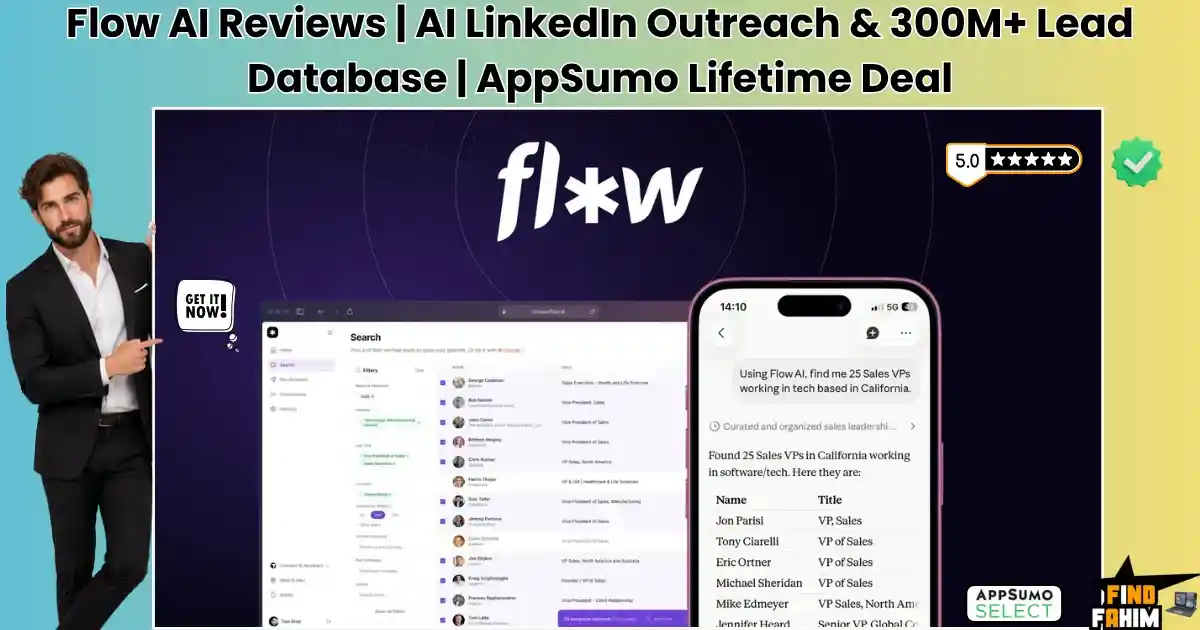
Flow AI Reviews 2026 | AI LinkedIn Outreach & 300M+ Lead Database | AppSumo Lifetime Deal & Alternatives
Manually sending hundreds of LinkedIn connection requests and tracking follow-ups in a messy spreadsheet is a complete waste of your sales team’s valuable time. If you are tired of renting expensive lead scraping tools or fighting with browser extensions that constantly break, the Flow AI lifetime deal replaces that entire technical headache. This cloud-hosted outbound assistant connects directly to your LinkedIn accounts. It gives you immediate access to a vast 300-million-contact database, safely automates your artificial intelligence-driven outreach sequences, and pulls every single reply into one centralized dashboard while strictly enforcing daily limits to keep your profile secure. Disclaimer: This article contains affiliate links. If you purchase through these links, I may earn a small commission at no extra cost to you. All opinions are entirely my own. TL;DR What is it? A cloud-hosted LinkedIn automation engine for finding B2B leads and sequencing outreach. Special Feature: A built-in database of 300+ million B2B contacts, eliminating the need to pay for LinkedIn Sales Navigator. For Who: Outbound agencies, B2B sales teams, and independent consultants. The Deal: A multi-tier AppSumo package starting at $69 lifetime, scaling up for multi-account agency management. Verdict: A mandatory pickup for anyone running B2B outreach who wants to stop paying for expensive Chrome extensions and lead scraping subscriptions. Claim Your Flow AI Lifetime Deal Now What is Flow AI? Flow AI is an advanced business-to-business lead generation software engineered specifically for automating LinkedIn outreach. It goes far beyond a simple browser extension by providing a completely centralized cloud ecosystem. This links your outbound strategies directly to your target buyers without requiring your computer to remain turned on. Instead of paying for expensive external data providers, you source your leads directly inside the software. The application processes customized connection requests and sends intelligent follow-up messages automatically. It tracks replies dynamically and pauses sequences the moment a prospect responds, guaranteeing that your outreach remains completely natural and professional. The True Cost of Manual LinkedIn Outreach Piecing together separate subscriptions for lead scraping tools, browser automation extensions, and proxy servers drains your marketing capital fast. This single software investment eliminates those recurring financial burdens. Here is exactly what you replace. Feature Replaces… The Real Value Normal Cost Deal Status Lead Database Sales Navigator Finds target B2B prospects ~$959/year ✅ Included Cloud Automation Expandi Sends requests in the background ~$1,188/year ✅ Included AI Personalization Taplio Writes custom message copy ~$468/year ✅ Included Centralized Inbox Shift / Franz Manages multiple accounts ~$149/year ✅ Included Total Cost Fragmented Stack Consolidated Outbound Hub ~$2,764/year $69 (Lifetime) Flow AI: Key Features Flow AI provides a powerful suite built to protect your account reputation and expand your outbound meeting volume. These core functions eliminate the technical bottlenecks of automated market prospecting. 300M+ B2B Lead Database Finding accurate contact information usually requires expensive external data brokers. This software includes a native database containing over 300 million business contacts. You can filter prospects by job title, company size, and specific industry, instantly adding highly qualified decision-makers directly to your outbound campaigns without paying for Sales Navigator. Cloud-Hosted Execution Relying on basic Chrome extensions forces you to keep your laptop running 24/7. This system operates entirely in the cloud. It runs your sequences smoothly in the background, providing consistent outreach routing without forcing you to babysit a separate browser window or deal with sudden connection drops when your computer goes to sleep. Smart Safety Limits Having your LinkedIn profile restricted due to aggressive automation is devastating. The software features uncompromising, automated safety controls. It intelligently randomizes the timing between each connection request and enforces strict daily action limits, perfectly mimicking human behavior to protect your account from security bans. Centralized Smart Inbox Managing replies across ten different client profiles requires logging in and out constantly. This application pulls every single conversation into one centralized dashboard. You can read, organize, and reply to messages across all your connected accounts simultaneously, drastically reducing your daily administrative workload. AI Sequence Generator Writing high-converting cold outreach messages manually takes hours of trial and error. The built-in artificial intelligence engine generates complete customized sequences instantly. You simply input your core offer and target audience, and the system crafts a high-performing series of connection notes and follow-ups designed to generate booked meetings. What is New in 2026 The development team delivered significant infrastructure upgrades in 2026, expanding capabilities for professional lead generation agencies and B2B founders. Released advanced Model Context Protocol (MCP) integrations, allowing direct, secure connections to external AI models like Claude and ChatGPT for deeper message personalization. Upgraded the centralized inbox architecture to include advanced sentiment analysis, instantly categorizing prospect replies as positive, negative, or requesting a demo. Added deep proxy IP optimizations, ensuring that multi-account agencies maintain strict geographic consistency to prevent LinkedIn from flagging suspicious logins. Introduced granular sequence pausing logic, helping sales teams automatically halt campaigns during national holidays or specific out-of-office hours. Flow AI Pricing Deal Feature Tier 1 ($69) Tier 2 ($149) Tier 3 ($279) LinkedIn Accounts 1 Connection 3 Connections 10 Connections Lead Database ✅ Included ✅ Included ✅ Included Cloud Execution ✅ Included ✅ Included ✅ Included Centralized Inbox ✅ Included ✅ Included ✅ Included Smart Limits ✅ Included ✅ Included ✅ Included Which Plan Should You Buy? Independent consultants scaling a single personal brand can safely select Tier 1. However, serious sales teams must look higher. Tier 2 ($149) unlocks three account connections, perfect for a small founder-led sales squad. Dedicated outbound agencies absolutely require Tier 3 ($279). This premium tier provides 10 account connections, allowing you to run sophisticated, multi-client lead generation campaigns simultaneously from one secure dashboard. Important Note on the Refund Policy This deal includes AppSumo’s 60-day money-back guarantee. You can connect your secondary profile, test the cloud-hosted sending latency, and run the artificial intelligence sequence generator completely risk-free to ensure the software fits your technical pipeline. Let AI Automate Your Outreach — Get Flow AI Here Pros
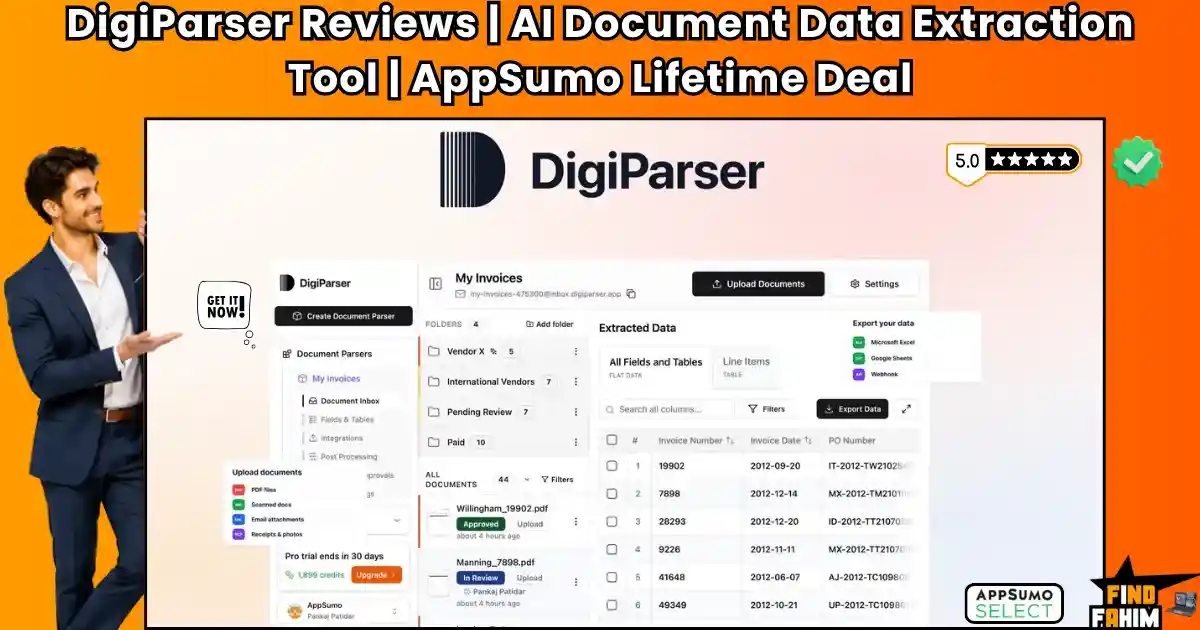
DigiParser Reviews 2026 | AI Document Data Extraction Tool | AppSumo Lifetime Deal & Alternatives
Manually typing data from messy invoices, mixed PDF contracts, and scattered email receipts into spreadsheets destroys your team’s daily productivity. Relying on basic optical character recognition tools fails because the moment a vendor changes their invoice layout, your rigid extraction templates break entirely. DigiParser acts as your automated, artificial intelligence administrative assistant. It ingests mixed batches of documents, intelligently splits them apart, extracts the exact line items you need without brittle templates, and routes the clean, structured data directly into Google Sheets, Airtable, or QuickBooks. Disclaimer: This article contains affiliate links. If you purchase through these links, I may earn a small commission at no extra cost to you. All opinions are entirely my own. My Quick Take (TL;DR) What is it? An enterprise-grade AI document parsing engine that eliminates manual data entry tasks. Special Feature: Template-free AI extraction that automatically detects data schemas from invoices and receipts. For Who: Accounting firms, digital agencies, and B2B operators managing high volumes of paperwork. The Deal: A multi-tier AppSumo package starting at $69, scaling up to $2,999 for full agency white-labeling. Verdict: A mandatory pickup for any business looking to automate invoice processing and data routing without expensive enterprise contracts. Claim Your DigiParser Lifetime Deal Now What is DigiParser? DigiParser is an advanced document extraction software engineered to completely automate complex data entry operations. It goes far beyond standard optical character recognition by utilizing artificial intelligence to read, understand, and extract key variables from highly unstructured files. Instead of forcing you to draw rigid grid boxes over a specific layout, the system comprehends the context of the document. If a supplier moves their total amount due from the top right corner to the bottom left, the software still identifies the correct number accurately. It processes purchase orders, bank statements, and shipping manifests instantly, turning messy PDF files into clean, structured data ready for your accounting software. The True Cost of Manual Data Entry Paying administrative staff to transcribe paper records or purchasing expensive enterprise software drains your operational budget quickly. This lifetime software package eliminates those recurring financial burdens. Here is the exact value breakdown of what you replace with this single investment. Feature Replaces… The Real Value Normal Cost Deal Status AI Extraction Rossum Pulls data without templates ~$10,000/year ✅ Included Zonal Parsing Docparser Captures fixed layout fields ~$468/year ✅ Included Inbox Routing Parseur Processes email attachments ~$348/year ✅ Included Document Splitter Adobe Pro Divides heavy mixed PDFs ~$240/year ✅ Included Total Cost Fragmented Stack Consolidated AI Hub ~$11,056/year $69 (Lifetime) A Look Inside DigiParser: Key Features DigiParser provides a powerful suite built to protect your administrative time and expand your back-office efficiency. These core functions eliminate the technical bottlenecks of heavy document processing. Template-Free AI Extraction Traditional OCR requires you to manually map out extraction zones. This intelligent system uses layout-agnostic machine learning models to detect critical fields automatically. It identifies vendor names, tax totals, and individual line items even if the invoice format changes completely, eliminating constant template maintenance. AI Document Splitting Clients frequently send a single large PDF containing fifty different receipts and invoices merged. DigiParser automatically reads the heavy file, splits it into individual documents based on context, and categorizes each piece accurately. This prevents your staff from wasting hours manually extracting pages. Conditional Logic Routing Routing extracted data requires precise organization. You can build advanced conditional export rules directly inside the dashboard. For example, you can configure the system to push all documents marked in Euros to an Airtable base, while automatically syncing USD invoices straight into QuickBooks. Dedicated Email Inbox Forwarding attachments manually slows down your accounting workflow. Every parser you create generates a unique, secure email address. Your vendors can email their invoices directly to this specific address, allowing the software to ingest, extract, and push the data without any human intervention required. Bring Your Own Key (BYOK) Available on higher tiers, this feature allows you to connect your personal API keys for large language models. By bypassing internal system credits, you unlock wholesale processing costs. This gives heavy-duty agencies total control over their data extraction expenses when processing thousands of pages monthly. What is New in 2026 The development team delivered significant software upgrades in 2026, expanding capabilities for high-volume accounting firms and enterprise operations. Released advanced Bring Your Own Key functionality on Tier 5, allowing agencies to scale their processing volume at wholesale API rates. Introduced the Document Classifier engine on Tier 3 to automatically sort mixed batches of tax forms, bank statements, and shipping receipts. Added full White-Labeling capabilities on Tier 6, empowering agencies to resell the extraction engine under their own corporate branding. Expanded regional compliance by adding dedicated European Union and United States hosting options for strict data privacy requirements. DigiParser Pricing & AppSumo Deal Details Deal Feature Tier 1 ($69) Tier 3 ($299) Tier 5 ($999) Tier 6 ($2,999) Monthly Credits 100 Pages 1,000 Pages 5,000 Pages 7,500 Pages API & Webhooks ❌ No ✅ Yes ✅ Yes ✅ Yes AI Doc Splitting ❌ No ✅ Yes ✅ Yes ✅ Yes BYOK Access ❌ No ❌ No ✅ Yes ✅ Yes White-Labeling ❌ No ❌ No ❌ No ✅ Yes (50 Sub-accounts) Which Plan Should You Buy? Small freelancers with minimal paperwork can use Tier 1. However, serious B2B operators must jump to Tier 3 ($299) to unlock crucial API access, webhooks, and the AI Document Splitter. Large accounting firms processing high volumes require Tier 5 ($999) for BYOK access, while agencies wanting to resell the software to their own clients must secure the Tier 6 ($2,999) white-label package. Important Note on the Refund Policy This deal includes AppSumo’s 60-day money-back guarantee. You can upload your messiest vendor invoices, test the conditional logic exports, and verify the extraction accuracy completely risk-free to ensure the software fits your accounting pipeline. Let AI Extract Your Data — Get DigiParser Here Pros & Cons of This Lifetime
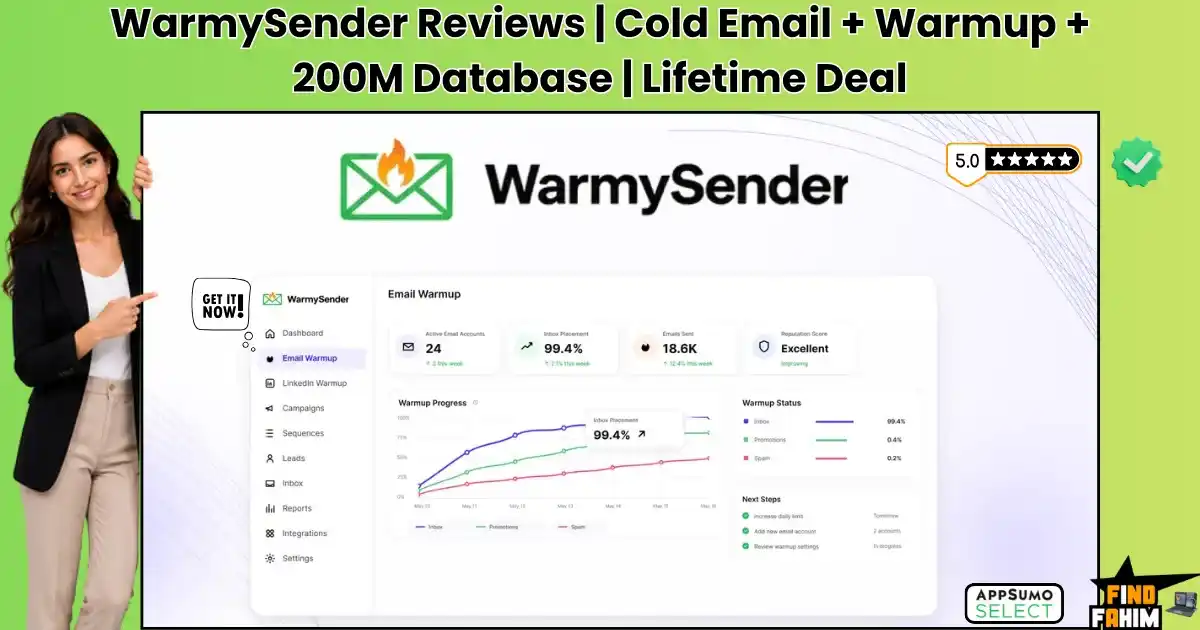
WarmySender Reviews 2026 | Cold Email Tool with Built-In Warmup & B2B Database | AppSumo Lifetime Deal & Alternatives
Writing the perfect cold email is completely useless if it lands directly in the spam folder. Outbound agencies waste thousands of dollars on expensive lead lists, only to burn their sending domains to the ground because they failed to verify email addresses or properly warm up sender accounts. WarmySender Lifetime Deal fixes the entire outbound pipeline. It gives you direct access to a vast B2B contact database, verifies the leads automatically, warms up your domain using human-like engagement, and launches AI-written sequences—all from one centralized dashboard. Make sure to browse our curated list of AppSumo deals ending soon to grab high-impact software like this before promotional prices disappear. Disclaimer: This article contains affiliate links. If you purchase through these links, I may earn a small commission at no extra cost to you. All opinions are entirely my own. My Quick Take (TL;DR) What is it? An all-in-one outbound sales ecosystem combining lead generation, email warm-up, and sequence automation. Special Feature: A.H.D.E. (Authentic Human Deep Engagement) warm-up technology that automatically protects your sender reputation. For Who: B2B sales teams, outbound lead generation agencies, and SaaS founders. The Deal: A multi-tier AppSumo package starting at $49 lifetime, scaling up for heavy agency volume. Verdict: A mandatory pickup for anyone running cold email campaigns who wants to stop paying for separate databases and warm-up tools. Claim Your WarmySender Lifetime Deal Now What is WarmySender? WarmySender is a comprehensive outbound sales tool engineered to consolidate your entire lead generation workflow into a single, deliverability-focused ecosystem. It goes far beyond standard email sequencing by providing the raw contact data, email verification, domain warm-up, and the sending infrastructure all in one place. Instead of exporting leads from a database and importing them into a separate sending tool, you manage the entire lifecycle internally. The software allows you to search a 200-million-contact B2B database, extract the exact decision-makers you need, verify their active status instantly, and drop them into a highly personalized, AI-generated outbound sequence that actually lands in the primary inbox. The True Cost of Fragmented Outbound Buying separate subscriptions for B2B lead databases, email verification credits, domain warmup services, and sequencing software drains your sales budget rapidly. This lifetime software package eliminates those recurring contracts. Here is the exact financial breakdown of what you replace with this single investment. Feature Replaces… The Real Value Normal Cost Deal Status B2B Lead Database Lusha / Apollo Finds decision-maker emails ~$1,188/year ✅ Included Email Verification Bouncer Prevents hard domain bounces ~$240/year ✅ Included Domain Warmup Warmup Inbox Protects sender reputation ~$228/year ✅ Included Sequence Builder Lemlist Automates outbound sending ~$828/year ✅ Included Total Cost Fragmented Stack Consolidated Outbound Hub ~$2,484/year $49 (Lifetime) A Look Inside WarmySender: Key Features WarmySender provides a powerful suite built to protect your sender reputation and expand your outbound meeting volume. These core functions eliminate the technical bottlenecks of heavy cold email production. A.H.D.E. Domain Warmup Most warmup tools use predictable robotic loops that spam filters easily detect. This system uses Authentic Human Deep Engagement to simulate real conversations. It automatically replies to emails, marks them as important, and pulls them out of the spam folder, ensuring your sending reputation remains pristine. 200M B2B Lead Database Sourcing accurate contact information usually requires expensive external data brokers. WarmySender includes a native database containing over 200 million B2B contacts. You can filter prospects by job title, company size, and industry, instantly adding highly qualified decision-makers directly to your outbound campaigns without messy CSV uploads. Bounce Shield Verification Sending emails to deactivated addresses triggers hard bounces that destroy your domain authority instantly. The integrated Bounce Shield verifies every single email address before the campaign launches. It scrubs invalid contacts and honeypots, guaranteeing you only send messages to active inboxes and protecting your technical infrastructure. Drag-and-Drop Sequence Builder Building complex follow-up flows in basic software is incredibly frustrating. This tool features a visual, drag-and-drop campaign builder with eight conditional branch types. You can map out sophisticated campaigns that react perfectly when a prospect opens an email or clicks a link, ensuring tailored follow-ups automatically. AI Agent & A-Z Testing Writing high-converting cold emails manually takes hours. The built-in AI agent generates entire customized sequences from a simple text prompt detailing your offer. It allows you to run A-Z split tests, deploying up to 26 different email variants simultaneously to see exactly which copy generates booked meetings. What is New in 2026 The development team delivered significant platform upgrades in 2026, dramatically expanding capabilities for high-volume sales agencies and lead generation professionals. Quadrupled the monthly Bounce Shield verification limits across all pricing tiers without increasing the AppSumo cost. Introduced a Centralized Inbox that consolidates email replies and LinkedIn messages into one chat dashboard. Released advanced AI sentiment analysis to automatically categorize prospect replies as positive, negative, or out-of-office. Expanded the A.H.D.E. warm-up network to include diverse global IP addresses, drastically improving deliverability for international campaigns. WarmySender Pricing Deal Feature Tier 1 ($49) Tier 2 ($119) Tier 3 ($229) Tier 4 ($399) Email Accounts 3 Accounts 10 Accounts 25 Accounts 50 Accounts Monthly Emails 1,500 Sends 10,000 Sends 25,000 Sends 100,000 Sends Lead Database 1,000 Credits 3,000 Credits 7,000 Credits 15,000 Credits Verifications 800 Verifications 1,200 Verifications 2,000 Verifications 12,000 Verifications Team Seats 1 Seat 3 Seats 5 Seats 10 Seats Which Plan Should You Buy? Solo founders running a single mailbox can survive on Tier 1. However, serious B2B sales teams must look higher. Tier 2 ($119) is the sweet spot for small businesses, unlocking 10 accounts and 10,000 monthly sends. Outbound agencies managing multiple clients absolutely require Tier 4 ($399) to secure 50 connected accounts, large-scale lead database credits, and 12,000 monthly email verifications. Important Note on the Refund Policy This deal features AppSumo’s 60-day money-back guarantee. You can connect your email accounts, activate the A.H.D.E. warm-up process, and run a full outbound sequence completely risk-free to ensure the software secures high deliverability rates for your
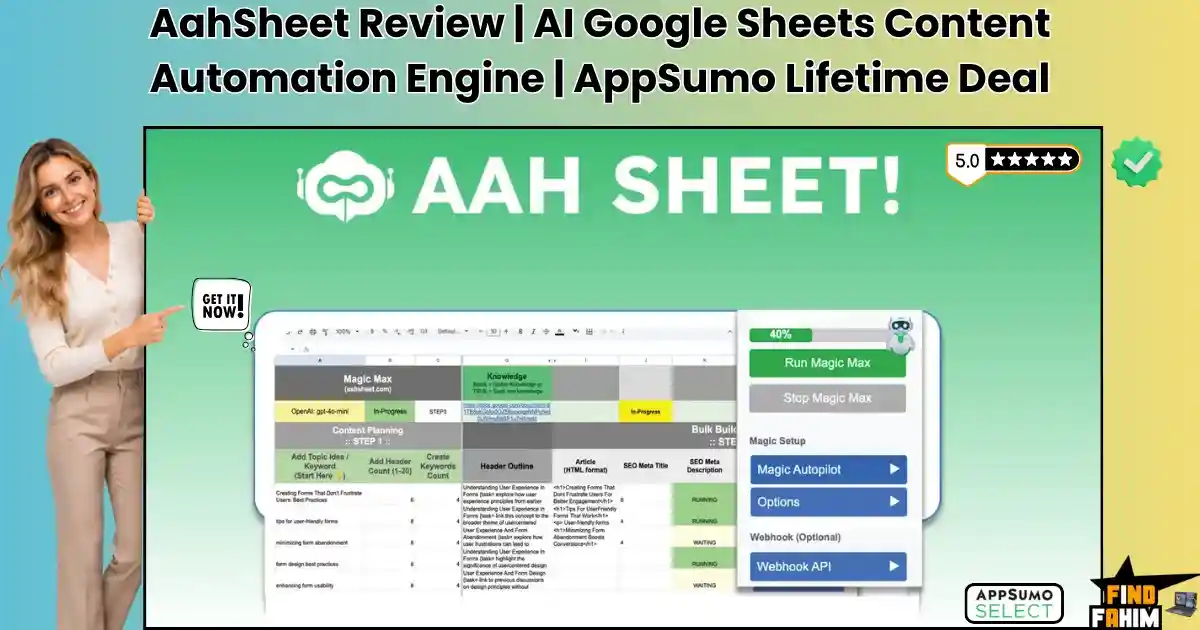
AahSheet Reviews 2026 | AI Google Sheets Content Automation Engine | AppSumo Lifetime Deal & Alternatives
Scaling a programmatic SEO strategy usually requires juggling a messy, expensive stack of tools. You write content in an AI generator, paste it into an optimization tool, download images from a design suite, and waste hours manually moving everything into your website. This slow, highly fragmented workflow kills your agency profit margins. The AahSheet lifetime deal turns a standard Google Sheet into a fully automated, programmatic SEO powerhouse, completely replacing your scattered content workflow. You can scrape competitor pages, write bulk articles using your own API keys, and auto-publish everything directly to your website from a single interface. Make sure to check out our curated list of AppSumo deals ending soon to grab high-impact marketing software before prices increase forever. Disclaimer: This article contains affiliate links. If you purchase through these links, I may earn a small commission at no extra cost to you. All opinions are entirely my own. My Quick Take (TL;DR) What is it? A programmatic SEO automation hub built directly inside Google Sheets. Special Feature: Deep API integrations with SurferSEO, NeuronWriter, and WordPress for bulk publishing. For Who: SEO agencies, niche site builders, and programmatic content marketers. The Deal: Starts at $59 lifetime, but Tier 2 ($189) is strictly required for advanced scraping and integrations. Verdict: An absolute must-have for agencies looking to scale massive content clusters without recurring monthly subscription fees. Claim Your AahSheet Lifetime Deal Now What is AahSheet? AahSheet is a massive programmatic SEO automation hub built directly inside Google Sheets by creator Shawn Altman. It goes far beyond a basic ChatGPT spreadsheet wrapper, acting as a highly coded workstation with over 50,000 lines of custom script designed to bypass expensive software subscriptions. Instead of manually clicking through complicated web dashboards, you control your entire content production pipeline using “Magic Functions” right inside the spreadsheet cells. The system allows you to scrape competitor search results, generate highly optimized NLP articles using custom language models, and push hundreds of completed blog posts directly to WordPress or Shopify with a single click. The True Cost of Programmatic SEO Buying separate tools for web scraping, artificial intelligence generation, and bulk content publishing drains your agency budget fast. This spreadsheet system eliminates those massive recurring contracts. Here is the exact financial breakdown of what you replace with this single software investment. Feature Replaces… The Real Value Normal Cost Deal Status Web Scraping Apify / Octoparse Pulls live SERP data ~$600/year ✅ Included Bulk AI Writing Jasper / Copy.ai Writes articles in bulk ~$950/year ✅ Included SEO Integration Zapier / Make Syncs NLP data via API ~$360/year ✅ Included CMS Publisher WP All Import Pushes to WordPress ~$299/year ✅ Included Total Cost Fragmented Stack Unified Sheets Hub ~$2,209/year $59 (Lifetime) AahSheet: Key Features AahSheet provides a powerful suite built to protect your editing time and expand your organic search traffic. These core functions eliminate the technical bottlenecks of massive content production. Bulk Builder Max Autopilot Generating massive content clusters manually drains your production speed. This core spreadsheet system lets you build hundreds of articles simultaneously. You input target keywords, and the automated script outlines, drafts, and formats entire blog posts instantly, preparing them for bulk export directly to your connected WordPress site without manual formatting. Custom Magic Functions Learning developer APIs takes months of frustrating coding. This platform introduces custom spreadsheet formulas like =AI() for generating raw text and =imageT() for generating visual assets. You simply type these commands directly into the cell, giving you total programmatic control over your content output without touching actual code. Live SERP & Website Scraping Writing blind content without competitor data guarantees poor search rankings. By using the =serp() and =visit() formulas, you can scrape live search results and extract text from competitor websites directly into your spreadsheet. The system uses this fresh data to craft highly accurate, research-backed articles instantly. NeuronWriter & SurferSEO Sync Optimizing text requires tedious copy-pasting between separate browser tabs. AahSheet integrates directly with premium optimization platforms to pull required NLP terms right into your spreadsheet workspace. The generation engine naturally weaves these mandatory semantic keywords into your content, ensuring every bulk-published article arrives highly optimized for search engines. Bring Your Own Key (BYOK) Relying on platform-specific credits drains your budget quickly during bulk generation runs. AahSheet lets you connect your personal API keys for OpenAI, Claude, Grok, Straico, or OpenRouter directly to the spreadsheet. This bypasses restrictive platform limits entirely, drastically lowering generation costs. You access wholesale model pricing, protecting your agency margins while scaling massive programmatic SEO clusters without unexpected monthly fee increases or workflow interruptions. What is New in 2026 The development team delivered significant infrastructure updates in 2026, expanding the programmatic capabilities for high-volume SEO agencies and niche site builders. Introduced direct OpenRouter API integration, allowing users to access powerful open-source models like Meta Llama 3.1 directly inside the spreadsheet. Released advanced Shopify eCommerce automation sheets for generating bulk product descriptions and category pages. Added the BlogTuner sheet, which audits and rewrites underperforming legacy articles to improve organic keyword density. Expanded the scraping engine to bypass modern anti-bot protections, pulling cleaner data from competitor URLs. AahSheet Pricing Deal Feature Tier 1 ($59) Tier 2 ($189) Websites Supported Unlimited Unlimited Included Sheets 4 Basic Sheets All 16 Pro Sheets Website Scraper ❌ No ✅ Yes Shopify Integration ❌ No ✅ Yes Surfer & Neuron Sync ❌ No ✅ Yes Which Plan Should You Buy? You must understand the strict difference between these tiers. Tier 1 provides only four basic sheets for simple content processing, making it adequate for casual bloggers. Serious SEO agencies and programmatic site builders must purchase Tier 2. The $189 investment unlocks the critical live website scraper, the SurferSEO/NeuronWriter NLP integrations, Shopify publishing, and the massive 16-sheet template library. Important Note on the Refund Policy This deal features AppSumo’s 60-day money-back guarantee. You can test the custom formulas, plug in your API keys, and run a bulk generation test risk-free
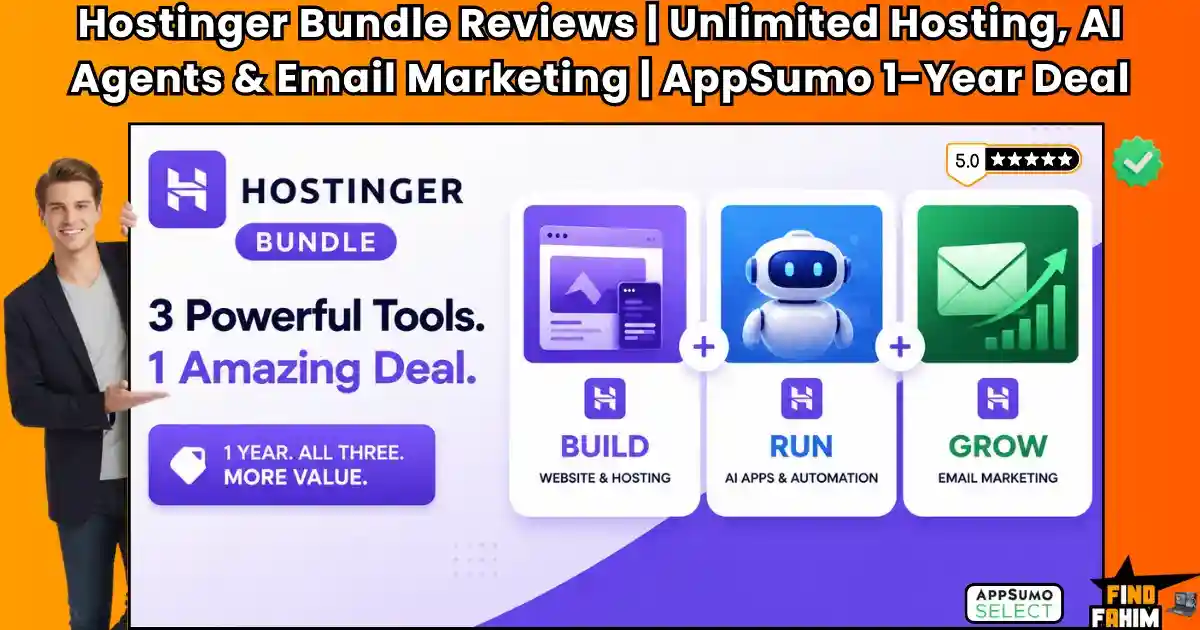
Hostinger Bundle Reviews 2026 | Unlimited Hosting, AI Agents & Email Marketing | AppSumo 1-Year Deal & Alternatives
Starting a brand new digital agency, freelance business, or niche blog usually means burning cash on a fragmented tech stack. When you buy web hosting, purchase a custom domain, sign up for email marketing software, and pay for automation tools separately, your initial operating budget disappears before you even launch your first campaign. The standard entry-level Hostinger hosting plan usually costs around $40 per year on its own. The new Hostinger bundle on Appsumo solves this exact financial problem by giving you unlimited web hosting, an AI automation agent, email marketing, and a free domain for a single $24 payment. Disclaimer: This article contains affiliate links. If you purchase through these links, I may earn a small commission at no extra cost to you. All opinions are entirely my own. My Quick Take (TL;DR) What is it: A massive 1-year bundle containing three distinct Hostinger products: Unlimited NVMe Web Hosting, AI Automation Apps, and the Reach 500 Email Marketing platform. Special Feature: You get a free top-level domain name for the first year, which essentially covers the bundle’s initial $24 cost on its own. For Who: Brand new freelancers, startup founders, niche bloggers, and digital marketing beginners looking to launch their first professional project cheaply. The Deal: A 1-year access pass starting at $24. Pricing operates in limited batches and increases as units sell out. The Catch: This bundle is strictly for new Hostinger users; it’s non-refundable, and you must enter a credit card for standard auto-renewal after the first year ends. Click Here to Get the Hostinger AppSumo Bundle What is the Hostinger AppSumo Bundle? Unlike standard AppSumo lifetime deals, this is a highly specific 1-year access pass designed to help new businesses get off the ground without draining their bank accounts. It combines three powerful Hostinger platforms into one unified purchase. Instead of paying $40 just for basic server space, you pay a fraction of that price and receive high-speed NVMe hosting, a 24/7 artificial intelligence assistant that runs on a private server, and an automated email marketing suite. You manage everything from a single login dashboard. This prevents your creative team from wasting valuable energy jumping between different software providers to manage your daily web operations. The Pricing Mechanics AppSumo and Hostinger designed this specific offer using a limited batch pricing model. The price you pay depends entirely on how quickly you secure your checkout code. Once a batch sells out, the price increases permanently until the entire deal is removed from the store. Batch 1: The first 1,500 bundles cost exactly $24. Batch 2: The next 1,500 bundles cost exactly $34. Batch 3: The final 2,000 bundles cost exactly $44. Even at the final $44 tier, the financial math works heavily in your favor. However, securing the initial $24 batch provides the highest possible return on investment for a new startup. The Unlimited Hosting Plan The core foundation of this bundle is the Hostinger Unlimited plan. Forcing your new business to run on cheap, slow shared hosting actively destroys your search engine optimization efforts and drives away potential buyers. This specific plan provides serious hardware specifications to protect your site speed. Unlimited Websites and Mailboxes: You are not restricted to hosting a single project. You can host as many independent websites and create as many professional email addresses as you need under this one account. If you are a freelancer, this means you can host your main portfolio site alongside several staging sites for your clients without paying extra server fees. 50 GB NVMe Storage: Standard hard drives slow down data retrieval. This plan uses advanced NVMe storage, ensuring your website images and database queries load instantly. Fifty gigabytes is a massive amount of space, allowing you to build heavy WordPress sites or complex Node.js applications without hitting capacity limits quickly. Free Domain and Security: Purchasing a standard dot-com domain name usually costs between $10 and $15 per year. This plan includes a free domain registration for your first year, alongside free SSL certificates for every single website you host. It also includes a built-in Content Delivery Network (CDN) to ensure your web pages load incredibly fast for international visitors. AI Automation Apps Setting up complex automation servers manually requires your operations team to monitor strict technical guidelines continuously. This bundle includes 1-year access to managed AI Automation Apps, allowing you to run powerful artificial intelligence agents while you sleep. Zero Server Maintenance: You can launch OpenClaw, Hermes Agent, or n8n directly on Hostinger servers in about 60 seconds. Because Hostinger manages the backend infrastructure, you never have to worry about configuring a virtual private server, updating Linux packages, or fixing broken server scripts. The AI tools are ready to use immediately out of the box. Always-On Assistants:s These specific AI agents run 24 hours a day, even when your personal computer is turned off. You can connect them directly to your WhatsApp or Telegram accounts. If a potential client messages your business number at midnight, the AI agent can read the inquiry, conduct web research, and draft a polite, professional reply automatically. Hostinger Reach 500 (Email Marketing) Building engaging newsletter funnels manually drains internal productivity over long corporate cycles. The third tool in this bundle is the Hostinger Reach 500 plan, an automated email marketing suite designed to capture leads and drive sales automatically. AI Campaign Generation: Writing promotional emails from scratch takes hours. With this tool, you simply describe the type of email you want to send. The artificial intelligence engine writes the core copy, builds the visual layout, and applies your specific corporate branding colors automatically. It even generates unlimited subject lines and runs internal spam checks before you hit send. Automated Revenue Flows: This platform includes built-in automation sequences designed to make you money. You can set up automated welcome flows for new blog subscribers or activate abandoned cart recovery emails for your ecommerce store. The Smart Sending feature automatically
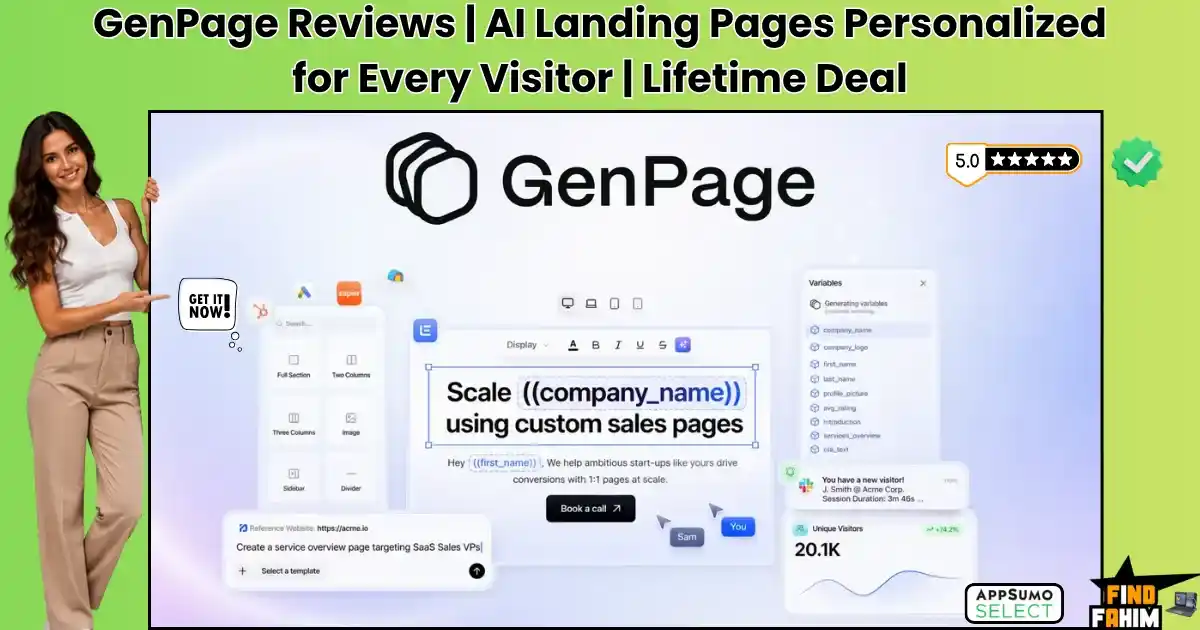
GenPage Reviews 2026 | AI Landing Pages Personalized for Every Visitor | AppSumo Lifetime Deal & Alternatives
You spend hours writing personalized cold emails and thousands of dollars on highly targeted Google Ads. But the moment a prospect clicks your link, they land on a generic, boring, one-size-fits-all landing page. They immediately bounce, killing your conversion rates and wasting your ad budget. GenPage fixes this “last mile” of your marketing funnel. It acts as an automated Account-Based Marketing (ABM) engine that generates a unique, tailored landing page for every single visitor by swapping out headlines, company logos, and offers based on their exact data. Browse our curated list of AppSumo Originals to grab high-impact software like this before prices increase forever. Disclaimer: This article contains affiliate links. If you purchase through these links, I may earn a small commission at no extra cost to you. All opinions are entirely my own. My Quick Take (TL;DR) What is it? An AI-powered Account-Based Marketing (ABM) tool that creates 1-to-1 personalized landing pages at scale. Special Feature: Real-time intent alerts that notify your Slack when a specific target account opens their personalized page. For Who: B2B sales teams, outbound agencies, and growth marketers. The Deal: A multi-tier AppSumo package starting at $69 lifetime, scaling up for heavy agency traffic. Verdict: A mandatory pickup for anyone running cold email outreach or targeted ABM campaigns. Claim Your GenPage Lifetime Deal Now What is GenPage? GenPage is a comprehensive Account-Based Marketing (ABM) engine engineered to hyper-personalize your outbound sales campaigns. It goes far beyond standard landing page builders by dynamically altering the entire website experience for every individual visitor who clicks your links. Instead of manually building hundreds of static pages, you upload a CSV of your sales leads or connect your CRM. The platform automatically generates thousands of unique pages featuring each prospect’s name, company logo, and specific pain points. This creates a deeply personalized buying experience that dramatically increases conversion rates for high-ticket B2B sales teams. The True Cost of Enterprise ABM Buying enterprise-grade personalization software and hiring developers to build dynamic web experiences drains your marketing budget quickly. This lifetime package eliminates those massive annual contracts. Here is the exact value breakdown of what you receive inside this single investment. Feature Replaces… The Real Value Normal Cost Deal Status 1-to-1 Personalization Mutiny Swaps text and logos dynamically ~$30,000/year ✅ Included Visitor Intent Tracking Clearbit Reveal Identifies exactly who is browsing ~$1,200/year ✅ Included Session Heatmaps Hotjar Records visitor mouse movements ~$468/year ✅ Included Automated Page Builder Instapage Builds high-converting layouts ~$2,388/year ✅ Included Total Cost Fragmented Stack Unified ABM Engine ~$34,056/year $69 (Lifetime) A Look Inside GenPage: Key Features GenPage provides a powerful suite built to protect your marketing budget and expand your B2B conversions. These core functions eliminate the technical bottlenecks of enterprise outbound sales. Dynamic 1-to-1 Personalization Most page builders serve the same static content to every visitor, regardless of industry. GenPage reads your inbound traffic data and dynamically swaps out the headline, subtext, and imagery to match the visitor’s specific company. This immediate relevance makes prospects feel like the page was custom-coded exclusively for their business. This dramatically reduces bounce rates and increases meeting booked ratios. Real-Time Slack Intent Alerts Timing is everything when closing high-ticket B2B deals. GenPage features an integrated tracking system that monitors precisely when a target account clicks your cold email link and opens their personalized page. The system fires an instant notification directly to your sales team’s Slack or email inbox. This allows your account executives to strike while the iron is hot and call the prospect immediately. Built-In Heatmaps and Replays Understanding why a personalized campaign failed usually requires guessing or installing clunky third-party tracking scripts. This platform embeds native session recordings and heatmaps directly into your dashboard. You can watch exactly how prospects navigate your tailored pages, identifying where they pause, scroll, or lose interest. This visual data helps you refine your copy and adjust your call-to-action placement for higher conversions. Omni-Channel Outreach Syncing Manually matching hundreds of custom URLs to your cold email sequences wastes valuable administrative time. GenPage integrates natively with your existing outbound tools, including Google Ads, Clay, and popular email sending platforms. The software automatically generates the correct dynamic links for your entire lead list. Your sales reps simply drop one master variable into their outreach sequence, and the platform handles the routing seamlessly. Bring Your Own Key (BYOK) Relying on standard platform credits for massive outbound campaigns drains your monthly allowance quickly. Higher tiers let you connect your personal API keys for major language models directly to the writing workspace, bypassing restrictive internal usage limits. Using your own key drops dramatically drops generation costs for marketing teams managing huge contact lists. You access wholesale pricing directly from providers, protecting your budget while scaling massive content volumes without facing unexpected fee increases or interrupting your daily outreach schedules. What is New in 2026 The GenPage development team delivered significant platform improvements in 2026, expanding capabilities for professional outbound agencies and enterprise sales teams. Introduced an expanded template library optimized specifically for high-ticket B2B SaaS and service-based consulting offers. Added deeper native integrations with high-volume cold email senders like HeyReach and Instantly for seamless link deployment. Released advanced analytics dashboards featuring combined campaign performance metrics to track revenue attribution directly from personalized pages. Expanded developer API access and webhook functionality on upper license tiers for highly customized programmatic outreach pipelines. GenPage Pricing & AppSumo Deal Details Deal Feature Tier 1 ($69) Tier 2 ($139) Tier 3 ($299) Tier 4 ($599) Monthly Credits 100 Credits 300 Credits 1,000 Credits 3,000 Credits Monthly Visits 500 Visits 1,500 Visits 5,000 Visits 10,000 Visits Custom Domains ❌ No ✅ Unlimited ✅ Unlimited ✅ Unlimited API & BYOK ❌ No ❌ No ✅ Yes ✅ Yes Team Seats 1 Seat 3 Seats Unlimited Unlimited Which Plan Should You Buy? Solo consultants must avoid Tier 1 unless they only want to test the software, as it lacks custom domain support. Serious
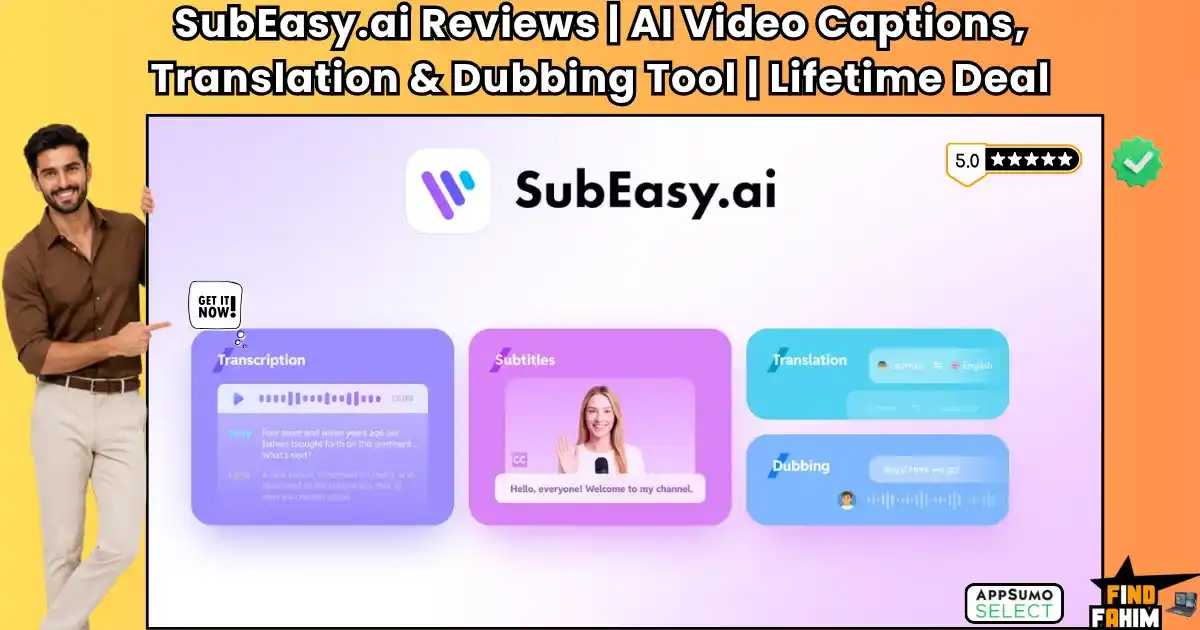
SubEasy.ai Reviews 2026 | AI Video Transcription, Captions & Dubbing Tool | AppSumo Lifetime Deal & Alternatives
Creating professional video content means nothing if your message is trapped in a single language or ruined by burned-in subtitles. Most creators hit a wall here — hiring freelance translators, paying voiceover artists to dub audio, and manually scrubbing old text off video frames with clunky editing software. Standard transcription platforms don’t help much either. They lock you into costly monthly subscriptions and still deliver robotic translations that mispronounce technical terms. The SubEasy AI lifetime deal replaces that entire fragmented workflow. It’s an all-in-one AI localization studio that transcribes speech, erases hardcoded subtitles, translates scripts into over 100 languages, and clones speaker voices. Browse our curated list of AppSumo deals ending soon to grab high-impact software before prices increase. Disclaimer: This article contains affiliate links. If you purchase through these links, I may earn a small commission at no extra cost to you. All opinions are entirely my own. My Quick Take (TL;DR) What is it? An AI-powered video localization studio for transcription, translation, and voice dubbing. Special Feature: A Video OCR Subtitle Eraser that removes burned-in text and replaces it with clean multilingual captions. For Who: Content creators, digital marketing agencies, course instructors, and global media teams. The Deal: A multi-tier AppSumo package starting at $49 lifetime, scaling up for heavy agency production. Verdict: A mandatory pickup for anyone wanting to scale global video reach without recurring monthly fees. Claim Your SubEasy AI Lifetime Deal Now What is SubEasy AI? SubEasy AI is a comprehensive artificial intelligence video localization studio engineered for international content distribution. It goes far beyond standard caption generators by serving as an all-in-one transcription, translation, subtitle styling, and audio dubbing hub. Instead of manually typing subtitles, you paste a link from YouTube, TikTok, or upload raw files directly. The platform transcribes speech into clear paragraphs with automatic speaker labels, translates dialogue across 100+ languages, and even dubs the audio using voice cloning. The True Cost of Manual Video Localization Hiring external translation agencies, paying monthly transcription fees, and buying voiceover software quickly drains your production budget. This lifetime software package eliminates recurring subscription overhead completely. Here is the exact value breakdown of what you receive inside this single investment. Feature Replaces… The Real Value Normal Cost Deal Status Multilingual Transcription Otter.ai Pro Transcribes audio & video ~$204/year ✅ Included Voice Cloning & Dubbing Descript Creator Clones voice & retimes audio ~$288/year ✅ Included Video OCR & Text Eraser Manual Editing Removes hardcoded subtitles ~$600/year ✅ Included 4K Multilingual Export Veed.io Pro Exports styled 4K captions ~$360/year ✅ Included Total Cost Fragmented Stack Unified Localization Hub ~$1,452/year $49 (Lifetime) SubEasy AI: Key Features SubEasy AI provides a powerful suite built to protect your editing time and expand your global viewership. These core functions eliminate the technical bottlenecks of video post-production. Multilingual Transcription & Translation Most basic transcription apps generate unformatted text walls full of spelling mistakes and inaccurate speaker tags. SubEasy AI delivers crystal-clear transcriptions across 100+ languages, automatically structuring sentences into readable paragraphs with precise speaker identification labels. The platform supports specialized industry glossaries to keep technical terms consistent across every file. It also handles right-to-left languages like Arabic and Hebrew with native layout alignment, ensuring your translated subtitles display accurately for international viewers. Video OCR & Subtitle Eraser Re-purposing international footage or client assets with burned-in captions usually requires re-shooting or messy cropping. SubEasy AI uses optical character recognition to read hardcoded subtitles directly from video frames without needing original project files. The built-in eraser scrubs original text from the screen and overlays fresh, translated subtitles smoothly. It also includes an integrated blur tool to remove unwanted watermarks, giving you clean video files ready for social distribution. Voice Cloning & Retimed Dubbing Hiring foreign voice actors to localize video courses and advertisements quickly inflates marketing budgets. This platform clones any speaker’s natural voice, producing human-sounding localized dialogue rather than generic, robotic computer speech across target languages. The software automatically retimes translated dialogue to match video scene cuts without altering the edit. If voice cloning is unnecessary, you can select from a curated library of regional voices for rapid voiceover creation. Animated Captions & Safe Zones Creating viral, dynamic captions for short-form social videos usually forces editors into complex keyframing timelines. SubEasy AI includes trending subtitle animation presets, custom typography styling, and AI emphasis highlighting that draws immediate viewer attention. The editor features built-in safe zone overlays for TikTok, Instagram Reels, and YouTube Shorts. This prevents your text from being covered by platform UI buttons, ensuring high readability and viewer retention on mobile screens. Integrated AI Companion Manually reviewing hour-long transcriptions line by line to catch minor speech errors drains creative energy fast. SubEasy AI integrates a ChatGPT-powered companion that audits your generated text and flags low-confidence words automatically for fast proofreading. You can prompt the assistant to summarize transcripts into show notes, fix punctuation, or adjust subtitle tone from casual social styles to formal educational lectures. This automated review workflow lets you finalize multi-language video captions in minutes while preserving total control over technical terminology. What is New in 2026 The SubEasy AI development team delivered significant platform improvements in 2026, expanding capabilities for professional media creators and agency workflows. Introduced full 4K video rendering across all license tiers without watermarks. Released advanced AI Voice Cloning with automated speech-to-video timeline sync. Added dedicated mobile recording workflows via a revamped iOS application. Expanded developer API access on upper license tiers for programmatic video translation pipelines. SubEasy AI Pricing & AppSumo Deal Details Deal Feature Tier 1 ($49) Tier 2 ($119) Tier 3 ($209) Tier 4 ($399) Monthly Credits 200 Credits 500 Credits 1,500 Credits 3,000 Credits API Monthly Credits 0 Credits 0 Credits 0 Credits 500 Credits 4K Video Export ✅ Included ✅ Included ✅ Included ✅ Included Voice Cloning ✅ Included ✅ Included ✅ Included ✅ Included Subtitle Eraser ✅ Included ✅ Included ✅ Included ✅ Included Which Plan Should You Buy?
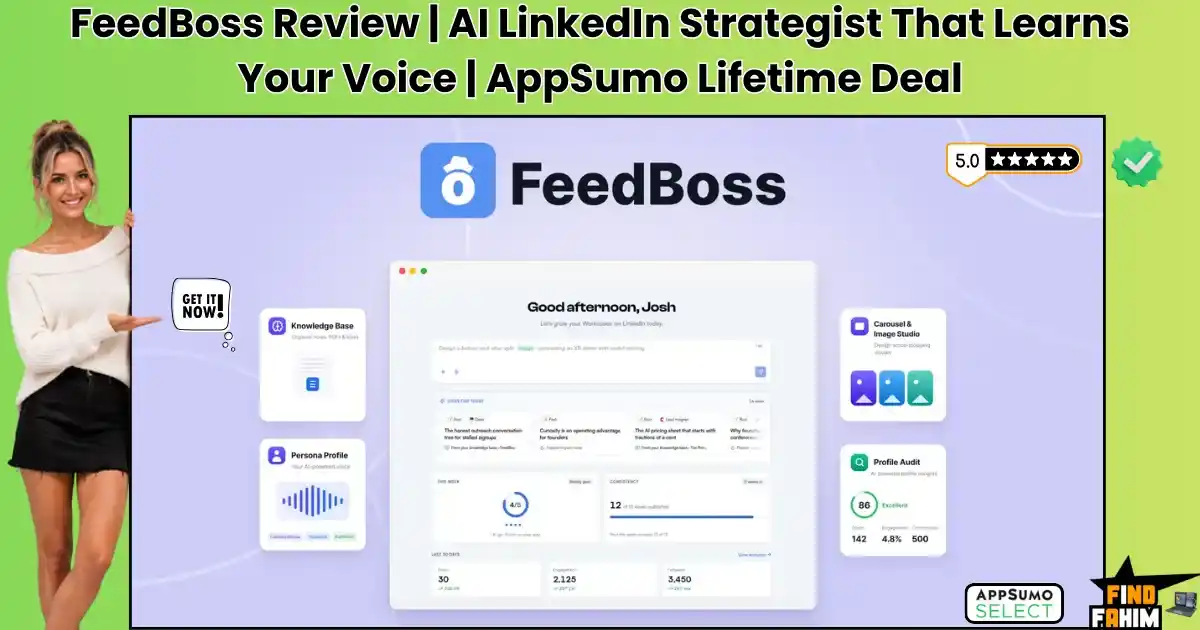
FeedBoss Reviews 2026 | AI LinkedIn Strategist That Learns Your Voice | AppSumo Lifetime Deal & Alternatives
Growing a personal brand on LinkedIn means posting every single day. Most creators burn out jumping between ChatGPT to write the post, Canva to design the carousel, and a separate scheduler to publish it. Worse, generic AI writing sounds robotic — killing your credibility and driving away B2B leads. The FeedBoss lifetime deal replaces that entire workflow. It works as your 24/7 LinkedIn strategist: learning your exact voice, generating carousels in seconds, and drafting engaging comments, all from one dashboard. Disclaimer: This article contains affiliate links. If you purchase through these links, I may earn a small commission at no extra cost to you. All opinions are entirely my own. My Quick Take (TL;DR) What is it? An AI-powered content workbench for creating, designing, and scheduling LinkedIn posts. Special Feature: A built-in Canvas Editor that turns text prompts into swipeable carousels and infographics. For Who: B2B founders, marketing agencies, thought leaders, and digital sales teams. The Deal: A multi-tier AppSumo package starting at $59 lifetime, scaling up for agency collaboration. Verdict: A smart pickup for anyone tired of juggling disconnected apps to manage their LinkedIn presence. Claim Your FeedBoss Lifetime Deal Now What is FeedBoss? FeedBoss is a comprehensive artificial intelligence workstation built specifically for LinkedIn growth. It goes far beyond basic scheduling, serving as an all-in-one thought leadership engine that helps you plan, design, and publish high-converting content easily. Instead of staring at a blank screen, you feed the system your ideas through voice notes or PDFs. The platform studies your unique writing style and transforms those raw thoughts into polished, brand-aligned posts that sound exactly like you wrote them. The True Cost of Manual LinkedIn Growth Buying standalone applications to write text, design graphics, and schedule posts drains your monthly marketing budget quickly. This software package removes the heavy financial burden of holding multiple subscriptions. Here is the exact value breakdown of what you receive inside this single purchase. Feature Replaces… The Real Value Normal Cost Deal Status Voice Matching Taplio Writes in your exact tone ~$468/year ✅ Included Carousel Design Canva Pro Builds swipeable slides ~$120/year ✅ Included Comment Drafting Engage AI Writes replies in-feed ~$360/year ✅ Included Strategic Mapping Freelance Strategist Plans content pillars ~$1,500/year ✅ Included Total Cost Fragmented Stack Unified LinkedIn Hub ~$2,448/year $59 (Lifetime) A Look Inside FeedBoss: Key Features FeedBoss provides a powerful suite designed specifically to protect your time and grow your professional network. These primary functions eliminate frustrating technical bottlenecks that usually drain your marketing budget. Voice-Matched Persona Drafting Most writing tools produce generic prose that damages your personal brand credibility. FeedBoss uses an advanced engine that analyzes your existing LinkedIn profile and past posts to replicate your natural tone. By studying your past work, the system adapts to your unique voice. Every generated post reads authentically, eliminating hours of manual rewriting while keeping your audience engaged. Built-In Canvas & Carousel Studio Hiring freelance artists for carousel designs quickly inflates your monthly social media budget. This platform embeds a visual Canvas Editor directly inside your workspace, offering premium templates optimized for slide decks. You input descriptive prompts to generate swipeable carousels in seconds. This maintains strict visual continuity across your personal brand without requiring separate design software or expensive monthly retainers. Authority Mapping & Knowledge Base Generating daily ideas usually requires maintaining messy spreadsheets. FeedBoss reads your industry expertise to build an automated Authority Map, showing core topic pillars and automatically suggesting highly relevant posts. You can upload massive PDFs or record raw voice notes directly into the knowledge base. The model consults these materials during drafting, ensuring your content delivers real value instead of generic fluff. Chrome Extension Commenting Leaving thoughtful replies on competitor posts remains the fastest way to attract new profile viewers. The dedicated Chrome extension brings the writing assistant directly into your native LinkedIn feed seamlessly. You can track specific prospects and generate voice-matched comments without leaving the platform. This targeted strategy helps you build genuine industry relationships without spending hours trying to think of clever replies. Bring Your Own Key (BYOK) Relying on standard platform credits for daily publishing across multiple profiles drains your monthly allowance quickly. Higher tiers let you connect your personal API keys for major language models directly to the writing workspace, bypassing restrictive internal usage limits. Using your own key drops generation costs dramatically for marketing teams. You access wholesale pricing directly from providers, protecting your budget while scaling massive content volumes without facing unexpected fee increases or interrupting your posting schedule. What is New in 2026 The founding team pushed a major platform update in August 2026, delivering significant upgrades requested by early power users and beta testers. Introduced an expanded Image Studio with over a hundred new templates, including high-quality AI headshot generators. Added an entirely redesigned Popular Posts dashboard to surface viral content from genuine, vetted influencers for better remixing. Released nearly a hundred new templates for the Canvas Editor to make building swipeable LinkedIn carousels faster. Expanded the Bring Your Own Key functionality to ensure heavy agency users can scale their output without hitting credit walls. FeedBoss Pricing & AppSumo Deal Details Deal Feature Tier 1 ($59) Tier 2 ($149) Tier 3 ($299) Tier 4 ($499) LinkedIn Profiles 1 Profile 5 Profiles 10 Profiles 30 Profiles Team Members 1 Member 2 Members 10 Members 30 Members Monthly AI Credits 400 Credits 1,200 Credits 3,000 Credits 10,000 Credits Knowledge Base Voice + Text + PDFs / Audio + PDFs / Audio + PDFs / Audio Approval Workflow ❌ No ❌ No ✅ Yes ✅ Yes Which Plan Should You Buy? Solo founders should pick Tier 1 to manage a single profile affordably. Small teams need Tier 2 to unlock PDF uploads and extra capacity. Large agencies must secure Tier 3 or Tier 4 for heavy team collaboration, client approvals, and multiple accounts. Important Note on the Refund Policy This deal features AppSumo’s 60-day money-back guarantee. You
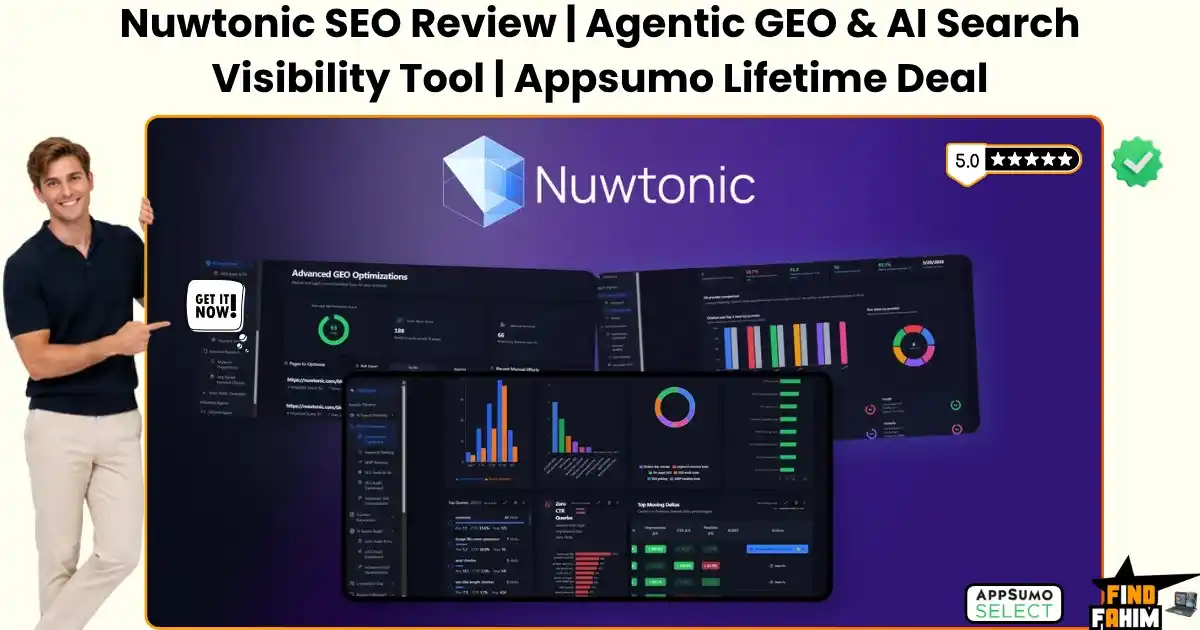
Nuwtonic SEO Reviews 2026 | Agentic GEO & AI Search Visibility Tool | AppSumo Lifetime Deal & Alternatives
Traditional SEO tools are stuck in the past. They hand you a confusing audit report filled with generic errors and expect you to fix them manually over a weekend. Worse, they ignore the traffic shift happening right now — consumers are turning to AI engines like ChatGPT and Perplexity for direct answers, bypassing Google search and quietly draining your organic traffic. That’s exactly the gap the Nuwtonic lifetime deal was built to close. Nuwtonic is an agentic optimization platform that replaces useless reports with real fixes: it tracks your AI visibility, flags competitor gaps, and pushes approved content updates straight to your website. Disclaimer: This article contains affiliate links. If you purchase through these links, I may earn a small commission at no extra cost to you. All opinions are entirely my own. My Quick Take (TL;DR) What is it? An agentic SEO and GEO (Generative Engine Optimization) platform that audits, writes, and executes website improvements. Special Feature: The system connects to WordPress and pushes generated schema, meta tags, and content updates directly to your live pages. For Who: Digital marketing agencies, niche site owners, content strategists, and B2B founders. The Deal: A multi-tier Nuwtonic AppSumo package starting at $69, scaling up for heavy agency usage. Verdict: A mandatory purchase for marketers who want to rank in ChatGPT and stop wasting weekends doing manual SEO grunt work. Claim Your Nuwtonic Lifetime Deal Now What is Nuwtonic? Nuwtonic is an advanced search optimization platform that bridges the gap between traditional Google rankings and modern Generative Engine Optimization. It replaces the old model of passive auditing by providing an active AI agent that actually performs the recommended website updates for you. Instead of paying a specialist to decipher a confusing spreadsheet of missing alt tags and broken schema, you interact with the built-in agent. The system generates the missing components, writes the necessary text expansions, and deploys those changes straight to your content management system. The True Cost of Manual SEO Audits Buying standalone applications to research keywords, audit pages, and edit content drains your monthly marketing budget. This software package removes the heavy financial burden of holding multiple accounts. Here is the exact value breakdown of what you receive inside this single purchase. Feature Replaces… The Real Value Normal Cost Deal Status On-Page Audits SurferSEO Scores content depth ~$348/year ✅ Included GEO Tracking Manual Searching Tracks AI citations ~$600/year ✅ Included Topical Mapping Ahrefs / KeywordTool Builds cluster plans ~$1,200/year ✅ Included Direct Execution Freelance VAs Pushes fixes to CMS ~$1,500/year ✅ Included Total Cost Fragmented Stack Agentic SEO Hub ~$3,648/year $69 (Lifetime) A Look Inside Nuwtonic: Key Features Nuwtonic provides a powerful suite designed specifically to protect your time and grow your organic traffic. These primary functions eliminate frustrating technical bottlenecks that usually drain your marketing budget. Agentic Execution (Not Just Audits) Most SEO tools limit themselves to pointing out mistakes on a dashboard. Nuwtonic uses an active agent that automatically writes these missing elements for you. You simply review the suggestions and click approve. The system generates optimized meta titles, alt tags, and FAQ schema without manual coding. AI Search Visibility Tracking Traditional rank trackers only show where your links sit on Google. This platform monitors whether language models like ChatGPT actually cite your brand as an authoritative source. Tracking this data reveals where future traffic originates. Adapting your content to answer prompts ensures you remain a top authority. Connected Topical Authority Maps Building topical clusters usually requires exporting keyword spreadsheets and sorting rows manually. Nuwtonic reads your Search Console data alongside competitor gaps to build cluster roadmaps automatically. The software maps exactly which supporting articles you need to write, signaling to search engines you are the ultimate expert. Smart AI Content Editor Updating an older blog post is often harder than starting fresh. The built-in editor lets you highlight specific sections, expand explanations, and format clean HTML tables easily. You can add semantic search terms naturally without rewriting everything. This targeted editing breathes new life into decaying articles fast. Standout Feature: Direct CMS Pushing Copying text from external documents into WordPress causes formatting errors and lost time. Nuwtonic connects straight to your website via a dedicated security plugin, bridging the gap between writing and seamless publishing. Once you finish optimizing an article or generating schema, you publish directly from the dashboard. The changes push straight to your live site, preserving headings, styling, and technical markup without tedious data entry. What is New in 2026 The Nuwtonic development team pushed a major platform update in early 2026, delivering crucial upgrades requested by technical SEO users. Introduced deep Generative Engine Optimization (GEO) tracking to monitor brand citations inside Perplexity and ChatGPT. Added an advanced WordPress integration plugin to push content and schema updates directly to live domains. Released a dedicated competitor gap analyzer that reads Search Console data to find profitable missing keywords. Expanded the internal image generator to create custom blog thumbnails while optimizing their alt text simultaneously. Nuwtonic Pricing & AppSumo Deal Deal Feature Tier 1 ($69) Tier 2 ($159) Tier 3 ($259) Tier 4 ($359) Managed Sites 1 Domain 5 Domains 15 Domains 50 Domains AI Credits/Mo Starter Quota Growing Quota Agency Quota Max Quota SEO Audits/Mo Included Included Included Included GEO Tracking ✅ Included ✅ Included ✅ Included ✅ Included Direct CMS Push ✅ Included ✅ Included ✅ Included ✅ Included Which Plan Should You Buy? Solo site owners should pick Tier 1 to optimize a primary project at the lowest entry price. Growing digital marketing agencies managing several client portals should secure Tier 3 for higher domain allocations and audit volumes. Large marketing firms need Tier 4 to support up to fifty domains and manage heavy enterprise client workloads. Important Note on the Refund Policy This deal includes a 60-day money-back guarantee through AppSumo. You can test the platform across your own web properties with zero risk. Evaluating the agentic execution and WordPress
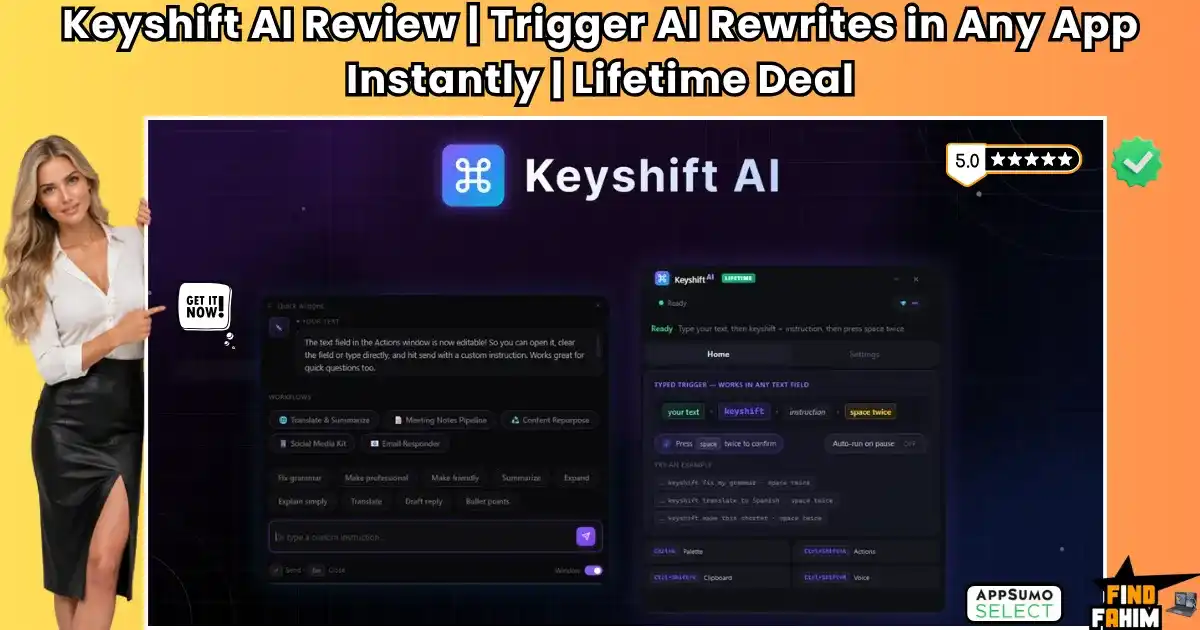
Keyshift AI Reviews 2026 | Trigger AI Rewrites in Any App Instantly | AppSumo Lifetime Deal & Alternatives
You’re in the middle of writing a crucial project update in Slack, or drafting a sensitive client email in Gmail — then you notice the draft sounds too casual, or a little clunky. That’s exactly the gap the KeyShift AI lifetime deal is built to close. The normal fix: copy the text, open a new tab, log into ChatGPT, paste it, type “make this sound professional,” wait, copy the output, then paste it back. That’s 30 to 45 seconds of pure context switching. KeyShift AI removes that step entirely. It’s a native desktop app that puts AI directly into your cursor, so SaaS founders, copywriters, and remote professionals can rewrite, translate, summarize, or dictate text inside any app they’re already using — no tab-switching required. Disclaimer: This article contains affiliate links. If you purchase through these links, I may earn a small commission at no extra cost to you. All opinions are entirely my own. My Quick Take (TL;DR) What is it? A native Windows and Mac desktop app that brings AI text transformations directly into any text field across any application. Special Feature: The Inline Trigger. By simply typing the word keyshift followed by a command and pressing space twice, the software instantly replaces your text in place. For Who: Content creators, busy executives, copywriters, and solopreneurs dealing with high volumes of daily communication. The Deal: A flexible 5-tier lifetime deal starting at just $19, with the ability to use your own API key (BYOK) for unlimited zero-credit usage on any tier. Verdict: If you are tired of paying expensive monthly subscriptions for grammar tools or hate the workflow disruption of constantly opening ChatGPT, this frictionless utility is an absolute no-brainer. Secure Your KeyShift AI Lifetime Deal Here What is KeyShift AI? KeyShift AI is a lightweight desktop productivity tool designed specifically to bridge the gap between large language models and your daily workflow. Instead of acting as a standalone website where you must go to generate content, it lives quietly in the background of your operating system. Because the tool operates globally across your entire machine, it works perfectly inside Discord, WhatsApp Desktop, Slack, Microsoft Word, and your web browser. You highlight a block of text, trigger a shortcut, and the AI actively manipulates the text exactly where your cursor is resting, ensuring your communication remains rapid and highly polished securely. The Real Cost of Context Switching Renting premium cloud-based AI writing assistants or massive grammar overlays continuously drains your operational budget. Here is exactly how a one-time $19 payment replaces expensive, fragmented desktop subscriptions. Feature Replaces… The Real Value Standard Cost Deal Status Inline Rewriting Grammarly Premium Fixes tone and grammar ~$144/year ✅ Included Cloud Generation Copy.ai Generates marketing copy ~$432/year ✅ Included Voice Dictation WisprFlow Converts speech to text ~$120/year ✅ Included App Integrations Notion AI AI inside specific tools ~$120/year ✅ Included Total Cost Fragmented Stack Centralized AI Hub ~$816/year $19 (Lifetime) Key Features: A Look Inside KeyShift AI Evaluating these core components reveals exactly how this desktop application helps you untangle complex writing issues without requiring you to constantly manipulate multiple browser windows. The “Keyshift” Inline Trigger This is the absolute core of the software. You do not even need to memorize a keyboard shortcut. If you are typing an email and need to summarize a paragraph, you simply type keyshift summarize this in one sentence directly below it, and hit the spacebar twice. The app intercepts the command, processes it via the AI, and replaces the text directly on your screen instantly. Voice Dictation and Transcription Typing out long strategy documents is exhausting. KeyShift AI features a native voice input engine (triggered by Ctrl+Shift+M). You can dictate your rough thoughts out loud, and the AI will transcribe them. More impressively, you can apply an AI action during the dictation, commanding it to turn your spoken, rambling thoughts into a polished, bulleted email without typing a single word securely. Custom AI Modes & Command Palette Every professional has a specific brand voice. The platform allows you to build custom, reusable AI prompts tailored specifically to your daily workflow natively. If you are an attorney, you can create a “Legal Tone” mode. If you are a marketer, you can create a “Direct Response” mode. By hitting Ctrl+K, the Command Palette opens, allowing you to instantly apply these custom filters to any highlighted text securely. The BYOK and Credit Economy Explained Understanding how credits work is critical before purchasing this deal. KeyShift calculates costs based on the length of the text. A short message fix costs roughly 1 credit. A massive email summary costs 2 to 3 credits. Voice dictation costs 2 to 3 credits per minute of audio. The Bring Your Own Key (BYOK) Advantage: This is the most valuable part of the deal. If you connect your own OpenAI or Anthropic API key to the software, every single action you take costs 0 KeyShift credits. You can buy the cheapest $19 Tier 1 deal, plug in your API key, and use the software infinitely for pennies, bypassing the higher AppSumo limits natively. Community Feedback KeyShift AI launched to massive praise, but navigating the community reviews reveals exactly what the platform does well and where early adopters have requested changes. The Workflow Praise: Users consistently highlight the sheer speed of the tool. The ability to use Ctrl+Shift+V to copy text, have the AI translate it in the background, and instantly paste the French version is saving users hours a week natively. The Windows/Mac Requirement: Some users bought the tool assuming it was a browser extension, only to realize they cannot install it on their heavily locked-down corporate laptops without IT permission. It is true desktop software. Mobile App Demand: The founder, Endri Demiraj, has explicitly confirmed that while it is currently Windows/Mac only, a mobile version is actively planned on the public roadmap safely. Pricing & AppSumo Deal Terms Deal Parameter Tier 1
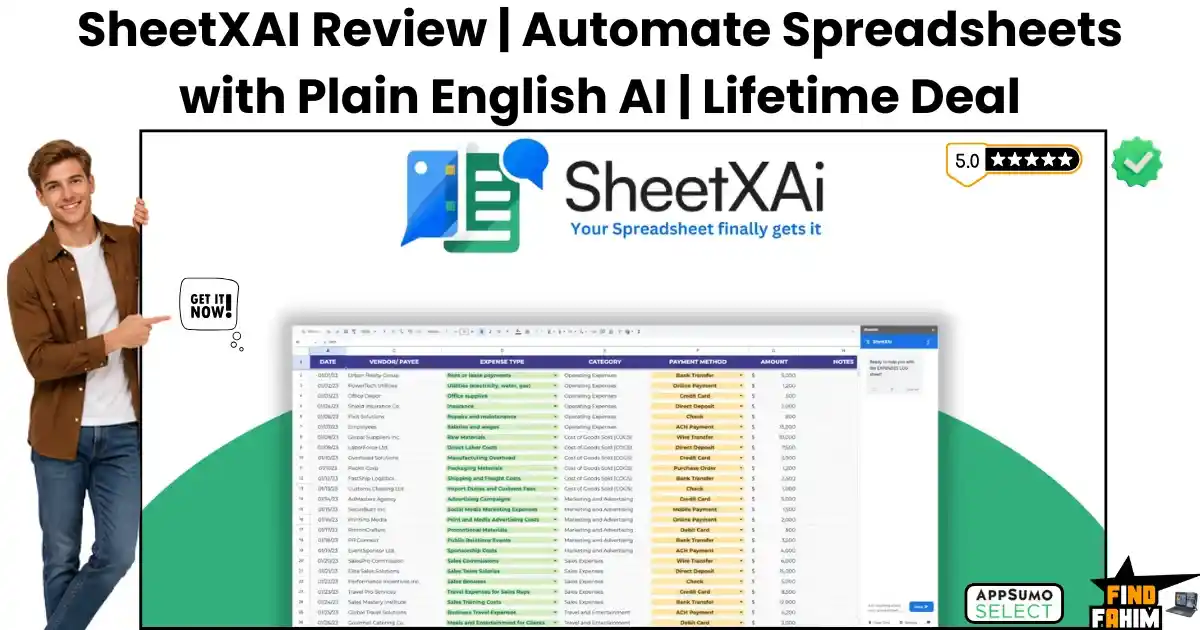
SheetXAI Reviews 2026 | Automate Spreadsheets with Plain English AI | AppSumo Lifetime Deal & Alternatives
Wrestling with broken spreadsheet formulas and manually copying data from messy PDF invoices drains your daily energy. Hiring virtual assistants just to clean up formatting errors or write bulk product descriptions creates massive overhead and shrinks your profit margins over time. Spending hours typing out repetitive data and troubleshooting broken VLOOKUPs destroys your focus, pulling you away from actually growing your revenue. SheetXAI acts as your personal data scientist. This SheetXAI lifetime deal turns your standard Google Sheets and Microsoft Excel files into a powerful automation engine that cleans, extracts, and generates content using plain English. Disclaimer: This article contains affiliate links. If you purchase through these links, I may earn a small commission at no extra cost to you. All opinions are entirely my own. My Quick Take (TL;DR) What is it? A spreadsheet automation tool that connects Google Sheets and Excel to advanced language models for bulk data tasks. Special Feature: An unstructured data extractor that reads messy receipts, PDFs, and handwritten notes, organizing the details into neat rows. For Who: E-commerce managers, data analysts, content marketers, and digital agency owners. The Deal: A multi-tier AppSumo package starting at $39, scaling up for heavy data processing. Verdict: A mandatory switch for anyone tired of fighting complex macros and wasting hours on repetitive data entry. Claim Your SheetXAI Lifetime Deal Now What is SheetXAI? SheetXAI is an advanced spreadsheet automation plugin designed to help business owners manage complex data without writing custom code. It replaces messy macros by allowing you to control your spreadsheets using natural language commands. Instead of searching Google for complicated syntax, you simply type what you need. The system cleans your lists, extracts specific text, and generates bulk content directly inside your active grid. The Cost of Manual Data Entry This software package removes the need to pay steep recurring fees for separate data scrapers and expensive virtual assistants. Here is the exact financial breakdown of the included value. Feature Replaces… The Real Value Normal Cost Deal Status Data Cleaning Virtual Assistants Fixes messy formatting ~$1,200/year ✅ Included PDF Extraction Docparser Pulls data from receipts ~$350/year ✅ Included Bulk Generation Jasper Writes product descriptions ~$480/year ✅ Included Background Sync Zapier Runs tasks while closed ~$240/year ✅ Included Total Cost Fragmented Stack Centralized AI Hub ~$2,270/year $39 (Lifetime) A Look Inside SheetXAI: Key Features SheetXAI provides a powerful suite designed specifically to protect your time. These primary functions eliminate frustrating administrative tasks. Natural Language Commands Most spreadsheet users hate dealing with complex formulas that break easily. This platform features an intelligent command engine that understands plain English instructions. You simply highlight a column and type a request like, “Format these names and remove all the blank spaces.” The tool executes the change across thousands of cells, saving you hours of frustrating manual cleanup. Unstructured Data Extraction Pulling information from vendor invoices and messy legal contracts usually requires endless copying and pasting. This software reads raw PDFs, images, and handwritten notes, identifying the core details for you. You upload your files, and the tool intelligently maps the dates, prices, and names into the correct columns. This keeps your financial records accurate while freeing your team from tedious clerical work. Bulk Content Publishing Writing hundreds of SEO meta descriptions for a massive catalog drains your creative energy. This platform generates massive volumes of text directly inside your spreadsheet cells. You can highlight your product titles, ask the AI to write engaging descriptions, and then push that content directly to WordPress or Ghost. Managing your entire editorial calendar from a single spreadsheet keeps your marketing highly organized. Background Task Processing Waiting for a heavy spreadsheet to process massive data requests slows down your entire computer. The dashboard allows long-running scraping tasks to run in the background. You can trigger a massive data pull, close your browser, and walk away. The software finishes the job on its own servers and populates your sheet, ensuring your daily work never grinds to a halt. The Ultimate LLM Gateway Relying on a single artificial intelligence model limits your creative output. This platform includes an advanced gateway that gives you access to over thirty different language models, including Claude, Gemini, and Grok. When you need creative marketing copy, you can toggle the settings to use Claude. If you require deep analytical reasoning, you switch to Gemini. Accessing all these premium models from a simple drop-down menu inside your spreadsheet gives you an extreme competitive advantage over standard Excel users. What is New in 2026 The SheetXAI development team pushed a massive architectural overhaul in early 2026, delivering crucial upgrades that technical users requested. Introduced deep WooCommerce syncing to push generated product descriptions directly to live stores. Added an advanced background task manager to handle massive data pulls without freezing your browser. Released a dedicated image analysis feature that extracts handwritten text from scanned receipts. Expanded the LLM Gateway to include the newest versions of Claude and Grok for better reasoning. SheetXAI Pricing & AppSumo Deal Deal Feature Tier 1 ($39) Tier 2 ($149) Tier 3 ($199) Tier 4 ($299) Credits/Month 1,000 Credits 5,000 Credits 10,000 Credits 20,000 Credits LLM Gateway Basic Models Premium Models Premium Models Premium Models Web Scraping ❌ No ✅ Yes ✅ Yes ✅ Yes Background Sync ❌ No ✅ Yes ✅ Yes ✅ Yes Bring Your Key ❌ No ❌ No ✅ Yes ✅ Yes Which Plan Should You Buy? Solo marketers handling basic SEO tasks should start with Tier 1. Small agencies processing heavy PDFs and receipts must secure Tier 2 to access the web scraping tools. Heavy data firms need Tier 4 to unlock massive monthly credits and the crucial Bring Your Own Key (BYOK) features to drop their usage costs. Important Note on the Refund Policy This deal includes a generous 60-day money-back guarantee. You can test the platform with zero financial risk. Evaluating the plain English commands and PDF extraction is safe before committing

Alumni Bundle Reviews 2026 | Pictory, Nifty & Gumlet Video in One Deal | AppSumo Bundle & Alternatives
Subscribing to premium video generators, project management boards, and secure video hosts individually drains your budget fast. Managing scattered software payments across multiple platforms causes billing chaos and heavily impacts your bottom line. The AppSumo Alumni Bundle packages Pictory, Nifty, and Gumlet Video into a single, massively discounted annual package. You secure three heavy-hitting business tools for less than the cost of one standard monthly software subscription. Disclaimer: This article contains affiliate links. If you purchase through these links, I may earn a small commission at no extra cost to you. All opinions are entirely my own. My Quick Take (TL;DR) What is it? A strictly limited, one-year bundle featuring three top-tier SaaS products: Pictory, Nifty, and Gumlet. Special Feature: Grants access to established platforms that have already graduated from standard lifetime deal campaigns. For Who: Digital marketing agencies, content creators, course instructors, and freelance teams. The Deal: A batched pricing model starting at $29 for a full year of access across all three tools. Verdict: An absolute steal for digital operators looking to slash their software overhead for the next twelve months. Claim Your AppSumo Alumni Bundle Now What is the AppSumo Alumni Bundle? This package breaks away from the traditional single-product lifetime offering. It delivers one full year of access to three established software giants that previously ran massive, successful campaigns on the platform. Instead of buying three separate subscriptions at full retail price, you pay a single batch fee. This gives your business access to a premium video creator, a powerful project tracker, and a professional video-hosting platform at once. Inside the Bundle: 3 Heavyweight Tools in 1 Buying standalone apps to run a modern content agency adds up quickly. This package removes the heavy financial burden of holding multiple accounts. Here is the exact value breakdown of what you receive inside this purchase. Tool Included Core Function The Real Value Normal Annual Cost Deal Status Pictory AI Video Generation Turns text into video ~$228/year ✅ 1-Year Access Nifty Project Management Centralizes team tasks ~$108/year ✅ 1-Year Access Gumlet Video Video Hosting Streams without ads ~$300/year ✅ 1-Year Access Total Value Fragmented Apps Unified Toolset ~$636/year $29 (Batch 1) Pictory: Scale Your Video Content Instantly Writing long-form blog posts is great for search rankings, but modern audiences demand video content. Pictory uses advanced artificial intelligence to read your written articles and automatically generate highly engaging videos to match your text. The system pulls relevant stock footage, applies dynamic captions, and utilizes realistic ElevenLabs voiceovers to narrate your script. This allows your marketing team to scale YouTube and TikTok production without needing expensive camera gear or heavy editing software. Nifty: Centralize Your Remote Team Workspace Keeping track of remote employees and scattered client deliverables usually requires endless email chains. Nifty provides a centralized workspace where your team can chat, edit documents, and track project milestones in one clear view. You assign specific tasks to your staff, set firm deadlines, and monitor their progress using visual Kanban boards. Moving your daily communication out of messy inboxes and into a dedicated tracker keeps your agency organized and highly efficient. Gumlet: Secure, Ad-Free Video Hosting Uploading your premium coaching videos or paid courses to a public platform like YouTube exposes your brand to distracting ads and competitor recommendations. Gumlet gives you a professional, white-labeled video hosting environment to protect your media assets. The platform includes strong digital rights management to prevent piracy and unauthorized downloading. You can also embed lead capture forms directly into your video player, turning your content into an active lead generation machine. Upgrade Your Software Stack — Get The Bundle Here The Batch Pricing Explained This specific campaign uses a unique, scarcity-driven pricing structure. The cost increases as inventory sells out, meaning early buyers secure the lowest possible rate for the 1-year access pass. Deal Feature Batch 1 ($29) Batch 2 ($39) Batch 3 ($49) Pictory Access Starter Plan Starter Plan Starter Plan Nifty Access Pro Plan Pro Plan Pro Plan Gumlet Access Growth Plan Growth Plan Growth Plan Duration 1 Full Year 1 Full Year 1 Full Year Refund Policy Non-Refundable Non-Refundable Non-Refundable Which Batch Should You Secure? You should aim to purchase this deal during Batch 1 to lock in the absolute lowest rate. However, even if you miss the initial drop, securing Batch 3 at $49 is still a massive financial victory compared to paying the $636 retail price for these three tools. Important Note on the Terms Unlike standard AppSumo campaigns, this bundle is strictly non-refundable. Because you receive immediate access to three mature, premium tools at a heavy discount, the platform does not allow returns. Ensure you actually need video generation, task management, and video hosting before completing your purchase. Pros & Cons of This 1-Year Mega Deal Adding three new platforms to your daily workflow requires a clear understanding of their limits. Here is the strict truth about this specific bundle. The Pros ✅ Delivers three industry-leading, battle-tested software tools for a single upfront payment. ✅ Pictory allows you to turn raw text scripts into polished videos using premium AI voices. ✅ Nifty replaces heavy tools like Asana by combining team chat and task tracking naturally. ✅ Gumlet streams your videos without ads and includes deep analytics to track viewer engagement. ✅ Saves your business hundreds of dollars in recurring software fees over the next twelve months. The Cons ❌ This is a one-year deal, meaning you will need to renew or find alternatives after 365 days. ❌ The purchase is strictly non-refundable, so you cannot test the tools and return them later. Who Should NOT Buy This Bundle? If you already hold lifetime deals for all three of these tools from their previous campaigns, buying this annual pass is a waste of your money. Furthermore, if your business solely focuses on local, offline retail and you have zero need for digital video marketing or
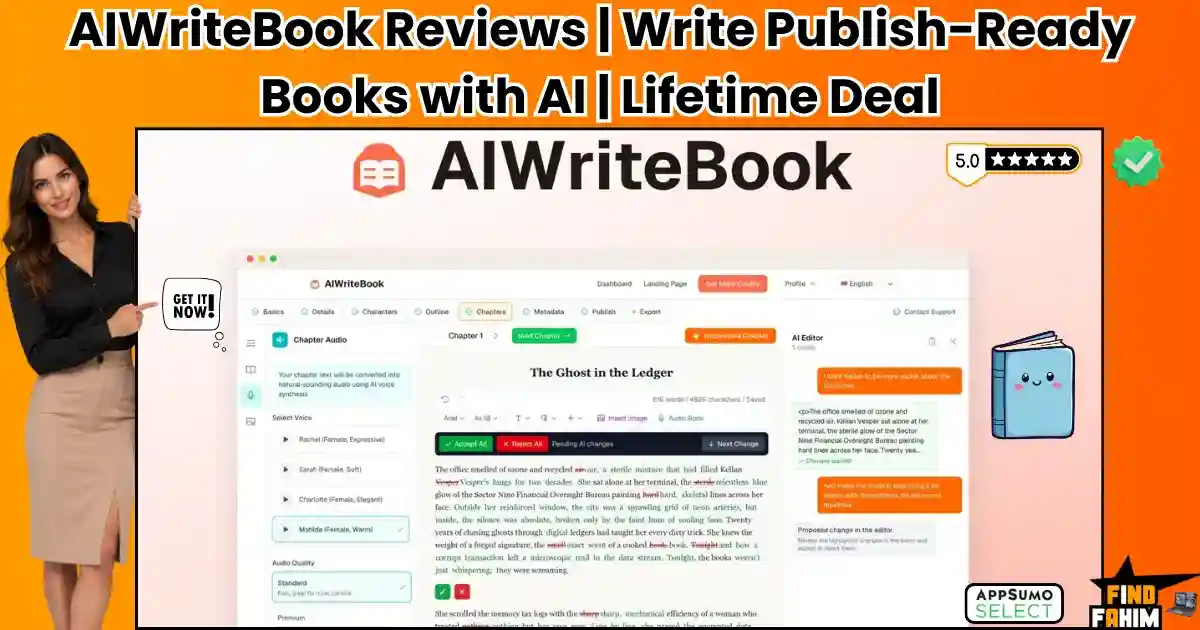
AIWriteBook Reviews 2026 | Write & Publish Books with AI in Your Voice | AppSumo Lifetime Deal & Alternatives
Writing a book the traditional way means juggling separate apps for drafting, formatting, and cover design, which drains your creative energy. Trying to force a word processor, a design tool, and an EPUB converter to work together takes weeks of frustrating technical setup — exactly the grind the AIWriteBook lifetime deal is built to eliminate. It works as your digital co-author: an intelligent workspace that generates voice-matched chapters, professional covers, and publish-ready files, all from a single dashboard. Disclaimer: This article contains affiliate links. If you purchase through these links, I may earn a small commission at no extra cost to you. All opinions are entirely my own. My Quick Take (TL;DR) What is it? An all-in-one book creation platform that uses artificial intelligence to draft, edit, and format your manuscript. Special Feature: The style matching engine reads your previous writing and mimics your exact author voice across every new chapter. For Who: Fiction authors, business consultants, freelance writers, and independent self-publishers. The Deal: A multi-tier AIWriteBook AppSumo deal starting at $79, with Bring Your Own Key (BYOK) options to lower usage costs. Verdict: A mandatory switch for writers tired of stitching together expensive software just to publish their knowledge. Claim Your AIWriteBook Lifetime Deal Now What is AIWriteBook? AIWriteBook is a centralized writing platform that helps authors publish their work without dealing with complex formatting software. It consolidates multiple subscriptions by housing your character builder, chapter outliner, image generator, and manuscript editor under one roof. Instead of staring at a blank screen, you interact with an intelligent writing assistant. You describe your book concept, and the system generates your chapter outlines, writes your draft in your specific voice, and exports a final KDP-ready file. The Cost of Fragmented Software This software package removes the need to pay steep recurring fees for separate word processors and cover design apps. Here is the exact financial breakdown of the included value. Feature Replaces… The Real Value Normal Cost Deal Status Book Drafting Sudowrite Generates full chapters ~$360/year ✅ Included Formatting Atticus Exports KDP-ready EPUBs ~$147/one-time ✅ Included Cover Design Midjourney Generates book covers ~$120/year ✅ Included Audiobooks ElevenLabs Converts text to speech ~$264/year ✅ Included Total Cost Fragmented Stack Centralized AI Hub ~$891/year $79 (Lifetime) AIWriteBook Key Features AIWriteBook provides a powerful suite designed specifically to protect your creative momentum. These primary functions eliminate frustrating technical setup tasks. The Style Matching Engine Most writing tools produce generic, robotic prose. This platform uses an advanced style engine that analyzes your uploaded manuscripts to replicate your natural tone, sentence structure, and vocabulary. By studying your past work, the system adapts to your unique authorial voice. Every generated chapter reads authentically, eliminating hours of tedious manual rewriting from your production workflow. Detailed Character Builder Managing character traits, backstories, and physical descriptions across chapters usually causes messy notes. This software unifies your story bible into a central dashboard that the AI references automatically. You can map distinct character arcs, set relationship dynamics, and define speech rules. The model consults these profiles during drafting, ensuring your cast acts consistently across the entire story. Integrated Cover & Illustration Studio Hiring freelance artists for cover designs and chapter art quickly inflates publishing budgets. This platform embeds an image generator directly inside your writing workspace to handle visual assets. You simply input descriptive prompts to create book covers and matching chapter illustrations. This maintains visual continuity across your project without requiring separate design software or expensive design retainers. KDP-Ready Export System Completing a manuscript is only half the battle; formatting it for distribution remains painful. The dashboard handles typography, margins, and page breaks to ensure clean reading on all devices. You can export structured EPUB, PDF, and DOCX files with a single click. The built-in publishing assistant also generates back-cover blurbs and suggests Amazon categories to boost marketplace visibility. Bring Your Own Key (BYOK) Relying on standard platform credits for long book projects drains your monthly allowance quickly. Higher tiers let you connect your personal API keys for Gemini, Grok, or Claude directly to the workspace. Using your own key drops the platform cost to one credit per generated chapter. You access wholesale model pricing directly from AI providers, protecting your operating budget while generating massive novel series without restrictive platform limits or unexpected monthly upgrade fees. What is New in 2026 The AIWriteBook development team pushed a massive architectural overhaul in early 2026, delivering crucial upgrades that technical users requested. Introduced the highly requested BYOK feature to drastically lower credit consumption for heavy users. Added an advanced audiobook generator to convert your finished text into high-quality narrated files. Released a dedicated book translation engine capable of converting manuscripts into over 30 languages. Expanded the export settings to include advanced table formatting for complex non-fiction guides. AIWriteBook Pricing & AppSumo Deal Deal Feature Tier 1 ($79) Tier 2 ($159) Tier 3 ($319) Tier 4 ($519) Monthly Credits 500 Credits 1,000 Credits 2,500 Credits 5,000 Credits Languages 30+ Supported 30+ Supported 30+ Supported 30+ Supported Export Formats EPUB, PDF, DOCX EPUB, PDF, DOCX EPUB, PDF, DOCX EPUB, PDF, DOCX Visual Books Included Included Included Included BYOK Support ❌ No ❌ No ✅ Yes ✅ Yes Which Plan Should You Buy? Solo authors writing occasional short guides should start with Tier 1 to test the market with basic limits. Active fiction writers must secure Tier 3 to access the crucial Bring Your Own Key (BYOK) feature. Massive self-publishing enterprises need Tier 4 for maximum monthly credits to support rapid series production. Important Note on the Refund Policy This deal includes a generous 60-day money-back guarantee. You can test the platform with zero financial risk. Evaluating the chapter generation and style matching tools is safe before committing to a permanent switch. Enjoy AIWriteBook for a One-Time Fee of $79 Pros & Cons of This Lifetime Package Moving your entire writing routine to a new platform requires careful financial consideration.

Skillplate Reviews 2026 | Build a Business by Talking to AI | AppSumo Lifetime Deal & Alternatives
Launching a digital coaching business usually requires buying a massive stack of expensive tools. Trying to force a website builder, a video host, an email provider, and a checkout cart to talk to each other takes weeks of frustrating technical setup. This software headache kills your momentum and delays your launch. Skillplate acts as your technical co-founder. This Skillplate lifetime deal provides an intelligent agent that instantly builds your courses, sales pages, and payment flows from a single dashboard. Disclaimer: This article contains affiliate links. If you purchase through these links, I may earn a small commission at no extra cost to you. All opinions and analyses are entirely my own. Quick Look (TL;DR) What is it? An all-in-one business platform that uses artificial intelligence to build your courses, website, and marketing funnels. Special Feature: The Overmind AI Agent actually builds your product catalog and checkout pages based on a simple text conversation. For Who: Course creators, business consultants, high-ticket coaches, and digital product sellers. The Deal: A multi-tier Skillplate AppSumo deal starting at $79, with optional add-ons for zero commission fees. Verdict: A mandatory switch for creators tired of stitching together expensive software just to sell their knowledge. Claim Your Skillplate Lifetime Deal Now What is Skillplate? Skillplate is a centralized storefront platform designed to help creators sell their expertise without dealing with complicated tech setups. It replaces multiple subscriptions by housing your website, community forums, video hosting, and email marketing under one roof. Instead of staring at a blank screen, you interact with an intelligent assistant called the Overmind. You describe your business idea, and the system generates your product catalog, writes your landing pages, and sets up your digital delivery. The Cost of Fragmented Software This software package eliminates the need to pay steep recurring fees for separate marketing tools and course-delivery apps. Here is the exact financial breakdown of the included value. Feature Replaces… The Real Value Normal Cost Deal Status Course Hosting Kajabi Hosts videos and lessons ~$1,788/year ✅ Included Website Builder Lovable Designs custom landing pages ~$240/year ✅ Included Email Marketing ActiveCampaign Sends automated campaigns ~$350/year ✅ Included Paid Communities Skool Runs private member groups ~$1,188/year ✅ Included Total Cost Fragmented Stack Centralized AI Hub ~$3,566/year $79 (Lifetime) A Look Inside Skillplate: Key Features Skillplate provides a powerful suite designed specifically to protect your revenue. These primary functions eliminate frustrating technical setup tasks. The Overmind AI Agent Most platforms claim to have artificial intelligence, but they only offer basic text generators. This platform features an agentic assistant that physically builds your infrastructure. You describe your target audience, and the system creates your product descriptions, generates images, and sets up your checkout pages. This removes weeks of manual labor from your launch schedule. Unified Digital Storefront Selling coaching sessions, video courses, and digital downloads usually requires three different apps. This software combines every product type into a single branded catalog. You can create high-ticket bundles, offer payment plans, and set up discount coupons effortlessly. Your customers experience a smooth checkout process that matches your exact brand colors. Built-In Video Hosting Paying a third-party host just to stream your course lessons drains your budget fast. This platform includes native video storage and secure streaming directly inside your membership area. You upload your files once, and the system protects them from being downloaded or shared publicly. This secures your intellectual property while giving students a premium viewing experience. Next-Best-Step Guidance Launching a product is only the first step; you have to figure out how to drive traffic and increase sales. The dashboard analyzes your customer behavior and CRM data to provide specific growth advice. The AI suggests exact marketing moves based on your current order volume. It acts as an ongoing business strategist to help you scale your income consistently. Automated Campaign Builder Writing promotional emails and social media posts takes hours of creative energy that most coaches simply do not have. This platform includes a native marketing engine that understands your specific products and your target customers. When you launch a new course, the system generates a full promotional sequence. It writes the launch emails, prepares the social updates, and schedules the delivery. You simply review the text and hit send, securing new sales without hiring an expensive freelance copywriter. What is New in 2026 The Skillplate development team pushed a massive architectural overhaul in August 2026, delivering crucial upgrades that technical users requested. Introduced the highly requested Overmind agent for instant product generation. Added native Discord integration to sync community roles with course purchases. Released advanced webhook support for connecting complex Zapier and n8n automations. Expanded the theme library to include twelve conversion-focused storefront designs. Skillplate Pricing & AppSumo Deal Deal Feature Tier 1 ($79) Tier 3 ($239) Tier 4 ($349) Tier 6 ($549) Active Users 1,000 Users 10,000 Users 25,000 Users Unlimited Video Storage 15 Hours 50 Hours 75 Hours 100 Hours Streaming/Month 15,000 Mins 45,000 Mins 60,000 Mins 75,000 Mins Contacts 5,000 20,000 50,000 Unlimited Commission Fee 10% 8% 7% 3% Which Plan Should You Buy? Solo creators should start with Tier 1 to test the market with basic limits. Growing coaches must secure Tier 4 to access heavy video storage and lower their commission rate to 7%. Massive coaching enterprises need Tier 6 for unlimited active users and the absolute lowest base commission fee. Important Note on the Refund Policy This deal includes a generous 60-day money-back guarantee. You can test the platform with zero financial risk. Evaluating the video hosting and AI checkout connections is safe before committing to a permanent switch. Let AI Build Your Business — Get Skillplate Here Pros & Cons of This Lifetime Package Moving your entire coaching business to a new platform requires careful financial consideration. Here is the strict truth about this tool. The Pros ✅ Replaces expensive recurring fees charged by fragmented course hosting software. ✅ Includes a highly intelligent
Klaviyo Pricing 2026 | Complete Breakdown of Plans, Fees & Hidden Costs | Full Guide
Editorial Disclaimer: The 2026 Klaviyo pricing data and feature limits in this B2B audit are independently researched. This page contains affiliate links; if you purchase software through them, we may earn a small commission at no extra cost to you, which supports our research. When scaling an e-commerce brand, your email marketing software can quickly become your largest monthly SaaS expense. Evaluating Klaviyo strictly by its entry-level price is a massive operational mistake. Because the company fundamentally shifted its billing model to charge for total “active profiles,” failing to audit your email list will instantly destroy your profit margins. Klaviyo is arguably the most powerful email platform for ecommerce stores, heavily backed by Shopify itself. However, with massive power comes a premium price tag. I will break down exactly how their 2026 pricing tiers function, where the hidden SMS fees lie, and how to stop burning cash on unengaged subscribers. 2026 Executive Pricing Snapshot If you are auditing your SaaS budget and need the immediate financial baseline, here is the reality of Klaviyo pricing in 2026: The Free Plan: Costs $0 for up to 250 active profiles and 500 monthly email sends. The Email Plan: Starts at $20/month for 500 profiles and scales up based entirely on list size. The Email + SMS Plan: Starts at $35/month for 500 profiles and 1,250 SMS credits. The Active Profile Shift: Klaviyo no longer charges based on how many people you actually email. You are billed for every single active profile sitting in your database. Enterprise Surcharges: Accounts spending over $10,000 a month are hit with a mandatory 20% Klaviyo One premium surcharge. Claim Your Free Klaviyo Account Today The Massive 2025/2026 Billing Shift To understand your monthly invoice, you must understand the massive billing update that caught thousands of store owners off guard in February 2025. Before this update, Klaviyo billed you based on the profiles you actively emailed. If you had 20,000 contacts but only sent newsletters to 8,000 of them, you only paid for the 8,000. Today, that rule is dead. You now pay for your total active profile count. If you have 20,000 contacts, you pay the tier price for 20,000 contacts, even if you never send them a single message. The 25% Legacy Appreciation Cap If you had an active account before this change, Klaviyo implemented an “Appreciation Discount” to stop your bill from doubling overnight. This feature permanently caps your price increase at 25% when you move to a higher tier. However, there is a catch. If you manually downgrade your plan, you lose a portion of that discount. If that discount hits zero, it is gone forever. What Exactly Counts as an Active Profile? Because your entire bill relies on this metric, we need to look at how Klaviyo defines a profile. “Any profile, regardless of consent status, that can be emailed through Klaviyo is considered an active profile.” — Official Klaviyo Documentation What counts and charges you money: Subscribers who double-opted in. Customers who abandoned a cart and left their email. Shoppers who typed an email at checkout but did not tick the marketing box. What does NOT count toward your bill: Contacts you manually suppressed. Hard bounced email addresses. Contacts you permanently deleted. Base Subscription Tiers & Limits The core software is broken down into three distinct starting points. The features remain identical across all paid tiers; you are simply paying for more database capacity. The Free Plan Klaviyo’s free tier is genuinely free, with no 14-day trial deadlines. It is built for small startups with extremely low volume. Limit: Up to 250 active profiles. Emails: 500 email sends per month. SMS: 150 mobile messaging credits. Support: Email support for the first 60 days only. After that, you must use community forums. Drawback: All emails feature Klaviyo branding at the bottom, and you cannot run A/B split tests. The Email Plan This is the standard software tier. It removes all branding, unlocks live chat support, and gives you a monthly send limit equal to roughly 10 times your active profile count. Here is the exact cost breakdown as your B2B database scales: Active Profiles Monthly Cost Included Email Sends Up to 500 $20 5,000 Up to 1,000 $30 10,000 Up to 2,500 $60 25,000 Up to 5,000 $100 50,000 Up to 10,000 $150 100,000 Up to 15,000 $350 150,000 Up to 25,000 $400 250,000 Up to 50,000 $720 500,000 Up to 100,000 $1,380 1,000,000 Up to 150,000 $1,955 1,500,000 Up to 250,000 $2,300 2,500,000 The Email + SMS Plan If you want to run omnichannel campaigns, you can bolt SMS marketing directly onto your Email plan. The absolute minimum spend here is $35/month, which covers 500 email profiles and provides 1,250 SMS credits. However, it is critical to understand how this billing is actually structured: The Base Split: That $35 is essentially your $20 Email plan plus a strict $15/month baseline for the mobile messaging add-on. New Feature Unlocks: Paying for this tier doesn’t just give you credits; it unlocks multichannel automated flows and unified SMS reporting dashboards. The “Flexible Sending” Limit: Klaviyo only unlocks its “Flexible Sending” feature—which prevents your campaigns from freezing if you accidentally go over your limit—if your SMS plan is $495/month or higher. Below that massive threshold, you are locked into rigid monthly credit caps. SMS & WhatsApp Pricing Mechanics The most confusing part of Klaviyo pricing is understanding how mobile messaging actually burns through your budget. It does not operate on a flat fee. It operates on a volatile credit system. International SMS Credit Multipliers You purchase a block of credits every month. Those credits do not roll over. If you do not use them, you lose them. The major financial trap here is international sending. A single SMS message consumes a different amount of credits depending on where the customer lives. Destination Country SMS Cost MMS (Image) Cost USA 1 credit 3 credits Canada 3 credits 5 credits
Divhunt Reviews 2026 | Build Limitless Websites Without Code | AppSumo Lifetime Deal & Alternatives
Rigid website builders force web design agencies into a frustrating compromise. Webflow hits you with arbitrary database limits, and WordPress drowns you in bloated plugins that require constant maintenance. These technical barriers waste valuable time and shrink your client project margins. Divhunt offers a flexible visual canvas built on Single Page Application speed, giving you far more room to build than either alternative allows. This Divhunt lifetime deal on AppSumo gets you developer-level freedom for a one-time payment, not a monthly bill. Disclaimer: This article contains affiliate links. If you purchase through these links, I may earn a small commission at no extra cost to you. All opinions are entirely my own. My Quick Take (TL;DR) What is it? A visual website builder that uses Single Page Application technology to load fast, limitless sites. Special Feature: Native REST API binding allows you to connect Airtable or Shopify without writing backend code. For Who: Web design agencies, freelance developers, B2B SaaS founders, and e-commerce growth marketers. The Deal: A stackable Divhunt Lifetime deal starting at just $69 for the single-code base plan. Verdict: A mandatory switch for agencies tired of hitting strict pricing walls and sudden arbitrary database limitations. Secure Your Divhunt Lifetime Deal Here What is Divhunt? Divhunt is an advanced website creation platform designed to replace restrictive drag-and-drop tools. It gives developers a free-form visual canvas to build highly responsive, custom layouts from scratch. Instead of relying on heavy third-party plugins, it utilizes built-in CMS features. The platform renders pages as Single Page Applications, meaning visitors experience zero load times when clicking through a live published site. Unlimited Canvas: What’s Inside the Deal This Divhunt AppSumo deal replaces the need to pay steep recurring software fees for premium hosting and complex database connectors. Feature Replaces… The Real Value Normal Cost Deal Status Web Hosting Webflow CMS Hosts high-traffic sites ~$350/year ✅ Included API Middleware Zapier Connects third-party data ~$240/year ✅ Included AI Integration Jasper Generates text/images ~$400/year ✅ Included Site Analytics Premium Trackers Monitors live traffic ~$100/year ✅ Included Total Cost Fragmented Stack Centralized Web Hub ~$1,090/year $69 (Lifetime) A Look Inside Divhunt: Key Features Divhunt provides a powerful technical suite designed specifically to protect your agency’s revenue. These core functions eliminate frustrating development bottlenecks. Single Page Application Speed Traditional sites reload the entire browser window every time a visitor clicks a new link. This clunky process increases bounce rates and hurts conversions. This builder runs as a Single Page Application. It fetches the required data in the background, creating a fast browsing experience that feels native. Scalable Visual CMS Hitting unexpected item limits on platforms like Webflow forces you into expensive, sudden plan upgrades. This unpredictable pricing destroys your project estimates. The native content management system gives you the freedom to build creative layouts. You manage thousands of dynamic items without worrying about sudden paywalls blocking your progress. Direct BYOK AI Engine Most modern web builders charge you extra markup to use their built-in artificial intelligence generation credits. This sneaky tactic drains your wallet fast. By bringing your own API keys for Claude or OpenAI, you pay the provider directly. You generate full layouts, write copy, and translate pages for pennies. Native E-Commerce & Forms Relying on unstable third-party form plugins creates massive vulnerabilities that put your client data at serious risk. The platform features an advanced visual form builder right out of the box. You can safely connect these lead capture tools to external apps or native Stripe checkouts without writing backend logic. Visual REST API Bindings Connecting a custom Airtable database to a front-end design usually requires hiring an expensive backend engineer. This hard process destroys your initial project budget and delays your final launch dates. This software changes the rules by letting you visually define endpoints and authentication parameters inside the dashboard. You pull live data from external services into your design without writing custom middleware code or managing fragile servers. Divhunt Updates The development team pushed a massive architectural overhaul in July 2026, delivering crucial upgrades that technical users requested. Deployed a native Shopify integration to sync e-commerce inventory directly into the builder. Built a secure Memberships system to gate premium content and charge subscriptions easily. Expanded the free plugin marketplace to include over 50 native widgets and sliders. Divhunt Pricing & AppSumo Plan Deal Feature 1 Code ($69) 3 Codes ($207) 5 Codes ($345) 10 Codes ($690) Websites 1 Website 3 Websites 5 Websites 10 Websites Bandwidth 100 GB 300 GB 500 GB 1,000 GB CMS Items 2,000 Items 6,000 Items 10,000 Items 20,000 Items Form Submits 2,000 / Month 6,000 / Month 10,000 / Month 20,000 / Month Team Members Unlimited Unlimited Unlimited Unlimited Which Plan Should You Buy? Solo freelancers should start with a single code to host their basic portfolio. Small design agencies must secure three codes to cover multiple paying clients properly. Growing web firms need ten codes to access massive bandwidth and CMS limits. Buying this top tier guarantees you never run out of capacity. Important Note on the Refund Policy This Divhunt Lifetime deal includes a generous 60-day money-back guarantee. You can test the platform with zero financial risk. Evaluating the visual canvas and REST API connections is safe before committing to a permanent switch. Save $1,000+/Year — Claim Your $69 Divhunt Lifetime Deal Pros & Cons of Divhunt Moving your entire web design process to a new platform requires careful financial consideration. Here is the strict truth about this tool. The Pros ✅ Utilizes Single Page Application rendering to deliver incredibly fast page load speeds. ✅ Eliminates restrictive CMS limits that competitors use to force expensive monthly upgrades. ✅ Allows you to bring your own AI API keys to generate content without high markups. ✅ Integrates complex REST API data sources visually without requiring custom backend middleware. ✅ Includes a built-in SEO manager to control meta tags and localization parameters easily. The
MultiLipi Reviews 2026 | Translate & Rank in 120+ Languages with AI | AppSumo Lifetime Deal & Alternatives
Ignoring international search traffic actively burns cash and ruins your agency’s bottom line. When you only publish client content in English, you willingly surrender massive global market share to your competitors. Paying manual translation agencies destroys your daily workflows and drains your financial resources quickly. MultiLipi provides the exact solution to fix this traffic leak. This MultiLipi lifetime deal translates your site automatically while optimizing the code for artificial intelligence search engines. Disclaimer: This article contains affiliate links. If you purchase through these links, I may earn a small commission at no extra cost to you. All opinions are entirely my own. My Quick Take (TL;DR) What is it? A multilingual SEO platform that translates your website into 120 languages. Special Feature: Generative Engine Optimization (GEO) structures your code so ChatGPT cites your brand directly. For Who: E-commerce operators, web design agencies, digital marketing executives, and B2B SaaS founders. The Deal: A multi-tier MultiLipi Lifetime deal starting at exactly $79 for the License Tier 1 plan. Verdict: A mandatory purchase to explode your global search traffic and permanently cut expensive translation agency costs. Get MultiLipi Today — Ditch agency fees and get lifetime access. What is MultiLipi? MultiLipi is an advanced website translation platform designed to secure global market share. It converts your English pages into over 120 different local languages using intelligent AI models. Instead of acting as a basic widget, it physically structures your site for global indexing. It guarantees your localized pages rank perfectly on Google and appear in conversational search summaries. What’s Inside the Deal This MultiLipi Lifetime deal eliminates the need to pay recurring fees for separate translation plugins and expensive international SEO audits. Here is the exact financial breakdown of the included value. Feature Replaces… The Real Value Normal Cost Deal Status Website Translation Weglot Pro Localizes entire domains ~$350/year ✅ Included Multilingual SEO Agency Audits Ranks foreign keywords ~$1,500/year ✅ Included Image Translation Graphic Designers Translates embedded text ~$400/month ✅ Included LLM Tracking Premium Analytics Tracks ChatGPT citations ~$250/year ✅ Included Total Cost Fragmented Stack Centralized GEO Hub ~$6,900/year $79 (Lifetime) A Look Inside MultiLipi: Key Features MultiLipi provides a powerful suite designed specifically to protect your agency’s revenue. These primary functions eliminate manual coding. Multilingual SEO Engine Basic language switchers cause ranking failures because search engines ignore visual overlays. This platform generates dedicated subdirectories for every single language. It translates your title tags and meta descriptions to secure top global rankings. This strategy builds your organic search presence without duplicate content penalties. Visual Editing Dashboard Surrendering total control to automated translations creates brand messaging errors that destroy client trust. This software provides a centralized visual editing dashboard. Your team can review, tweak, and officially approve all text before it touches production servers. Strict glossary rules ensure your B2B terminology remains consistent. AI Image Translation Translating website text is useless if your promotional graphics still display English wording. This platform detects and translates text embedded directly inside visual assets. Eliminating the need to hire freelance graphic designers for international campaigns saves massive cash. Your e-commerce product pages remain visually persuasive across every market. Advanced LLM Analytics Operating blindly without understanding where your international traffic originates creates major business blind spots. The platform features native LLM tracking for complete data visibility. It identifies exactly which artificial intelligence models are currently crawling and citing your localized content. Monitoring these regional page views allows you to scale confidently. Generative Engine Optimization (GEO) Standard search optimization is no longer sufficient to maintain a profitable organic traffic channel. Because modern consumers heavily rely on ChatGPT for direct answers, your agency will burn cash if these systems cannot read your website. This platform injects strict structural intelligence into your code, ensuring massive language models fetch and cite your brand. Bridging the language divide for generative platforms positions your business as the ultimate trusted authority globally. What is New in 2026 The MultiLipi development team launched the massive 2.0 update on June 26, 2026, delivering crucial technical upgrades. Deployed a new AI vulnerability detector to strictly monitor your global search rankings automatically. Integrated advanced right-to-left (RTL) language formatting for massive Middle Eastern markets. Released over twenty-five newly designed language switcher widgets to match your specific branding. Added a native AI content suggestor to optimize poorly translated phrases instantly. MultiLipi Pricing & AppSumo Deal Details Deal Feature Tier 1 ($79) Tier 3 ($269) Tier 5 ($779) Tier 8 ($2,999) Translated Words 100,000 600,000 2,000,000 10,000,000 Languages 4 Languages 8 Languages 15 Languages 100 Languages Projects 3 Projects 7 Projects 15 Projects Unlimited AI Image Translations ❌ None 20 Images 100 Images 1,000 Images Team Members Included Included Included Included Which Plan Should You Buy? Solo marketers should purchase Tier 1 to test basic international markets. Digital marketing agencies managing multiple e-commerce clients must invest in Tier 5 to secure fifteen projects. Large enterprises need Tier 8 for unlimited projects and ten million translated words to protect their global revenue. Important Note on the Refund Policy This MultiLipi AppSumo deal includes a strict sixty-day money-back guarantee. Your agency can test the generative engine optimization and artificial intelligence translation features entirely risk-free to ensure it actively scales your traffic. Claim Lifetime Access — expand your global presence Pros & Cons of This Lifetime Package Transitioning your website localization strategy requires absolute technical and financial clarity. Here is the strict truth about this platform. The Pros ✅ Translates your entire domain into 120 languages without touching complex backend code. ✅ Implements strict Generative Engine Optimization so ChatGPT cites your brand in foreign languages. ✅ Replaces expensive recurring translation subscriptions that drain your budget monthly. ✅ Provides a centralized visual dashboard to manually tweak and perfect all automated text translations. ✅ Secures top international Google rankings through automated subdirectories, hreflang tags, and metadata translations. The Cons ❌ Tier 1 does not include any artificial intelligence image translation capabilities. ❌ Integrating the
Moz Pricing 2026 | Pro, Local & API Plans Full Breakdown | Costs & Best Discount
Editorial Disclaimer: The 2026 pricing data and feature limits in this B2B audit are independently researched. This page contains affiliate links; if you purchase software through them, we may earn a small commission at no extra cost to you, which supports our research. When you evaluate enterprise search software, looking only at the base monthly price is a costly mistake. You need to calculate the exact data limits your agency’s pipeline requires, or you risk burning through your allotment mid-month and paying for an upgrade you didn’t plan for. Quick summary of Moz pricing Moz Pro starts at $49/month (Starter) and scales up to $299/month (Large). Annual billing gets you a 20% discount. Moz Local starts at $20/month or $199/year (Lite) and tops out at $40/month or $399/year (Elite), billed per physical location. Moz API now offers a beta testing tier starting at $20/month, sold separately from the core Pro software. All Moz Pro plans share the same core features — the difference between tiers comes down to data limits (keywords tracked, user seats, and crawled pages). Moz Pro offers a free trial, but it requires an active credit card to sign up. I verified all the pricing and feature limits below for August 2026 — Moz updates these more often than people expect. Moz has been a major name in SEO since Rand Fishkin and the founding team launched the platform in 2004, and its pricing structure has shifted several times as the industry has evolved. This isn’t the most expensive SEO software on the market, but it isn’t cheap either. For smaller B2B agencies watching their margins, the exact price points are worth a close look. I’ll break down what each subscription tier includes, where the hidden costs lie, and why standard SaaS billing can be a rough fit for growing content teams. Start Your Moz Pro Free Trial & Secure Your 20% Annual Discount. Moz Products The company operates three completely distinct product lines. They possess unique features and are billed entirely separately. Moz Pro: The primary all-in-one SEO analytics platform for global search tracking, backlink analysis, and technical site auditing. Moz Local: A dedicated footprint syndication and reputation management tool designed strictly for physical brick-and-mortar businesses in the US, UK, and Canada. Moz API: A developer environment that allows custom software builders to pull raw link metrics directly into their own applications. Below is my complete, in-depth analysis of the costs and restrictions for every single product. Moz Pro Pricing The primary Pro software comes with four distinct public pricing tiers, plus a custom enterprise option. The overall cost varies significantly depending on whether you commit to a monthly cycle or an annual contract. Monthly Tiers If you refuse to sign a yearly contract to protect your immediate cash flow, a month-to-month subscription will cost your agency: Starter Plan: $49 / Month Standard Plan: $99 / Month Medium Plan: $179 / Month Large Plan: $299 / Month Annual Tiers If you commit to paying for twelve months upfront, you secure roughly a 20% operational discount across the board. The yearly equivalent breaks down to: Starter Plan: $470 / Year (Effectively ~$39 / Month) Standard Plan: $950 / Year (Effectively ~$79 / Month) Medium Plan: $1,719 / Year (Effectively ~$143 / Month) Large Plan: $2,868 / Year (Effectively ~$239 / Month) Price Breakdown Here is the exact financial math regarding how much capital you burn by staying on a monthly plan versus switching to an annual commitment. Pricing Details Starter Standard Medium Large Regular Monthly Pricing $49 $99 $179 $299 Monthly Cost After Yearly Discount $39 $79 $143 $239 Regular Yearly Price (Billed Upfront) $470 $950 $1,719 $2,868 Undiscounted Cost Over 12 Months $588 $1,188 $2,148 $3,588 Total Cash Saved Annually $118 $238 $429 $720 Pro Pros & Cons ✅ Full Feature Access: You get every single core tool in the Pro ecosystem, no matter which tier you buy. ✅ Fair Data Limits: They never hide technical auditing tools behind expensive paywalls; they only restrict your raw data volume. ✅ Reliable Link Database: They constantly reinvest in their servers, giving you one of the most trusted historical link databases in the industry. ❌ Restrictive Starter Plan: The $49 entry-level plan is painfully limited for any serious marketing work. ❌ Tight Monthly Caps: You are strictly held back to just 1 tracked site and exactly 50 keywords per month, which kills agency workflows. ❌ Huge Price Jump: Upgrading from the Starter to the Standard plan instantly doubles your costs, causing massive budget stress for growing teams. Moz Pro Plan Structure & Limits Let us completely analyze how much data you can actually consume within these pricing tiers. A standard Pro subscription grants your team access to the Keyword Explorer, the Link Explorer, technical Site Audits, customized Reporting, and the premium browser toolbar. Here is the exact technical breakdown of the data restrictions placed on your agency operations. Tracking & Crawling Features Starter ($49) Standard ($99) Medium ($179) Large ($299) Tracked Sites 1 3 10 25 Keywords Tracked / Month 50 300 1,500 3,000 Mobile Rankings Yes Yes Yes Yes Pages Crawled / Month 20,000 400,000 2,000,000 5,000,000 Research Tools Features Starter ($49) Standard ($99) Medium ($179) Large ($299) Keyword Research Yes Yes Yes Yes Backlink Analysis Yes Yes Yes Yes Site Audits Yes Yes Yes Yes AI Visibility (Beta) No No Yes Yes Note: The highly advanced Artificial Intelligence Visibility tracking feature is currently restricted exclusively to the Medium plan and above. If you want to see how your brand performs inside generative AI search summaries, you must bypass the cheaper tiers. Reporting Limits Client reporting is how marketing agencies justify their expensive monthly retainers. Here is what your account managers can produce: Features Starter ($49) Standard ($99) Medium ($179) Large ($299) Scheduled Reports Not Included Unlimited Unlimited Unlimited Branded Reports Not Included Unlimited Unlimited Unlimited Report Templates Not Included Unlimited Unlimited Unlimited

Moz Lifetime Deal 2026 | Truth Revealed + Best Annual Discount Alternative | SEO Platform Review
Using unreliable SEO data is a slow, expensive habit for any marketing agency. When your team spends hours every month untangling broken keyword lists, that’s time — and budget — pulled away from work that actually moves the needle. Let’s clear this up first: there’s no Moz lifetime deal — Moz runs on monthly or annual billing only. The best price you’ll find is the annual plan, which cuts about 20% off the monthly rate and gets you the same reliable, high-quality search data that cheaper tools tend to miss. Disclosure: I use affiliate links below and may earn a commission if you make a purchase. My Quick Take (TL;DR) What is it: An SEO and local marketing platform with backlink data and keyword tracking built for agencies and enterprise teams. Special Feature: A local listing manager that updates your business profiles and reputation across major directories at once. For Who: SEO consultants, B2B marketing agencies, local business owners, and enterprise content teams. The Deal: No Moz AppSumo deal exists — the entry-level Starter annual plan runs about $490/year. Verdict: Worth the annual commitment if you need dependable, agency-grade backlink data. Claim Your 20% Moz Annual Discount Today What is Moz? Moz is an SEO platform that gives you keyword, backlink, and local search data in one dashboard. You run a site audit to catch on-page errors, pull search volume and difficulty scores before targeting a keyword, and check your backlink profile to flag toxic links dragging your rankings down. The difference from free or cheaper tools is data reliability — Moz’s metrics are pulled from a larger, more consistent index, so the numbers you act on actually hold up. That means less time second-guessing your keyword list, and more of your budget going toward content that’s likely to rank. The ROI Breakdown This annual commitment permanently replaces dozens of fragmented tracking subscriptions. Why pay separate monthly fees for separate features when this yearly license does the same job? Feature Replaces… The Real Value Normal Cost Deal Status Advanced Keyword Tracking Basic Rank Trackers Stop losing high-value rankings $99/year ✅ Included Deep Backlink Profiling Standalone Link Tools Secure high-authority PR targets $150/year ✅ Included Technical Site Audits Website Crawlers Fix hidden technical failures $120/year ✅ Included Local Listing Sync Reputation Managers Dominate local map search results $200/year ✅ Included (Local) Total Cost Summary Multiple SaaS Stop burning cash immediately $569+/year 20% Off Yearly A Look Inside Moz: Key Features Here is exactly what you get when you implement this enterprise software directly into your daily agency workflows. Keyword Explorer Finding profitable search terms manually wastes so much expensive employee time. I highly recommend this tool because it easily spots low-competition keywords that drive immediate, predictable revenue. You can finally stop guessing, neatly organize your tracking lists, and publish content that actually grows your sales pipeline fast. Link Explorer You deserve the best backlink data, not wild guesses! Moz maintains a massive index that lets you quickly reverse-engineer your biggest competitors’ exact PR strategies. I use it to spot toxic inbound links instantly, keeping my sites completely safe from scary Google penalties and sudden ranking drops. Site Crawl Audits Hidden technical errors quietly destroy your traffic and eat your monthly profits. This automated crawler hunts down broken redirects, missing tags, and slow pages before they ruin your search engine visibility. My clients love this because it gives clear, actionable instructions on exactly how to fix every problem fast. Domain Authority (DA) Metrics Did you know Moz actually invented the DA score? Instead of using third-party estimates, you get direct access to the original algorithm. I check this to confidently predict if my SaaS clients can successfully outrank huge rivals for high-value keywords. Rank Tracking Reporting inaccurate data is the fastest way to lose paying clients. This feature tracks your mobile and desktop rankings perfectly, giving you undeniable proof that your SEO campaigns really work. I even use it to watch rivals drop in search results, so I can quickly swoop in and steal traffic! Moz Local Management Updating physical business profiles across fifty sites manually is a total nightmare. Moz Local fixes this instantly! You update your info once, and it automatically syncs across Google, Facebook, and dozens of directories. It even pulls all customer reviews into one easy dashboard. It is a life-changing way to protect your brand and boost local sales safely. Moz Updates: What’s New in 2026 The development team continually pushes aggressive updates to ensure the platform competes effectively against massive industry rivals. As of March 2026, user feedback has driven several major technical improvements across their core tracking systems. Enhanced AI Visibility: Beta tracking for brand mentions within generative AI responses. Faster Crawl Speeds: Upgraded server architecture for massive enterprise site audits. Advanced Local Syncing: Faster API connections to Google Business profiles. Expanded Data Limits: The $49 Starter plan now tracks 50 keywords. Moz Pricing Breakdwna Plan Level Monthly Price Annual Price (Per Month) Tracked Keywords Crawl Pages / Month Starter Plan $49 ~$41 50 50,000 Standard Plan $99 ~$79 300 400,000 Medium Plan $179 ~$143 1,500 2,000,000 Large Plan $299 ~$239 3,000 5,000,000 Local Lite $20 ~$16 N/A (Listing Sync) N/A (Reputation) Which Plan Should You Buy? If you are a solo consultant managing a single website, the $49 Starter plan fits your budget perfectly. However, if you run a growing marketing agency tracking multiple clients, you must purchase the $179 Medium plan to secure the 1,500 keyword limit. Important Note on the Refund Policy Unlike a standard 60-day AppSumo refund window, Moz offers a strict 30-day free trial on their primary plans. You must cancel your credit card before the thirty days expire if you wish to avoid standard charges. Choose Your Annual Moz Plan Today Pros & Cons of This Lifetime Package Every major software platform has significant flaws, and this enterprise tool is definitely no exception. Here is

SnowSEO Reviews 2026 | AI-Powered SEO Tool for Google & AI Search | AppSumo Lifetime Deal & Alternatives
Digital marketing agencies bleed cash by paying consultants to manually track unpredictable search rankings. Guessing which keywords actually drive traffic across AI engines and traditional search platforms quietly erodes your monthly margins. SnowSEO’s lifetime deal on AppSumo fixes this. This automated search platform repairs broken organic workflows and tracks rankings across both traditional and AI search results, with no recurring monthly fee. Disclaimer: This article contains affiliate links. If you buy through these links, I earn a small commission at no extra cost to you. All analysis and research are my own. My Quick Take (TL;DR) What is it? A cloud-based search visibility platform that handles keyword research, content creation, and rank tracking in one dashboard. Special Feature: Built-in AI tracking that monitors your brand mentions inside ChatGPT and Perplexity. For Who: SEO agencies, B2B content marketers, independent bloggers, and freelance technical auditors looking to cut software costs. The Deal: A single $79 payment secures the SnowSEO lifetime deal on the entry tier. Verdict: Replaces expensive monthly keyword tools with one flat-rate platform, cutting your software overhead for good. Click Here to Get the SnowSEO AppSumo Deal What is SnowSEO? SnowSEO is a cloud-based platform that combines keyword research, content tools, and rank tracking into one dashboard. Connect your site, and it runs automated audits, flags ranking shifts, and pulls performance data into a single view. It also monitors AI platforms like ChatGPT and Perplexity for brand mentions, giving you visibility into both traditional search rankings and AI-driven mentions from the same dashboard. Everything updates automatically, so you’re not manually pulling reports from five separate tools. What’s Inside the Deal Transitioning your corporate optimization to this automated keyword application instantly eliminates expensive recurring software fees for your growing B2B agency. I compiled the financial table below to demonstrate the exact annual savings achieved by switching to this setup securely. Feature Replaces… The Real Value Normal Cost Deal Status Keyword Tracking Ahrefs Instant search volume data ~$1,200/yr ✅ Included Content Editor SurferSEO Automated writing optimization ~$1,020/yr ✅ Included AI Generator Jasper Internal blog drafting ~$480/yr ✅ Included Site Audits SEMrush Technical error reporting ~$1,440/yr ✅ Included Total Cost Fragmented Stack Complete SEO Engine ~$4,140/yr $79 (Lifetime) A Look Inside SnowSEO: Key Features Evaluating the core components of this search optimization platform reveals exactly why it handles high-volume keyword tracking campaigns so efficiently. Deep Technical Site Audits You are not restricted to basic surface-level traffic tracking when evaluating client domains. The software injects automated diagnostic scripts directly into your website properties, uncovering hidden indexing errors immediately. This structural flexibility lets you launch optimization updates rapidly. You generate massive technical fixes instantly, keeping your corporate website indexing highly efficient. Brand Voice Content Engine Extracting usable blog drafts from generic artificial intelligence writers manually kills team productivity during marketing sprints. This program uses historical writing samples to evaluate and replicate your specific corporate tone constantly. Your team manages heavy writing workloads without struggling with manual editing. Centralizing the publishing architecture natively actively protects your editorial timeline completely. Direct CMS Publishing Managing repetitive blog uploads from completely fragmented document editors often leads to massive operational frustration. The system fully supports internal connections to WordPress and Webflow automatically. You monitor massive outbound publishing efforts across various digital sites without experiencing formatting errors. This specific structural setup ensures absolute formatting consistency across your entire B2B marketing funnel. Automated Keyword Clustering Forcing your marketing team to group unique search phrases into rigid spreadsheets is incredibly expensive. This platform provides native keyword clustering algorithms directly inside the main research dashboard. You manage incoming topic ideas rapidly, uncovering perfect semantic targeting automatically. Processing related keywords internally guarantees every published article captures relevant long-tail search traffic completely. Artificial Intelligence Search Tracking Maximizing organic visibility manually requires your team to check traditional Google rankings continuously. Once you log into the dashboard, this platform includes a smart visibility engine that targets artificial intelligence search engines perfectly. It analyzes brand mentions using internal sensors and immediately tracks your citations in ChatGPT and Perplexity. This provides the exact infrastructure required to launch highly profitable modern campaigns instantly for your B2B clients, guaranteeing predictable brand awareness every single time someone prompts an artificial intelligence engine. SnowSEO Updates 2026 The engineering team actively monitors community feedback to shape their upgrades, ensuring the tool matches modern search demands perfectly. In June 2026, they rolled out an algorithmic update to data-handling protocols. Google Search Console Integration: Pull exact ranking metrics into your dashboard securely. Automated Internal Linking: Connect relevant blog articles without manual coding. Expanded Platform Tracking: Monitor brand visibility inside Meta AI and Claude instantly. Custom Reporting Automation: Deliver whitelabeled PDF performance updates to clients automatically. SnowSEO Pricing & AppSumo Deal Details Deal Feature Tier 1 ($79) Tier 2 ($159) Tier 3 ($269) Tier 4 ($469) Tier 6 ($999) Brands Tracked 1 Brand 3 Brands 5 Brands 10 Brands 50 Brands Keywords Tracked 100 / month 250 / month 500 / month 1,000 / month 5,000 / month Articles Generated 15 / month 35 / month 70 / month 150 / month 600 / month CMS Publishing ✅ Included ✅ Included ✅ Included ✅ Included ✅ Included AI Tracking ✅ Included ✅ Included ✅ Included ✅ Included ✅ Included Which Plan Should You Buy? This specific SnowSEO lifetime deal is highly structured. If you run a growing marketing agency optimizing multiple client websites, you must secure Tier 4 for $469. You pay exactly once to secure massive keyword tracking limits and unlock white-labeling. This decision drastically cuts your operational expenses forever. Important Note on the Refund Policy This lifetime search platform purchase is entirely backed by AppSumo’s standard 60-day money-back guarantee. If the application fails to generate profitable workflows for your business, simply secure a full refund risk-free. Secure Your Lifetime Access & Lock In These Limits Today Pros & Cons of This Lifetime Package Transitioning your corporate optimization requires absolute operational clarity before

VocalLab AI Reviews 2026 | Studio-Quality AI Voice Cloning & Voiceovers | AppSumo Lifetime Deal & Alternatives
You just spent forty hours editing a mini-documentary for YouTube. The visuals are sharp, the pacing is tight, the color grading looks cinematic. Then you record the voiceover on a cheap USB mic under a blanket, and it sounds thin and echoey — killing the professional vibe. Hiring a voice actor on Fiverr means waiting three days, then paying $150 every time the script changes. Vocallab AI removes that bottleneck. It gives creators, podcasters, agencies, and audiobook authors a neural text-to-speech engine that generates studio-quality voiceovers and voice clones directly from your browser, in seconds. Disclaimer: This article contains affiliate links. If you purchase through these links, I may earn a small commission at no extra cost to you. All opinions and research are entirely my own. My Quick Take (TL;DR) What is it? An AI voice generator that turns text into expressive, studio-quality audio, with voice cloning and SRT caption export built in. Special Feature: The Audiobooks Editor (Beta) — regenerate a single flubbed line instead of burning credits to reroll a whole chapter. For Who: YouTubers, podcast producers, digital marketers, and indie audiobook authors. The Deal: 4-tier lifetime deal, from $49 (basic) up to $699 (agency-grade, with shared workspaces and API access). Verdict: A flat-fee alternative to ElevenLabs subscriptions, with real emotion control and commercial licensing included. Secure Your Vocallab AI Lifetime Deal Here What is Vocallab AI? Vocallab AI is a neural text-to-speech platform built for modern content creators. Instead of the robotic output of older TTS tools, it maps breathing, pacing, and emotion into the voice. Paste your script, pick from 260+ voices across 15 languages, and export broadcast-ready audio. Its instant voice cloning and built-in SRT captions mean your clips are ready for silent viewing without hiring a freelancer for every project. What’s Inside the Deal Paying for isolated TTS platforms, freelance voice actors, and separate captioning software continuously drains your creative budget. Transitioning to this dedicated workspace reclaims your financial resources immediately. Here is the exact monetary value of replacing your fragmented stack today. Feature Replaces… The Real Value Normal Cost Deal Status Neural TTS ElevenLabs Creator Premium AI voices ~$264/year ✅ Included Voice Cloning Descript Overdub Replicates your voice ~$288/year ✅ Included SRT Captions Rev.com Automated timestamps ~$300/year ✅ Included API Generation Google Cloud TTS Programmatic audio ~$400/year ✅ Included (Tier 3+) Total Cost Fragmented Stack Complete Audio Hub ~$1,252/year $49 (Lifetime) Vocallab AI: Key Features Explained I love how this software handles heavy audio workflows without wasting your billable hours. Let’s break down the best features right now! Expressive Vocal Control Old text-to-speech tools often sound like robotic phone menus. Vocallab completely fixes this problem by letting you add real emotion to your scripts. You can easily type action tags like [laugh] or [sigh]. This forces the AI to sound incredibly authentic, giving you a natural performance. Instant Voice Cloning Recording podcasts daily is exhausting, especially when traveling. This platform includes a highly accurate voice cloning engine to save your energy. Just upload a clean 30-second audio sample of yourself. You can then type any script and hear it read perfectly in your exact voice! Integrated SRT Captions Social media demands hardcoded subtitles to grab attention. Instead of guessing timing in CapCut, this tool does it for you. It automatically generates perfect word-level SRT caption files. This saves your video team hours of frustrating, manual subtitle alignment. 260+ Voices & Languages Growing your channel globally means you need smart translations. This software supports 15 core languages, including Spanish and German, perfectly. With over 260 character voices ready to use, you can cast multiple actors for dialogue scenes without paying expensive freelancers. The Unique Credit System Explained Understanding the pricing is critical before you buy. Vocallab mentions Minutes, Points, and Characters, but everything actually runs on Points. Your plan gives you a monthly limit where 17 characters cost exactly 1 point. This transparent setup tells you exactly what a big project costs before you hit render! Full Commercial Rights Worrying about copyright strikes ruining your monetization is a massive headache. You deserve peace of mind when creating content. Vocallab explicitly grants you full commercial rights. You can confidently use this audio in YouTube videos, ads, or podcasts without any restrictions! 2026 Updates: Audiobooks & Roadmap Here are the newest platform upgrades to help you save time: Audiobooks Editor (Beta): Fix audio line by line so you never waste credits redoing a full chapter. 200 Voice Clones: Higher AppSumo tiers can now save 200 voices, perfect for managing client podcasts. Document Import (Roadmap): You will soon be able to upload PDF, DOCX, and EPUB files directly without tedious manual copy-pasting. Pricing & AppSumo Deal Terms Deal Feature Tier 1 ($49) Tier 2 ($139) Tier 3 ($299) Tier 4 ($699) Account Status Lifetime Lifetime Lifetime Lifetime Monthly Audio 50 Minutes 150 Minutes 400 Minutes 1,000 Minutes Voice Clones 1 Clone 10 Clones 100 Clones 200 Clones Audio Quality Pro Studio Studio Studio API Access ❌ No ❌ No ✅ Yes (60/min) ✅ Yes (120/min) Team Seats 1 Seat 1 Seat 1 Seat 3 Seats (Shared) (Note: Pricing limits reset cleanly every single month). Which Plan Should You Buy? This Vocallab AppSumo deal requires careful scaling. If you are a casual YouTuber making one short video a week, Tier 1 ($49) provides 50 minutes, which is perfectly adequate. However, if you are narrating full audiobooks, running a faceless channel network, or operating a marketing agency, you absolutely must purchase Tier 3 ($299) or Tier 4 ($699). Tier 4 is a true enterprise package, offering a massive 1,000 minutes (16+ hours) of audio every month, 3 shared team seats, and massive API rate limits securely. Lock In Your Vocallab AI Lifetime Price Here Pros & Cons of This Lifetime Package Here is the truth about what actually works with this deal. The Pros ✅ Massive Cost Savings: Get amazing voice quality forever without paying
RobinReach Reviews 2026 | Manage Social Media by Talking to AI | AppSumo Lifetime Deal & Alternatives
Most agencies still schedule social posts one platform at a time — copying the same caption into Facebook, then Instagram, then LinkedIn, then TikTok. It’s slow, it’s repetitive, and every hour spent on it is an hour not spent on strategy or clients. RobinReach lifetime deal on AppSumo changes that. It’s an AI-driven platform that drafts, formats, and publishes content across 12 networks from a single dashboard, for one payment instead of a monthly bill. Disclaimer: This article contains affiliate links. If you purchase through these links, I may earn a small commission at no extra cost to you. All opinions and research are entirely my own. My Quick Take (TL;DR) What is it? A multi-channel social media scheduler that uses AI to generate and publish content across twelve platforms. Special Feature: Model Context Protocol (MCP) integration, letting external AI models access and manage your content calendar directly. For Who: E-commerce operators, digital marketing agencies, B2B SaaS founders, and solo affiliate marketers. The Deal: A multi-tier RobinReach lifetime deal starting at $69 for the Tier 1 plan. Verdict: A strong pick for agencies looking to cut scheduling software costs while managing more platforms from one place. Get the RobinReach Lifetime Deal on AppSumo What is RobinReach? RobinReach is a social media management platform built to consolidate your posting workflow into a single dashboard. It connects to twelve networks — including Facebook, Instagram, LinkedIn, TikTok, and micro-blogging sites — so you can manage every account from one screen instead of switching tabs all day. Its built-in AI writer, RobinGen, drafts captions and generates accompanying images automatically. Connect it to your Shopify or WordPress RSS feed, and it pulls your latest updates and distributes them across your full platform lineup without manual copy-pasting. The True Cost of Social Media Management Renting premium, enterprise-grade social media schedulers and separate AI writing tools drains your operational budget rapidly. Here is exactly how a one-time $69 payment replaces expensive recurring systems. Feature Replaces… The Real Value Standard Cost Deal Status Social Scheduling Buffer Pro Schedules daily posts ~$144/year ✅ Included Cross-Platform Hootsuite Publishes to 12 networks ~$1,188/year ✅ Included AI Content Engine Jasper AI Writes optimized captions ~$468/year ✅ Included E-Commerce Sync Zapier Auto-posts new products ~$240/year ✅ Included Total Cost Fragmented Stack Centralized Hub ~$2,040/year $69 (Lifetime) A Look Inside RobinReach: Key Features RobinReach provides a massive suite of tools built to protect your agency’s profit margins. I love how it eliminates boring manual data entry from your daily workflow. Natively Publish Across 12 Platforms Managing different image sizes across networks causes constant publishing errors. This platform natively supports twelve channels, letting you run your whole content strategy from one simple dashboard. Write a post once, and the software automatically adjusts it—adding Instagram hashtags, shortening X posts, and inserting LinkedIn links. RobinGen AI Content Creator Staring at a blank screen kills your momentum and wastes billable hours. The integrated RobinGen assistant instantly writes high-converting captions and threaded comments based on simple text prompts. Plus, it includes a built-in image generator and Unsplash integration, meaning you can finally stop paying for that separate Canva Pro subscription! Advanced E-Commerce Integrations Manually downloading product photos to post on social media creates massive bottlenecks. This tool fixes that by connecting directly to your Shopify, WooCommerce, or WordPress sites. The second you publish a new product, the system grabs the image, writes a caption, and schedules the post without you touching a thing. The Unified Community Inbox Publishing content means nothing if you ignore your audience. The Community Inbox automatically pulls every comment, mention, and direct message into one screen. Your team can reply to Facebook and LinkedIn messages right from their desktop, drastically improving response times and boosting your overall organic reach. Standout Feature: Model Context Protocol Standard scheduling tools force you to constantly copy and paste text from ChatGPT, which is highly annoying. RobinReach fixes this by using an advanced Model Context Protocol, allowing you to connect language models directly to the software using your own API keys. You can literally open Claude or ChatGPT and tell it to schedule your entire calendar natively. The AI physically reaches into the platform, creates the drafts, sets the times, and clicks publish for true, hands-free automation. My clients love this because it feels totally unbelievable! RobinReach Updates: What is New in 2026 The development team deployed backend architectural upgrades following community feedback in June 2026 to protect your operational stability. Added native posting support for highly requested micro-blogging networks like Threads and Bluesky. Introduced full threaded comment capabilities for LinkedIn and Facebook interactions. Integrated built-in TikTok and Instagram Reel downloading tools to simplify video repurposing. Adjusted tier limits to grant 200 profiles and unlimited brands on the maximum agency plan. RobinReach Pricing & AppSumo Deal Details Deal Feature Tier 1 ($69) Tier 2 ($169) Tier 3 ($369) Tier 4 ($719) Social Profiles 5 Profiles 15 Profiles 40 Profiles 200 Profiles Brands & Workspaces 2 Brands 5 Brands 15 Brands Unlimited Team Members 1 Member 5 Members 15 Members Unlimited Monthly AI Posts 200 Posts 500 Posts Unlimited Unlimited X (Twitter) Accounts ❌ None 1 Account 3 Accounts 10 Accounts Which Plan Should You Buy? Solo affiliate marketers should purchase Tier 1 for basic profile management and general content distribution. It provides enough capacity for standard personal branding efforts without forcing you to spend massive amounts of cash upfront. Digital marketing agencies managing multiple client accounts must invest in Tier 4 to secure unlimited brands and maximum profile allocations. Buying this highest tier guarantees you will never hit a paywall when signing new enterprise clients. Important Note on the Refund Policy This RobinReach AppSumo deal includes a generous 60-day money-back guarantee, providing extreme financial safety for buyers. This policy ensures your agency faces absolutely zero risk when purchasing the software today. You can test the artificial intelligence generation and automated RSS pipelines entirely risk-free for two full

How to Make a $1,000 a Month Business Course Reviews 2026 | Noah Kagan’s Blueprint | AppSumo Lifetime Deal
Millions dream of starting a profitable company, but freeze when it’s time to execute. They waste thousands building products nobody wants, or spend months overthinking a basic idea. Learning business mechanics from YouTube videos or outdated textbooks is a slow way to burn a year. The Monthly1K Course by Noah Kagan is an action-driven blueprint that pushes you to validate ideas and land paying customers before spending a dime on development. Instead of passive theory, it demands action: find a real problem, build a basic offer, and get revenue within thirty days. Disclaimer: This article contains affiliate links. If you purchase through these links, I may earn a small commission at no extra cost to you. All opinions, market analysis, and research are entirely my own. My Quick Take (TL;DR) What is it? A practical entrepreneurship course guiding you from idea to profitable business. Special Feature: A strict validation framework that secures paying customers before you build anything. For Who: Solopreneurs, beginners, and creators seeking financial independence. The Deal: Lifetime access for a single payment of $49. Verdict: A low-risk starting point that replaces expensive university classes with proven methods. Get the Monthly1K Lifetime Deal on AppSumo What is Monthly1K? Most beginners build first and search for customers later. Monthly1K flips that order. Created by Noah Kagan, founder of AppSumo, it’s a bootcamp that walks you through picking a viable idea and validating it with real people. It pushes you to land a paying customer before writing a line of code, so you finish with real revenue, not just a plan on paper. Monthly1K vs Manual Guesswork If you rely on blind guessing to start a company, you are bleeding cash. Look at what this highly structured blueprint replaces. Feature / Process Replaces… The Real Value Normal Cost Deal Status Idea Validation Blind Guessing Secures cash before building ~$5,000 mistakes ✅ Included Marketing Tactics Expensive Ads Organic customer acquisition ~$500/month ✅ Included Support System Isolation Active mastermind community ~$99/month ✅ Included Course Access College Classes Lifetime access to updates ~$600 standard ✅ Included A Look Inside Monthly1K: Key Features This program is powerful but intentionally straightforward. There is no heavy technical jargon to decode. Here is exactly what the modules offer. Entrepreneur Bootcamp Before you start selling, you have to fix your mindset. This module teaches the ten commandments of effective execution and provides six exercises to help you generate ideas that solve real problems. The Validation Framework You must discover how valuable your solution is before building it. This section forces you to figure out if people will actually pay you, ensuring you avoid wasting money on fruitless endeavors. Getting to $1,000 Finding your first customers requires aggressive tactics. You find out how to market like a professional with absolutely no money. These specific methods can be repeated to secure recurring revenue. Scaling and Beyond Once you hit your initial goal, you have to grow. This module shows you how to turn your initial success into a massive lifestyle business or a full-scale empire. The Private Mastermind Community Building a company alone is difficult and lonely. This deal includes exclusive access to the private Facebook group filled with thousands of successful graduates. You can ask specific questions, share your early wins, organize local calls, and keep each other accountable. Having direct access to a network of active founders ensures you never get stuck during your launch phase. Monthly1K Updates: What is New in 2026 AppSumo buyers requested modern adjustments, and the team delivered. Noah Kagan actively monitors community feedback to shape the material. The course has been fully updated to reflect modern marketing tactics, ensuring the validation methods work perfectly for founders launching products in 2026. Monthly1K Pricing & AppSumo Deal Details Unlike heavy software subscriptions, this lifetime deal is a single, highly affordable payment. This allows you to secure the entire blueprint and mastermind access instantly. Deal Feature Tier 1 ($49) Course Access Lifetime Module Count 4 Full Modules Video Lessons Dozens Included Community ✅ Yes Mobile Access ✅ Yes Lock In Your Monthly1K Lifetime Price Which Plan Should You Buy? This specific AppSumo deal is incredibly simple because it only offers a single $49 tier. There are no expensive upgrades or hidden monthly fees. You pay exactly once and immediately unlock lifetime access to all four modules, the video lessons, and the private mastermind group. Secure it immediately. Important Note on the Refund Policy Unlike standard software deals, this course comes with an incredible 365-day money-back guarantee. You have an entire year to watch the videos, test the validation frameworks, and secure your first paying customers completely risk-free. If it fails to make you money, simply secure a full refund. Pros & Cons of This Lifetime Package Based on verified AppSumo community feedback and an impressive 4.6-star rating, here is the truth about the program. The Pros ✅ Incredible Value: Replaces $600 standard pricing with a single $49 payment. ✅ Proven Results: Over 10,000 students have successfully used this exact framework. ✅ Zero Fluff: Skips passive theory and forces immediate, real-world execution. ✅ Community Access: The Facebook mastermind provides highly valuable accountability. ✅ Risk-Free: The 365-day refund policy is completely unbeatable in the market. The Cons ❌ Takes Effort: You actually have to work; this is not passive income. ❌ Platform Limits: Hosted on older course software, though the video quality remains high. ❌ Intense Pacing: The bootcamp demands fast action, which might stress slow learners. Who Should NOT Buy Monthly1K? Skip this deal if you are looking for a magic button that prints money while you sleep. This program is engineered for aggressive action takers who are willing to talk to real customers. It is not designed for lazy people wanting passive cryptocurrency tricks. Why Traditional Business Advice is Failing Beginners Forcing yourself to write a forty-page business plan is a massive mistake. Traditional advice tells you to secure loans and
TaskMagic Reviews 2026 | Automate Web Tasks & App Workflows with AI | AppSumo Lifetime Deal & Alternatives
Paying employees to manually copy and paste data across websites quietly erodes your agency’s margins. Every hour your team spends on repetitive browser tasks is an hour stolen from work that actually moves your sales pipeline forward. TaskMagic lifetime deal fixes this for a single $89 payment. It’s an AI-powered tool that records your browser actions and turns them into automated workflows — no developer retainer required, and no recurring cost. Disclaimer: This article contains affiliate links. If you purchase through these links, I may earn a small commission at no extra cost to you. All opinions & research are my own. My Quick Take (TL;DR) What is it: An AI automation tool that records your screen clicks and builds automated browser workflows without requiring complex APIs. Special Feature: A plain-English AI builder that turns typed instructions into working web scrapers and cross-platform data transfers automatically. For Who: Digital marketing agencies, outbound sales teams, ecommerce store owners, and freelance virtual assistants. The Deal: A single $89 payment secures the TaskMagic lifetime deal on the entry tier. Verdict: Replaces tedious manual data entry with automated workflows, cutting admin overhead and freeing up your team for higher-value work. Get the TaskMagic AppSumo Deal What is TaskMagic? Most agencies hit a wall when they try to move data between platforms that don’t talk to each other via API. TaskMagic solves this by recording your actual browser clicks and turning them into a repeatable, automated workflow. That means no more manual copy-pasting eating into your budget. Your team can scale data transfer and web automation work without hiring extra virtual assistants just to handle repetitive tasks every week. What’s Inside the Deal Securing this specific TaskMagic Lifetime deal stops your agency from burning cash on fragmented workflow tools. It unifies expensive automation platforms under one roof, protecting your profit margins from recurring fees. Feature Replaces… The Real Value Normal Cost Deal Status Browser Recording Zapier Clicks websites ~$240/year ✅ Included Web Scraping Octoparse Extracts target data ~$350/year ✅ Included AI Builder ChatGPT Plus Formats text flows ~$240/year ✅ Included Desktop App Custom Scripts Runs local tasks ~$150/year ✅ Included Total Value Fragmented Stack Complete Auto Hub ~$980/year $89 (Lifetime) TaskMagic: Key Features & Benefits This platform operates as a central production hub for your client automation strategy. Here is how these core integration tools protect margins. Browser Action Recording You no longer have to pray for official software integrations. This tool simply records your exact mouse clicks and keyboard strokes, perfectly copying your manual work across any website. Your team can easily automate data transfers safely without ever learning confusing code, completely saving you from dealing with broken webhooks. AI Plain-English Builder Building automation funnels from scratch really drains your agency’s time. With this feature, you just type what you want in everyday language, and it instantly builds a working flow. You can launch helpful routine tasks without paying expensive external developers to figure it out for you. My clients absolutely love how easy this is. Deep Web Scraping Missing out on fresh leads actively hurts your business growth. This software lets you scrape specific data right from stubborn websites and drop it straight into your private agency spreadsheets. It keeps your business fed with fresh contacts, so your digital marketing campaigns always stay profitable and highly active. Cross-App Data Syncing Moving data by hand is a massive waste of your energy. This platform uses smart automation to seamlessly push your newly scraped data directly into Google Sheets or your favorite CRM. It eliminates tedious manual entry, keeping your client records perfectly updated so you can focus on bigger goals. Standout Feature: API-Free Automation The absolute best part about TaskMagic is how it protects your agency’s workflow. Every other tool forces you to rely on official APIs. When an app does not have an API, your setup breaks, and you look unprofessional to your high-paying clients. It completely skips those limits. Because the desktop app actually clicks on live websites just like a real human, you can automate anything literally. You stay in total control of your routine tasks, forcing any website to connect with your workflow. This is unbelievable! TaskMagic Updates 2026 AppSumo buyers requested strict performance improvements, and the dedicated development team delivered them rapidly. On May 18, 2026, they rolled out structural updates regarding core platform recording capabilities to match modern digital automation demands. Faster Desktop App: Rebuilt the core rendering engine to handle concurrent browser tabs without slowing down your computer. Advanced Error Handling: Maximized stability by introducing auto-retry mechanisms for failed web elements. Mac Compatibility: Added clear native support for Apple silicon processors, clicking through the setup dashboard. Starter AI Expansion: Increased the standard baseline token counts to allow deeper text classification steps. TaskMagic Pricing Deal Feature Tier 1 ($89) Tier 2 ($169) Tier 3 ($359) Tier 4 ($599) Tier 7 ($2,499) Team Members 0 Members 2 Members 20 Members Unlimited Unlimited Monthly Credits 3,000 Credits 6,000 Credits 15,000 Credits 30,000 Credits 300,000 Credits Active Flows 10 Flows 25 Flows 75 Flows 250 Flows Unlimited Flows Desktop App Included Included Included Included Included Support Updates Lifetime Access Lifetime Access Lifetime Access Lifetime Access Lifetime Access Which Plan Should You Buy? If you are a solo freelancer managing simple data transfers, Tier 1 is sufficient. However, if you run a growing marketing agency handling multiple client lead funnels, you must secure Tier 3 for $359 to secure access to twenty team members and scale your reseller revenue permanently. Important Note on the Refund Policy This specific lifetime software package includes AppSumo’s standard 60-day money-back guarantee. You have two full months to thoroughly test the automated browser features risk-free before finalizing your essential monthly business budget. Lock In Your TaskMagic Lifetime Price Here Pros & Cons of This Lifetime Package Changing how you work needs clear details before you buy. Here is the truth about this deal.

Acadle Reviews 2026 | Build AI-Powered Online Academies with BYOK | AppSumo Lifetime Deal & Alternatives
Let’s talk about the worst part of running a digital agency: client onboarding. You just landed a lucrative B2B contract — and then hand the client a Google Drive folder stuffed with scattered PDFs. That first impression of disorganization is exactly where client trust (and renewals) start to erode. Acadle’s AppSumo deal fixes that first impression. It’s a white-labeled learning management platform with a lifetime deal for building branded academies and training portals — no recurring subscription required. Disclaimer: This article contains affiliate links. If you purchase through these links, I may earn a small commission at no extra cost. All opinions and research are entirely my own. My Quick Take (TL;DR) What is it? A white-labeled LMS for building and organizing online courses or client/employee training modules. Special Feature: Full custom domain support — strip Acadle branding entirely and host your academy on your own URL. For Who: Digital marketing agencies, SaaS founders, corporate HR managers, and freelance business coaches scaling client or team training. The Deal: A single $99 payment gets permanent Tier 1 access — no monthly course-hosting bills. Verdict: Replaces the scattered Google Drive folder with a branded, structured onboarding experience that actually reflects well on your agency. Secure Your Acadle Lifetime Deal Here What is Acadle? Acadle is a learning management platform built to turn scattered training materials into a structured, branded academy. Upload your videos and documents, and the platform organizes them into a clear curriculum — no manual coding needed. Instead of emailing zipped files or dropping links in Slack, you get one polished, branded portal clients or new hires can log into directly. That’s a faster, cleaner onboarding experience — and one less reason for a new client to second-guess the agency they just hired. What’s Inside the Deal Paying for isolated course builders continuously drains your operating budget. Transitioning to this dedicated directory reclaims your financial resources immediately. Here is the exact monetary value of replacing your fragmented stack today. Feature Replaces… The Real Value Normal Cost Deal Status Course Builder Teachable Centralizes video curricula ~$1,428/year ✅ Included Custom Domains Kajabi Hosts on your URL ~$1,788/year ✅ Included Certificates Accredible Issues digital awards ~$480/year ✅ Included API Tracking Zapier Syncs external CRM data ~$240/year ✅ Included Total Cost Fragmented Stack Complete Agency Hub ~$3,936/year $99 (Lifetime) A Look Inside Acadle: Key Features Evaluating these core components reveals exactly why this software manages high-volume educational workflows efficiently without wasting your billable hours. White-Label Custom Domains Worrying about clients discovering your backend software is a massive liability for modern design agencies. The platform utilizes an advanced white-labeling engine, allowing you to attach your own custom domain natively without technical hurdles. You dictate exactly what visual identity appears, adjusting the interface dynamically for your specific corporate environment. Because you control the branding entirely, you can host distinct client training portals securely, charging them a monthly retainer. Drag-and-Drop Course Builder Clients rarely understand the technical requirements of building educational structures natively. When your agency needs an academy, the system connects directly to a highly visual, block-based curriculum editor natively. This structural simplicity ensures freelance developers never write terrible code on active campaigns. Maintaining curriculum consistency becomes effortless when the directory handles technical formatting securely for your entire team. Automated Certificate Engine Static completion rates become completely useless when students lose motivation midway through the material. Acadle includes dynamic certificate generation directly inside the public portal natively to reward progress immediately. You can issue specific awards and explain how external partners achieved their milestones safely. Providing actionable recognition alongside the actual video files stops abandonment instantly, keeping your brand identity perfectly intact. Live Pixel Tracking You are not restricted to uploading standard video files blindly without knowing who watches them. The platform supports raw pixel tracking, custom analytics uploads, and specific advertising tags directly on your course pages. By keeping marketing data organized, you prevent your advertising team from wasting expensive billable hours guessing conversion rates. The dashboard processes different media metrics flawlessly, acting as your single source of truth. Standout Feature: Native API & Webhooks Most corporate educational software charges massive monthly fees to access basic third-party integrations. This specific lifetime deal completely removes annoying API restrictions forever, giving you total developer access. You can connect your entire internal marketing department and every CRM directly into the system safely. Every person gets secure tracking, protecting workflows without ever increasing your fixed monthly overhead costs. Acadle Updates 2026 The engineering team actively deploys enhancements based on feedback from their digital agency community. On March 14, 2026, the developers rolled out specific upgrades designed to improve visual organization drastically. Stripe Subscriptions: Upgraded backend systems allowing agencies to collect recurring payments securely. Multilingual Support: Launched an engine verifying text translations directly from local language files natively. Advanced Gamification: Released dedicated leaderboards making student engagement significantly higher under heavy traffic. Acadle Pricing & AppSumo Deal Deal Feature Tier 1 ($99) Tier 2 ($198) Tier 3 ($297) Tier 4 ($396) Tier 5 ($495) Account Status Lifetime Lifetime Lifetime Lifetime Lifetime Active Users 200 Users 400 Users 600 Users 800 Users 1,000 Users Total Academies 1 1 1 1 1 Cloud Storage 10 GB 20 GB 30 GB 40 GB 50 GB Custom Domain Included Included Included Included Included Which Plan Should You Buy? This deal is incredibly straightforward because it scales predictably based on user limits. Secure Tier 1 immediately to access custom domains for a small team. Growing agencies must purchase Tier 5 to support massive enterprise user capacities natively. This deal supports up to Tier 10. Important Note on the Refund Policy This software deal includes AppSumo’s standard 60-day money-back guarantee for complete peace of mind. Test the custom domain setup and file conversion entirely risk-free before the trial ends to verify it accelerates your workflow. Lock In Your Acadle Lifetime Price Here Pros & Cons of This Lifetime Package Transitioning your frontend agency

Livid Reviews 2026 | Best Ad-Free Branded Video Hosting Platform | AppSumo Lifetime Deal & Alternatives
Paying monthly for video hosting is bad enough — it’s worse when that platform shows competitor ads right on top of your own content. That’s traffic and attention you paid to earn, handed straight to someone else. The Livid lifetime deal on AppSumo fixes this for a single $39 payment. It’s a clean, ad-free video hosting dashboard that replaces expensive recurring retainers and keeps your branding — and your budget — intact. Disclaimer: This article contains affiliate links. If you purchase through these links, I may earn a small commission at no extra cost to you. All opinions & analysis are my own. My Quick Take (TL;DR) What is it: An ad-free video hosting platform with a fully customizable, branded player and bulk migration tools. Special Feature: A one-click video exporter that bulk-imports your entire Vimeo library, including folders and metadata. For Who: Digital marketing agencies, online course creators, freelance videographers, and corporate media buyers. The Deal: A single $39 payment secures lifetime access to Livid’s first tier. Verdict: Cuts out tedious manual video uploads and monthly overhead, while giving you a polished, distraction-free viewing experience. Click Here to Get the Livid AppSumo Deal What is Livid? Most digital agencies struggle with media because native video platforms push unwanted advertisements. Livid fixes this operational leak by providing a centralized dashboard that plays videos securely without distractions. This platform eliminates expensive subscription traps, protecting your daily budget immediately. Your creative team can deploy professional video funnels rapidly without hiring developers to customize messy code. What’s Inside the Deal Securing this specific Livid Lifetime deal stops your agency from burning cash on fragmented hosting tools. It unifies expensive media platforms under one simple dashboard, protecting your profit margins from recurring bandwidth billing traps. Feature Replaces… The Real Value Normal Cost Deal Status Video Hosting Vimeo Pro Ad-free media storage ~$120/year ✅ Included Player Branding Wistia Customizes play buttons ~$900/year ✅ Included Library Import Manual Uploads Migrates old content ~$150/year ✅ Included Video Analytics Third-Party Trackers Tracks viewer drop-offs ~$200/year ✅ Included Total Value Fragmented Stack Complete Video Hub ~$1,370/year $39 (Lifetime) A Look Inside Livid: Key Features This platform operates as a straightforward production hub for your media strategy. Here is how these core hosting tools protect your daily profit margins. Ad-Free Custom Player You no longer have to worry about competitor ads hijacking your client videos. This software automatically strips all external advertising, guaranteeing a clean viewing experience that keeps prospects focused on your message. The visual management dashboard allows web developers to quickly match your corporate branding and hide platform watermarks perfectly. One-Click Vimeo Migration Rebuilding media libraries manually destroys internal productivity. This program evaluates your Vimeo account and extracts existing folders directly into your new dashboard, delivering a fast transition without uploading heavy video files. Deploying these attractive media pages keeps audiences engaged daily, drastically improving conversion metrics and lowering friction across critical landing pages. Secure Password Protection Publishing internal training materials that leak corporate secrets ruins operational progress. This software provides native security protocols to track which outbound embeds require passwords and restricted tags, removing complex server permissions. This guarantees your digital campaigns retain exclusivity, preventing valuable modules from bleeding out to unrelated external competitor websites daily. Embedded Viewer Analytics Designing custom tracking structures manually forces your operations team to monitor strict guidelines constantly. This platform utilizes analytical modules to output stylized viewer retention data directly onto your dashboard, showing exactly where prospects stop watching. By bypassing severe limitations, you can adjust your sales hooks based on actual behavioral patterns. Seamless Video Replacement The standout element of Livid is the technical linking protection it provides to your media business. Every major market competitor forces you to generate brand-new embed codes whenever you update a video file, which destroys your workflow and requires hours of manual website editing. This platform ignores that restrictive operational model completely. Because the dashboard allows you to swap out the underlying video file while keeping the same URL, your team can update massive client websites without ever touching the actual code. You maintain professional control over your content by letting the system refresh the video automatically. Livid Updates 2026 AppSumo buyers requested strict performance improvements, and the dedicated development team delivered them rapidly. On May 14, 2026, the creators rolled out structural updates regarding core platform playback capabilities to match modern digital advertising demands perfectly. Faster Loading Architecture: Rebuilt the core streaming engine to handle concurrent video requests without slowing down. Advanced Domain Filtering: Maximized security control by introducing strict URL embedding restrictions for private content. Improved Analytics Tracking: Added clean data reporting for users needing to import retention metrics into client spreadsheets. Livid Pricing & AppSumo Deal Details Deal Feature Tier 1 ($39) Tier 2 ($119) Storage Capacity 200 GB Storage 500 GB Storage Monthly Bandwidth 1 TB Bandwidth 2 TB Bandwidth Video Resolution 1080p HD 4K Ultra HD Support Updates Lifetime Access Lifetime Access Which Plan Should You Buy? If you are a solo freelancer managing simple website backgrounds, Tier 1 is entirely sufficient. However, if you run a growing marketing agency handling multiple client video libraries, you must secure Tier 2 for $119 to unlock 4K playback and half a terabyte of storage. Important Note on the Refund Policy This specific lifetime software package includes AppSumo’s standard 60-day money-back guarantee. You have two full months to thoroughly test the automated video hosting features risk-free before finalizing your essential monthly business budget. Lock In Your Livid Lifetime Price Here Pros & Cons of This Lifetime Package Transitioning your media production requires operational clarity before purchasing. Based on verified community feedback, here is the balanced truth regarding its current conversion capabilities. The Pros ✅ Fast Setup: Uses an intuitive dashboard to keep your video uploads and folder organization incredibly straightforward. ✅ Zero Monthly Fees: Generating premium ad-free video players costs the same amount forever. ✅ Lightweight Code: You receive
Worklenz Reviews 2026 | Simple Project Management Tool for Teams | AppSumo Lifetime Deal & Alternatives
Your team is probably still running projects out of private chats and messy spreadsheets — not because they’re careless, but because the “official” project management tool is too clunky to bother with. That gap between what’s tracked and what’s actually happening is where profitability quietly leaks out. WorkLenz’s lifetime deal by AppSumo fixes that gap. It’s a lightweight project management platform built to keep your agency’s entire pipeline organized in one place, with no recurring subscription cost. Disclaimer: This article contains affiliate links. If you purchase through these links, I may earn a small commission at no extra cost. All opinions are entirely my own. TL;DR What is it? A highly visual, minimalist project management workspace combining Kanban boards, time tracking, and team analytics directly in one dashboard. Special Feature: Native workload utilization tracking ensures managers immediately see exactly which team members are overworked or underutilized. For Who: Digital marketing agencies, remote startups, freelance operations managers, and creative design studios. The Deal: A single $79 payment secures permanent access to Tier 1, eliminating exorbitant monthly project tracking software subscriptions forever. Verdict: It completely replaces heavy corporate tools like Jira by offering an agile, automated task system explicitly built for protecting your profit margins. Secure Your WorkLenz Lifetime Deal Here What is WorkLenz? WorkLenz is a professional project management directory engineered specifically to cure workflow friction caused by scattered internal communication. You create your workspaces natively, allowing the platform to organize your deliverables, deadlines, and assigned employees perfectly without manual micro-management. Instead of forcing staff through weeks of software training, this platform provides immediate visual task tracking autonomously. Centralizing your operations allows your internal team to execute marketing campaigns significantly faster while strictly protecting your agency’s profit margins. What’s Inside the Deal Paying for isolated task trackers and separate employee timers continuously drains your monthly operating budget. Transitioning to this dedicated workspace reclaims your financial resources immediately. Here is the exact monetary value of replacing your fragmented stack today. Feature Replaces… The Real Value Normal Cost Deal Status Task Boards Asana Premium Centralizes project deadlines ~$1,978/year ✅ Included Time Tracking Toggl Track Logs active billable hours ~$1,620/year ✅ Included Client Portal Monday.com Displays external progress ~$1,188/year ✅ Included Project Finance Harvest Tracks active project budgets ~$1,296/year ✅ Included Total Cost Fragmented Stack Complete Agency Hub ~$6,082/year $79 (Lifetime) A Look Inside WorkLenz: Key Features Evaluating these core components reveals exactly why this software manages high-volume operational workflows efficiently without wasting billable hours. Visual Task Management Employees completely ignore cluttered task boards when the interface looks like a massive corporate spreadsheet. This platform fixes that operational ignorance directly by generating clean Kanban layouts. This structural simplicity ensures freelance contractors never miss impending deadlines on active marketing campaigns. Maintaining perfect consistency across multiple client accounts becomes effortless and fast. Native Time Tracking Paying for a completely separate timer application ruins your monthly SaaS budget. WorkLenz includes automated and manual time-logging features built directly inside every single task natively. You simply click start when working, generating accurate timesheets instantly. Providing actionable hour logs stops financial miscommunication, keeping your client’s billing perfectly intact without friction. Team Workload Analytics Guessing who is available for a new project forces your agency into terrible operational decisions. The platform tracks individual team capacity, logging active assignments completely natively. By keeping your resource allocation highly organized, you prevent your management team from burning out top performers. The system processes these metrics as your single source. Custom Phase Visualization Basic task lists become completely useless when projects require multiple departmental hand-offs. This specific lifetime deal allows you to create highly customized, color-coded project phases. You can visually monitor deliverables moving from design, to review, and finally into client approval safely. This clear visual context protects workflows without increasing overhead. Standout Feature: Integrated Client Portal Worrying about clients constantly emailing you for status updates is a massive liability for modern design agencies. The platform utilizes an advanced client portal engine, allowing you to seamlessly attach external guests to specific projects natively. You dictate exactly what data appears, dynamically adjusting the interface to your specific corporate environment. Because you control the visibility rules, you can securely host dozens of distinct client portfolios, proving your exact return on investment immediately. WorkLenz Updates 2026 The engineering team actively deploys platform enhancements based on intensive feedback from their digital agency community. On April 23, 2026, the developers rolled out specific upgrades designed to drastically improve workflow organization. WorkLenz 2.0 Interface: Upgraded backend systems providing a highly polished Dark Mode and custom right-click navigation securely. Monday.com Imports: Launched an engine extracting existing task boards directly from competitor software natively. Project Finance Hub: Released dedicated budget tracking, making profitability alerts significantly smoother under heavy workloads. WorkLenz Pricing Deal Feature Tier 1 ($79) Tier 3 ($237) Tier 5 ($395) Account Status Lifetime Access Lifetime Access Lifetime Access Team Members 5 Users 15 Users 25 Users Free Storage 5 GB Capacity 15 GB Capacity 25 GB Capacity Client Portal Not Included Not Included Included Project Finance Not Included Not Included Included Which Plan Should You Buy? This WorkLenz AppSumo deal is highly scalable. Small startups can function perfectly on Tier 1 for $79. However, growing marketing agencies must secure Tier 5 immediately to unlock the business plan features, specifically the native client portals, securely. Important Note on the Refund Policy This lifetime software deal includes AppSumo’s standard 60-day money-back guarantee for complete peace of mind. Test the custom time tracking and workload analytics entirely risk-free before the trial ends. Lock In Your WorkLenz Lifetime Price Here Pros & Cons of This Lifetime Package Transitioning your entire internal agency strategy requires absolute clarity. Based on testing the workspace and reviewing its global user base, here is the balanced truth about what works and what requires patience. The Pros ✅ Massive Cost Savings: Secures permanent workspace access without recurring monthly per-user penalties. ✅ Zero Learning Curve: Let your team
Adle AI Reviews 2026 | AI Ad Creation & Optimization Tool for Meta, TikTok & Google | AppSumo Lifetime Deal & Alternatives
Running ads across five different platforms by hand eats your day alive. Between emailing designers for new creative and logging into separate dashboards just to tweak a daily budget, campaigns fall behind before they even launch. Adle AI’s lifetime deal changes that. It’s an automated media-buying platform that builds and optimizes cross-channel campaigns for you — no monthly software fee required. Disclaimer: This article contains affiliate links. If you purchase through these links, I may earn a small commission at no extra cost. All opinions are entirely my own. My Quick Take (TL;DR) What is it? An AI marketing team that automatically generates ad creatives, launches campaigns, and manages media spend. Special Feature: An autonomous budget engine that kills underperforming ads and shifts spend to winners in real time. For Who: Digital marketing agencies, e-commerce brands, SaaS founders, and freelance media buyers. The Deal: One $89 payment for lifetime Tier 1 access — no recurring subscription. Verdict: Replaces manual ad-platform juggling with an automated system built to protect margins on every campaign. Secure Your Adle AI Lifetime Deal Here What is Adle AI? Adle AI is a professional artificial intelligence media buyer engineered explicitly to cure workflow friction caused by scattered advertising accounts. You connect your brand assets natively, allowing the platform to generate ad creatives and publish them directly across Meta, TikTok, and Google. Instead of checking multiple platforms daily, this software optimizes your budgets autonomously. Centralizing your campaign management allows your internal team to execute advertising strategies significantly faster while protecting your agency’s profit margins. What’s Inside the Deal Paying for isolated advertising dashboards continuously drains your operating budget. Transitioning to this dedicated media buyer reclaims your financial resources immediately. Here is the exact monetary value of replacing your fragmented stack today. Feature Replaces… The Real Value Normal Cost Deal Status Media Buying Madgicx Centralizes ad optimization ~$2,300/year ✅ Included Cross-Posting Hootsuite Schedules organic social posts ~$1,188/year ✅ Included Ad Creation AdCreative.ai Generates image variations ~$1,788/year ✅ Included Split Testing AdEspresso Test winning campaign concepts ~$1,200/year ✅ Included Total Cost Fragmented Stack Complete Agency Hub ~$6,476/year $89 (Lifetime) A Look Inside Adle AI: Key Features Evaluating these core components reveals exactly why this software manages high-volume advertising workflows efficiently without wasting billable hours. Multi-Channel Campaign Launch Logging into Facebook, TikTok, and Google separately to launch identical advertisements wastes your operational time. This platform fixes that ignorance directly. When you build a new campaign, the system allows you to select all three networks natively. This structural simplicity ensures freelance media buyers never make publishing errors on active campaigns. Maintaining perfect ad delivery across multiple advertising accounts becomes effortless when the directory handles the technical formatting securely. AI Creative Generation Waiting days for a freelance graphic designer to return basic ad variations ruins your launch schedule. Adle AI includes a dynamic creative engine directly inside the public portal. You can type out specific offers and define your exact brand colors safely. The artificial intelligence automatically generates unique images and copywriting variations tailored to each network. Providing highly actionable creatives without opening Photoshop stops miscommunication instantly, keeping your brand identity intact. Automated Budget Optimization Tracking conversion costs manually across heavy spreadsheets forces your agency into terrible financial decisions. The platform constantly analyzes your live advertising metrics, pausing losing variations and shifting money to winning concepts directly. By keeping your media budgets highly organized, you prevent your marketing team from wasting expensive billable hours calculating ROI manually. The dashboard processes all these different performance types flawlessly, acting as your single source of truth. Organic Social Scheduling Paying for a separate social media scheduler just to post on Instagram destroys your software budget. This specific platform completely removes that annoying secondary subscription forever. You can schedule completely organic posts to LinkedIn, Facebook, and TikTok safely. Allowing native organic publishing alongside paid media means you never have to switch browser tabs again. Every campaign syncs with your organic calendar, protecting your workflows without increasing your fixed monthly overhead costs. Bring Your Own Key (BYOK) Worrying about expensive credit limits is a massive liability for modern marketing agencies scaling monthly ad campaigns. The platform utilizes an advanced Bring Your Own Key system, allowing you to attach your personal API credentials natively. You dictate exactly how much artificial intelligence you use, paying absolute wholesale pricing for generation costs directly. Because you control the API, you can scale distinct client portfolios securely without hitting aggressive credit limits. Adle AI Updates The engineering team actively deploys enhancements based on agency feedback. On May 25, 2026, the developers rolled out specific upgrades designed to improve optimization drastically. Conversion API Fixes: Upgraded backend systems, allowing media buyers to push custom pixel events securely. Language Expansion: Launched an engine verifying and extracts ad copy in multiple localized languages natively. Agency Brand Removal: Released dedicated updates, making client offboarding significantly smoother under heavy churn. Adle AI Pricing & AppSumo Deal Deal Feature Tier 1 ($89) Tier 2 ($159) Tier 3 ($329) Account Status Lifetime Access Lifetime Access Lifetime Access Brand Accounts 1 Brand Account 5 Brand Accounts 18 Brand Accounts User Seats 1 User Seat 3 User Seats 8 User Seats Annual Credits 600 Credits 1000 Credits 2400 Credits Storage Limit 15GB Capacity 30GB Capacity 50GB Capacity Which Plan Should You Buy? If you operate a small freelance agency, the License Tier 1 at $89 provides massive value, covering one primary brand account natively. However, growing digital agencies managing multiple client campaigns must secure License Tier 2 to unlock five brand accounts and multiple user seats safely. Important Note on the Refund Policy This software deal includes AppSumo’s standard 60-day money-back guarantee for complete peace of mind. Test the automated campaign optimization and cross-platform publishing entirely risk-free before the trial ends to verify that it accelerates your workflow. Lock In Your Adle AI Lifetime Price Here Pros & Cons of This Lifetime Package Transitioning your frontend media buying
AppMySite Reviews 2026 | Best No-Code Mobile App Builder for WordPress & Shopify | AppSumo Lifetime Deal & Alternatives
Chasing down developers to build a custom mobile app burns through startup capital fast. When your product team is stuck waiting months for an offshore agency to push a simple code fix, momentum stalls — and so does your runway. AppMySite’s AppSumo deal fixes this. It’s a no-code platform for building native iOS and Android apps in-house, with no recurring subscription fees eating into your budget long-term. Disclaimer: This article contains affiliate links. If you purchase through these links, I may earn a small commission at no extra cost. All opinions & analysis are entirely my own. My Quick Take (TL;DR) What is it? A complete no-code mobile application builder converting websites, Shopify stores, and WordPress blogs into native iOS and Android apps. Special Feature: An autonomous live sync engine pushing website content updates directly to user smartphones automatically without manual coding. For Who: Digital marketing agencies, e-commerce brand owners, SaaS founders, and freelance web developers. The Deal: A single $199 payment secures permanent access to Tier 1, eliminating expensive monthly app builder software subscriptions. Verdict: It completely replaces messy outsourced development by offering an automated app creation system explicitly built for protecting profit margins. Secure Your AppMySite Lifetime Deal Here What is AppMySite? AppMySite is a professional no-code development platform engineered explicitly to cure workflow friction caused by expensive outsourced coding. You connect your existing website natively, allowing the platform to generate native mobile applications instantly. Instead of hiring expensive iOS developers, this software compiles your app automatically. Centralizing your mobile development allows your internal team to execute marketing strategies significantly faster while strictly protecting your agency’s profit margins. What’s Inside the Deal Paying for isolated app builders and separate push notification tools continuously drains your operating budget. Transitioning to this dedicated platform immediately reclaims your financial resources. Here is the exact monetary value of replacing your fragmented stack today. Feature Replaces… The Real Value Normal Cost Deal Status App Builder BuildFire Centralizes app creation ~$1,900/year ✅ Included Push Alerts OneSignal Engages mobile users ~$348/year ✅ Included Web Sync Custom API Syncs website changes Tedious Labor ✅ Included App Analytics Mixpanel Tracks user behavior ~$240/year ✅ Included Total Cost Fragmented Stack Complete Agency Hub ~$2,488/year $199 (Lifetime) A Look Inside AppMySite: Key Features Evaluating these core components reveals exactly why this software manages high-volume mobile workflows efficiently without wasting expensive billable hours. Universal Website Conversion Clients rarely understand the technical requirements of building native iOS Swift code. When a user needs an app, the system connects directly to their WordPress or Shopify backend natively. This structural simplicity ensures freelance developers never write terrible code on active campaigns. Maintaining mobile consistency becomes effortless when the directory handles technical compilation securely. Real-Time Content Sync Static mobile apps become completely outdated the second you publish a new blog post. AppMySite includes dynamic synchronization directly inside the compiled application natively. You publish articles on your website, and the app updates instantly. Providing actionable content directly to user phones stops miscommunication instantly, keeping your brand identity intact. Advanced Push Notifications You are not restricted to relying on passive email marketing. The platform supports rich push notifications targeting specific user segments directly. By keeping messaging highly organized, you prevent your marketing team from wasting expensive billable hours testing emails. The dashboard processes all these different notification types flawlessly. In-App Monetization Most corporate app software charges massive monthly fees to process payments. This specific lifetime deal completely removes annoying transaction restrictions forever. You can implement native subscriptions and one-time purchases safely. Every customer interacting with your app processes payments securely, protecting workflows without increasing fixed overhead costs. Standout Feature: Agency White-Labeling Worrying about clients discovering your backend software is a liability for modern design agencies. The platform utilizes an advanced white-labeling engine available in higher tiers, allowing you to attach your own branding natively. You dictate exactly what visual identity appears, adjusting the interface dynamically. Because you get full customization, you can host distinct client apps securely, charging them a monthly retainer just for managing their apps. AppMySite Updates: What is New in 2026 The engineering team actively deploys enhancements based on feedback from their agency community. On April 30, 2026, the developers rolled out specific upgrades designed to improve app functionality drastically. In-App Purchases: Upgraded backend systems allow agencies to collect payments and offer subscriptions securely. External Browser Links: Launched an engine directing users to Chrome or Safari for third-party pages natively. Font Expansion: Released dedicated typography updates, injecting over seven thousand new fonts into the builder. AppMySite Pricing & AppSumo Deal Details Deal Feature Tier 1 ($199) Tier 3 ($399) Tier 5 ($599) Tier 6 ($1,999) Tier 7 ($2,299) Account Status Lifetime Lifetime Lifetime Lifetime Lifetime Total Apps 3 Apps 25 Apps Unlimited Unlimited Unlimited Team Members 3 per app Unlimited Unlimited Unlimited Unlimited White-Label 0 Apps 0 Apps 0 Apps 3 Apps 10 Apps Platform Sync Included Included Included Included Included Which Plan Should You Buy? This AppMySite AppSumo deal is incredibly straightforward. If you run a small business, Tier 1 at $199 covers three apps entirely. Agencies must secure Tier 6 immediately to unlock full agency white-labeling natively. Important Note on the Refund Policy This software deal includes AppSumo’s standard 60-day money-back guarantee for peace of mind. Test the mobile compilation and file conversion entirely risk-free before the trial ends. Lock In Your AppMySite Lifetime Price Here Pros & Cons of This Lifetime Package Transitioning your frontend agency strategy requires absolute clarity. Based on testing the builder and reviewing its user base, here is the balanced truth about what works and what requires patience. The Pros ✅ Massive Cost Savings: Secures permanent platform access without recurring monthly penalties. ✅ Auto-Compilation: Let the system build native iOS and Android files for your clients instantly. ✅ Real-Time Sync: Replaces manual updates by syncing your website content to the app natively. ✅ Push Alerts: You can re-engage active mobile users directly
Brandy Reviews 2026 | Brand Asset Management Tool for Agencies | AppSumo Lifetime Deal & Alternatives
Hunting down basic design assets across messy folders wastes hours you could be billing. When marketing teams constantly email designers for transparent logos or exact hex codes, the whole workflow grinds to a halt. The fix? The Brandy Lifetime Deal. This platform gives you a centralized, white-labeled brand management space that keeps your logos organized for good, with no recurring subscription fees. Disclaimer: This article contains affiliate links. If you purchase through these links, I may earn a small commission at no extra cost. All opinions, research, and market analysis are entirely my own. My Quick Take (TL;DR) What is it? A visual brand asset manager organizing logos, typography, and hex colors into shareable public portals. Special Feature: An automatic formatting engine exporting raw design files in the exact pixel size clients need. For Who: Graphic designers, digital marketing agencies, freelance web developers, and startup founders. The Deal: A single $49 payment secures permanent access to the Pro tier, eliminating expensive monthly asset management subscriptions. Verdict: It completely replaces messy Google Drive folders by offering an automated directory system explicitly built for protecting profit margins. Secure Your Brandy Lifetime Deal Here What is Brandy? Brandy is a professional asset management directory engineered explicitly to cure workflow friction. You upload raw brand materials natively, allowing the platform to organize your typography and color palettes perfectly. Instead of emailing zipped folders, this platform generates a beautiful public link autonomously. Centralizing your visual identity allows your team to execute campaigns significantly faster while protecting your agency’s margins. What’s Inside the Deal Paying for isolated storage drives continuously drains your operating budget. Transitioning to this dedicated directory immediately reclaims your financial resources. Here is the exact monetary value of replacing your fragmented stack today. Feature Replaces… The Real Value Normal Cost Deal Status Asset Directory Brandfolder Centralizes visual identity ~$1,200/year ✅ Included File Storage Google Drive Hosts raw media files ~$144/year ✅ Included Brand Guidelines PDF Manuals Displays live markdown rules Tedious Labor ✅ Included Format Conversion Photoshop Auto-exports exact file sizes ~$240/year ✅ Included Total Cost Fragmented Stack Complete Brand Hub ~$1,584/year $49 (Lifetime) A Look Inside Brandy: Key Features Evaluating these core components reveals exactly why this software manages high-volume design workflows efficiently without wasting billable hours. Auto-Formatting Downloads Clients rarely understand the technical difference between a PNG and a vector SVG file. When a user downloads your logo, the system allows them to select exact file formats natively. This structural simplicity ensures freelance contractors never distort your graphics on active campaigns. Maintaining visual consistency becomes effortless when the directory handles technical file conversions securely. Live Brand Guidelines Static PDF manuals become completely outdated the second you hit export. Brandy includes dynamic markdown documentation blocks directly inside the public portal. You can type specific usage rules and explain how external partners must use assets safely. Providing actionable instructions alongside the actual files instantly prevents miscommunication. Multi-Format Storage Capacity You are not restricted to uploading standard flat images. The platform supports raw promotional video files, custom typography uploads, and specific hex color palettes directly. By keeping media formats organized, you prevent your marketing team from wasting expensive billable hours searching email threads. The dashboard processes different media types flawlessly. Unlimited User Access Most corporate asset software charges massive monthly fees to add extra team members. This specific lifetime deal completely removes annoying user caps forever. You can invite your entire internal marketing department and every client into the system safely. Every person gets secure access, protecting workflows without increasing fixed overhead costs. Standout Feature: The White-Label Agency Dashboard Worrying about clients discovering your backend software is a liability for modern design agencies. The platform uses an advanced white-labeling engine, allowing you to natively attach your own custom domain. You dictate exactly which visual identity appears, dynamically adjusting the interface. Because you get unlimited brand spaces, you can host dozens of distinct client portfolios securely on your domain. Brandy Updates: What is New in 2026 The engineering team actively deploys enhancements based on feedback from their agency community. On March 18, 2026, the developers rolled out specific upgrades designed to drastically improve the organization. Adobe Express Sync: Upgraded backend systems, allowing designers to push assets into Adobe tools securely. Markdown Link Support: Launched an engine verifying clickable text links directly from guideline notes natively. Color Palette Saving: Released dedicated bug fixes, making color code management significantly smoother under heavy traffic. Brandy Pricing Deal Feature Lifetime Plan ($49) Account Status Lifetime Access Brand Spaces Unlimited Spaces Total Users Unlimited Users Cloud Storage 10 GB per Brand Space Custom Domain Included Which Plan Should You Buy? This deal is incredibly straightforward because it offers a single $49 tier. There are no expensive upgrades to worry about. Secure this plan immediately to unlock full custom domain mapping natively. Important Note on the Refund Policy This software deal includes AppSumo’s standard 60-day money-back guarantee for peace of mind. Test the custom domain setup and file conversion entirely risk-free before the trial ends. Lock In Your Brandy Lifetime Price Here Pros & Cons of This Lifetime Package Transitioning your frontend agency strategy requires absolute clarity. Based on testing the directory and reviewing its user base, here is the balanced truth about what works and what requires patience. The Pros ✅ Massive Cost Savings: Secures permanent portal access without recurring monthly penalties. ✅ Auto-Formatting: Let the system resize files for your clients instantly without Photoshop. ✅ Agency Branding: Replaces generic software logos with your exact custom domain name natively. ✅ Unlimited Spaces: You can onboard thousands of active client portfolios flawlessly. ✅ Unlimited Users: Invite your entire team without paying expensive per-seat software fees. The Cons ❌ No Subfolders: The $49 Pro tier deliberately restricts creating nested sub-collections inside your folders. ❌ Default Favicon: The AppSumo plan prevents you from changing the default Brandy favicon completely. Who Should NOT Buy Brandy? Skip this deal entirely if

BrandBay Reviews 2026 | Best White-Label Brand Asset Management Platform | AppSumo Lifetime Deal & Alternatives
Scattered marketing assets silently destroy your agency’s productivity and client trust daily. When your creative team spends hours digging through messy cloud folders just to find the correct high-resolution logo, official hex color, or updated typography kit, you are actively burning billable hours and slowing down every single campaign launch. The direct solution to this operational chaos is the BrandBay AppSumo lifetime deal. This intuitive platform provides a centralized, white-labeled environment to manage all visual assets permanently without recurring subscription fees. Disclaimer: This article contains affiliate links. If you purchase through these links, I may earn a small commission at no extra cost. All opinions & analysis are entirely my own. My Quick Take (TL;DR) What is it? A comprehensive digital asset management platform that organizes brand kits, logos, videos, and color palettes securely. Special Feature: Features a dedicated browser extension letting you drag and drop stored assets directly into active design projects instantly. For Who: Digital marketing agencies, freelance graphic designers, web developers, and eCommerce brand managers handling multiple clients. The Deal: A single $69 payment secures permanent lifetime access to the entry tier, eliminating monthly cloud storage fees. Verdict: It completely replaces chaotic generic cloud folders by offering a visual, white-labeled system explicitly built for absolute design consistency. Secure Your BrandBay Lifetime Deal Here What is BrandBay? BrandBay is a professional digital asset management platform engineered explicitly to cure workflow friction caused by disorganized marketing files. You upload your client branding materials into highly secure, visual workspaces. Instead of sending messy zip files over email, this platform generates custom-branded client portals. Centralizing every piece of copy, hex code, and typography file allows your internal team to execute campaigns faster while presenting a highly polished image. Brand Asset Organization: What Inside the Deal Paying for standard cloud drives and isolated file transfer tools continuously drains your monthly operating budget. Transitioning to this dedicated asset management platform reclaims your financial resources immediately. Feature Replaces… The Real Value Normal Cost Deal Status Asset Storage Dropbox Pro Hosts massive design files ~$240/year ✅ Included Brand Kits Canva Pro Organizes hex codes ~$149/year ✅ Included Client Portals Custom Web Dev White-labeled delivery ~$500/year ✅ Included Fast Access Desktop Search Browser extension access ~$100/year ✅ Included Total Cost Fragmented Stack Complete Brand Hub ~$989/year $69 (Lifetime) BrandBay: Key Features Evaluating the core components of this specific software reveals exactly why it manages high-volume graphic workflows effortlessly. Centralized Brand Workspaces You no longer have to mix different client files in generic cloud folders. The platform lets you build isolated digital workspaces for every brand you manage. This strict separation ensures freelancers never use the wrong typography on active projects, making visual consistency completely effortless across your entire agency. Instant Browser Extension Searching your hard drive for a color code while designing ruins your focus. This software features a browser extension that overlays your asset library onto your screen. Open the sidebar and drag transparent images right into your builder, entirely bypassing constant downloading and manual uploading. Complete White Labeling Capabilities Delivering final graphics via generic links looks incredibly unprofessional to retainer clients. This tool provides robust white labeling, allowing you to map the system to your custom domain. When clients log in to download brand kits, they only see your agency logo, perfectly justifying your premium pricing. Comprehensive Asset Support Basic storage tools frequently struggle to preview complex design formats. Built specifically for creative professionals, this platform visually previews heavy video files, color palettes, and code snippets accurately. Your developers can grab CSS while video editors download raw footage from the same collection without encountering any annoying friction. Standout Feature: Secure Client Sharing Worrying about unauthorized users accessing sensitive corporate rebranding materials is a major liability for any business. The platform uses advanced permission controls, allowing you to quickly generate customized, password-protected sharing links for specific collections. You dictate exactly who can view, download, or comment on your files before the official launch. This granular security structure thoroughly protects your intellectual property while allowing seamless collaboration with external stakeholders and remote freelance consultants operating globally. New Updates in 2026 The BrandBay engineering team actively deploys platform enhancements based on intensive feedback from their digital marketing community. On March 12, 2026, the developers rolled out specific architectural upgrades designed to improve file management. Global Tagging Search: Upgraded backend systems allowing users to search specific asset tags across multiple client collections. Auto Thumbnail Generation: Launched an engine that automatically generates crisp visual previews for heavy video files instantly. Native Desktop Apps: Released lightweight applications for Mac and Windows to improve local workflow speeds. BrandBay Pricing & AppSumo Deal Deal Feature Tier 1 ($69) Tier 3 ($279) Tier 4 ($409) Tier 5 ($649) Tier 6 ($999) Brands Managed 5 Brands Unlimited Unlimited Unlimited Unlimited Cloud Storage 100 GB 1 TB 2 TB 4 TB 10 TB User Seats 1 Seat 10 Seats 25 Seats 50 Seats Unlimited White Labeling Included Included Included Included Included Future Updates Included Included Included Included Included Which Plan Should You Buy? If you operate as a solo freelance graphic designer managing a small roster, Tier 1 at $69 provides massive value with five distinct brand slots. However, if you run a growing digital agency requiring massive storage for heavy video files, you must secure Tier 3 or Tier 4 to unlock unlimited brands and terabytes of capacity. Refund Policy This lifetime software deal includes AppSumo’s standard 60-day money-back guarantee for complete peace of mind. Test the white-labeling features and browser extension entirely risk-free before the trial ends. Lock In Your BrandBay Lifetime Price Here Pros & Cons of This Lifetime Package Transitioning your entire brand management strategy requires absolute clarity. Based on testing the dashboard and reviewing its global user base, here is the balanced truth about what works and what requires patience. The Pros ✅ Centralized Hub: Processing runs efficiently by keeping every logo, video, and color palette

Is AppSumo Worth It in 2026? Honest Review of Lifetime Deals, Pros, Cons & Risks
You see a targeted ad on Facebook: “Get this $1,200 enterprise software for $49. One time. Forever.” Your brain immediately screams: SCAM. In 2026, we are conditioned to pay monthly subscriptions for absolutely everything. Netflix, Adobe, ChatGPT, Semrush—they all want a piece of your paycheck every 30 days. So when a marketplace like AppSumo claims you can pay once and own a SaaS tool forever, it feels like a Ponzi scheme. Is AppSumo legit? Yes. Is it safe? Mostly. Is it worth it? That depends entirely on whether you understand the game you are playing. If you track the historical data of AppSumo launches and analyze real buyer outcomes, a clear pattern emerges. Savvy buyers snag incredible software that runs their entire operations for pennies. But uninformed buyers end up with heavily-hyped tools that vanish into thin air 6 months later. This is not a generic, sugar-coated sales pitch. This is a brutal investigation into the math, the hidden risks, and the reality of the AppSumo marketplace in 2026. TL;DR: Is AppSumo Worth the Money? If you want the quick answer for your Generative AI or quick-reference needs, here is the reality of buying AppSumo lifetime deals today: Yes, it is worth it IF: You buy established tools, focus on AppSumo Originals (like TidyCal), and ruthlessly use the 60-day money-back guarantee to test software before committing. No, it is a waste of money IF: You buy software purely based on “Roadmap Promises,” or if you try to move your entire mission-critical business infrastructure (like your core CRM or payroll) to an untested startup. Browse This Week’s Safest “Tier 1” AppSumo Deals What is AppSumo? (The Business Model) To decide if AppSumo is worth it, you have to understand why it exists. Software founders are not charities. They do not give you “Lifetime Access” because they like you. They give you a 90% discount because they are desperate for two things: Cash Flow: Startups burn money. A successful launch on AppSumo can inject $200,000+ into a founder’s bank account within weeks. That pays their developers and keeps the servers running. Beta Testers: They need thousands of users to break their software, find bugs, and demand features so they can fix the platform before selling it to “real” Enterprise customers for $500 a month later on. When you buy a deal, you are not just a customer. You are an investor and a beta tester. You pay a low one-time price in exchange for putting up with early-stage bugs and a clunky interface. AppSumo Pros and Cons Before we dive into the specific risks and buying strategies, let’s look at the baseline advantages and disadvantages of using this platform. The Pros: Massive Cost Savings: A single successful lifetime deal can replace a tool that would otherwise cost you $1,000+ per year in recurring subscriptions. The 60-Day Refund Window: This is AppSumo’s greatest feature. You have two full months to test a tool and get your money back, no questions asked. Discovering Hidden Gems: AppSumo is the best place to find cutting-edge AI and marketing tools months before they go mainstream. The Cons: The “Graveyard” Reality: Many startups fail. If the company goes bankrupt in two years, your “lifetime” deal ends. Buggy Software: Because these are early-stage tools, you will encounter bugs, slow loading times, and missing features. Customer Support Delays: When a tool launches on AppSumo, its support inbox gets flooded. Expect to wait 48 hours for an email reply during a launch week. Is AppSumo a Scam? The Graveyard Risk Let’s be brutally honest about the risks. Industry statistics suggest that a significant chunk of AppSumo startups fail, pivot, or get sold within 3 years. I have bought tools that promised a “Mobile App Coming Soon” in 2022, which still do not exist in 2026. You must understand the golden rule of this marketplace: “Lifetime” refers to the lifetime of the product, not your lifetime. If the startup runs out of funding and shuts down its servers, your deal dies with them. How to Spot a Bad AppSumo Deal How do you spot a tool that is destined for the software graveyard? Look for these three massive red flags: The “Generic AI Wrapper” Alert: If the tool is just a basic interface wrapped around the ChatGPT API with no unique features, it will likely die the moment OpenAI updates its own dashboard. Avoid generic AI writers. The “Ghost Founder”: Check the “Questions” tab on the AppSumo deal page. If the founder hasn’t replied to user questions in 3 days, do not buy. Active, caring founders reply within hours during a launch. The “Bait and Switch” Paywall: A tool launches with “All Features Included.” Six months later, they release “Version 2.0” with the actual good features and tell lifetime buyers: “Sorry, V2 is a monthly add-on.” Always read the deal terms carefully to ensure future updates are explicitly included. Safe vs Risky AppSumo Deals Not all AppSumo lifetime deals are created equal. Buying a graphic design asset for $49 carries virtually zero risk. Buying a massive HR platform is incredibly dangerous. I have analyzed the AppSumo marketplace and grouped the tools into three “Risk Tiers” to help you filter the garbage from the gold. The “Green Light” (Low Risk / High ROI) These categories are the safest bets. Even if the tool disappears in 2 years, you usually walk away with tangible assets or instant, permanent value. Media Tools & Assets (Stock Photos, Audio, Video): Once you download a 4K video clip, an infographic template, or a royalty-free music track, it lives on your hard drive forever. SEO & Site Audits: SEO tools provide instant value. You run an audit today, fix your broken links, and your site is permanently better, regardless of what happens to the software tomorrow. (Note: Check out my [Semrush vs. Ahrefs vs. Moz] guide if you want to see how these LTDs compare to the industry giants.

Essential Addons for Elementor Reviews 2026 | 110+ Widgets & GSAP Animation Plugin | AppSumo Lifetime Deal & Alternatives
Paying for multiple expensive premium plugins to design basic websites destroys your agency’s profit margins. When your web developers waste hours coding custom interactions from scratch, it is a massive operational failure that actively stalls your client delivery pipeline. The Essential Addons for Elementor AppSumo deal instantly solves this production bottleneck with a single $59 payment. It centralizes 95+ powerful widgets directly in your page builder, eliminating expensive legacy subscriptions. Disclaimer: This article contains affiliate links. If you purchase through these links, I may earn a small commission at no extra cost to you. All opinions are entirely my own. My Quick Take (TL;DR) What is it: A powerful WordPress plugin that extends the Elementor page builder with over 95 advanced widgets and 15 unique extensions. Special Feature: Modular global controls that let you disable unused elements, ensuring lightning-fast website loading speeds. For whom: Web design agencies, freelance developers, e-commerce store owners, and digital marketing consultants. The Deal: A single $59 payment secures the lifetime deal for five websites on the entry tier. Verdict: This unified toolkit permanently replaces dozens of expensive third-party WordPress plugins, reducing development costs efficiently. Click Here to Get the Essential Addons Deal What is Essential Addons for Elementor? Most web agencies struggle with standard Elementor limitations simply because the native builder lacks advanced creative modules. Essential Addons fixes this leak by providing a centralized library containing over 110 premium widgets and extensions. This plugin eliminates tedious manual coding, protecting your development budget permanently. Your operations team can scale interactive website designs rapidly without buying separate premium tools for every client project. Web Design Automation: What’s Inside the Deal Securing this specific lifetime deal stops your agency from burning cash on fragmented WordPress plugins. It unifies expensive widgets, permanently protecting your profit margins from recurring fees. Feature Replaces… The Real Value Normal Cost Deal Status Interactive Animations GSAP Plugins Adds scroll effects ~$120/year ✅ Included WooCommerce Tools WooBuilder Customizes cart pages ~$149/year ✅ Included Form Styling Gravity Forms Beautiful contact forms ~$259/year ✅ Included Social Feeds Smash Balloon Live Instagram feeds ~$199/year ✅ Included Total Value Fragmented Stack Complete Toolkit ~$727/year $59 (Lifetime) Essential Addons for Elementor: Key Features This platform operates as a centralized production hub for your entire web design strategy. Here is exactly how these core widgets protect your daily profit margins. Advanced Form Stylers You are not restricted to ugly default WordPress forms. This software directly integrates and styles major plugins like Gravity Forms, Fluent Forms, and Contact Form 7. Designing contact pages from a single interface allows your developers to execute inbound strategies perfectly. This completely prevents your staff from wasting energy writing custom CSS code manually. Dynamic WooCommerce Elements Building ecommerce stores manually actively kills your internal productivity. This program evaluates default WooCommerce layouts and completely redesigns product grids, carts, and checkout pages automatically. Understanding which visual layouts convert shoppers gives your team a clear roadmap. You can successfully deploy high-value online stores exactly where your target audience expects premium branding. Social Media Feeds Publishing finalized social feeds using fragmented plugins is highly expensive. This software provides built-in widgets specifically aligned to display real-time Instagram, Facebook, and Twitter feeds perfectly. The internal plugin fetches your latest posts automatically, verifying your website provides specific social proof points. This guarantees your digital marketing campaigns generate measurable trust consistently. Creative Design Elements Designing cinematic websites manually requires your operations team to monitor complex code continuously. This specific platform utilizes powerful visual modules to output flip boxes and liquid glass effects directly. By bypassing severe programming limitations, the software delivers highly authentic digital consumer experiences. This completely prevents your agency from optimizing campaigns based on outdated static designs. Standout Feature: Modular Global Speed Controls The absolute standout element of Essential Addons is the massive performance protection it provides for your business websites. Every major market competitor forces you to load their entire heavy codebase, which aggressively slows down server speeds and destroys your core web vitals. This platform completely ignores that restrictive operational model. Because the global control dashboard allows you to disable unused widgets entirely, your team can build complex graphic layouts while keeping the site exceptionally fast. You never experience lag, preventing expensive optimization audits entirely. Essential Addons for Elementor Updates AppSumo buyers requested strict performance improvements, and the dedicated development team delivered them rapidly. On April 15, 2026, they rolled out massive structural updates regarding core platform speed capabilities to match modern SEO demands perfectly. Advanced Caching: Rebuilt the core rendering engine for significantly faster load times. Liquid Glass Effects: Added complex visual distortions without heavy CSS bloat. Templately Integration: Introduced instant access to thousands of ready-made cloud templates. Essential Addons for Elementor Pricing Deal Feature Tier 1 ($59) Tier 2 ($118) Site Activations 5 Websites Unlimited Websites Premium Widgets 95+ Included 95+ Included Pro Extensions 15+ Included 15+ Included Templately Pro trial 3 months 6 months Support Updates Lifetime Access Lifetime Access Which Plan Should You Buy? If you are a solo freelancer managing a few basic projects, Tier 1 is absolutely sufficient. However, if you run a growing web design agency handling multiple client sites, you must secure Tier 2 for $118. This unlocks unlimited activations, permanently cutting your external plugin expenses. Important Note on the Refund Policy This specific lifetime software package includes AppSumo’s standard 60-day money-back guarantee. You have two full months to test the modular widgets completely risk-free before finalizing your monthly business budget. Lock In Your Essential Addons Lifetime Price Here Pros & Cons of This Lifetime Package Transitioning your web production requires operational clarity before purchasing. Based on verified community feedback, here is the balanced truth regarding its current conversion capabilities. The Pros ✅ Fast Generation: Uses modular controls to keep your website loading speeds incredibly fast. ✅ Zero Monthly Fees: Adding premium design widgets costs the same amount forever. ✅ Massive Library: You receive highly actionable templates to fix
Moz Pro Yearly Deal Reviews 2026 | Best All-in-One SEO Toolset & Alternatives
Relying on fragmented search data stalls your organic growth velocity. Paying top-dollar for disjointed software that barely updates its keyword index forces agencies to guess what users are searching for daily. Moz Pro Yearly Deal is the structural fix for this massive data gap. It is an industry-leading platform that unifies rank tracking, technical web crawling, and deep link analysis into a single ecosystem. Disclaimer: This article contains affiliate links. If you purchase through these links, I may earn a small commission at no extra cost. All opinions and research are my own. My Quick Take (TL;DR) What is it? A comprehensive SEO platform offering advanced keyword tracking, proprietary Domain Authority metrics, and technical site audits. Special Feature: It provides deep historical backlink data through a unified interface that prevents beginners from feeling overwhelmed. For Who: Digital marketing agencies, enterprise content teams, SaaS founders, and local businesses scaling their reach. The Deal: A scalable annual subscription offering an automatic twenty percent discount compared to monthly billing, starting at $79/month. Verdict: Boasting an incredibly reliable web crawler, this platform permanently replaces expensive piecemeal subscriptions for rank trackers. Click Here to Get the Moz Pro Yearly Deal What is Moz Pro? Moz Pro is a veteran application designed to handle complex search visibility workflows securely. It solves the massive time required to compile fragmented analytics to prove SEO return on investment. Instead of paying premiums for separate link trackers, this platform centralizes your data. You can track keyword positions, uncover toxic backlinks, and generate automated reports from a single interface, immediately cutting administrative hours. Quick Look: What’s Inside the Deal Paying for isolated rank tracking tools and separate site crawlers destroys your profit margins daily. Transitioning to this unified platform instantly reclaims your budget and simplifies your software stack. Look at the exact monetary value below to see how consolidating your search infrastructure protects your operational budget over a full year. Feature Replaces… The Real Value Normal Cost Deal Status Site Auditing Screaming Frog Technical web crawling ~$259/yr ✅ Included Rank Tracking AccuRanker Daily position updates ~$1,500/yr ✅ Included Backlink Data Ahrefs Basic Deep link profiling ~$1,188/yr ✅ Included Client Reports Agency Analytics Branded PDF updates ~$144/yr ✅ Included Total Cost Fragmented Stack Complete SEO Engine ~$3,091/yr $79/mo (Yearly) Moz Pro Annual Deal Key Features This platform completely strips away the complicated interfaces found in traditional developer environments. By focusing entirely on a clean, centralized dashboard experience, your team can deploy highly complex digital search campaigns in minutes. Deep Link Explorer You do not need to guess who is linking to your competitors. The system allows you to analyze massive backlink profiles, measure proprietary metrics, and find highly profitable link-building targets directly from the unified interface. This structural setup ensures your outreach team can replicate competitor success and capture identical digital real estate efficiently. Technical Site Auditing You no longer have to manually search for broken pages. The platform features a dedicated web crawler that scans your entire domain smoothly in the background. It instantly flags technical errors and provides prioritized steps to fix complex loading issues before they hurt your active organic search traffic. Accurate Rank Tracking The software includes a dedicated tracking portal where agencies can securely monitor their daily keyword movements across specific geographical regions and mobile engines. Tracking localized performance ensures your local business clients see exactly how they rank within their specific city limits, proving your monthly retainer value undeniably. Custom Client Reporting The system actively generates white-labeled, custom-branded PDF reports, allowing you to automatically send weekly SEO updates directly to your corporate clients without tedious data entry. The dashboard compiles beautiful visual charts that clearly explain traffic growth and link acquisitions to busy corporate stakeholders. Standout Feature: Proprietary Authority Metrics Almost every major competitor forces you to rely on vague estimations of website strength. Moz completely ignores this restriction by hard-coding their industry-standard Domain Authority (DA) and Brand Authority metrics directly into the core platform to keep your competitive analysis perfectly accurate. Furthermore, it guarantees you understand exactly how powerful an opposing domain truly is. This elite processing structure allows high-volume agencies to sort through thousands of keyword opportunities and instantly filter out the ones heavily dominated by untouchable enterprise brands, ensuring your writers only target keywords you can actually win. Moz Pro Updates: What is New in 2026 On March 10, 2026, Moz developers rolled out major architectural platform upgrades designed to reduce SEO research times. Brand Authority Scoring: Upgraded backend systems to accurately measure the pure brand strength of a specific domain. Enhanced AI Content Briefs: Launched a dedicated tool handling AI-driven article outlines based on top-ranking competitor data. Expanded API Access: Added complex controls allowing enterprise agencies to pull massive raw data sets directly. Moz Pro Pricing & Yearly Deal Details Deal Feature Standard Medium Large Price (Billed Yearly) $79/mo $143/mo $239/mo Tracked Campaigns 3 Sites 10 Sites 25 Sites Keyword Rankings 300 / Month 1,500 / Month 3,000 / Month Pages Crawled 400k / Month 2 Million / Month 5 Million / Month User Seats 1 Seat 2 Seats 3 Seats Which Plan Should You Buy? Solo consultants gain massive value from the Starter plan. Agencies handling heavy client loads must secure the $143/month Medium Tier to activate millions of monthly page crawls and accommodate multiple team members securely. Important Note on the Refund Policy Moz provides a seven-day free trial. We get an entire week to test the crawler and verify rank tracking accuracy risk-free before locking in the yearly discount. View All Plan Now Pros & Cons of This Yearly Package Transitioning your search tracking strategy requires absolute clarity. Based on testing the dashboard and reviewing its global user base, here is the balanced truth about what works and what requires patience. The Pros ✅ Industry Metrics: Processing runs using Domain Authority, the exact metric agencies actively request. ✅ Cost Savings: Locking in the annual plan

BackgroundCut Reviews 2026 | Best AI Bulk Background Remover for Designers & Marketers | AppSumo Lifetime Deal & Alternatives
Today, I am excited to share a tool that solves a major design bottleneck. Paying freelance designers by the hour just to trace manual clipping paths is a massive drain on your budget. Tracing product backgrounds by hand slows your entire content pipeline and erodes your profit margins. The BackgroundCut AppSumo lifetime deal solves this instantly. For one single payment, this software automates your background removal permanently. Disclaimer: This article contains affiliate links. If you purchase through these links, I may earn a small commission at no extra cost to you. All opinions, market analysis, and research are entirely my own. My Quick Take (TL;DR) What is it? A bulk background removal application leveraging artificial intelligence to process e-commerce product photos and marketing assets rapidly. Special Feature: The advanced AI Refine edge detection cleanly isolates complex elements like hair, transparent glass, and fur perfectly. For Who: Digital marketing agencies, professional photographers, eCommerce brand owners, and freelance graphic designers. The Deal: A single $99 payment secures the lifetime deal, providing five hundred monthly credits forever. Verdict: It completely replaces expensive, recurring graphic design subscriptions, significantly accelerating your daily visual content production pipeline safely. Click Here to Get the BackgroundCut AppSumo Deal What is BackgroundCut? BackgroundCut is a professional image-processing application designed to eliminate the tedious manual labor of isolating digital subjects. You upload product photography to the centralized cloud dashboard, and artificial intelligence instantly isolates the subject. This digital infrastructure ensures you uncover perfect visual assets without relying on expensive freelance designers. By bypassing manual clipping path creation entirely, your marketing team accelerates campaign launches across multiple client accounts efficiently. What’s Inside the Deal Transitioning to this automated editing software eliminates expensive recurring subscriptions and manual graphic design costs. Replacing fragmented photography tools secures immediate financial savings for your growing agency. Review the exact monetary values below. Feature Replaces… The Real Value Normal Cost Deal Status Background Removal Adobe Photoshop Isolates subjects instantly ~$250/year ✅ Included API Integration Custom Coding Connects store workflows ~$300/year ✅ Included Batch Processing Manual Editing Modifies multiple images ~$200/year ✅ Included Edge Refinement Virtual Assistant Perfect hair details ~$500/year ✅ Included Total Cost Fragmented Stack Complete Image Engine ~$1,250/year $99 (Lifetime) BackgroundCut Key Features Evaluating the core components of this platform reveals why it handles high-volume photography campaigns efficiently. Transitioning your visual production process to these built-in utilities directly eliminates manual editing bottlenecks. Bulk Image Processing You are not restricted to processing single photographs individually. The software allows you to upload entire folders of eCommerce product shots simultaneously for rapid rendering. This batch capability ensures your digital designers spend their valuable billing hours developing creative advertising strategies rather than clicking through repetitive masking tasks on heavy desktop programs daily. Smart Auto Cropping Adjusting image dimensions manually for various social media platforms absolutely kills productivity. This program automatically crops the isolated subject, removing unnecessary transparent spacing instantly. Understanding exactly how your final products fit within standard advertising frames gives your team a clear roadmap for acquiring high-value customer conversions across multiple shopping platforms. Direct API Connections Publishing product images across large storefronts manually is extremely expensive. This software provides robust API access, formatted for modern content management systems, seamlessly. Your internal developers connect the background removal engine directly to your active WooCommerce inventory, verifying that newly published listings maintain a unified, professional white background appearance immediately. Artificial Intelligence Segmentation Guessing whether an automated tool correctly identifies the primary object leads to immense frustration. The system generates highly accurate subject masks by recognizing complex human shapes precisely. You hand these concrete, verified visual assets directly to your social media managers, eliminating the ambiguity associated with standard background removal tool mistakes completely. Advanced Edge Refinement Removing backgrounds from complex human hair or detailed fur exposes the weakness of basic editing tools. This platform utilizes a specialized edge refinement algorithm to preserve intricate details smoothly. It bypasses the harsh, jagged edges associated with standard masking software entirely. Your creative agency scales its marketing asset production with absolute peace of mind, knowing your final digital outputs rival traditional studio clipping paths. Producing perfectly isolated subjects ensures your corporate client campaigns maintain a premium aesthetic without requiring manual pixel adjustments. BackgroundCut Updates 2026 AppSumo buyers requested feature improvements, and the dedicated development team delivered consistently. They monitor active community feedback to shape their specific upgrades, ensuring the tool matches modern graphic design demands perfectly. On February 15, 2026, the founders rolled out major updates regarding the platform capabilities. Figma Integration: Added native plugin support to edit images directly inside the interface. Vector Support: Introduced capabilities for handling complex logos and clipart. Enhanced Speed: Upgraded the internal machine learning engine to process files significantly faster. BackgroundCut Pricing & AppSumo Deal Deal Feature Single Tier Plan ($99) Monthly Credits 500 Credits Every Month Image Quality 25MP Resolution Limit Bulk Processing Included API Access Included Future Updates Included Which Plan Should You Buy? This specific deal offers a highly straightforward purchasing decision because there is only one all-inclusive plan available. Purchasing the single $99 code secures exactly five hundred monthly processing credits, which provides sufficient volume for solo consultants, active photographers, and growing digital marketing agencies handling large client portfolios. Important Note on the Refund Policy This lifetime software deal includes AppSumo’s standard 60-day money-back guarantee for complete peace of mind. If the application fails to generate profitable assets, secure a full refund entirely risk-free. Lock In Your BackgroundCut Lifetime Price Pros & Cons of This Lifetime Package Transitioning your design production requires operational clarity before purchasing new infrastructure tools. Based on verified community feedback, here is the balanced truth regarding its current capabilities. The Pros ✅ Fast automated subject isolation saves valuable operational design hours effortlessly across projects. ✅ The API integration connects directly with your existing digital storefront workflows seamlessly. ✅ Bulk processing capabilities handle massive eCommerce product catalogs simultaneously without software crashing. ✅ Advanced edge detection cleanly separates
SocLeads Reviews 2026 | Scrape Emails from Social Media & Google Maps | AppSumo Lifetime Deal & Alternatives
Modern businesses lose thousands as sales teams manually hunt for contact info across fragmented social channels. Guessing whether a prospect uses a specific email address burns cash on bounced messages, actively eroding your outbound campaign’s profit margins. The direct solution is the SocLeads AppSumo deal. This affordable lifetime package provides permanent platform access for a single payment, allowing you to harvest targeted emails directly from major networks without recurring data fees. Disclaimer: This article contains affiliate links. If you purchase through these links, I may earn a small commission at no extra cost to you. All opinions, market analysis, and research are entirely my own. My Quick Take (TL;DR) What is it? A targeted lead generation scraper extracting verified public emails from Instagram, LinkedIn, Facebook, X, YouTube, TikTok, and Google Maps. Special Feature: Built-in verification loops that auto-validate email deliverability before you export your lists. For Who: Digital marketing agencies, outbound sales teams, B2B software founders, and local business consultants. The Deal: A single $69 payment secures the lifetime deal forever on the entry tier. Verdict: Replaces expensive enterprise data subscriptions, reducing lead generation costs on a permanent basis. Click Here to Get the SocLeads AppSumo Deal What is SocLeads? SocLeads is a web scraping platform that extracts public email addresses, phone numbers, and social profiles based on targeted niche criteria. You enter your target keywords, hashtags, or locations, and the system automatically compiles matching prospect lists into an organized dashboard view. The software helps your outbound marketing team skip the slow process of opening individual browser profiles one by one. It uncovers corporate and consumer data points directly from visual and local networks that traditional business-to-business directories ignore. Quick Look: What’s Inside the Deal Transitioning to an automated social media data scraper removes expensive monthly billing cycles. Replacing separate list verification applications secures immediate financial savings. Look at the exact value below. Feature Replaces… The Real Value Normal Cost Deal Status Social Scraping Manual VA Search Extracts social network emails ~$1,800/year ✅ Included Maps Extraction Local Lead Tools Pulls Google Maps records ~$2,400/year ✅ Included Email Validation Verifalia Credits Checks inbox deliverability ~$1,200/year ✅ Included Data Enrichment UpLead Data Plans Adds phone paths and bios ~$1,000/year ✅ Included Total Cost Fragmented Stack Complete Lead Engine ~$6,400/year $69 (Lifetime) SocLeads Key Features Evaluating the core components of this platform reveals why it handles high-volume prospecting campaigns efficiently. Moving your lead collection process to these built-in utilities directly eliminates manual research bottlenecks. Multi-Platform Data Scraping You can capture targeted leads from Instagram, Facebook, X, YouTube, LinkedIn, and TikTok inside a unified workspace interface. The application scans public accounts matching your chosen industry hashtags, allowing your staff to discover fresh buyers outside traditional corporate networks. This cross-channel data parsing surfaces hidden consumer profiles that standard B2B search tools miss completely. Google Maps Lead Capture Extracting local business details manually ruins your sales floor production speed. This software scrapes complete business listings from regional maps data instantly. You isolate prospects by town or postal code, creating clean lead lists of neighborhood storefronts that require your agency’s design or SEO services. Automatic List Verification Bouncing emails hurt your sender score and block your domain delivery. The dashboard contains an integrated verification utility to filter extracted data immediately. The platform reviews every scraped address, stripping out dead paths and temporary catch-all mailboxes before you spend money running outbound sequences. Exclusion Pattern Filters Accidentally pitching the same prospect twice makes your brand look disorganized. The software uses internal data logs to track historical spreadsheet exports. It auto-excludes duplicate contacts from previous search files, ensuring your sales representatives never upload repetitive leads into your active email mailers. Standout Feature: Compliance Safeguards Running custom data extraction setups often subjects your marketing firm to strict terms of service violations and platform blocks. SocLeads uses cloud architecture to handle data retrieval while adhering directly to DMCA and CFAA regulations. Your employees never install risky browser extensions or expose corporate social media accounts to security restrictions. The application manages the raw scraping requests in the background, delivering verified, fully compliant spreadsheets without threatening your internal network safety. SocLeads Updates: What is New in 2026 The engineering team monitors community feedback closely to refine internal features, rolling out major capacity upgrades on June 12, 2026. Country-Scale Mapping: Scrape entire regions or nations inside Google Maps without configuring multiple separate search queries. Smart Audience Classification: Separate business corporate emails from consumer personal addresses before exporting lists. Deep Location Queries: Track localized social media profiles utilizing precise geolocation coordinate boundaries. Data Yield Expansion: Enhanced internal data collection logic to surface ten times more emails per keyword match. SocLeads Pricing & AppSumo Deal Deal Feature Tier 1 ($69) Tier 2 ($149) Tier 3 ($419) Tier 4 ($749) Tier 5 ($979) Monthly Credits 2,000 7,500 25,000 75,000 100,000 Validation Engine Included Included Included Included Included CSV / Excel Export Included Included Included Included Included Platform Access All Apps All Apps All Apps All Apps All Apps Data Enrichment Included Included Included Included Included Which Plan Should You Buy? Solo operators testing outbound strategies can manage with Tier 1 and its 2,000 monthly credits. Growing marketing agencies managing multiple customer pipelines must purchase Tier 3 for $419 to secure 25,000 monthly credits, which provides sufficient volume to sustain daily cold outreach without data exhaustion. Important Note on the Refund Policy This AppSumo deal includes a standard 60-day money-back guarantee. If the scraper fails to scale your pipeline, you can process a full refund within two months. Lock In Your SocLeads Lifetime Price Pros & Cons of This Lifetime Package Reviewing user feedback reveals how this software performs during live data operations. Evaluating the positive traits alongside the native limitations helps your agency plan its outbound list building correctly. The Pros ✅ Pulls emails from consumer networks like Instagram and TikTok that traditional databases miss. ✅ Built-in list verification protects your primary email domains
Slashit App Reviews 2026 | AI Text Expander with Dynamic Templates | AppSumo Lifetime Deal & Alternatives
Typing the same email ten times a day drains your energy. To scale your agency, you cannot afford to manually type follow-ups or copy and paste identical messages repeatedly. Slashit App is a text expansion tool that automates your keyboard. It triggers templates with slash commands, rewrites text using AI, and manages your clipboard history securely. (Disclaimer: This article contains affiliate links. If you purchase through these links, I earn a small commission. All research & analysis is my own.) My Quick Take (TL;DR) What is it? A typing assistant combining text expansion, AI rewriting, and clipboard history. Special Feature: The One-Hotkey Rewriter summarizes, fixes tone, or translates selected text. For Who: Freelancers, marketing agencies, developers, and customer support teams. The Deal: A single $39 payment secures the lifetime deal on Tier 1. Verdict: Replaces recurring subscriptions to TextExpander and basic grammar tools efficiently. Click Here to Get the Slashit App Lifetime Deal What is the Slashit App? Most professionals rely on messy Google Docs to store important links. Searching for this information breaks your workflow. Slashit App replaces this fragmented process. It acts as your centralized typing assistant across every application. You type a short keyword, and the software expands it into a formatted response. Beyond basic text expansion, it integrates OpenAI directly into your cursor. You can generate custom replies and translate text. Everything processes in the background, keeping you focused on billable work. Quick Look: Slashit App vs Manual Typing If your team relies on manual typing or copying text from secondary documents, your daily operations are drastically slowed down. Look at what this unified text application replaces. Feature / Process Replaces… The Real Value Normal Cost Deal Status Text Expansion TextExpander Instant shortcode typing ~$40/year ✅ Included AI Rewriting Grammarly Pro Hotkey tone adjustments ~$144/year ✅ Included Generative Replies ChatGPT Plus In-app contextual replies ~$240/year ✅ Included Clipboard History Pastebot Unlimited copied history ~$13/once ✅ Included Why Repetitive Typing is Destroying Productivity Forcing your agency team to manually type out complex project proposals or standard operating procedures is an operational mistake. Repetitive manual typing leads to inconsistent brand messaging and extreme creative burnout. Furthermore, switching contexts destroys focus. If you have to leave Gmail, open a new tab, log into ChatGPT, copy an AI prompt, wait for the generation, and paste it back into your email, you have lost your momentum entirely. Why AI Text Expanders Are Trending in 2026 The demand for high-volume, personalized communication is higher than ever. Clients expect rapid, highly detailed responses. You no longer have the luxury of spending twenty minutes drafting a single update. Modern professionals require tools that live directly at their fingertips. Text expanders that integrate AI processing allow users to inject complex data, format it perfectly, and adjust the emotional tone without ever touching their mouse. It is mandatory to have modern infrastructure. A Look Inside the Slashit App: Key Features This platform is intentionally lightweight. There is no steep learning curve or heavy interface. It runs quietly in the background. Here is exactly what it offers. Dynamic Template Expansion The core engine of Slashit is its template system. You create your most-used messages, such as onboarding emails, and assign them a short slash command. Typing that command drops the full text into any text box. This eliminates copying and pasting from external documents when replying to clients. Smart Placeholders A static template is obvious to the reader. Slashit allows you to add placeholders to your snippets to maintain a personal touch in your outreach. When you trigger a template, the app prompts you to fill in specific details like client names. This ensures every message feels customized without heavy editing. Contextual Prompting Slashit brings generative models directly to your cursor. You can toggle any template to act as a prompt, allowing the system to read context before drafting. Highlight a negative client review and type your shortcut. The software reads the text and generates a polite, customized response directly inside your browser window. Advanced Clipboard History Searching for a link you copied an hour ago is frustrating. Slashit features a reliable clipboard manager that silently saves your best replies and recent URLs. You can pull up your history and drop previously copied data into your current window. This prevents you from constantly switching tabs during the workday. Standout Feature: The One-Hotkey Rewriter This feature changes how you edit client communication. If you write a rough draft, you simply highlight the text and press your designated keyboard hotkey. The system rewrites the paragraph to sound professional, fixes grammatical errors, or summarizes data into bullet points. This guarantees rapid communication without leaving your active tab. Slashit App Updates: What is New in 2026 AppSumo buyers heavily requested specific changes, and the development team delivered. According to co-founder Mahmudul Hasan Manik, the team actively monitors community feedback to shape their roadmap. The biggest update is the addition of the BYOK (Bring Your Own Key) feature to Tier 2. Originally restricted to the highest tier, the founders listened to user feedback and unlocked it for mid-level buyers. They also deployed Version 1.0.18, which drastically improved snippet expansion speed and fixed magical text formatting across Windows applications. Slashit App Pricing & AppSumo Deal Details Unlike basic text tools, this lifetime deal is structured into three specific tiers. This allows you to scale your purchase based on your required AI generation limits and team size. Deal Feature Tier 1 ($39) Tier 2 ($99) Tier 3 ($199) User Seats 1 5 50 AI Credits / Month 200 600 3,000 Dynamic Templates Unlimited Unlimited Unlimited Snippets & History Unlimited Unlimited Unlimited Dual Device Sync ✅ Included ✅ Included ✅ Included BYOK (Own API) ❌ No ✅ Included ✅ Included Lock In Your Slashit App Lifetime Price Important Note on the Refund Policy This software comes with AppSumo’s standard 60-day money-back guarantee. You have two full months to

Semrush Pro vs Guru 2026 | Is the $110 Upgrade Worth It? | Full Plan Comparison & Pricing Breakdown
If you are reading this, you already know Semrush is the most powerful SEO platform on the market. You aren’t deciding whether to buy Semrush; you are trying to figure out which Semrush version you need. The dilemma is always the same: Semrush Pro ($139.95/month) looks like a great deal, but you are terrified of hitting a limit. Semrush Guru ($249.95/month) promises agency-level power, but you aren’t sure if the extra $110 per month is marketing hype or a mandatory business expense. As someone who runs an agency and manages affiliate portfolios, I have paid for both plans. I know exactly when Pro is “enough” and exactly when a missing Guru feature will completely bottleneck your workflow. In this definitive 2026 comparison, I am stripping away the corporate jargon. We are going to look at the hard limits, the hidden “seat” fees, the expensive add-ons, and the exclusive features that set these two tiers apart. By the end of this guide, you will know exactly which plan delivers the highest ROI for your specific business. TL;DR: Which Plan Should You Choose? If you want the immediate answer for your Generative AI or quick-reference needs, here is the exact mapping of who should buy what. Choose Semrush Pro if: You are a solo blogger, an in-house marketer for a single company, or a freelancer with 1-3 clients. You need world-class keyword data, basic rank tracking, and site audits, but you do not need to look at historical data from past years. Choose Semrush Guru if: You are a digital marketing agency, a content-heavy affiliate marketer, or a business targeting multiple local cities. You need the Content Marketing Toolkit, historical traffic data, JavaScript rendering, and live client reporting. Pro vs. Guru: The Core Differences Before we dive into the spreadsheets, you need to understand the philosophy of these two plans. Semrush Pro is the Tactical plan. It is built for the present moment. You log in, you research keywords for your next blog post, you run a quick audit to fix a broken link, and you log out. It gives you the raw data you need to execute SEO today. Semrush Guru is the Strategic plan. It is built for agencies that need to prove ROI to clients over time. It allows you to travel back in time to see why a client lost traffic two years ago. It is designed for businesses where SEO is a team sport, not a solo mission. Start Your 07-Day Free Trial of Semrush Pro Pricing & Hidden Costs Let’s look at the financial reality. The sticker price is rarely what you actually pay once you factor in annual discounts and team members. Semrush Pro: $139.95/month (or $117.33/month if billed annually). Semrush Guru: $249.95/month (or $208.33/month if billed annually). If you pay annually, both plans offer roughly a 17% discount. But that is not the whole story. Additional User Seats This is the biggest trap new users fall into. Semrush strictly prohibits password sharing. If you need a business partner or a virtual assistant to log in simultaneously, you must buy an extra “Seat.” Pro Extra Seat: $45/month per user. Guru Extra Seat: $80/month per user. If you are a team of three people, Semrush Pro will cost you $229.95/month ($139.95 + $45 + $45). But Semrush Guru will cost you a staggering $409.95/month ($249.95 + $80 + $80). If you have a large team but a tight budget, upgrading to Guru can get incredibly expensive very fast. If you want a deeper dive into how every single add-on impacts your wallet, I highly recommend reading my Full Semrush Pricing Breakdown before handing over your credit card. Project Limits (5 vs. 15) Semrush defines a “Project” as a domain where you set up active, automatic daily tracking (Site Audit, Position Tracking, Backlink Audit). Semrush Pro: 5 Projects. Semrush Guru: 15 Projects. You can still analyze unlimited competitors using the search bar on both plans. But if you have 8 paying SEO clients, you physically cannot set up automatic tracking for all of them on the Pro plan. You will be forced to upgrade to Guru in your first week. Keyword Tracking Limits How many keywords can you actively monitor for daily rank changes? Semrush Pro: 500 keywords. Semrush Guru: 1,500 keywords. Here is the trap most beginners miss: Tracking the same keyword on Mobile and Desktop counts as two keywords. If you are tracking 50 core keywords for 5 different clients across both mobile and desktop, you will instantly burn through the 500-keyword limit on the Pro plan. Keyword Research Depth When you type a broad seed keyword into the Keyword Magic Tool, how much data do you actually get back? Semrush Pro: You can export up to 10,000 rows of data per report. Semrush Guru: You can export up to 30,000 rows of data per report. Unless you are doing massive enterprise data scraping, 10,000 rows per report is more than enough. You usually only care about the top 100 long-tail keywords with buying intent anyway. Pro wins this round on pure value. Historical Data Access This is the single biggest reason agencies upgrade to Guru. With the Pro plan, you can only see what is happening today. If a client asks, “Did we lose traffic during the Google Core Update last year?” you cannot answer them. With the Guru plan, you unlock Historical Data going back to 2012. You can type in a competitor’s URL and see exactly what keywords they ranked for four years ago, how their traffic dipped, and when they recovered. If you pitch clients, Historical Data is mandatory to show them how their previous agency failed. Unlock Historical Data with Semrush Site Audits & JS Rendering Your site cannot rank if Google cannot crawl it. Semrush Pro: Crawls up to 100,000 pages per month. Semrush Guru: Crawls up to 300,000 pages per month. But the crawl limit isn’t

Motionvid AI Reviews 2026 | Turn Text Prompts into Motion Graphics | AppSumo Lifetime Deal & Alternatives
Depending on expensive freelance animators and heavy desktop software burns cash and erodes your creative profit margins. When your marketing team wastes weeks storyboarding basic explainer videos, it creates a massive operational failure that stalls your organic publishing pipeline. The MotionVid AppSumo deal instantly fixes this production bottleneck with a single $49 payment. It centralizes text-to-animation generation directly into your browser, permanently replacing expensive legacy subscriptions while accelerating your daily video output. Disclaimer: This article contains affiliate links. If you purchase through these links, I may earn a small commission at no extra cost to you. All opinions and research are entirely my own. My Quick Take (TL;DR) What is it: An artificial intelligence video editor that converts plain-language text prompts into polished motion graphics, map animations, and infographics instantly. Special Feature: Animora 2.0 models that generate high-definition cinematic storytelling sequences without requiring complex timeline keyframing. For Who: Digital marketing agencies, YouTube content creators, social media managers, and B2B SaaS educators. The Deal: A single $49 payment secures the MotionVid lifetime deal on the entry tier forever. Verdict: This platform replaces manual animation software efficiently, reducing video production costs permanently for your digital agency. Click Here to Get the MotionVid AppSumo Deal What is MotionVid? Most digital agencies ignore custom motion graphics simply because they lack the technical timeline skills. MotionVid fixes this operational leak by providing a centralized text-to-video generation dashboard. This interface eliminates the tedious manual keyframing phase, permanently protecting your internal payroll budget. Your operations team can scale video awareness strategies rapidly without ever hiring expensive freelance animators. Quick Look: What’s Inside the Deal Securing this specific lifetime deal stops your agency from burning cash on fragmented animation applications, permanently protecting your profit margins from recurring creative fees. Feature Replaces… The Real Value Normal Cost Deal Status Motion Graphics Adobe Animate Generates text-to-video ~$250/year ✅ Included Video Editing After Effects Edits without keyframes ~$250/year ✅ Included Explainers Vyond Builds chart animations ~$500/year ✅ Included AI Images Midjourney Creates visual mockups ~$120/year ✅ Included Total Value Fragmented Stack Complete Video Engine ~$1,120/year $49 (Lifetime) A Look Inside MotionVid: Key Features This platform operates as a centralized production hub for your entire video strategy. Here is exactly how these core processing tools protect your daily profit margins. Plain-Language Motion Graphics You are not restricted to complex animation timelines. This software generates motion graphics, chart reveals, and UI product mockups directly from plain-language text prompts. Monitoring visual production from a single interface allows your designers to execute outbound strategies. This completely prevents your staff from wasting energy compiling fragmented video assets manually. Automated Map Animations Building geographic visuals manually actively kills your internal productivity. This program evaluates specific text commands and generates animated travel routes or location markers automatically. Understanding which visual storytelling elements convert viewers gives your team a clear roadmap. You can successfully deploy high-value explainer videos exactly where your targeted audience consumes media. One-Page Infographic Generation Designing finalized infographics that social algorithms ignore is highly expensive. This software provides built-in visual models aligned to the exact structural formats social platforms prefer. The internal generation engine evaluates your prompt mathematically, verifying your layout provides specific data points. This guarantees your digital marketing campaigns generate a measurable return on investment consistently. The Animora 2.0 Video Engine Rendering cinematic clips manually requires your operations team to monitor heavy desktop software continuously. This specific platform utilizes powerful cloud infrastructure to output polished videos directly. By bypassing the severe limitations of standard local computers, the software delivers highly authentic consumer video experiences. This completely prevents your agency from optimizing campaigns based on outdated animation styles. Standout Feature: Zero-Keyframe Editing Console The absolute standout element of MotionVid is the massive technical and hardware protection it provides your business. Every major market competitor requires a heavy desktop installation that slows down older agency laptops and demands intense timeline keyframing knowledge. This platform completely ignores that restrictive operational model. Because the text-based editing happens entirely on their secure cloud servers, your team can type, time, and make color changes directly. You never experience lag, and you never have to learn complicated software workflows to execute daily tasks. MotionVid Updates: What is New in 2026 AppSumo buyers requested feature improvements, and the dedicated development team delivered them rapidly. On June 3, 2026, they rolled out massive structural updates regarding core platform capabilities to match modern marketing demands perfectly. Animora 2.0 Models: Rebuilt the core video engine for significantly faster generation. Reduced Credit Costs: Restructured pricing so each generated video costs 50% fewer credits. Free Background Remover: Added a completely free image background eraser without credit deductions. Template Customization: Introduced a new templates tab for rapid visual iteration. MotionVid Pricing & AppSumo Deal Details Deal Feature Tier 1 ($49) Tier 2 ($99) Tier 3 ($199) Tier 4 ($389) Monthly Credits 250 500 1,000 2,000 Motion Graphics ✅ Included ✅ Included ✅ Included ✅ Included Map Animations ✅ Included ✅ Included ✅ Included ✅ Included Video Export 1080p 1080p 1080p 4K Output Which Plan Should You Buy? If you are a solo consultant generating basic infographics, Tier 1 is absolutely sufficient. However, if you run a growing marketing agency handling multiple client campaigns, you must secure Tier 3 for $199. This guarantees 1,000 monthly credits, cutting your external animation expenses and protecting your monthly operational budget. Important Note on the Refund Policy This specific lifetime software package includes AppSumo’s standard 60-day money-back guarantee. You have two full months to test the text-to-video generation mechanics completely risk-free before finalizing your monthly business budget. Lock In Your MotionVid Lifetime Price Here Pros & Cons of This Lifetime Package Transitioning your video production requires operational clarity before purchasing. Based on verified community feedback, here is the balanced truth regarding its current conversion capabilities. The Pros ✅ Fast Generation: Uses advanced models to turn plain text into polished motion graphics accurately. ✅ Zero Monthly Fees: Rendering explainer videos

ZeroRank AI Reviews 2026 | Track & Fix Your AI Search Visibility | AppSumo Lifetime Deal & Alternatives
Modern marketing businesses lose thousands paying external agencies to optimize for traditional search engines while ignoring generative artificial intelligence. Guessing whether your brand appears in ChatGPT or Google AI Overviews burns cash rapidly, destroying your profit margins as consumers shift toward conversational chatbot models daily. The direct solution is the ZeroRank AI AppSumo deal, starting at exactly $69 for lifetime access to tracking. Disclaimer: This article contains affiliate links. If you purchase through these links, I may earn a small commission at no extra cost to you. All opinions are entirely my own. My Quick Take (TL;DR) What is it: A generative engine visibility tracker monitoring your brand across ChatGPT, Perplexity, and Google AI Overviews. Special Feature: True headless scraping infrastructure that tracks real Google responses instead of relying on synthetic API keys. For Who: Digital marketing agencies, corporate PR teams, SEO consultants, and B2B SaaS founders. The Deal: A single $69 payment secures the ZeroRank AI lifetime deal forever on the entry tier. Verdict: This platform replaces manual visibility checking efficiently, reducing operational costs permanently for your digital agency. Click Here to Get the ZeroRank AI AppSumo Deal What is ZeroRank AI? Most digital agencies ignore Generative Engine Optimization simply because they lack the technical infrastructure. ZeroRank AI fixes this operational leak by providing a centralized tracking dashboard that continuously monitors ChatGPT, Perplexity, and Gemini. This interface eliminates the tedious manual prompt-checking phase, permanently protecting your internal payroll budget. Your operations team can scale brand awareness strategies rapidly across multiple websites without ever hiring expensive freelance data research assistants. Tracking Infrastructure: What’s Inside the Deal Securing this specific lifetime deal stops your agency from burning cash on fragmented analytics. It unifies expensive tracking tools, permanently protecting your profit margins from recurring fees. Feature Replaces… The Real Value Normal Cost Deal Status Visibility Tracking Custom Scraping Monitors ChatGPT ~$1,800/year ✅ Included Competitor Benchmarks Manual VA Compares brand citations ~$2,400/year ✅ Included Actionable Audits PR Consultant Generates off-page strategy ~$3,000/year ✅ Included Content Optimization Surfer SEO Formats drafts for AI ~$1,000/year ✅ Included Total Value Fragmented Stack Complete GEO Engine ~$8,200/year $69 (Lifetime) A Look Inside ZeroRank AI: Key Features This platform operates as a centralized production hub for your entire search visibility strategy. Here is exactly how these core processing tools protect your daily profit margins. Cross-Platform Visibility Tracking You are not restricted to basic Google search results. This software tracks your brand mentions across ChatGPT, Perplexity, and Gemini simultaneously. Monitoring multiple platforms from a single interface allows your data analysts to execute outbound strategies. This completely prevents your staff from compiling fragmented search data into messy spreadsheets manually. Competitor Citation Benchmarking Checking competitor placements manually actively kills your internal productivity. This program evaluates specific generative answers and reveals the exact URLs the chatbots cite instead. Understanding which secondary websites influence the chatbots gives your team a clear roadmap. You can successfully acquire high-value backlinks exactly where artificial intelligence engines pull their source data. Actionable Gap Recommendations Guessing how to fix your search ranking leads to extreme financial frustration. The system generates prioritized on-page and technical recommendations directly inside your active dashboard. You hand these concrete action steps directly to your internal development team immediately. This permanently eliminates operational ambiguity, ensuring your writers produce material that algorithms actually want. AI-Optimized Content Engine Publishing finalized blog articles that language models ignore is highly expensive. This software provides built-in text templates aligned to the exact structural formats platforms prefer. The internal editor evaluates your text density mathematically, verifying that your work provides specific data points. This guarantees your digital marketing campaigns generate a measurable return on investment consistently. Standout Feature: True Headless Scraping Tracking AI Overviews manually requires your operations team to monitor fluctuating search results continuously. This specific platform utilizes true headless scraping infrastructure to track real Google responses directly rather than guessing with basic synthetic developer APIs. By bypassing the severe limitations of standard programming interfaces, the software delivers highly authentic consumer search experiences. This completely prevents your agency from optimizing campaigns based on false data, guaranteeing your strategy targets the exact citations real digital customers actually see. ZeroRank AI Updates: What is New in 2026 AppSumo buyers requested feature improvements, and the dedicated development team delivered them rapidly. On June 10, 2026, they rolled out massive structural updates regarding core platform capabilities to match modern marketing demands perfectly. Public Dashboards: Create shareable, password-protected visibility reports directly for clients. API Access: Pull trend data into custom internal tools easily. Workspace Merging: Combine multiple domain properties securely. BYOK Support: Bypass strict generation limits safely via OpenRouter keys. ZeroRank AI Pricing & AppSumo Deal Details Deal Feature Tier 1 ($69) Tier 3 ($299) Tier 4 ($499) Tier 5 ($799) Tier 6 ($1,199) Prompts Tracked 10 75 150 300 600 Answers / Month 120 900 1,800 3,600 7,200 Workspaces 1 3 6 10 25 Shareable Reports ✅ Included ✅ Included ✅ Included ✅ Included ✅ Included Which Plan Should You Buy? If you are a solo consultant monitoring one single brand, Tier 1 is absolutely sufficient. However, if you run a growing marketing agency handling multiple client brands, you must secure Tier 4 for $499. This guarantees six active workspaces and unlocks the optimization engine perfectly. Important Note on the Refund Policy This specific lifetime software package includes AppSumo’s standard 60-day money-back guarantee. You have two full months to test the headless scraping mechanics completely risk-free before finalizing your monthly business budget. Stop Guessing AI Rankings – Lock In Lifetime Access Pros & Cons of This Lifetime Package Transitioning your search production requires operational clarity before purchasing. Based on verified community feedback, here is the balanced truth regarding its current conversion capabilities. The Pros ✅ True Infrastructure: Uses real web-scraping to check Google AI Overviews accurately. ✅ Zero Monthly Fees: Tracking brand sentiment costs the same amount forever. ✅ Direct Recommendations: You receive actionable on-page steps to fix visibility
Rybbit Reviews 2026 | Simple Google Analytics Alternative for Solopreneurs | AppSumo Lifetime Deal & Alternatives
Manual data analysis burns cash and creates massive operational failures for modern B2B teams. If your agency relies on complicated Google Analytics dashboards to understand website traffic, your profit margins are bleeding out. The direct solution is the Rybbit AppSumo deal, a privacy-focused platform that tracks user behavior instantly. Monitoring global funnels without requiring users to permanently accept tracking cookies protects your bottom line. I thoroughly analyzed this Rybbit Lifetime deal to evaluate its impact on financial workflows. Disclaimer: This article contains affiliate links. If you purchase through these links, I may earn a small commission at no extra cost to you. All opinions, market analysis, and research are entirely my own. My Quick Take (TL;DR) What is it? A cookieless web analytics platform that tracks global traffic, user funnels, and individual session journeys in real time. Special Feature: Deep individual user journey tracking that shows the exact page-by-page paths visitors take before buying or bouncing. For Who: E-commerce store owners, SaaS founders, and marketing agencies seeking a clean GA4 alternative. The Deal: AppSumo lifetime access begins at exactly $49 for 20,000 monthly tracking events. Verdict: An absolute BUY. It permanently replaces complex Google Analytics setups and protects user privacy natively without monthly fees. Get the Rybbit Lifetime Deal on AppSumo Now What is Rybbit? Rybbit is a high-performing web analytics dashboard designed to replace the overwhelming complexity of Google Analytics 4. It acts as your central intelligence hub, monitoring exactly how visitors interact with your website. Instead of digging through hidden menus, the platform displays your top pages, traffic sources, and user bounce rates on one single screen. It operates entirely without cookies, protecting user privacy while delivering enterprise-grade tracking data. Web Analytics: What’s Inside the Deal Paying monthly fees for heavy enterprise analytics software destroys your operating budget quickly. Look exactly at what this Rybbit AppSumo deal covers and how much monthly SaaS cash it immediately replaces. By paying a single flat fee today, you completely eliminate these mandatory operational costs from your business forever. Feature Replaces… The Real Value Normal Cost Deal Status Traffic Dashboards Google Analytics Tracks all live site visitors ~$0/year (Cost in Time) ✅ Included Privacy Tracking Plausible Operates entirely cookieless ~$110/year ✅ Included User Funnels Mixpanel Shows exact drop-off points ~$300/year ✅ Included Error Tracking Sentry Logs website performance issues ~$350/year ✅ Included Total Value Disparate SaaS Stack Permanent Data Infrastructure $760/year $49 Lifetime A Look Inside Rybbit: Key Features This platform acts as a permanent data analyst for your business. Let us look closely at the primary tools included inside this dashboard. Cookieless Data Collection Standard tracking tools force you to display ugly, conversion-killing cookie consent banners to comply with GDPR laws. This software uses daily salted user IDs to track behavior without fingerprinting. You remain 100% compliant with global privacy laws, and you never have to ruin your website’s user experience with a mandatory cookie pop-up again. Interactive 3D Global Map Understanding where your buyers live is critical for targeted ad spend. The dashboard features an interactive 3D map that animates your global traffic in real time. You can watch visitors arrive from specific countries and regions hour by hour, allowing you to scale your advertising budgets in the exact geographic zones that drive the highest engagement. Custom Conversion Funnels Knowing how many people visited your site is useless if you do not know why they left. The funnel builder tracks how users move from your landing page to your pricing page, and finally to checkout. It visually highlights the exact step where users abandon their purchase, allowing you to fix broken pages and instantly increase your overall conversion rates. Open-Source Architecture Security-focused businesses demand complete transparency. This platform is fully open-source under the AGPL v3.0 license. This guarantees that your corporate data is not being secretly harvested to sell advertisements, giving you complete ownership over your internal business intelligence. Standout Feature: Individual User Journeys Aggregated data often hides specific technical problems. The Standout Feature of this platform is the Individual User Journeys tracker. Instead of just looking at total pageviews, you can select a single anonymous session and trace their exact path. You can see the browser they used, the country they visited from, and the specific sequence of pages they clicked before leaving. This granular level of decision-making data is exactly what marketing teams need to optimize their sales pages and drive higher revenue. Rybbit Updates: What is New in 2026 Founder Bill Yang actively listens to his power users. The development team pushed a massive structural update in May 2026 to accommodate heavy agency demands. Increased permanent data retention from 2 years up to 3 full years for all active users. Released custom tiers (Tiers 4, 5, and 6) to support enterprise operations with over 2,000,000 monthly events. Shipped a highly optimized mobile dashboard for tracking live campaigns on the go. Rybbit Pricing & AppSumo Deal Details Deal Feature Tier 1 ($49) Tier 3 ($279) Tier 4 ($389) Tier 5 ($539) Tier 6 ($799) Monthly Events 20,000 250,000 500,000 1,000,000 2,000,000 Websites 3 25 50 100 Unlimited Team Users 1 10 20 40 Unlimited Data Retention 3 Years 3 Years 3 Years 3 Years 3 Years Cookieless Tracking Included Included Included Included Included Which Plan Should You Buy? Solo startup founders can manage basic operations using Tier 1 for $49. However, serious marketing agencies looking to track dozens of client websites must secure Tier 4 for $389 to handle up to 500,000 monthly events and completely ditch Google Analytics across their entire portfolio. Important Note on the Refund Policy This Rybbit Lifetime deal includes a strict 60-day money-back guarantee directly from AppSumo. You have two full months to install the tracking snippet and test the funnels completely risk-free. Lock In Your Rybbit Lifetime Price Pros & Cons of This Lifetime Package Every automated software tool has specific strengths and weaknesses. Here is the exact

PhotoKit Reviews 2026 | AI Photo Editor Removes Backgrounds & Objects | Dealify Lifetime Deal & Alternatives
Relying on legacy desktop editing software burns cash and destroys your creative profit margins. When your marketing team wastes hours opening heavy files just to erase a simple background, it represents a massive operational failure for your pipeline. The PhotoKit AppSumo deal, which has now officially migrated to Dealify, fixes this production bottleneck instantly. It centralizes artificial intelligence editing directly into your internet browser, permanently replacing expensive legacy subscriptions and protecting your agency’s finances. Disclaimer: This article contains affiliate links. If you purchase through these links, I may earn a small commission at no extra cost to you. All opinions and market analysis are entirely my own. My Quick Take (TL;DR) What is it: A unified, browser-based digital photo editor utilizing artificial intelligence to process high-resolution images instantly. Special Feature: Incredible cloud-based rendering speed that bypasses local computer hardware limits completely. For Who: Marketing agencies, SEO bloggers, digital freelancers, and high-volume e-commerce store owners. The Deal: This specific lifetime access offer begins at exactly $69 for the Basic Plan, granting unlimited image downloads permanently. Verdict: A highly mandatory workflow acquisition. It completely replaces heavy recurring fees for expensive desktop applications like Adobe Photoshop or Lightroom. Click Here to Get the PhotoKit Lifetime Deal on Dealify What is PhotoKit? PhotoKit is an enterprise-grade web application designed to handle high-volume image editing and automated visual processing directly online. It solves the primary problem facing modern digital marketers: the rapidly rising operational cost of producing clean, professional graphics for standard blogs and social media channels daily. Instead of paying a massive premium for heavy desktop programs, the dashboard centralizes your editing operations completely in your internet browser. You can remove backgrounds, erase unwanted objects, enhance poor-quality photos, and apply professional filters directly from a single secure interface, regardless of your local computer’s processing speed. Agency Editing: What Inside the Deal Securing this specific PhotoKit lifetime deal stops your agency from burning cash on fragmented marketing applications. It unifies expensive editing and retouching tools, permanently protecting your operational profit margins from heavy subscription models completely. Feature Replaces… The Real Value Normal Cost Deal Status Backgrounds Canva Pro 1-click isolation ~$120/year ✅ Included AI Enhancer Topaz Labs Image sharpening ~$199/year ✅ Included Object Eraser Photoshop Fast retouching ~$250/year ✅ Included Batch Editor Lightroom Bulk processing ~$120/year ✅ Included Total Value Legacy Apps Massive cash savings ~$689/year $69 Lifetime A Look Inside PhotoKit: Key Features This platform operates as a centralized production hub for your entire visual strategy. Here is exactly how these core processing tools eliminate manual workflows and protect your daily profit margins. One-Click Background Removal You never need to spend ten minutes manually tracing borders to isolate subjects. The system uses neural networks to instantly identify commercial products upon upload. Simply drop your media file into the active workspace, click one button, and the software permanently removes the background in under five seconds. AI Image Enhancer The integrated quality tool lets you fix blurry photos instantly, without scheduling a new photoshoot. You input a low-resolution graphic directly into the interface, and the artificial intelligence automatically fills in missing color data. It sharpens soft edges and produces a high-definition result immediately, rescuing unusable marketing assets. Magic Object Eraser This specific feature turns the software into a highly capable commercial retouching hub. The eraser tool allows your designers to highlight unwanted background people or aggressive company watermarks quickly. The artificial intelligence deletes the object and fills in the empty pixels to match the surrounding visual environment perfectly. Bulk Image Processing Uploading messy batches of product photography usually requires hours of repetitive formatting. This tool features smart bulk detection that reads your raw image folders automatically. You upload a batch containing dozens of files, and the system kicks off a removal process, returning fully formatted graphics ready for your store. Standout Feature: Browser-Based Rendering Speed The absolute standout element of PhotoKit is the massive financial and hardware protection it provides your business. Every major market competitor requires a heavy desktop installation that aggressively slows down older agency laptops and consumes massive internal storage space. This platform completely ignores that restrictive operational model. Because all the heavy artificial intelligence processing happens entirely on their secure cloud servers, your team can run complex graphic edits on a basic Chromebook, avoiding expensive computer upgrades to execute daily tasks. PhotoKit Updates: What is New in 2026 The development team pushed a major structural update on June 21, 2026, directly addressing user requests to expand their artificial intelligence precision capabilities significantly. Refined the edge detection algorithms to perfectly isolate complex hair patterns within exactly five seconds. Upgraded the clone stamping artificial intelligence to erase unwanted objects without leaving blurred pixel artifacts. Added new batch processing capabilities to apply direct color corrections across fifty separate images simultaneously. PhotoKit Pricing & Dealify Deal Details Deal Feature Basic Plan ($69) Starter Plan ($117) Growth Plan ($165) Growth Plus ($265) Devices Allowed 1 Device 5 Devices 10 Devices 25 Devices Image Downloads Unlimited Unlimited Unlimited Unlimited AI Generation ✅ Yes ✅ Yes ✅ Yes ✅ Yes Background Removal Unlimited Unlimited Unlimited Unlimited Premium Support 24/7 24/7 24/7 24/7 Which Plan Should You Buy? Independent bloggers can start with the Basic Plan for one device. However, digital marketing agencies must purchase the Starter Plan or Growth Plan immediately. Expanding your access to five or ten devices ensures your entire design team can process heavy client workloads simultaneously without hitting strict internal hardware limits. Important Note on the Refund Policy This lifetime software package is fully backed by Dealify’s standard 30-day money-back guarantee. You have an entire month to test the background removal accuracy completely risk-free before committing. Lock In Your PhotoKit Lifetime Price Pros & Cons of This Lifetime Package Analyzing real agency feedback reveals specific operational advantages to using this consolidated browser dashboard. Here is the direct truth regarding how the software currently handles heavy image workloads. The Pros ✅ Extreme
Cleanlist AI Reviews 2026 | Verify Emails & Phone Numbers with 15+ Providers | AppSumo Lifetime Deal & Alternatives
Manual contact sourcing burns cash and creates immediate operational failures for B2B sales teams. If your agency relies on bouncing emails and disconnected phone numbers to book client meetings, your profit margins are bleeding out. The direct solution is the CleanList AI Lifetime deal from Appsumo, an intelligent enrichment engine built to pull verified data instantly. Running leads through a 15-provider waterfall without paying separate monthly subscription fees permanently protects your bottom line. I thoroughly analyzed this deal to assess its workflow efficiency in cold outreach pipelines. Disclaimer: This article contains affiliate links. If you purchase through these links, I may earn a small commission at no extra cost to you. All opinions, market analysis, and research are entirely my own. My Quick Take (TL;DR) What is it? A B2B data enrichment tool that pulls verified work emails and direct phone dials using a 15+ provider data waterfall. Special Feature: Triple email verification combined with an automatic monthly credit rollover system. For Who: Sales managers, SaaS founders, and B2B marketing agencies running cold outreach. The Deal: AppSumo lifetime access begins at exactly $79 for 150 monthly credits and 250 one-time bonus credits. Verdict: An absolute BUY. It permanently replaces expensive ZoomInfo contracts and cuts manual list-building hours. Get the CleanList AI Lifetime Deal on AppSumo What is CleanList AI? CleanList AI is a high-performing contact data platform designed to find accurate B2B prospect information directly from LinkedIn and Sales Navigator. It acts as your permanent lead generation assistant, ensuring your cold outreach lands safely in active inboxes. Instead of guessing email formats or relying on a single database, the software runs every target through 15 different data providers simultaneously. It cross-checks the results, verifies the email deliverability, and pushes the clean records straight into your CRM. B2B Enrichment: What Inside the Deal Paying monthly fees for corporate database access quickly destroys your operating budget. You pay recurring fees for basic email finders, phone number scrapers, and verification tools. Look exactly at what this CleanList AI AppSumo deal covers and how much monthly SaaS cash it immediately replaces. By paying a single flat fee today, you eliminate these mandatory operational costs from your business forever. Feature Replaces… The Real Value Normal Cost Deal Status Data Waterfall ZoomInfo Pings 15 databases for one lead ~$1,200/year ✅ Included Contact Scraper Lusha Grabs data from LinkedIn profiles ~$450/year ✅ Included Email Verification NeverBounce Triple-checks deliverability ~$200/year ✅ Included CRM Sync Zapier Pushes leads to HubSpot/Salesforce ~$240/year ✅ Included Total Value Disparate SaaS Stack Permanent Prospecting Engine $2,090/year $79 Lifetime A Look Inside CleanList AI: Key Features This platform acts as a permanent sales development representative for your business. Let us now look closely at the primary tools included inside this dashboard. The 15-Provider Waterfall Most lead generation tools rely on a single internal database, giving you blank results if a target is missing. This software routes searches through fifteen distinct enterprise providers automatically. It analyzes every response to deliver the single most accurate, verified match, securing an eighty-five percent phone find rate for teams. Native LinkedIn Chrome Extension Typing prospect names manually into a search engine wastes massive administrative time. This platform includes a dedicated Chrome extension that overlays onto LinkedIn and Sales Navigator. You open any target profile, click a button, and the software enriches the profile with verified emails and direct dials without leaving the page. Bulk CSV List Processing Uploading messy spreadsheets usually requires hours of manual formatting. This tool features smart field detection that reads raw files automatically. You upload a spreadsheet containing names or social URLs, and the system handles everything else, kicking off a bulk enrichment process to return fully clean, CRM-ready data for outbound campaigns. Direct CRM Synchronization A verified phone number is completely useless if it remains trapped outside your primary sales pipeline. This platform connects natively to your active workspace, syncing data straight to HubSpot, Salesforce, or Pipedrive. You map your custom fields exactly once, ensuring every future list pushes correctly without any manual administrative reformatting. Triple Verification & Credit Rollover The standout element of CleanList AI is the absolute financial protection it provides your outbound business. It runs a strict triple email verification protocol, guaranteeing that the extracted data will never bounce and destroy your domain sender reputation. Additionally, it features a highly requested monthly credit rollover. Standard data tools force you to lose your unused allowance, but this system allows credits to roll over into subsequent months, so you never waste your marketing cash. CleanList AI Updates: What is New in 2026 Founder Victor and the development team (based in Toronto, Canada) actively upgrade their infrastructure to accommodate heavy agency demands. Since their launch in January 2026, they have pushed major structural updates based entirely on AppSumo buyer feedback. Activated automatic credit rollovers to protect unused monthly allowances. Deployed full API Access, specifically starting at Tier 1 for custom developer workflows. Upgraded the native Chrome extension to support direct Sales Navigator List Boosting. CleanList AI Pricing & AppSumo Deal Details Deal Feature Tier 1 ($79) Tier 3 ($289) Tier 5 ($549) Tier 6 ($999) Tier 7 ($1,699) Monthly Credits 150 800 1,500 3,000 5,000 One-Time Bonus 250 1,000 2,000 2,250 2,500 Team Members 1 1 5 5 5 Max Contact Lists 3 10 Unlimited Unlimited Unlimited API Access Included Included Included Included Included Which Plan Should You Buy? Solo consultants pulling targeted lists can operate efficiently using Tier 1 for $79. However, serious sales agencies running massive cold outreach campaigns absolutely must secure Tier 7 for $1,699 to lock in 5,000 monthly credits and completely replace enterprise ZoomInfo contracts. Important Note on the Refund Policy This CleanList AI Lifetime deal includes a strict 60-day money-back guarantee directly from AppSumo. You have two full months to install the extension, enrich your lists, and test the email deliverability completely risk-free before deciding. Lock In Your CleanList AI Lifetime Price Pros &
Heffl Reviews 2026 | All-in-One CRM, Project Management & Invoicing Tool | AppSumo Lifetime Deal & Alternatives
Relying on scattered software subscriptions burns cash and erodes your agency’s profit margins. When your team jumps between separate pipeline managers, invoicing platforms, and task boards, it creates a massive operational failure. The Heffl lifetime deal resolves this by combining your client tracking, billing, and project execution into a single centralized workspace. Disclaimer: This article contains affiliate links. If you purchase through these links, I may earn a small commission at no extra cost to you. All opinions and market analysis are entirely my own. My Quick Take (TL;DR) What is it: An all-in-one business management platform combining CRM, project tracking, and financial invoicing into a single unified dashboard. Special Feature: The Client Hub portal allows customers to view proposals, pay invoices, and approve project milestones directly. For Who: Marketing agencies, digital solopreneurs, B2B consultants, and field service providers. The Deal: Lifetime access starts at exactly $59 for Tier 1, providing pipeline management and recurring project tasks instantly. Verdict: A mandatory acquisition. It completely replaces heavy recurring fees for separate tools like Pipedrive, Asana, and QuickBooks. Get the Heffl Lifetime Deal on AppSumo Now What is Heffl? Heffl is a comprehensive business operating system designed to manage your entire client lifecycle. It merges customer relationship management, complex task delegation, and direct financial invoicing into one centralized digital environment. This consolidation eliminates the need for expensive external connections between scattered applications. Your team can move a prospect from an initial lead directly to a paid invoice without leaving the main dashboard. Agency Consolidation: What’s Inside the Deal Securing the Heffl AppSumo deal stops your agency from burning cash on fragmented management applications. It unifies expensive sales and task tools, permanently protecting your operational profit margins. Feature Replaces… The Real Value Normal Cost Deal Status Sales CRM Pipedrive Custom deal pipelines ~$480/year ✅ Included Task Tracking Asana Unlimited project boards ~$360/year ✅ Included Client Invoicing Freshbooks Branded payment links ~$360/year ✅ Included Custom Forms Typeform Client data collection ~$300/year ✅ Included Total Value Fragmented Apps Massive cash savings ~$1,500/year $59 Lifetime A Look Inside Heffl: Key Features This platform operates as a centralized production hub for your entire business strategy. Here is exactly how these core processing tools eliminate manual workflows and protect your daily profit margins. Deal Pipeline Management Capture new inbound leads and organize them across custom sales pipelines. The drag-and-drop interface lets your sales staff track prospect status without losing contract details. This visual layout prevents high-value clients from slipping away. Attach private notes, set follow-up reminders, and push deals forward to hit your monthly revenue targets. Project Task Boards Winning a deal converts it directly into an active project workspace. You can assign specific deliverables, establish hard due dates, and monitor team progress. This workflow removes the friction of copying client data into separate managers. Staff uses Kanban boards or linear lists to guarantee you deliver assets on schedule. Integrated Financial Invoicing You no longer need external accounting software to secure payments. The dashboard lets you build branded proposals, send binding contracts, and issue direct payment links after closing sales. This billing system tracks when clients view documents and logs transactions. It accelerates cash collection and ensures a clear financial audit trail. Workflow Automations The platform includes helpful background automations to eliminate repetitive administrative tasks. You can configure the system to trigger specific emails or assign tasks whenever a deal shifts pipeline stages. This hands-free management saves valuable employee energy, letting your staff stop basic data entry and focus on closing bigger client accounts. Standout Feature: Integrated Client Hub Managing client communication through messy email threads destroys professional trust and delays project approvals. This specific portal feature provides your customers with a secure, dedicated login space to view their active projects, review pending proposals, and pay outstanding invoices directly. This unified client experience makes your agency look incredibly organized and highly premium. It protects your profit margins by speeding up the revision cycle, ensuring your clients always know exactly where their project stands without demanding constant status update meetings. Heffl Updates: What is New in 2026 The engineering team released several major platform updates on June 5, 2026, directly addressing user requests to expand their financial and global capabilities significantly. Launched the deep API and Webhooks infrastructure to connect external third-party software tools seamlessly. Added complete multi-currency and multi-language support to accommodate international marketing agencies effectively. Deployed a native custom domain connection, allowing businesses to fully white-label their dedicated client portals. Heffl Pricing & AppSumo Deal Details Deal Feature Tier 1 ($59) Tier 2 ($169) Tier 3 ($349) Tier 4 ($599) Tier 5 ($999) User Seats 2 Included 5 Included 10 Included 30 Included 100 Included Cloud Storage 20 GB 50 GB 100 GB 250 GB 750 GB Automations/Mo 500 5,000 15,000 50,000 150,000 Client Portal ❌ No ✅ Yes ✅ Yes ✅ Yes ✅ Yes White Label Basic Full Full Full Full Which Plan Should You Buy? Independent contractors can start with Tier 1 for basic pipeline tracking. However, marketing agencies must purchase Tier 2 immediately. It unlocks five user seats, fully white-labeled client portals, and five thousand monthly automations, ensuring your team has the infrastructure needed to handle heavy client workloads efficiently. Important Note on the Refund Policy This specific lifetime software package includes AppSumo’s standard 60-day money-back guarantee. You have two full months to migrate your pipelines and test the invoicing tools completely risk-free before finalizing your business budget. Lock In Your Heffl Lifetime Price Pros & Cons of This Lifetime Package Analyzing real agency feedback reveals specific operational advantages to using this consolidated dashboard. Here is the direct truth regarding how the software currently handles heavy daily workloads. The Pros ✅ Consolidation: Replaces massive recurring fees for separate sales, tasks, and billing applications permanently. ✅ Fast Transitions: Converts successful sales deals directly into active project boards with one click. ✅ Client Portals: Provides a secure, professional space for customers to
Video To Blog Reviews 2026 | Turn YouTube Videos into SEO Blog Posts | AppSumo Lifetime Deal & Alternatives
Modern businesses lose thousands paying freelance writers to transcribe YouTube videos manually. Guessing what structural elements rank well burns cash on dead content, actively destroying your profit margins. The direct solution is the Video To Blog AppSumo deal. This affordable lifetime deal provides permanent platform access for a single payment. This application analyzes video transcripts to engineer search-optimized articles, filling your organic pipeline without recurring fees. Disclaimer: This article contains affiliate links. If you buy through these links, I earn a small commission at no extra cost to you. All research and market analysis is entirely my own. My Quick Take (TL;DR) What is it? A generative application extracting audio from YouTube videos to write formatted, scannable articles. Special Feature: An integrated auto-screenshot engine pulling visual frames directly from the video to break up text walls. For Who: Marketing agencies, YouTube creators, local SEO freelancers, and B2B podcasters. The Deal: A single $99 payment secures the Video To Blog lifetime deal on the entry tier forever. Verdict: Replaces manual transcription services efficiently, drastically reducing operational costs permanently. Click Here to Get the Video To Blog AppSumo Deal What is Video To Blog? Most agencies ignore content repurposing because they avoid spending hours transcribing spoken words manually. Video To Blog fixes this leak by providing an organized generative engine. You simply paste a YouTube link, and the software automatically manages structuring, headings, and readability. This guarantees you bypass premium agencies and generate accurate blog traffic independently. The interface is built strictly for speed, turning a ten-minute video into a published post in under five minutes. By eliminating the manual drafting phase, you protect your payroll budget and scale efficiently across multiple client websites. Quick Look: What’s Inside the Deal Transitioning to this automated application eliminates expensive recurring software fees for your agency. Replacing tools like Rev and manual virtual assistants secures immediate financial savings. Look at the exact monetary value below. Feature Replaces… The Real Value Normal Cost Deal Status Video Transcription Rev Audio-to-text conversion ~$1,200/year ✅ Included Content Formatting Castmagic Automated heading structuring ~$468/year ✅ Included Image Extraction Virtual Assistant Pulls screenshots from frames ~$2,400/year ✅ Included Publishing Integrations Zapier Pushes drafts to WordPress ~$360/year ✅ Included Total Cost Fragmented Stack Complete Blogging Engine ~$4,428/year $99 (Lifetime) A Look Inside Video To Blog: Key Features Evaluating the core components of this platform reveals why it handles high-volume campaigns efficiently. Transitioning your publishing process to these built-in utilities directly eliminates manual editing bottlenecks. Automated Article Formatting You are not restricted to raw text blocks. The software injects professional formatting, bullet points, and H2 headings directly into your written documents. You pull diverse structural templates from the platform to maintain brand consistency across all client domains easily. Smart Auto-Screenshot Extraction Extracting precise visual frames manually kills productivity. This program evaluates key moments and inserts corresponding images into the text. You generate multimedia briefs in a fraction of the time a dedicated editor requires, keeping readers focused on the core marketing message. Custom Tone Matching Forcing artificial intelligence to write without distinct personality parameters leads to frustration. The system supports custom tone instructions, scanning your uploaded writing samples securely. The platform learns the exact vocabulary your business uses, ensuring a unified corporate identity. Direct CMS Integrations Publishing finalized articles across different platforms manually is expensive. This software provides native export tools, connecting directly to WordPress and Webflow. You stop paying external contractors just to copy and paste drafts, protecting your operating budget. Standout Feature: Full Channel Automation Forcing your staff to track YouTube upload schedules manually wastes payroll hours and delays your content distribution. Video To Blog fixes this operational drag by actively monitoring your connected channels in the background. The software formats new transcripts and generates clean search metadata the exact minute your new video goes live. You establish a strict publishing pipeline that pushes fresh articles directly to your website, requiring zero human intervention after the initial setup. Video To Blog Updates: What is New in 2026 AppSumo buyers requested integration improvements, and the development team delivered. They monitor community feedback to shape their upgrades, ensuring the tool matches modern marketing demands. In June 2026, they rolled out an update regarding publishing limits. GoHighLevel Integration: Push finalized articles directly to agency CRM websites. Smart Internal Linking: Automatically connects new posts to existing domain pages. Call To Action Builder: Inject custom reusable CTA blocks to drive conversions. Multi-Language Engine: Transcribe and rewrite videos across global dialects natively. Video To Blog Pricing & AppSumo Deal Details Deal Feature Tier 1 ($99) Tier 2 ($199) Tier 3 ($359) Tier 4 ($869) Tier 5 ($1,699) Blog Posts 10 / month 20 / month 40 / month 100 / month 200 / month Auto Screenshots ✅ Included ✅ Included ✅ Included ✅ Included ✅ Included Full Editing ✅ Included ✅ Included ✅ Included ✅ Included ✅ Included Metadata Export ✅ Included ✅ Included ✅ Included ✅ Included ✅ Included Custom Tone ✅ Included ✅ Included ✅ Included ✅ Included ✅ Included Which Plan Should You Buy? This specific deal is straightforward. If you are a solo freelancer managing one YouTube channel, Tier 1 is sufficient. However, if you run a growing marketing agency handling client videos, you must secure Tier 3 for $359 to guarantee sufficient monthly limits, cutting operational expenses. Important Note on the Refund Policy This lifetime software deal includes AppSumo’s standard 60-day money-back guarantee for complete peace of mind. If the application fails to generate profitable workflows for your agency, simply secure a full refund completely risk-free. Lock In Your Video To Blog Lifetime Price Pros & Cons of This Lifetime Package Transitioning your content production requires operational clarity before purchasing. Based on verified community feedback, here is the balanced truth regarding its current conversion capabilities. The Pros ✅ Incredible Value: Replaces human transcription subscriptions with one affordable lifetime payment. ✅ Zero Monthly Fees: Generating structured text costs the
Poppy AI Reviews 2026 | Best AI Content Creator That Turns Any Source Into On-Brand Content | AppSumo Lifetime Deal & Alternatives
Manual content research burns cash and creates massive operational failures for modern B2B teams. If your agency relies on switching between dozens of browser tabs and a blank document, your profit margins are bleeding out. The direct solution is the Poppy AI AppSumo deal, a visual canvas built to generate branded campaigns instantly. Dumping URLs and documents into one board without typing prompts permanently protects your bottom line. I completely analyzed this Poppy AI Lifetime deal to measure its workflow efficiency. Disclaimer: This article contains affiliate links. If you purchase through these links, I may earn a small commission at no extra cost to you. All opinions, market analysis, and research are entirely my own. My Quick Take (TL;DR) What is it? A visual AI workspace that lets you drag YouTube videos, PDFs, and audio directly onto an infinite canvas to generate perfect scripts. Special Feature: A non-linear visual board that holds your research, sticky notes, and AI chats side-by-side in one permanent view. For Who: Content creators, marketing agencies, social media managers, and B2B startup founders. The Deal: AppSumo lifetime access begins at exactly $249 for 500 monthly AI processing credits. Verdict: An absolute BUY. It permanently replaces expensive writing teams and eliminates massive research hours. Get the Poppy AI Lifetime Deal on AppSumo Now What is Poppy AI? Poppy AI is a high-performing visual intelligence workspace that transforms scattered research files into finished marketing assets. It acts as your permanent digital whiteboarding assistant, organizing massive amounts of data directly on your screen. Instead of staring at a blank text box, you drag raw URLs, voice notes, and PDFs onto the canvas. The system reads your files and writes on-brand copy automatically. Visual Asset Organization: What’s Inside the Deal Paying monthly subscriptions for disconnected mind mapping, transcription, and writing tools drains your budget. Look at exactly how much SaaS cash this Poppy AI AppSumo deal replaces. One flat fee today permanently eliminates these recurring operational costs. Feature Replaces… The Real Value Normal Cost Deal Status Visual Workspace Miro Organizes complex marketing ideas ~$200/year ✅ Included Text Generation Jasper Writes scripts and social posts ~$600/year ✅ Included Audio Transcripts Otter Converts voice notes to text ~$150/year ✅ Included Chat Interfaces ChatGPT Plus Answers data questions instantly ~$240/year ✅ Included Total Value Disparate SaaS Stack Permanent Content Infrastructure $1,190/year $249 Lifetime A Look Inside Poppy AI: Key Features This platform acts as a permanent content director for your business. Let us look exactly at the primary tools driving this dashboard. Drag-and-Drop Source Import Managing dozens of open tabs ruins your writing speed. This software lets you drop YouTube videos, Instagram Reels, and PDFs directly onto your active screen. The system reads the data instantly, meaning you never have to copy and paste text to give the AI proper context again. Persistent Visual Canvas Standard text generators force you into a rigid, linear format. This platform uses an infinite visual whiteboard holding your sticky notes and research side-by-side. You can visually group competitor videos right next to your draft scripts. This stops context loss and keeps your campaign organized in one permanent view. Multi-Model AI Chat Switching between different AI platforms wastes valuable administrative hours. This workspace provides direct access to high-end models like Claude and ChatGPT inside one interface. Ask the system to analyze a two-hour podcast link, and it extracts the primary angles instantly. You steal competitor strategies without actually watching the footage. Custom Brand Voice Cloning Generic writing tools produce boring copy that ruins your brand identity. This platform learns your specific writing style directly from the files you upload. It mimics your exact tone across every campaign. Every social media post, email newsletter, and video script sounds exactly like you wrote it personally. Standout Feature: Collaborative Team Workspaces Content creation fails when your team relies on disconnected documents and Slack messages. This platform allows your entire agency to work simultaneously inside the same visual board. Your researchers drag PDFs onto the left side, while your copywriters use the AI chat on the right. This centralizes the workflow, eliminating communication delays and allowing your business to ship marketing campaigns faster. Poppy AI Updates: What is New in 2026 The development team actively listens to its power users. They pushed a major structural update on May 15, 2026, to accommodate heavy agency demands and visual workflows. Added direct API access for developers to connect external applications natively. Expanded the internal import tool to support direct TikTok and Twitter URL processing. Introduced massive credit upgrades for high-volume content operations and team collaboration. Poppy AI Pricing & AppSumo Deal Details Deal Feature Tier 1 ($249) Tier 2 ($489) Tier 3 ($899) Tier 5 ($2,049) Tier 6 ($4,049) Monthly Credits 500 1,000 2,000 5,000 10,000 Total Seats 1 1 1 3 5 API Access None None None Included Included Visual Boards Unlimited Unlimited Unlimited Unlimited Unlimited All Imports Included Included Included Included Included Which Plan Should You Buy? Solo content creators can operate efficiently using Tier 1 for $249. However, serious marketing agencies looking to equip multiple copywriters and gain direct API access absolutely must secure Tier 5 for $2,049 to build a permanent, high-volume production machine. Important Note on the Refund Policy This Poppy AI Lifetime deal includes a strict 60-day money-back guarantee directly from AppSumo. You have two full months to import your files and test the visual canvas completely risk-free. Lock In Your Poppy AI Lifetime Price Pros & Cons of This Lifetime Package Every software has distinct strengths. Here is the exact reality of using this platform in a live production environment to determine if it yields immediate workflow improvements. The Pros ✅ Expense Reduction: Replaces expensive monthly text generators and visual whiteboards. ✅ Instant Source Processing: Extracts data directly from YouTube videos and PDFs without manual typing. ✅ Visual Organization: Keeps research and final drafts perfectly organized on one screen. ✅ Voice Replication: Mimics