
Do you know what happens after someone clicks on a link you share? For most marketers, the answer is a frustrating “no.” The click happens, and then… nothing. That potential customer vanishes into a digital black hole. You have no way of knowing if they were truly interested, and you have no means of contacting them again. It’s a massive missed opportunity. But what if every single click was the start of a conversation? What if every link you shared secretly worked for you, building a powerful audience of interested people you could retarget with ads? That’s the incredible promise of a tool I’ve been testing called Switchy.io. In these brutally honest Switchy reviews, I’m going to share my experience, dig into the details of its famous AppSumo lifetime deal, and help you decide if it’s a marketing superpower or a trap you should avoid. What is Switchy.io? (Your Link Supercharger) Let Me Explain This in Simple Terms So, what is Switchy.io? I think of it as a supercharger for your links. It takes your long, boring website links and turns them into short, customizable, and incredibly smart marketing assets. It’s designed for anyone who shares links online and wants to get better results: Marketers who want to track their campaigns and retarget their audience. Content Creators who want their links to look professional on social media. Agencies that need to manage links for multiple clients. It’s much more than just a simple link shortener like Bitly; it’s a full link engagement platform. What Makes Switchy Different? The Retargeting Pixel Here’s the feature that made me go, “Wow, this is a game-changer!” With Switchy, you can embed retargeting pixels (from Facebook, Google Ads, TikTok, Quora, and more) directly into your shortened links. What does that mean? It means that anyone who clicks on your link—even if that link goes to a news article on Forbes or someone else’s website—is automatically added to your retargeting audience. You can then show your ads to this highly-engaged group all over the internet. It’s an unbelievably powerful way to build a warm audience. I know it might seem like a small detail, but in 2025, the way your links look when you share them on social media is so important. A long, messy link looks untrustworthy and spammy. People are hesitant to click on something when they don’t know where it’s going to take them, and that hesitation is killing your marketing. Why You Can’t Share “Ugly” Links in 2025 It Kills Your Click-Through Rate: An ugly link with a bad preview image will get ignored. A beautiful, custom, branded link that looks professional gets more clicks. It’s that simple. It Wastes Your Ad Spend: If you’re running ads, you need to be able to track every click and retarget every single person who shows interest. If you’re not using pixelized links, you are leaving a huge amount of money on the table. It Hurts Your Brand: Every link you share is a reflection of your brand. A clean, professional link makes you look like a pro. A messy link makes you look like an amateur. A tool like the Switchy.io Lifetime Deal solves these problems by giving you complete control over how your links look and, more importantly, how they work for your business. The Switchy Deal is packed with powerful features, but I don’t want to just give you a boring list. I want to focus on the ones that I think provide the most real-world value for a marketer or business owner like you and me. A Look Inside Switchy.io: Key Features & Benefits Deep Link Customization This is amazing. You can completely customize the preview of any link you share on social media. You can edit the image, the title, and the description to make it look perfect and on-brand, which helps you get way more clicks. Retargeting Pixel Integration As I mentioned, this is the superpower feature. You can easily add over 10 different types of retargeting pixels to your links without any technical skills. Switchy has step-by-step guides to walk you through the simple process. Smartpages (Your “Link in Bio” on Steroids) Switchy lets you create beautiful, mobile-friendly mini-landing pages. These are perfect to use as your “link in bio” on Instagram or TikTok. It comes with over 100 templates and 20 different content blocks, making it way more powerful than a simple Linktree page. Advanced Link Options This tool is packed with pro-level features like A/B testing (to send 50% of clicks to one page and 50% to another to see which converts better), geo-redirection (to send visitors from different countries to different pages), and link rotators. Detailed Analytics There’s no point in sharing links if you don’t know what’s working. Switchy gives you real-time data on every link, including the number of clicks, the device types, the referral sources, and more. I have to spend an extra moment on this next feature, because it’s what truly sets Switchy apart from a basic link shortener. It’s a strategy that can completely change how you think about sharing content online, and it’s what makes this tool so powerful for marketers. The “Standout” Feature: The Retargeting Engine The ability to add a retargeting pixel to any link you share is a huge advantage. Imagine this: you find an amazing news article in Forbes that mentions your industry. This is a high-authority piece of content that your audience would love. You can take that link, shorten it with Switchy, add your Facebook pixel, and then share it with your audience. Now, every single person from your audience who clicks to read that helpful article is automatically added to a custom Facebook audience. You can then run highly targeted (and much cheaper!) ads directly to that group of engaged people. This turns every piece of content you share—even if it’s not your own—into a valuable asset that helps
Labrika Reviews 2026 | Best AI-Driven SEO Analysis & Rank Tracking Tool | AppSumo Lifetime Deal & Alternatives
Have you ever wondered what your top-ranking competitors are doing differently? You write a highly informative article, publish it, and then watch it get stuck on page five of Google. You look at the pages ranking above you and ask yourself, “What exactly do they know that I am missing?” It feels like SEO is a massive, complicated puzzle. You have to balance technical site speed, content optimization, metadata, and hundreds of other confusing ranking factors. You know you need to fix your website, but opening a blank spreadsheet and trying to guess what Google wants is paralyzing. What if you had a tool that acted like an expert SEO consultant? A platform that could scan your entire website, analyze your specific competitors, and hand you a simple checklist of exactly what to fix to start climbing the search results. Labrika promises to be exactly that. Currently sitting at an impressive 4.7-star rating with over 150 reviews on AppSumo, Labrika is an AI-driven SEO auditor and content optimizer. Instead of paying $150 a month for enterprise software, this platform is offering a highly unconventional lifetime deal. You pay a single flat fee, and you get access to rank tracking, TF-IDF content recommendations, and a technical crawler that checks over 230 specific Google ranking factors. But is this software capable of running your entire agency workflow, or is it just a basic scanner? In this highly detailed Labrika review, I am breaking down the page crawl limits, analyzing the content clustering features, and comparing it directly to the biggest names in the industry to see if it can actually replace your monthly SEO subscriptions. Note: This article contains affiliate links. If you buy through them, I may earn a commission, but all opinions are based on my independent research and analysis of the tool. My Quick Take (TL;DR) If you are tired of getting price-gouged on monthly SEO software, here is my honest summary of this AppSumo offer. What is it? An AI-powered SEO platform that provides technical site audits, competitor content analysis, and advanced keyword rank tracking. Why is it Special? The 230+ Factor Audit. It does not just tell you your site is slow; it checks for highly specific errors like broken canonical tags, 404 errors, cloaking, and robots.txt formatting issues. Who is it for? Solopreneurs, Marketing Agencies, Local Businesses, and Bloggers who need clear, data-driven SEO guidance. The Deal: Lifetime Access starting at $68 on AppSumo. My Verdict: It is a highly profitable investment for anyone managing a portfolio of websites. The technical crawler is incredibly thorough. However, the user interface requires a learning curve, and the crawling limits (up to 30,000 pages a month on the highest tier) mean massive enterprise e-commerce stores might hit their cap quickly. Get the Labrika Lifetime Deal on AppSumo Now What is Labrika? (Your AI-Powered SEO Coach) The easiest way to understand this platform is to think of it as an automated technical SEO specialist. Most people manage their website’s SEO by installing a free WordPress plugin like Yoast or RankMath. Those plugins are helpful for basic title tags, but they do not actively scan your entire website to see how your pages interact with each other. They do not tell you if you have broken links hiding on page four of your blog, and they do not tell you what keywords your competitors are using. Labrika modernizes your workflow by providing a comprehensive, top-down view of your entire domain. The Auditor: It crawls your site like Google does, looking for over 230 technical errors that prevent your pages from indexing properly. The Optimizer: It analyzes the top 10 search results for your target keyword and tells you exactly how many words to write, what LSI keywords to include, and how to structure your headings. The Tracker: It connects directly with Google Analytics and monitors your keyword positions across desktop and mobile devices globally or locally. You get the analytical power of a massive agency tool, condensed into an actionable dashboard for a single payment. Quick Look: What’s Inside the Deal? If you are currently paying a yearly bill to a mainstream SEO provider, look at this mathematical breakdown of what Labrika replaces. Feature Replaces… The Real Value Normal Cost Deal Status Unlimited Websites Per-Site Limits Audit your entire portfolio ~$100/mo ✅ Included Technical Auditor Screaming Frog Finds 230+ hidden site errors ~$250/yr ✅ Included Content Optimizer SurferSEO / Frase Tells you exactly what to write ~$80/mo ✅ Included Rank Tracker Standalone Trackers Daily desktop & mobile tracking ~$30/mo ✅ Included White-Label Reports Agency Add-ons Send branded PDFs to clients Extra Cost ✅ Included Total Value Your SEO Stack Zero Renewal Fees ~$1,500+/yr $68 (Lifetime) Why You Need More Than Just “Basic Keywords” You might be thinking, “I know my keywords. I just put them in my article titles. Why do I need to scan my whole site?” Google’s algorithm has evolved significantly. In the past, you could rank a page simply by repeating a keyword ten times. Today, Google looks at the overall health of your entire domain. If you write a brilliant article, but your website has a broken XML sitemap, thousands of duplicate pages, and missing SSL certificates, Google will simply refuse to index your brilliant article. You suffer from technical mistakes you cannot even see. Labrika illuminates these invisible technical roadblocks so you can fix your foundation before you spend hours writing new content. Why Technical SEO Audits are Trending in 2026 I noticed this specific AppSumo deal trending because the internet is currently experiencing a massive flood of AI-generated content. In 2026, millions of articles are published every day. Because content is so easy to generate, having “good content” is no longer a guaranteed way to rank on page one. The new differentiator is technical perfection. Search engines prioritize websites that load instantly, have perfect mobile formatting, and provide an error-free user experience. Agencies are realizing
LeadRocks Reviews 2025: I Tested This B2B Lead Generation Tool’s AppSumo Lifetime Deal – The Shocking Truth About Data Quality
What if I told you about a tool with a 4.9-star rating from hundreds of users that recent buyers are calling a “true waste of time” and “nearly useless”? That’s the confusing and fascinating story of the LeadRocks Lifetime Deal on AppSumo. On the surface, it promises the ultimate dream for any B2B business: a massive database of over 100 million contacts for a tiny one-time price. It seems like the perfect key to unlock a goldmine of new, qualified leads. But when you dig into the most recent, real-world user reviews, a very different picture emerges. In this brutally honest LeadRocks reviews, we’re going to play detective. We’re going to investigate the incredible promise of this B2B lead generation tool, look at the serious user feedback, and figure out what is going on. What is LeadRocks? (The Promise of a B2B Goldmine) So, what is this LeadRocks thing supposed to be? I think of it as a tool that promises to be your secret key to a giant, digital library of business contacts. It’s a B2B contact database platform that claims to give you access to a massive list of over 100 million records of professionals from all over the world, complete with their emails, phone numbers, and LinkedIn profiles. Its entire purpose is to make finding high-quality leads for your business faster and easier than ever before. Who Is This For? (The Target Audience) It’s designed for anyone who needs a constant flow of new B2B leads to grow their business: Sales Managers who need to build powerful prospect lists for their sales team. Marketing Agencies are looking for a stream of new clients to contact. Recruiters are searching for qualified candidates for hard-to-fill roles. Solopreneurs who are doing their own sales and outreach and need to be as efficient as possible. Before we get into the details of the tool itself, I want to quickly talk about why a good B2B database can feel like a superpower for your sales team. When a tool like this works, it can completely change the trajectory of your business. But the key phrase there is, “when it works.” Why a Good B2B Database is a Sales Superpower It Saves Hundreds of Hours: Instead of spending your precious time manually searching for contact information on LinkedIn one by one, a good database can help you find hundreds of potential leads in just a few minutes. It Enables Hyper-Targeted Outreach: You can filter a massive database by job title, company name, industry, and location to build a perfect list of your ideal customers. This makes your outreach much more effective and successful. It Fills Your Sales Pipeline: A reliable source of new leads is the lifeblood of any B2B business. It’s what keeps your business growing and your revenue predictable. The promise of getting this kind of superpower on a lifetime deal is what makes an offer like this so tempting. Check LeadRocks Deal on AppSumo On paper, the LeadRocks Appsumo Deal is packed with powerful features that sound amazing for any sales or marketing professional who wants to get ahead. Let’s take a look at what it promises to do for you. A Look Inside LeadRocks: The Promised Features Database Prospecting: The main feature is the ability to search their massive 100M+ contact database using all sorts of filters to find the exact leads you’re looking for. LinkedIn Enrichment: This is so cool. You can take a list of LinkedIn profile URLs, upload it to the tool, and it promises to find the email addresses and phone numbers for those specific people. Built-in Email Outreach: LeadRocks has a feature that lets you connect your own Gmail or Outlook account to send automated, multi-step email sequences to the leads you find. Data Management and Export: You can save all the leads you find into organized lists and easily export them as a CSV file to upload to your CRM or any other sales tool you use. Now we need to talk about the most important part of any review: what do real users actually think? I want to give you a fair and balanced view. This is where a high overall star rating can sometimes hide some very serious problems, and it’s my job to give you the full, honest picture. A Balanced Look at the User Feedback: What to Expect from LeadRocks I promised you an honest take, and I have to tell you, my research into the most recent user reviews for LeadRocks on AppSumo. When you have a tool with a high 4.9-star rating from over 360 reviews, it’s clear that it’s a powerful platform that is delivering amazing results for a lot of people. I always think it’s helpful to look at the feedback to understand what makes a tool great and what you should be aware of. Data Quality: The Challenge for All B2B Databases One of the first things you’ll notice in some LeadRocks reviews is a discussion about data quality. In any massive B2B database with over 100 million contacts, it’s a reality that some of the information will be older. A few users have reported finding outdated contacts. This is a normal challenge for every data provider in the industry, even enterprise giants like ZoomInfo. That’s why the email verification feature on Tier 2 and above of the lifetime deal is so important. Smart marketers know that the best practice is to always run your list through a verifier before you send a campaign. LeadRocks gives you the tools to do this, helping you clean your lists and ensure you’re only reaching out to the most valid and promising leads. Tool Performance: A Constantly Improving Platform As a growing platform, a couple of users have mentioned experiencing occasional bugs. This is pretty normal for any software that is constantly adding new features and improving. The great news is, the overwhelming consensus points
Liquid Web Hosting Pricing 2025: Full Breakdown of Hosting Plans, Features & Costs
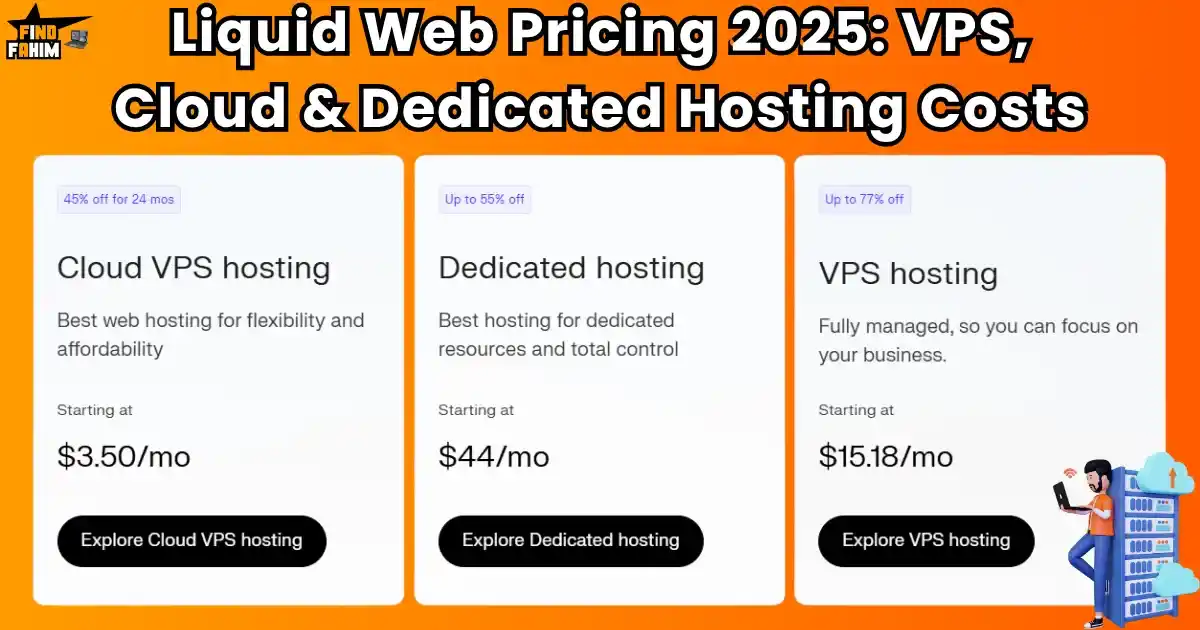
Let’s Be Honest: You Think You Can’t Afford Liquid Web, Right?You’ve heard the name Liquid Web whispered in forums and praised on expert blogs. You know it’s a powerhouse — a professional-grade platform where serious businesses host their most important websites. You’ve felt the pain of your slow, unreliable shared hosting, and deep down, you know it’s time for a serious upgrade. Your business depends on it. But then you land on their site, and a wave of confusion and anxiety washes over you. You see terms like “Cloud VPS,” “Dedicated Servers,” “vCPUs,” and a dozen different pricing tiers. The options seem overwhelming, and the prices feel steep. It’s easy to assume this kind of performance is reserved for massive corporations with endless IT budgets. But what if that’s not the full story? What if there’s a way to tap into enterprise-grade hosting without draining your wallet? I’ve been in your shoes — stuck between a cheap host that kept slowing down my site and a premium provider that felt financially out of reach. Poor hosting is actually one of the hidden culprits behind slow WordPress performance, as I explain in this article. That frustration led me to spend dozens of hours digging through Liquid Web pricing, testing their plans, and figuring out which ones deliver real value. In this guide, I’ll be your translator. I’ll break down their offerings in plain language and help you find a plan that gives you serious performance — without breaking the bank. The 60-Second Summary: Which Liquid Web Hosting is Right for You? Before we dive deep into the technical details and pricing tables, I want to give you an immediate roadmap. The most confusing part of Liquid Web is simply figuring out which of their main hosting types is the right fit for you. I created this simple table to act as your quick-start guide. Find the description that sounds most like you, and you’ll know exactly which sections of this guide to pay the closest attention to. This is your personal cheat sheet for navigating their powerful options. Hosting Type Who It’s For Starting Price (Promo) Cloud VPS Tech-savvy users & developers on a budget $3.50 /mo Self-Managed VPS Users are comfortable with server administration and need more power $11.05 /mo Fully Managed VPS Most Business Owners: Power without the headaches $15.18 /mo Dedicated Servers High-traffic sites & large businesses needing total control $44 /mo Find Your Perfect Liquid Web Plan Let’s quickly break this down. If you’re a developer who loves the command line and wants a cheap, powerful “sandbox” to build in, Cloud VPS is your playground. If you have some server admin skills and want more power for a serious project but want to save money by managing it yourself, Self-Managed VPS is the perfect fit. However, for the vast majority of business owners, agencies, and e-commerce stores, Fully Managed VPS is the holy grail. It delivers all the incredible power of a VPS, but with an expert team managing the security, updates, and maintenance for you. Finally, if you’re running a massive, high-traffic enterprise, Dedicated Servers offer you the ultimate, uncompromised power and control. Now, let’s explore what these terms mean, starting with the most important concept. First, A Crucial Concept: What is a VPS? To understand Liquid Web’s pricing and value, you first need to understand what a VPS is. It’s the powerful technology that sits at the heart of their best offerings, and it’s a massive leap forward from the shared hosting you might be used to. A Simple Definition VPS is short for Virtual Private Server. It’s a brilliant type of hosting where a single, powerful physical server is divided into multiple, completely isolated virtual environments. Each of these isolated environments acts like its own private, dedicated server. The most important words here are private and isolated. Unlike shared hosting, where you are all in one big, open room, a VPS gives you your own secure, walled-off space. The resources inside that space—the processing power, the memory, the storage—are yours and yours alone. This means the performance of your website can never be affected by what another customer on the server is doing. How a VPS Works I want you to imagine a giant, luxurious mansion. This mansion is the physical dedicated server. Shared Hosting would be like throwing a massive party in the mansion’s ballroom. Everyone is crammed into the same space, sharing the same air, food, and resources. If one guest gets rowdy, it affects everyone at the party. VPS Hosting is completely different. Liquid Web uses a sophisticated piece of software called a hypervisor—think of it as a master architect. This architect comes into the mansion and builds strong, soundproof, secure walls, dividing the mansion into a collection of private luxury apartments. Each apartment is a VPS. You have your front door, your own kitchen, your own power, and your own water supply. You can decorate your apartment however you want (install your own software), and no matter how loud your neighbor’s party is, your apartment remains quiet and secure. This is the power of the isolation that a VPS provides. It gives you the security and guaranteed resources of a private server, but at a much more affordable price. Liquid Web Cloud VPS Pricing: Where Flexibility Meets Affordability Let’s begin with the option that offers the most control and an almost unbelievable entry-level price: Liquid Web’s Cloud VPS. This is their unmanaged cloud hosting solution, and it’s a powerhouse for the right kind of user. Who is Cloud VPS PERFECT For? I want to be very clear here. This is not the right choice for the average business owner. Liquid Web’s Cloud VPS is specifically designed for developers, students, and tech hobbyists. This is for you if you love having a “blank canvas” to work with. You get a raw, powerful server instance, and you have total root access to build

KingSumo Reviews: I Tested the FREE Viral Giveaway Tool vs $49 Lifetime Deal (Honest Results)
Want to know the fastest way to grow your email list? It’s probably not what you think. It’s not about spending a fortune on ads or grinding away on social media every single day. It’s about making your audience so excited about what you’re doing that they become your own personal marketing team. What if you could do that with a fun, viral giveaway that gets people excited to join your list and share your brand with their friends? That’s the powerful idea behind a tool called KingSumo. In these brutally honest KingSumo reviews, I’m going to share my experience, dig into the details of its famous FREE plan and the AppSumo lifetime deal, and tell you if this is the game-changing tool you’ve been looking for. What is KingSumo? (Your Viral Lead Generation Machine) So, what is KingSumo? I think of it as your easy-to-use, viral lead generation machine. Its only job is to help you set up and run exciting giveaways that encourage people to not only give you their email address but also to share the giveaway with everyone they know. It’s designed for anyone who needs to grow their audience quickly: E-commerce businesses are giving away a popular product. Authors are giving away signed copies of their books to build a reader list. Marketers and Agencies are running campaigns to grow their clients’ email lists. Small Businesses are looking for a cost-effective way to get new leads. What Makes KingSumo Different? It’s an AppSumo Original Here’s something exciting you should know. KingSumo is an AppSumo Original. That means it was created by the team at AppSumo. This is a big deal because it means the tool was designed from the ground up with the needs of us—the entrepreneurs and small business owners who love great deals—in mind. They built it to be simple, affordable, and effective. I want to take a quick second to talk about why a tool like this is so powerful. It’s not just about giving away a prize; it’s about using smart psychology to turn a simple contest into a viral event. It’s a concept that can completely change how you think about marketing. The Power of a Viral Giveaway (And How It Works) A traditional contest is simple: someone gives you their email address in exchange for one entry. That’s it. A viral giveaway is much, much smarter. Here’s how it works with KingSumo: A person enters your giveaway with their email address to get their first entry. After they enter, KingSumo shows them a message that says something like, “Want more chances to win? Share this giveaway with your friends! For every friend that signs up through your unique link, you’ll get 3 extra entries!“ This simple “bonus entry” system is the engine that can make a giveaway go viral. It encourages every single person who enters to become a salesperson for your brand, spreading the word for you across social media and email. This is how you can get hundreds or even thousands of new leads for a fraction of the cost of traditional ads. So, what do you get with KingSumo? The platform is focused on being simple and effective, not on overwhelming you with a million different features. Here are the key things that I think provide the most value for a business owner. A Look Inside KingSumo: Key Features & Benefits Create Unlimited Giveaways in Minutes This is the core of the tool. The giveaway editor is incredibly simple and intuitive. I was able to set up my first test giveaway in under five minutes. And you can run as many different giveaways as you want, which is fantastic. Bonus Entries for Custom Actions This is the viral engine. You can define all sorts of actions that will give people bonus entries to increase their chances of winning. You can award entries if someone follows you on your social media accounts, visits a specific page on your website, or, most importantly, refers a friend who signs up. Embed Your Giveaway Anywhere You don’t have to send people to a separate, generic-looking page. KingSumo gives you a simple widget code that you can embed right on your own website or landing page. It looks clean, professional, and keeps people on your site. Email Marketing Integrations This is crucial for making your giveaway useful. KingSumo connects with your favorite email marketing tools, so all the new leads you collect are automatically added to your email list, where you can build a relationship with them. The Pro version connects with popular tools like Mailchimp, ConvertKit, and Klaviyo. I have to be honest with you. KingSumo is not the most feature-packed or complex giveaway tool on the planet. And in my opinion, that’s not a bad thing at all. In fact, its real standout feature is something that I think most of us are desperately searching for in our business tools. The “Standout” Feature: The Simplicity and The Price The real standout feature of KingSumo is its unbeatable combination of simplicity and price. I’ve seen other contest tools that have a million different options, settings, and contest types, and it’s just overwhelming. You can spend a whole day just trying to figure out how to launch a simple campaign. KingSumo focuses on doing one thing—viral giveaways—and it makes that one thing incredibly easy to do. And when you combine that refreshing simplicity with the fact that you can get started for FREE, or get the Pro version with all the best features for a $49 one-time payment, the value is just off the charts. It makes running professional, viral giveaways accessible to everyone, not just big companies with huge marketing budgets. I was so happy to see how fast you can get a giveaway live with this tool. They have made the process as simple as possible. You don’t need any technical skills or design experience to
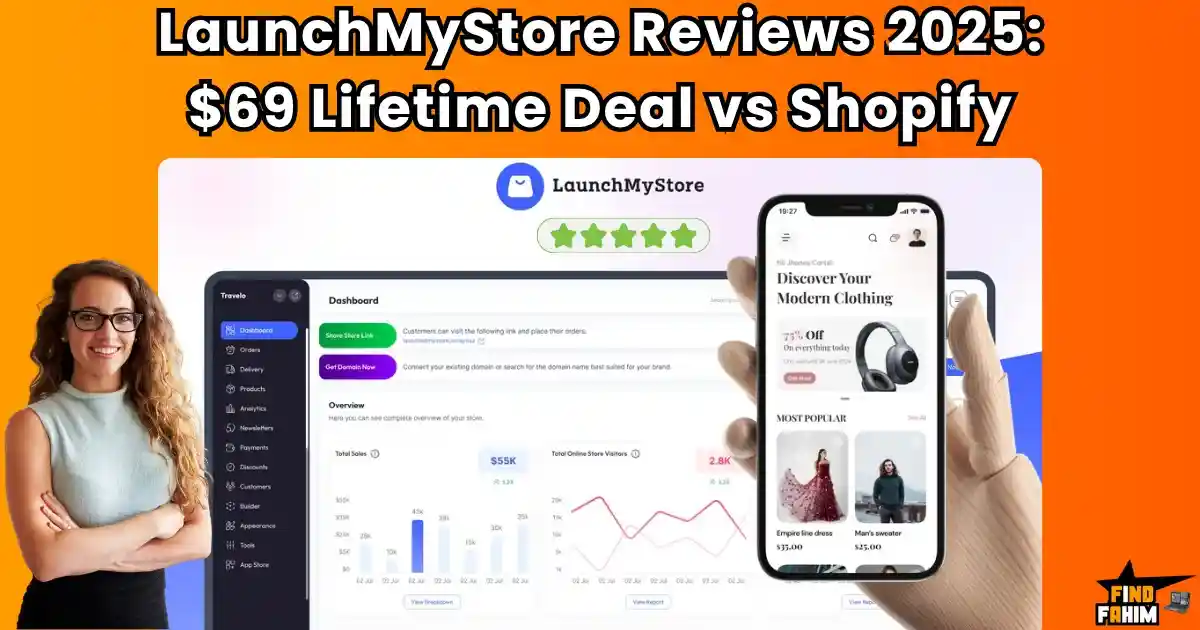
LaunchMyStore Reviews in 2025: Is This $69 AppSumo Lifetime Deal Better Than Shopify CMS?
You’ve just perfected your amazing product. You’re filled with that incredible, nervous excitement because you’re finally ready to sell it to the world. When you set up your online store on one of the major platforms, the dream starts to feel very expensive. Suddenly, you’re hit with monthly subscription fees. Then you realize you have to pay extra for a theme that doesn’t look generic. Then you discover you need a dozen different paid apps to get the basic functionality you need. And on top of all that, they want to take a percentage of every single sale you make. What if you could get everything you need to launch, manage, and scale a beautiful e-commerce website in one simple platform, for one single, affordable payment? That’s the dream. Well, I found a tool on AppSumo that promises to do exactly that. It’s called the LaunchMyStore Lifetime Deal, and in this brutally honest LaunchMyStore Reviews, I’m going to share my experience and tell you if this is the simple, powerful, and affordable solution you’ve been looking for. I’m always searching for tools that don’t just add another subscription to my credit card bill, but simplify my life and make my business run smoother. I want clarity, not more complexity. That’s why I was so excited to test out OneDeck. It’s not just another project management app; it’s a full business operating system, and I think you’re going to be very impressed by its thoughtful design. What is LaunchMyStore™? (Your All-in-One E-commerce Platform) So, what is this LaunchMyStore™ thing? I think of it as your all-in-one command center for building and running an online store. It’s a platform designed to give you all the essential tools you need in one place, so you don’t have to wrestle with complicated tech or a dozen different subscriptions. It’s built to handle everything for your store: Building Your Storefront: Designing how your store looks and feels to your customers. Managing Your Products: Easily list both physical and digital goods. Handling Payments: Securely accepting payments from customers all over the world. Growing Your Business: Using built-in SEO and marketing tools to get more traffic. It’s designed for small businesses, marketing agencies, and entrepreneurs who want a powerful but straightforward alternative to a platform like Shopify. What Makes LaunchMyStore™ Different? The “All-Included” Philosophy Here’s what really caught my eye, and what I think makes this tool so special. With many other platforms, the base subscription is just the starting point. You then have to pay extra for a premium theme, extra for certain apps (like for selling digital downloads), and you often get hit with transaction fees on top of everything else. LaunchMyStore™ is different. With LaunchMyStore, so many of the features you’d normally pay extra for—like premium themes, advanced analytics, and customer accounts—are all included in one single, one-time price. I love this approach because it’s honest, simple, and respects my budget. I think it’s important to talk about the elephant in the room: Shopify. It’s a fantastic platform, and it has powered millions of businesses. But a lot of people are starting to feel that it’s not the perfect solution for everyone, especially for new businesses in 2025. Why You Might Be Looking for a Shopify Alternative If you’re reading this, you’re probably already feeling some of the pain points of the big e-commerce platforms. Here are the big reasons why so many people are looking for an alternative: Rising Monthly Costs: The monthly fees for Shopify can be a real burden for a new or small business. They can easily add up to hundreds of dollars a year before you’ve even made a profit. The Dreaded “App Tax”: To get the functionality you need to run a modern store, you often have to add a bunch of paid apps. This can easily add another $50-$100+ to your monthly bill. It feels like a hidden tax. Transaction Fees: This is a big one. Unless you use their own payment processor (Shopify Payments), they often charge you an extra fee on every single sale you make. This feels like they’re punishing you for using a different payment gateway. This is why a tool like the LaunchMyStore Deal is so exciting. It offers a way to escape this “subscription trap” and own your e-commerce platform for a single, one-time payment. So, what do you get with this lifetime deal? The LaunchMyStore is packed with features, but I want to focus on the ones that I think provide the most real-world value for a new store owner. These are the tools that will help you get up and running and looking professional, fast. A Look Inside LaunchMyStore Reviews: Key Features & Benefits A Fully Customizable Storefront This is important. You have full control over how your store looks and feels. You can choose from their library of customizable themes or, if you’re more technical, even use custom CSS to get the exact design you want. The goal is to make your store look professional and to perfectly match your brand’s unique identity. Built-in SEO and Blogging Tools I love that they included this. You can’t just build a beautiful store; you have to get people to visit it! This platform includes built-in SEO tools that let you customize your meta titles and descriptions to help you rank higher on Google. It also has an integrated blogging tool, which is fantastic for content marketing and connecting with your customers. Support for Both Physical and Digital Products This is super flexible and a huge plus. You can sell physical products with all the features you’d expect, like shipping zones and inventory management. But, on Tier 2 and above, you can also sell digital goods. It has advanced features for digital products, like secure download links and serial codes, which is something you often have to pay for a separate app to do on other platforms. Global Payment Integrations This

Qolaba Review: This AppSumo Lifetime Deal Claims to Replace 10+ AI Subscriptions – But Does It Really?
How much are you spending on AI tools every single month? If you’re like me, your list of subscriptions has probably exploded. You might have $20 going to ChatGPT for writing, another $15 to Midjourney for images, maybe $20 to Runway for video, and another $10 for a good AI voiceover tool. Before you know it, your “AI stack” is costing you a small fortune every month. What if you could get access to all of those world-class AI models, all in one single, beautiful platform? And what if you could get it for a single, one-time payment? That’s the incredible promise of a tool I found on AppSumo called the Qolaba Lifetime Deal. In this brutally honest review, I’m going to share what I found—the good, the bad, and what you absolutely need to know before you consider buying. What is Qolaba? (Your All-in-One AI Studio) Let Me Explain This in Simple Terms So, what is this Qolaba thing? I think of it as your all-in-one AI studio or creative playground. It’s a single platform that brings a huge variety of the world’s leading AI models together into one simple workspace. Instead of having to pay for a dozen different subscriptions, Qolaba gives you access to them all. It’s designed for: Content Creators who need to produce a variety of content, from blog posts to social media videos. Small Businesses who want to use the power of AI without the high monthly costs. Marketing Agencies that need a flexible toolkit to serve different client needs. Anyone who is excited by AI and wants to experiment with the best models available. What Makes Qolaba Different? The “AI Buffet” Concept Here’s what I fell in love with. Qolaba is like an “all-you-can-eat buffet” of AI models. You don’t have to choose just one. You have a wide range of options for every task. This is a significant advantage because different models excel in different areas. For example, you might use GPT for writing, DALL-E 3 for images, and Runway for video, all within the same platform. I truly believe that the biggest problem facing small businesses who want to use AI effectively is the cost and complexity. It’s a real barrier that stops many of us from using these amazing new technologies. Qolaba was built to solve this exact problem. The Problem Qolaba Solves: “Subscription Fatigue” and “Seat-Based” Pricing If you’ve started to build an AI toolkit for your business, you’ve probably run into two big issues: Subscription Fatigue: As we talked about, paying for 5 or 6 different AI tools every month adds up fast. It can easily cost you hundreds of dollars. “Seat-Based” Pricing: This is a huge, hidden cost. Many software tools charge you per user or seat. If you have a team of three people, you often have to pay three times the price! This makes it really hard to collaborate and scale your business. A tool like the Qolaba Lifetime Deal solves both of these problems. It gives you access to a huge variety of tools for a single one-time payment. And, most importantly, its pricing is based on how much you use (credits), not on how many team members you have. This is a much fairer and more scalable way to work. So what kind of firepower are you getting inside this AI studio? The list of integrated models is what makes Qolaba so special. It’s like having a VIP pass to all the best AI engines in the world, and I was so impressed by the sheer variety they offer. Qolaba Review: A Look Inside the Massive AI Model Library For Writing & Research (LLMs): You get access to all the big names, including GPT, Claude, Perplexity (for web search), Grok, and Google Gemini. This is amazing for writing articles, summarizing documents, and doing research. For Image Generation: You get a huge library of the best image models, including Flux Pro (the new hotness!). DALL-E 3, Stable Diffusion, Leonardo Phoenix, and Ideogram. For Video Creation: This is incredible. You get access to cutting-edge text-to-video models like Runway, Luma AI, KlingAI 2.0, and Google’s Veo 2. For Audio & Voiceovers: It even includes Eleven Labs, which is one of the best and most natural-sounding text-to-speech tools on the planet. Having all of these powerful models in one place is a true game-changer for any content creator. I have to spend an extra moment on this next feature, because for anyone who works in a team, this is the most important part of the entire offer. It’s a feature that fundamentally changes the economics of using AI in your business, and it’s something that I think is incredibly smart. The “Standout” Feature: Pay for Credits, Not for Team Members With Qolaba, you are not billed per user. This is a huge deal. The lifetime deal plans come with a set number of team member “seats” (for example, Tier 2 gives you 10 seats). All of those 10 team members can access all of the AI models, and they all share one central pool of monthly credits. This is a massive advantage. It means you can invite your entire team to collaborate and use the power of AI without your costs spiraling out of control. It encourages collaboration instead of punishing you for it. For agencies or small businesses, this pricing model alone is worth the price of the deal. For a tool that sounds so advanced, I was worried it might be complicated to use. But I was so happy to find out that getting started is actually really intuitive. The platform does a great job of making very powerful technology feel simple and accessible. How Does Qolaba Work? (A Quick Look) Create a Workspace: You start by creating a “workspace” for your project or your client. This helps keep everything organized. Choose Your Model: From the main dashboard, you can easily choose which

AppSumo Freebies 2025: 40+ Free Tools Deals from AppSumo That Replace Expensive Software
What if I told you that you could build the foundation of your entire business for exactly $0? Not “almost free.” Not a “cheap trial.” Completely, 100% free. It sounds too good to be true, but I’ve discovered that one of the biggest platforms for entrepreneurs has a hidden treasure trove of powerful tools, templates, and expert guides that are free. I’m talking about AppSumo. In this ultimate guide, I’m going to share the best-kept secret in the startup world and show you my top 40 favorite freebies that can help you grow your business right now. THE “Appsumo FREEBIES STACK” STRATEGY Before we dive into the amazing list of free tools, I want to talk about a powerful mindset shift. Most people hear “AppSumo” and they immediately think of their famous lifetime deals. And don’t get me wrong, I love a good lifetime deal! But there’s a whole other side to AppSumo that most entrepreneurs completely overlook, and it might just be the most valuable part. The Secret Most Entrepreneurs Don’t Know About AppSumo More Than Just Lifetime Deals I want to start by letting you in on a little secret. Most people think AppSumo is only for finding amazing lifetime deals on paid software. I thought so too for a long time! But after spending hours on their site, I discovered they have a hidden treasure trove of completely FREE tools, templates, and expert guides that can be just as valuable, if not more so, for a new business. We’re talking about real, high-quality resources that can help you grow your business without you ever having to open your wallet. Why Free Tools Are So Important When You’re Starting Out When you’re launching a business, every single dollar counts. You’re trying to be as lean as possible, and the idea of spending hundreds of dollars a month on software subscriptions can be terrifying. It can even stop you from starting at all. The ability to get a professional lead generation tool, a world-class marketing plan from a nine-figure company, or a library of legal contract templates for free isn’t just a small win; it’s a total game-changer. It frees up your cash for the things that matter in the early days, like your first marketing campaigns or developing your actual product. It levels the playing field and gives you, the solopreneur or small business owner, a real fighting chance. So, how do we take advantage of this treasure trove of freebies? It’s not about just downloading everything you can find. That just leads to more digital clutter. The smart approach is to be strategic. I want to share with you a simple but powerful strategy that I now use for my own business and my clients. The “Freebie Stack“: How to Build a Business Foundation for $0 The Strategy: Combining Free Tools to Create a Powerful System The strategy I want to share with you is what I call the “Freebie Stack.” It’s about being smart and combining several of these amazing free tools from AppSumo to create a powerful, integrated system for your business. You don’t need one giant, expensive tool that does everything. Instead, you can build a custom toolkit that is perfectly suited to your specific needs right now. Imagine this: you can get a powerful lead generation tool like KingSumo to grow your email list, use the Million Dollar Email Templates to write to those new leads, and follow the Mint Marketing Plan to guide your overall strategy—all without spending a single dollar. That is the power of the Freebie Stack. How I’ve Structured This Guide for You I know that looking at a list of 40+ tools can be overwhelming. So, to make it super simple for you, I’ve gone through all the freebies on AppSumo and organized them into three main categories so you can easily find what you need to solve your biggest problems right now. We’ll look at tools for: Marketing & Growth Productivity & Organization Strategy & Learning Let’s dive in! THE TOP FREE MARKETING & GROWTH TOOLS Okay, let’s dive into the first and most important category for any new business: Marketing and Growth. Getting the word out and finding new customers is the lifeblood of your business. I used to think you needed a big budget for expensive ads and fancy tools to do this effectively. But I was so wrong! These next three free tools are absolute game-changers that can help you build your audience and grow your email list without spending a single dime. Best Free Lead Generation & Email Marketing Tools KingSumo Review: The Viral Giveaway Machine What It Is & Who It’s For I have to start with one of the most famous and powerful freebies on AppSumo: KingSumo. I think of this tool as your viral giveaway machine. It helps you run fun, exciting giveaways that are specifically designed to grow your email list as fast as possible. It’s perfect for: E-commerce brands that can give away one of their popular products. Authors who want to give away signed copies of their books to new readers. Coaches and Consultants who can give away a free strategy session. Anyone who wants to build a big audience quickly and have fun while doing it! The magic of KingSumo is its “viral loop.” When someone enters your giveaway, it encourages them to share it with their friends to get more entries. This turns every participant into a mini-ambassador for your brand. My Expert Take I absolutely love this tool. The free version of KingSumo is unbelievably generous and gives you everything you need to run a successful giveaway. The viral sharing feature is so smart, and it’s something that other, more expensive contest tools charge a lot of money for. While there is a Pro version available as a lifetime deal that adds more advanced features like custom branding, the free plan is the perfect way

WPAutoBlog Lifetime Deal Appsumo Review 2025: Is This the Best Auto-Blogging Tool?
Creating high-quality content consistently is one of the toughest challenges for bloggers, marketers, and small business owners. You know the grind—writing, editing, publishing, promoting. That’s where WPAutoBlog steps in. It’s not just another WordPress plugin. It’s an auto-blogging tool designed to help you publish AI-generated content on autopilot. But is it worth grabbing the WPAutoBlog lifetime deal on AppSumo? In this review, I’ll break down everything you need to know—from features to real-world use cases, pricing, alternatives, and my personal recommendation. I’ve tested dozens of AI blogging tools, and WPAutoBlog has a unique angle that might just save you time, money, and effort. Let’s dive in. What is WPAutoBlog? (Your Automated Blogging Team) Let Me Explain This in Simple Terms So, what is this WPAutoBlog thing? I think of it as your automated blogging team that plugs directly into your WordPress website. It’s an AI-powered platform designed to do one thing incredibly well: scale your content creation so you can get more organic traffic without all the manual work. It’s not just an AI writer like ChatGPT. It’s a complete content ecosystem that handles the entire process for you. Who Is This For? It’s designed for anyone who runs a WordPress site and needs to create a lot of high-quality content efficiently: Bloggers who want to publish more frequently. Marketing Agencies managing content for multiple client sites. Small Businesses using a blog to drive traffic and leads. Affiliate Marketers who need to populate their sites with SEO-optimized reviews. Why Content Automation is a Game-Changer in 2025 I used to be skeptical of AI-generated content. A few years ago, it sounded robotic and was easy to spot. But the technology has gotten so good, it’s now a major competitive advantage. It Saves an Unbelievable Amount of Time: The most obvious benefit! You can generate a 2,000+ word article in minutes, not days. This frees you up to focus on the parts of your business that only you can do. It Allows You to scale: To win at SEO, you often need a lot of high-quality content. A tool like this lets you populate a new blog quickly or publish on a consistent schedule that would be impossible for one person to keep up with manually. It Overcomes Writer’s Block: We all have those days when we just stare at a blank screen. An AI content engine can give you a high-quality first draft to get you started, which is sometimes the hardest part. A tool like the WPAutoBlog Lifetime Deal isn’t about replacing you; it’s about giving you the leverage to get more done and grow your traffic faster than ever before. A Look Inside WPAutoBlog: Key Features & Benefits The WPAutoBlog Lifetime Deal on AppSumo is packed with features, but I want to focus on the ones that I think make it truly special and powerful. Direct WordPress Integration This is its #1 feature and what makes it so different. You connect your WordPress sites to the platform, and it can post the articles directly to your blog as a draft or even publish them automatically. No more copy-pasting! SEO Plugin Integration (Yoast & Rank Math) This is brilliant. It works with popular SEO plugins like Yoast and Rank Math. It can automatically set your focus keyword, meta title, and meta description for you right inside WordPress. Bulk Creation and Scheduling You can set up a whole campaign to create and schedule hundreds of articles in bulk. You can tell it to post one article every day, or three times a week, and it will just do it for you. This is amazing for building out a new site or keeping an existing one active. Smart Autolinking This is a super smart SEO feature. The tool will automatically create links between your new articles, which helps build your site’s authority and keeps readers engaged. Built-in Keyword Research You don’t need a separate tool for basic keyword research. It has a tool built right in that lets you check keyword search volume and difficulty in over 35 languages. High-Quality, Long-Form Content The tool is designed to create valuable, 2,000+ word articles that are structured correctly with H1, H2, and H3 tags for good SEO. It even adds real stock photos to make your articles look professional. The “Standout” Feature: The Seamless WordPress Ecosystem I have to spend an extra moment on this because it’s what truly sets WPAutoBlog apart. I’ve used dozens of AI writers like Jasper or Copy.ai. They are great at writing text. But then, it’s up to you to take that text, copy it, go into WordPress, paste it, format all the headings, find and upload images, add your SEO details, and then finally hit publish. It’s still a lot of work. WPAutoBlog creates a complete ecosystem. It feels like you’re not just using a writer; you’re managing a content team. The fact that it can handle the writing, the SEO plugin details, the images, the internal linking, and the posting schedule all from one dashboard is what makes it a true automation tool. One user called it a “gem” because it makes posting to WordPress so much faster, and I completely agree. How Does WPAutoBlog Work? (A Quick Look) I was so happy to see that, for such a powerful tool, getting started is really simple. Connect Your Website: First, you connect your WordPress website(s) to the WPAutoBlog platform. It’s a simple process using a plugin. Do Some Keyword Research: You can use their built-in tool or bring your list of keywords you want to target. Create a Campaign: You tell the AI what keywords you want it to write about. You can also give it a custom writing style or prompt to match your brand’s voice. Set Your Schedule: You decide how often you want it to post—for example, “publish one new article every Monday.” Let it Work! That’s it. WPAutoBlog will start generating your articles, optimizing them,

What is the Best Productivity Software in 2025? Top 12 AppSumo Lifetime Deals Worth Buying
Tired of juggling dozens of tools to stay productive? I’ve been there. For years, my digital life was in complete disarray. I was using multiple apps for project management, task tracking, a CRM for clients, a notes app for ideas, and a document generator for contracts—the list was endless. I had over ten different subscriptions draining my wallet every month, and yet, I constantly felt overwhelmed, scattered, and inefficient. Sound familiar? If you’re stuck in the same trap—paying for multiple tools but still feeling like your productivity is slipping through the cracks—this guide is for you. I knew there had to be a smarter solution. That’s when I discovered the game-changing power of lifetime software deals—specifically, the kind found on AppSumo. Instead of renting tools every month, I started investing in one-time purchases that gave me lifetime access to powerful productivity apps. What happened next changed everything. In this ultimate guide, I’m going to walk you through the best productivity software I’ve found after years of trial and error, including the 12 top lifetime deals I now use daily. If you want to build a streamlined, high-performance productivity system without recurring costs, this is the only list you need. Let’s dive in. Before we dive into looking at cool new tools, I think it’s really important that we get on the same page. The term “Best productivity software” gets thrown around a lot, but what does it mean for a small business owner or a solopreneur like you and me? Understanding this is the first step to building a system that works. What Is Productivity Software and Why Does It Matter? More Than a To-Do List: What Productivity Tools Do I used to think ‘productivity software’ just meant a fancy to-do list app on my phone. But it’s so much more than that. I believe that true productivity software is any tool that helps you do three simple things: Save Your Time: It should automate or simplify repetitive tasks so you can focus on work that grows your business. Get You Organized: It should bring your ideas, tasks, and projects out of the chaos and into a clear, calm system. Help You Focus: It should make it easier for you to work on the right things at the right time, without getting distracted. It can be a project manager, a document automator, an AI phone assistant, or even a business planning tool. If it helps you get more done with less stress, it’s productivity software. The Hidden Cost of Digital Disorganization The real cost of not having the right tools isn’t just the stress of feeling overwhelmed. It’s a real, measurable drain on your business. Think about it. Every hour you spend searching for a lost file, manually creating the same type of invoice over and over, or having a miscommunication with your team because you’re using five different apps—that’s an hour you’re not spending on finding new clients or serving your existing ones. Studies have shown that this kind of “context switching” between dozens of different apps can eat up a huge portion of your workday. That’s why finding a system that brings everything together isn’t just a nice-to-have; it’s essential for building a profitable and sustainable business. So, how do we build that perfect system without going broke? This brings me to the secret I promised to share with you. For years, the big software companies have trained us to accept that we have to pay them every single month, forever. But I discovered a much smarter way that many of the most creative and lean entrepreneurs I know are using. The Lifetime Deal Stack Strategy Why Monthly Subscriptions Drain Your Budget and Focus Over Time Let’s be honest with each other, we all have “subscription fatigue.” Paying $20 a month for this tool, $50 a month for that one… it doesn’t seem like much at first. But this “death by a thousand cuts” slowly drains your budget and adds a layer of constant financial stress. I did the math on my own business a while back. I was spending over $400 every single month on software subscriptions! That was almost $5,000 a year that I could have been investing back into my business. Beyond the money, there’s the mental cost of managing all those different bills and worrying about price increases. The Case for Lifetime Deals: A Smarter Long-Term ROI for Small Teams This is where the magic of lifetime deals (LTDs) comes in. An LTD is exactly what it sounds like: you pay a single, one-time price for a piece of software, and you get to use it forever. When you buy a lifetime deal, you are making a smart, long-term investment in your business. You are turning a never-ending monthly expense into a one-time asset that you own. For a small team or a solopreneur, this is one of the smartest financial moves you can make. You de-risk your business from rising subscription costs, and you free up your monthly cash flow for other things, like marketing or hiring. How to Build Your Own Custom Productivity Stack with One-Time Tools The real secret that I discovered is not just about buying one lifetime deal. It’s about strategically building a “stack” of several specialized tools that work together perfectly for your business. Instead of trying to find one single, massive tool that does everything okay, you can find three or four amazing lifetime deal tools that each do one thing amazingly well. Maybe you get one tool for automating your content. Another for managing your client contracts. And a third for organizing your daily tasks. By the end of this article, you’ll see exactly how you can build a custom productivity system that is more powerful and a tiny fraction of the cost of one of those big, overpriced all-in-one platforms. When you start looking for productivity software, you’ll see a lot of tools that are built for giant corporations
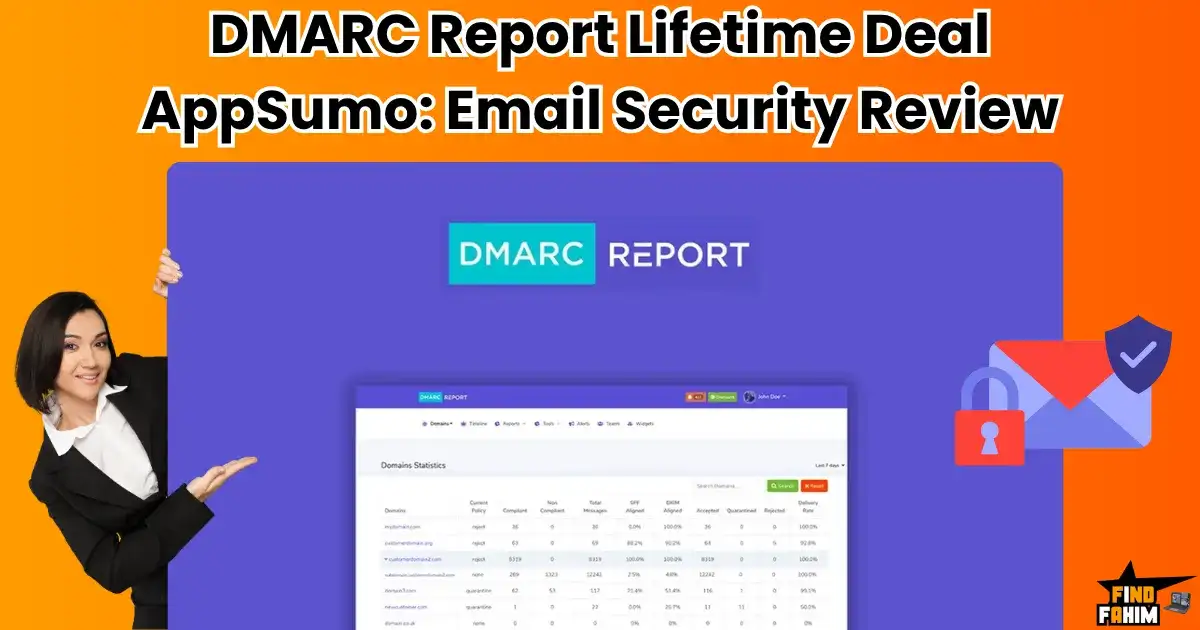
DMARC Report Lifetime Deal AppSumo Review 2025: Email Security Tool That Protects Your Brand
Here’s a terrifying reality that too many business owners overlook: right now, someone could be impersonating your brand, sending fake invoices, phishing links, or spam to your most trusted clients. They might be damaging your reputation, draining your revenue, and destroying customer trust… all without triggering a single alert. And no, this isn’t just something that happens to global corporations. Small businesses, solopreneurs, and startups are increasingly becoming easy targets, precisely because they think they’re too small to be hacked. The real kicker? Preventing these attacks often requires wrestling with email authentication protocols like DMARC, SPF, and DKIM—tools that are notoriously difficult to understand and implement without technical expertise. But what if securing your domain and defending your brand could be simple? That’s the promise behind a tool I discovered on AppSumo called DMARC Report lifetime deal that claims to simplify email protection, make sense of the chaos, and keep bad actors out. In this deep-dive review, I’ll give you the straight truth: what this tool does, how it performs in real-world use, and the critical things you need to know before you trust it with your email security. What is The DMARC Report Lifetime Deal? (Your Email Security Guard) Let Me Explain This in Simple, Human Terms So, what is this DMARC Report thing? I think of it as a security guard for your business email domain. Its main job is to monitor all the emails being sent using your domain name (e.g., [email protected]) and make sure that only legitimate, authorized emails are getting delivered. It helps you set up and monitor the “big three” of email authentication to stop hackers from spoofing your domain and tricking your customers. Who Is This For? It’s designed for anyone who takes their business and email reputation seriously: IT and Security Agencies managing domain security for multiple clients. Marketing Agencies that need to ensure their clients’ email campaigns have high deliverability. Marketers and Small Business Owners who want to protect their brand from phishing and fraud. Why You Can’t Ignore Email Security in 2025 I need to be very clear about this: setting up DMARC is no longer a “nice-to-have” feature. It is now essential. In 2024, Google and Yahoo rolled out new, stricter requirements for anyone sending emails. If you don’t have proper authentication like SPF, DKIM, and a DMARC policy in place, there’s a very high chance that your important emails—to your clients, your leads, and your subscribers—are going straight to the spam folder, or not being delivered at all. Ignoring this isn’t just a security risk anymore; it’s a direct threat to your business’s ability to communicate. A tool like the DMARC Report Lifetime Deal is designed to make this essential task much, much easier. A Look Inside DMARC Report: Key Features & Benefits The DMARC Report Lifetime Deal is packed with powerful features, but I want to focus on the ones that I think provide the most real-world value. A Centralized Dashboard for All Your Domains. This is a huge benefit for agencies or anyone managing multiple websites. You can add all of your domains into one single dashboard and get a clear, high-level overview of your email security health at a glance. Human-Friendly DMARC Reports Raw DMARC reports are just ugly, confusing XML files. They are almost impossible for a normal person to read. DMARC Report takes this confusing data and turns it into beautiful, easy-to-understand charts and graphs. You can finally see who is sending emails on your behalf. Real-Time Threat Alerts You don’t have to live inside the dashboard. If the tool detects suspicious activity or a DMARC failure, it will send you a threat alert notification via email so you can investigate right away. White-Labeling for Agencies: This is a fantastic feature for agencies. You can add your own company logo and domain name to create a professional, white-labeled client portal. You can even resell this as a service to your clients. Advanced Security Features. It also includes more advanced protocols like Subdomain Auto-Discovery (to find sending sources you didn’t know about) and MTA-STS hosting (for even better email encryption). The “Standout” Feature: The White-Label Client Portal I have to spend an extra moment on this because for marketing and IT agencies, this feature alone is worth the price of the deal. The ability to create a unique, professional data portal where your clients can log in and see their own DMARC report data is a massive value-add. It makes you look incredibly professional and allows you to offer a high-demand email security service without having to build the platform yourself. You can manage all your clients from one central dashboard, and each client gets their own branded, secure view. This is a true agency-level feature that you rarely find in a lifetime deal. How Does DMARC Report Work? (A Quick Look) I know this topic sounds technical and scary, but the tool is designed to make it as simple as possible. Add Your Domain: You start by adding your website’s domain name to the DMARC Report dashboard. Update Your DNS Records: This is the most technical part, but it’s a one-time setup. The tool will give you a few simple pieces of text that you just need to copy and paste into your domain’s settings (wherever you bought your domain name, like GoDaddy or Namecheap). Start Monitoring: That’s it! DMARC Report will start collecting the data from email servers around the world. Within a day or two, your dashboard will light up with human-friendly reports showing you exactly who is sending email from your domain. The DMARC Report AppSumo Lifetime Deal Pricing & Details (A Deep Dive) Okay, now for the part that makes this powerful tool so accessible. The value you get with the DMARC Report Lifetime Deal on AppSumo is just fantastic. A Side-by-Side Look at the Tiers This is a true lifetime deal—you pay once, and you own it forever. The

FlipBooklets Lifetime Deal AppSumo Review 2025: Turn PDFs Into Interactive FlipBooks That Actually Impresses You
I’d like to begin with a story about a feeling I know you’ve experienced. You’ve just spent hours creating a beautiful proposal, a detailed report, or a stunning marketing brochure as a PDF. You proudly attach it to an email and hit ‘send’. And then… nothing. Just silence. You start to worry. Did it end up in their spam folder? Did they even open it? Did they just glance at it for two seconds on their phone and then forget about it? You have absolutely no idea. It feels like you’re shouting into the void. What if you could turn that boring PDF into a beautiful, interactive digital magazine that you know will get delivered? What if you could see exactly when they opened it, what pages they read, and how long they spent with it? That’s the dream, right? Well, I found a tool on AppSumo that does exactly that, and it’s called the FlipBooklets Lifetime Deal. In this review, I’m going to share my honest experience and tell you if this is the tool that can finally make your documents come to life. What are FlipBooklets? (Your PDF’s Magical Makeover) Let Me Explain This in Simple Terms So, what is this FlipBooklets thing? I think of it as a tool that gives your boring old PDFs a magical makeover. It takes any PDF file you have and, in just a few seconds, transforms it into a beautiful, interactive “Flip Book” with pages that you can flip, just like a real magazine or book. It lives on a shareable link, so you’re not sending a clunky attachment anymore. You’re sending a professional, engaging experience. Who Is This For? It’s designed for anyone who needs to share documents and wants to make a great impression: Marketers share brochures and case studies. Small businesses are sending proposals and contracts. Solopreneurs creating lead magnets and reports. Even for personal use! One user said she uses it to send beautiful virtual Christmas cards to her family. Why Your Business Needs to Ditch PDF Attachments in 2025 I know we’re all used to attaching PDFs to our emails, but I truly believe it’s an outdated and risky way to do business now. Here’s why: The Dreaded Spam Filter: Big email attachments are one of the biggest red flags for spam filters. There’s a good chance your important proposal or invoice is sitting in your client’s junk folder right now without you even knowing it. A Terrible User Experience: Let’s be honest, opening and pinching-to-zoom on a PDF on your phone is a terrible experience. It’s clunky and unprofessional. You Have Zero Analytics: You have no idea if your document was ever opened, read, or ignored. You’re just guessing. A tool like the FlipBooklets solves all three of these problems. It gives you a simple link that always gets delivered, it looks beautiful on any device, and it gives you the data you need to see what’s working. A Look Inside FlipBooklets: Key Features & Benefits The FlipBooklets Lifetime Deal is packed with features, but I want to focus on the ones that I think provide the most real-world value. Instant PDF to Flip Book Conversion This is the core of the tool, and it’s incredibly fast and easy. You just upload your PDF, and it generates your beautiful Flip Book in seconds. Powerful Analytics to See What’s Happening This is a game-changer. Once you send your link, you can see how many times your document has been viewed, when it was viewed, and even on what kind of device. This is so valuable for following up with clients! Embed on Your Website If your PDF is a general marketing brochure or a portfolio, you can embed it directly onto your website. This gives your website visitors a much nicer and more engaging viewing experience than just a simple download link. Professional Viewer with Lots of Features The viewer experience is great. People can zoom in, see a full page list, download the original PDF (if you allow it), search the text, and even bookmark a page to come back to later. Privacy and Security Features This is important. You can mark your Flip Books as “private” to hide them from search engines. On the higher tiers, you can even password protect your sensitive documents! How Does FlipBooklets Work? (It’s So Easy!) I was so happy to see how simple this tool is to use. You don’t need any design or technical skills at all. Upload Your PDF: From your dashboard, you just click to upload the PDF file you want to convert. Fill in a Few Details: You can give your Flip Book a title and description for SEO purposes. Click “Create”! That’s it. The system will instantly generate your beautiful, shareable Flip Book. Share or Embed: You can then copy the unique URL to send to your clients, or you can copy the embed code to put it on your website. A Real-World Scenario: Creating a Professional Press Kit Let me give you a real example from a user review I read. An author wanted to send out her press release kit to journalists and bloggers. Before, she was just attaching a big, clunky PDF to her emails, and she was worried it was getting lost in spam or just being ignored. With FlipBooklets, she turned her press kit into a sleek, professional Flip Book. Now, when she sends her pitch email, she just includes a simple, clean link. It looks so much more professional, and she can even see in her analytics which journalists have opened and viewed her kit! That’s a huge advantage for her follow-up. Who It’s For (And Who It’s Not For) I think it’s important to be clear about who will get the most value out of the FlipBooklets Lifetime Deal. This is a “YES!” for You If… You are a marketer, small business owner, or solopreneur who regularly

The 10 Best Nexcess Alternatives in 2025: Complete Comparison Guide (And Why Nexcess Is Still My #1 Choice)
Let’s Be Honest: You’re Looking for a Nexcess Alternatives for a Reason You’re smart to be doing this research. Let me guess why you’re here. Maybe you saw Nexcess’s price tag and thought, “Wow, that’s a serious investment. Is it worth it, or is there something just as good for cheaper?” Or perhaps you’ve heard about a popular competitor, such as Kinsta or SiteGround, and want to see exactly how they compare. I get it. I’ve been there myself. Choosing your website’s hosting is a significant decision. It’s the foundation of your entire online business, and choosing the wrong partner can lead to endless headaches, lost sales, and sleepless nights. Before you make a move to an alternative, I want you to join me for an honest, deep dive. We’re going to look at the most popular alternatives together and see if they can truly deliver the performance, security, and peace of mind that a serious business needs. The answer might surprise you. If you want to understand the full scope of what Nexcess offers before we compare it to the alternatives, you can read my full, in-depth analysis here! My Promise: A Brutally Honest, No-Hype Comparison This is not going to be another boring article that just lists features from a pricing page. Those reviews are not helpful. I’m not going to just list features. I’m going to compare these hosts on the things that matter to your bottom line: real-world speed, the quality of their support when things go wrong, and the true cost of ownership. We’ll look at how each platform handles a real, high-traffic e-commerce store. My promise to you is a brutally honest, no-hype analysis. I’ll show you the good, the bad, and the hidden “gotchas” for each service. This is the analysis I wish I had when I was making this decision. First, What Is Nexcess Used For? A Quick Refresher Before we compare it to the alternatives, let’s quickly clarify what Nexcess is and who it’s built for. Nexcess is a premium managed hosting company. In simple terms, this means they provide incredibly powerful, high-speed hosting where they handle all the complex technical server management for you. Their entire platform is designed for businesses and individuals who value performance and reliability above all else. They are specialists. While some companies try to do everything, Nexcess focuses on being the absolute best at hosting for three specific applications: Managed WordPress Hosting Managed WooCommerce Hosting Managed Magento Hosting If your website runs on one of these platforms and is critical to your income or reputation, you are their ideal customer. The Great Hosting Showdown: Nexcess vs. 10 Popular Alternatives This is the heart of our analysis—where things get real. We’re not just throwing specs at you—we’re diving deep into how Nexcess stacks up against 10 of the most talked-about hosting providers on the market today. Whether you’re running a fast-growing eCommerce store, a high-traffic blog, or a small business website, your hosting needs are unique. That’s why we’re comparing more than just uptime, bandwidth, or price. We’re digging into real-world usability, performance under pressure, customer support experiences, and who each host is built for. Some providers excel at simplicity and beginner-friendliness, while others are powerhouses built for scalability and advanced control. Nexcess markets itself as a premium, optimized hosting solution—especially for WordPress and WooCommerce—but is it better than cheaper or more well-known options like Bluehost, SiteGround, or Cloudways? By the end of this comparison, you’ll know exactly which host fits your workflow, technical level, and business goals. Nexcess vs. Kinsta: The Premium Performance Battle Let’s start at the top. Kinsta is, without a doubt, a fantastic hosting provider. Like Nexcess, they offer incredible speed, a great dashboard, and excellent support.1 They built their reputation on the power of Google’s C2 Cloud servers, and their performance is top-tier. If you choose Kinsta, you will have a very fast website. So, where’s the difference? In my analysis, it comes down to one simple thing: total value for your money. While both platforms deliver elite speed, Nexcess packs its plans with an unbelievable amount of extra value that Kinsta charges for or simply doesn’t offer. The most significant example is the “treasure chest” of free premium plugins. With Nexcess, you get tools like iThemes Security Pro and Astra Pro included, which could easily cost you over $500 a year if purchased separately.2 Furthermore, when I dug into the technical specifications, I found that Nexcess plans often provide more PHP workers than comparable Kinsta plans. Think of PHP workers as checkout lanes at a supermarket. Having more workers means your site can handle more simultaneous visitors and complex tasks (like processing multiple orders at once) without ever slowing down. The Verdict: Kinsta is an excellent, high-performance host.3 It’s like a finely tuned luxury sports car. But Nexcess is like the same luxury sports car that also comes with a full pit crew and all the best equipment included at no extra charge. For a business owner looking for the absolute best return on their investment, Nexcess consistently delivers more tangible value. Nexcess vs. WP Engine: The Original Managed WordPress Giants WP Engine is one of the original pioneers of managed WordPress hosting, and they have an incredible reputation, especially among large corporations and enterprise-level websites.4 They are a true powerhouse, known for their stability, security, and deep focus on the WordPress ecosystem. The core difference I found between them is their specialization. WP Engine has doubled down on being the absolute best solution for large-scale, content-heavy WordPress sites. Think of major publications, corporate blogs, and university websites. Their platform and tools are exquisitely tuned for this purpose. Nexcess, while also exceptional for WordPress, has a slightly different focus. Their powerful infrastructure and specific optimizations give them a significant edge when it comes to dynamic, high-demand e-commerce stores. Their expertise in Managed WooCommerce and Magento hosting is unmatched. They have built their platform

GSpeech Lifetime Deal AppSumo Review 2025: AI Voice Generator That Converts Text to Audio
I’d like to begin with a reality check. No matter how amazing your blog posts are, a huge part of your audience would simply rather listen than read. I learned this the hard way when I saw people leaving my best articles after only a few seconds. They didn’t have the time or energy to read 3,000 words on a screen. I knew creating audio content would be a game-changer for my business, but I couldn’t afford to hire a voice actor or spend hours recording and editing everything from scratch. That’s when I found an amazing offer on AppSumo that promised to solve this exact problem: the GSpeech Lifetime Deal. In this review, I’ll share my honest experience and tell you if this is the tool that can finally give your website a voice. I’m always on the hunt for tools that make my content more engaging and accessible for everyone. A great website should cater to all kinds of people, including those who prefer to listen. That’s why I was so excited to test out GSpeech. It’s not just a simple text-to-speech tool; it’s a full solution for turning your website into an audio experience. What is GSpeech? (Your Website’s Narrator) Let Me Explain This in Simple Terms So, what is this GSpeech thing? I think of it as a personal narrator for your website. It’s an AI-powered tool that automatically reads your articles, blog posts, and even your product pages out loud in a surprisingly natural-sounding voice.1 It adds a little ‘play’ button to your content, giving your visitors the option to listen instead of read. It’s a simple idea, but it’s incredibly powerful. Who Is This For? It’s designed for anyone with a website that has text-based content. I think it’s especially perfect for: Bloggers who write long, in-depth articles. Content creators who want to repurpose their writing into a podcast-like format. Marketing agencies that want to offer an extra layer of engagement for their clients’ websites. Any business owner who wants to make their site more accessible and user-friendly. You might be wondering, “Is adding audio to my articles that big of a deal?” I used to think it was just a “nice-to-have” feature, but after doing my research and seeing the results, I now believe it’s essential for any serious content creator in 2025. Let me tell you why. Why You Should Turn Your Articles into Audio in 2025 You’re Serving a Whole New Audience This is the biggest reason. People consume content in different ways. Some people are visual learners who love to read. But many others are auditory learners who retain information better when they hear it. Even beyond that, think about how busy people are. They want to listen to your content while they’re driving, working out, or doing the dishes. By adding an audio version of your articles, you are instantly making your content accessible and convenient for a huge group of people who might otherwise click away from your site. The Big SEO and Engagement Boost When someone clicks the “play” button on your 3,000-word article and stays to listen to the whole thing, you’ve just kept them on your page for 10-15 minutes instead of 30 seconds. This is a massive positive signal to Google! This increased “time on page” tells Google that your content is valuable and engaging. This can lead to lower bounce rates and, over time, higher search rankings. It’s a simple way to improve your site’s SEO while creating a better, more inclusive user experience. So, what do you actually get with the GSpeech Lifetime Deal? I dove into all the features, and I was really impressed with how much power is packed into this simple tool. It’s more than just a play button; it’s a full audio content solution. A Look Inside GSpeech: Key Features & Benefits Real-Time Audio That Updates Automatically This is my absolute favorite feature, and it’s a total game-changer. If you find a typo and edit a paragraph in your blog post, the audio updates automatically in real-time! With many other tools, you would have to create a whole new audio file and re-upload it. The fact that GSpeech does this automatically saves you so much time and ensures your audio version is never out of date. I love this! A Global Voice: 230+ Voices in 70+ Languages This feature is incredible for anyone with a global audience. You can translate and narrate your content in over 70 languages, including English, Spanish, Mandarin, German, and French.2 You also get to choose from a huge library of over 230 lifelike male and female voices. You can even control the speed and pitch to find a voice that perfectly matches your brand’s vibe. A Fully Customizable Audio Player You are not stuck with a generic-looking player. You can change the look and feel of the audio player to seamlessly blend into your website’s design. You can choose from multiple styles, like a full-width bar at the top of the page, a simple play button, or a floating circle design. It works with all major website platforms like WordPress, Shopify, Wix, and Joomla.3 Analytics to Understand Your Listeners You’re not just guessing if people are listening. The GSpeech dashboard shows you usage stats and the number of plays for your audio content.4 This is great for understanding your audience’s behavior and seeing which articles are the most popular to listen to. Grab the GSpeech Lifetime Deal! The big question with any new tool is always, “Is this going to be complicated to set up?” I was so relieved to find out that GSpeech is incredibly simple to get up and running. You don’t need to be a developer or a tech wizard at all. How Does GSpeech Work? (It’s Surprisingly Simple) Your 3-Step Guide to Adding Audio to Your Site Install the Code Snippet: After you sign up, GSpeech will

Nexcess Hosting Review 2025: Complete Analysis of This Premium Managed Host’s Features, Pricing, and Performance
Let’s start with a simple truth: I never mind spending money, as long as I know I’m getting the absolute best one for my business. But I remember the exact moment I knew I had to leave my $3/mo hosting plan. It wasn’t a single big disaster, but a slow, frustrating realization. Once, my site was down for the third time that month during a small promotion, and I felt completely helpless. I was paying for a service, but I felt like I was the one doing all the worrying. That anxiety—the fear that your website, the heart of your business, is built on a shaky foundation is exhausting. It pulls your focus away from what you should be doing: creating products, helping customers, and growing your brand. That feeling of helplessness when your site is slow is something I’ve talked about before. It’s often the first sign you have a foundational problem. Why Is My WordPress Site So Slow? Check Now My Promise to You: A No-Hype, Business-Focused Nexcess Review I was tired of being a part-time, unpaid server admin for my own business. I went searching for a true hosting partner, not just another provider that would rent me some server space. I needed a platform that would be an asset to my business, not a liability. This review is the result of months of hands-on testing, all focused on one single question: Does Nexcess help a real business make more money and have fewer headaches? I’m not going to bore you with a simple list of features. I’m going to show you my real-world test results, explain what the technology actually means for your bottom line, and give you my 100% honest verdict. Here’s what I discovered. What is Nexcess and How is it Different from Liquid Web? First, let’s clear up some common confusion. If you’ve been researching premium hosting, you’ve likely seen the names Nexcess and Liquid Web used together. They are part of the same parent company, but they have distinct, specialized roles. Think of it like this: Liquid Web is the parent company that builds powerful, high-end infrastructure. Nexcess is their specialized brand that takes that incredible power and expertly tunes it for specific applications. Nexcess is the Managed Application Expert. This is where you go for the best-in-class managed hosting for WordPress, WooCommerce, and Magento. Their entire platform, from the servers to the support team, is optimized to make these applications run flawlessly. This is the right choice for 95% of serious businesses and online stores. Liquid Web now focuses on High-End, Custom Power. This is where you go when you need massive, dedicated servers, HIPAA-compliant multi-server setups, or complex, custom-built cloud infrastructure. It’s for enterprise-level needs. While Nexcess is perfect for managed WordPress and e-commerce, if you’re exploring high-end, powerful servers for a custom application, my deep-dive comparison on Liquid Web vs. Hostinger is a must-read to understand the top tier of the market. Check Liquid Web vs Hostinger Review here! Nexcess vs. Standard Hosting: The 60-Second Verdict Before we get into the deep-dive tests and data, I want to give you a quick, no-nonsense overview. I created this table because seeing the core philosophies side-by-side makes the choice incredibly clear. This isn’t just a feature comparison; it’s a look at two completely different ways of thinking about your website. The Problem with Standard Hosting The Nexcess Solution: How It Solves It Slow speeds are actively losing you customers and sales. Blazing-Fast Performance with a Cloudflare CDN & dedicated resources to maximize your conversions. Security is a constant, nagging worry that you are responsible for. Bulletproof Security with SOC 2 compliance, proactive monitoring, and the premium iThemes Security Pro plugin. Support is slow, basic, and often frustratingly unhelpful. Instant “Heroic Support®” – A team of real, friendly experts on call for you 24/7. It’s an insurance policy for your business. Your business quickly outgrows the platform’s limitations. Seamless, Predictable Scalability – A clear growth path from a single site to a massive enterprise without painful migrations. You are forced to be your own part-time IT department. A True Managed Partnership – They handle the complex server tech so you can focus 100% on your business. This table gives you the summary. The rest of this review is the detailed proof, based on my own hands-on testing, that shows exactly how Nexcess delivers on these promises. Performance Test: How Nexcess Speed Translates to More Sales Let’s talk about the single most important factor for any online business: speed. A slow website doesn’t just annoy visitors; it directly impacts your revenue. A 1-second delay can decrease conversions by 7% and hurt your Google rankings. Performance isn’t a feature; it’s the foundation of your profitability. I’m a data-driven person, so I put Nexcess to the test with a real-world scenario. My 2025 Speed Test Results (with Screenshots) To get an honest result, I didn’t test an empty website. I set up a fully-built WooCommerce store on a standard Nexcess Managed WordPress plan. The site was loaded with high-resolution product images, a page builder, and all the plugins a real store would use. I also made sure their new, powerful Cloudflare CDN was active. Then, I ran it through GTmetrix from a U.S. location. The results were incredible. The site loaded in just 780 milliseconds. This is exceptional. Anything under 1 second is considered elite territory. This is the kind of speed that gives customers a smooth, professional experience and keeps them engaged from the homepage all the way to checkout. Server Response Time (TTFB): Why This is a Critical Metric Beyond just the page load time, I wanted to test the raw responsiveness of the server itself. This is measured by Time to First Byte (TTFB). Let me use an analogy: TTFB is like the attentiveness of a cashier at a store. A high TTFB is a cashier who is busy talking to a coworker and

Seelab Lifetime Deal AppSumo Review 2025: The AI Image Generator That Learns Your Brand
I’d like to begin with a problem that I know many of us face. You need amazing, high-quality images for your brand, but a professional photoshoot isn’t always in the budget. It’s not just the money—it’s the time, the planning, and the stress of trying to get that perfect shot. So, you turn to AI image generators. They’re fun, but the results are all over the place, right? You get weird, distorted hands, and the style is completely different every single time. It doesn’t feel like your brand. What if you could have your very own private AI photoshoot—an AI that actually understands your unique style, your products, and your brand, and creates stunning, on-point images every single time? That’s the dream Seelab is aiming to deliver. Right now, they’re offering a Seelab lifetime deal on AppSumo. In this honest review, I’ll walk you through what I discovered—the good, the bad, and everything you need to know before deciding if it’s right for you. What is Seelab? (Your Private AI Photoshoot Studio) Let Me Explain This in Simple Terms So, what is this Seelab thing? It is your private AI photoshoot studio. It’s a platform that lets you generate high-quality images from simple text prompts, just like other AI tools. But it has one key feature that changes everything. You can train your own custom AI models. This means you can “teach” the AI what your specific product, character, or artistic style looks like. Once it’s trained, you can ask it to create new images, and it will produce them consistently in your style. It’s designed for marketers, graphic designers, and agencies who are tired of generic AI images and need visuals that perfectly align with their brand identity. What Makes Seelab Different? The GDPR & Data Privacy Angle Here’s something that I think is really important, especially for businesses in Europe. Seelab is a European company based in France, and they take GDPR and data privacy very seriously. The founder has stated that they don’t use a bunch of external APIs for their core features because they want to guarantee that your images and the data you upload won’t be used to train some public AI model. For businesses that value their data and privacy, this is a huge selling point and a major reason to trust them over some other competitors. The Big Promise: Training a Custom AI Model on YOUR Style This is the main reason you would consider buying the Seelab Lifetime Deal. Let me break down how this works, because it’s cool. Let’s say you have an e-commerce store that sells a specific type of handmade candle. You can upload a bunch of photos of your candle from different angles. Seelab then uses these images to train a custom AI model. It takes about 30 minutes. After that, your custom “candle model” is ready. You can now write a simple prompt like, “My candle, sitting on a rustic wooden table next to a cup of coffee on a cozy autumn morning,” and the AI will generate a brand new, unique product photo for you in that exact scene, while keeping the look of your candle consistent. This is an unbelievable feature for creating product mockups, social media images, and other brand assets without needing a real photoshoot. The Seelab Editing Suite: More Than Just a Generator Seelab isn’t just for creating images; it also gives you a set of tools to edit and refine them right inside the platform. The “Clean” Tool: This is like a magic eraser. You can easily select and remove any unwanted objects or random artifacts from your generated images. Users say this feature works very reliably. The “Replace” Tool: This lets you select a specific area of an image and tell the AI what you want to replace it with. For example, you could select a person’s shirt and type “a red t-shirt” to change its color. The “Magnify” Tool: This is their upscaler. It lets you enhance your images and make them larger without losing detail, which is perfect if you need a high-resolution image for printing. An Honest Reality Check: Where Seelab Falls Short Okay, I promised you a brutally honest review, and this is where we need to talk about some serious issues. While the idea of Seelab is amazing, my research into user reviews revealed some significant problems that you need to be aware of. This is where we build trust, by talking about the things that aren’t perfect. The Outdated Models & Inconsistent Results A major point of frustration for some users is that the underlying AI models Seelab uses can feel a bit outdated. This can lead to inconsistent results, especially with things like “morphing hands,” which is a classic problem with older AI models. One very detailed reviewer pointed out that competitors are now using newer, more advanced models (like “Flux Pro Ultra”), and Seelab’s results can’t always compete in terms of quality and consistency. The platform also lacks a “negative prompting” feature, which is a key tool for telling the AI what you don’t want to see, helping to reduce those weird results. The Confusing and Restrictive Credit System This is another big area of concern for me. When you buy the Seelab Lifetime Deal, you don’t just get a simple bucket of credits. Your credits are split up into different categories. You get a certain number of “image credits,” a separate number of “background” credits, “replacement” credits, “cleaning” credits, and so on. Even worse, users have pointed out that you cannot use your regular credits for video generation. You have to buy separate, additional video credit packs. This feels very restrictive and makes the deal less valuable compared to competitors like SellerPic, where users say you can use your credits for any feature you want. The Clunky User Experience Finally, there are a few basic usability issues that users have pointed out that
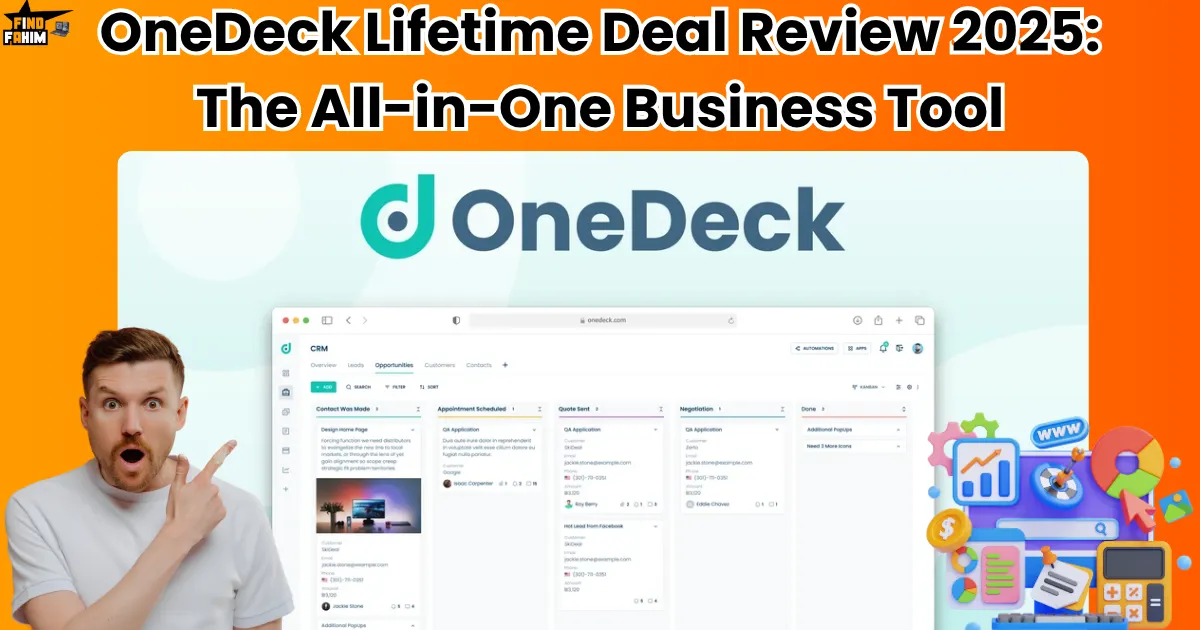
OneDeck Lifetime Deal Review 2025: The All-in-One Business Tool From Appsumo That Actually Works
I want to start by being real with you. For years, my business ran on what I can only describe as organized chaos. I had my client’s info in a CRM. My projects were in a tool like Asana. My team’s daily tasks were on a Kanban board, my documents were buried in Google Drive, and my finances lived in a messy spreadsheet. Does that sound at all familiar to you? It felt like all my business tools were in a noisy group chat with no moderator, and the chaos was winning. I was constantly switching between tabs, losing important information, and feeling completely and disorganized. I knew there had to be a better, calmer way to work. I began searching for a single, unified platform that could run my entire business, and that’s when I discovered a truly exciting tool on AppSumo: the OneDeck Lifetime Deal. In this review, I’m going to share my honest experience and tell you if this is the all-in-one productivity hub that can finally bring some peace to your business. I’m always searching for tools that don’t just add another subscription to my credit card bill, but actually simplify my life and make my business run smoother. I want clarity, not more complexity. That’s why I was so excited to test out OneDeck. It’s not just another project management app; it’s a full business operating system, and I think you’re going to be very impressed by its thoughtful design. What is OneDeck? (Your All-in-One Business Command Center) Let Me Explain This in Simple Terms So, what is this OneDeck thing? I think of it as your all-in-one command center for your entire business. It’s a single, beautiful platform designed to replace that messy collection of different tools you’re probably using right now. It’s built to handle all of your most important operations in one place: Project and Task Management Client Management (CRM) Document Creation (like professional proposals and invoices) Workflow Automations Team Collaboration It’s designed for busy people—like marketers, project managers, sales managers, and small business owners—who are tired of the digital clutter and want one clean, powerful place to manage everything. What Makes OneDeck Different? The “Simple But Powerful” Philosophy Here’s what I fell in love with right away. OneDeck isn’t trying to be the most complicated tool on the market. It has this beautiful design philosophy that one user perfectly described as “simplicity with the power and flexibility to make your own.” It gives you the flexibility to build what you need, with customizable boards and different ways to see your work (like Kanban boards, tables, or calendars), but it does it in a way that feels clean and intuitive from the very first moment. It’s like it takes the best parts of powerful tools like Notion and Airtable but makes them much easier and more focused for actual business use. I used to think that using a different “best-in-class” app for every single task was the smart way to go. I had one app for my notes, one for my to-do list, another for my calendar… I learned the hard way that this approach actually creates a huge bottleneck in your business and your brain! Why You Need an “All-in-One” System in 2025 “Tool Fatigue” is Real, and It’s Killing Your Focus Jumping between 5, 6, or even 10 different apps and tabs all day long is mentally exhausting. Every time you switch, your brain loses a little bit of focus. It makes it almost impossible to get into that state of deep, productive work where you do your best stuff. Your Information Gets Lost and Siloed When your client information is in one place, and your project information is in another, you can never see the full picture. You can’t easily see which clients are connected to which projects or which tasks are tied to which invoice. Things get lost, and opportunities are missed. It’s Just Plain Expensive! Paying for 5 or 6 different monthly subscriptions adds up fast! It can easily cost you hundreds and hundreds of dollars every single month. An all-in-one system like OneDeck solves all of this. It brings all of your important operational data into one single source of truth. It gives you the clarity and efficiency you need to make smart decisions and actually grow your business. The OneDeck Lifetime Deal is packed with features, but I don’t want to just give you a boring list. I want to focus on the ones that I think provide the most real-world value for running your business every day. These are the features that made me go, “Wow, this is different.” Key Features & Benefits (The Good Stuff You Get) Customizable Boards and Views This is the heart of the platform. You can organize your work in a way that truly makes sense to you. Whether you love a visual Kanban board, a detailed table that looks like a spreadsheet, a calendar, or a project timeline, you can switch between these views with a single click. This flexibility is amazing for keeping your projects on track and making sure nothing ever slips through the cracks. A Professional Drag-and-Drop Document Builder This feature is truly exceptional! OneDeck comes with a built-in document builder that lets you create beautiful, professional documents like proposals, invoices, or contracts. But here’s the best part: it can automatically pull in your client and project info, so you don’t have to waste time with formatting or copy-pasting! This feature alone can make you look so much more professional to your clients. Workflow Automations That Save You Time This is where you can really start to get your time back. You can create simple automation rules to handle your repetitive tasks. For example, you can set a rule that says, “When a task’s status is changed to ‘Complete,’ automatically send a notification to the project manager.” This helps boost your team’s productivity, minimize human error, and

Liquid Web vs Hostinger: The Shocking Truth About Why $3/mo Hosting Kills Your Sales
I need to be honest with you. For a long time, I used Hostinger. The price was just too good to ignore, and when I was starting, it did the job. It was… okay. But as my work grew, so did my needs. I needed more power for bigger projects, better tools to manage everything efficiently, and a platform that wouldn’t hold me back. My workload demanded more. So, I went on a mission. I started a personal investigation to find the absolute best performance I could get. I did the deep research, I ran the tests, and I talked to other professionals. That’s when I discovered Liquid Web, and it completely changed my perspective on what hosting should be. I’ve been where you are now, wondering if there’s something better. And I’m here to share the uncomfortable but necessary truth I found when comparing Liquid Web vs Hostinger. This isn’t just a list of features; this is my real experience. Let’s Be Honest, That “Great Deal” from Hostinger Feels a Little Too Good to Be True, Right? I remember setting up my first serious site. I saw Hostinger’s price—something like two or three dollars a month—and I thought, “Wow, what a steal! How can they even do that?” I signed up immediately, feeling like I’d found the ultimate hack. For the first few months, everything was fine. My site was up, it was running, and I was happy. But then, the little cracks started to show. My WordPress admin panel felt sluggish, taking forever to save a post. I submitted a support ticket and waited hours for a basic reply. One afternoon, my site was just… down. For 20 minutes. No explanation. It was that slow-drip anxiety. I started to wonder, “Is this what I should expect? Is this ‘normal’?” So if you’re here, reading this comparison, it probably means you’re feeling that, too. You have that little voice in the back of your head questioning if that rock-bottom price comes with a hidden cost to your performance and your peace of mind. Let me tell you right now: You are smart to be asking that question. Your gut feeling is right. The Main Killing Differences Between Hostinger and Liquid Web: A Quick, No-Nonsense Table amazing Before we get into the nitty-gritty details, I want to give you a quick, at-a-glance overview. I put this table together because sometimes, seeing the core philosophies side-by-side makes everything click instantly. This is the high-level summary of what we’re about to unpack. Think of this as the “cheat sheet” for your entire hosting decision. Feature Hostinger (The Starter Plan) Liquid Web (The Pro) Target Audience Beginners, Hobbyists, Students Serious Businesses, Stores, Agencies Core Strength Unbeatable Introductory Price Unbeatable Performance & Support The “Gotcha” Massive Price Hikes on Renewal Higher Initial Investment Support 24/7 Chat (with potential wait times) “Heroic Support®” (Phone, Chat, <59s) Speed Foundation Shared Server (Crowded Apartment) Dedicated Resources (Private Condo) Security Basic SSL, RAID-10 SOC 2 Certified, HIPAA/PCI Compliant Now, let me explain what these differences mean for you and your website. Target Audience: I realized Hostinger is built for people taking their first step online. It’s perfect for a student project or a personal blog. Liquid Web, on the other hand, is built for people whose website is their business. The entire platform is designed around reliability and performance because they know downtime costs you money. Core Strength: This is the fundamental trade-off. With Hostinger, you get one of the lowest entry prices in the industry, which is amazing for getting started. With Liquid Web, you are paying for raw power and expert service. Their strength isn’t being cheap; it’s being the best. The “Gotcha”: That super-low Hostinger price you sign up for? I learned the hard way that it often triples or quadruples when it’s time to renew. It’s a classic introductory offer. Liquid Web costs more upfront, but their pricing is transparent and stable. You know what you’re getting, without the renewal shock. Support: This was a huge one for me. With Hostinger, when I had a problem, I had to wait in a chat queue. But with Liquid Web, their “Heroic Support” guarantee is real. I’ve personally called them and had a knowledgeable, high-level technician on the phone in under a minute. When your site is down, that’s the difference between panic and peace of mind. Speed Foundation: Here’s the most important analogy I can give you. Hostinger’s shared hosting is like living in a huge, crowded apartment building with one set of water pipes. If your neighbors are all taking showers, your water pressure drops. Liquid Web’s plans give you dedicated resources. It’s like having your private condo with your pipes. Your performance is never affected by what anyone else is doing. Security: Hostinger provides a basic SSL certificate, which is essential. But it’s the bare minimum. Liquid Web provides enterprise-grade security with official certifications like SOC 2 and HIPAA compliance. If you handle any customer data, from an email address to a credit card, this isn’t just a feature—it’s a requirement. Liquid Web vs Hostinger Performance: I Ran the Tests, and the Results Are Jaw-Dropping Okay, this is the part that shocked me. Talk is cheap, so I decided to stop guessing and run some real-world tests to measure performance. I’m a numbers guy, and the data I found was unbelievable. Real-World Speed Tests: It’s Not Even a Fair Fight Here’s exactly what I did, so you know this is a real-world comparison. I set up two brand-new WordPress sites with the same theme, the same plugins, and the same demo content. Site A: Hosted on a basic Hostinger shared plan. Site B: Hosted on an entry-level Liquid Web Managed VPS plan. I didn’t add any extra optimization—I wanted to see the raw power of the servers themselves. Then, I used GTmetrix and Google PageSpeed Insights to test them from multiple locations. The results were consistent and frankly,
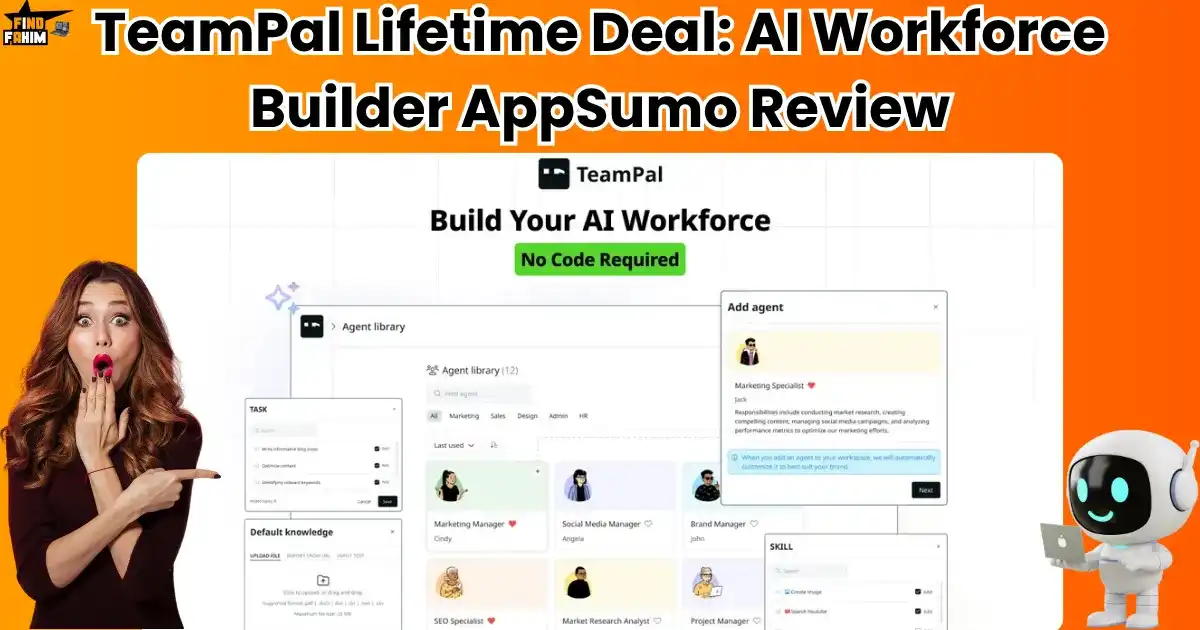
TeamPal Lifetime Deal Review 2025: AI Workforce Builder AppSumo – Complete Analysis & User Guide
I want to start with a feeling I know every single entrepreneur has had. It’s that moment late at night. You’re juggling marketing, sales, customer support, and HR, and you just lean back in your chair and think, “I wish I could clone myself.” The to-do list never, ever ends, and hiring new people is incredibly expensive and time-consuming. You dream of having a team of experts who just get your business, who can work 24/7 without getting tired, and who can handle all those repetitive, annoying tasks for you. It sounds like something from a science fiction movie, right? Well, I came across a tool that promises to make that science fiction a reality. It’s a platform that lets you build your very own AI team, and it’s available right now with an unbelievable offer: the TeamPal Lifetime Deal on AppSumo. In this review, I’m going to share my honest experience and tell you if this is the productivity superpower you’ve been waiting for. What is TeamPal? (Your No-Code AI Workforce Builder) TeamPal is a no-code platform that lets you build, train, and manage your team of AI-powered virtual employees—called “agents”—who can take over specific roles in your business. It’s designed to help you automate tasks, boost productivity, and scale your operations without writing a single line of code. I’m always searching for tools that don’t just solve small problems, but completely transform how I work. I want tools that feel like they give me superpowers. That’s why I was so excited to try TeamPal. It’s not just another AI writer or chatbot—it’s an entire platform for creating an AI workforce, and I think you’ll be amazed by what it can do. With TeamPal, you can create AI agents like: A Marketing Specialist who helps you brainstorm content ideas A Project Manager who updates you on your ongoing tasks An HR Assistant who answers team questions about policies A Customer Support Agent who handles FAQs from your website It’s perfect for small businesses, marketing teams, agencies, or virtual assistants who want to automate workflows and work smarter, not harder. What Makes TeamPal Different? The “AI Team” Concept Here’s what I fell in love with. TeamPal isn’t just a single AI chatbot. The whole idea is built around creating a team. You can build multiple different agents, each with its name, role, skills, and, most importantly, its own specific knowledge. You can train your “Marketing Agent” on all your blog posts and brand guidelines, and your “HR Agent” on your employee handbook. This means you get highly specialized, accurate answers for different parts of your business. One user said it’s much easier than setting up a custom GPT, and I completely agree. It makes a very complex idea feel simple and achievable. I know the idea of an “AI workforce” can sound a bit futuristic, but I truly believe it’s the future of how small businesses will compete and grow. It’s not about replacing humans; it’s about giving us superpowers so we can focus on what we do best. Why You Need to Think About an “AI Workforce” in 2025 I used to think AI was just for writing articles or making fun images. But a tool like TeamPal showed me that it’s so much more. Here’s why building an AI workforce is a smart move right now: It Solves the “Can’t Be Everywhere at Once” Problem: As a business owner, you’re pulled in a million directions. An AI team can handle repetitive questions and tasks 24/7, freeing you up to focus on the big-picture stuff that only you can do. It Creates Perfect Consistency: When you train an AI agent on your specific brand voice and company information, you ensure that the answers it gives are always consistent and accurate. This is amazing for customer support and team training. It’s a Huge Competitive Advantage: While your competitors are still manually answering the same questions over and over, you can have a team of AI agents doing it for you. This allows you to move faster, work smarter, and provide better service. A tool like the TeamPal Lifetime Deal isn’t just about saving time; it’s about building a scalable, intelligent system for your business that works for you even when you’re not working. So what can this AI team do for you? Let’s get into the good stuff. TeamPal is packed with powerful features, but I want to focus on the ones that I think provide the most real-world value for a small business owner or marketer like you and me. Key Features & Benefits (The Good Stuff You Get) Create Your Workspace by “Teaching” the AI This is the first step, and it’s so smart. To get started, you just “teach” the AI about your business. You can upload files (like PDFs, documents, or spreadsheets) or just give a link to your website. The AI reads all of this to build a “knowledge base” that your agents will use to answer questions accurately. Build Your Custom AI Workforce (No Code Needed!) This is the core of the tool. You can choose from dozens of pre-built AI agents, like a “Marketing Manager” or a “Project Lead,” and then customize them. You can give them specific skills, tasks, and responsibilities based on what you need them to do. It’s like creating a job description for your AI employee. Choose the Right “Brain” for the Job This is a feature that I think is brilliant for power users. For each agent you create, you can choose which AI model powers it (like GPT-4, Gemini, or Claude 3). This means you can use a super-powerful (and more expensive) model for complex tasks, and a faster, cheaper model for simple tasks. This helps you optimize your AI credit usage. Collaborate with Your Human Team You can invite your real-life team members into your TeamPal workspace. This allows them to help you build, train, and

ByDesign Lifetime Deal AppSumo Review 2025: The Digital Planner That Ended My App-Switching Nightmare
I want to start by being real with you. My digital life used to be a complete mess. I had my calendar in one app, my to-do list in another, project notes scattered across three different documents, and a dozen sticky notes on my monitor for random reminders. Does that sound familiar? It felt like my own personal productivity apps were in a chaotic group chat with no one in charge. I was constantly switching between tabs, losing ideas, and feeling overwhelmed. I knew there had to be a better, calmer way to organize my life and work. I went looking for a single place to bring everything together, and that’s when I discovered a beautiful, simple tool on AppSumo: the ByDesign Lifetime Deal. In this review, I’m going to share my honest experience and tell you if this is the all-in-one productivity hub you’ve been dreaming of. What is ByDesign? (Your All-in-One Productivity Hub) Let Me Explain This in Simple Terms So, what is this ByDesign thing? The best way I can describe it is that it’s your all-in-one digital planner that has the creative, personal vibe of a bullet journal but with the smart brains of a project manager. It’s designed to be the one place you go to organize everything in your life and business: Your Tasks and To-Do Lists Your Calendar and Appointments Your Daily Habits and Goals Your Notes, Documents, and Ideas (like a wiki) Your Team Projects and Collaborations It’s built for busy people—like entrepreneurs, project managers, and freelancers—who are tired of the digital clutter and want one clean, beautiful place to manage it all. What Makes ByDesign Different? The “Bullet Journal” Vibe Here’s what I fell in love with. ByDesign isn’t rigid and corporate-feeling like some other project management tools. It’s visual and flexible. You can drag and drop your tasks right onto your calendar to plan your day, use colors to organize your life, and build custom pages for anything from your yearly goals to a daily journal. It feels personal and creative. One user said, “I feel like I can breathe” when I use this app, and I completely get what they mean. Why You Need an “All-in-One” System in 2025 I used to think using a bunch of different specialized apps was the smart way to go. One app for notes, one for tasks, one for my calendar… But I realized it was making me less productive. Context Switching Kills Focus: Every time you switch between tabs or apps, your brain loses focus. It’s a small thing, but it adds up to a huge amount of wasted time and mental energy throughout the day. Things Get Lost: When your information is scattered everywhere, it’s so easy to lose that brilliant idea you had or forget about an important deadline. No Big Picture View: You can never see how everything connects. You can’t see how your daily tasks are helping you reach your yearly goals because they live in different apps. An all-in-one system like ByDesign solves this. It brings everything into one view, giving you the clarity and focus you need to actually make progress on what matters most. Key Features & Benefits (The Good Stuff You Get) The ByDesign Lifetime Deal is packed with features, but I want to focus on the ones that I think provide the most real-world value for organizing your life. Visual Planning (Calendar and Task Lists) This is the heart of the app for me. You can see your week at a glance with a beautiful, modern calendar right next to your color-coded task list. The best part? You can drag a task from your to-do list and drop it onto a time slot in your calendar. This is an amazing way to plan your day using a technique called “time-boxing.” It’s so simple and intuitive. Habit Tracking That Actually Works I love that you can track your habits—like workouts, reading, or drinking water—right from your main dashboard. You can set reminders that integrate with your calendar, which makes you so much more likely to stick with them. It keeps your personal goals right alongside your work tasks. Customizable Pages (Your Personal Wiki) This feature is so flexible. You can create dedicated pages for anything you can imagine: a vision board for your five-year plan, a daily journal, a roadmap for your career, or a wiki for a team project. It’s like having a mini-Notion built right into your planner. Streamlined Team Collaboration If you work with a team, you can share boards and to-do lists with your coworkers or clients. You can assign tasks, set deadlines, and even chat right inside any workspace. This is amazing for keeping all your project communication in one place instead of scattered across emails and other chat apps. How Does ByDesign Work? (A Quick Look) I was so happy to see how easy it is to get started with ByDesign. It doesn’t throw a million confusing options at you. It feels calm and welcoming from the start. Sync Your Calendar: The first thing you’ll do is connect your Google Calendar or Outlook Calendar. This is a seamless process, and it means all your existing appointments will show up instantly. Create Your First Task: Write down a task on your to-do list, like “Draft client proposal.” Plan Your Day: Now for the fun part! Just drag that “Draft client proposal” task from your list and drop it onto a time slot in your calendar, maybe from 2 PM to 4 PM. You’ve just time-blocked your day! Customize Your Workspace: You can create different categories like “Work,” “Personal,” or “School” to keep your tasks organized. You can also build out custom pages for your notes and goals. It’s all very flexible. A Real-World Scenario: Planning a Complex Project Without the Stress Let me give you a real example. Last month, I had to plan a big content project for a client. It involved

Why Is My WordPress Site So Slow? 10 Hidden Culprits Killing Your Speed (And How to Fix Them Fast)
That Spinning Loading Wheel is More Than Just Annoying, Isn’t It? Let me guess. You hit “publish” on a new blog post, you’re excited to see it live, and you click the link. And then… You wait…And wait. That little loading icon just spins and spins. It feels like an eternity. I’ve been there, and I know that feeling in the pit of your stomach. It’s not just impatience. It’s a mix of frustration, anxiety, and helplessness. You start thinking, “Is it just me? Is my internet slow? Or is my WordPress site… broken?” You’ve poured your time, your money, and your creative energy into this website. It’s your business, your portfolio, your voice. And when it’s slow, it feels like it’s failing you. I want you to know that it’s not your fault, and you are absolutely in the right place to fix it for good. Let’s Be Real: A Slow Site is a Business Killer in 2025 (Here’s the Scary Proof) I need to be straight with you. A slow website is more than just an annoyance; it’s a silent business killer. In the world we live in today, speed isn’t just a feature—it’s everything. I was looking at a report from Google just the other day for 2025 trends, and the data is jaw-dropping. They found that if your page load time goes from 1 second to 3 seconds, the probability of a visitor leaving (bouncing) increases by 32%. Think about that. You lose a third of your potential customers, readers, or clients before they even see what you have to offer. It’s like closing the door on one out of every three people who try to enter your store. A slow site kills your sales, destroys your credibility, and tells Google that your site offers a poor experience, which hurts your rankings. You deserve better than that. Before We Dive In: My Promise to You I’ve been building and fixing websites for years, and I’ve helped dozens of clients transform their slow, frustrating sites into lightning-fast platforms they can be proud of. I’ve seen it all. So here’s my promise to you in this article: No confusing tech jargon. I’ll explain everything in simple, human terms with easy-to-understand analogies. No fluff. Just real, actionable advice that I use and recommend to my clients. A real solution. We’ll cover quick fixes, but we will also identify the real reason your site is slow and fix it permanently. You’re going to walk away from this guide feeling confident and totally in control of your website’s performance. First, Let’s Run a Quick 60-Second Test (So You Can See the “Wow!” Later) Before we change a thing, I want you to see where you’re starting from. This is so important because I want you to experience that “wow!” moment later when you see your new, faster score. Open a new tab and go to Google PageSpeed Insights. Enter your website’s URL and click “Analyze.” Pay attention to the “Performance” score for Mobile. Don’t panic if it’s red or orange! This is our starting point. Take a screenshot or write that number down. This is your “before” picture. Trust me, you’re going to be excited to compare it to the “after.” Now, let’s get to work. Reason #1: Your Images Are Secretly Sabotaging Your Speed This is, without a doubt, the #1 most common speed killer I see. You find a beautiful, high-resolution photo for your homepage or blog post, you upload it, and you unknowingly add massive “weight” to your page. Large image files are like anchors dragging your website’s speed down. My Favorite Trick: Compress Images Without Losing Quality Image compression is pure magic. It shrinks the file size of your images without making them look blurry or pixelated. I never, ever build a site without an image compression plugin. I highly recommend: ShortPixel or Smush. Install one of them, and they will automatically compress every image you’ve already uploaded and every new one you add. It’s a “set it and forget it” solution that will make a huge difference. The “Resize Before You Upload” Rule I Swear By Your camera takes pictures that are 4000 or 5000 pixels wide. Your website’s content area is probably only 800 or 1000 pixels wide. Uploading that giant image and letting the browser shrink it is incredibly inefficient. My rule is simple: Always resize your images to the exact dimensions you need before you upload them to WordPress. You can use a free tool like Canva or even Preview on a Mac to do this in seconds. It’s a small habit that has a massive impact. Reason #2: You Have Too Many (or Just Plain Bad) Plugins Plugins are amazing, but they are also one of the biggest reasons for a slow WordPress site. Think of your website like your smartphone. When it was new, it was super fast. But after you installed 100 apps, it started to lag, right? Plugins work the same way. Every plugin you add is another bit of code that has to run, another potential conflict, and another potential security risk. How to Do a “Plugin Audit” in Under 10 Minutes Go to the “Plugins” section of your WordPress dashboard right now and ask yourself these two questions for every single plugin: “Do I need this?” “Is there a better, more lightweight plugin that does the same thing?” If the answer is no, deactivate and delete it. Be ruthless. I’ve seen clients go from a 30-second load time to a 5-second load time just by deleting 10-15 unnecessary plugins. The Free Tool I Use to Find the Slowest Plugins If you want to play detective, there’s a fantastic free plugin called Query Monitor. After you install it, it adds a little menu to your admin bar. It can show you exactly which plugins are making slow requests to your database. It’s a little more advanced, but it’s unbelievable for
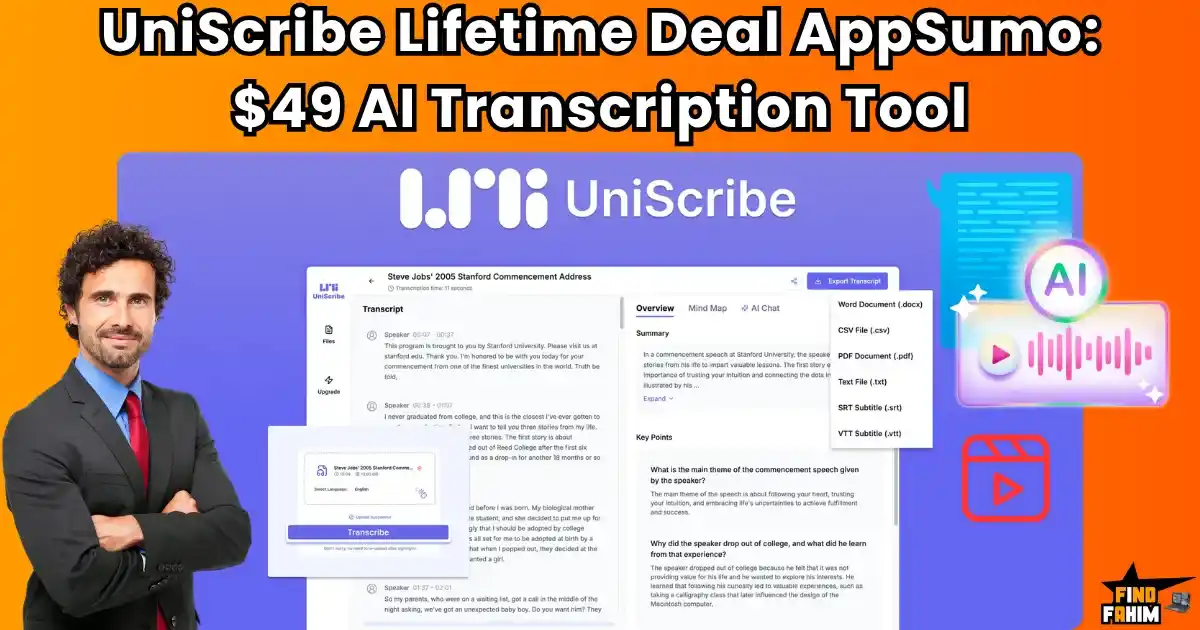
UniScribe Lifetime Deal AppSumo Review 2025: Fast AI Transcription for Just $49 – Worth It?
I want to start by being real with you. I have a love-hate relationship with creating video and audio content. I love recording it, but I absolutely dread the work that comes after. Transcribing a one-hour podcast used to take me hours of tedious, mind-numbing work. It felt like I was being punished for creating great content! I knew there had to be a better way, so I went on a hunt for an AI transcription tool that was fast, accurate, and didn’t cost a fortune. That’s when I discovered a really exciting offer on AppSumo: the UniScribe Lifetime Deal. It promised to not only transcribe my files in minutes but also to turn them into summaries and even visual mind maps. In this honest review, I’m going to share my experience and show you how this tool can save you precious time and help you get more value from your content. I think you’re going to want to see what it can do. What is UniScribe? (Your AI Content Assistant) Let Me Explain This in Simple Terms So, what is this UniScribe thing? I think of it as your personal AI assistant whose only job is to watch your videos and listen to your audio for you. It then turns all that spoken content into super accurate text, and even helps you understand what’s most important. It’s designed for anyone who deals with audio or video files: Content Creators are turning podcasts into blog posts. Researchers are analyzing interviews. Students are transcribing lectures. Coaches and Consultants reviewing client calls. Marketers are creating lead magnets from webinars. If you have a recording, this tool can save you an unbelievable amount of time. What Makes UniScribe Different? The “Beyond Transcription” Features Here’s what got me excited. UniScribe doesn’t just give you a wall of text. It goes further by automatically creating: Concise Summaries: It pulls out the key points for you. A Q&A Section: It generates questions and answers based on the content. Mind Maps: This is the coolest part! It creates a visual mind map of the content, helping you see the main ideas and how they connect. This is a huge deal because it doesn’t just save you transcription time; it saves you analysis and content creation time, too. Why You Can’t Ignore AI Transcription in 2025 I know some people are used to doing things the old way, but in 2025, manual transcription is just not a smart use of your time. Here’s why a tool like UniScribe is so important now: Content Repurposing is King: The smartest marketers take one piece of content (like a video) and turn it into ten other pieces (a blog post, social media quotes, an email newsletter, a lead magnet). Accurate transcription is the first and most important step in this process. Accessibility Matters: Adding accurate subtitles or providing a written transcript makes your content accessible to a wider audience, including those who are hard of hearing or prefer to read instead of watch. Information Overload is Real: We’re all consuming so much content. Being able to quickly get a summary or find a key point in a long recording is a superpower. It helps you learn faster and work smarter. A tool like the UniScribe Appsumo Deal isn’t just about convenience; it’s about unlocking the hidden value in all of your audio and video content. Key Features & Benefits (The Good Stuff You Get) The UniScribe Lifetime Deal on AppSumo is packed with features, but I want to focus on the ones that I think provide the most real-world value. Fast and Accurate Transcriptions This is the core of the tool, and it does it brilliantly. Users report that it can transcribe an hour-long video in just a few minutes, and with up to 98% accuracy. This is a huge time-saver compared to doing it manually or using less advanced tools. Support for 98+ Languages This is amazing for anyone with an international audience. It can accurately transcribe content in over 98 languages, and some users were blown away by how well it handled mixed languages (like “Taglish” – a mix of Tagalog and English) in the same recording. Find Key Information in Seconds This is where it goes beyond a simple transcriber. The automatically generated summaries and Q&A sections are perfect for quickly finding the most important information in a long lecture or meeting without having to listen to the whole thing again. The Magical Mind Map Feature I love this feature! It takes your transcript and creates a visual mind map of the main topics and subtopics. This is so helpful for visualizing the structure of the content and is a fantastic tool for studying or planning out new content. Multiple Export Formats Once your transcription is ready, you can export it in a bunch of useful formats, including Word, PDF, TXT, and subtitle formats like SRT and VTT. This makes it super easy to use the text for whatever you need next. How Does UniScribe Work? (A Quick Look) I was so happy to find out that getting started with this tool is really simple. You don’t need to be a tech expert to use it. Here’s a quick look at the process. Upload Your File: You can upload an audio or video file directly from your computer. It supports large files (up to 5GB). Or Paste a YouTube Link: This is super handy. You can just paste a link to a YouTube video, and it will pull the audio and transcribe it for you. Let the AI Do Its Magic: UniScribe gets to work. In just a few minutes, it will generate the full transcript. Explore Your Content: Once it’s done, you’ll see the full transcript, plus the summary, the Q&A section, and that awesome mind map. You can then edit the text and export it in any format you need. A Real-World Scenario: Creating a Lead Magnet in
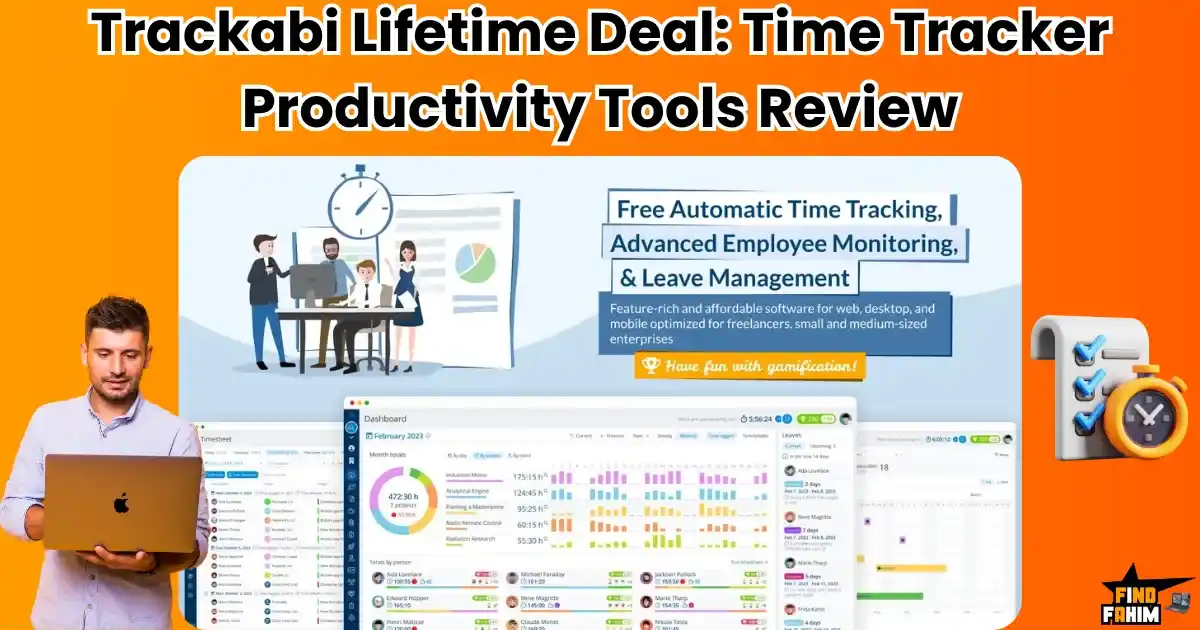
Trackabi Lifetime Deal AppSumo Review 2025: Does This Time Tracker Boost Productivity?
Let me be honest with you from the start. When most business owners hear “employee time tracking,” they immediately think of micromanagement and surveillance. I get it—nobody wants their workplace to feel like a digital prison where every click is monitored. But here’s what I’ve learned after researching productivity tools: the real challenge isn’t about watching your team work. It’s about understanding where your most valuable resource—time—actually goes, and how to optimize it without creating a toxic work environment. What if time tracking could boost productivity while keeping your team engaged? What if it felt less like surveillance and more like a productivity game? That’s exactly what Trackabi claims to offer, and it’s currently available through the Trackabi lifetime deal on AppSumo. In this comprehensive review, I’ll break down whether this tool lives up to its promises and if it’s worth your investment. What is Trackabi? (Beyond Basic Time Tracking) Trackabi positions itself as more than just another time-tracking app. It’s designed as a complete productivity management platform that aims to solve three core business challenges: 1. Accurate Time Tracking: Precise project timing for better decision-making and client billing. 2. Productivity Insights: Optional monitoring features that reveal time usage patterns and productivity bottlenecks 3. Team Management: Built-in leave management system to handle time-off requests efficiently The platform serves everyone from solo freelancers to remote teams, with apps available across web browsers, desktop (Windows, Mac, Linux), and mobile devices (iOS, Android). What Makes Trackabi Different? The Gamification Angle Here’s the part that made me go, “Wow, that’s cool!” Trackabi uses gamification to make time tracking more enjoyable. This means it adds fun, game-like elements to the process. Instead of it feeling like a chore, your team members can see their activity scores, earn achievements, and feel a sense of accomplishment. I love this approach because it turns a boring but necessary task into a motivating experience. And a motivated team is always a more productive team. How Time Tracking Can Improve Productivity I know some people feel weird about tracking time, but modern research shows that when it’s done right, it can be one of the best things you do for your business. It’s not about micromanaging; it’s about making smart, data-driven decisions. It Creates Focus: When your team tracks time on a specific task, it helps them stay focused on that task and avoid multitasking, which is a known productivity killer. It Identifies Bottlenecks: By seeing exactly how much time is spent on different parts of a project, you can easily spot where your team is getting stuck or where processes can be improved. It Provides Clarity and Profitability: If you don’t know how much time your projects are taking, you have no idea if you’re making money on them. Accurate time tracking is the key to running a profitable service business. A tool like Trackabi isn’t about watching over your team’s shoulder; it’s about giving everyone, including your team members, the data they need to do their best and most productive work. Key Features & Benefits (The Good Stuff You Get) The Trackabi Time Tracker App is packed with features, but I want to focus on the ones that I think provide the most value for improving productivity and managing your business. The Desktop Time Tracker (with Employee Monitoring) This is a big one for remote teams. Trackabi offers a desktop app that your team can install. With just one click, they can start a timer for a specific project. But it does more than that—it can also take screenshots at set intervals and monitor which apps and websites are being used to generate a user’s “activity score.” For managers, this provides incredible peace of mind and clarity on how work is getting done. Mobile App with GPS Tracking If you have team members who work out in the field or travel between client sites, the mobile app is a game-changer. It not only allows them to track their time from their phone, but it can also use GPS tracking to log their location when they clock in and out for a specific job, which is perfect for verifying service calls. Leave Management That Saves You Headaches Handling vacation requests and sick days can be a mess of emails and spreadsheets. This tool has a full leave management system built right in. Your team can request time off, and you can approve it, all from one central calendar that’s integrated with their timesheets. It’s so simple and organized. Invoicing and Payments That Save You Time You can set pay rates and billable rates for each employee and project. Then, at the end of the month, you can automatically generate professional invoices based on the accurately tracked time and send them to your clients. This feature alone can save you so much administrative time. How Does Trackabi Lifetime Deal Work? I was so happy to find out that getting started with this tool is really simple. You don’t need to be a tech expert at all to get your team up and running and on the path to better productivity. Here’s a quick look at the process. Invite Your Team: First, you’ll add your employees or team members to your Trackabi account from the main dashboard. They install the App: Your team members will then get an invitation to download the simple desktop or mobile app. The setup is a breeze. They Start Tracking! With one click, they can select a project and start the timer. The app runs quietly in the background, tracking their activity and taking screenshots if you have that feature enabled. You See the Reports: From your dashboard, you get a clear, real-time view of everyone’s activity, the time logged for each project, and their productivity scores. It’s that easy! A Real-World Scenario: How Our Agency Boosted Profitability Let me tell you about our small marketing agency. Before we used a tool like this,
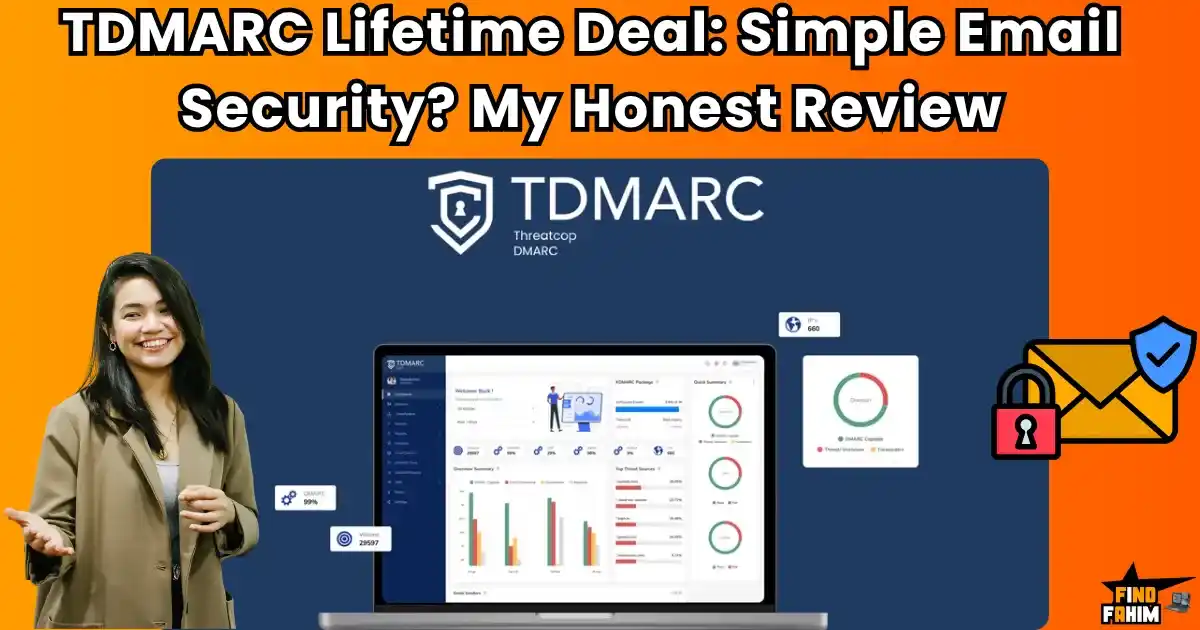
TDMARC Lifetime Deal AppSumo Review: Email Security Tool Worth It? (Honest Analysis & Warning)
A client of mine once lost thousands of dollars in a single day. It happened because someone spoofed their domain and sent a fake invoice that looked 100% real. The email had their name, their branding, their tone—everything. By the time they realized what had happened, the payment had already been wired. Gone. That client told me, “I thought it was us. And I work here!” This isn’t just a scary story. It’s a warning. In 2025, email threats are real, common, and incredibly damaging—especially if you run a small business or agency. That’s why I began searching for a simpler way to secure my business emails. Eventually, I found the TDMARC lifetime deal on AppSumo. I didn’t expect much at first. But what I discovered shocked me, in both good and bad ways. This article is about what I learned… and what you need to know before you buy. Can TDMARC Protect Your Business from Email Hackers? That Sinking Feeling: “Wait… Did I Send That?” Have you ever gotten a reply to an email you’re sure you never sent? It’s a gut punch. In today’s Tech world, it’s shockingly easy for hackers to pretend to be you. All it takes is a spoofed domain, and suddenly your customers are getting invoices, links, or phishing emails that look like they came directly from your brand. I used to think, “I’m just a small business. Why would anyone target me?” I was wrong. They don’t care who you are—they care that your inbox is open. The Confusing Letters: SPF, DKIM, and DMARC The biggest problem? Email security is way too complicated. Once you start trying to fix this, you’ll see words like SPF, DKIM, and DMARC pop up. It feels like reading a foreign language or trying to solve a puzzle with no picture. And because it’s confusing, most business owners ignore it. But in 2025, that kind of thinking is risky and expensive. Hoping for the best is no longer a strategy. What is TDMARC? (Your Email Security Guard) Let Me Explain This in Simple, Human Terms So… what exactly is TDMARC? Think of it as a digital security guard standing at the front door of your business email. Its job is simple but powerful: make sure that no one can send emails pretending to be you—unless they’re supposed to. The TDMARC lifetime deal is designed to help non-technical users protect their email domains. You don’t need to be a tech expert. It simplifies everything that used to be frustrating and technical. My 1-Minute Guide to SPF, DKIM, and DMARC I know—these terms are ugly. But let me simplify them: SPF – Think of this like your domain’s guest list. It says, “Only these senders are allowed to send email on my behalf.” DKIM – Imagine a wax seal on a letter. This one confirms, “Nobody tampered with this message.” DMARC – The boss of them all. It says, “If an email fails SPF or DKIM, don’t deliver it. Just block it.” TDMARC is an easy tool that helps you set these up, monitor them, and fix any issues. Why You Can’t Ignore Email Security in 2026 It’s Not Just About Spam; It’s About Your Money and Reputation Let’s be real. Most people don’t worry about email security until it’s too late. But here’s what’s actually at stake: ✅ Poor Deliverability: Gmail and Outlook are strict. If your email setup isn’t perfect, your emails might go straight to spam or not get delivered at all. ✅ Invoice Fraud & Phishing: Hackers can send a fake invoice that looks exactly like it’s from you. And you might not even know until a client asks, “Did you request $3,000?” ✅ Brand Damage: Every spoofed email hurts your brand reputation. You look unprofessional and unsafe, even if it wasn’t your fault. In short, if you’re sending emails to clients, customers, or partners, you cannot afford to ignore this anymore. Key Features & Benefits (What You Get) Manage All Your Domains from One Dashboard If you’ve got multiple brands, websites, or clients, this feature is a game-changer. TDMARC lets you manage all your domains from one clean dashboard, so you don’t have to juggle different platforms or logins. It shows a clear summary of each domain’s security posture—what’s working, what’s failing, and what needs fixing. See Exactly Who is Sending Emails on Your Behalf This one is eye-opening. TDMARC shows you every source that sends email using your domain, including their IP address and geographic location. You’ll know exactly who’s acting on your behalf—and more importantly, who shouldn’t be. A Toolbox to Keep Your Domain Healthy The platform comes with built-in tools to check and fix your SPF, DKIM, DMARC, and MX records. It’s like a health checkup for your email setup, but without all the tech headaches. It also includes checks for: DNS TXT AAAA BIMI (for email branding) And more Automated Reports Sent to Your Inbox You can schedule reports to arrive daily, weekly, or monthly. There are five types of reports: by compliance, senders, receivers, geolocation, and forwarders. You can even download these as PDFs to share with clients or your team. This is where the TDMARC lifetime deal shines—set it once, then get peace of mind forever. How Does TDMARC Work? (A Quick Look) Your 3-Step Path to Better Email Security Connect Your Domain After signing up, just add your domain to the TDMARC dashboard. It’s fast and painless. Update Your DNS Records You’ll get a few snippets of text from TDMARC. Just paste them into your DNS settings (your hosting provider or domain registrar will have this section). Monitor and Report Now you’re live! TDMARC will start showing you which emails are being sent, which ones are failing checks, and where the threats are coming from. A Real-World Scenario — Before and After TDMARC The Problem: My Client’s Emails Were Landing in Spam I had a
Liquid Web Alternatives: I Researched 23 Premium Hosting Providers – Here’s What I Discovered
I still remember the night I launched my first client website. It was past midnight, I was exhausted, and my coffee was cold, but I felt a sense of pride. Then, just hours later, the site crashed. Not because of my code, but because the cheap hosting I used couldn’t handle a small traffic spike. I was using Bluehost, like many beginners, because it was cheap and “easy.” But that night taught me a hard truth: cheap hosting can cost you more than money—it can cost you trust. That’s when I realized hosting isn’t just a tool—it’s your business partner. If you’re searching for Liquid Web alternatives, you’re probably looking for something affordable, reliable, or just curious if anything out there can match its performance. And while there are solid contenders, few come close to what Liquid Web offers in terms of speed, uptime, and truly responsive support. In this post, I’ll walk you through some popular alternatives—but also show you why, for many businesses, Liquid Web is still the smartest investment. Evaluate Your Hosting Needs First Shared vs VPS vs Managed Hosting — Let Me Make It Simple When I first started, all the different hosting types were so confusing. It felt like a different language! Let me break it down for you in a way I wish someone had for me. Shared Hosting: Think of this like living in a big, crowded apartment building. You share everything—the power, the water, and the space. It’s cheap, but if your neighbor throws a huge party (gets a ton of traffic), your lights might flicker, and your website will slow down. VPS (Virtual Private Server) Hosting: This is like upgrading to your townhouse. You’re still in the same neighborhood, but you have your own dedicated space and your strong walls. Your neighbor’s party won’t affect you. It’s much faster and more stable. Managed Hosting: This is the dream. It’s like having that townhouse, but it also comes with a super-handyman who takes care of all the maintenance, security, and any repairs for you, 24/7. You get all the power without any of the stress. How to Match Your Business Size to Your Hosting It’s so easy to just buy the cheapest plan you see, but I promise you, that can be a huge mistake down the road. Here’s a simple way I think about it now: Are you just running a tiny hobby blog? A simple shared hosting plan is probably okay to start with. Are you growing a small business or an online store? You need more power. A VPS or a Managed WordPress plan is the minimum you should consider. Do you have a serious e-commerce store or an agency? You need a powerful, managed solution that can handle anything. This is where premium managed hosting becomes essential. Key Things to Think About Before You Choose Before you even start looking at prices, please ask yourself these questions. I promise it will save you so many headaches later. Speed: How important is it that my site loads in the blink of an eye for every single visitor? Uptime: What is the real cost to my business if my site goes down for an hour? Or even just 15 minutes during a sale? Support: When something breaks at 2 AM, do I want to talk to a real expert who can fix it right away, or a chatbot that sends me links to articles? Budget: Am I looking for the cheapest option right now, or the best value that will prevent me from losing money later? Growth: Where do I see my business in one year? Will my host be able to grow with me, or will it hold me back? Okay, let’s start with one of the most popular names in the hosting world, Namecheap. They are famous for their super affordable domain names, and many people, including me, get drawn in by their low-cost hosting plans. But how does it stack up against a premium provider like Liquid Web? Let’s get into it. Liquid Web vs Namecheap Cost and Renewal Surprises Namecheap’s initial prices look amazing, there’s no doubt about it. You can get started for just a few dollars a month. But here’s the catch I learned about: those super low prices are often for the first year only. When it’s time to renew, the price can jump up significantly. Liquid Web, on the other hand, is more expensive upfront, but their pricing is much more transparent. You know what you’re paying for, and it’s for a much higher level of service. Shared Hosting Limits vs Liquid Web’s Ecosystem With Namecheap’s basic plans, you’re on a shared server. That means you’re back in that crowded apartment building we talked about. You are sharing resources with hundreds of other websites, and you never know when a “noisy neighbor” is going to slow your site down. Liquid Web doesn’t even offer this kind of low-tier shared hosting. Their ecosystem starts at a much higher level, with managed WordPress plans and VPS options that give you your dedicated resources. It’s a completely different class of service. My Take “Namecheap was perfect for a hobby site I built to test an idea. It was cheap and it worked. But the moment I wanted to build a real business that I could depend on, I knew I needed the freedom and power to grow. That’s what Liquid Web gave me.” Next up is another company you’ve probably seen everywhere: Hostinger. Their ads are all over the place, promising incredible speed for unbelievably low prices. I was so curious, I had to try it myself to see if it was too good to be true. Here’s what I found out. Liquid Web vs Hostinger Intro Pricing vs Real-World Performance Hostinger’s introductory pricing is some of the cheapest you will ever see. It’s very tempting, and they do a great job of making their platform look

SEMrush Lifetime Deal 2025: Does It Exist? Features, Pricing & Best Alternatives
I want to share a secret that completely changed how I build my business. For years, I felt like an outsider, watching from the sidelines as top marketers used expensive tools like Semrush, wondering, “How will I ever afford that?” I started searching for the mythical Semrush lifetime deal, thinking maybe there was a secret path to join the big leagues. I never found that deal. But I found something even better. Let me tell you a story—a kind of legend that still gets whispered in marketing forums and private Facebook groups. It’s the tale of the one that got away. A deal so good, so rare, that many still talk about it today with a mix of awe and regret. The Legend of the Semrush AppSumo Deal: The One That Got Away Did You Hear the Rumors? The Day Semrush Hit AppSumo It was one of those blink-and-you ”’ll-miss-it moments. For a brief, almost magical period, Semrush—the same all-powerful SEO platform that now costs over $130 a month—was listed on AppSumo. The internet went wild. Forums buzzed. Facebook groups lit up. It confirmed what many of us had always known deep down: no matter their level, every marketer dreams of accessing premium tools without the weight of never-ending monthly payments. The “Notify Me” Button: A Sign of Hope or a Lost Cause? If you search hard enough, you can still find that old AppSumo page. A quiet little box sits there, asking: “Yes, bring to AppSumo.” Thousands of people—from newbie creators to agency veterans—have entered their emails, hoping lightning strikes twice. I’ll admit it—I was one of them. But here’s the truth: while it’s tempting to sit and wait for miracles, the smartest marketers I know aren’t holding their breath. They’ve already moved on. They’ve found a different strategy—a better one. This brings me to the secret I promised to share with you. After I got over my disappointment about missing the Semrush deal, I started to notice what the savvy entrepreneurs were doing. They weren’t complaining about high monthly fees. They were quietly building their powerful toolkits for a fraction of the cost. I was so excited when I figured it out. The Smart Marketer’s Secret: Ditching Subscriptions for a “Lifetime Deal Stack” Why Pay Forever? The Power of a One-Time Investment Here’s the secret I discovered: many of the most creative marketers and lean agencies I know don’t pay for those huge, all-in-one subscriptions. They use a completely different, much smarter strategy. They build a “stack” of specialized, high-quality tools by paying a small, one-time price for each one on a platform like AppSumo. This is the new way to get Semrush-level power without the Semrush price tag. You own your tools, and you control your budget. The Benefits You Get with This Powerful Strategy You Save Thousands of Dollars. The math on this is simple, and it’s honestly mind-blowing. I’ve seen a single $79 lifetime deal that can replace a tool that would normally cost you over $900 in just one year. By building a stack of 3-4 of these amazing tools, you might spend $300 once, instead of thousands and thousands of dollars every single year. You De-Risk Your Business. Think about this for a second. With a lifetime deal, you have no more worrying about subscription prices suddenly going up or another monthly bill hitting your bank account. You own your tool forever. That feeling of security is unbelievable, especially when you’re growing a business. You Get Specialized Power Instead of one giant tool that does 100 things just okay. You can get several specialized tools that each do one thing amazingly well. You get to build a custom toolkit that is perfectly suited to your specific needs. This is the strategy I now use myself for my own business, and my clients love it when I show them how to do it. Now, before we dive into the incredible lifetime deals that are available right now, I think it’s only fair to acknowledge the big players in the SEO world. To show you I’ve done my homework, let’s take a quick, honest look at the main subscription-based tools that people usually compare to Semrush. This will help you understand what you’re paying for with those high monthly fees. First, A Look at the Top Subscription Semrush Alternatives The “Safe Bets”: Semrush vs Ahrefs vs Ubersuggest Before we get to the exciting lifetime deals, it’s fair to look at the other big names in the SEO game. If you have a big budget and you want to go the traditional route, these are the tools you’ll hear about most often. Ahrefs is probably Semrush’s biggest and most famous competitor. It’s legendary for having the best backlink data in the industry. Many serious SEO professionals swear by it. Then there’s Ubersuggest, which is Neil Patel’s tool. It’s known for being a more affordable all-in-one alternative with a very user-friendly interface, which makes it great for beginners. These are great tools. But they all share the same thing: a recurring, and often expensive, monthly fee that you have to pay forever to keep using them. Okay, so we know the dream of a Semrush lifetime deal is likely just a dream. But I promised you a better secret, a smarter strategy. Now we get to the really exciting part: looking at the amazing, specialized tools you can get on AppSumo right now for a one-time price. Let’s start building our powerful, budget-friendly SEO stack. Semrush vs ClickRank: Your Automated On-Page SEO Fixer What is ClickRank? (Your AI On-Page Technician) The first lifetime deal we need to talk about is ClickRank. I think of it as a friendly, super-smart AI-powered technician that you hire once, and it works on your site forever. Its only job is to automatically find and fix all those annoying on-page SEO issues for you—things like your page titles, meta descriptions, image

Liquid Web vs Bluehost: Which Hosting Is Best for Your Small Business in 2025?
I still remember the night I hit ‘publish’ on my first real client website. It was past midnight, I was so tired, and my coffee had gone cold long ago. But I felt something really powerful—I had finally built something that mattered. When I compared Liquid Web vs Bluehost, I was convinced the latter was the beginner-friendly solution everyone recommended. That site meant everything to me and my client. And then… it crashed. It didn’t crash because of my code or something I did wrong. It crashed because the cheap hosting plan I was on couldn’t handle even a small spike in traffic. In that moment, I seriously reconsidered my choice, especially considering Liquid Web’s reputation for reliable scalability. That was the day I realized—web hosting isn’t just a tool. It’s your business partner. I know you probably have your eye on either Bluehost or Liquid Web right now, and that’s great! You’re already thinking about what’s best for your business. But before you make a move, I want us to get on the same page about something really important that I had to learn the hard way. Why Hosting Isn’t Just “Where Your Website Lives” I know it’s easy to think of your web host as just a digital landlord, a place where your website files are stored. But it’s so, so much more than that. Your web host is the engine for your entire online business. It does all of this for you: Keeps your site online 24/7 (or lets it crash at the worst possible moment). Helps your pages load super fast or makes them crawl like a turtle in mud. Protects your customers’ data (or leaves it vulnerable). Supports you like a partner during emergencies (or totally ghosts you). So if you’re running a small business, whether that’s a cute online pet store, a marketing agency, or a brand selling digital products, your host is not just another tech service. It’s your foundation. And a weak foundation will cause your whole business to crumble. I want to be totally fair in this review, so let’s start with Bluehost. It’s where my journey began, and for a little while, I thought I had made a great choice. It’s important to understand what it does well and where, in my opinion, it starts to fall short for a growing business. My Experience with Bluehost (What Worked & What Didn’t) I’ll start with Bluehost because that’s what I used in my early years as a web designer. And honestly, it wasn’t all bad at the very beginning. 🟢 What I Liked: It was super beginner-friendly to set up. I got my first site online without much trouble. The dashboard they use (cPanel) was pretty clean and easy to figure out. The pricing was really low at first (I think I paid around $2.95/month with a special offer). WordPress was installed in just a few clicks, which felt like magic at the time. I won’t lie—it felt great as a total beginner. But that feeling didn’t last long. Things changed fast as soon as my sites started getting even a little bit of traffic. 🔴 What I Didn’t Like: My sites started loading slowly when just 10-15 people were on them at the same time. Downtime happened more often than I expected. My sites would just disappear for a few minutes. Their hosting customer support often left me feeling frustrated and alone. The upcharges hit me from every direction for things I thought should be included, like better security and daily backups. I wasn’t doing anything crazy. I was just trying to host a couple of small client sites and my blog. But Bluehost started to feel like a ticking time bomb, and I was constantly stressed out. After that terrible night when my client’s site crashed during her launch, I knew I couldn’t risk my reputation or my business on cheap hosting anymore. I went on a mission. I needed to find a hosting partner I could truly trust. That’s when I started hearing whispers about Liquid Web. Why I Switched to Liquid Web—and What Changed Instantly After that crash, I researched like a crazy person. I was all over Facebook groups, Reddit forums, and I even emailed a few pros I looked up to. One name kept popping up again and again: Liquid Web. Now, I’m going to be straight with you. It’s not as “cheap” as Bluehost. But as I quickly learned, that’s not a bad thing at all. It’s an investment. Because here’s what I noticed the moment I made the switch: ✅ Sites Load WAY Faster Like, noticeably, “wow, is this my site?” faster. My client noticed it immediately, too. Her online store pages were opening in under 2 seconds—on Bluehost, we were lucky to get under 4 seconds. Why? Because Liquid Web doesn’t cram thousands of sites onto one server. You get dedicated resources, even on their smaller plans. ✅ Rock-Solid Uptime I started tracking my site’s uptime with tools like UptimeRobot. With Liquid Web? My site’s uptime has stayed over 99.99%. I’ve had months go by without a single second of downtime. That peace of mind is unbelievable. ✅ Human Support That Feels Like Family I can’t stress this enough. This was the biggest change for me. When you talk to Liquid Web support, you feel like you’re talking to a partner who genuinely wants to help, not like you’re annoying them with your problems. Every time I had an issue or a question, they fixed it fast—no reading from scripts, no long delays. They’re real experts. And the best part? They don’t try to push a bunch of upsells on you during a support chat. (I’m looking at you, Bluehost.) Okay, let’s talk about the thing everyone wants to know: the price. Money matters, especially when you’re running a lean business and every dollar counts. But when you compare Liquid Web vs Bluehost, you

Stella AI Lifetime Deal AppSumo Review 2025: The WhatsApp AI Assistant That Handles Everything
I want to start by being real with you. The promise of an AI assistant that can handle all my annoying tasks? Sounds like a dream. But let’s be honest—how many times have we been sold on hype, only to be let down by clunky interfaces, half-baked features, or tools that need more babysitting than help? So when I first heard about Stella AI, an assistant that lives inside WhatsApp, I was equal parts excited and skeptical. Especially when I saw the Stella AI lifetime deal on AppSumo—it looked almost too good to be true. But something about it stuck with me. Could this finally be the productivity tool that fits into real life? I decided to dive in, test everything, and share my honest take with you. But before we get into the nitty-gritty, let’s rewind to a feeling I know you’ve had too. That moment when the tech that’s supposed to help you only leaves you more overwhelmed. I’ve been there—too many times. I want to tell you about the day I hit my breaking point… The “Too Busy to Breathe” Feeling We All Know That Moment You’re Trying to Do Three Things at Once on Your Phone My Coffee Shop Story I remember it so clearly. I was standing in line for a coffee, phone in hand. My screen was a total mess of notifications, buzzing, and flashing. I was trying my best to reply to an important client email, confirm a meeting for that afternoon, and desperately trying not to forget a brilliant idea I just had for a new project, all at the same time. I felt so scattered and completely unprofessional. My thumbs were flying across the tiny keyboard, probably making a bunch of typos. I bet you’ve had moments just like that, right? Those times when you feel like you’re being pulled in a million different directions. The Dream of a Personal Assistant in Your Pocket What if you had a little helper right there in your pocket? An assistant you could just talk to, who could handle all that stuff for you while you just lived your life? That’s the dream, isn’t it? A way to clear the chaos and finally focus. Well, I came across a tool that promises to be exactly that. And it lives in a place I already spend hours every single day: WhatsApp. So after feeling all that stress, I knew I had to find a solution. I needed to know if my dream of a simple, on-the-go personal assistant could come true. That’s when I started looking into this new tool, but first, I had to figure out what it was and what to even call it! What is Stella AI? (And Let’s Clear Up the Name Confusion) Let Me Explain This in Simple Terms So, what is this tool? I think of Stella AI as your assistant that you can chat with directly inside your WhatsApp. It’s not a separate app you have to download and learn. You can send it a text message or a voice note and just tell it to do things for you. It’s designed to take all those little, annoying tasks off your plate so you can get on with your day. A Quick Note on the Name: Stella AI vs. FastTrackr AI As I was researching this tool, I noticed you’ll see two different names floating around: Stella AI and FastTrackr AI. From what I can tell, FastTrackr AI was the old name, and they’ve recently rebranded to the new, friendlier name Stella AI. Some users have pointed out that you might still see the old name pop up in some places, like the WhatsApp profile picture itself! I wanted to tell you this right away so you’re not confused. For the rest of this review, I’ll be calling it Stella AI. Okay, now for the really fun part! I want to share the moments where this tool blew me away and made me feel like I was living in the future. These are the features that get rid of those small, annoying tasks that eat up so much of our precious time and mental energy throughout the day. The “Magic Moments”: When Stella AI Feels Like the Future Sending Professional Emails… While Walking Your Dog! This feature is a total game-changer. Imagine you’re out for a walk and you suddenly remember you need to send an important follow-up email. Instead of stopping, fumbling with your phone, and trying to type a long message, you can just send a quick voice note to Stella AI. You could say something like, “Hey, email Bob about the project update and ask if he’s free to chat tomorrow morning.” The AI then takes your words and drafts a polished, professional email for you to quickly review and send. One user I read about said this was the most helpful feature for them, and I can completely see why! Scheduling Meetings Without Ever Opening Your Calendar App This is another one of those features that made me go “wow.” We all know the pain of scheduling meetings. With Stella AI, you can just tell it, “Schedule a 30-minute call with Sarah for next week.” It will check your connected calendar for conflicts, it can handle different time zones automatically if you’re working with people around the world, and it can even create a personal scheduling link for you to share. I read a story from one user who booked his dentist appointment right from the reception desk without even opening his calendar app. That’s just so incredibly convenient! Turning Your Scattered Ideas into Organized Notes Do you ever have brilliant ideas when you’re driving, cooking, working out, or even in the shower? Those moments when you can’t just grab a pen and paper? With Stella AI, you can just record a quick voice memo of your thoughts. The AI will then transcribe it into clean, readable
What Are the Most Effective Types of Email Campaigns for E-commerce?
If you run an online store, you probably spend a lot of time thinking about traffic. How do I get more people to my site? How do I get my products seen on social media? I get it, I’ve been there. But what if I told you that one of the most powerful tools for growing your business is something you already have? It’s your email list. What Are the Most Effective Types of Email Campaigns for E-commerce? I’ve learned over the years that just sending random newsletters or sales blasts doesn’t cut it. The real magic happens when you start using specific types of email campaigns that are designed to talk to your customers at the perfect moment. We’re talking about emails that feel personal, helpful, and incredibly effective. How effective? Well, I did my research, and the latest statistics show that for every $1 you spend on email marketing, you can expect an average return of around $42. That’s just unbelievable! In this guide, I’m going to walk you through the most powerful email campaigns that every e-commerce store—whether you’re on Shopify, WooCommerce, or another platform—should be using. I’ll share what they are, why they work, and how you can get started. I think you’re going to love what these can do for your business. Before we jump into the different types of campaigns, I want to take a quick second to talk about why email is still the king of e-commerce marketing. I know there are a lot of flashy new things to chase, but I’ve learned from my own experience and from helping my clients that a strong email strategy is the foundation of a healthy, growing online store. Why Email Marketing Remains the #1 Growth Channel for E-commerce It’s easy to get caught up in trying to get more followers on Instagram or running the perfect Facebook ad. And those things are important! But email marketing is different. It’s your secret weapon for a few really big reasons. First, the numbers don’t lie. When it comes to actually making a sale, email blows other channels out of the water. Its conversion rates are consistently higher than those from social media or even paid ads. People on your email list have chosen to hear from you, so they’re already warmed up and interested. Second, email allows you to talk to your customers throughout their entire journey with your brand. From the moment they first discover you, to their first purchase, and long after, you can send messages that are perfectly timed and relevant. This is what we call lifecycle marketing, and it’s how you turn a one-time buyer into a lifelong fan. And maybe the most important reason of all: you own your email list. Your social media followers? You’re just renting them from another company. If that platform’s algorithm changes tomorrow, your reach could disappear overnight. But your email list is your private channel. No one can take that away from you. It’s a real asset for your business that helps you build trust, automate your revenue, and increase the lifetime value (LTV) of your customers. Okay, let’s start with the very first email your new subscribers should get. This isn’t just a simple “hello”; it’s your first real chance to make a great impression and start building a relationship. If you get this one right, you set yourself up for so much success down the road. I’ve seen this work wonders for my clients. Welcome Email Campaigns: Set the First Impression Right Your welcome email (or even better, a welcome series of 2-3 emails) is probably the most important email you will ever send. Why? Because people are expecting it, and they’re excited to get it! I was blown away when I first saw the stats on this. Welcome emails have an average open rate of over 50%! That’s way higher than most other types of emails. People are at their most engaged right after they sign up, so you have to make this moment count. So, what should you put in your welcome email? A Warm, Personal Greeting: Say thank you for subscribing and introduce your brand’s personality. A First-Time Buyer Incentive: This is huge! Offering a small discount, like 10% or 15% off their first order, is a powerful way to turn that new subscriber into a customer right away. Showcase Your Best Stuff: Don’t make them hunt around your site. Show them what people love! Include links to your best-selling products, your new arrivals, or your most popular collections. Here’s a simple automation tip: You can set this up in almost any email tool. Just create a rule that says, “When someone new subscribes to my list, automatically send them this welcome email.” It’s a set-it-and-forget-it way to make a perfect first impression every single time. Okay, this next one is a huge money-maker. I mean, if you set up only one automated email campaign after your welcome series, it should be this one. I’m talking about cart abandonment emails. It still shocks me how many online stores don’t use these, because they are leaving so much money on the table! Cart Abandonment Emails: Recover Lost Revenue on Autopilot Let’s look at the facts. I researched this, and studies show that around 70% of all online shopping carts are abandoned. That’s a massive number! People get distracted, they have second thoughts about the price, or their cat walks across the keyboard. It happens. But here’s the unbelievable part: you can win back 10-15% of those seemingly lost sales just by sending a few automated emails. That’s like free money for your business! The best practice I’ve seen work is a simple 3-email sequence: Email 1 (after ~1 hour): This is a gentle, helpful reminder. “Hey, did you forget something?” Show a picture of the item(s) they left in their cart. Sometimes, a simple reminder is all it takes. Email 2 (after ~24
TidyCal Reviews 2026 | Best Scheduling Tool with Payments Built In | AppSumo Lifetime Deal & Alternatives
Paying $15 to $30 every single month just for a piece of software that lets people book a meeting on your calendar is ridiculous. The traditional scheduling tax drains your budget over time, and if you want to charge for consulting calls, those platforms take a cut while still charging you a monthly subscription. TidyCal Lifetime Deal replaces that recurring bill forever. Built by the AppSumo Originals team, it serves as a unified scheduling and revenue hub that lets you sync multiple calendars, charge for sessions via Stripe, and run team routing for a single payment. Make sure to browse our curated list of AppSumo Originals soon to grab high-impact software like this before prices increase. Disclaimer: This article contains affiliate links. If you purchase through these links, I may earn a small commission at no extra cost to you. All opinions are entirely my own. My Quick Take (TL;DR) What is it? A unified scheduling and booking platform to automate meetings and collect payments. Special Feature: Built-in Stripe packages for selling bundled coaching sessions and recurring subscriptions. For Who: Consultants, agency owners, sales teams, and digital service providers. The Deal: A two-tier AppSumo package starting at $29 lifetime for individuals and $79 for agencies. Verdict: A mandatory pickup for anyone wanting to eliminate monthly Calendly subscription fees forever. Claim Your TidyCal Lifetime Deal Now What is TidyCal? TidyCal is a comprehensive automated scheduling platform engineered directly by the AppSumo Originals development team. It goes far beyond basic time slot booking by serving as a complete calendar management and digital revenue engine for independent consultants and growing agencies. Instead of constantly sending emails back and forth to find a mutual meeting time, you simply share your custom booking link. The platform syncs seamlessly across Google, Apple, and Microsoft calendars to detect your real-time availability. This prevents embarrassing double bookings while automatically generating dynamic video conference links for every new meeting on your schedule. The True Cost of Manual Booking Paying enterprise calendar companies a premium monthly fee simply to let clients book time on your schedule drains your operating cash flow fast. This lifetime software package eliminates those unnecessary recurring contracts. Here is the exact financial breakdown of what you replace with this single investment. Feature Replaces… The Real Value Normal Cost Deal Status Individual Booking Calendly Pro Syncs calendars & books calls ~$144/year ✅ Included Team Routing SavvyCal Team Distributes leads round-robin ~$240/year ✅ Included Paid Sessions Acuity Commerce Sells coaching packages & subs ~$240/year ✅ Included Auto Reminders Zapier Zaps Sends SMS & email alerts ~$239/year ✅ Included Total Cost Fragmented Stack Unified Booking Hub ~$863/year $29 (Lifetime) A Look Inside TidyCal: Key Features TidyCal provides a powerful suite built to protect your editing time and expand your inbound meeting volume. These core functions eliminate the technical bottlenecks of massive schedule management. Paid Bookings & Packages Standard booking apps require separate checkout software to monetize your time. TidyCal integrates natively with Stripe and PayPal to accept payments directly on your scheduling page. You can charge for one-off consulting calls, sell bulk packages of five coaching sessions, or even launch recurring monthly advisory subscriptions effortlessly. Round-Robin Team Routing Managing inbound sales calls across multiple account executives is chaotic without automated routing. The agency tier features advanced Round-Robin distribution, automatically assigning new meetings to the next available team member. This ensures an even workload distribution across your sales floor while maximizing your team’s collective calendar availability daily. Universal Calendar Syncing Showing incorrect availability leads to frustrating cancellations and unprofessional double bookings. This platform connects directly to Google Workspace, Microsoft Office 365, and Apple iCloud calendars simultaneously. It constantly scans your personal and professional schedules, instantly blocking off time slots across all connected accounts the moment an event appears. Collective Group Scheduling Coordinating a single meeting with multiple internal stakeholders usually requires endless polling. The Collective meeting feature cross-references the calendars of multiple team members simultaneously. It only displays available time slots to the client when every required internal host is free, completely automating complex executive group scheduling. Automated Reminders High no-show rates destroy your consulting revenue and waste valuable time. TidyCal combats this by automatically deploying custom email confirmations and SMS text reminders leading up to the scheduled meeting. These automated nudges ensure clients arrive prepared and on time, maintaining your professional image while protecting your daily productivity schedule perfectly. What is New in 2026 The AppSumo Originals team delivered significant platform upgrades in 2026, expanding capabilities for high-volume sales agencies and premium consultants. Introduced robust package selling, allowing consultants to bundle multiple sessions together at a discount directly at checkout. Added recurring subscription billing via Stripe for ongoing coaching retainers and monthly advisory clients. Released the dedicated Agency Tier, bringing unlimited team members and Round-Robin routing capabilities previously unavailable to solo users. Expanded the SMS reminder system to ensure better delivery rates across North America, drastically reducing meeting no-show rates for sales teams. TidyCal Pricing & AppSumo Deal Details Deal Feature Tier 1 ($29) Tier 2 ($79) Calendar Connections 10 Connections 25 Connections Team Members 1 Seat Unlimited Seats Custom Domain ❌ No ✅ Yes Round-Robin Routing ❌ No ✅ Yes SMS Reminders ❌ No ✅ Yes (US/Canada) Which Plan Should You Buy? Solo freelancers who strictly want to stop paying for Calendly can pick Tier 1 to manage standard meetings affordably. However, serious consultants and growing businesses must purchase Tier 2. The $79 Agency plan unlocks unlimited team seats, Round-Robin lead distribution, custom domains for brand protection, and critical SMS reminders to prevent high-ticket clients from missing calls. Important Note on the Refund Policy This deal features AppSumo’s 60-day money-back guarantee. You can connect your Google Calendar, test the Stripe payment integrations, and run dummy booking tests risk-free to ensure the scheduling environment fits your specific workflow before committing. Let Automation Book Your Calls — Get TidyCal Here Pros & Cons of This Lifetime

Why I Left Cheap Hosting for a Managed VPS Hosting (And Never Looked Back)
Let me take you back to a time that still makes my stomach churn. It was late, I was tired, and I was so, so excited. My Breaking Point with Cheap Hosting I had just launched my first real website for my small online business. It was my baby! Nothing super fancy, just a clean little store with a few product pages and a blog I was hoping would bring in some traffic. Like many of us when we’re just starting, before using VPS hosting, I chose a cheap hosting provider. You know the ones I’m talking about, right? Those unbelievable $2.99/month deals that sound way too good to be true. And for a little while, it worked. Kind of. But here’s the secret no one tells you about those deals: cheap hosting works… right up until the moment it doesn’t. I used to think my website’s speed was just a small detail. A few extra seconds for a page to load? “No big deal,” I thought. “People will wait.” Oh boy, was I wrong. Thinking about that now makes me cringe! It wasn’t long before the small problems started stacking up, turning into huge, stressful headaches that I just wasn’t prepared for. The First Red Flags (That I Tried to Ignore) At first, the problems were just little annoyances. I’d try to edit a page, and it would just spin and spin. But soon, the red flags got bigger and impossible to ignore. I started noticing some scary things: Some of my most important pages would just time out randomly. My product images wouldn’t load when more than a few people were on the site. I started getting messages from customers complaining about slow checkout pages. And then the worst one of all… my entire site went completely down during a big product launch. That last one hurt. I had just sent out emails to my small but precious email list. I had posted all over social media. I was finally getting a rush of traffic, that exciting feeling we all work so hard for! But instead of seeing sales notifications pop up, my DMs were filled with messages saying, “Hey, your site isn’t loading.” I still remember that cold, sinking feeling in my chest. It was a feeling of total powerlessness. My business was failing right in front of my eyes, and there was nothing I could do. When your website is your business, having it go down feels like locking the doors to your store during the busiest shopping day of the year. I was in a full-blown panic. I contacted my cheap host’s customer support. I waited. I begged them to help me. Their reply finally came 6 hours later. It was a copy-paste message. “Please check again after 24 hours. Our servers are facing a temporary overload.” Are you kidding me? Twenty-four hours?! My launch was now. My motivation was crushed. Cheap Hosting Nearly Killed My Business Dream I had poured so much of my heart, my time, and my energy into building my business from scratch. And here I was, completely stuck because I was sharing a slow, crowded server with hundreds of other websites. My bounce rate was sky-high because people would leave before the site even loaded. Google wasn’t ranking my blog posts well, probably because of the terrible site speed issues. And I was spending hours every week trying to fix things I didn’t understand at all—caching, CDNs, security plugins… it was a nightmare. I felt like I had to become a tech expert just to keep my little website online. But I’m not a developer. I’m a business owner. My job is to sell, to write, to serve my amazing customers. I don’t want to live inside a cPanel or run tests all day just to make sure my site works. I was so burnt out. That’s when I finally asked myself the big question: Is there a better way to host a small business site that works? I knew I couldn’t keep going the way I was. My business deserved better. My customers deserved better! So, I started doing some late-night research, determined to find a real solution. I kept seeing this term pop up again and again in articles and forums: VPS hosting. At first, it sounded technical and scary, but the more I read, the more a little spark of hope started to grow. Learning About VPS Hosting (and What the Heck “Managed” Means) So, what is managed VPS hosting, anyway? I had to figure this out, and let me break it down for you in the simple way I wish someone had explained it to me. A VPS is a Virtual Private Server. Think of it like this: cheap shared hosting is like living in a crowded apartment building with paper-thin walls. You’re all sharing the same electricity, water, and space. If your neighbor throws a huge, noisy party (gets a big traffic spike), your lights might flicker, and your water pressure might drop. It’s chaotic! A VPS is like upgrading to your townhouse. You’re still in the same neighborhood, but you have your own dedicated space, your walls, your utilities. Your neighbor’s party won’t affect you. It’s faster, more stable, and you have way more control. But then I saw the magic word: “managed.” And that’s when everything clicked for me. Managed VPS hosting means you get all the power and speed of that townhouse, but you also get a super-handyman who takes care of all the technical stuff for you. They handle things like: Server setup and configuration Security patches and updates Automatic backups (so you never lose your work!) Performance checks and tweaks Hosting customer support that helps you when you’re stuck It sounded perfect. It was the speed and power of a VPS, but without the stress of me having to manage any of the complicated tech stuff myself. This felt like the answer I was

ProxiedMail AppSumo Deal Review 2025: The Smartest Way to Take Back Your Email Privacy
Still handing out your real email to every random website? I used to do that too… until my inbox turned into a chaotic mess of spam, promotions, and who knows what else. That’s why I was honestly so happy when I saw ProxiedMail listed on AppSumo for just $10. A lifetime deal for something this powerful and privacy-focused? I had to try it. We live in a time where email privacy isn’t a luxury — it’s survival. With every online sign-up or e-commerce order, your real email becomes another target for tracking, data scraping, and spam attacks. And if you’re like me — someone who values privacy and control — this tool hits the sweet spot. What Is ProxiedMail and Why Does It Matter in 2025? ProxiedMail is a smart email privacy tool that lets you generate unlimited disposable proxy emails to protect your real inbox — all while still sending and receiving emails like normal. And for just $10? This might be the best digital privacy investment of 2025. Let’s unpack what makes this tool so unique — and who should grab it right now. The Email Privacy Crisis No One Talks About Let’s get real — our inboxes are under constant attack. Ever noticed how signing up for just one newsletter can turn into a flood of unrelated promotions? Or how you start getting spam from sites you’ve never even heard of? That’s no accident. Many companies sell or leak your email information. And if your email ever gets caught in a data breach? It’s game over — endless spam, identity theft risks, and inbox overload. We’ve been handing over our most-used digital identity like it’s nothing. That’s the real email privacy crisis. ProxiedMail’s Core Mission ProxiedMail exists to stop that madness. Its goal is simple: give you back control of your inbox by letting you create unlimited proxy email addresses for every purpose — shopping, testing, client outreach, or just signing up for a newsletter. Each proxy email is disposable, protected, and separate from your real one. It’s like having a digital shield between you and the internet. How ProxiedMail Works (In Simple Terms) Create Unlimited Proxy Emails With just one click, you can create a unique proxy email to use for: Online shopping SaaS tool testing Newsletter signups Client outreach Freelance project communication You can have as many as you want — and each one can be deleted, forwarded, or updated any time. It’s your email system, fully under your control. Replies Without Revealing Your Identity Here’s the cool part: you can send and reply to emails from these proxy addresses, too. Using email forwarding and reply routing, ProxiedMail makes it look like your proxy is the main sender, but your real email stays hidden the whole time. You can even connect your custom domain, so your communication feels branded and professional. Keep Your Real Email 100% Hidden. No more “junk” piling up in your inbox. With ProxiedMail, your real email never gets exposed to bots, advertisers, or shady marketers. You get full control over what messages you receive, who can contact you, and when to kill any address that gets noisy. Total inbox peace. Key Features of ProxiedMail That Make It Stand Out Unlimited Proxy Addresses Create as many disposable email addresses as you want — no extra fees, no hidden limits. Custom Domain Support Send and receive emails using your domain name for better branding and professionalism. Encrypted Logs (Auto-Delete in 3 Days) ProxiedMail stores logs for just 72 hours and encrypts them for maximum privacy. That’s rare. Email Sending & Reply via Proxies Not just receiving — you can send outbound emails too, with no trace of your real email. MFA + AES Encryption + Spam Protection Multi-layered security for full peace of mind. Your data stays locked tight. ChatGPT-Powered Email Bot Get up to 50 AI-powered replies to help automate conversations when you’re busy. Delete Email Aliases Anytime Done with a proxy email? Delete it in seconds. No fuss. API + Webhook Support (10,000 Requests) Power users, devs, and automation fans will love this. Connect it to your workflows. Password Manager for Proxy Inboxes Keep track of which logins go with which proxy emails — all in one place. 99.9% Uptime SLA You can trust it to stay online. No email outages. No stress. Real-World Use Cases: Where ProxiedMail Truly Shines For Personal Use (Newsletters, Shopping, Signups) You know how annoying it is when you sign up for a coupon code and then get flooded with marketing junk? With ProxiedMail, you can use a separate email for every store, newsletter, or online service. If they spam you, just delete the proxy. Simple. For Professionals (Outreach, BizOps, SaaS Testing) Whether you’re cold emailing, testing SaaS tools, or managing multiple client accounts, ProxiedMail gives you clean, controlled communication and protects your main inbox from bloat. Plus, custom domain support helps you look pro while staying private. For Privacy-Obsessed Users If you’re someone who doesn’t trust big tech (me too), this tool is your new best friend. It blocks tracking pixels, encrypts your logs, and keeps you off marketers’ radars. What’s not to love? For Agencies & Developers (Using API + Webhooks) Agencies juggling multiple brands? Developers running sandbox tests? You’ll love the API and webhook access that lets you automate email flows without revealing real accounts. Clean, fast, and under control. The $10 Lifetime ProxiedMail AppSumo Deal: What You Get Let me just say this — when I first saw the $10 lifetime deal for ProxiedMail on AppSumo, I had to triple-check if it was real. This isn’t just a trial. This is full access for life, with no subscriptions, no hidden upsells, and no nonsense. Plus Plan Breakdown Here’s what’s packed inside the Plus Plan: Lifetime access to ProxiedMail All future updates will be automatically included Up to 10,000 API/webhook requests Unlimited proxy emails 50 real inbox connections (can be increased) Full support for sending/replying
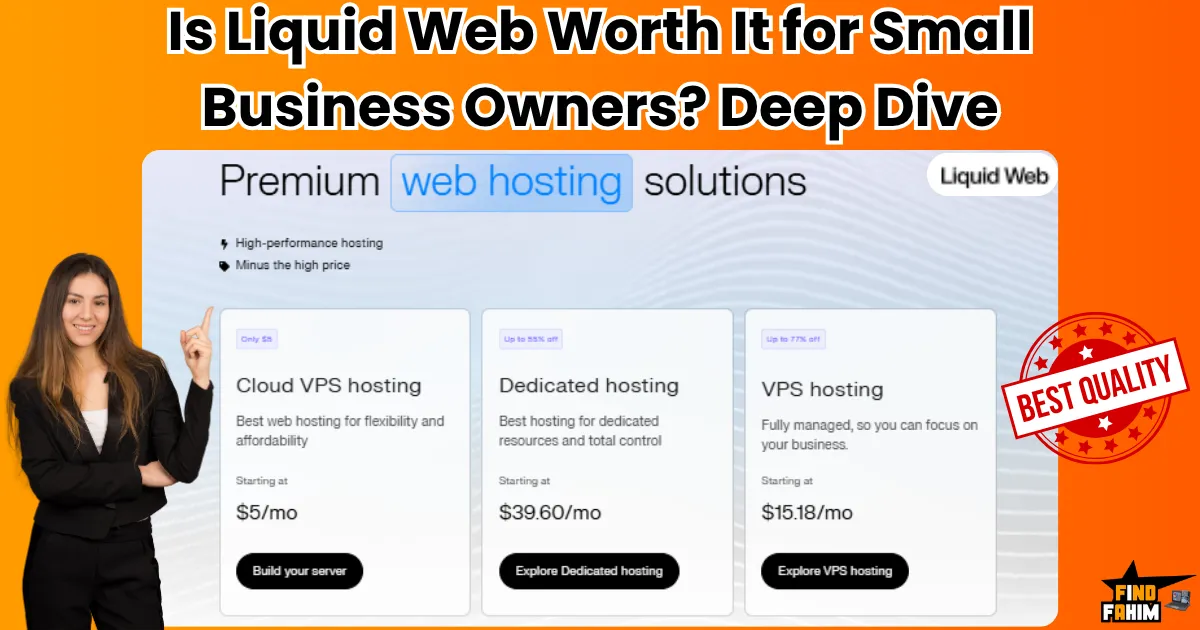
Is Liquid Web Worth It for Small Business Owner? Deep Dive into Pricing, Features, and Performance
I still remember the day I almost gave up on my online store. It was a rainy Thursday morning, and I had just finished checking my Shopify dashboard. Sales were steady, not amazing, but enough to keep my side hustle alive. The real problem wasn’t the sales—it was my website. It kept going down. Every time I ran a small campaign or got a boost from a Pinterest post, my site would slow down or crash. I was using shared hosting because it was cheap. But cheap was starting to cost me customers. That’s when I heard about managed VPS hosting. And more specifically, Liquid Web. At first, I thought it was just another big-name host trying to sound fancy. But something felt different. So, I decided to dig deeper, and what I found changed everything. The Day I Realized “Cheap Hosting” Wasn’t Cheap at All Let me ask you this—have you ever waited more than 5 seconds for a site to load? I have. And what do I usually do? I click the back button. That’s exactly what my customers were doing too. Every second my site took to load, I lost money. I wasn’t running a big eCommerce empire, just a small pet accessories store. But I cared about it. And I wanted it to grow. So I started asking questions: Why does my site crash during traffic spikes? Why is support taking 48 hours to respond? Why do I have to fix stuff myself when I barely understand hosting? I needed help. Not just space on a server, but real help. Someone who could keep my site fast, secure, and online—without me babysitting it all day. What I Found Out About Managed Hosting Before we talk about Liquid Web, let’s talk about what managed hosting even is—because I had no clue at first. With regular hosting (such as shared plans), you essentially get a small slice of a large server. But you’re on your own. If something breaks? You fix it. Need updates or backups? You do them. Managed hosting is different. It’s like having a mini IT team behind the scenes. They take care of: Server security Daily backups Software updates Speed optimization Monitoring uptime For someone like me, who’s more into marketing than messing with cPanel, this was a game changer. Why Liquid Web Caught My Eye I found a few companies offering managed hosting. But Liquid Web stood out for 3 reasons: They don’t offer shared hosting. At first, I thought this was a bad thing. But then I realized—it means they’re focused on serious hosting. No overloaded servers. No cheap tricks. Just fast, stable setups. They offer managed VPS and cloud hosting. VPS means you get your resources. It’s way better than shared hosting for performance. But with Liquid Web, they manage it too. So I don’t need to know how to configure a server. They have what they call “Heroic Support.” Yeah, I laughed at the name too. But when I read reviews, people were praising it. Fast response times. Helpful humans. And 24/7 availability. I didn’t switch right away. I’m not that impulsive. But I started reading more reviews. Watching YouTube breakdowns. Even chatting with their support before buying. And every time, they answered my questions clearly, without pushing me to buy. That was refreshing. What Happened After I Switched I won’t lie—migrating my site scared me. But Liquid Web offered to handle it. And they did, for free. I just gave them my old login details and waited. About 24 hours later, I got a message: “Your site is now live on your new VPS.” That’s it. No stress. No downtime. No broken pages. I checked my site speed—it had improved by nearly 40%. More importantly, the site stayed up even when I ran a weekend promotion on Instagram. No more crashes. No more lost customers. For the first time in months, I didn’t feel anxious about my website. I could finally focus on growing my business instead of fixing tech issues. A Quick Breakdown of What I Got Since people always ask, here’s what came with my plan (and what you might get too, depending on what you choose): Fully managed VPS with SSD storage Free SSL and daily backups DDoS protection and server monitoring 24/7 chat, phone, and ticket support Root access if I ever need it (haven’t yet) The pricing was a bit higher than what I paid before—around $35/month versus my old $10 shared plan. But the difference in value was massive. But Is It Really Worth It for a Small Business? This is the big question, right? If you’re a beginner or your budget is tight, it’s tempting to stay with the cheapest host you can find. I’ve been there. But let me put it this way… When I was paying $10/month, my site was slow, fragile, and unsupported. I lost way more than $25/month in missed sales and stress. Since switching, I’ve made back that extra cost easily—with more sales, fewer problems, and more peace of mind. And no, you don’t need to be a tech genius to use Liquid Web. You just need to care about your business enough to invest in keeping it online and fast. One Night That Changed My Mind Forever Let me share a moment that sealed the deal for me. It was around 11:30 PM, and I noticed something weird on my site. A plugin update had broken my product page. I panicked. I sent a support ticket. Guess what? Within 15 minutes, someone replied. And not just, “We received your message.” They diagnosed and fixed the issue. At midnight. I went to bed that night realizing… this is what I was paying for. Not just hosting. Support. Peace of mind. Stability. And honestly, that’s when I knew I had made the right decision. I didn’t need to become a server expert. I just needed hosting that

PhotoGPT AI AppSumo Deal: My Experience After Testing This AI Photo Tool
Hello! I’ve taken some time to explore PhotoGPT AI, and I want to share my findings in straightforward terms. We all understand the importance of having good photos, whether it’s for your job, social media, or simply to present yourself professionally. However, capturing those great shots can be a challenge and often comes with a high cost. PhotoGPT AI Appsumo Deal is a tool that uses artificial intelligence (AI) – basically smart computer programs – to help you create these images. It claims it can take your normal selfies and turn them into really good-looking professional headshots. Plus, it says you can create all sorts of other pictures just by typing in what you want. The big idea is to save you time and money compared to hiring a traditional photographer. You might have seen it offered with a “lifetime deal,” which can sound very tempting. But, as with any tool I look into for you, there are things to consider. Some users I found have discussed how quickly you can use up your “credits” (which are like tokens required to create images), and that sometimes the AI doesn’t produce the perfect picture on the first try. So, in this review, I’m going to break down the PhotoGPT AI Lifetime Deal for you: what it can do, how much it costs, what actual users think about it, a little bit about the company that makes it, and how it might be useful for you. Let’s dive in! Key Things PhotoGPT AI Can Do for You So, what’s PhotoGPT AI all about? My research shows it has a few main features that could be handy for you: Selfies to Pro Headshots: Turns your casual photos into professional ones. Pictures from Your Words: Creates new images from text descriptions you type. Ready-Made Styles (Themes): Offers pre-set styles for quick image creation. AI Human Models: Provides AI-generated people if you don’t want to use your face. Image Customization: Let’s you control aspects of your final pictures, including quality. I’ll explain these a bit more for you. Turning Your Selfies into Pro Headshots: How It Works for You This is a big one for many. If you need a professional photo for LinkedIn or your work website, PhotoGPT AI says it can help. Here’s how it works: You upload about 10-15 of your selfies. The AI “learns” your face and creates a digital model of you. Then, you can ask it to generate headshots in various professional styles. The aim is for these to look much better than a quick selfie and save you money on a photographer. Many users report that the results are quite realistic. Creating All Sorts of Pictures from Your Words PhotoGPT AI isn’t just for headshots. It can also create completely new images from text you type in – this is called “text-to-image” generation. So, if you need a unique picture for an ad or a blog post, you describe what you want, and the AI tries to make it. It even has a helper tool, reportedly using Groq technology, to assist you in writing better text “prompts” so the AI better understands you. Using Themes and AI Models for Variety in Your Images If you’re unsure what image you want or aren’t a pro at writing prompts, PhotoGPT AI has a library of over 100 ready-made “themes” or styles like fitness, fashion, holidays, or even artsy looks like “cyberpunk.” This lets you quickly make different pictures. Need a picture of a person but not yourself? PhotoGPT AI also offers a library of AI-generated human models of various races, genders, and ages. Getting the Look You Want: Customization & Image Quality PhotoGPT AI gives you control over your final images. You can choose different sizes, including ones optimized for social media. A valued feature, especially in higher-priced plans, is “high-resolution upscaling.” This intelligently adds detail to make images sharper and more realistic. The company is also working on an “image-to-image” feature, letting you upload an existing photo and have the AI change its style. How Much Will the PhotoGPT AI Appsumo Deal Cost You? My Breakdown Now, for the price. PhotoGPT AI lifetime deal mainly offers a “lifetime deal” (LTD) via AppSumo and regular monthly subscription plans on their site. Here’s a table I put together to make it clearer for you: PhotoGPT AI Pricing Options for You (Lifetime Deal & Monthly) Deal Type Plan/Tier Name One-Time Price (AppSumo LTD) Monthly Price (Official Site) Key Features & Credits You Get AppSumo LTD License Tier 1 $69 (usually $87) N/A 2,000 credits/month, 1 AI model training/month, 25 presets. AppSumo LTD License Tier 2 $199 (usually $260) N/A 6,000 credits/month, 4 AI model trainings/month, 25 presets, additional aspect ratios. AppSumo LTD License Tier 3 $399 (usually $410) N/A 12,000 credits/month, 8 AI model trainings/month, 100+ presets, additional aspect ratios, and high-resolution image upscaling. Monthly Subscription Starter Plan N/A $17.99 (with discount) 5,000 credits/month, train up to 3 people, 25 presets. Monthly Subscription Hobby Plan N/A $25.49 (with discount) 9,000 credits/month, train up to 5 people, 25+ presets, high-resolution upscaling. Monthly Subscription Pro Plan N/A $31.99 (with discount) 16,000 credits/month, train up to 10 people, 100+ presets, high-resolution upscaling. (Note for you: Prices and details are from my research around June 2025 and can change. Always check their official website or AppSumo for the latest info.) The AppSumo LTD means you pay once for lifetime use with monthly credits. Future updates for LTD Tiers 1 & 2 are tied to their “Starter” plan, and Tier 3 to their “Hobby” plan. The LTDs usually have a 60-day money-back guarantee. Try PhotoGPT AI Now Understanding Credits: Your Key to Making Images “Credits” are vital. You need them for almost everything. Training your AI model (teaching it your looks) costs a chunk—one user said 1,500 credits. Generating each picture also costs credits, maybe around 5 per photo. Many users mentioned that credits run out quickly,
MailVerify AppSumo Deal 2025: Complete Review of Features, Pricing, and Performance
Hey saas tools user, in 2025, email remains one of the most cost-effective channels for marketing, cold outreach, and business communication. But here’s the catch — not all emails land in the inbox. With stricter spam filters, increasing use of burner emails, and low-quality lists, cold emailers and marketers face a real challenge: ensuring deliverability. If you’ve ever experienced high bounce rates, you already know the pain: poor sender reputation, flagged domains, and campaigns that end up in spam folders. Worse, it wastes time and resources while damaging your email infrastructure. That’s why email verification has become essential, especially for B2B marketers, SaaS founders, agencies, and solopreneurs who rely on cold email at scale. This is where MailVerify steps in as a smart, AI-powered email validation tool built for modern outreach needs. It promises fast, accurate results with advanced detection of catch-all domains, spam traps, and disposable emails — everything you need to stay out of spam and maximize conversions. What’s fueling its rapid rise in popularity? One word: AppSumo. MailVerify is now offering a lifetime deal with thousands of bonus credits, making it an irresistible offer for email marketers who don’t want to pay monthly for verification services. What is the MailVerify Appsumo Deal? A Quick Overview MailVerify is an advanced email validation platform that helps users clean their email lists and ensure high deliverability for cold email campaigns. Launched in October 2024 and registered in Delaware, USA, it’s the brainchild of Alan D’Souza, a developer-turned-founder who actively engages with users and updates the roadmap based on real feedback. What sets MailVerify apart is its strong focus on solving the pain points of cold emailers, growth marketers, SaaS founders, outreach agencies, and freelancers. Whether you’re doing outbound sales or launching newsletters, it’s built to clean your list of invalid, risky, disposable, or spam-trap-laden emails. Since its launch on AppSumo, it has already racked up 4.9+ star ratings with over 150 verified reviews. Users praise its accuracy, speed, catch-all detection, and bonus credit system. Plus, early adopters love the refund policy on “unknown” emails — a rare feature in the email validation space. In short, this amazing tool is designed for the new wave of email pros who care about deliverability as much as conversions. Key Features of MailVerify MailVerify isn’t just another email verifier. It’s packed with cutting-edge features that make it especially valuable for modern marketers running cold campaigns. Let’s explore what makes it stand out: Blazing-Fast Bulk Verification Upload your email list and get results back within seconds. It processes thousands of emails without lag, helping you move quickly and efficiently. Catch-All Domain Detection Most email verifiers fail to accurately detect catch-all addresses. This tool excels here by using advanced heuristics and AI to reduce false positives and identify risky catch-alls — a massive win for cold outreachers. Deep Filtering Options It doesn’t just tell you whether an email is valid. It categorizes each one as: Deliverable Undeliverable Risky Disposable Role-based Unknown You get a full picture of the email list’s health. Real-Time API for Automation MailVerify Appsumo Deal offers a REST API that can be connected with your CRM, cold outreach platforms, and internal apps for real-time, automated validation. Google Sheets & Tool Integrations Supports native Google Sheets uploads and works smoothly with cold email tools like Instantly, Smartlead, ColdEmail.ai, Lemlist, and ReachInbox. Credit Refund for Unknowns Can’t determine an email’s status? This solution gives the credit back automatically — a fair and transparent system rarely seen in competitors. Temporary Email & Spam-Trap Detection Uses machine learning to block temporary emails, honeypots, and spam traps that could damage your domain reputation. SMTP, MX, and DNS-Level Checks Behind the scenes, it performs robust SMTP handshake checks, MX record lookups, and DNS queries to ensure maximum accuracy. GDPR Compliant All processing and storage follow strict GDPR guidelines to protect user data and privacy. MailVerify Lifetime Deal – Tier Comparison Table (AppSumo) Feature License Tier 1 License Tier 2 License Tier 3 License Tier 4 One-Time Price $69 $149 $229 $329 Value (Compared to Regular Price) $588 $948 $1,548 $5,976 Access Type Lifetime access Lifetime access Lifetime access Lifetime access Daily Verification Credits 500 1,250 2,250 3,500 Bonus Lifetime Credits 100,000 225,000 375,000 550,000 Catch-All Email Verification ❌ ✅ ✅ ✅ Full API Access ❌ ❌ ✅ ✅ One-Click Export (ReachInbox, Instantly, Smartlead) ✅ ✅ ✅ ✅ Active Verification (Keep Lists Updated Daily) ✅ ✅ ✅ ✅ Dynamic Temporary Email Detection ✅ ✅ ✅ ✅ Single & Bulk Email Verification ✅ ✅ ✅ ✅ Supports Gmail, Yahoo, Outlook, and Custom Domains ✅ ✅ ✅ ✅ MTA Validation of Domain ✅ ✅ ✅ ✅ SMTP Validation of Individual Address ✅ ✅ ✅ ✅ MX Record Extraction & Validation ✅ ✅ ✅ ✅ Individual Inbox Status Detection ✅ ✅ ✅ ✅ Role Account Detection ✅ ✅ ✅ ✅ Deal Terms & Conditions 60-Day Money-Back Guarantee: Try it risk-free for 2 months. Lifetime Access: All future updates are included under the same custom AppSumo plan. No Code Stacking Needed: Choose the tier that fits your needs. License Activation: Must activate within 60 days of purchase. Upgrades/Downgrades: Switch between any of the 5 license tiers within 60 days. GDPR Compliant: Safe and compliant for global use. Try Now Use Cases: Who Should Use These Tools? MailVerify isn’t just for large corporations or seasoned marketers — it’s designed for anyone who depends on email to grow their business or engage customers. Here are the key user groups who’ll benefit most from integrating this software into their workflow: Cold Email Marketers Whether you’re using Instantly, Smartlead, or Lemlist, you know one bad list can destroy your sender reputation. It helps clean your lists before campaigns go live, ensuring better open rates and fewer bounces. SaaS Growth Teams Launching a product? SaaS marketers running outbound campaigns or nurturing waitlists can avoid spam issues and keep email-based growth predictable by verifying their lists. Affiliate Marketers Affiliates often purchase or

Ahrefs Lifetime Deal 2026 | The Secret Everyone’s Missing + SEO Tools You Can Actually Own Forever
Ahrefs was the first SEO tool I ever used back in 2018. Discovering competitor backlink profiles and exact keyword data felt like securing a massive competitive advantage for my business. But paying $99 every single month quickly burns through a freelance operating budget. Today, thousands of digital marketing agencies actively search Google, hoping to find a hidden Ahrefs lifetime deal to protect their daily profit margins. Ahrefs does not currently offer a lifetime deal, but a few years ago, one did briefly appear on AppSumo. You can see the screenshot of this rare offer below: While that specific deal sold out rapidly, you do not have to accept expensive recurring software retainers to rank highly on Google. I have personally tested the absolute best alternative SEO lifetime deals currently available. These tools allow you to bypass aggressive monthly billing entirely while maintaining premium data analytics. Disclaimer: This article contains affiliate links. If you purchase through these links, I may earn a small commission at no extra cost to you. All opinions are my own. My Quick Take (TL;DR) The Deal Reality: Ahrefs does not currently offer a lifetime deal, relying strictly on expensive monthly recurring software retainers for enterprise clients. Top LTD Alternatives: WriterZen, Screpy, Labrika, Visitor Tracking, and WP 301 Redirects provide exceptional one-time payment value on AppSumo. Top Premium Alternatives: Semrush and Moz Pro dominate the traditional subscription market for massive agencies. For Who: B2B consultants, freelance marketers, digital agencies, and niche bloggers protecting their operating budgets. Verdict: Purchasing stacked AppSumo lifetime deals completely replaces standard $1,200 annual SEO subscriptions efficiently. Check out those SEO Lifetime Deals on AppSumo The Reality of the Ahrefs Lifetime Deal Finding a genuine one-time payment option for major enterprise software remains incredibly difficult today. Ahrefs operates strictly on a recurring SaaS model, meaning their corporate team relies heavily on expensive monthly subscriptions. Maintaining global crawling servers and updating petabytes of backlink data requires constant financial injections. This reality makes a permanent lifetime deal completely unviable for their specific corporate growth strategy. Many veteran marketers remember when Ahrefs quietly offered a limited Webmaster Tools package on AppSumo. It Sold Out Fast: The deal disappeared almost instantly and never returned. It Was Highly Restricted: It only covered basic site auditing, not the full Keyword Explorer. It Targeted Beginners: It was a strategic move to upsell users into monthly subscriptions later. Because their core business targets massive corporate budgets, independent agency owners must pivot toward emerging SEO lifetime deals to avoid draining their monthly cash flow. Why Traditional SEO Subscriptions Kill Profit Margins Forcing your new marketing agency to rent SEO software actively destroys your baseline profitability. When you pay over $1,200 annually just to monitor daily keyword positions, you permanently lose vital capital. That money should fund active paid advertising campaigns or new content writers. This recurring financial drain creates a massive operational failure, stalling your outbound sales pipeline before you even secure your first high-ticket retainer client. Independent consultants simply cannot absorb heavy enterprise pricing while trying to scale their local business operations. Hidden Seat Costs: Adding a new team member triggers aggressive upcharges. Strict Usage Limits: Exporting large keyword lists often requires buying expensive add-on credits. Constant Anxiety: Relying on monthly billing cycles traps your creative team in a constant state of financial stress. To survive, you must eliminate these recurring fees and switch to software you permanently own. Core Features Needed in a One-Time SEO Investment Before you purchase any software alternative, you must guarantee it actually replaces expensive agency subscriptions effectively. Your chosen platform must handle technical site audits, accurate keyword volume estimation, and active competitor tracking. SEO Feature Replaces… The Real Value Monthly Cost LTD Status Keyword Research Ahrefs Explorer Finds low-competition terms ~$99/month ✅ Available Technical Audits Screaming Frog Identifies broken site code ~$50/month ✅ Available Rank Tracking Ahrefs Tracker Monitors daily SERP drops ~$79/month ✅ Available Traffic Analytics Plausible Tracks exact visitor actions ~$15/month ✅ Available Link Management Custom Plugins Fixes critical 404 errors ~$30/month ✅ Available Top 5 Ahrefs Lifetime Deals Alternatives Instead of renting expensive data, you can permanently own these highly targeted digital marketing tools. I have actively vetted these five AppSumo alternatives to ensure they protect your operational budget while delivering premium search engine ranking metrics instantly. 1. WriterZen: The Keyword & Content Hub WriterZen directly replaces expensive keyword discovery platforms by offering incredibly accurate search volume metrics and advanced clustering capabilities. The software uses specific artificial intelligence modules to pull highly relevant topic clusters automatically. This ensures your content team knows exactly which long-tail phrases will drive the most profitable organic traffic. Keyword Discovery: Finds exact search volumes and CPC data. Topic Clustering: Groups related keywords so you can write comprehensive articles. Content Creator: Scores your live draft against the top 20 Google competitors. The platform highlights the exact missing vocabulary your draft requires to rank highly. You actively secure much better indexing results while completely eliminating the need for expensive secondary optimization subscriptions, protecting your overall monthly agency budget permanently. 2. Screpy: Rank Tracking & Performance Metrics Screpy eliminates the need to buy separate applications for daily keyword tracking and technical speed monitoring. This consolidated dashboard actively tracks your specific localized search terms across multiple geographic regions efficiently. It provides immediate email alerts whenever your client rankings drop unexpectedly. You maintain strict control over your active search visibility without paying massive upcharges just to refresh your daily ranking spreadsheet data manually. Uptime Monitoring: Alerts you instantly if a client website crashes. Page Speed Analysis: Acts like an automated web developer to fix slow load times. Rank Tracking: Updates your keyword positions accurately every single day. Following their provided step-by-step optimization tasks allows your team to fix technical backend issues rapidly. This prevents slow loading times from destroying your valuable sales conversion rates. 3. Labrika: AI-Driven Technical Audits Labrika provides a massive technical auditing engine that analyzes over two hundred
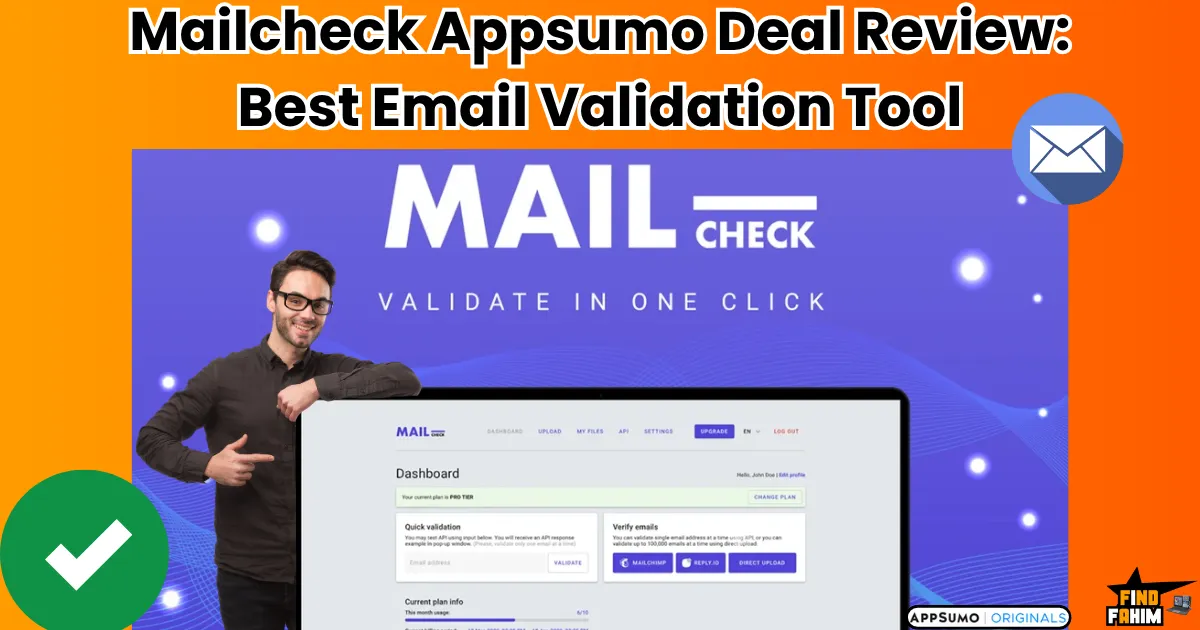
Mailcheck Appsumo Deal Review 2025: Is This the Best Email Validation Tool for Marketers?
I’m really glad I grabbed this promising platform early from AppSumo, because before we dive into the full review, let me tell you a quick story. A few months ago, I ran a cold outreach campaign for a SaaS client. We spent hours crafting the perfect emails, targeting decision-makers, and building what seemed like a solid lead list. The result? A brutal 40% bounce rate. Our domain got flagged, deliverability crashed, and we were invisible in inboxes overnight. It was a tough wake-up call. Since then, I’ve tried nearly every email validation tool on the market. Most were overpriced, outdated, or just too clunky to be practical. That’s when I found Mailcheck—a fast, efficient, no-nonsense email list cleaning tool built for marketers who care about results, not fluff. Whether you’re running an agency, managing e-commerce campaigns, doing lead-gen, or sending cold emails at scale, Mailcheck is built to help you verify emails and protect your sender reputation. In this review, I’ll walk you through its features, real-world use cases, integrations, pricing, and whether it’s worth grabbing in 2025. What Is Mailcheck and Who Should Use It? Mailcheck is a modern, high-speed email validation tool designed to keep your email lists clean and your domain reputation safe. It helps marketers, sales teams, agencies, and online businesses eliminate invalid or risky emails before they hurt deliverability. If email is a core part of your growth strategy, it belongs in your toolkit. Now, let’s take a step back and understand the problem it’s solving. The Problem with Dirty Email Lists If you’ve ever downloaded a lead list and blasted out a campaign, only to see half of the emails bounce, you know how damaging that can be. It’s not just wasted effort. Poor list quality affects your open rates, gets your domain flagged by email providers like Gmail or Outlook, and can take weeks—or even months—to fix. Dirty email lists are one of the most underrated killers of good campaigns. Manually cleaning them is time-consuming and unreliable. And if you’re using old-school tools that just check for syntax errors, you’re leaving your sender reputation at serious risk. Meet Mailcheck: A Smarter Email Validation Solution This is where these tools stand out. It’s a powerful email verification tool designed to clean your list with precision. Just upload a CSV or connect one of your existing tools, and within minutes, Mailcheck flags every email as valid, risky, or undeliverable. What makes it different from the usual suspects? It doesn’t stop at basic syntax checks. It validates emails by cross-referencing social networks and other live signals to detect active, real users—the result: smarter filtering, fewer bounces, and better inbox placement. It’s lightning-fast, GDPR-compliant, and requires zero technical setup. Who Is Mailcheck For? Our tools are perfect for anyone whose business depends on reliable email delivery. Specifically, it’s built for: E-commerce brands are sending thousands of promotional or abandoned cart emails Marketing agencies manage multiple client accounts and campaigns IT and cybersecurity teams are responsible for domain reputation and email infrastructure Cold outreach teams using tools like Instantly, Mailshake, Woodpecker, or Lemlist If email is your primary growth channel, then you can’t afford to skip email verification, and this AppSumo deal makes that process painless and effective. Key Features That Set Mailcheck Apart One-Click Email List Verification Simplicity is everything. With Mailcheck, you just upload your email list, hit verify, and export a cleaned list. There’s no learning curve. The interface is clean, modern, and beginner-friendly—perfect for marketers, not coders. Whether you’re using it for monthly newsletter cleanups or cold outreach, the user interface streamlines email list cleaning, allowing you to focus on strategy, not technology. Advanced Validation Through Social Networks Unlike many tools that just check if an email is formatted correctly, Mailcheck digs deeper. It taps into social network signals, online patterns, and email activity databases to determine whether an address is active or likely abandoned. This helps you catch those sneaky “valid but dead” emails that pass traditional checks but will still bounce. Delivery Rate Boosting Algorithm The developers claim you can boost deliverability by up to 5x using a smart algorithm. While individual results vary, the logic is sound: by removing toxic, disposable, and risky emails, your sender score improves—and that means more of your messages land in inboxes instead of spam. It even classifies contacts based on risk level, so you can exclude or segment them accordingly. Detection of Risky Emails Mailcheck goes beyond basic bounces. It detects and filters out: Blacklisted emails that trigger spam filters Temporary/disposable addresses (common with lead magnets) Role-based emails like info@, support@, admin@—which are rarely checked This means you avoid wasting credits and protect your domain reputation in the long run. GDPR-Compliant List Hygiene Data privacy matters—especially in 2025. Mailcheck is fully GDPR-compliant, which means you’re not scraping or violating email rules. This adds a layer of trust, especially for EU-based businesses or global marketers worried about legal risks. Mailcheck Integrations: Fits Right Into Your Stack Native Integrations One of the strongest selling points of this AppSumo email tool is its broad integration support. Out of the box, it works with: Email marketing platforms: Mailchimp, SendGrid, MailerLite, ActiveCampaign Automation tools: Zapier, Make.com, N8N Cold email tools: Woodpecker CMS/website tools: WordPress This makes it super easy to validate emails directly from the tools you already use, without needing to export/import manually every time. API Access for Developers If you’re managing a high-volume system or building a custom lead pipeline, this email tool offers a powerful API. You can integrate it with your backend, CRM, or sales platform, and run validation automatically as emails enter your funnel. They’ve got solid documentation to help you get started fast. Automation-Friendly Workflows Want to keep your CRM squeaky clean without lifting a finger? Use Zapier or Make.com to automate the entire process. For example: Auto-validate emails as soon as someone submits a form Flag risky emails before they enter your database Remove or tag bounces automatically That’s list hygiene
How Can Email Marketing Help a New Business to Grow?
Launching a new business is an exhilarating journey. Still, it’s often paved with challenges—limited budgets, the constant need for customer acquisition, and the struggle to stand out in a crowded marketplace. In this landscape, every marketing dollar and every minute spent must be accounted for. This brings us to a critical question many founders ask: How Can Email Marketing Help a New Business to grow? If you’re overlooking this powerhouse channel, you might be leaving significant growth and revenue on the table. While new trends in social media and advertising emerge constantly, email marketing remains a steadfast, cost-effective, and incredibly powerful tool for sustainable business development, especially for startups. It offers a direct line to your audience, fosters genuine connections, and delivers an unparalleled return on investment. This comprehensive guide will explore precisely how email marketing can fuel your new business’s ascent in 2025, covering everything from building your first list and crafting compelling campaigns to leveraging automation, understanding key metrics, and choosing the right tools to get started. Why Email Marketing is Still a Powerhouse for Growth in 2025 (Backed by Fresh Data) In an era of ever-changing social media algorithms and escalating advertising costs, the relevance of email marketing is not just enduring—it’s intensifying. Why? Unlike your social media following, you own your email list. This grants you direct, unfiltered access to your audience’s inbox, a personal space where meaningful conversations can begin and flourish. The latest statistics for 2024 and 2025 paint a clear picture: Unmatched ROI: Email marketing continues to deliver an average Return on Investment (ROI) of $36 to $42 for every $1 spent, with some reports indicating even higher returns (up to $68:1 for users of certain platforms). This makes it one of the most lucrative marketing channels available. High Adoption & Preference: Around 81% of Small and Medium-sized Businesses (SMBs) rely on email marketing for primary customer acquisition and retention. Furthermore, a significant majority of consumers prefer email for brand communication over other channels. Impressive Engagement & Conversion: Average email open rates hover around 40-42% in some studies for 2025, with click-through rates around 2-3.25%. Crucially, email marketing boasts an average conversion rate of approximately 6.5%, far surpassing many other digital channels. Algorithm-Proof Communication: While social platforms dictate who sees your content, your email messages land directly where intended, giving you control over your communication strategy. In short, for new businesses seeking efficient, impactful, and sustainable growth, email marketing isn’t just an option; it’s a fundamental component of a robust marketing strategy in 2025. 10+ Ways: How Can Email Marketing Help a New Business to Grow? Email marketing offers a multifaceted approach to nurturing and expanding your new venture. Let’s delve into the specific ways this channel can be a game-changer for your startup. 1. Build an Owned Audience & Direct Line of Communication One of the most significant benefits of email marketing for startups is the ability to build an owned audience. When someone subscribes to your list, they’re giving you explicit permission to communicate with them directly. This is invaluable, providing a stable and reliable channel that isn’t subject to the whims of third-party platforms. 2. Achieve Exceptional ROI & Cost-Effective Marketing As highlighted, the ROI of email marketing is exceptional. For new businesses with tight budgets, this means you can achieve significant results without breaking the bank. The relatively low cost of email service providers (ESPs) compared to the potential returns makes it an incredibly efficient use of marketing funds. 3. Drive Targeted Website Traffic & Engagement Every email you send is an opportunity to drive subscribers back to your website. Whether it’s a new blog post, a product launch, a special offer, or company news, you can direct targeted traffic to specific pages, increasing engagement and potential conversions. 4. Boost Lead Generation for Startups & Nurture Prospects Email marketing is a cornerstone of effective lead generation for startups. By offering valuable lead magnets (like free guides, templates, or webinars), you can attract potential customers and capture their email addresses. Subsequently, automated nurture sequences can educate these leads, build trust, and gently guide them towards a purchase decision. 5. Increase Sales and Conversions Systematically From targeted promotional campaigns and exclusive subscriber-only discounts to abandoned cart reminders for e-commerce businesses, email marketing directly drives sales. Well-crafted emails with clear calls-to-action (CTAs) can significantly increase sales with email marketing for your new business. 6. Enhance Customer Retention & Build Loyalty Acquiring a new customer is often more expensive than retaining an existing one. Email marketing excels at fostering customer loyalty. Regular newsletters, post-purchase follow-ups, personalized recommendations, and loyalty rewards keep your brand top-of-mind and encourage repeat business. 7. Establish Brand Authority & Build Trust Consistently providing valuable, informative, and relevant content through your emails helps position your new business as an authority in your niche. Sharing your expertise, brand story, and customer successes builds credibility and trust with your audience over time, a crucial aspect of brand building for startups. 8. Automate Key Marketing & Sales Processes Marketing automation for new businesses is a lifesaver. Email platforms allow you to set up automated workflows for welcoming new subscribers, nurturing leads, onboarding new customers, and even re-engaging inactive contacts. This saves precious time and ensures consistent communication. 9. Enable Powerful Personalization at Scale (with AI) Modern email marketing, supercharged by AI in email marketing, allows for deep personalization. Beyond using a subscriber’s name, you can segment your audience based on behavior, preferences, and purchase history to deliver highly relevant content and offers. Personalized emails see significantly higher open and click-through rates. 10. Collect Valuable Customer Feedback & Insights Want to know what your customers think or what they want next? Just ask them! Email is an excellent channel for sending out surveys, polls, or simply requesting feedback. These insights are invaluable for product development, service improvement, and overall business strategy. 11. Reduce Reliance on Expensive Advertising By building a strong email list and engaging your audience effectively, you can
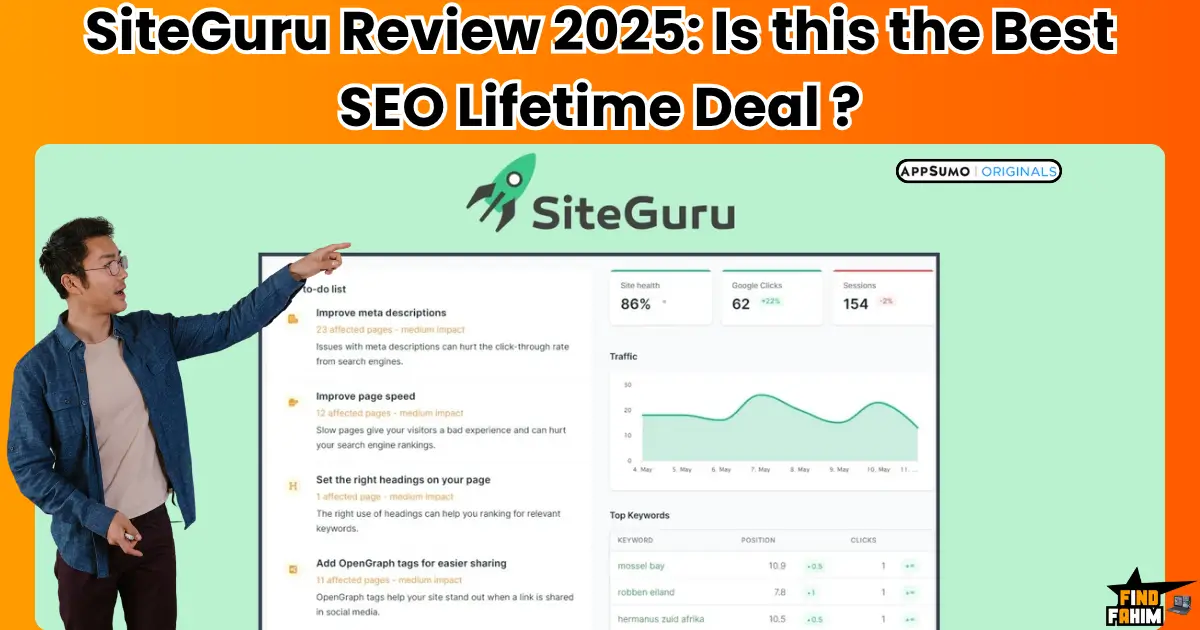
SiteGuru Review 2026: Is the AppSumo Lifetime Deal Worth It for Your SEO Strategy?
As a digital marketer with a strong SEO background, I’m always on the hunt for tools that make my life easier. I’ve tried every major SEO platform out there, as well as new, up-and-coming tools, and one recent find that impressed me is this platform. I first discovered SiteGuru on AppSumo, where it was being offered as a one-time payment lifetime deal. As a budget-conscious marketer, a lifetime deal on a serious SEO audit tool was immediately exciting. AppSumo pitches Siteguru as “Your SEO specialist” and promises that “SEO doesn’t have to be complex,” which aligns perfectly with what I was looking for. In practice, this friendly yet powerful tool simplifies SEO. I’ve found it especially useful for bloggers, small business owners, or those in a marketing agency looking to improve rankings without a steep learning curve. The AppSumo listing explicitly says it is “best for Bloggers, Marketing agencies, and Small businesses”, and I can see why those users will love it. What Is SiteGuru? A Quick Overview This is an easy-to-use SEO software designed to simplify website audits and performance monitoring for non-experts. SiteGuru was founded in 2021 and is based in Amsterdam – the founder is SEO specialist Rick van Haasteren. In other words, it comes from a seasoned SEO pro, but it’s built for people who aren’t SEO experts. The idea is to give you clear, actionable insights instead of overwhelming technical data. On the official site, the tagline says it “guides you with simple SEO audits and actionable reports to grow your organic traffic”. That sums it up: it’s an on-page SEO checker that translates complex SEO data into plain language. In practice, using this platform feels like having a helpful friend walking you through your site’s issues. Its goal-setting feature lets you focus on your most important keywords per page (they call this “SEO Goals”), and it then tracks how well those keywords are doing. Behind the scenes, the tool combines its site crawl with your Google Analytics and Search Console data to show you real-world results. In short, it’s marketed as an SEO tool that provides step-by-step guidance rather than a never-ending checklist. The site even boasts that it “cuts through the complexity of SEO” by merging audit results with GA and Search Console data to deliver “actionable insights”. As a result, even someone with minimal SEO know-how can quickly understand and act on the findings. How SiteGuru Works: SEO Audit Made Easy I love that this tool turns an entire SEO audit into a clear to-do list. Here’s roughly how Siteguru works: first, you connect your site and let it crawl it. Then automatically scans every page for common SEO issues. In one go, it checks things like your titles, meta descriptions, headings, image alt text, and content quality. It also examines technical factors: indexability, crawlability, sitemaps, canonical tags, page speed, and broken links. In essence, it’s an on-page SEO checker and technical SEO auditor combined. For example, the overview explains that its on-page audit “helps you find and fix on-page SEO issues”, and its content analysis audits page titles, headings, and alt texts while flagging duplicate or thin content. Simultaneously, it runs a technical health check, looking at sitemaps, redirects, structured data, and page speed issues. On-Page Content: This platform audits each page’s SEO elements (titles, meta tags, headings, alt text) and content. It highlights duplicates or missing information and even gives AI-powered suggestions to improve relevance. Technical SEO: This tool evaluates your site’s infrastructure – indexation status, crawlability, sitemap validity, canonical URLs, page-load speed, redirects, and broken links. Integrated Data: Crucially, this software merges your Google Analytics and Search Console data. This means it knows which keywords and pages drive traffic. For example, it can flag “which keywords you can rank for” and which pages have “dropped in the search results”. It even tracks click-through rates and suggests improvements. Actionable To-Do List: After the scan, this tool doesn’t dump a complicated spreadsheet on you. Instead, it prioritizes everything into a simple checklist. In its own words, this tool “gives you an actionable to-do list” so you can improve rankings without getting lost in data. It will highlight “how you can improve the click-through rate from Google” (for example, by tweaking titles or meta descriptions). In short, the SEO audit here is extremely user-friendly. It scans for meta tags and content gaps, internal link issues, and technical errors, then bundles them into easy tasks. I’ve found that once the audit finishes, I can immediately focus on the top fixes – this seo platform truly makes the SEO audit so easy. SiteGuru Features Breakdown SEO Goals (Keyword Tracking): You can assign a focus keyword (or “SEO goal”) to any page. The tool then tracks how that page ranks for your target keyword over time. This is great for keyword monitoring. The product notes that SEO Goals “help you optimize pages for your most important keyword, and track how it’s doing”. I like this – it’s like having a built-in rank tracker tied to each page. Analytics & Search Console Integration: SiteGuru seamlessly integrates with Google Analytics and Google Search Console. Combining your site audit with real traffic data provides context-aware recommendations. For example, it can tell you which pages dropped in rankings or which queries you could potentially rank for. The company touts that by merging audits with Google data, it delivers “straightforward, actionable insights”. In practice, this means your action list is based on what Google sees and values. On-Page SEO Audits: The core of this tool is its on-page audit engine. It automatically finds issues like missing title tags, unoptimized meta descriptions, duplicate content, broken internal links, or images lacking alt text. As the AppSumo overview says, the on-page audit “helps you find and fix on-page SEO issues”. In use, it lists each problem and often gives a one-click suggestion or fix. This saves me hours of manual checking. CTR & Title/Meta Suggestions: It goes beyond just
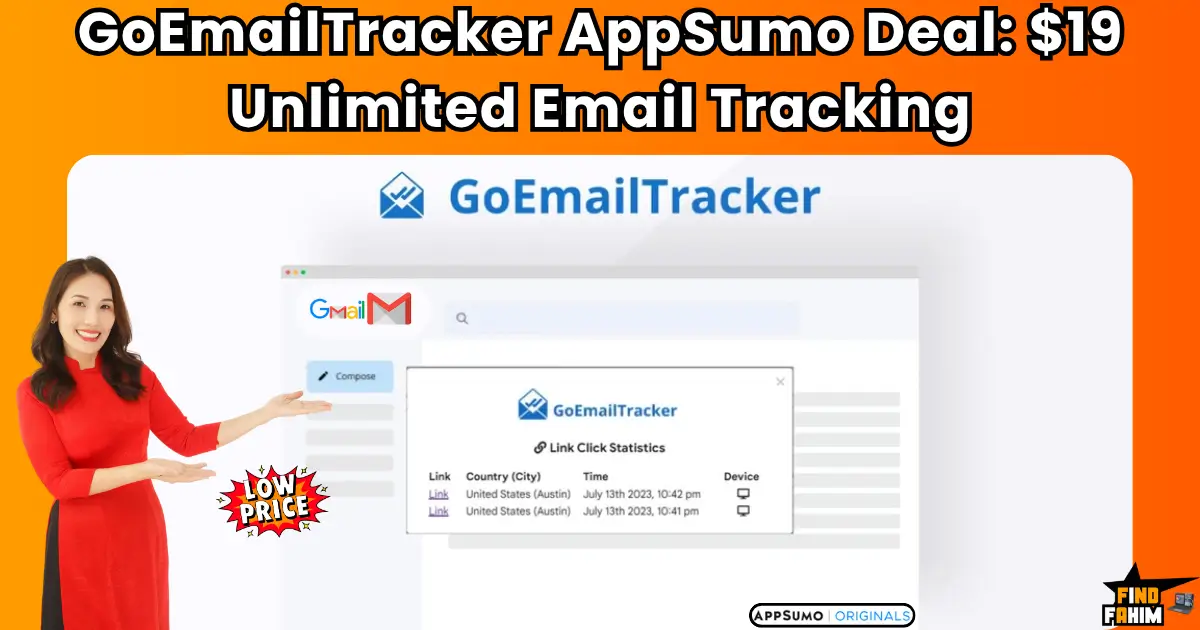
GoEmailTracker AppSumo Lifetime Deal: Unlimited Email Tracking + AI Writer for Just $19 (Gmail Integration Included)
You know that creeping feeling… Did your client really not see your proposal, or are they just ignoring you? And are they tracking whether you’ve opened their email? GoEmailTracker is the simple, AI-powered Gmail tool that solves both problems, showing you who opens your emails and who is tracking you. In these in-depth GoEmailTracker reviews, we’re testing this $19 AppSumo lifetime deal to see if it’s the “no-brainer” utility you’ve been missing. My Quick Take for the Savvy Solopreneur I think you’re here because you’re a freelancer, salesperson, or marketer. You live in your Gmail inbox, and you’re tired of “flying blind.” You want to know if your emails are being read without paying a high monthly subscription. Here’s my direct take. What is it? GoEmailTracker is a simple, lightweight email tracking platform. It’s a Chrome/Edge extension that works directly inside your Gmail or Google Workspace account. Why is it a Game-Changer? It has a unique “tracker-detector” feature. It adds a badge to incoming emails to warn you if the sender is tracking you. This is a powerful privacy feature, on top of its “unlimited tracking” for your own sent emails. Who is it for? Sales teams, freelancers, and any professional who wants to know exactly when their emails are opened, clicked, and engaged with. The AppSumo Deal: This is a $19 one-time payment for a lifetime plan. It is a single, non-stackable deal. My Verdict: This is a 5-star utility. It’s a new “v1” tool, but for $19, it replaces a $10/month subscription to Mailtrack or Boomerang forever. It’s a simple, high-value, “no-brainer” purchase for any Gmail user. Check the GoEmailTracker Lifetime Deal on AppSumo Now! Now, let’s talk about the “black box” of email. Sending an important email into the void is one of the most frustrating parts of modern business. You spend an hour crafting the perfect proposal. You hit “send.” And then… silence. Did it go to spam? Did they open it and hate it? Did they not even see it? You’re left to guess, and your follow-up email (“Just checking in to see if you got my last email…”) sounds weak and desperate. This lack of information is a massive disadvantage. The solution has always been to use a tracker like Mailtrack or Boomerang, but they all want another $10 or $12 every single month, forever, just to add a simple “read receipt” to your email. This is the exact problem the GoEmailTracker lifetime deal solves. It’s a simple, permanent, and incredibly affordable fix to a problem every single one of us has. What is GoEmailTracker? (Your Gmail “Read Receipt” Power-Up) The best way to describe GoEmailTracker is as a simple, lightweight “power-up” for your Gmail or Google Workspace account. It’s a browser extension (for Chrome or Edge) that integrates directly into your “compose” window. It does two main jobs: Offensive Tracking: When you send an email, it inserts a tiny, invisible pixel. When your recipient opens the email, that pixel is loaded, and GoEmailTracker sends you a live notification. It also turns your links into trackable links. This gives you “WhatsApp-style” double-ticks in your “Sent” folder. Defensive Tracking: This is the cool part. When you receive an email, the tool scans it for tracking pixels from other people. It will place a badge on the email to warn you, “The sender of this email will know when you open it.” It also throws in a few nice bonuses, like an AI Email Writer and a custom signature generator, to make it a more complete “inbox” solution. Why You Need More Than Just Gmail’s “Send” Button If you’re in sales or client-facing, “data” is not just a nice-to-have; it’s everything. The person who has the most information always wins. Without Tracking: You send a proposal and wait 3 days to follow up. With Tracking: You get a live notification that your client is opening your proposal right now. You can wait 30 minutes and send a perfectly timed, “casual” follow-up (“By the way, I also wanted to mention…”), striking while the iron is hot. Knowing who is engaged and when they are engaged is a strategic superpower. It’s the difference between guessing and knowing. The “Honest Truth” About the 4.1-Star Rating Now, we must be 100% honest. This is a brand new, “v1” (version 1) tool. It has a 4.1-star rating from 15 reviews. This is not a 5-star, “blue-chip” champion like Screpy. The 5-star reviews (“daniel9933,” “msisakib”) all say the same thing: “It works exactly as intended,” and the value is “great… at a very affordable price.” The 3-star reviews (like “len.kwok”) point out that the tracking sometimes fails, especially when sending to a corporate Outlook inbox (which can have high-level security that blocks tracking pixels). This is what we call a “v1” limitation. So, here is our expert verdict: This is not a $50/month enterprise-grade sales platform for a 1,000-person sales team. It’s a $19 lifetime deal for a solopreneur. For that price, it’s a 5-star value. You are buying a simple utility that solves a simple problem for less than the price of lunch. It’s a “no-brainer” purchase with a 60-day money-back guarantee, making it 100% risk-free. A Look Inside GoEmailTracker: Key Features & Benefits This lifetime package is all about simple, focused utility. Unlimited Email Open & Click Tracking What it is: The core of the platform. You get unlimited tracking. It adds “double-tick” read receipts to your “Sent” folder, so you can see at a glance who has (and has not) opened your message. Why it matters: “Unlimited” is the key. Most competitors on a $19 plan would cap you. GoEmailTracker lets you track every single email you send, forever. You also get a “live feed” of all email activities and statistics on your dashboard. The “Tracker-Detector” (Privacy Shield) What it is: This is the unique “defensive” feature. The extension adds a small badge to emails in your inbox if it detects that the
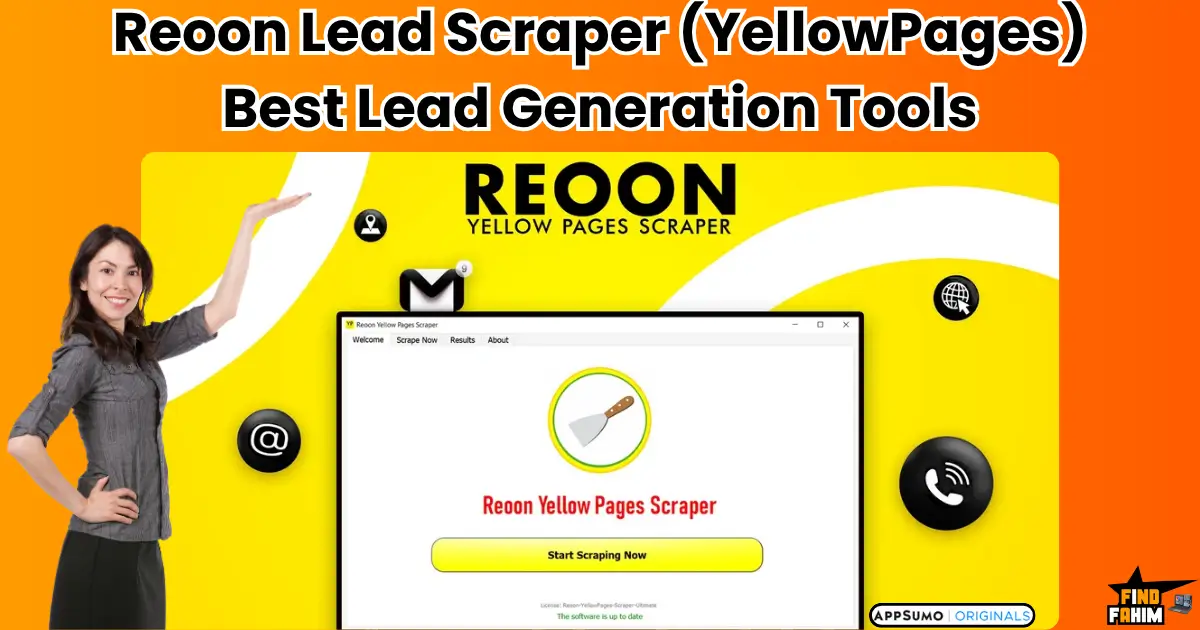
Reoon Lead Scraper Reviews 2025 | Best Yellow Pages Scraper Tool | AppSumo Lifetime Deal & Alternatives
I’ve spent days of my life doing it. That mind-numbing, “copy-paste” hell of building a local lead list. You type “plumber in Chicago,” then manually copy the name, phone, and website into a spreadsheet… 100 times over. Reoon Lead Scraper (YellowPages) is the powerful “workhorse” tool that automates this entire process. In these in-depth Reoon Lead Scraper reviews, we’re testing this 4.6-star AppSumo deal to see if it’s the ultimate B2B lead-gen machine. My Quick Take (TL;DR) I think you’re here because you’re a smart agency, marketer, or freelancer. You need a reliable, unlimited source of local business leads without paying a high monthly fee for a complex “all-in-one” platform. Here’s my 100% honest, direct take. What is it? Reoon Lead Scraper is a simple, “no-fluff” desktop tool (Mac/Windows) that scrapes business data from Yellow Pages directories in 7+ countries. Why is it a Game-Changer? UNLIMITED SCRAPING. This is its superpower. You pay once, and you can scrape millions of leads. It’s not a “cloud” tool with monthly credits; it runs locally, giving you full control. Who is it for? B2B agencies, cold email marketers, and any freelancer who needs to build high-volume, local business lead lists for prospecting. The AppSumo Deal: This is a lifetime deal starting at $85. It’s stackable up to 5 codes to get licenses for 5 computers. My Verdict: With a 4.6-star rating from 95+ reviews, this is a 5-star “utility” and a “no-brainer” investment. The UI is “clunky” (like “Windows 3.1,” one user said), but it’s a powerful workhorse that “just works.” It’s one of the highest-ROI tools on AppSumo. Check the Reoon Lead Scraper Lifetime Deal Now! Now, let’s talk about the real “why” behind this tool. As someone who actively uses lead generation tools to find clients, I’m always on the hunt for tools that are affordable, efficient, and easy to use. The problem is that “finding quality local business leads is tough.” As the founder, Farhan, explains, he built this tool because he was a startup facing this exact problem. He was “facing problems in reaching out to… potential customers” and “ads were costing… more money than we were able to get back.” This is not a tool built by a giant corporation that doesn’t understand your problems. It was born from a real entrepreneur’s pain, and it’s designed to solve one problem: how to get a massive, high-quality lead list for your sales team, without going broke. This is a professional tool for B2B prospecting. What is Reoon Lead Scraper (YellowPages)? The best way to describe Reoon Lead Scraper is as your personal, “no-nonsense” data-extraction engine. It’s a specialized, downloadable desktop tool (for Windows and Mac) that automates the exact manual process you’ve been doing. You just give it two things: A Category: (e.g., “Dentists,” “Roofers,” “Lawyers”) A Location: (e.g., “Chicago,” or a full list of 36,000+ cities) You hit “start,” and the tool does the rest. It will scrape all the businesses from the Yellow Pages in that area and, most importantly, it will also crawl their websites to find the “hidden” data that’s not on the YP listing, like: Business Name & Category Full Address Phone Number Email Addresses (from the website) Social Media Profiles (Facebook, LinkedIn, etc.) Website URL Ratings & Reviews It’s a 2-in-1 “Scraper + Crawler” that delivers a rich, detailed, “sales-ready” list in a clean CSV or Excel file. Why You Need More Than Just an “Online Scraper” You’ve seen the “cloud-based” scrapers (like the Outscraper tool we reviewed). They’re great, but they all have one “catch”: they are credit-based. You pay per lead or per month. This is a “subscription trap.” The moment you want to build a massive list (like 1 million leads), you’re looking at a $500+ bill. Reoon Lead Scraper is a desktop-based tool, which is a massive strategic advantage. It’s 100% Unlimited: Because it runs on your computer, there are no monthly limits. You can scrape 10,000 leads or 10 million leads. The $85 price is your only cost. You Have Full Control: It’s not a “black box” in the cloud. You can watch it work, and you own the software. It has an “Anti-Block” Algorithm: It’s built with smart logic to avoid getting your IP blocked. As the founder says, “proxies are not mandatory.” This is the “old-school” way of doing it, and for high-volume B2B scraping, it’s the smarter way. The “Honest Truth”: Why the 4.6-Star Rating is a 5-Star Signal This is my favorite part of this review. This is where our “pro-thinking” (E-E-A-T) strategy comes in. The AI summary says it has a 4.6-star rating, and the UI has “hiccups.” This is 100% true, and it’s the best reason to buy this tool. The 5-star reviews are all from pro users who understand what this tool is: One user (“sales445”) said: “The interface of the software… is pretty horrible, but it works. It looks and feels like Windows 3.1… Anyway, for the price per lead, this tool is hard to beat.” Another (“JeronimoZ”) said: “The interface looks outdated, but it’s not complicated or difficult to use, so it’s fine… the leads I’ve got through reoon are already worth more than what I paid for the tool.” This is not a “pretty” tool. It is not a “slick” SaaS app. It is a powerful, “no-fluff” workhorse. It’s a “back-end” engine that “just works” and delivers insane ROI. The founder (Farhan) is focused on making it work, not on making it pretty. This is a massive “trust signal” for a pro user. A Look Inside Reoon Lead Scraper: Key Features & Benefits This lifetime package is all about “unlimited” power. Unlimited Scraping (The “Killer” Feature) What it is: The #1 feature. You pay once ($85), and you can scrape unlimited data. There are “no limits from the partner.” Why it matters: This is the “subscription-killer.” A cloud tool would charge you $100+ per month

How to Measure Email Marketing Success: From Tracking to Optimization – The Complete Guide
Email marketing remains one of the most powerful and cost-effective tools for businesses to reach their audience, build relationships, and drive sales. But how do you ensure that your email campaigns are not only effective but also compliant with the law? How do you optimize for mobile devices and avoid the most common mistakes that plague many marketers? In this article, we’ll cover the essential elements of email marketing success that every marketer should track and optimize. From the key metrics that gauge positive results to the legal considerations necessary for compliance and the impact of mobile optimization, we’ve got you covered. Additionally, we’ll explore the common mistakes to avoid in email marketing that could negatively affect your campaigns and ROI. Let’s dive into the key elements that contribute to successful email marketing campaigns! Key Metrics You Should Track to Measure Email Marketing Success To truly understand the effectiveness of your email marketing campaigns, you need to measure your performance through key metrics. Without tracking the right data, you may miss opportunities to optimize and refine your strategy. Here are the most important email marketing metrics you should track to measure your success: 1. Open Rates Your open rate is one of the first indicators of how well your email is performing. It shows the percentage of recipients who open your email compared to the total number of emails delivered. A higher open rate indicates that your subject line was compelling and that your audience finds your content interesting enough to engage with. How to improve open rates: Craft attention-grabbing subject lines. Make sure your from name is recognizable and trustworthy. A/B test different subject lines to see which resonates better with your audience. 2. Click-Through Rates (CTR) The CTR measures the percentage of recipients who clicked on one or more links in your email. This metric helps you understand how engaging your content is, particularly your Call to Action (CTA). Why CTR matters: It tells you how well your email content and design are driving your audience to take action. It shows the effectiveness of your content, whether it’s persuasive enough to prompt further engagement. How to increase CTR: Make sure your CTA buttons are clear, concise, and easy to find. Use personalized content that speaks directly to the needs of your audience. Keep your emails visually appealing with relevant images and short copy. 3. Conversion Rates Ultimately, the goal of your email marketing campaigns is to convert subscribers into customers or achieve whatever business objective you set. The conversion rate measures the percentage of recipients who complete a desired action, such as making a purchase or signing up for a service. Why it matters: This is the most important metric because it directly ties to your bottom line. A high conversion rate means your email campaign successfully nurtured leads and convinced them to take action. How to improve conversion rates: Ensure your landing pages are well-optimized for a seamless user experience. Offer exclusive discounts or time-limited offers to incentivize action. Use segmentation to target the right audience with personalized messages. 4. Bounce Rates Your bounce rate represents the percentage of emails that didn’t reach the recipient’s inbox. There are two types of bounces: hard bounces (permanent issues like invalid email addresses) and soft bounces (temporary issues like full inboxes). Why it matters: High bounce rates can negatively affect your email sender’s reputation, potentially causing future emails to be marked as spam. How to reduce bounce rates: Regularly clean your email list to remove invalid addresses. Use double opt-in to ensure the accuracy of subscriber emails. Pay attention to email list segmentation to ensure better targeting. 5. Unsubscribe Rates The unsubscribe rate tells you how many recipients chose to opt out of receiving future emails from you. While some unsubscribes are inevitable, high unsubscribe rates can indicate that your emails aren’t meeting your audience’s expectations. Why it matters: A high unsubscribe rate can be a red flag that your emails are irrelevant or too frequent for your audience. How to reduce unsubscribes: Segment your audience and send personalized content that resonates with different customer personas. Ensure your emails are relevant and value-driven. Avoid over-sending emails. Make it easy for subscribers to update preferences rather than unsubscribe entirely. Legal Considerations for Email Marketing Compliance When it comes to email marketing, staying compliant with the law is crucial. Failing to follow regulations can lead to hefty fines and damage to your brand’s reputation. Here are the top legal considerations for email marketing: 1. General Data Protection Regulation (GDPR) The GDPR is a regulation in the European Union (EU) that governs how businesses collect, store, and process personal data. If you’re targeting customers in the EU, it’s essential to ensure your email marketing practices comply with GDPR requirements. Key GDPR requirements: Explicit consent: You must obtain clear consent from individuals before sending them marketing emails. Right to access: Subscribers must have the ability to request access to their data. Right to be forgotten: Subscribers can request that you delete their data. 2. CAN-SPAM Act In the United States, the CAN-SPAM Act sets rules for commercial emails, including requirements for opt-out options and accurate sender information. Key CAN-SPAM requirements: Include a clear opt-out option (unsubscribe link) in every email. Ensure your email header information (From, Subject, and Routing Information) is accurate and not misleading. Honor opt-out requests within 10 business days. 3. Consent and Opt-in It’s essential to have explicit consent before sending marketing emails. This means subscribers must actively opt in to receive your emails, and you must keep a record of their consent. Best practices: Use double opt-in forms to confirm email addresses. Avoid pre-checked boxes and ensure that consent is unambiguous. The Impact of Mobile Optimization on Email Campaigns In today’s world, most people check their emails on mobile devices, making mobile optimization an essential part of your email marketing strategy. If your emails aren’t optimized for mobile, you risk losing engagement and damaging your brand’s

Pigeon Mail AppSumo Lifetime Deal: Sending Bulk Emails from Gmail Just Got Ridiculously Easy
Email marketing often starts simple—write an email, hit send, and wait for replies. But once your business starts to grow, the cracks show. Manually sending one email at a time becomes overwhelming. Campaigns take too long. Personalization suffers. And before you know it, email becomes a chore you dread. But what if you could send bulk emails from your Gmail account without losing that personal touch? What if you could automate your outreach, track opens and clicks, and do it all without leaving your inbox? That’s where this smart Gmail-integrated email tool (Pigeon Mail) shines. It simplifies email marketing for entrepreneurs, freelancers, and growing businesses, without the complexity or recurring costs of tools like Mailchimp or MailerLite. Let’s dive into how it works, what features it offers, and why it’s becoming a favorite for small businesses in 2025. Why Simplicity Wins: A Better Way to Do Email Marketing with Pigeon Mail Email marketing platforms often promise a lot—automation, segmentation, drag-and-drop editors—but for many, they quickly become overkill. You log in to a separate dashboard, learn a whole new interface, and still struggle to get emails to feel personal. This tool flips the script by integrating directly into Gmail. You write emails the way you always have—just smarter and at scale. Why Businesses Love It: You don’t need to learn new software It’s fast to set up and use You get all the essentials: personalization, scheduling, and tracking. And best of all? It doesn’t cost a fortune. Check Appsumo Deal Now Built for Busy Founders and Marketers Who Need Cool Results If you run a small business, agency, or online store, chances are you don’t have time to babysit email campaigns or dig through bloated analytics dashboards. You need a tool that works out of the box. This solution gives you just that. It fits into your existing Gmail workflow, letting you send customized email campaigns in minutes, not hours. Key Benefits at a Glance: Send up to 10,000 personalized emails per day (depending on your plan) Track opens and clicks in real time. Schedule emails for when your audience is most active Avoid monthly fees with a one-time lifetime deal. Personalization Without the Pain Bulk emails don’t have to feel generic. This tool makes personalization easy. You can insert names, locations, job titles—any data you have—directly into the email using dynamic fields. Every recipient gets an email that feels like it was written just for them. This matters. In 2025, people ignore emails that look automated. If your message feels robotic, it goes straight to trash. But when it sounds personal, people open it—and respond. Schedule Emails for Maximum Impact Whether you’re targeting clients across time zones or just want to hit inboxes when people are most likely to check them, scheduling matters. This platform lets you write your emails whenever it’s convenient and schedule them for the perfect time. That might be 8 a.m. on a Monday for a B2B audience, or 7 p.m. on Sunday for online shoppers. No need to stay up late or wake up early. Just queue it, and the system handles the rest. Real-Time Tracking That Helps You shouldn’t have to guess whether your emails are working. With built-in tracking, you’ll know exactly when someone opens your message or clicks a link. This insight helps you: Follow up with warm leads at the right time Tweak subject lines or calls-to-action that aren’t getting results. Understand what content your audience responds to It’s not about vanity metrics—it’s about using real data to grow smarter. Super Easy Gmail Integration Here’s the best part: you don’t need to install complicated software or switch platforms. Just install the Chrome extension (or use the web app), compose your emails inside Gmail like you normally would, and hit send. You get all the added power of bulk email sending, tracking, and personalization without changing how you work. There’s no steep learning curve. No confusing dashboard. Just simple, effective outreach. Pigeon Mail Lifetime Deal on AppSumo — A No-Brainer Investment Most email platforms charge you monthly based on your number of contacts or emails sent. That means your costs go up as your list grows. This tool is different. Through AppSumo, you can grab a lifetime deal for a one-time price, starting at just $9. That’s not a typo. For less than the cost of one month on most platforms, you get unlimited access, forever. Here’s the pricing breakdown: Plan Price Contacts Gmail Accounts File Storage Daily Email Limit Plan 1 $9 1,000 1 1 GB 500 emails/day Plan 2 $18 3,000 2 2 GB 1,000 emails/day Plan 3 $27 10,000 3 5 GB 2,000 emails/day It’s affordable, flexible, and scales with your business. And yes, it includes tracking, scheduling, and Gmail integration across all plans. Discover Ideal Use Cases This Gmail-based email tool is especially useful if you: Run cold outreach campaigns Send client onboarding or nurturing emails. Launch product announcements or sales updates Need a fast way to send personalized messages to your list? Whether you’re a freelancer trying to win new clients or a small eCommerce brand announcing a sale, this tool helps you get it done fast and efficiently. Is It Right for You? If you: ✅ Use Gmail ✅ Want to save time ✅ Hate monthly subscriptions ✅ Care about personalization ✅ Need simple tracking and scheduling Then yes—it’s 100% worth trying. And with AppSumo’s 60-day money-back guarantee, there’s no risk. Pigeon Mail vs Other Email Marketing Tools There’s no shortage of email tools in the market. From household names like Mailchimp to rising stars like MailerLite and ConvertKit, each promises to help you grow your audience and communicate better. But here’s the problem—they often come with complex dashboards, steep learning curves, and growing monthly bills. That’s where Pigeon Mail stands out. Feature-by-Feature Comparison Feature Pigeon Mail Mailchimp MailerLite ConvertKit Gmail Integration ✅ Native ❌ No ❌ No ❌ No Personalized Bulk Email ✅ Yes
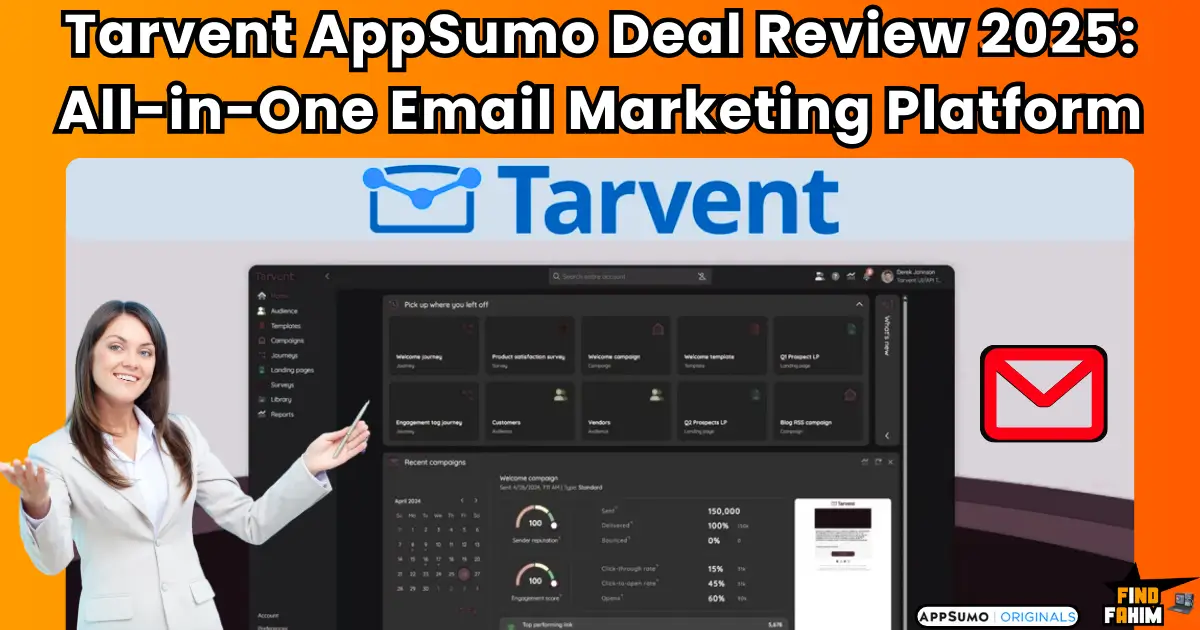
Tarvent AppSumo Deal Review 2025: The Smarter All-in-One Email Marketing Platform You’ve Been Waiting For
Let me be honest with you. I’ve explored a LOT of email marketing tools in the past few years—some great, some overly complex, and many just plain disappointing. Why? Because like most digital marketers, I was chasing the perfect combo of features, ease of use, and affordability. The Chaos of Email Marketing Tools Here’s the catch—most tools do one thing well but fall short elsewhere. You end up juggling multiple platforms: one for automation, another for newsletters, a separate one for landing pages, and maybe even a third just for surveys. Before you know it, your workflow is scattered, time-consuming, and downright frustrating. This constant switching doesn’t just slow you down—it wears you out. It creates a cycle of stress, clunky dashboards, endless integrations, and disappointing limitations. As someone who genuinely loves testing and writing about email marketing software, I’ve been through it all. And that’s exactly where Tarvent comes in as a refreshing change… What is Tarvent? Tarvent is a smarter all-in-one email marketing platform built for creators, marketers, small businesses, and SaaS founders. Available now with a lifetime deal on AppSumo, it combines campaign creation, automation, surveys, landing pages, and more—all under one sleek dashboard. Imagine running your entire email marketing workflow from a single tool. No more stitching together apps, no more wasting money on unnecessary software, and no more confusion over complicated setups. Tarvent makes that dream a reality. This platform is not just about convenience—it’s about empowering you to move faster, smarter, and more confidently. Whether you’re sending your first campaign or building complex automations, it offers the perfect blend of simplicity and performance. Why Marketers Love it Everything You Need in One Dashboard One of the biggest reasons people are raving about Tarvent is how effortlessly it brings everything together. You no longer need to rely on Zapier to connect five different tools. With this tools, your email campaigns, workflows, landing pages, surveys, and more are all seamlessly integrated. This unified ecosystem eliminates the chaos. You’ll experience: Faster campaign launches Fewer errors due to miscommunication between tools Cleaner data flow and analytics No recurring costs for 4–5 other SaaS apps For marketers, founders, and even growing agencies, this can mean saving hours of work every week. And yes, less tool-switching = more time for creativity and strategy. Tarvent isn’t just another app—it’s your marketing command center. Designed for All Skill Levels Let’s face it—not everyone loves code, and not every founder has a technical co-founder. we understands that. The platform is completely drag-and-drop based, making it incredibly easy for anyone to build professional-looking campaigns and automation workflows. Here’s what makes it stand out: Intuitive user interface Visual automation builder that makes sense Pre-built templates for emails, forms, and landing pages No design or coding skills required Whether you’re a solo entrepreneur, a marketing manager, or someone launching a side hustle, you’ll feel right at home. This email tools removes the tech barrier so you can focus on results, not roadblocks. And for agencies, onboarding new team members becomes a breeze. Who Should Use Tarvent? This platform isn’t built for everyone—it’s built for the ones who want to work smarter, not harder. Let’s break it down by use case: ✅ Small Businesses Needing Affordable Automation Running lean? You can’t afford a bloated MarTech stack. This tools gives you enterprise-grade automation features without the enterprise price tag. Instead of paying $50/month for automation, $30 for landing pages, $20 for surveys, and so on—you get it all bundled under one lifetime license. This is game-changing for small shops trying to scale with limited budgets. ✅ Agencies Managing Multiple Clients When you’re juggling 3, 5, or 10 client accounts, tool fatigue is real. With our tools, you can streamline operations and manage everything from one platform, saving time and showing more value to clients. Plus, the learning curve is shallow, so your team can hit the ground running. ✅ SaaS Founders Wanting Lifecycle Automation Building a SaaS product? Then you know the importance of onboarding flows, lifecycle emails, user feedback, and re-engagement campaigns. Tarvent gives you the power to automate all of that, without needing developers or a Frankenstein stack of tools. Build advanced sequences, trigger emails based on user behavior, and collect feedback—all in one place. ✅ Freelancers & Solopreneurs Needing Simplicity If you’re managing everything yourself, Tarvent is a gift. You can launch email campaigns, create forms, design landing pages, run automations, and more—without ever leaving the platform. It’s clean design and prebuilt templates make execution fast, freeing up your time to focus on delivering value to your clients or audience. Visit Tarvent Deal Tarvent vs the Competition Let’s be honest: the email marketing world is crowded. You’ve got big names like Mailchimp, ActiveCampaign, and SendGrid—but that doesn’t mean they’re the best choice for everyone. It offers a refreshing, all-in-one solution that punches above its weight without draining your wallet. Here’s how this email marketing platform stacks up against the giants: Tarvent vs Mailchimp: A Simpler, More Affordable Powerhouse Ease of Use While Mailchimp has grown bloated over the years, this amazing tools keeps things clean. Its drag-and-drop email and automation builder is smoother and far less cluttered. No endless tabs. No overwhelming setup. Just intuitive tools that work—even for beginners. Pricing Transparency Tarvent wins big here. With Mailchimp, you start “free,” but quickly hit limits that force pricey upgrades. Their Essentials plan alone can cost $30–$100/month, depending on contacts. In contrast, Tarvent’s lifetime AppSumo deal starts at just $49, one-time. No monthly bills. No surprises. Features Without Limits Mailchimp restricts automation triggers, limits landing pages, and lacks built-in surveys unless you upgrade. Tarvent? Everything is included from the start—automations, surveys, landing pages, segmentation, and more. Ideal for Small Teams Solo entrepreneurs and agencies love this simple tools because it doesn’t gatekeep features. You don’t need a Pro plan to access automation. You get the tools you need when you need them. Verdict: If you’re tired of Mailchimp’s complexity and rising
Email Marketing Campaigns for Start-Ups: A Proven Step-by-Step Guide That Works
I’ve reviewed many email marketing tools and worked closely on email campaigns for my agency and for digital marketing clients, including small businesses and eCommerce brands, tech start-ups, freelancers, and even solo founders. So in this guide, I’m not just giving you theory. I’m walking you through what works in the real world, tested by me and used by people like you. If you’re building a start-up and wondering how to use email marketing effectively (without wasting money or sounding like a spammer), keep reading. This could save you months of guesswork. Introduction – Why Email Marketing Campaigns for Start-Ups Matter Launching a start-up is no joke. You’re juggling 10 things at once—tight budget, limited exposure, no in-house marketing team, and pressure to generate revenue fast. Most early-stage founders don’t have the luxury of paid ads, fancy branding, or massive influencer campaigns. That’s where email marketing shines. Why? Because email is still the #1 highest ROI marketing channel. It’s direct. It’s personal. It’s owned media—you control it. It’s affordable and scalable. Studies show email delivers an average ROI of $36 for every $1 spent—something no other channel comes close to. For start-ups, this means real traction without burning cash. This step-by-step guide is designed just for you: Beginner-friendly (no fluff, no jargon) Real-world tested with clients and campaigns that worked. Optimized for 2025 and beyond Let’s dive in. Email Marketing Campaigns for Start-Ups What they are and how they differ from big brand campaigns Email campaigns for start-ups aren’t about fancy visuals or brand prestige. You don’t need a design team or a million-dollar list. Instead, you need: Smart strategy Laser-focused messaging And a clear goal per campaign Unlike big brands, your goal isn’t just engagement or brand awareness. You need results—sign-ups, demos, sales, funding, partnerships, and more. Why personalization and automation are key Your audience doesn’t want to feel like they’re on a list. They want to feel like you wrote that email just for them. That’s why personalization + automation is a game-changer. With the right tools (like Systeme.io, MailerLite, or ConvertKit), you can: Tag subscribers based on interest Send personalized follow-ups automatically. Nurture leads without doing everything manually. And guess what? You don’t need to know how to code. Common goals for start-up email campaigns Let’s be real—your campaign should do one of these: Grow your list: Turn cold visitors into subscribers Nurture leads: Build trust with new sign-ups Drive conversions: Sell your product, book a demo, close deals Retain customers: Upsell, get reviews, or reduce churn. Every email should be tied to one of these goals. If it’s not, rethink why you’re sending it. Email Marketing for Startups Benefits: cost-effective, measurable, scalable Email marketing isn’t just effective—it’s built for the start-up hustle. Cost-effective: Most tools have generous free plans. Trackable: Open rates, clicks, conversions—you know what’s working Scalable: Start with 10 people, scale to 10,000+ without rebuilding your funnel You’re not at the mercy of social media algorithms or ad spend. Early-stage vs growth-stage needs At different stages, email does different jobs. Stage Email Focus Pre-launch Build a waitlist, tease your product Early-stage Educate, build trust, and validate ideas Growth-stage Upsell, onboard, reduce churn, automate sales Your messaging and frequency will evolve. But the core principles stay the same: deliver value, stay human, and always guide people to the next step. Examples of successful startup email campaigns Here are 3 real examples I’ve seen work: A productivity SaaS offered a “Founders-only discount” via email that generated 200+ paid users in 2 weeks A freelance web designer built an email list from Twitter and sold $3,000 in packages using 3-part email storytelling. An eCommerce founder launched a waitlist that grew to 1,000+ subscribers pre-launch using a giveaway and email drip. None of these campaigns used paid ads. Just smart emails, good timing, and a clear call to action. What Are the Key Components of a Successful Email Marketing Campaign? Let’s break down what makes a good email campaign work, especially for start-ups. Clear Goal & Audience Targeting Before writing anything, answer this: What do you want the reader to do? (Download, sign up, reply?) Who are you speaking to? (New visitors? Paid customers? Leads?) Your goal defines your structure. Your audience defines your tone. Compelling Subject Line This is your email’s first impression. Great subject lines are: Short (under 45 characters) Specific (no clickbait) Curiosity-inducing (makes them want to open) Examples: “Early-access just for you” “You’re invited – beta users wanted” “This tool helped us 3X sign-ups in 30 days.” Test 2–3 subject lines per campaign to see which clicks. Value-Driven Email Body Once they open, you need to deliver real value in your email body. Tips: Start with a hook or problem Offer a solution (your product, offer, idea) Make it about them, not you. Keep it skimmable with short paragraphs and bullet points. Always write like a human. No jargon, no walls of text. Strong CTA What’s the one action you want them to take? Book a call Join the waitlist Buy the product Watch a demo Make the CTA obvious, repeated, and clear. Use buttons or bolded links. Don’t hide it. Follow-Up Sequence One email isn’t enough. Use email sequences to follow up automatically, such as: Welcome series (3–5 emails over a week) Abandoned cart series (for eCommerce) Onboarding drip (for SaaS or services) This builds trust and gently nudges people toward action, without being pushy. Types of Email Marketing Campaigns As a start-up, not all emails serve the same purpose. Depending on where your subscribers are in the journey—new sign-ups, engaged leads, or lapsed users—you’ll want to use different campaign types to nurture, convert, and retain them. Let’s go through the five most essential types of email campaigns you need in your start-up toolkit: Welcome Series The welcome series is the first impression you make after someone joins your list. It should: Introduce who you are Reassure
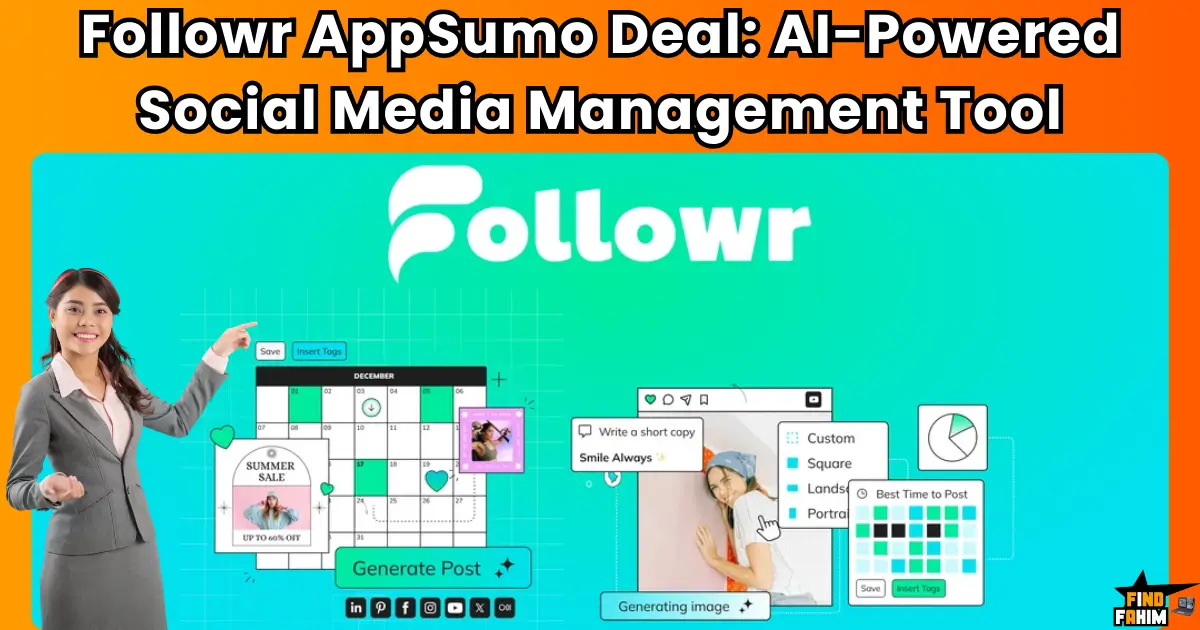
Followr Reviews 2026 | AI Social Media Management & White Label Platform | AppSumo Lifetime Deal & Alternatives
Drafting social media posts manually wastes your entire operational week. Logging into Twitter, Instagram, and LinkedIn separately to schedule daily campaigns creates a massive administrative bottleneck that destroys your profit margins. Followr is a direct counter-attack to this exact problem. It is a highly specialized dashboard designed to centralize your scheduling, artificial intelligence content generation, and audience engagement into one unified interface. Disclaimer: This article contains affiliate links. If you purchase through these links, I may earn a small commission at no extra cost to you. All opinions, market analysis, and research are entirely my own. My Quick Take (TL;DR) What is it? A social platform that uses AI models like ChatGPT and Claude to write and schedule content. Special Feature: Completely white-label the dashboard to resell the software to your clients under your own brand. For Who: Marketing agencies, social media managers, and solopreneurs handling high-volume publishing. The Deal: A scalable lifetime AppSumo offer starting at $69. Verdict: This platform permanently replaces expensive monthly subscriptions for Hootsuite and Buffer. Click Here to Get the Followr Lifetime Deal on AppSumo What is Followr? Followr is an enterprise-grade web application built to handle automated social workflows. It solves the most expensive bottleneck facing marketing teams today: the rapidly rising cost of producing consistent posts across highly fragmented channels. Instead of paying a massive premium for scattered software, this dashboard centralizes your entire publishing pipeline. You can identify trending topics, generate text and images, and push final drafts straight to Facebook or Pinterest from a single screen, effectively killing your monthly software overhead. Quick Look: What’s Inside the Deal Paying for separate social media, AI writing, and reporting software destroys your profit margins. Transitioning to this unified platform instantly reclaims your budget. Here is the financial value. Feature Replaces… The Real Value Normal Cost Deal Status Social Scheduling Buffer Multi-channel posting ~$60/mo ✅ Included AI Content Jasper AI Automatic post creation ~$49/mo ✅ Included Analytics Sprout Social Centralized reporting ~$249/mo ✅ Included White Labeling Hootsuite Agency brand reselling ~$130/mo ✅ Included Total Value Fragmented Tools Unified Marketing Suite ~$5,856+/yr $69 (Lifetime) Why Manual Social Media Management Is Failing Managing social media manually forces founders into tedious administration. Watching your billable hours disappear while resizing Instagram graphics and rewriting LinkedIn captions wastes money that would be better spent on paid advertising campaigns. Furthermore, legacy software pricing models punish modern creators. Charging massive monthly fees while restricting connected profiles actively destroys profit margins for agencies needing high-volume output across multiple clients. Why Automated Social Scheduling Is Trending in 2026 Marketing teams demand extreme efficiency today. Automated workflows are trending because agencies must deploy massive campaigns instantly during product launches without waiting for humans to hit publish. Pairing artificial intelligence directly with a unified calendar fixes this. When you stop switching browser tabs to fight with external writers, your publication time drops drastically, driving higher audience engagement. A Look Inside Followr: Key Features This platform strips away the complicated interfaces found in traditional enterprise environments. By focusing entirely on a clean, centralized experience, your marketing team can deploy highly complex social campaigns in minutes. Here is a detailed breakdown of the exact tools included in this AppSumo lifetime deal, designed to help us generate high-converting digital assets rapidly. AI-Powered Content Studio You do not need to suffer from writer’s block. The system connects directly to cutting-edge AI models, including OpenAI, Claude, and Gemini. You simply input your core topic, and the system executes the writing instantly, drafting perfectly formatted posts complete with relevant hashtags. Integrated Media Gallery The built-in processor allows you to generate completely clean graphics automatically. You no longer have to manually search external stock sites; the software allows you to generate unique visuals using AI or pull high-quality videos and images directly from their internal media gallery. Automated Publishing & Analytics This feature turns the software into a highly capable delivery assistant. The calendar tool connects directly to Facebook, Instagram, TikTok, LinkedIn, Pinterest, and X. You can schedule posts to fire at the exact moment your specific audience is most active online, while tracking your engagement metrics on the backend. The Standout Feature: White-Label Reselling Almost every major competitor forces your clients to log into a dashboard covered in third-party logos. Followr completely ignores this restriction. The system actively allows us to rebrand the entire interface with our own logo, colors, and custom domain, giving us the power to resell the software directly to our clients as our own proprietary tool. Recent 2026 Platform Updates The Followr engineering team actively deploys major platform enhancements directly based on intensive feedback from their rapidly growing global marketing user base. Bring Your Own Key (BYOK): Launching a dedicated integration that allows advanced users to plug in their own API keys to control exact generation costs. Expanded Networks: Upgrading the backend systems to ensure flawless native posting to emerging platforms like Bluesky and Threads automatically. AI Creative Engine: Adding complex internal styling options to instantly generate a full month’s worth of carousel posts perfectly aligned with your brand’s custom colors. Followr Pricing & Lifetime Deal Details The AppSumo lifetime deal uses a highly scalable structure spanning 10 different tiers designed for different usage habits. You simply secure the primary license limit that fits your required monthly output volume. Here is a look at the core representative tiers to help you decide which package provides the right amount of bandwidth for your specific workflow. License Tier Price (One-Time) Social Profiles AI Words Per Month White Labeling Tier 1 (1 Code) $69 1 Company Set 10,000 ❌ No Tier 2 (2 Codes) $138 2 Company Sets 100,000 ❌ No Tier 3 (3 Codes) $207 10 Company Sets 500,000 ❌ No Tier 5 (5 Codes) $345 Unlimited Sets 3,000,000 ✅ Included Tier 10 (10 Codes) $690 Unlimited Sets Unlimited Words ✅ Included Understanding the Stacking Strategy If you run a single
Best Content Marketing Tools Revealed: My Top 30 AppSumo Lifetime Deals for Content Creators
I used to pour hours into writing blog posts, only to watch them sink in the search rankings and barely engage my readers. If that struggle sounds familiar, you’re not alone. Content marketing is tough—between writing, optimizing for SEO, publishing, and promoting, it demands both time and skill. Thankfully, platforms like AppSumo are changing the game by offering lifetime deals on tools that simplify the entire content creation process. As we move through the middle of 2025, AppSumo’s “What’s Hot” section is bursting with powerful tools like Blogify and Vocable AI — tailor-made for bloggers, marketers, and small business owners ready to scale. In this 5000+ word guide, we’ve handpicked 30 of the best content marketing tools available on AppSumo right now. Each tool is reviewed in just 150+ words, giving you a quick, no-fluff breakdown of features, pricing, standout benefits, and who it’s best for — all to help you find the right tools to grow smarter, market faster, and get more done. Ready to upgrade your content marketing game? Let’s dive in. What is AppSumo? Your Guide to Affordable Software AppSumo, founded in 2010 by Noah Kagan, is a marketplace for lifetime software deals, offering tools at a one-time cost instead of monthly subscriptions. It’s a favorite for entrepreneurs, with deals vetted by the “Sumoling” community. You pay once, often $19-$99, and own the tool forever, saving thousands compared to platforms like Hootsuite ($99/month). Sign up at [AppSumo]([invalid url, do not cite]), browse trending deals, and use the 60-day money-back guarantee to test risk-free. AppSumo’s blog and X posts often share coupons, like 10% off your first purchase, making it even more affordable. How to Save More with AppSumo Credits and Coupons Want to stretch your budget? AppSumo credits act like store credit—buy in bulk (e.g., $500 for $450) to save on future purchases. Coupons, often found via AppSumo’s newsletter or X posts, can shave 10% off deals. Join AppSumo Plus ($99/year) for 10% off every purchase and exclusive access. For Black Friday, expect sitewide discounts or bundles. Check [AppSumo]([invalid url, do not cite]) for current offers and act fast—some deals, like Semdash, end soon! Top Trending Best Content Marketing Tools on AppSumo AppSumo’s “What’s Hot” section highlights tools making waves in May 2025, from AI content planners to video editors. These deals, rated 4.0+ stars, are popular for their value and innovation. Below, we review the top 30, each with a 150-word overview, covering features, pricing, and why they’re trending. Some, like Prosp, have tight deadlines, so don’t wait! Vocable AI: Plan Your Content Like a Pro Overview Ever feel overwhelmed juggling blog posts, social media, and emails? I’ve been there, and it’s exhausting! Vocable AI is like a superhero for content creators, generating 30 days of multichannel content in minutes. Perfect for bloggers and marketers, it crafts posts, tweets, and emails that match your brand’s voice. Its content calendar keeps you organized, while idea generation sparks creativity. Plus, analytics show what’s working, so you can focus on growing your audience. I love how it saves hours, letting you sip coffee instead of stressing over schedules. Search “Vocable AI content planner 2025” to see why it’s a game-changer! Pricing On AppSumo, Vocable AI costs $79 for a lifetime deal, down from $360. That’s a steal for unlimited content planning! You get one brand voice, perfect for small businesses or solo creators. Need more? Stack codes for extra features. With a 60-day money-back guarantee, you can try it risk-free. Review With a 4.85-star rating from 27 reviews on AppSumo, Vocable AI is a fan favorite. Users rave about its time-saving templates—my client cut planning time by 70%! Some mention a learning curve with analytics, but updates are fixing glitches. It’s trending for its sleek design and efficiency, making content planning feel like a breeze. Pros and Cons Pros Cons Saves hours with templates Analytics can be tricky at first High-quality, brand-aligned content Minor integration issues Responsive customer support Ready to plan smarter? Grab Vocable AI on AppSumo and watch your content soar! Blogify: Automate Your Blogging Workflow Overview Imagine turning a YouTube video into a blog post without lifting a finger. That’s Blogify! This AI tool automates blogging, creating SEO-optimized posts in 150+ languages from videos, podcasts, or titles. It publishes to WordPress, LinkedIn, and more, plus adds affiliate links for extra cash. I helped a YouTuber double their traffic with Blogify’s video-to-blog feature—it’s a lifesaver! Features like Zapier integration and affiliate dashboards make it perfect for bloggers and creators who want to save time. Search “Blogify AppSumo review 2025” to see why it’s trending! Pricing Blogify’s lifetime deal on AppSumo starts at $79 (regular $120). The Basic Plan offers 10 blogs/month, ideal for starters. Higher tiers ($158 or $237) boost limits for agencies. A 60-day guarantee lets you test it worry-free. Review Rated 4.36 stars from 157 reviews, Blogify wins hearts for its efficiency. Users love the autopilot posting—my client scheduled a month’s posts in a day! Some report WordPress glitches, but updates are smoothing things out. It’s a top pick for creators wanting to streamline and monetize. Pros and Cons Pros Cons Fast video-to-blog conversion Occasional WordPress bugs Strong SEO and affiliate tools Limited blogs on the Basic Plan Easy multi-platform publishing Excited yet? Blogify’s waiting to convert your blog. PlayZo: Engage with Games and Quizzes Overview Want to hook your audience and boost sales? PlayZo creates AI-powered games and quizzes that make your content pop! Perfect for marketers and educators, it offers customizable templates to craft quizzes that capture leads or teach lessons. I used PlayZo for a client’s campaign, and engagement skyrocketed by 40%! Features include gamified quizzes, lead forms, and analytics to track results. It’s like adding a fun twist to your marketing. Search “PlayZo quiz maker 2025” to see why it’s buzzing on AppSumo! Pricing For $59 on AppSumo, PlayZo slashes the regular $828 price. You get unlimited quizzes and lead capture, a 5-star deal
How to Build a High-Converting Email Funnel Without Expensive Software
Have you ever sighed at a $99/month email marketing tool price tag? You’re not alone. I’ve been there, coffee in hand, staring at that blinking cursor on a pricing page, wondering how small startups with bills and no investors could afford it. Today, I’m going to show you how you can build a high-converting email funnel without spending a ton of money. We did it using affordable tools, some free, and you can too—even if you’re just starting. This article will guide you, step by step, through building your funnel—from getting email signups to turning those people into loyal fans or paying customers. And yes, I’ll also share the tools we used (many from AppSumo) so you don’t need to hunt for them. Let’s dive in. What Is an Email Funnel (And Why It’s Like a Friendly Tour Guide) Imagine you walk into a big store and nobody greets you. You don’t know where to go, what’s on sale, or what’s best for you. That’s what a website without an email funnel feels like. An email funnel is like your store’s friendly guide. It helps visitors: Understand what you do Trust you Know how you can help them Finally, take action (like buying your product, booking a call, or signing up for something) Here’s how a basic email funnel usually flows: Awareness – Someone finds you through your blog, ad, or social media Interest – You offer them something helpful (like a free checklist or guide) Decision – They get more value through emails, stories, and trust-building Action – You guide them to your offer at just the right time This works for coaches, freelancers, course creators, SaaS startups, and eCommerce shops—anyone trying to turn visitors into real leads. And no, you don’t need to pay $500/month to build this. Step 1: Create a Lead Magnet That Solves a Tiny Problem (Fast) Before you can send people into your email funnel, you need to give them a reason to enter. That’s where a lead magnet comes in. A lead magnet is something free, useful, and easy to consume that you give away in exchange for someone’s email. It could be: A one-page checklist A mini eBook A Notion template A “Cheat Sheet” for beginners A short video guide The key? It must solve a tiny, specific problem fast. Let’s say you help people with email marketing. You don’t give them a 50-page manual. You give them a “5 Subject Lines That Get 2x More Opens” PDF. People are busy. Give them something they can use right now. Here’s a trick we used: We made our lead magnet in Canva (for design), Notion (for content), and even used an AppSumo tool called Tactiq to help turn Zoom transcripts into content quickly. Pro tip: When you’re thinking of your lead magnet idea, ask: “What’s one problem my audience has?” “What’s a quick way I can help them fix it?” Then, just wrap that in a clean PDF or page, and you’re ready. Step 2: Build a Landing Page That Converts Now that you have a great lead magnet, you need a place to share it. That’s where your landing page comes in. Think of this page as a handshake and a promise. You’re saying: “Hey, here’s something awesome. Just drop your email and I’ll send it to you.” Here’s what makes a landing page work: A clear, bold headline (tell them the benefit!) A quick sentence or two that explains why it matters A simple opt-in form (just name + email) A visual of your lead magnet Maybe a short trust signal, like: “3,000+ people downloaded this already!” And don’t overcomplicate it. Less is more. We used EmailIt (an AppSumo tool) to build ours. It was simple, mobile-friendly, and didn’t need coding. Other options include Acumbamail or even free builders like Carrd if you’re super lean. Also, keep this in mind: Most people visit from their phones. So always test your landing page on mobile before sharing it. Step 3: Set Up Your Welcome Sequence (The Heart of Your Funnel) So, someone gave you their email. Great! Now what? You don’t want to ghost them. And you don’t want to bombard them with sales emails. This is where your welcome sequence comes in. A welcome sequence is usually 3–4 short emails that go out automatically once someone signs up. You write them once, and they work for you 24/7. Here’s a simple 3-email flow we used: Email 1: Deliver and Thank Send the lead magnet Thank them warmly Let them know what’s coming next Email 2: Tell Your Story Share why you started this journey Mention the problem you help people solve Offer a useful tip or story Email 3: Guide to the Next Step Invite them to check out a helpful article, video, or tool You can include a soft CTA in your paid offer or service Keep it friendly and value-first We used SendFox for this. It’s super budget-friendly and has a lifetime deal on AppSumo. Tools like Gumbamail or Encharge also work great if you want more automation features. And here’s the best part: Once this sequence is live, every new subscriber gets warmed up automatically. You’re building trust on autopilot. Step 4: Segment Your List Like a Pro (Even on a Budget) Not everyone on your email list wants the same thing. That’s why smart email marketers use segments. Think of it like sorting your clothes—you wouldn’t put socks with jackets. Here’s how you can segment simply: By how they joined (downloaded guide vs. booked call) By what they clicked on (tools vs. tutorials) By interest (coaching vs. software help) Many tools—even budget ones like SendFox—let you tag subscribers based on actions. You can say: “If someone clicks this email link, tag them as interested in ‘email software.’” Later, when you promote an AppSumo deal for an email tool, you only send it to people who care. That means better open rates,

9 Best SendFox Alternatives in 2025 (With Honest Comparisons)
I used to use SendFox myself. It’s clean, cheap, and straight to the point. But I explored other options for research, and to help my clients choose the right tool. I reviewed SendFox in detail already, but now it’s time to compare. I pulled data from Google, Reddit, AppSumo reviews, and niche marketing forums to show how SendFox stacks up against popular alternatives. Let’s start with the big question… Why Look for a SendFox Alternative? SendFox has carved out a specific niche: it’s built for content creators who just want to send emails, without the distractions or bloated features found in bigger platforms. It focuses on simplicity, affordability, and a strong AppSumo lifetime deal. For many users, that’s a dream combo. But here’s the thing: not everyone wants “simple.” Some users want deep automation, rich analytics, CRM features, and better design control. And if you run an online store, agency, or large email list, you may eventually feel those gaps. So if you’re wondering whether it’s time to move beyond SendFox—or stick with it—you’re in the right place. 👉 Read our full SendFox Review on AppSumo to see why it’s still one of the best newsletter tools for creators. SendFox vs Alternatives – Choosing Based on Your Needs When SendFox Might Feel Limiting Let’s be real—SendFox isn’t for everyone. It lacks visual automation workflows. No advanced drag-and-drop editor. Limited list segmentation and analytics. Weak integrations compared to other tools. No full CRM or deep e-commerce features. It’s like driving a simple scooter—perfect for short rides, but maybe not for a cross-country tour. Who Needs a SendFox Alternative? You might need something stronger if you fall into one of these categories: E-commerce stores need advanced segmentation and sales funnels. Marketing agencies managing multiple clients and needing CRM and automation. Bloggers and media sites want beautiful templates and detailed analytics. Multichannel marketers who also run SMS campaigns, social ads, or pop-up forms. If you’re nodding your head to any of those, it’s time to look at stronger tools. When SendFox Is Still a Great Fit But if you’re someone who just wants to send newsletters—nothing fancy—SendFox is still a winner. Budget-conscious? The AppSumo lifetime deal saves you a ton. Hate bloated dashboards? SendFox is refreshingly simple. Solo creator or coach? You’ll feel right at home. Don’t need automations? Then why pay for them? For people like me—content writers, bloggers, solo founders—SendFox cuts the noise and delivers exactly what we need. SendFox vs Mailchimp – The Classic Comparison Mailchimp is probably the first name you hear when someone mentions email marketing. It’s been around since 2001, and for years, it was the go-to platform for everyone, from bloggers to big brands. Mailchimp offers a full suite of marketing features: Beautiful, customizable templates Advanced automations and triggers A built-in CRM E-commerce integrations Social media ad support Detailed analytics Sounds like a dream, right? For some, it is. But here’s the flip side… Mailchimp is expensive. Their free plan is limited, and once you grow your list, the costs rise fast. Even worse, it has a steep learning curve, especially for beginners. Many users report frustration with its tiered pricing, interface complexity, and constant upsells. So, who should use Mailchimp? Large businesses with big marketing budgets Agencies managing multiple campaigns E-commerce brands with diverse needs Marketers who need multichannel campaigns Now, compare that to SendFox, which costs a one-time AppSumo fee. It doesn’t have all the bells and whistles—but that’s the point. SendFox is for creators who don’t need a full CRM or ad builder. It’s clean, focused, and dead simple. So if you’re overwhelmed by Mailchimp’s complexity—or you simply don’t want another monthly bill—SendFox is still the smarter choice. 👉 Check our full SendFox vs Mailchimp breakdown for a deep look at where each tool shines. SendFox vs Brevo (formerly Sendinblue) – Full Marketing Suite, or Too Much? Brevo (formerly Sendinblue) has built a strong reputation as a full-stack marketing platform. It goes way beyond email. You get SMS marketing, a built-in CRM, detailed automation workflows, landing pages, live chat, and even WhatsApp campaigns. If you’re in ecommerce or SaaS, this might sound like the dream. Brevo shines when it comes to transactional emails, such as order confirmations, shipping updates, or password resets. It also integrates smoothly with tools like Shopify, WooCommerce, and Stripe, making it an easy fit for online stores. One of its biggest strengths is the pay-as-you-go pricing model. Instead of charging based on contact size, Brevo lets you pay based on how many emails you send. For businesses that send fewer but more targeted emails, that’s a big win. So, who’s it for? SaaS brands running multichannel campaigns E-commerce stores that rely on transactional emails Marketing teams are juggling email, SMS, and CRM tools But here’s the catch—Brevo can feel bloated if all you want is to send clean, consistent newsletters. Its UI is heavier, and navigating it takes more time. SendFox, on the other hand, is built for creators who want speed and simplicity. It’s not trying to be a full marketing suite—and that’s exactly why some users love it. 🟢 If newsletters are your core focus, SendFox is smoother, faster, and far more affordable. SendFox vs ActiveCampaign – For Pro-Level Marketers ActiveCampaign is often the go-to platform for advanced marketers. If you live and breathe automations, sales funnels, and behavior tracking, you’ve probably tried or considered this tool. Here’s what makes ActiveCampaign powerful: Visual automation workflows that feel like flowcharts Split testing across email sequences Deep contact segmentation and lead scoring Built-in CRM and sales tools It’s great for agencies, B2B marketers, and businesses with complex funnels. But let’s be real—it’s not cheap. And the learning curve? Pretty steep. If you’re just trying to send weekly content or nurture a simple list, ActiveCampaign is overkill. It’s like bringing a full production team to film a one-minute selfie video. SendFox skips the complexity. You won’t find a CRM or deep behavioral
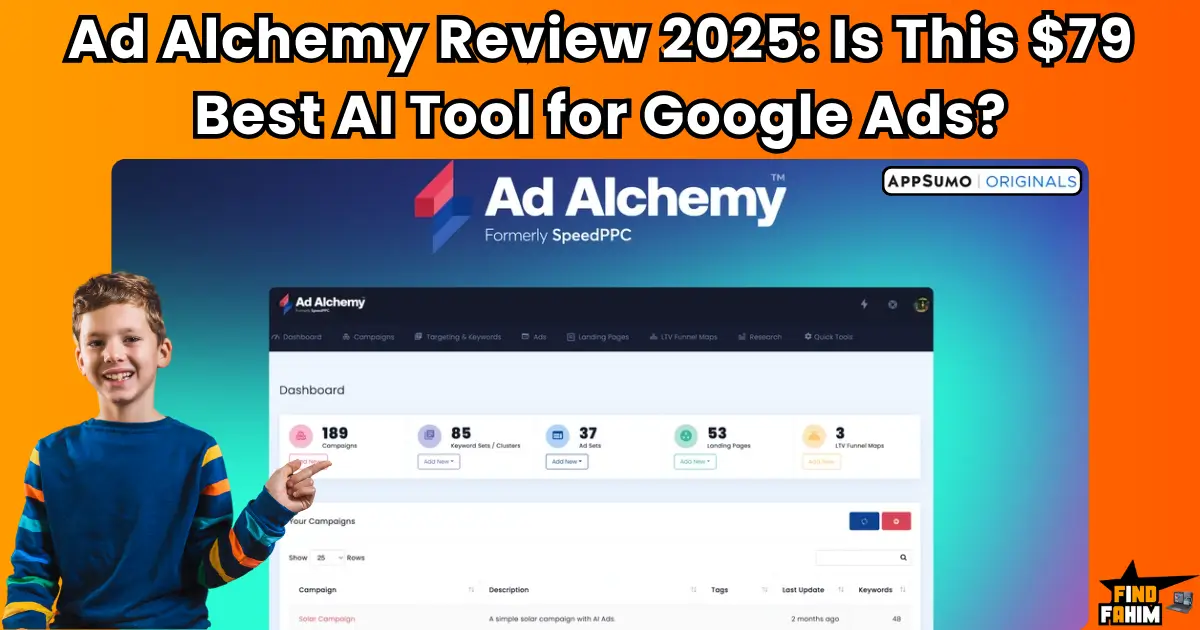
Ad Alchemy Review 2025: Is This $79 Appsumo Deal the Best AI Tool for Google Ads?
As a digital marketer, I used to run Google PPC ads for both my own websites and client campaigns. And honestly? It often felt like tossing money into a black hole. Google Ads can be brutal! You spend hours researching keywords, writing ad copy, tweaking targeting, optimizing landing pages, and still walk away with little to show for it. Worse, you burn your budget fast without knowing what went wrong. If that sounds familiar, you’re not alone. Most small businesses, freelancers, and even experienced marketers feel overwhelmed by Google Ads. The constant testing, technical setup, and pressure to deliver ROI make it exhausting. But what if there was a smarter, faster, and more affordable way? That’s exactly what Ad Alchemy promises — an AI-powered Google Ads assistant that builds, writes, and analyzes your campaigns in minutes. And with its $79 AppSumo lifetime deal, it might just be the best-kept secret of 2025. Let’s explore what makes this tool so powerful — and whether it’s the right fit for you. Meet Ad Alchemy – Your AI Google Ads Sidekick If Google Ads has ever felt overwhelming, Ad Alchemy was built to change that. Ad Alchemy is an all-in-one AI-powered Google Ads toolkit designed to help you build, optimize, and scale ad campaigns — even if you’re not an expert. Here’s how it works in plain language: You enter a few key details about your offer — your product, audience, and goals — and Ad Alchemy does the rest. It generates ready-to-run campaigns, complete with ad copy, keyword research, suggested campaign structures, and even insights into your landing pages. Whether you’re launching your first ad or scaling dozens of campaigns, Ad Alchemy cuts hours of manual work into just a few minutes. It’s powered by smart automation, keyword clustering, AI-driven ad generation, and landing page feedback tools. The platform removes guesswork so you can get results faster, with fewer mistakes and wasted dollars. And here’s the kicker: You can grab it right now for a one-time $79 lifetime deal on AppSumo — no monthly fees, no upsells. Voice Search Snippet: What does Ad Alchemy do? “Ad Alchemy is an AI-powered toolkit that helps you build, scale, and optimize Google Ads campaigns in just minutes.” Is Ad Alchemy Right For You? Not every tool fits every business, and Ad Alchemy is no exception. To help you decide if it’s worth your investment, let’s break it down. Ideal For Solopreneurs & freelancers looking to run ads without hiring an agency. Digital marketers are tired of juggling multiple tools for copy, keywords, and structure. Agencies that want to speed up campaign creation for clients. eCommerce sellers who want smarter targeting and better ad structure. Course creators and coaches who need help writing compelling Google Ads copy. If you’re focused on the U.S. or English-speaking markets and you run or manage Google Ads, this tool was built with you in mind. Might Not Be Best For Sites targeting non-English-speaking countries — the AI is optimized for English campaigns. Small websites in low-data regions like Belgium, Hungary, or Nigeria may struggle to suggest ideal keywords if the data pool is limited. People expecting a full ad management suite — Ad Alchemy doesn’t manage your budget or report conversions; it focuses on setup, strategy, and optimization. So if you’re looking for a hands-off, AI-generated launchpad for your ads, Ad Alchemy fits the bill. But if you’re after live reporting or native ad management, you’ll still need Google Ads Manager. What Makes Ad Alchemy Special? Unlike generic AI tools or complicated ad platforms, Ad Alchemy was purpose-built for Google Ads — and it shows. Here’s a closer look at its key features that make it stand out in 2025: 1. Rapid Campaign Builder Ad Alchemy lets you build unlimited ad campaigns in a matter of minutes. You start by selecting the type of campaign structure you want: SKAGs (Single Keyword Ad Groups) for tight targeting Thematic ad groups for broader, message-based campaigns Then it helps you find high-intent, relevant keywords using real-time data. The tool suggests multiple campaign structures and automatically fills in the framework, so you’re not guessing which format to use. Perfect if you’re launching ads for multiple offers or clients. 2. AI-Powered Ad Copywriting This feature alone can save hours of writing and brainstorming. Just enter a few basic inputs about your product or service — like your value proposition or USP — and the AI generates: Headline variations Description lines Display URLs and callouts It’s especially powerful for: Beginners who aren’t confident in ad writing Marketers who want fresh copy ideas fast Non-native English speakers who want polished output Even if you’ve never written an ad before, Ad Alchemy gives you compelling, conversion-friendly copy in seconds. 3. Landing Page Analysis & Heatmaps Your ads are only half the battle. What happens after the click matters just as much. Ad Alchemy includes AI-generated heatmaps that help you visualize user interaction before you launch. Here’s what it does: Predicts where users are most likely to click Highlights areas of your landing page that need more attention Shows visual indicators of engagement This feedback helps you refine your offer page, reduce bounce rates, and boost ad performance before wasting a dime on traffic. 4. Lifetime Customer Value (LTV) Mapping Ad Alchemy doesn’t just help you launch ads — it helps you understand the entire customer journey. The LTV feature lets you: Map your funnel from click to conversion to revenue See which acquisition channels bring in the highest-value customers Test “what-if” growth scenarios before investing more ad spend This is gold for scaling. You can better plan budgets, prioritize high-ROI channels, and predict revenue outcomes based on real data. 5. Keyword Research & Clustering Powered by SEMrush, this feature is all about making your targeting smarter. Ad Alchemy pulls in relevant keywords and automatically detects: Search intent (commercial, transactional, informational) Keyword clusters that group similar queries for better ad relevance Long-tail