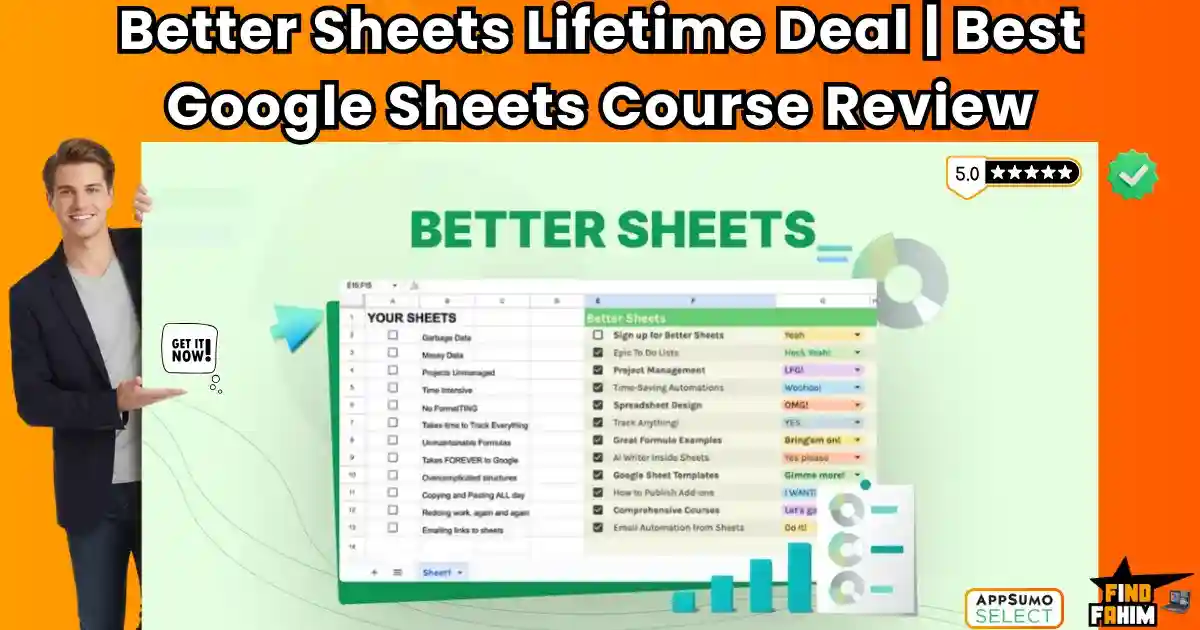

Most people use Google Sheets as a calculator. A few “experts” use it as a database.
Better Sheets teaches you how to use it as an App Builder.
Let’s be honest: We live in spreadsheets.
Whether you are tracking leads, managing a budget, or planning content, you probably have a tab open right now with a grid of data. But you are likely doing things the “hard way”—manually copying rows, fixing broken formulas, and wasting hours on repetitive tasks.
Better Sheets isn’t just a course; it’s a complete toolbox for people who want to stop working in their sheets and start making their sheets work for them.
Created by Andrew Kamphey, this platform offers 400+ step-by-step tutorials, powerful templates, and exclusive SaaS-like tools (like OnlySheets and SheetOps) that allow you to automate workflows, design beautiful dashboards, and even build and sell your own spreadsheet products.
With a solid 4.8-star rating and a community of over 5,000 members, this isn’t a boring “Introduction to Spreadsheets” class. It is a “Hacker’s Guide” to Google Sheets. In this in-depth Better Sheets review, I am testing if this $275 lifetime deal is worth the high price tag compared to a $15 Udemy course.
Note: This article contains affiliate links. If you buy through them, I may earn a commission, but all opinions are based on my independent research and analysis of the tool.
My Quick Take (TL;DR)
If you use Google Sheets every day and want to automate your life, here is my honest summary.
- What is it? A massive library of tutorials, templates, and software tools to master Google Sheets and Apps Script.
- Why is it Special? It teaches you to CODE. Unlike basic courses that just show you VLOOKUP, this shows you how to write Apps Script to automate emails, build dashboards, and create sellable digital products.
- Who is it for? Solopreneurs, Agency Owners, and anyone who wants to sell digital templates.
- The Deal: Lifetime Access for $275 (One-time).
- My Verdict: It is expensive, but it pays for itself. If you learn to build one automated tool that saves you 10 hours a month, the ROI is massive. It is the best resource on the internet for “SaaS-ifying” spreadsheets.
Click Here to Get the Better Sheets Lifetime Deal
What is Better Sheets?
The best way to describe this platform is “Netflix for Google Sheets Geeks.”
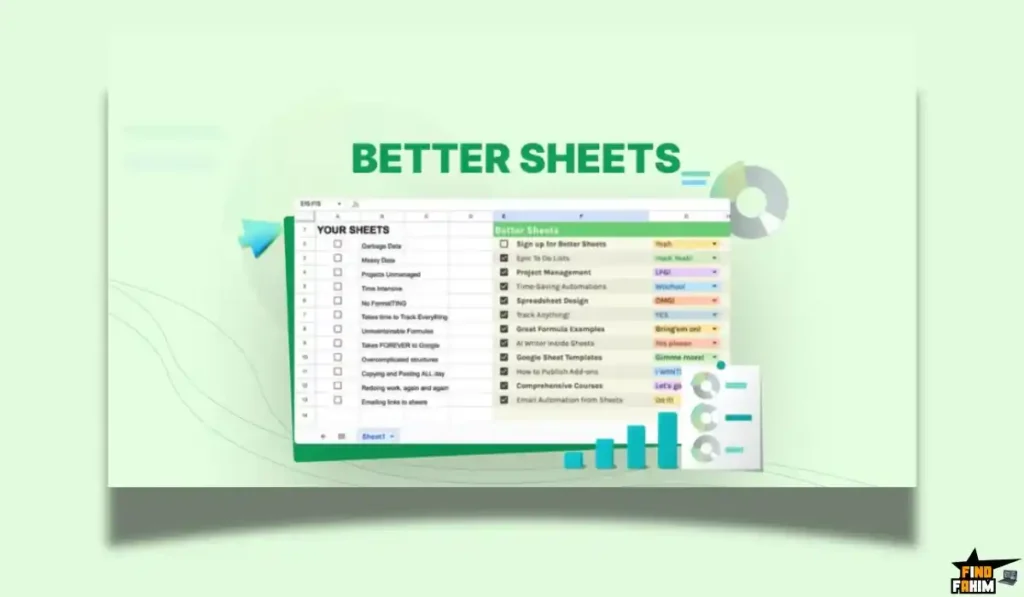
Most courses follow a boring syllabus: Chapter 1: Rows. Chapter 2: Columns.
Better Sheets is project-based.
You learn by building. You want to build a CRM? There is a video for that. You want to create a Twitter bot inside a sheet? There is a video for that.
It solves three specific headaches:
- “Ugly Sheet Syndrome”: It teaches you design principles to make your sheets look like professional software.
- “Manual Grunt Work”: It teaches you Google Apps Script (the code behind Sheets) to automate tasks like sending invoices or scraping data.
- “Monetization”: It teaches you how to package your clever spreadsheets and sell them on marketplaces like Gumroad or AppSumo.
Quick Look: What’s Inside the Deal?
If you are thinking about buying a generic Udemy course, look at this math.
| Feature | Replaces… | The “Killer” Value | Normal Cost | Deal Status |
| 400+ Tutorials | Udemy Courses | Project-based learning | ~$200/yr | ✅ Included |
| OnlySheets Tool | Membership Plugins | Protect & Sell Sheets | ~$29/mo | ✅ Included |
| SheetOps | Trello / Asana | Project Management in Sheets | ~$10/mo | ✅ Included |
| AI Formula Bot | ChatGPT Plus | Auto-Write Complex Formulas | ~$20/mo | ✅ Included |
| Apps Script 101 | Coding Bootcamp | Learn to Code for Free | ~$500 | ✅ Included |
| Total Value | Your Education | A New Income Stream | ~$1,789 | $275 (Lifetime) |
Why You Need More Than Just a Google Search
You might be thinking, “Can’t I just search this on YouTube?”
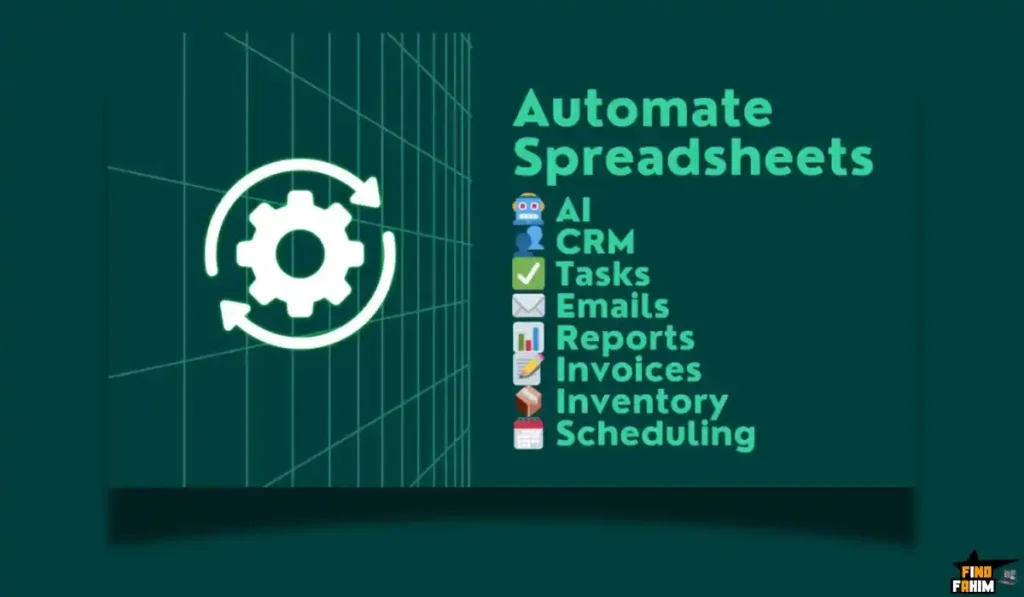
Technically, yes. But searching “How to do X in Sheets” gives you a 4-minute video that solves one tiny problem. It doesn’t teach you the system.
The “Frankenstein” Problem
When you learn from random YouTube videos, you end up with a “Frankenstein” spreadsheet—a mess of copied formulas that you don’t understand. When it breaks (and it will), you can’t fix it.
Better Sheets gives you a deep understanding of why the formula works, so you can build scalable systems that don’t crash.
Why Spreadsheet Skills are Trending in 2026
I noticed this platform trending because the “No-Code” movement is evolving.
1. The Rise of “Micro-SaaS.”
People are realizing they don’t need to learn Python to build a software product. You can build a fully functional “app” inside Google Sheets (like a Lead Tracker or an SEO Audit tool) and sell it. Better Sheets is the only course specifically focusing on this “Sheet-to-SaaS” pipeline.
2. Automation is Essential
In 2026, if you are manually copy-pasting data between emails and spreadsheets, you are wasting money. Companies are desperate for employees who know Apps Script. Learning to write a simple script that automates a daily report makes you instantly indispensable (and promotable).
A Look Inside Better Sheets: Key Features & Benefits
This isn’t just a video library. It includes software tools that you would normally pay monthly for.
1. 400+ Step-by-Step Tutorials (The Core)
What it is: A massive archive of “How-To” videos, ranging from 5 minutes to 1 hour.
Why it matters: It covers everything from “How to make a progress bar” to “How to build a complete inventory system.”
- Real-World Scenario: You want to track your crypto portfolio. Instead of struggling with IMPORTXML, you watch a Better Sheets tutorial that gives you a pre-made script to pull live prices from an API. You build your dashboard in 20 minutes.
2. Automation & Apps Script (The “Superpower”)
What it is: Google Apps Script is a coding language based on JavaScript.
Why it matters: This is the secret sauce. Most users are scared of code. Andrew explains it in plain English.
- Real-World Scenario: You run a newsletter. You build a script that automatically grabs new subscribers from your email, adds them to your Sheet, and sends them a “Welcome” PDF. You just built a CRM for free.
3. Exclusive Tools (OnlySheets & SheetOps)
What it is: OnlySheets is a tool that lets you “lock” your spreadsheets so only paying customers can access them. SheetOps is a task manager built into Sheets.
Why it matters: If you want to sell your spreadsheets, people can usually just copy the link and share it for free. OnlySheets prevents that. It protects your IP.
- Value: These tools alone are sold separately for monthly fees, but are included in this lifetime deal.
4. Selling Your Sheets (The ROI Feature)
What it is: Dedicated modules on how to design, package, and list spreadsheets for sale.
Why it matters: This turns the course into an investment.
- Real-World Scenario: You create a really good “Wedding Budget Planner.” You follow the Better Sheets guide to make it look pretty. You use OnlySheets to protect it. You list it on Etsy for $10. You sell 30 copies. You just made your money back.
The Standout Feature: “The AI Formula Generator”
Better Sheets includes access to an AI Formula Generator.
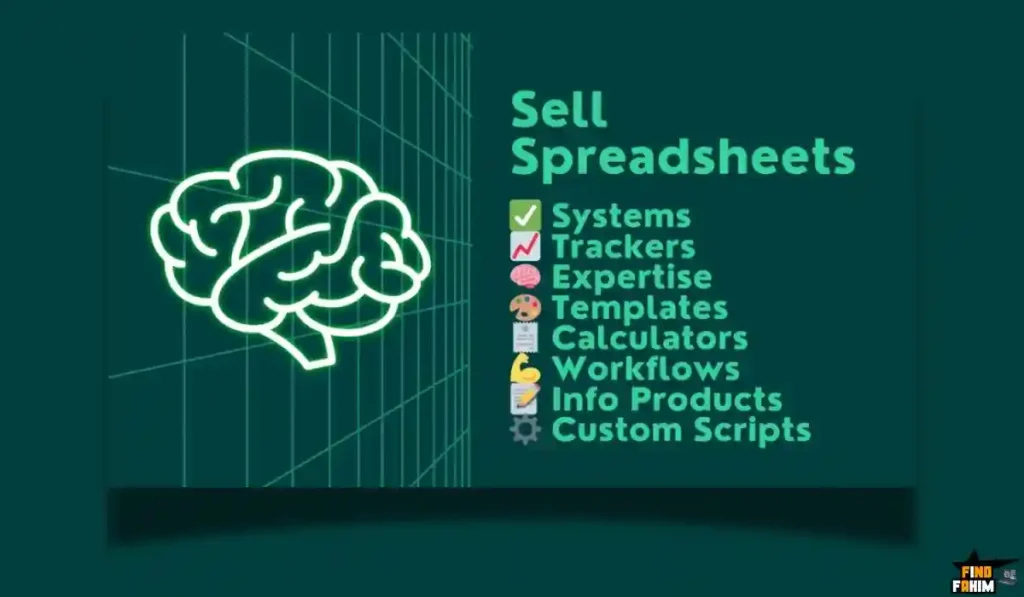
This is a game-changer for anyone who hates syntax errors.
How it works:
You type in plain English: “I want to sum Column A if Column B says ‘Paid’ and Column C is from last month.”
The AI spits out the exact complex formula: =SUMIFS(A:A, B:B, “Paid”, C:C, “>”&EOMONTH(TODAY(),-2), C:C, “<=”&EOMONTH(TODAY(),-1))
Why this is huge:
You stop memorizing formulas and start just “asking” for them. It speeds up your workflow by 10x.
How Does Better Sheets Work?
It is a self-paced learning platform.
Step 1: Browse the Library
Search for a specific problem (e.g., “CRM”) or follow a “Track” (e.g., “Learn Apps Script”).
Step 2: Watch & Copy
Watch the video. Almost every video comes with a free template link. You copy the sheet to your drive instantly.
Step 3: Customize
Use the techniques in the video to tweak the sheet for your specific business.
Step 4: Automate
Add a “Trigger” (like a button or a time-based rule) to make the sheet run itself.
Better Sheets Pricing & AppSumo Deal Details
This is a Single-Tier Lifetime Deal.
Unlike other AppSumo deals with complicated stacks, this is simple.
The Pricing Breakdown
| Feature | Lifetime License |
| Price | $275 (One-Time) |
| Tutorials | Unlimited Access |
| Templates | Unlimited Downloads |
| OnlySheets | Included |
| AI Generator | Included |
| Future Updates | Included |
ROI Anchor Logic
- Hiring a Developer to write a script for you costs $100-$500 on Upwork.
- Better Sheets costs $275 once.
The Reality: If this course helps you automate one manual process that saves you 5 hours a week, or helps you sell one spreadsheet product, the deal is paid for.
My Recommendation
Buy It.
- Why? $275 feels steep for a “course,” but you are buying a toolkit. The inclusion of OnlySheets (which is essential for selling digital products) makes this a business-in-a-box for creators.
Check the Better Sheets Price & Get Lifetime Access
Pros & Cons of This Lifetime Package
I promised you honesty. With a 4.8-star rating, users love it, but let’s look at the nuances.
The Pros
- ✅ It’s Practical, Not Academic: Andrew teaches you how to build cool stuff (like a Spotify tracker or a stock dashboard), not just boring theory.
- ✅ The Tools are Valuable: Getting access to the AI Formula Generator and OnlySheets adds tangible software value beyond just “videos.”
- ✅ Constant Updates: The library grows constantly. When Google releases a new feature (like “Smart Canvas”), Andrew uploads a video about it within days.
- ✅ Apps Script Demystified: This is the only course I’ve found that makes coding accessible to non-technical marketers.
- ✅ Community Support: You can ask questions, and Andrew (the founder) is incredibly active in answering them.
The Cons
- ❌ High Upfront Cost: $275 is a lot of money for a “hobbyist.” This is priced for professionals.
- ❌ Overwhelming Volume: With 400+ videos, it is easy to get “tutorial paralysis.” There isn’t a strict “Start Here -> End Here” syllabus; it’s more of a “Choose your own adventure.”
- ❌ No Refund Policy: Crucial Note: This specific AppSumo deal is listed as “Non-Refundable.” You need to be sure you want this before you click buy.
Best Use Cases for Better Sheets
Who actually needs this platform?
Pro Tip: If you want to organize your learning better, check out my reviews of the best Productivity Tools.
1. The “Solopreneur / Creator.”
You want to sell digital products.
- The Scenario: You use your knowledge to build a “Freelance Tax Estimator” in Sheets. You use Better Sheets to design it beautifully and OnlySheets to protect it. You sell it for $29.
- The Benefit: You create a passive income stream using software you already own.
2. The “Agency Owner.”
You manage 20 clients and report to them weekly.
- The Scenario: You are tired of manually taking screenshots of analytics. You use Better Sheets to write a script that pulls data from Google Analytics into a Sheet and emails a PDF report to clients automatically every Monday.
- The Benefit: You save 5 hours of reporting time every week.
3. The “Office Hero.”
You work in HR or Finance.
- The Scenario: Your boss asks you to clean up a messy 5,000-row database.
- The Benefit: You use the AI Formula Generator to write a complex REGEX formula that cleans the data in seconds. You look like a wizard.
Start Mastering Google Sheets Today
Better Sheets Alternatives
This is the most important part of the review. Is Better Sheets really the best way to learn, or should you stick to YouTube or other platforms?
Let’s compare it against the Top 5 alternatives in the learning and spreadsheet space.
Better Sheets vs Microsoft Excel Courses
Excel is the corporate standard. There are thousands of Excel courses.
Where Excel Courses Win
Enterprise Power.
If you work in Investment Banking or Big Data, you need Excel. It handles millions of rows better than Google Sheets. Courses like “Excel MVP” teach VBA (Visual Basic), which is powerful for offline desktop automation.
Where Better Sheets Wins
Online Automation.
Excel VBA is stuck on your desktop. Google Apps Script (which Better Sheets teaches) lives in the cloud. You can write a script that connects to Gmail, Google Calendar, and the OpenAI API automatically. If you want to build “Web Apps” or automate online workflows, Better Sheets is superior.
Verdict
Excel Courses for corporate finance.
Better Sheets for modern digital business and automation.
Better Sheets vs Airtable
Airtable is a “No-Code Database” that looks like a spreadsheet.
Where Airtable Wins
Relational Databases.
Airtable is built to link records (e.g., “Projects” linked to “Tasks”). It is much harder to “break” an Airtable base than a Google Sheet. It has better native interfaces for forms and galleries.
Where Better Sheets Wins
Cost & Flexibility.
Airtable gets expensive fast ($20/user/month). Google Sheets is free. Better Sheets teaches you how to build “Airtable-like” functionality (dashboards, forms) inside Sheets for $0/month.
Verdict
Airtable, if you have a budget.
Better Sheets if you want to build custom tools for free.
Better Sheets vs Udemy Courses
Udemy has thousands of cheap Sheets courses ($10-$15).
Where Udemy Wins
Price.
You can pick up a basic “Master Google Sheets” course for $12 on sale. It’s a low-risk entry point for beginners who just want to learn SUM and AVERAGE.
Where Better Sheets Wins
Depth & Tools.
Udemy courses are static videos. Better Sheets includes Software Tools (OnlySheets, SheetOps, AI Generators). You aren’t just buying videos; you are buying a SaaS suite. Also, Udemy courses rarely cover advanced Apps Script coding or “How to Sell Your Sheet.”
Verdict
Udemy for absolute beginners.
Better Sheets for power users and creators.
Better Sheets vs YouTube (Free)
YouTube is the biggest classroom in the world.
Where YouTube Wins
Free.
You can find answers to almost anything for free. Channels like “Learn Google Sheets” are great.
Where Better Sheets Wins
Structure & Assets.
On YouTube, you watch a video and have to build it yourself. On Better Sheets, you download the template. Every video comes with the finished product. This saves you hours of debugging. Plus, the structured “Pathways” help you learn systematically, not randomly.
Verdict
YouTube for one-off fixes.
Better Sheets for mastering the system.
Better Sheets vs Notion
Notion is the “All-in-One Workspace.”
Where Notion Wins
Notes & Docs.
Notion is better for writing wikis, documentation, and taking notes. It handles text and media beautifully.
Where Better Sheets Wins
Math & Logic.
Notion’s formulas are clunky and limited. You can’t do complex financial modeling or deep data analysis in Notion. Better Sheets teaches you to build financial engines that Notion simply cannot handle.
Verdict
Notion for documentation.
Better Sheets for calculation and automation.
All Competitors Matrix
| Feature | Better Sheets | Excel Courses | Airtable | Udemy | YouTube |
| Pricing | Lifetime ($275) | $100 – $500 | $20/mo+ | ~$15 | Free |
| Primary Skill | Apps Script / SaaS | VBA / Finance | Database | Basics | Random Tips |
| Includes Tools | ✅ Yes (SaaS) | ❌ No | ❌ No | ❌ No | ❌ No |
| Templates | ✅ Included | Sometimes | ❌ No | Sometimes | ❌ No |
| Best For… | Solopreneurs | Corporate | Teams | Beginners | One-off Fixes |
Who Should NOT Buy Better Sheets?
I want to be transparent. This deal is expensive and non-refundable, so avoid it if:
- You are a “Passive Learner.” If you just want to watch videos like Netflix and not actually open a spreadsheet to practice, you will waste your money. This is a “do-it-yourself” toolkit.
- You need “Excel” specifically. Google Sheets and Excel are 90% similar, but the coding languages (Apps Script vs. VBA) are totally different. If your boss forces you to use Excel macros, this course won’t help you.
- You want a “Certificate.” Better Sheets focuses on practical skills (making money, saving time). It does not offer a fancy University Certificate to put on your LinkedIn. It is for builders, not resume-padders.
Is This Lifetime Deal a Smart Business Investment?
Let’s do the financial math for the Lifetime License ($275).
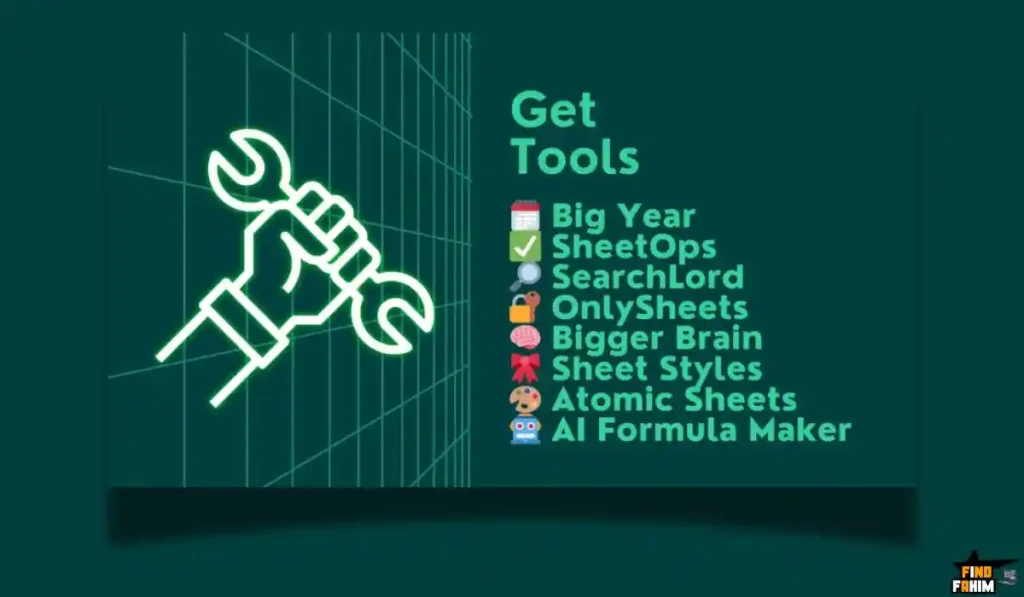
Scenario: You are a freelancer who wants to sell a “Content Calendar Template.”
- Cost of Better Sheets: $275.
- Value of Knowledge: You learn to design it professionally and script an “Auto-Date” feature.
- Value of Tools: You use OnlySheets (included) to lock the sheet so people can’t pirate it. (Saves you paying $29/mo for a membership tool).
The ROI Math:
- If you sell your template for $25.
- You only need to sell 11 copies to break even.
- Everything after sale #11 is 100% profit.
Even if you don’t sell anything, if the automation skills save you 5 hours of work (valued at $50/hr), the course pays for itself in just over a month.
How to Redeem the Better Sheets Deal
- Buy: Purchase the code on AppSumo.
- Redeem: You will receive a unique redemption link.
- Account: Create your account on the Better Sheets platform.
- Access: You instantly get “Lifetime Member” status.
- Pro Tip: Go straight to the “Tools” section and bookmark the AI Formula Generator. It is the most useful day-to-day tool you will use.
Final Verdict: Is This Cost-Friendly Deal Worth It?
After reviewing the depth of the Apps Script tutorials and the utility of the included SaaS tools, my final verdict is a solid 4.8-Star YES.
It is expensive, yes. But it is not just a course.
- It is a Software Suite (OnlySheets, SheetOps).
- It is a Coding Bootcamp (Apps Script).
- It is a Business School (How to sell sheets).
If you live in spreadsheets, this is the best investment you can make for your career in 2026. It turns you from a “user” into a “builder.”
Secure Your Better Sheets License Now
(Note: This deal is non-refundable, so be sure you are ready to learn!)
About the Author: Why I Care About This So Much
I used to spend 2 hours every Monday manually updating a client reporting sheet. I hated it.
Better Sheets taught me how to write a simple script to automate it. Now I click one button, and it’s done in 5 seconds. I write these reviews to help you reclaim your time from boring, repetitive tasks.
If you want to see the other tools I use to save money, check out my Full AppSumo Deal Reviews Page.
FAQ: Your Better Sheets Questions, Answered
What is Better Sheets?
Better Sheets is a membership platform offering 400+ tutorials, templates, and tools to help users master Google Sheets and Google Apps Script automation.
Is Better Sheets suitable for beginners?
Yes, Better Sheets includes beginner tracks that start from the basics, while also offering advanced automation strategies for experienced users.
Do I need coding experience to use Better Sheets?
No prior coding knowledge is required. The tutorials focus on copy-and-paste code snippets, allowing users to learn automation by doing.
What is OnlySheets in Better Sheets?
OnlySheets is a built-in tool that connects Google Sheets with payment processors like Stripe or Gumroad and restricts sheet access to paying users.
Is the Better Sheets deal refundable?
No, the Better Sheets lifetime deal is marked non-refundable once the access code is revealed.
Does Better Sheets support Microsoft Excel?
No, Better Sheets is fully focused on Google Sheets, especially Apps Script automation which is unique to Google’s ecosystem.
Are templates included with Better Sheets?
Yes, most tutorials include ready-made templates with a Copy Sheet link so users can instantly access finished examples.
How often is Better Sheets updated?
Better Sheets is updated very frequently, with new tutorials added almost weekly, especially after Google releases new features.
Can I ask questions or get support?
Yes, lifetime members can comment on lessons or email the founder directly, and some questions even receive custom video replies.
What is the AI Formula Generator?
The AI Formula Generator lets users describe tasks in plain English and automatically generates the correct Google Sheets formula or script.
Can I use Better Sheets for team projects?
The license is for a single user account, but you can share the templates, systems, and workflows you build with your entire team.
Does Better Sheets teach dashboard and UI design?
Yes, there is a strong focus on UI and UX design to help users turn spreadsheets into clean, app-like dashboards.
Is Google Apps Script difficult to learn?
Apps Script is based on JavaScript, but Better Sheets simplifies it by breaking tasks into copy-and-paste code blocks.
Can I sell the Google Sheets I create?
Yes, Better Sheets teaches how to build and sell micro-SaaS products, tools, and paid templates using Google Sheets.
Who should use Better Sheets?
Better Sheets is ideal for users who already know basic formulas like VLOOKUP and want to move into automation, APIs, and product creation.

Hi, I’m Fahim — a SaaS tools reviewer and digital marketing expert with hands-on experience helping businesses grow using the right software. I research, test, and personally use a wide range of AI, business, productivity, marketing, and email tools for my agency, clients, and projects. I create honest, in-depth reviews and guides to help entrepreneurs, freelancers, startups, and digital agencies choose the best tools to save time, boost results, and scale smarter. If I recommend it, I’ve used it — and I only share what truly works.