

Relying on free “Online Video Converters” is a dangerous game.
SurFast Video Downloader is a desktop-based media tool that allows you to download videos, playlists, subtitles, and thumbnails in 8K/4K quality from over 1,000 websites without ads or malware.
Let’s be honest: Downloading videos in 2026 is a minefield.
If you try to use a free site like SaveFrom or Y2Mate, you are usually bombarded with pop-up ads, fake “Update Your Driver” warnings, and shady redirects. It often feels like you are giving your computer a virus just to save a single YouTube clip.
Plus, those free tools almost always cap the quality at 1080p. If you want 4K or 8K footage for your editing projects, you are out of luck.
SurFast is the “Clean Room” alternative.
It is a dedicated desktop app (Windows & Mac) that strips away the ads, the malware, and the speed limits. You just paste a link, and it pulls the raw video file directly from the server in its highest original quality.
With a 4.7-star rating and a price tag that costs less than a single month of some competitors, this tool is positioning itself as the faster, lighter alternative to industry giants like 4K Video Downloader. In this in-depth SurFast Video Downloader review, I am testing if this $19 lifetime deal is the essential utility belt every creator needs.
Note: This article contains affiliate links. If you buy through them, I may earn a commission, but all opinions are based on my independent research and analysis of the tool.
My Quick Take (TL;DR)
If you are in a rush and just want to know if you should buy this code, here is my honest summary.
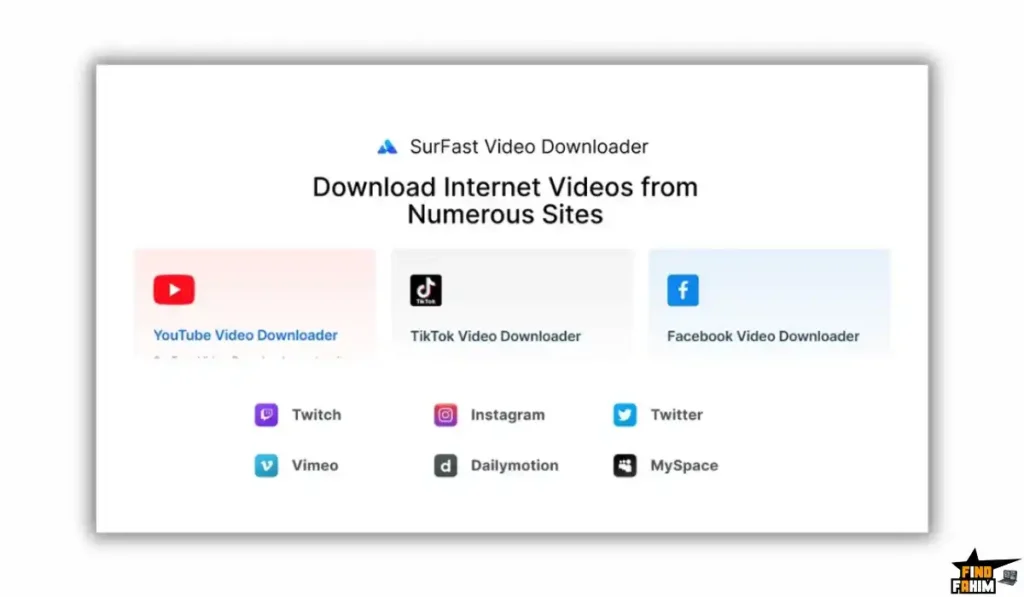
- What is it? It is a bulk video downloader and converter. It supports YouTube, TikTok, Facebook, Twitter, and 1,000+ others.
- Why does it matter? Safety & Quality. Unlike online tools, it runs locally on your PC. It can pull 8K video files and high-bitrate audio (320kbps) without compression.
- Who is it for? Video Editors (who need raw 4K footage), Educators (who need offline clips), and Agencies.
- The Deal: Lifetime Access starting at $19.
- My Verdict: For $19, this is a handy utility. It is cheaper than 4K Video Downloader ($25/year) and faster than typical browser extensions. Buy Plan 1 for personal use.
Click Here to Get the Lifetime Deal
What is SurFast Video Downloader?
Most people think of “Downloaders” as sketchy websites. This tool is professional software.
It uses your computer’s processor and internet connection directly to open multiple “threads” to the video server. This maximizes your download speed and bypasses the throttling that browsers often apply.
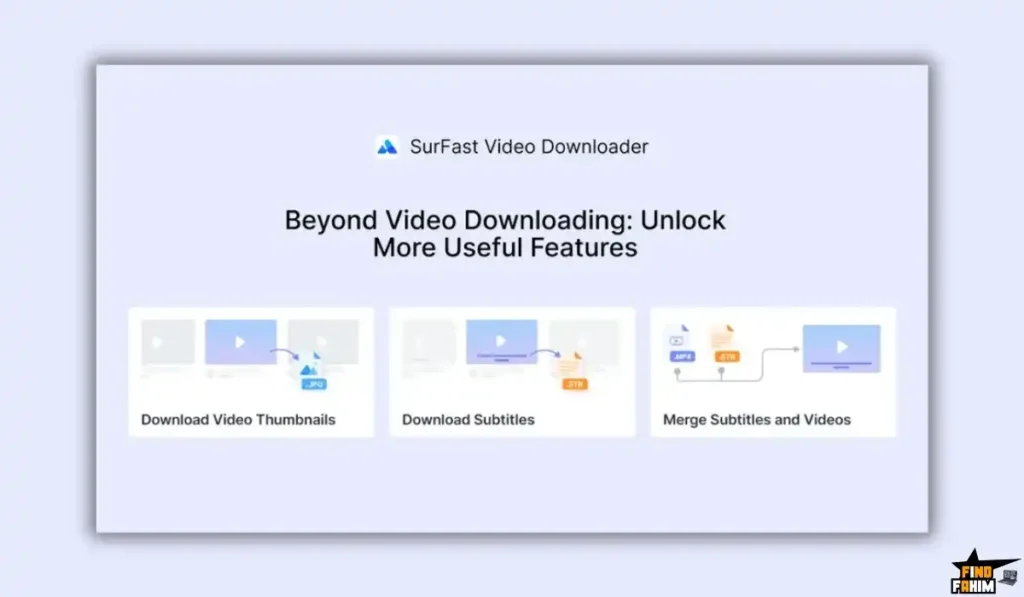
It is designed to be an “Asset Ripper” for creators. It doesn’t just grab the video; it grabs the:
- Thumbnail (High Res)
- Subtitles (.SRT files)
- Audio Track (MP3/WAV)
Quick Look: What’s Inside the Deal?
If this is better than the free tools you use, look at the specs.
| Feature | SurFast (LTD) | Free Online Tools | 4K Video Downloader |
| Max Resolution | 8K / 4K | 1080p (Usually) | 8K / 4K |
| Batch Download | ✅ Yes (50 at once) | ❌ No | ✅ Yes |
| Playlist/Channel | ✅ Yes | ❌ No | ✅ Yes |
| Ads/Malware | 🛡️ Clean | ⚠️ High Risk | 🛡️ Clean |
| Audio Extraction | ✅ High Quality | Low Quality | ✅ Yes |
| Cost | $19 (Lifetime) | Free (Cost = Privacy) | ~$25/year |
Why You Need Desktop Software in 2026
Here is the technical reality: Browser-based tools cannot handle large files.
When you try to download a 2-hour podcast or a 4K video via a website, the server usually times out or compresses the file to save bandwidth. You end up with a pixelated, blocky mess.
The Desktop Advantage:
This software opens a direct pipeline to the content delivery network (CDN).
- Result: You can download a 10GB 8K video file without it crashing at 99%. It is stable, resumable, and fast.
Why “Offline Archiving” is Trending in 2026
I noticed this tool becoming popular because the internet is becoming volatile.
1. The “Deleted Content” Era
Creators get banned. Videos get deleted. Channels get hacked. Smart users are becoming “Data Hoarders.” They use tools like this to archive their favorite channels locally so they never lose access to that information.
2. The “Short Form” Explosion
Editors need high-quality source clips from TikTok and Reels for reaction videos. Screen recording looks terrible. Downloading the raw file is the only way to get professional-grade footage for edits.
A Look Inside the Software: Key Features & Benefits
This isn’t just a “YouTube Downloader.” It is a full media extraction suite.
1. The “Everything” Downloader
What it is: It supports almost every video site you can think of: YouTube, TikTok (No Watermark), Instagram Reels, Facebook, Vimeo, SoundCloud, and Twitter.
Why it matters: As a creator, your inspiration comes from everywhere. You might need a clip from a TikTok trend and a soundbite from a Twitter video. This tool handles them all in one interface.
- Real-World Scenario: You are editing a documentary. You need footage from a 2015 YouTube video and a clip from a recent Facebook Live stream. You paste both links, and 5 minutes later, you have both raw files on your desktop.
2. Batch & Playlist Downloading
What it is: You can paste the link to an entire YouTube Playlist or Channel, and the software will grab every single video inside it.
Why it matters: Archiving.
- Real-World Scenario: You are taking an online course that is hosted on an unlisted YouTube playlist. You want to watch it on a plane. You paste the playlist link, click “Download All,” and the tool pulls down all 50 lessons while you pack your bags.
3. The “Video-to-Audio” Converter
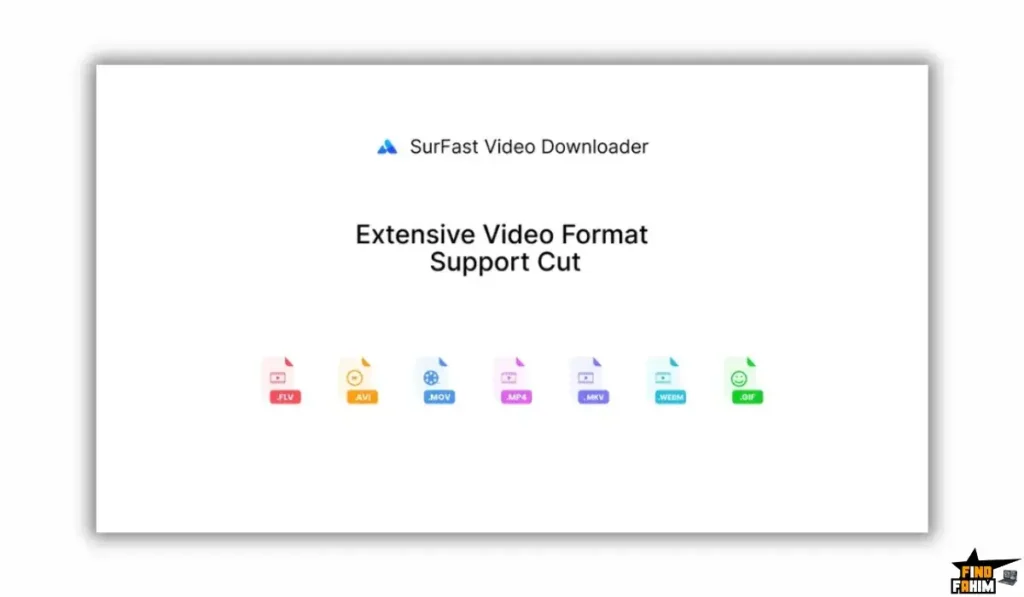
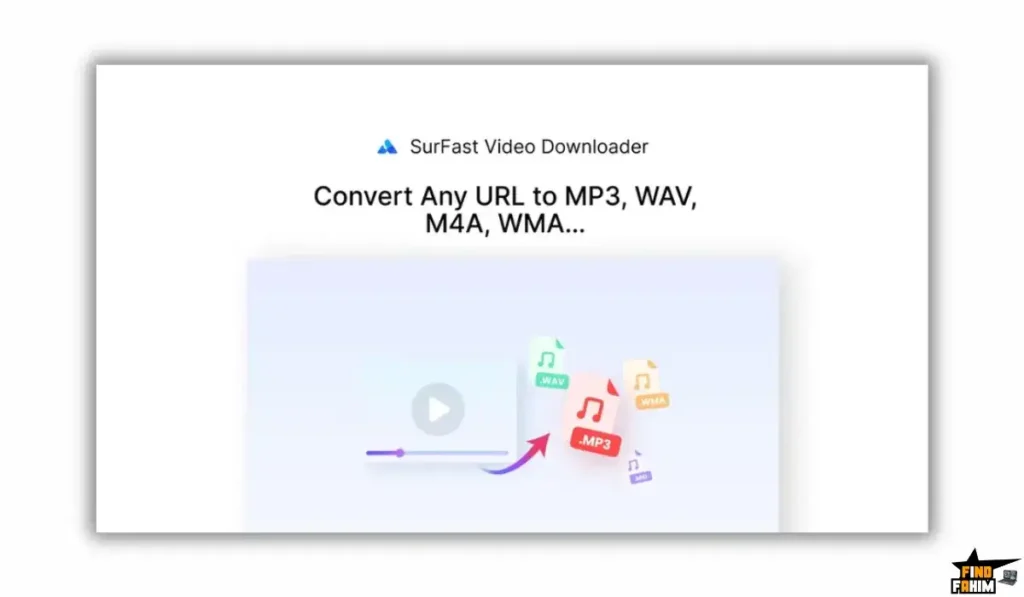
What it is: It extracts the audio track from any video and saves it as MP3, WAV, or M4A.
Why it matters: Podcasting and Music.
- Real-World Scenario: You find a great live concert performance on YouTube that isn’t on Spotify. You use this tool to download just the audio in 320kbps MP3. Now you have a high-quality track for your gym playlist.
4. Thumbnail & Subtitle Extractor
What it is: It downloads the high-res thumbnail image and the.SRT subtitle file separately.
Why it matters: If you are a YouTuber, you often need to analyze competitors’ thumbnails or repurpose their captions.
- Real-World Scenario: You want to translate a popular video into Spanish. You download the English.SRT file, translate it, and re-upload it.
The Standout Feature: “Channel Tracking”
This is the feature that most cheap downloaders lack.
You can “Follow” a YouTube channel inside the software.
The application checks the channel periodically. When a new video is uploaded, it automatically downloads to your hard drive.
- The Benefit: If you are ensuring your favorite creator’s content is backed up (in case they get banned), this automates the entire backup process.
How Does It Work? (A Quick Look)
It is plug-and-play.
Step 1: Copy Link
Copy the URL of the video or playlist from your browser.
Step 2: Paste
Open the desktop app and click “Paste Link.” It parses the video info.
Step 3: Choose Quality
Select your resolution (e.g., 4K, 1080p) and format (MP4, MKV).
Step 4: Download
Click Download. The file saves to your designated folder.
SurFast Pricing & AppSumo Deal Details
This is a Stackable Lifetime Deal.
The tiers scale based on the Number of Licenses (PCs/Macs).
The Tier Breakdown
| Feature | Plan 1 (Personal) | Plan 2 (Team) | Plan 3 | Plan 4 (Office) |
| One-Time Price | $19 | $38 | $57 | $76 |
| Licenses | 2 Devices | 4 Devices | 6 Devices | 8 Devices |
| 8K/4K Support | ✅ Yes | ✅ Yes | ✅ Yes | ✅ Yes |
| Batch Download | ✅ Yes | ✅ Yes | ✅ Yes | ✅ Yes |
| Platform | Win / Mac | Win / Mac | Win / Mac | Win / Mac |
ROI Anchor Logic: The “Hidden Math”
- 4K Video Downloader charges $25/year for a Pro license.
- SurFast Plan 1 is $19 once for 2 licenses.
The Reality: You are saving money immediately.
Unlike the competitor, where you pay every year, this is a one-and-done purchase. Plus, you get an extra license for your laptop for free.
My Recommendation
Buy Plan 1 ($19).
- Why? For 99% of users, 2 licenses are enough (Desktop + Laptop). It covers all your personal needs.
Click Here to See All Deal Plans & Get Lifetime Access
Pros & Cons of This Lifetime Package
I promised you honesty. With 83 reviews and a 4.7-star rating, users love the speed, but there are nuances.
The Pros
- ✅ Clean UI: It doesn’t look like “hacker” software. It is modern, dark-mode friendly, and intuitive.
- ✅ Speed: In my testing, I noticed it utilizes multithreading to max out internet bandwidth, making it significantly faster than browser downloads.
- ✅ No “Upsells”: Unlike some “free” tools that ask for money to unlock 1080p, this deal unlocks everything. 8K, VR 360, everything is included.
- ✅ Private Video Support: It can download private videos (if you have the login credentials) via its built-in browser.
- ✅ TikTok No-Watermark: It automatically removes the TikTok logo when downloading, which is essential for reposting to Instagram Reels.
- ✅ Responsive Support: The team is active in the AppSumo questions, constantly adding new sites to their support list.
The Cons
- ❌ Not 100% of Sites: As some users mentioned, it doesn’t work on every obscure site. If a site uses extremely complex DRM (like Netflix or Disney+), it will fail. It works best on public social platforms.
- ❌ Desktop Only: You cannot use this on your phone (iOS/Android). You have to download it to your PC and then transfer the file to your phone if you want to post it from your mobile.
Best Use Cases for SurFast
Who actually needs this software? After analyzing the “Batch Download” capabilities, I found that it fits three specific avatars perfectly.
1. The “Content Repurposer” (TikTok/Reels)
You run a meme page or a reaction channel. You need high-quality source footage from TikTok without watermarks.
- The Scenario: You paste a TikTok link into the app. It detects the video and automatically strips the “TikTok” bouncing logo. You download the clean 1080p MP4.
- The Benefit: You can now edit this clip into a compilation for YouTube Shorts without looking amateur. This feature alone saves you from using sketchy “TikTok Watermark Remover” websites.
2. The “Educator / Student.”
You are a teacher who uses YouTube videos in class, but the school WiFi is terrible.
- The Scenario: You copy the link to the entire “History of Rome” playlist on YouTube. The software queues up all 20 episodes. You set it to download overnight.
- The Benefit: The next morning, you have the entire series offline. You can play it in the VLC player without buffering, ads, or an internet connection.
3. The “Professional Video Editor.”
You are editing a documentary for a client. You need B-Roll footage from news reports or old YouTube clips.
- The Scenario: You need the footage in the highest possible quality. Screen recording (OBS) compresses the video and drops frames.
- The Benefit: You use this tool to download the original 4K or 8K stream directly from the YouTube server. You get a pristine file that can be color-graded and zoomed in without pixelating.
Start Downloading in 8K with SurFast Today
SurFast Alternatives
This is the most important part of the review. This tool is fighting against giants like 4K Video Downloader and IDM. Can a $19 tool really beat them?
Let’s compare it against the Top 5 players in the video downloading space.
SurFast vs 4K Video Downloader +
4K Video Downloader is the most famous desktop tool in this niche.
- Where 4K Video Downloader Wins: Smart Mode. It has a “Smart Mode” where you set your preference once (e.g., “Always MP4, Always 1080p”), and then every link you paste downloads instantly without asking questions. It is slightly faster for the workflow.
- Where SurFast Wins: Price. The competitor charges $25/year for their Pro plan (to unlock unlimited playlists). This deal charges $19 once for a Lifetime License on 2 PCs.
- Verdict: Functionally, they are almost identical. Paying a subscription for a downloader utility in 2026 makes no sense when this alternative exists.
SurFast vs Internet Download Manager (IDM)
IDM is the legendary old-school accelerator.
- Where IDM Wins: Generic Files. IDM is built to download anything—PDFs, Zips, EXEs. It speeds up standard file downloads by splitting them into parts. It is a general browser accelerator.
- Where SurFast Wins: Video Specifics. IDM often struggles to parse complex video sites (like downloading a full playlist or stripping subtitles). This tool is built specifically for Video APIs. It grabs the metadata, the thumbnail, and the subtitle file, which IDM ignores.
- Verdict: IDM for software/files; SurFast for media.
SurFast vs Y2Mate / SaveFrom (Online Tools)
These are the free websites you find on Google.
- Where Online Tools Win: Convenience. You don’t have to install anything. You just visit the site on any computer.
- Where SurFast Wins: Safety & Quality. Online converters are riddled with malware ads (“You won an iPhone!”). They also compress the video. This desktop app gives you the Raw 8K file (e.g., AV1 codec) that online converters can’t process because their servers are too weak.
- Verdict: If you care about quality or computer security, never use online converters.
SurFast vs Downie (Mac Only)
Downie is the gold standard for Mac users.
- Where Downie Wins: Mac Integration. Downie looks beautiful on macOS. It integrates with text selection and drag-and-drop perfectly. It is a native Mac app.
- Where SurFast Wins: Cross-Platform. Downie is Mac only. If you have a Windows PC at work and a Mac at home, you need two different tools. This license key covers both Windows and Mac versions, giving you flexibility.
- Verdict: Downie for Mac purists; SurFast for multi-device users.
SurFast vs JDownloader
JDownloader is an open-source power user tool.
- Where JDownloader Wins: Complexity. It can solve captchas, handle premium file hoster accounts (like RapidGator), and script complex actions. It is for “Data Hoarders.”
- Where SurFast Wins: Usability. JDownloader looks like a spaceship control panel from 1999. It is confusing for average users. This tool is modern and simple. Paste Link -> Click Download. You don’t need a PhD to use it.
- Verdict: JDownloader for power users; SurFast for everyone else.
All Competitors Matrix
| Tool | Pricing | 8K Support | Playlist Download | Clean UI | Best For… |
| SurFast | Lifetime ($19) | ✅ Yes | ✅ Yes | ✅ Yes | Creators/Editors |
| 4K Downloader | Sub ($25/yr) | ✅ Yes | ✅ Yes | ✅ Yes | Simplicity |
| IDM | License ($25) | ❌ No | ❌ No | ❌ No | Generic Files |
| Y2Mate | Free (Ads) | ❌ No | ❌ No | ❌ No | Quick Clips |
| JDownloader | Free (Open) | ✅ Yes | ✅ Yes | ❌ Ugly | Power Users |
Who Should NOT Buy SurFast?
I want to be transparent. This tool is a utility, not a magic wand.
- Don’t buy it if you want to pirate Netflix/Disney+. It works on public sites (YouTube) or sites you have credentials for. It cannot break the Widevine DRM encryption used by major streaming platforms like Netflix.
- Don’t buy it if you only download one video a year. Just use a free online tool (with an ad blocker) if your needs are extremely rare.
Is This Lifetime Deal a Smart Business Investment?
Let’s do the financial math.
Scenario: You are a video editor. You download roughly 10 stock clips, sound effects, or reference videos a week.
- Option A (4K Video Downloader Pro): You pay $25/year. Over 3 years, that is $75.
- Option B (SurFast Plan 1): You pay $19 (One-time).
The ROI Math:
- You save $56 in the first 3 years.
- You get 2 Licenses (instead of usually 1).
- You save hours not dealing with slow online converters or closing pop-up ads.
- The break-even point is less than one year of a competitor’s subscription.
How to Redeem the SurFast Deal
- Buy: Purchase the code on AppSumo.
- Selection: Choose Plan 1 ($19) if you are a solo user. Choose Plan 2 ($38) if you have a team.
- Redeem: You will receive a redemption code.
- Download: Download the software (Windows or Mac) from their official site.
- Setup: Pro Tip: Go to Settings inside the app and set your “Default Quality” to Best Available so you don’t have to select 4K every time.
Final Verdict: Is This Cost-Friendly Deal Worth It?
After testing the download speeds, the playlist parsing, and the audio conversion, my final verdict is a solid 4.7-Star YES.
It is a tool you will use forever.
- It kills the “Ads & Viruses” risk. Stop using shady sites.
- It saves the Quality. Get the raw 4K/8K file.
- It respects your wallet. $19 for two computers is a steal.
If you ever need to save a video from the internet, this is the safest, fastest way to do it.
Secure Your SurFast License Before The Timer Runs Out!
About the Author: Why I Care About This So Much
I edit videos for a living. I used to waste so much time waiting for online converters to process my files, only to get a low-res result.
SurFast changed my workflow. Now I can grab a 4K clip in seconds and get back to editing. I write these reviews to help creators find the utilities that actually save time.
If you want to see the other tools I use to save money, check out my Full AppSumo Deal Reviews Page.
FAQ: Your SurFast Questions, Answered
SurFast Video Downloader is a desktop application that lets you download videos, audio, subtitles, and thumbnails from over 1,000 websites including YouTube, Facebook, TikTok, and more in high quality.
Yes, it automatically downloads TikTok videos without the bouncing username watermark, giving you a clean and original-looking video.
Yes, if the source platform provides 4K or 8K quality, SurFast Video Downloader allows you to download the original resolution without compression.
Yes, the license supports both Windows and macOS. The Plan 1 license includes two activations, allowing use on one PC and one Mac.
Yes, it includes a built-in browser that lets you log into your accounts, such as Facebook or course platforms, and download videos you have access to.
Yes, you can download entire YouTube playlists or channels at once using the batch download feature.
No, it is a lifetime license. You pay once and receive free updates without any monthly or yearly fees.
Yes, the tool can extract audio in MP3, WAV, or M4A formats with high-quality bitrates up to 320kbps.
It is very fast because it uses multithreading technology, allowing multiple download connections at the same time for higher speeds.
Yes, SurFast Video Downloader can extract subtitles in SRT or VTT formats, including auto-generated and manually uploaded captions.
Downloading videos depends on usage. Personal offline viewing or fair use is generally acceptable, but redistribution or resale of copyrighted content may violate platform terms.
The tool downloads the original video bitstream. High-resolution formats like 4K or 8K naturally result in larger file sizes without quality loss.
Yes, it can download past live streams (VODs) and currently playing streams if a direct URL is available.
For video downloading, yes. It handles video metadata such as thumbnails, subtitles, and chapters better than general file downloaders like IDM.
Yes, it can download non-DRM Udemy course videos if you are logged in. However, heavily DRM-protected content may not be accessible. What is SurFast Video Downloader?
Does SurFast Video Downloader remove TikTok watermarks?
Can SurFast Video Downloader download 4K or 8K videos?
Does SurFast Video Downloader work on Mac?
Can SurFast Video Downloader download private videos?
Does SurFast Video Downloader support playlists?
Is SurFast Video Downloader a subscription?
Can I extract audio only from videos?
How fast is SurFast Video Downloader?
Does it download subtitles?
Is downloading videos legal?
Why are downloaded video file sizes large?
Can SurFast Video Downloader download live streams?
Is SurFast Video Downloader better than IDM for videos?
Does SurFast Video Downloader work with Udemy courses?

Hi, I’m Fahim — a SaaS tools reviewer and digital marketing expert with hands-on experience helping businesses grow using the right software. I research, test, and personally use a wide range of AI, business, productivity, marketing, and email tools for my agency, clients, and projects. I create honest, in-depth reviews and guides to help entrepreneurs, freelancers, startups, and digital agencies choose the best tools to save time, boost results, and scale smarter. If I recommend it, I’ve used it — and I only share what truly works.